BlogThe 10 best open source and free document sharing tools in 2026
The 10 best open source and free document sharing tools in 2026
·10 min de lectura
Marc Seitz
Need secure document sharing without the hefty price tag? With 68% of businesses losing over $10,000 annually due to inefficient document sharing (IBM Security Report 2024), finding the right solution is crucial. We've tested and ranked the top 10 open source document sharing tools for 2026that offer enterprise-grade features for free. From self-hosted to cloud-based options, here's everything you need to know.
What is open source document sharing?
Open source document sharing refers to document sharing platforms where the source code is freely available for anyone to view, modify, and distribute. Unlike proprietary solutions, these tools provide complete transparency about how your documents are processed, stored, and secured. You can self-host the software on your own infrastructure, customize it to your needs, and avoid vendor lock-in while maintaining enterprise-grade security and functionality.
Comparte documentos seguros
No se requiere tarjeta de crédito
Análisis página por página
Requerir verificación de email
Requerir contraseña para ver
Permitir/Bloquear usuarios específicos
Aplicar marca de agua
Requerir NDA para ver
Mensaje de bienvenida personalizado
Why use open source document sharing?
Open source document sharing tools offer complete transparency and control over your data that proprietary software can't match. You're not locked into a vendor's roadmap or pricing changes, and you can see exactly how your documents are handled because the code is open for review. Security researchers worldwide constantly audit the code, making it more secure over time.
If you have technical expertise, you can customize the platform to fit your exact needs—something impossible with closed-source solutions. Open source tools also give you the freedom to self-host everything on your own servers, ensuring your sensitive documents never leave your infrastructure. This provides complete control over security, compliance, and data sovereignty, whether you're a small business cutting costs or a large enterprise needing complete data control.
Quick overview of open source and free document sharing tools
1. Papermark: Open source document sharing platform with page-by-page analytics
2. NextCloud: Self-hosted file sharing and collaboration platform with extensive document management capabilities
3. OwnCloud: Open-source cloud storage and file sharing solution with fine-grained access controls
4. Cryptpad: Zero-knowledge, encrypted collaborative document editor and sharing platform
5. OnlyOffice: Complete office suite with document management and collaboration features
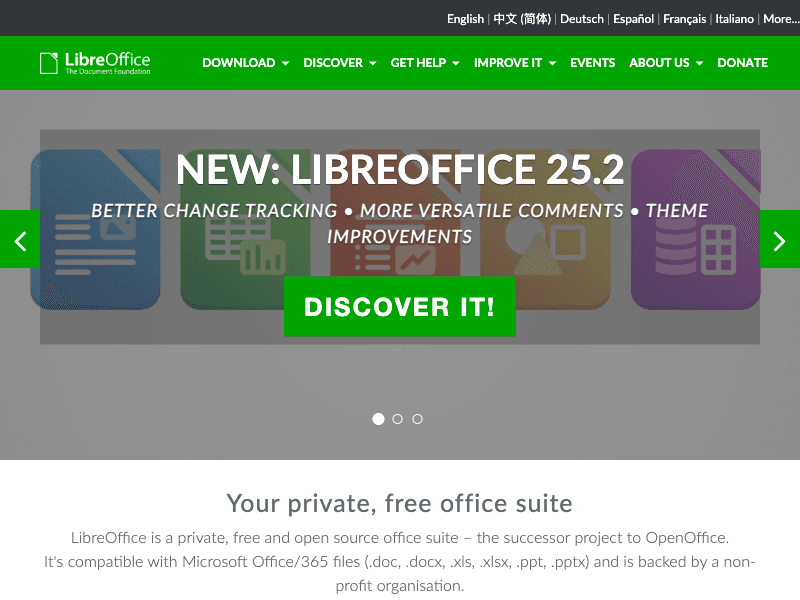
6. LibreOffice Online: Web-based collaborative document editing and sharing solution
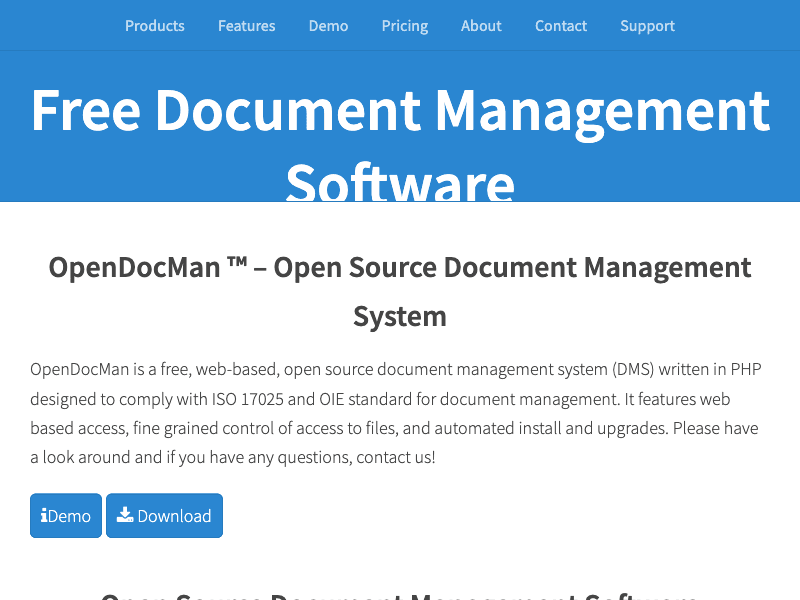
7. OpenDocMan: Free document management system for organizing and sharing documents securely
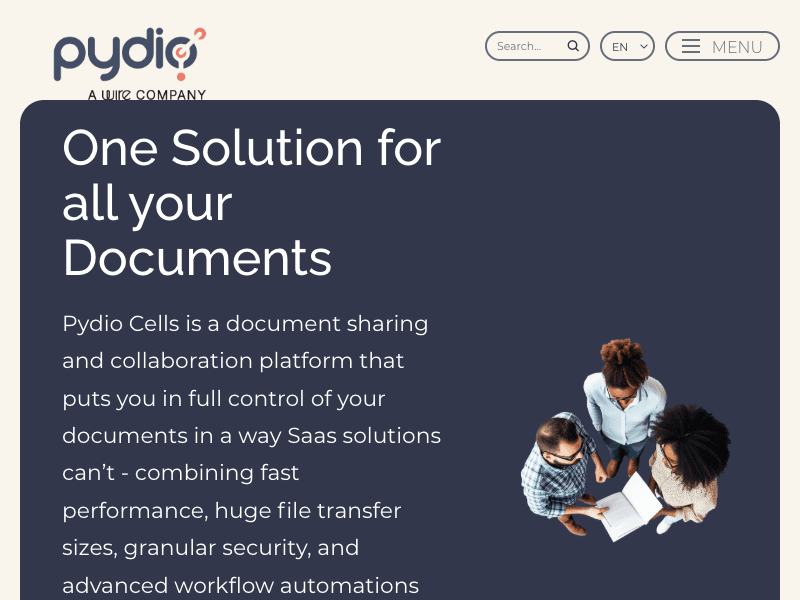
8. Pydio Cells: Modern document sharing platform with advanced security features
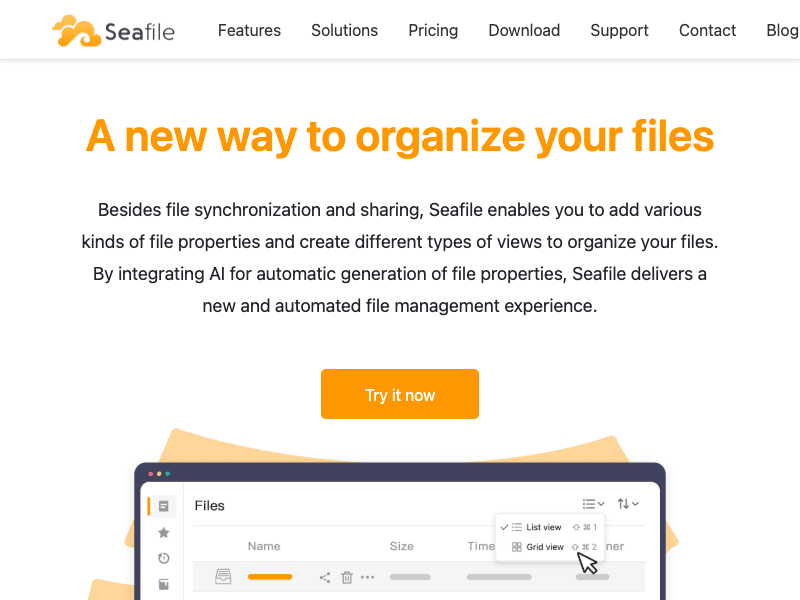
9. Seafile: File synchronization and sharing system focused on performance and reliability
10. FileRun: Self-hosted file sharing and sync solution with a clean, user-friendly interface
Papermark team listens to their users and build what they need. Thanks for solving a big pain point. Docsend monopoly will end soon!
Jaski
Founder
Types of document sharing tools
Open source document sharing tools can be categorized into several types, each serving different use cases and requirements. Understanding these categories helps you choose the right solution for your specific needs.
Type
Description
Examples
Document sharing with analytics
Platforms focused on secure document sharing with built-in page-by-page analytics and tracking
Papermark
Cloud storage and file sync
Self-hosted alternatives to Dropbox and Google Drive with file synchronization and sharing
NextCloud, OwnCloud, Seafile
Collaborative document editing
Real-time collaborative editing platforms with document sharing capabilities
Cryptpad, OnlyOffice, LibreOffice Online
Document management systems
Enterprise-focused solutions for organizing, storing, and sharing documents with workflow management
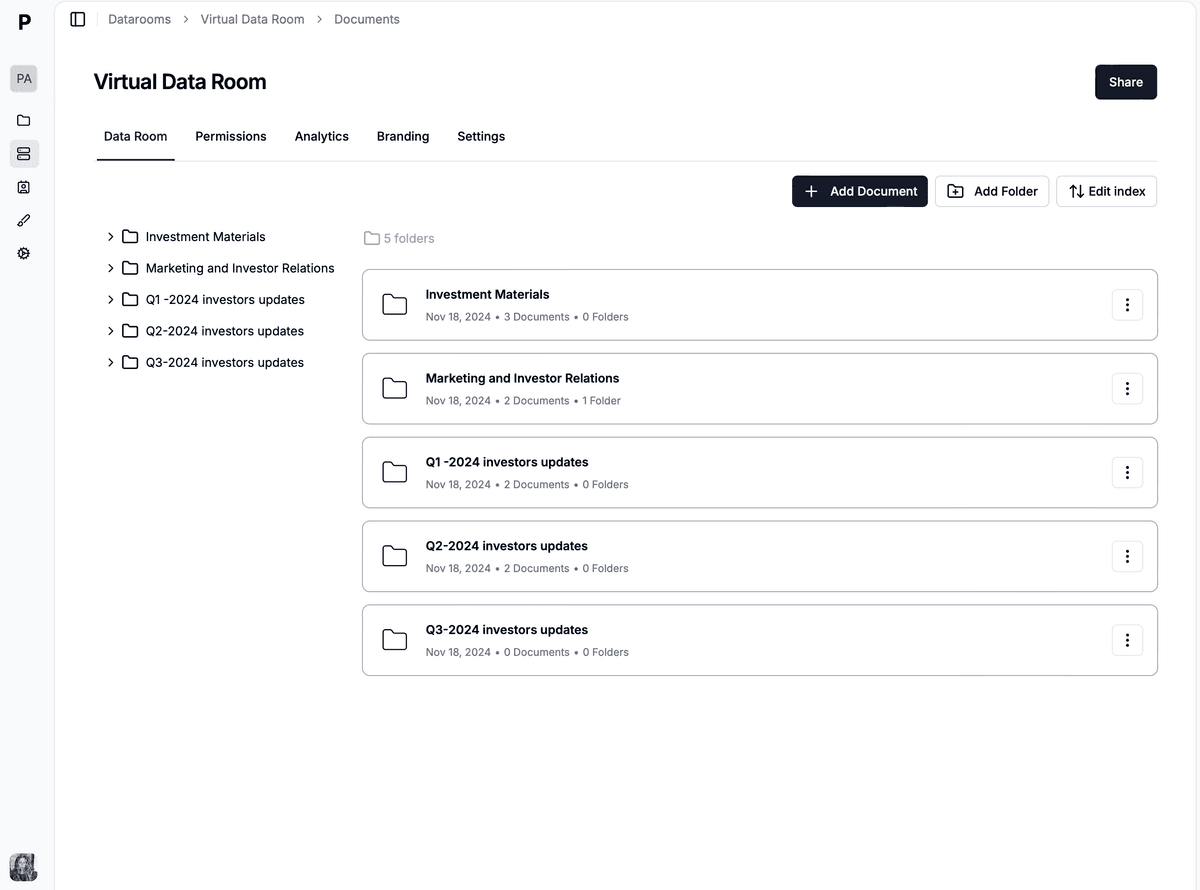
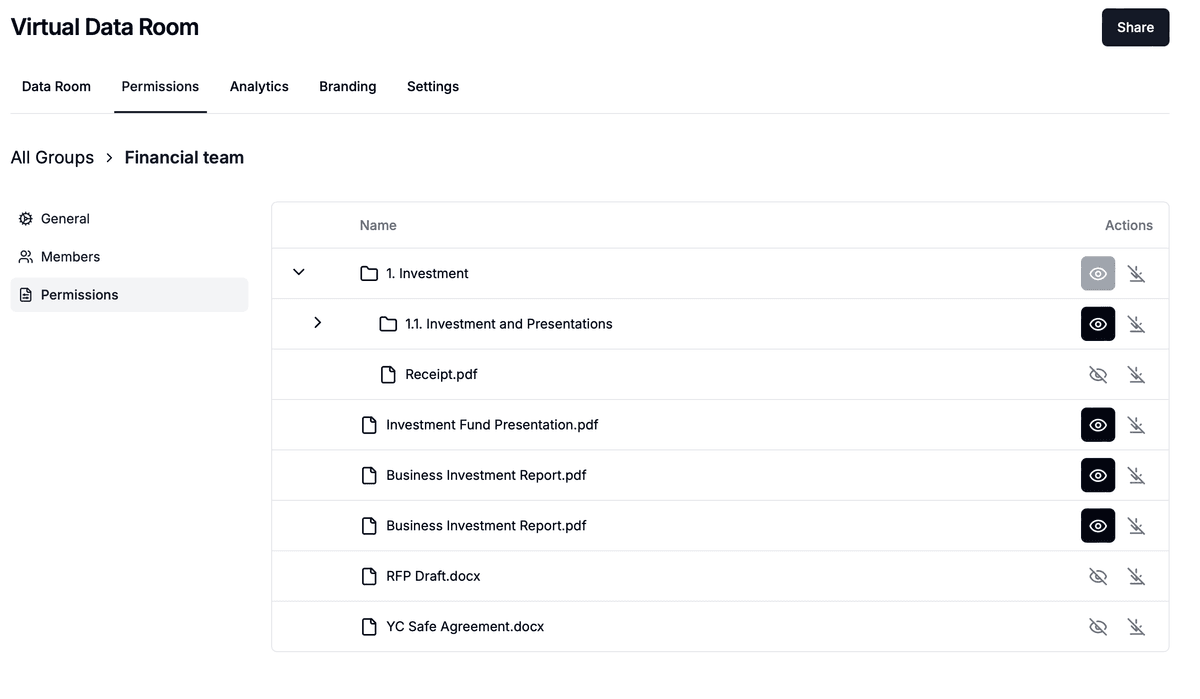
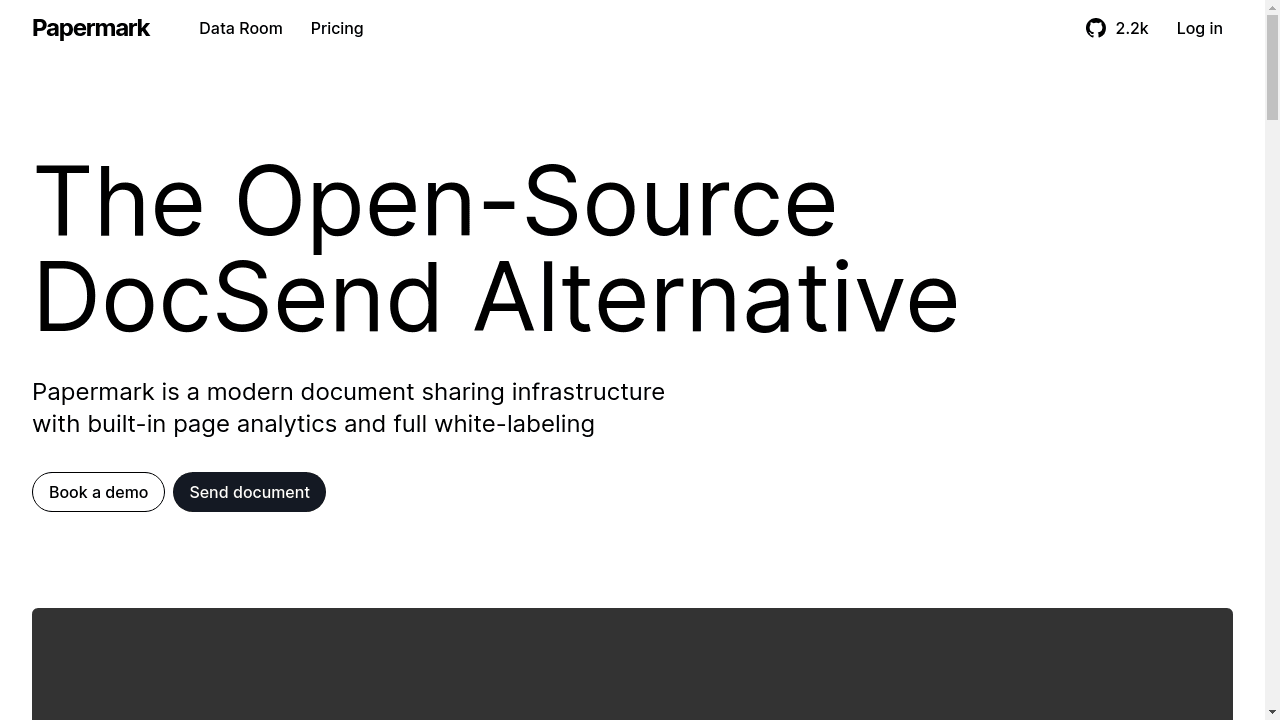
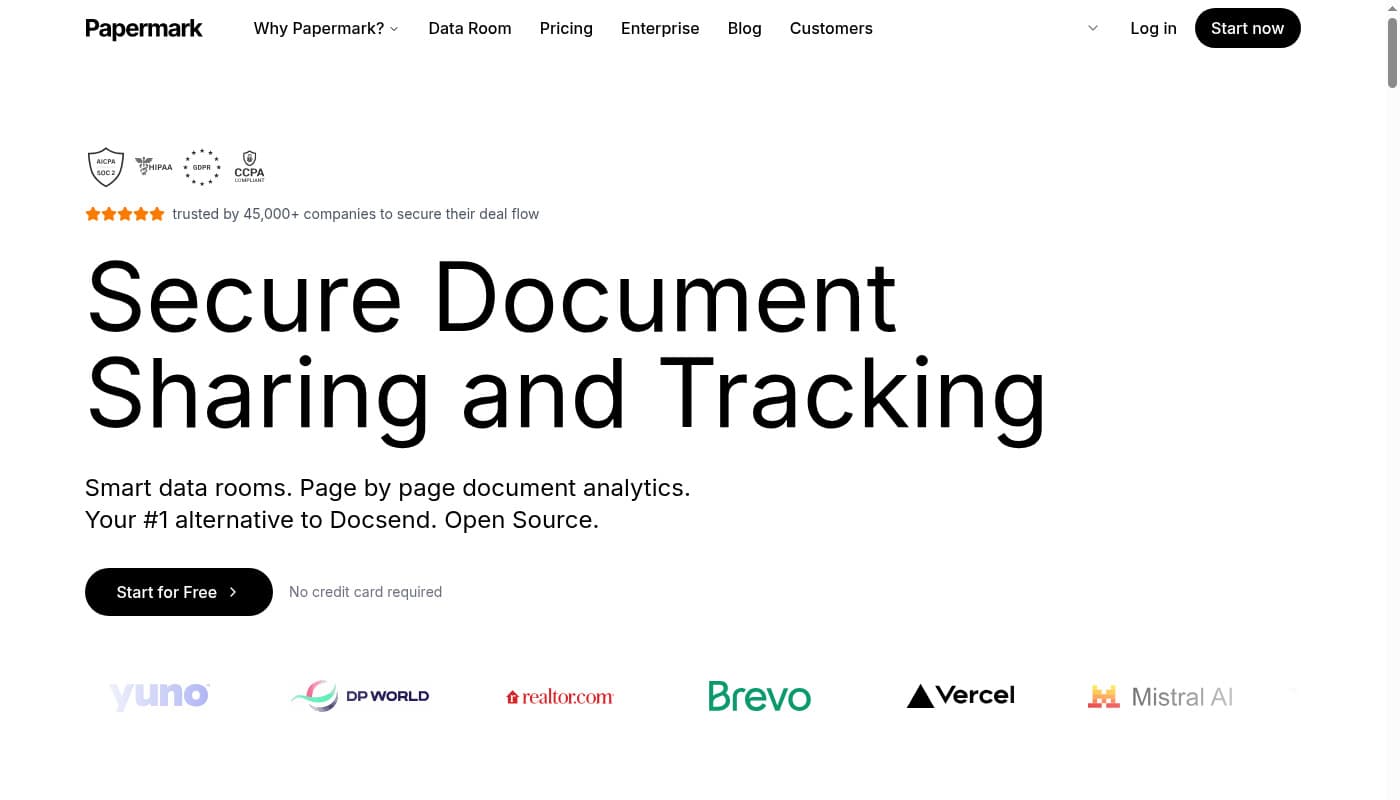
Papermark stands out as a modern, SOC2, HIPAA, and GDPR-compliant document sharing platform that combines enterprise-grade security with powerful analytics. Built for businesses handling sensitive information, it offers military-grade encryption, granular access controls, and comprehensive tracking capabilities while maintaining an intuitive user experience. Perfect for secure sharing of confidential materials, pitch decks, and sensitive documents with complete control and visibility. For enterprise needs, Papermark also offers secure virtual data rooms with advanced features like dynamic watermarking, NDA signing, and unlimited storage.
Quick overview: Share documents in 5 simple steps
Upload 📤 Upload your document to our secure, encrypted platform
Protect 🔒 Add password protection and customize access controls
Share 🔗 Generate and share a secure, trackable link
Track 📊 Monitor who views your document in real-time
Control ⚙️ Manage access and revoke permissions anytime
Advanced security features
Dynamic watermarking: Automatically add viewer details to prevent unauthorized sharing
Granular access controls: Set precise permissions for each viewer
Password protection: Add an extra layer of security to sensitive documents
Link expiration: Set automatic access cutoffs for time-sensitive materials
Custom security policies: Define and enforce organization-wide security rules
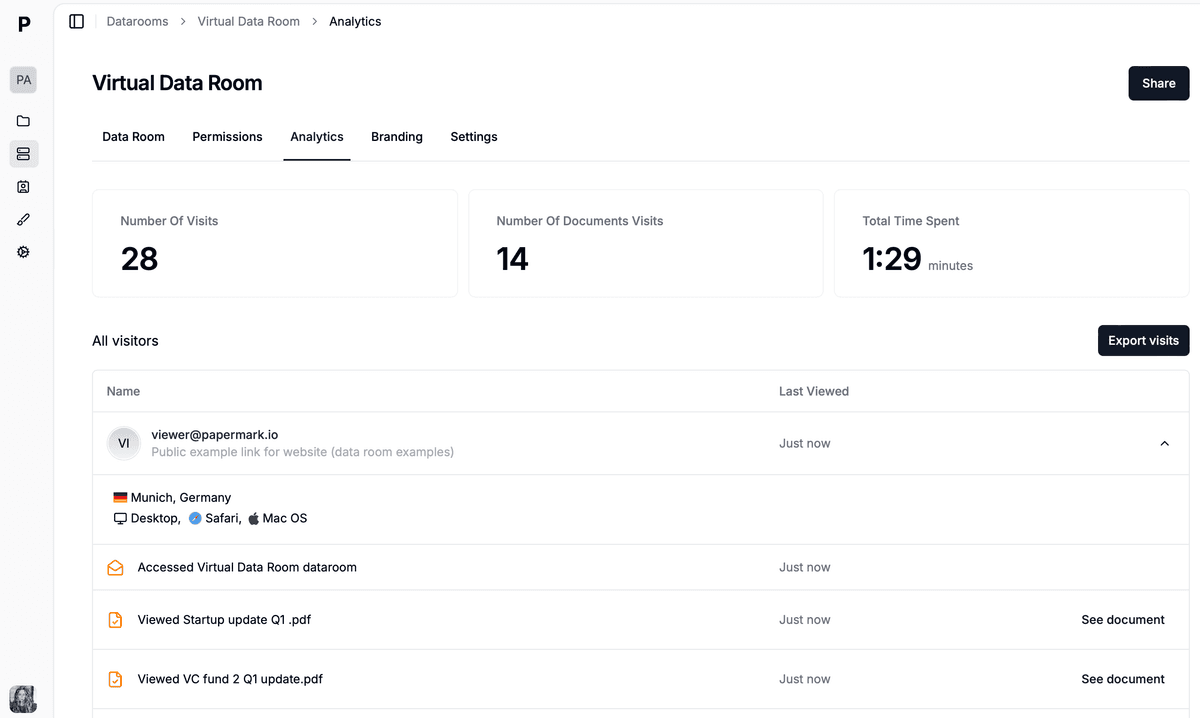
Real-time analytics and insights
Page-by-page tracking: See exactly which pages capture attention
Viewer analytics: Know who viewed what and when
Engagement metrics: Track time spent on each section
Real-time notifications: Get instant alerts when documents are opened
Analytics dashboard: Comprehensive view of document performance
Professional features
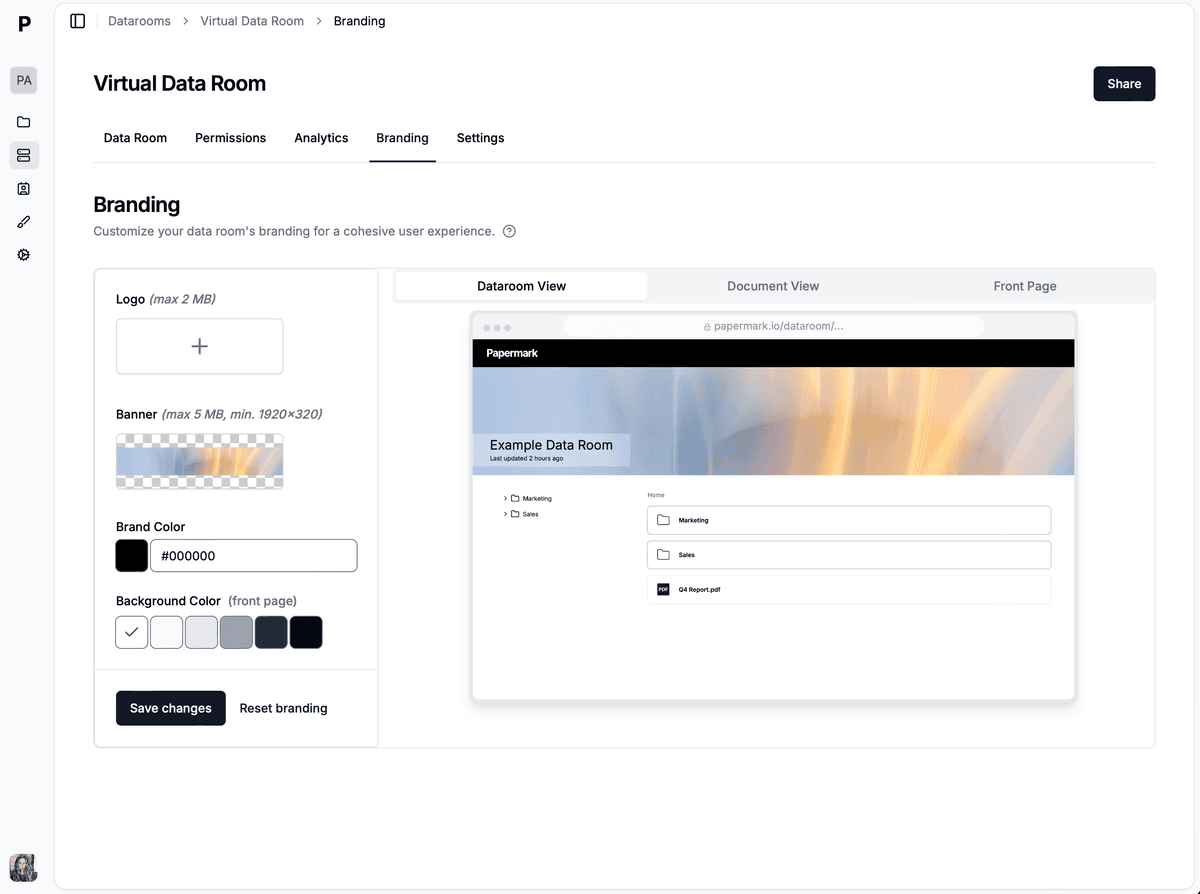
Custom branding: Your domain, your look
Version control: Track changes and updates
API access: Build custom integrations
Data room capabilities: Organize documents for due diligence
Papermark's open-source nature means complete transparency in how your documents are handled, with a thriving community constantly improving security and features. Whether you're sharing investor updates, client deliverables, or sensitive internal documents, Papermark provides the perfect balance of security, usability, and control.
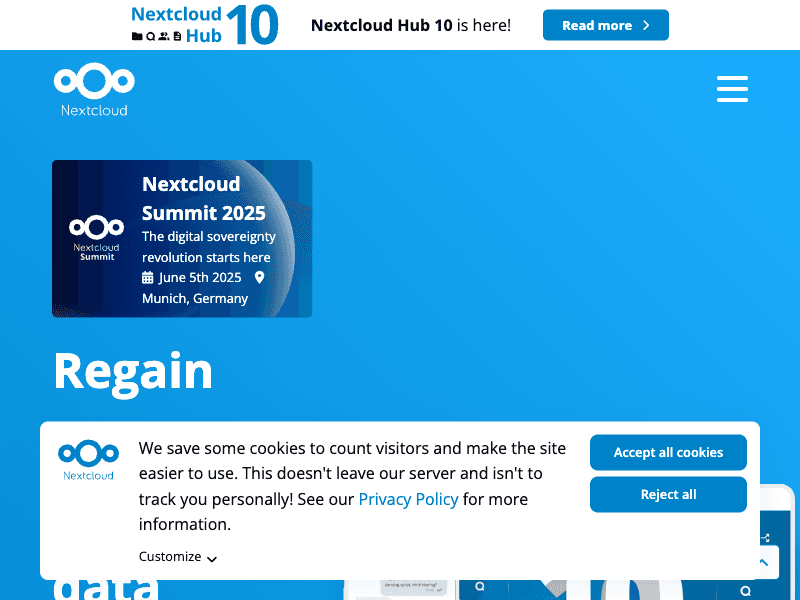
NextCloud is a comprehensive self-hosted file sharing and collaboration platform that gives you complete control over your data. It functions as a more secure alternative to commercial cloud services like Google Drive or Dropbox, with added features for document collaboration, communication, and project management.
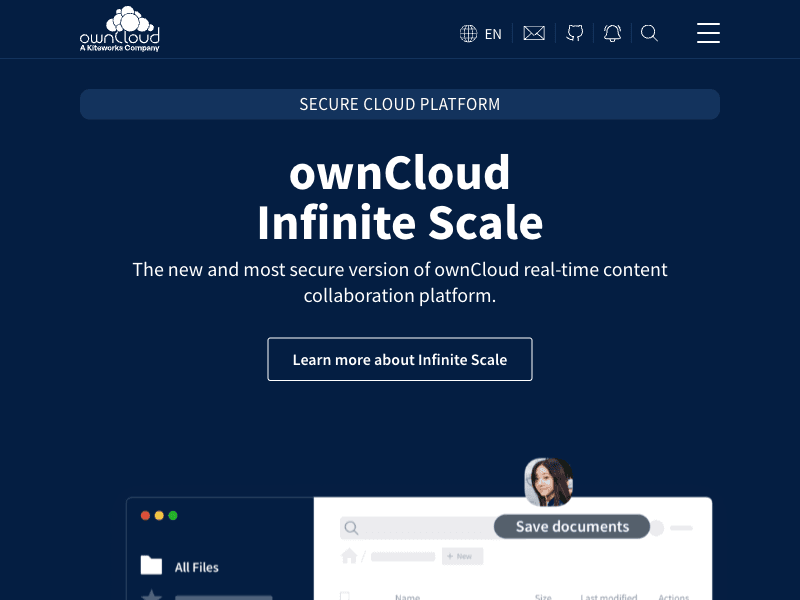
OwnCloud is a pioneer in open-source file sharing solutions, offering a robust platform for document sharing and synchronization. It provides a secure, compliant way to access, share and collaborate on files, with granular permissions and extensive integration options.
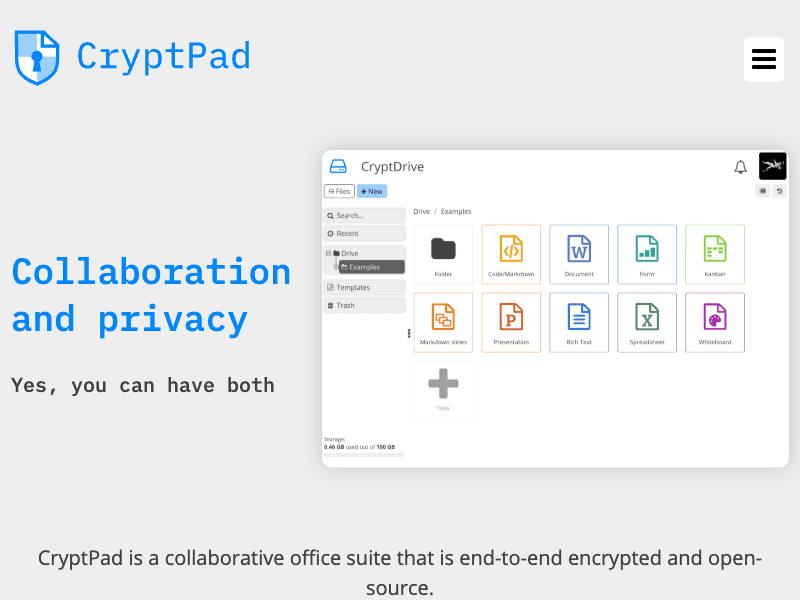
Cryptpad is a privacy-focused collaborative editor and document sharing platform that uses zero-knowledge encryption. All content is encrypted in your browser before reaching the server, ensuring that even the server administrators cannot access your documents. This makes it ideal for sharing highly sensitive information.
Cryptpad features
Zero-knowledge encryption
Collaborative document editing
Rich text, spreadsheets, presentations
Kanban boards and code editors
Password-protected sharing
Document expiration settings
Anonymous access options
Self-hosting capability
No account required for basic use
Commenting and suggestion features
Cryptpad limitations
Limited formatting options compared to office suites
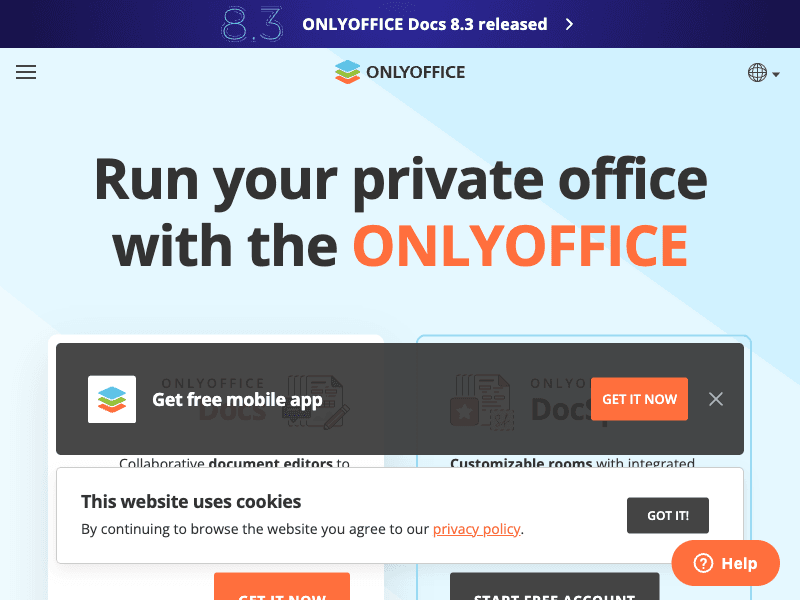
OnlyOffice is a comprehensive office suite and document collaboration platform that offers exceptional Microsoft Office compatibility. It includes powerful document editors with real-time co-authoring capabilities and can be integrated with various document management systems or used as a standalone solution.
LibreOffice Online is the cloud version of the popular open-source office suite, allowing for collaborative document editing and sharing through a web browser. It provides a familiar interface for users of the desktop version while adding real-time collaboration capabilities.
OpenDocMan is a free, web-based document management system specifically designed for managing, sharing, and tracking documents in a multi-user environment. It offers a straightforward approach to document organization with robust security features.
Pydio Cells is a modern, microservice-based document sharing platform with advanced security features. It combines the user-friendliness of consumer cloud sharing solutions with the security and compliance requirements of businesses.
Pydio Cells features
Microservices architecture
Advanced security policies
Automated document workflows
Activity streams and notifications
Public sharing with fine-grained controls
Full-text search capabilities
Custom metadata management
Comprehensive audit trail
GDPR compliance tools
OAuth and SSO integration
Pydio Cells limitations
Complex setup process
Higher system requirements
Steeper learning curve
Community version with fewer features than enterprise
Seafile is a high-performance file synchronization and sharing system with a focus on reliability and speed. It offers advanced features like library encryption, online file editing, and efficient handling of large files and repositories.
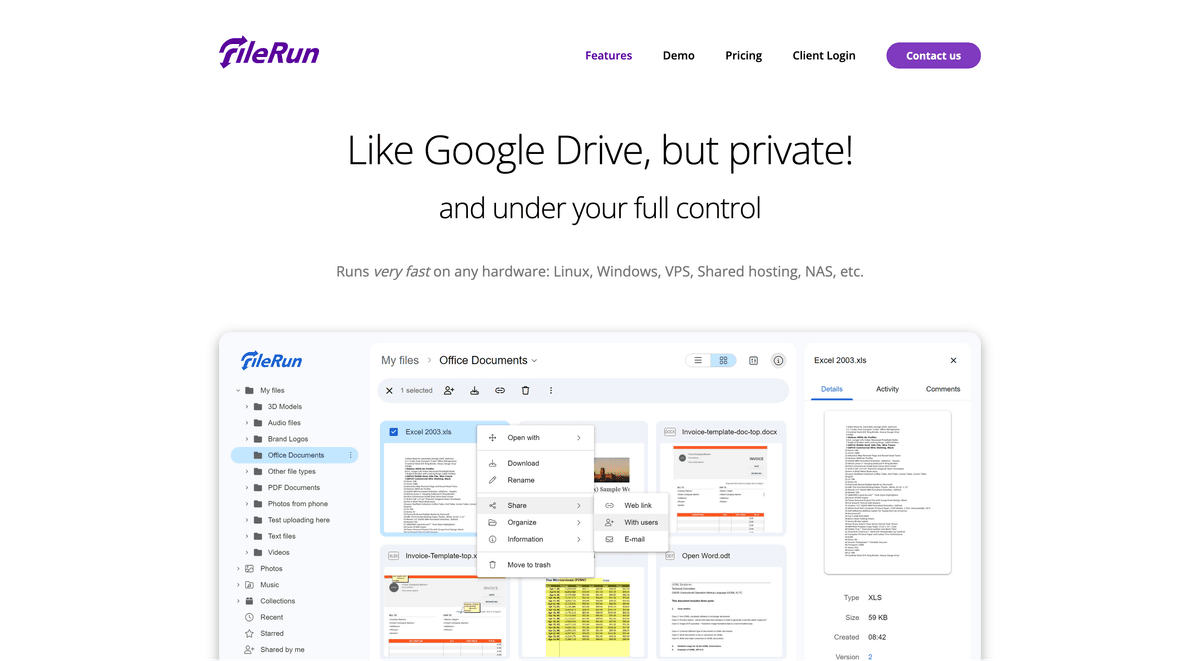
FileRun is a self-hosted file sharing and sync solution with an exceptionally clean, user-friendly interface. It aims to provide a simple yet powerful file management experience while maintaining high security standards.
The landscape of open source document sharing tools in 2026 offers diverse solutions for different needs and experience levels. From user-friendly platforms like Papermark and FileRun to comprehensive collaboration suites like NextCloud and OnlyOffice, users can choose based on their specific requirements. For businesses requiring secure document sharing with analytics, Papermark provides an excellent balance between security and functionality.
When selecting an open source document sharing tool, consider these factors:
Ease of deployment and maintenance
Security and privacy features
Collaboration capabilities
Platform compatibility
Integration requirements
Community support and updates
Resource requirements
Remember that the best choice depends on your specific use case, technical expertise, and security requirements. Regular updates and proper server maintenance are crucial for maintaining security, regardless of the chosen solution.