Blog5 Open Source and Free Virtual Data Rooms (VDR) in April 2026
5 Open Source and Free Virtual Data Rooms (VDR) in April 2026
·9 min de lectura
Marc Seitz
Papermark is the only true open-source virtual data room (VDR) on the market in April 2026, with a free plan, self-hosting via GitHub, and a paid Data Rooms plan at €99/month (billed annually). This guide compares Papermark to four other tools that are commonly used as free or low-cost data rooms - Box, Dropbox, Notion, and Google Drive - so you can pick the right setup for your team.
Quick recap of open source and free data room software in April 2026
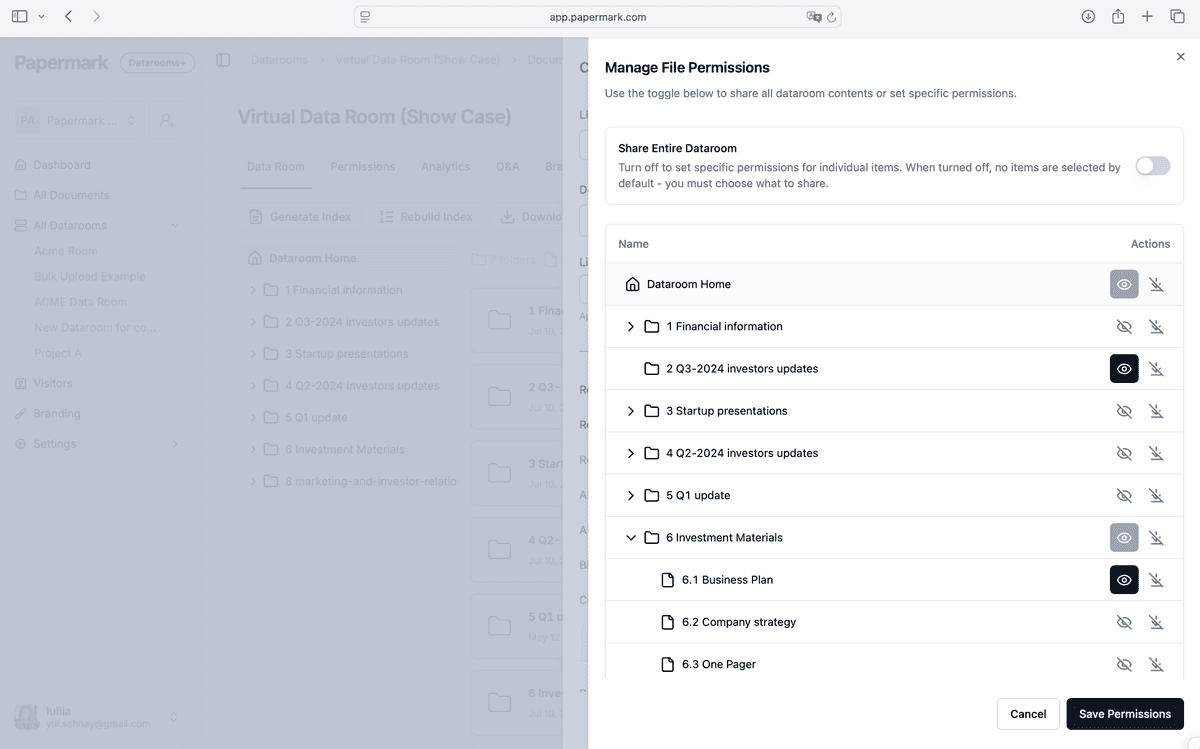
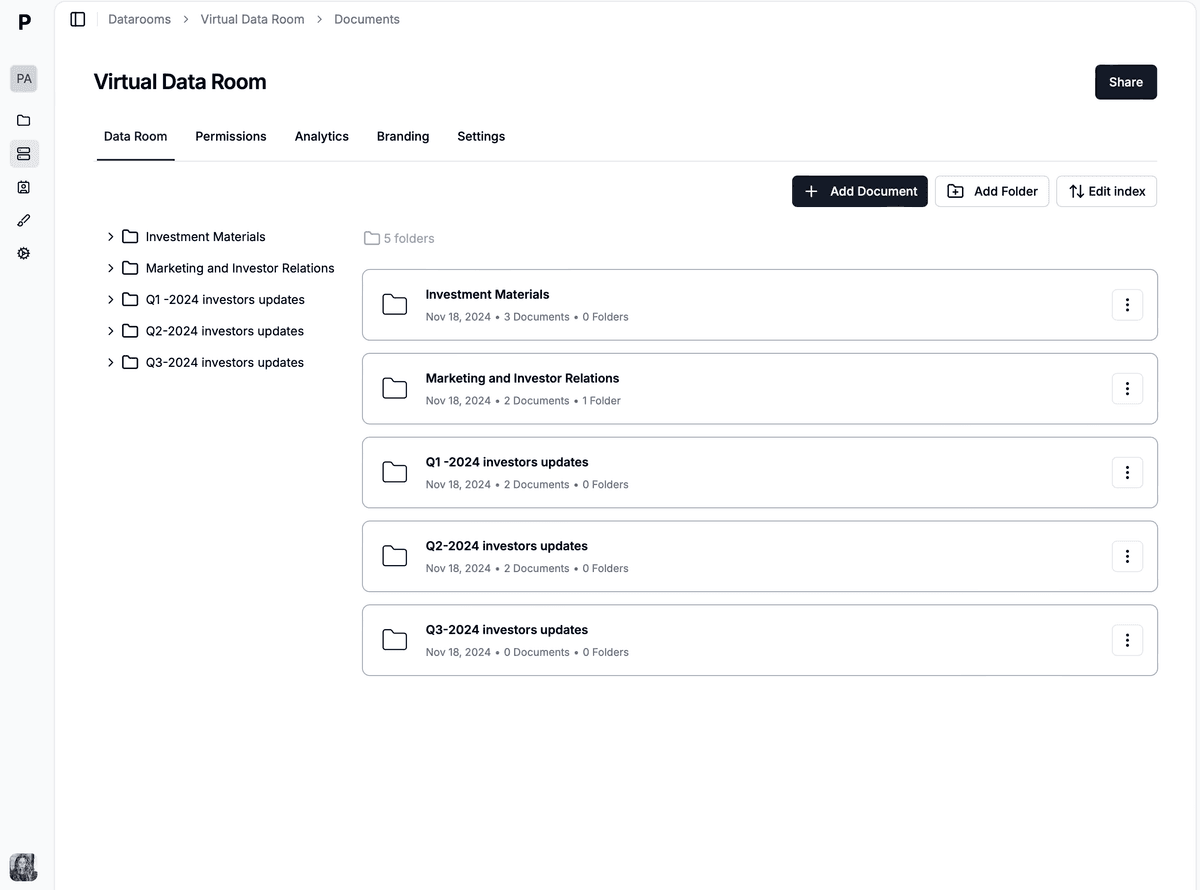
Papermark - the only true open-source virtual data room on the market, with a free plan and a paid Data Rooms plan at €99/month
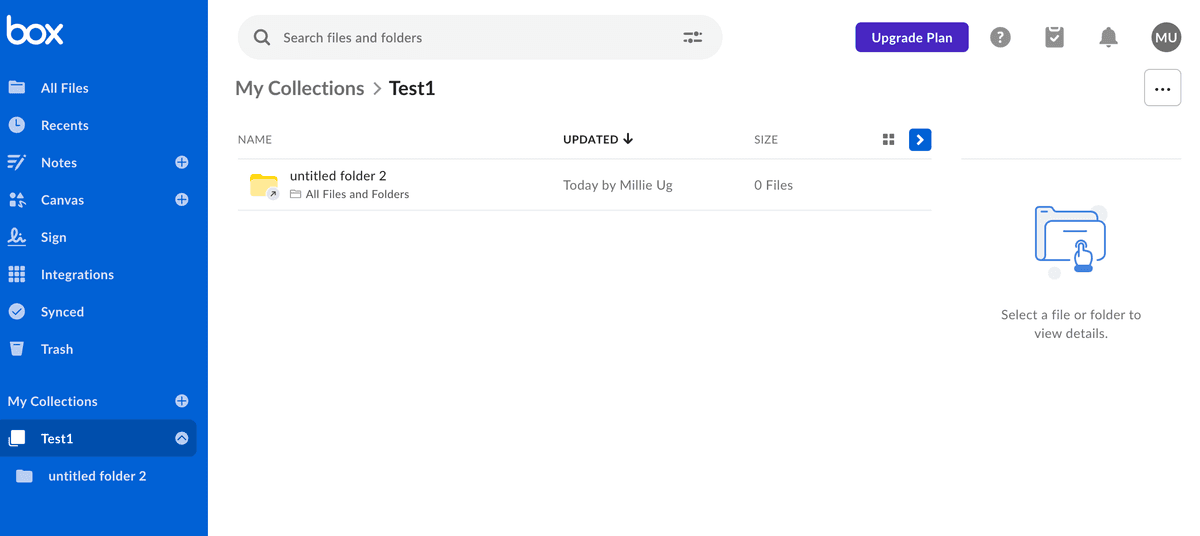
Box - cloud content management and file sharing service with a free 10 GB plan and paid business tiers
Dropbox - cloud storage and document sharing with a free 2 GB plan, used by many teams as a light data room
Notion - all-in-one workspace for notes, wikis, and shared docs that some startups use as a basic memo room
Google Drive - free 15 GB cloud storage from Google Workspace with simple link sharing and folder permissions
#
Tool
Papermark
Box
Dropbox
Notion
Google Drive
1
Open source codebase
✔
✘
✘
✘
✘
2
Self-hosting option
✔
✘
✘
✘
✘
3
Free plan
✔
✔
✔
✔
✔
4
Unlimited documents
✔
✘
✘
✔
✘
5
Custom branding & domains
✔
✘
✘
✘
✘
6
Secure document sharing
✔
✔
✔
✘
✔
7
Drag and drop
✔
✔
✔
✔
✔
8
Granular link permissions
✔
✘
✘
✘
✘
9
Dynamic watermarking
✔
✘
✘
✘
✘
10
Screenshot protection
✔
✘
✘
✘
✘
11
Page-by-page analytics
✔
✘
✘
✘
✘
12
AI assistant in data rooms
✔
✘
✘
✘
✘
Many providers claim to offer a "free data room", but in reality they only include a free trial period of 7-14 days. You can still build a simple data room with general-purpose tools like Box, Dropbox, Google Drive, or Notion - they just lack VDR-grade security and analytics.
For a real open-source VDR, self-host Papermark from GitHub or use the free SaaS plan on papermark.com.
What is Open Source Data Room?
An open-source data room is a digital repository that uses open-source software to facilitate secure online document sharing and management of confidential business documents. It's particularly favoured by teams that want to keep files and infrastructure on their own servers, with full freedom to customise the platform without proprietary software-licence constraints.
This is what makes it possible to build a fully customised, self-hosted data room on your own infrastructure.
Why select Open Source Virtual Data Room?
Selecting an Open Source Virtual Data Room (VDR) offers several advantages for customization, cost-efficiency, and control over their data management systems. Here are some key reasons why an Open Source VDR might be the right choice:
Transparency and Security: Open source software is considered more secure and reliable over time, as its code is continuously reviewed by a global community of developers. This transparency allows for the early detection and rectification of vulnerabilities.
Customization and White-labelling: Open source VDRs offer full customization opportunities. Because the source code is accessible. Also Open Source companies support you in self-hosting or customization.
Control and Independence: Using an open source VDR gives companies full control over software environment.
Community Support: Open source projects often have active communities. Users benefit from a wide range of shared knowledge, tools, and extensions, enhancing the functionality of the VDR without additional cost. Like for example Papermark community on GitHub
Long-Term Viability: With open source software, there's less risk of discontinuation or abrupt changes in product strategy that can happen with proprietary solutions. Even if the original developers stop working on the project, the community or other companies can pick it up, ensuring its longevity.
Cost Efficiency: Open source software can significantly reduce costs because it's usually free to use. It is still important to check licensing fees associated with proprietary VDR solutions.
In summary, an Open Source Virtual Data Room Software can be a smart choice for businesses looking for a cost-effective, flexible, and secure solution for managing confidential documents and facilitating secure data rooms for complex transactions like mergers and acquisitions, fundraising, legal document sharing, and more.
Papermark is the only open-source virtual data room software on the market in April 2026. You can self-host the full platform for secure document sharing and virtual data rooms using Papermark's technology, or use the managed SaaS version. For advanced enterprise features and dedicated support, you can obtain an Enterprise licence for your team or company.
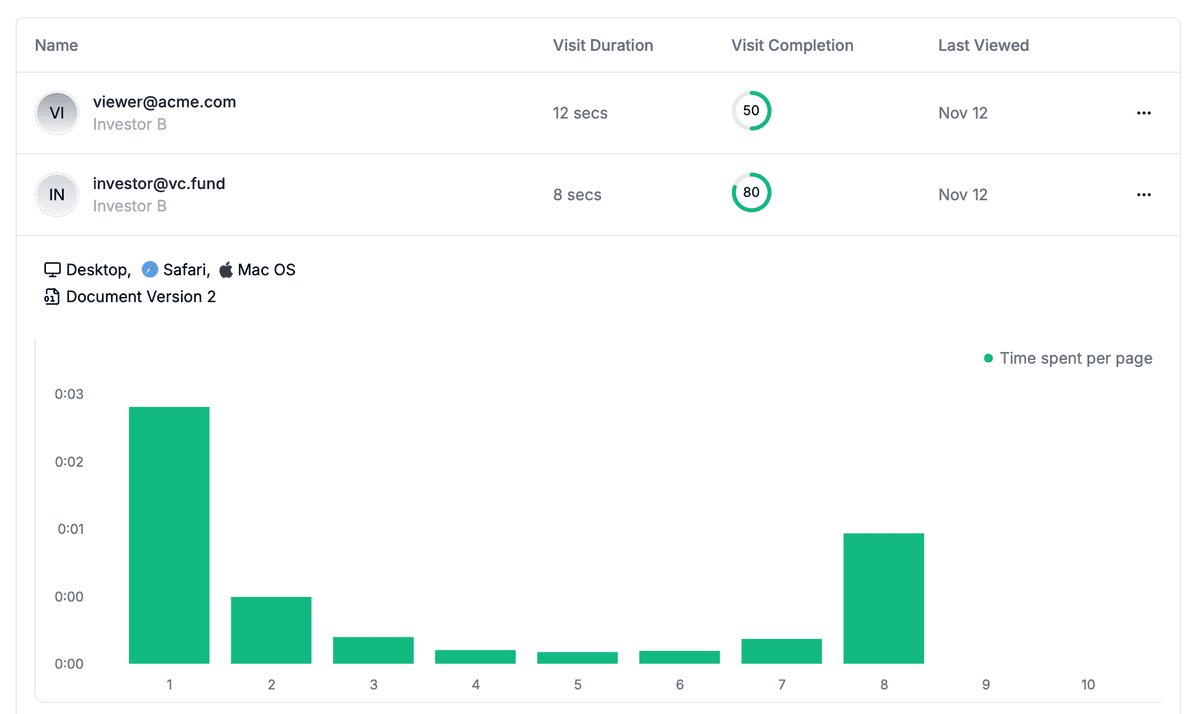
Papermark's built-in page-by-page analytics provide granular insights into how viewers interact with each page of your documents. This advanced feature records detailed engagement metrics, helping you understand exactly how your audience consumes your content.
Key Analytics Features:
Time spent on each page: Measure exactly how long viewers spend on each individual page
Completion tracking: See which pages are viewed most and where viewers drop off
Document version analytics: Track activity across different versions of your documents
Real-time updates: Monitor document performance as it happens
Papermark pricing for SaaS hosted option
Papermark is also available as a SaaS option with transparent subscription pricing (April 2026):
Free - 1 seat, perfect for testing
Pro - €29/month (€24/month billed annually) for individuals and small teams
Business - €79/month (€59/month billed annually) for multi-file sharing and light data rooms
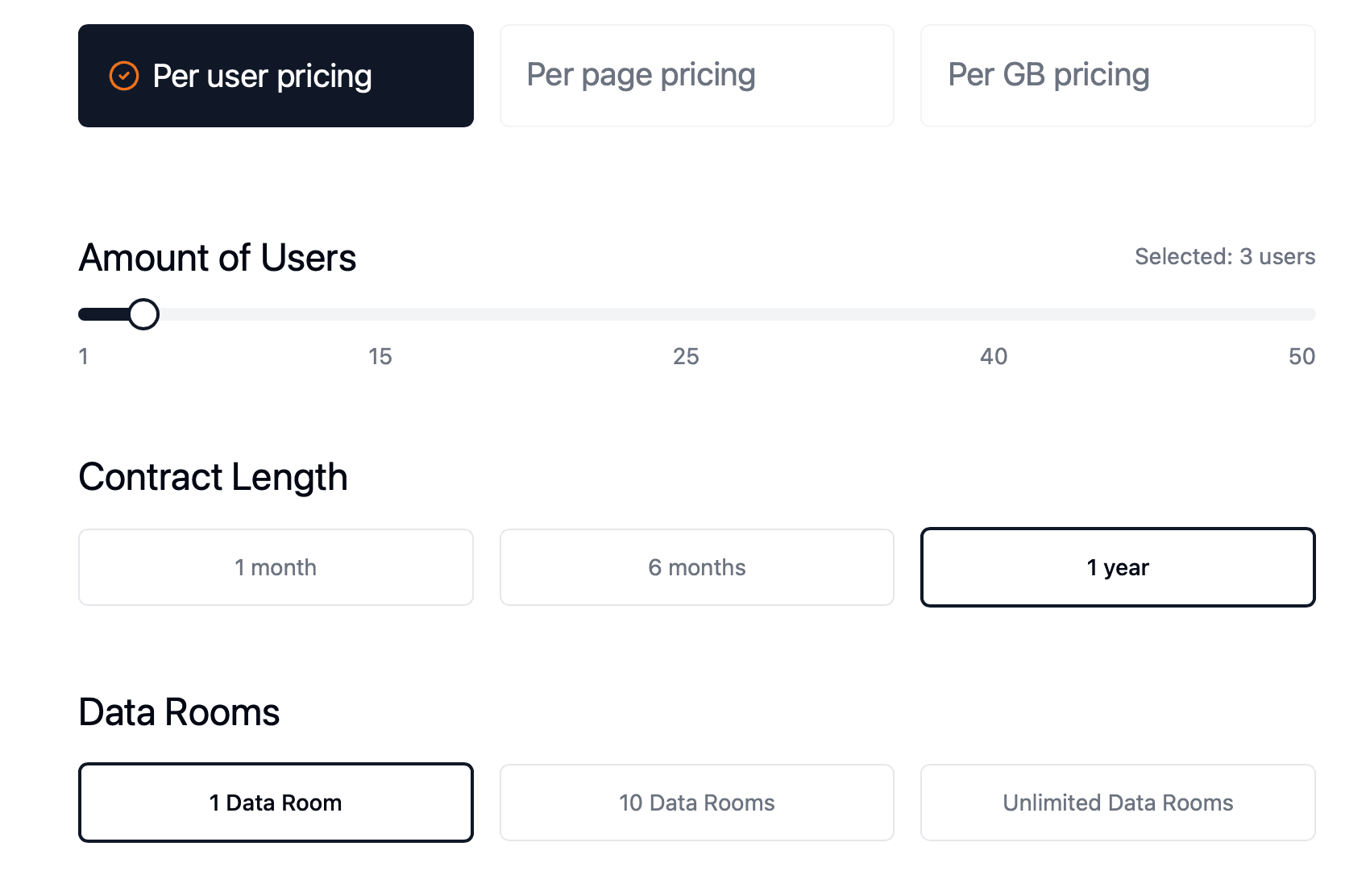
Data Rooms - €99/month billed annually (7-day free trial) for unlimited data rooms with 5 team members included
Self-hosted - free under the open-source licence on GitHub, or Enterprise licence for advanced features
See full pricing. Hosting is available in Europe out of the box, with the US and other regions on demand.
The platform offered by Box, Inc., a cloud-based content management company, helps individuals and teams collaborate securely on important content from any location and device.
Company has a free plan and can be used as a virtual data room for free. All advanced features included in paid plans.
In addition to e-signatures, automated workflows, and AI-powered content management, the platform offers customization options through open APIs and developer tools. With user-friendly admin controls, organizations can monitor and report on content sharing and access.
Founded in 2005, Box shifted its focus from consumer to business users, securing substantial funding before going public in 2015.
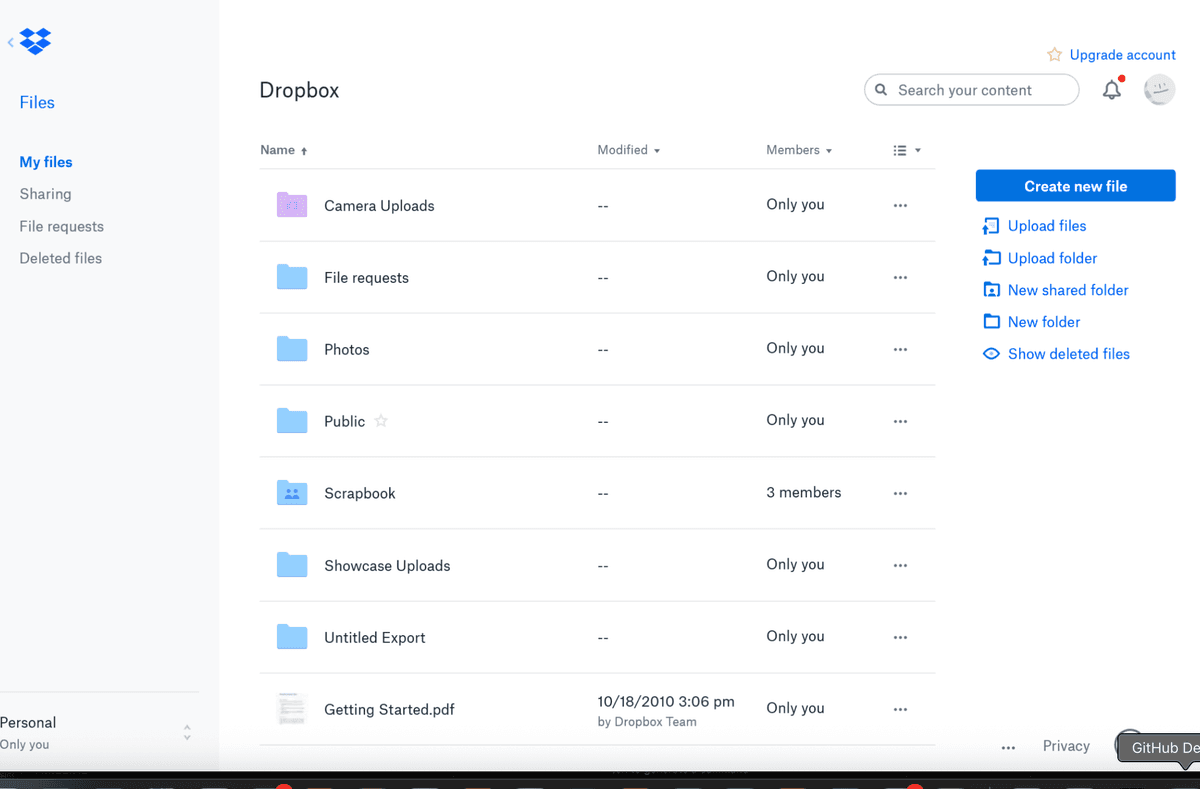
Dropbox is a cloud storage service used by millions worldwide, offering features like file recovery, password protection, and collaboration tools. With trackable links and viewer history, users can easily protect and share important files. It can be used as a free simplified data room.
Dropbox Features
Host content
Share content
Collaboration tools
AI-powered search tool
Cloud backup
Dropbox Limitations
No possibility to self-host
Limited free storage options
Lack of custom links setting for data room
Limited security options
May not be suitable for businesses looking for data room features
Dropbox Pricing
Free: 1 user: 2 TB of storage, large file delivery up to 2 GB, 30 days to restore deleted files, family folder for photos and files, secure and share passwords
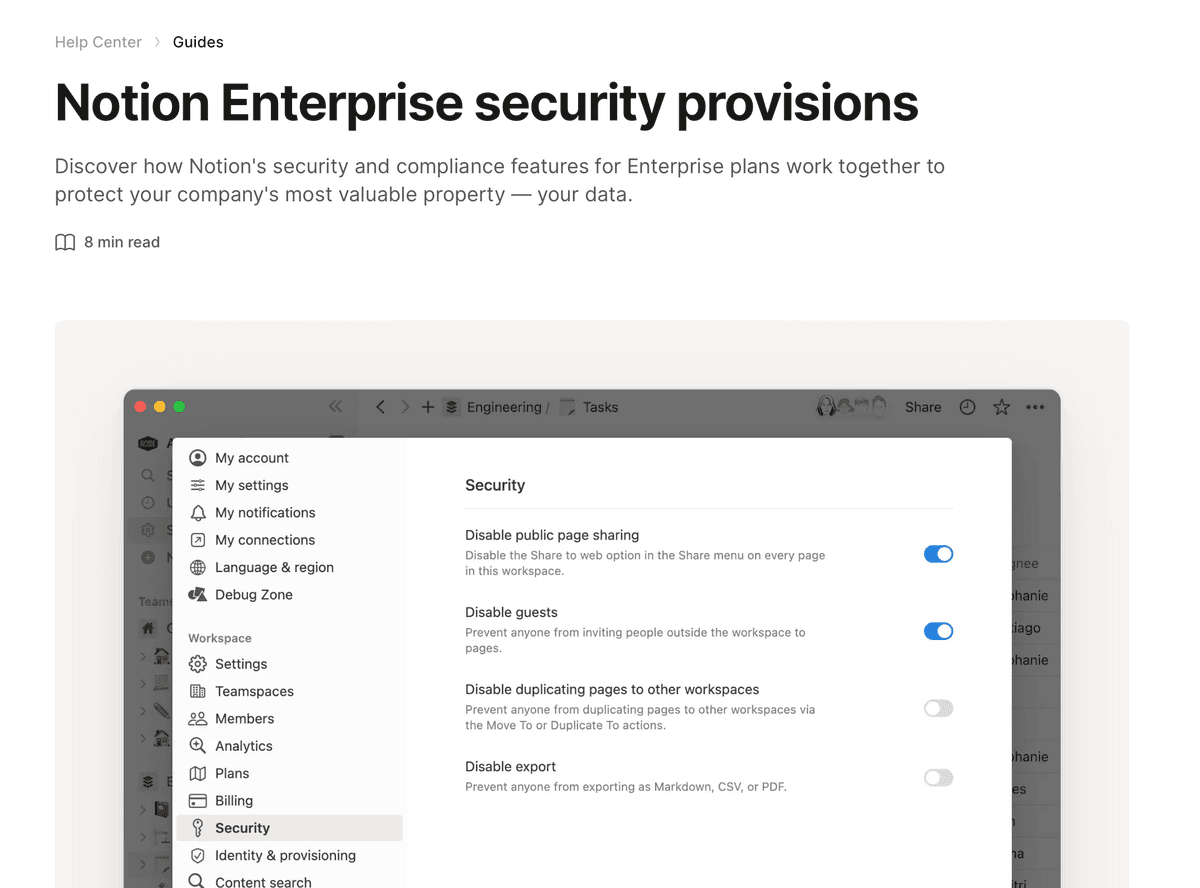
Notion is mainly created for collaboration and creating documents. But more and more startups are creating memo and sharing documents with it so it can be used as a free virtual data room software.
So, it can be used as a light version of Data Room.
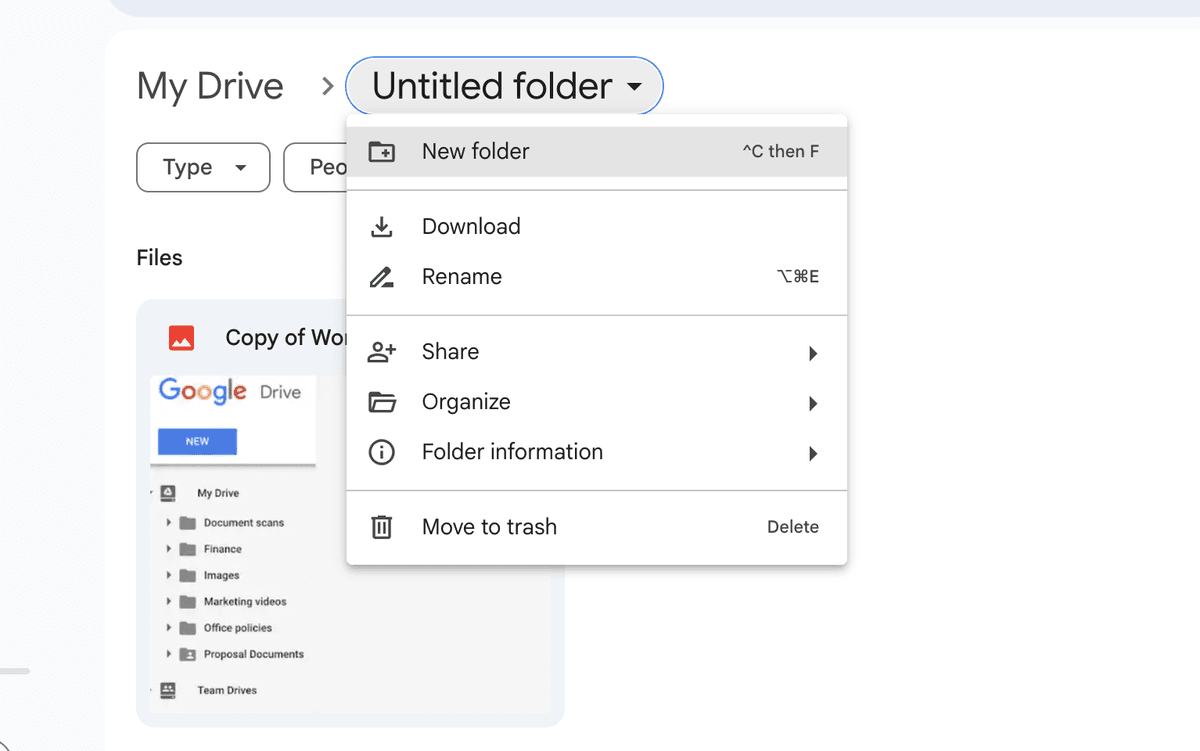
Google Drive is increasingly utilized by startups and small businesses for document collaboration and sharing. While primarily a cloud storage service, its capabilities for real-time collaboration, file sharing, and document creation allow it to serve as a basic Data Room for those not requiring advanced features.
Google Drive Features
Real-time collaboration on documents, spreadsheets, and presentations.
Generous storage capacity with easy file and folder management.
Integration with Google Workspace apps for enhanced productivity.
Link sharing for files and folders with adjustable permission settings.
Google Drive Limitations
Limited Data Room functionalities compared to specialized software.
Basic security features; may not be suitable for highly confidential documents.
Customization and branding options are minimal.
Google Drive Pricing
Free: 15GB of storage across all Google services.
Google One plans start at approximately $1.99/month for 100GB of additional storage.
Google Drive Ratings and Reviews
G2: Typically high ratings for ease of use and integration capabilities.
Capterra: High marks for functionality and cloud storage management.
Trustpilot: Reviews often highlight user experience and accessibility.
For more detailed ratings and reviews, visiting platforms like G2, Capterra, and Trustpilot will provide current user feedback and scores.
FAQ - Everything you need to know about open-source virtual data rooms
Conclusion: Open-source and free virtual data rooms in April 2026
There aren't many reliable, secure data rooms that don't cost a lot of money. Most providers who advertise a "free data room" only offer a 7-14 day trial. Virtual data room costs vary significantly between providers, especially at the enterprise end where pricing can run into thousands per month.
The only true open-source virtual data room on the market in April 2026 is Papermark, with 8.2k GitHub stars, 60+ active contributors, and a free SaaS plan. For teams that just need basic file sharing, Box, Dropbox, Google Drive, and Notion all offer functional free tiers - just expect to give up VDR-grade security, watermarking, and page-by-page analytics.
If you need a real data room with transparent pricing, page-level analytics, dynamic watermarking, and the option to self-host, Papermark is the most flexible option in this list at €99/month for the Data Rooms plan (or free if you self-host).