

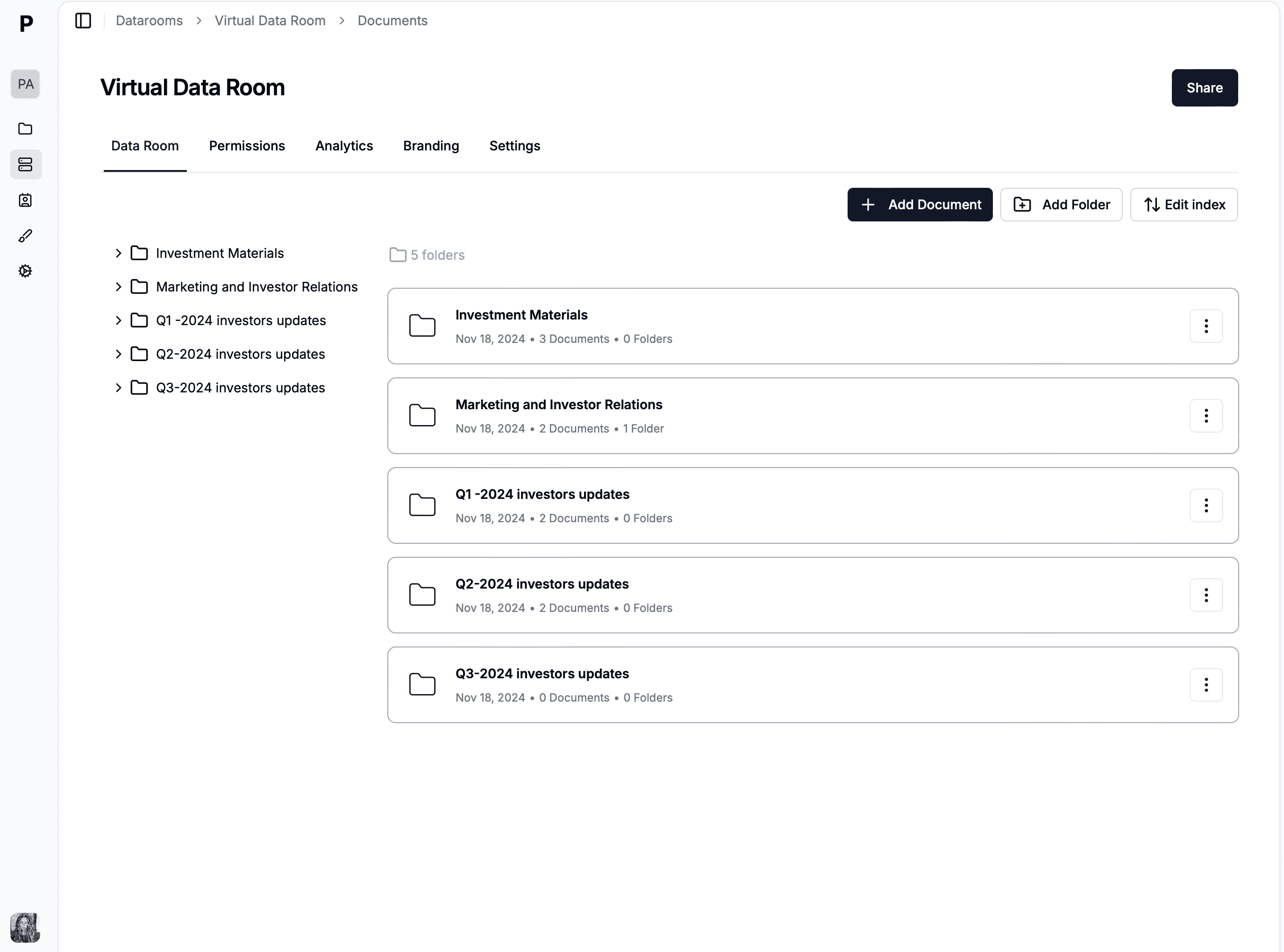
document-sharing
10 Best File Sharing Software for Small Business in 2026 (FREE)
Explore the top 10 file sharing software in 2026. All sending files software listed has a free plan From open-source platforms to more generic tools.
Business development is about building relationships, closing deals, and growing revenue. But doing it manually? That's slow, messy, and full of missed opportunities.
The right tools help you find leads, track conversations, share proposals securely, and close deals faster. Whether you're a startup founder or running an enterprise BD team, the tools you choose make the difference between growth and stagnation.
This guide covers the best business development tools in 2026, from CRM platforms to document sharing solutions that help you manage the entire BD lifecycle.
Here are the top tools we'll cover:
| Tool | Best For | Starting Price | Key Feature |
|---|---|---|---|
| Papermark | Secure document sharing | Free, Pro €24/mo, Business €59/mo | Page-by-page analytics & tracking |
| HubSpot | All-in-one CRM | Free, Starter $20/mo | Marketing + sales + service |
| Salesforce | Enterprise sales | $25/user/mo | Customizable workflows |
| LinkedIn Sales Navigator | B2B prospecting | $99/mo | Advanced lead search |
| Apollo.io | Sales intelligence | Free, Basic $49/mo | 250M+ contact database |
| Cal.com | Meeting scheduling | Free, Teams $15/user/mo | Open-source scheduling |
| Documenso | Digital signatures | Free, Pro $30/mo | Open-source e-signatures |
| Pipedrive | Visual pipeline | $14/user/mo | Drag-and-drop deal stages |
| Gong | Sales call analysis | Custom pricing | AI-powered insights |
| ZoomInfo | Contact database | Custom pricing | Intent data tracking |
Website: papermark.com
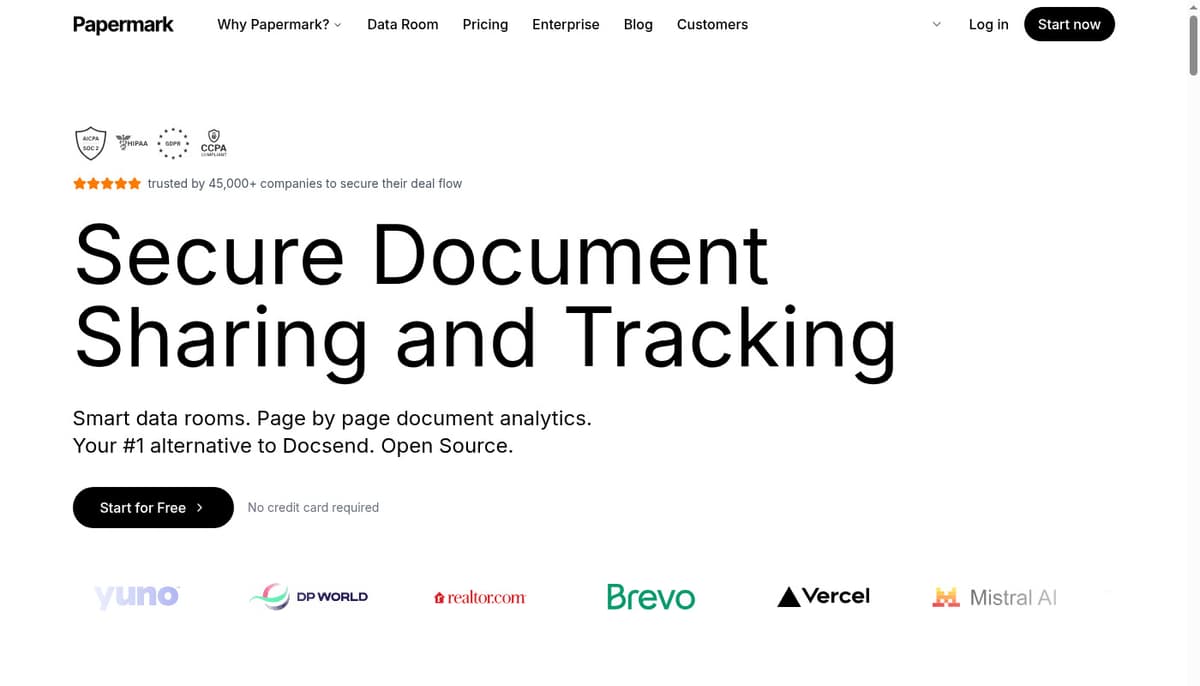
Papermark is built for business development teams who need to share proposals, pitch decks, and contracts while tracking engagement.
Key features:
Why it's great for BD: When you send a proposal, you know exactly when the prospect opens it, which pages they spend time on, and if they share it with others. This intelligence helps you follow up at the right moment with the right message.
Pricing: Free plan available, Pro at €24/month, Business at €59/month, Data Rooms at €99/month
Website: hubspot.com
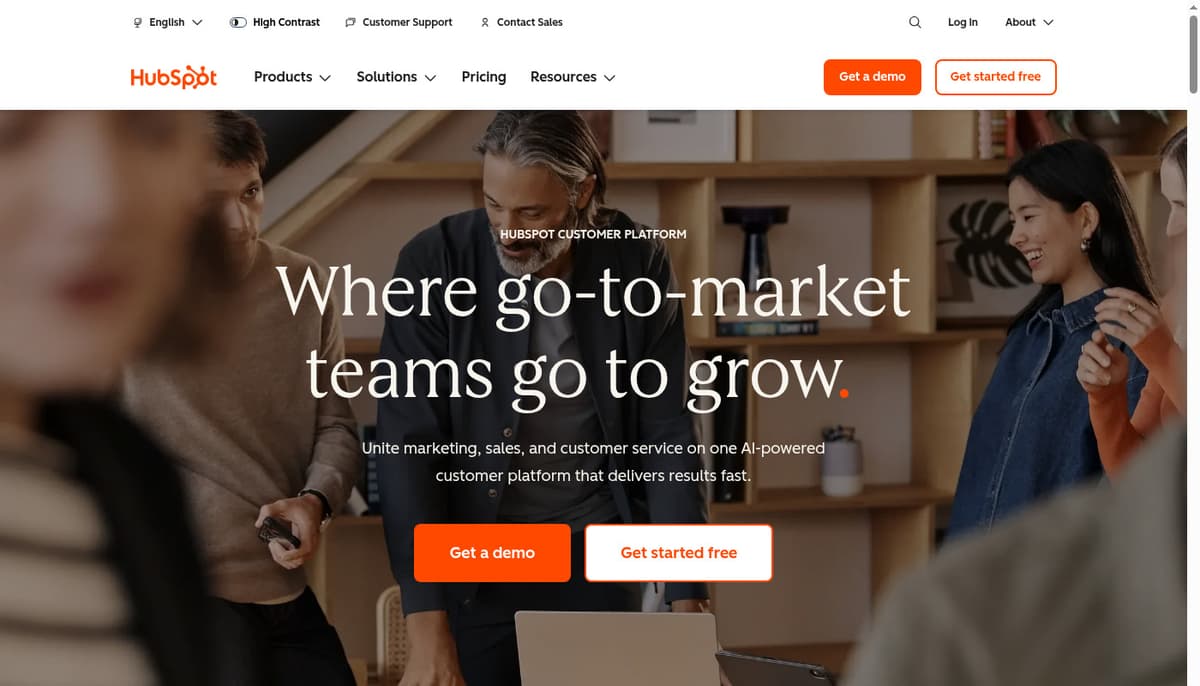
HubSpot combines CRM, marketing automation, and sales tools in one platform.
Key features:
Why it's great for BD: HubSpot's free CRM gives you a solid foundation, and you can add sales and marketing tools as you grow. The platform keeps all your prospect data, communications, and deals in one place.
Pricing: Free CRM, Starter at $20/month, Professional at $1,600/month
Website: salesforce.com
Salesforce is the industry standard for enterprise sales teams.
Key features:
Why it's great for BD: If you're managing complex sales cycles with multiple stakeholders, Salesforce gives you the flexibility and power to build custom processes. It scales with enterprise needs.
Pricing: Essentials $25/user/month, Professional $75/user/month, Enterprise $150/user/month
Website: linkedin.com/sales
Sales Navigator is LinkedIn's premium tool for finding and connecting with decision-makers.
Key features:
Why it's great for BD: B2B business development lives on LinkedIn. Sales Navigator helps you identify the right prospects, track company changes, and reach out with context.
Pricing: Core $99/month, Advanced $149/month, Advanced Plus custom pricing
Website: apollo.io
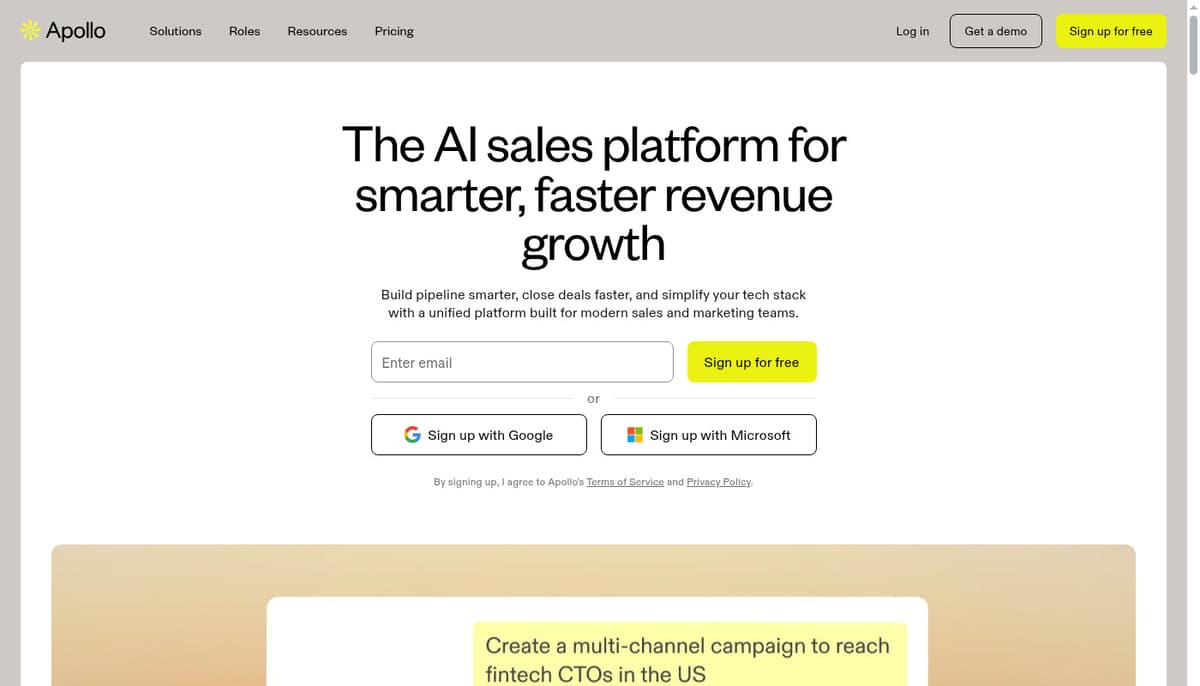
Apollo combines a massive contact database with engagement tools.
Key features:
Why it's great for BD: Apollo helps you find prospects, get their contact info, and automate outreach — all in one platform. The free plan is generous enough for small teams to get started.
Pricing: Free plan, Basic $49/user/month, Professional $79/user/month
Website: cal.com
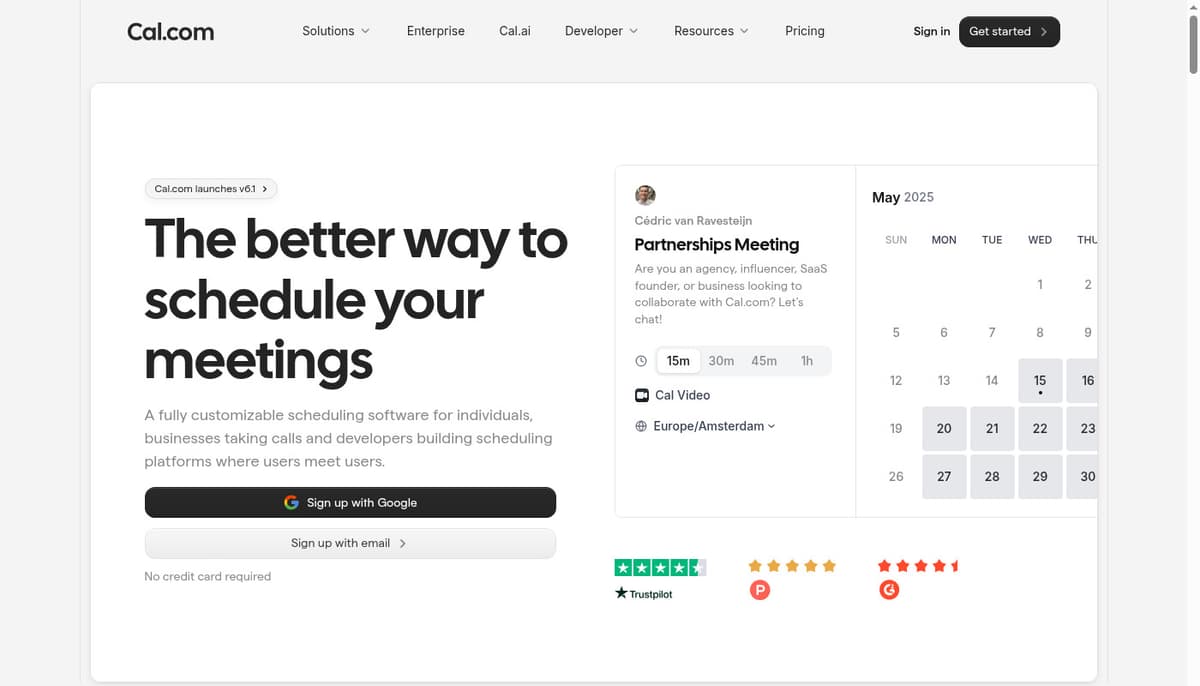
Cal.com is an open-source scheduling platform that eliminates the back-and-forth of booking meetings.
Key features:
Why it's great for BD: Cal.com gives you full control over your scheduling. Send prospects your booking link and let them choose a time that works. The open-source nature means no vendor lock-in.
Pricing: Free plan, Teams $15/user/month, Enterprise custom pricing
Website: zoom.us
Zoom is the standard for remote meetings and product demos.
Key features:
Why it's great for BD: Virtual demos and discovery calls are essential for modern BD. Zoom's reliability and features make it the go-to choice for video meetings.
Pricing: Free plan (40-min limit), Pro $149/year, Business $199/year
Website: documenso.com
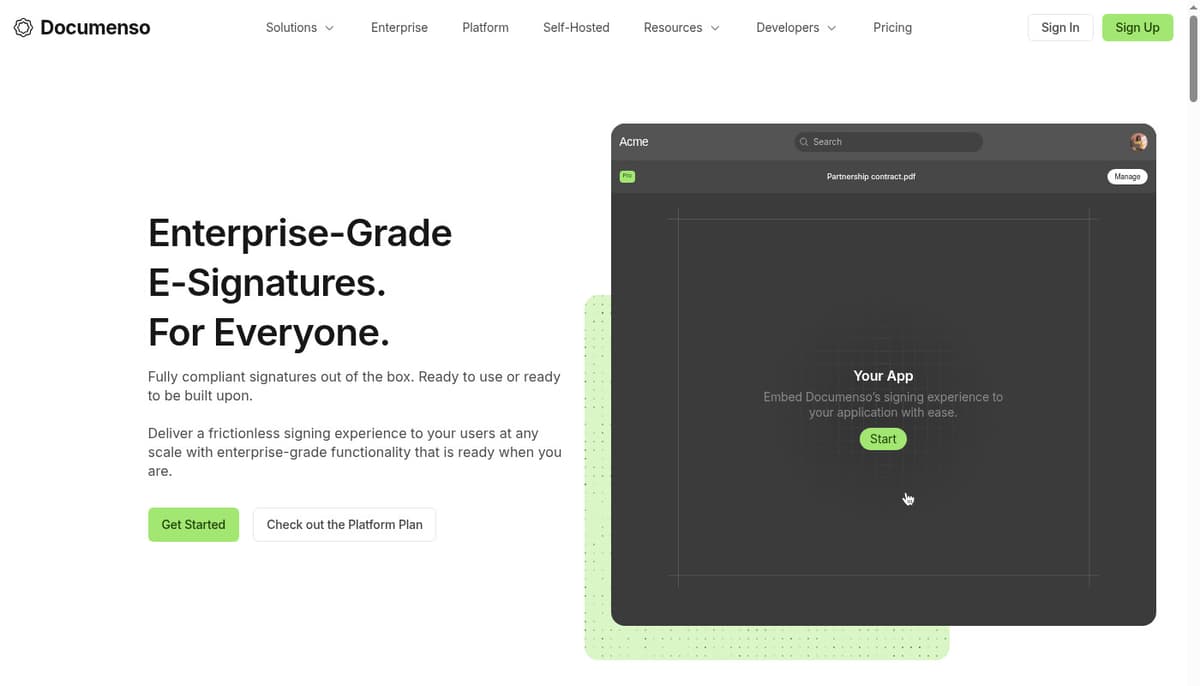
Documenso is an open-source alternative to DocuSign for digital signatures.
Key features:
Why it's great for BD: Close deals faster with legally binding e-signatures. Documenso's open-source approach means full control over your signing workflow and no vendor lock-in.
Pricing: Free plan, Pro $30/month, Enterprise custom pricing
Website: slack.com
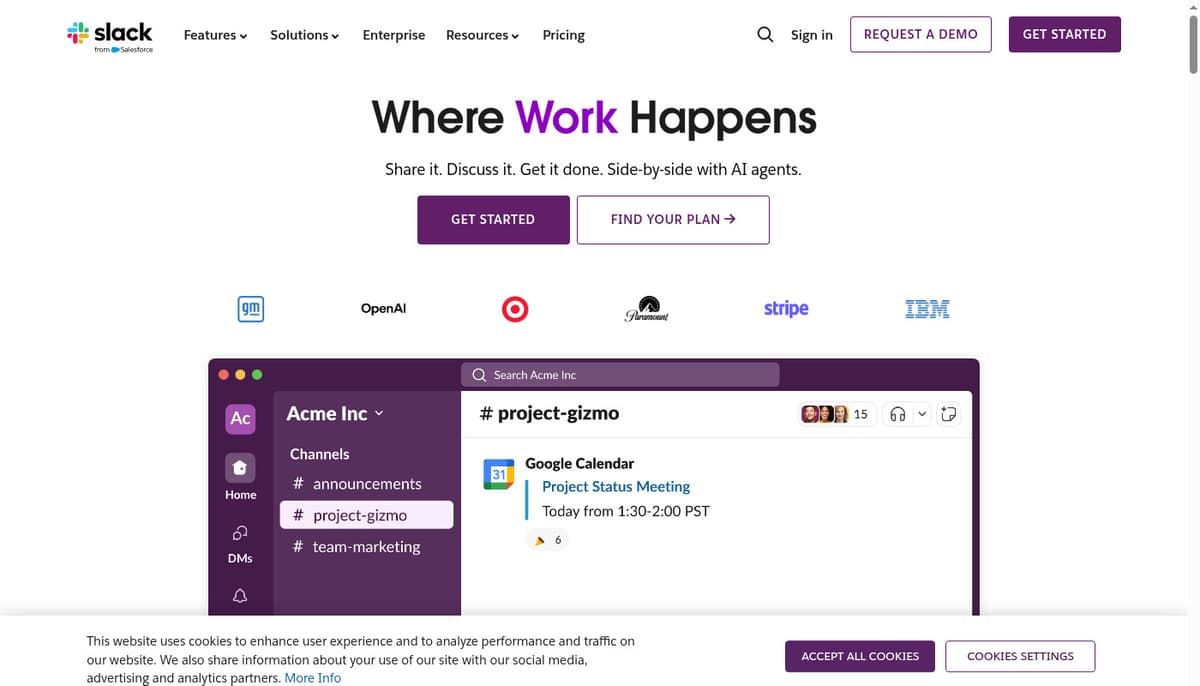
Slack keeps your BD team connected and organized.
Key features:
Why it's great for BD: Coordinate with your team, share prospect updates, and get quick answers without email chains. Slack integrates with your CRM to keep everyone in sync.
Pricing: Free plan, Pro $7.25/user/month, Business+ $12.50/user/month
Website: pipedrive.com
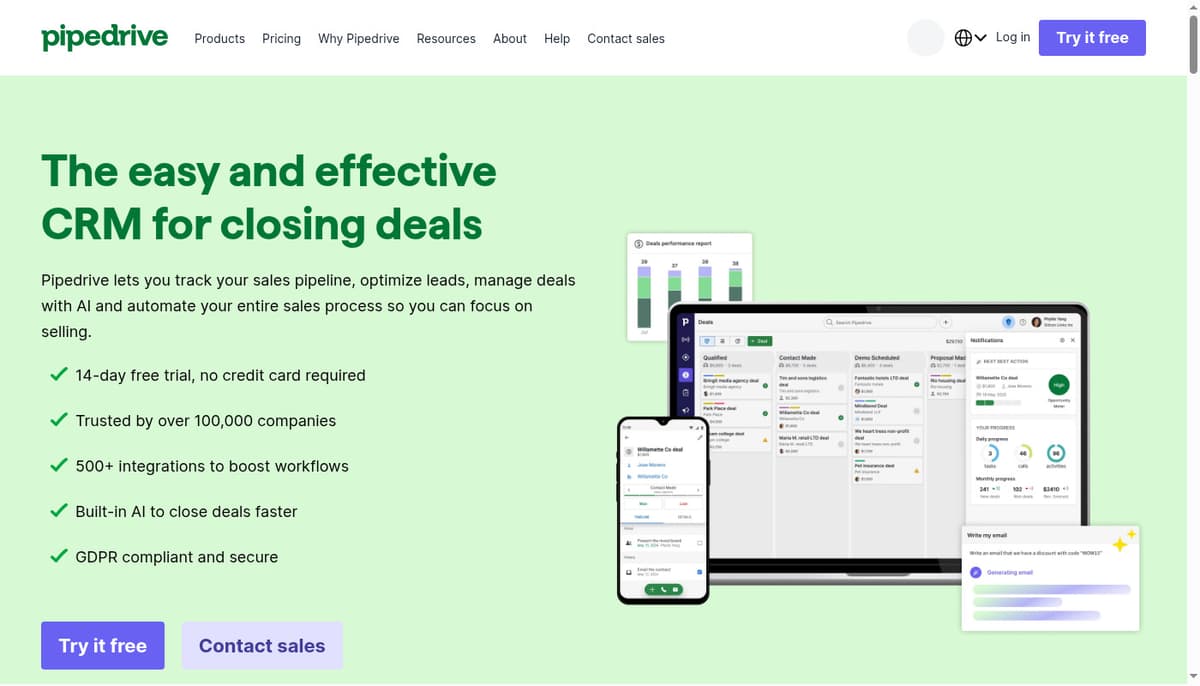
Pipedrive is designed for salespeople who think visually.
Key features:
Why it's great for BD: Pipedrive's visual interface makes it easy to see where deals are in your pipeline and what actions to take next. It's simpler than Salesforce but powerful enough for growing teams.
Pricing: Essential $14/user/month, Advanced $29/user/month, Professional $59/user/month
Website: clearbit.com
Clearbit automatically enriches your leads with company and contact data.
Key features:
Why it's great for BD: Stop manually researching prospects. Clearbit fills in company size, revenue, tech stack, and contact details automatically when someone fills out a form or enters your CRM.
Pricing: Custom pricing based on volume
Website: gong.io
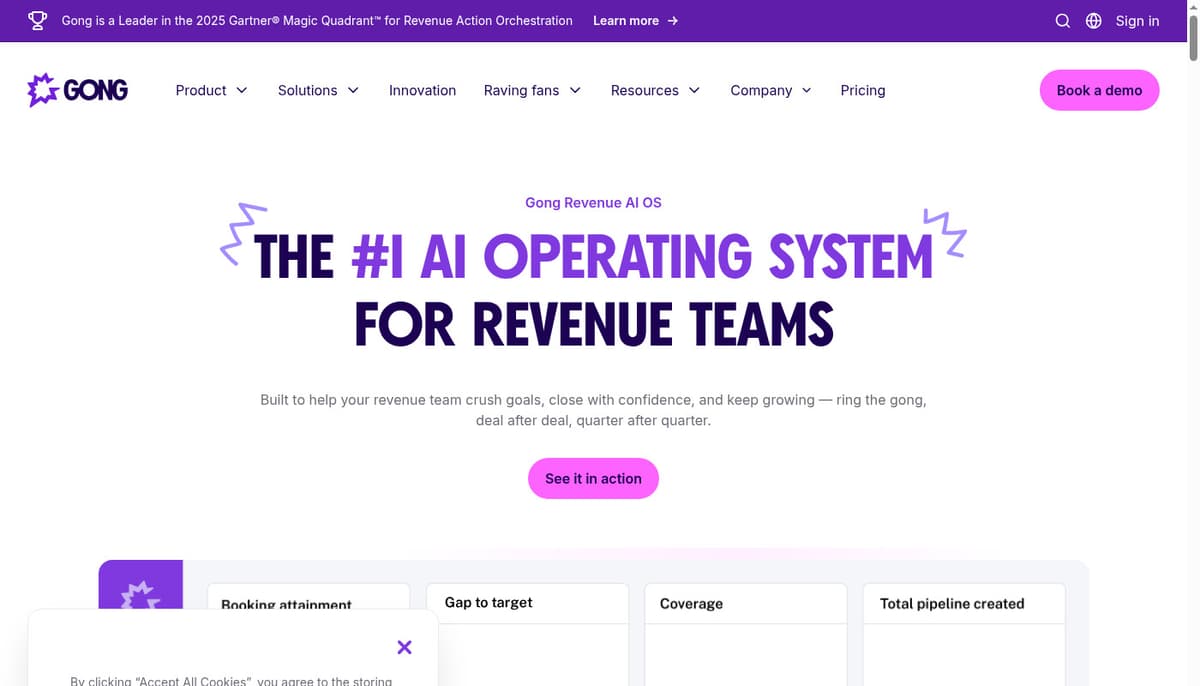
Gong records and analyzes your sales calls to surface insights.
Key features:
Why it's great for BD: Gong helps you understand what's working (and what's not) in your sales conversations. It surfaces patterns across successful deals and flags risks early.
Pricing: Custom pricing
Website: outreach.io
Outreach helps you automate and optimize your outbound sales process.
Key features:
Why it's great for BD: Outreach lets you run repeatable, data-driven outbound campaigns. Test different approaches, see what resonates, and scale what works.
Pricing: Custom pricing
Website: zoominfo.com
ZoomInfo provides detailed contact and company information for B2B prospecting.
Key features:
Why it's great for BD: ZoomInfo gives you accurate contact data and buying signals. The intent data shows which companies are actively researching solutions like yours.
Pricing: Custom pricing based on seats and features
Website: pandadoc.com
PandaDoc streamlines creating, sending, and signing business documents.
Key features:
Why it's great for BD: Create professional proposals quickly, track when prospects view them, and collect signatures — all in one platform.
Pricing: Essentials $35/month, Business $65/month, Enterprise custom pricing
Map out your current BD workflow:
Choose tools that fit your existing process, then optimize from there.
Your tools should talk to each other. Look for:
The more integrated your stack, the less manual work and data entry.
Solo or small team (1-5 people):
Growing team (5-20 people):
Enterprise (20+ people):
Essential metrics to monitor:
Choose tools that surface these metrics without manual reporting.
Start with 3-5 core tools:
Add more tools as specific needs arise.
Bad data kills productivity:
Use automation for:
This frees your team to focus on conversations and relationships.
Track performance at every stage:
Use these insights to optimize your process.
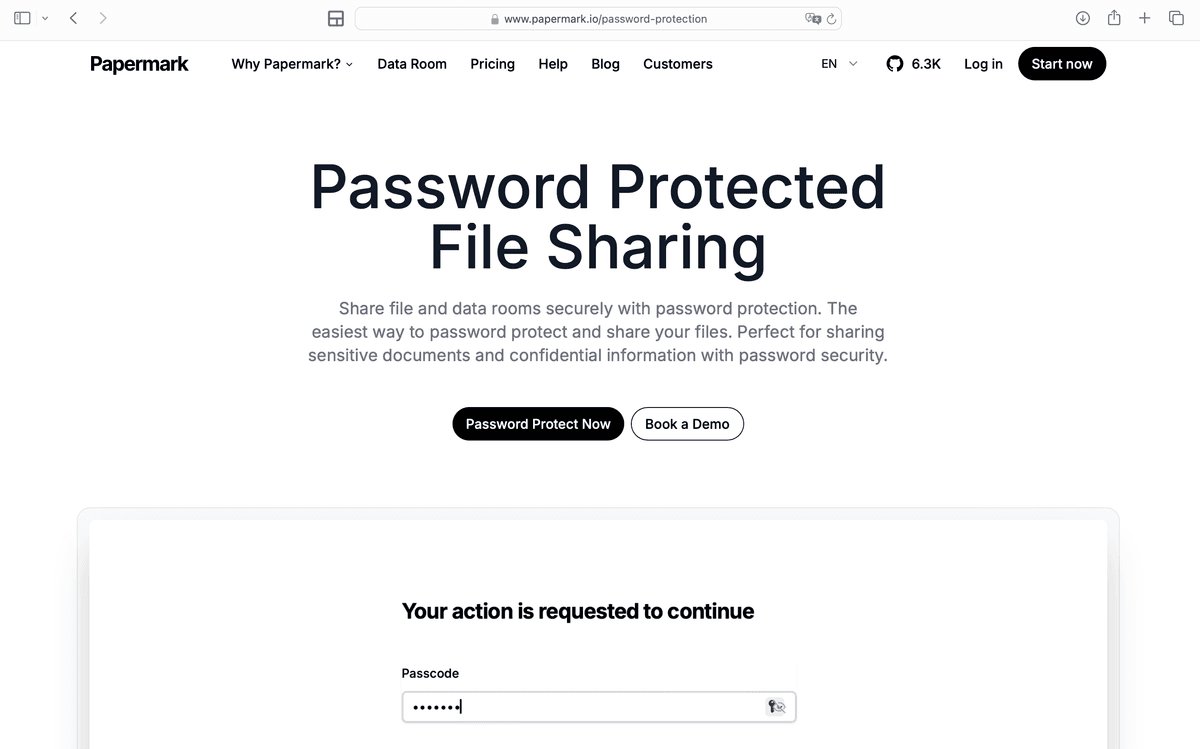
When sharing proposals and contracts:
Papermark provides all these features built-in.
The best tools are useless if your team doesn't use them:
Tool sprawl creates confusion and wastes money. Stick to what you actually use.
If you're sending proposals without knowing who viewed them or which sections they read, you're flying blind. Tools like Papermark give you this visibility.
Your team needs to update deals, respond to prospects, and access documents on mobile. Choose tools with solid mobile apps.
Disconnected tools mean manual data entry and missed context. Invest time in connecting your tools properly.
Buying tools without training your team is throwing money away. Allocate time for onboarding and ongoing learning.
The right business development tools accelerate your growth by helping you find better prospects, track relationships, share documents securely, and close deals faster.
Start with the fundamentals: a solid CRM, document sharing with analytics, meeting scheduling, and prospecting tools. As you grow, add specialized tools for sales intelligence, engagement automation, and revenue analytics.
For secure document sharing with detailed engagement analytics, Papermark gives BD teams the visibility they need to follow up strategically and close deals faster.
Explore the top 10 file sharing software in 2026. All sending files software listed has a free plan From open-source platforms to more generic tools.
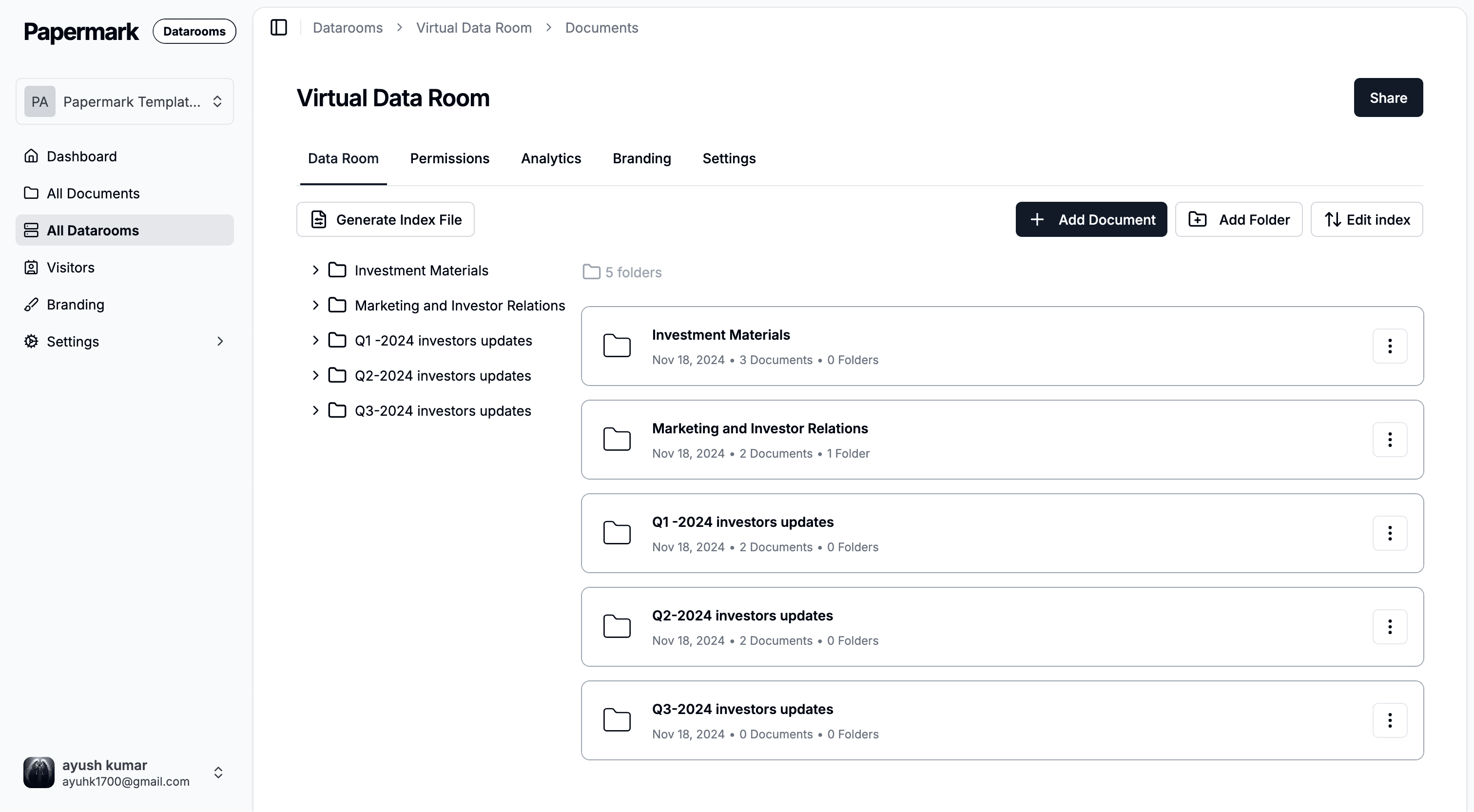
Encrypted file sharing in 2026 - how AES-256 + TLS 1.3 actually works, the 7 tools worth comparing, and when you should upgrade to a virtual data room instead.
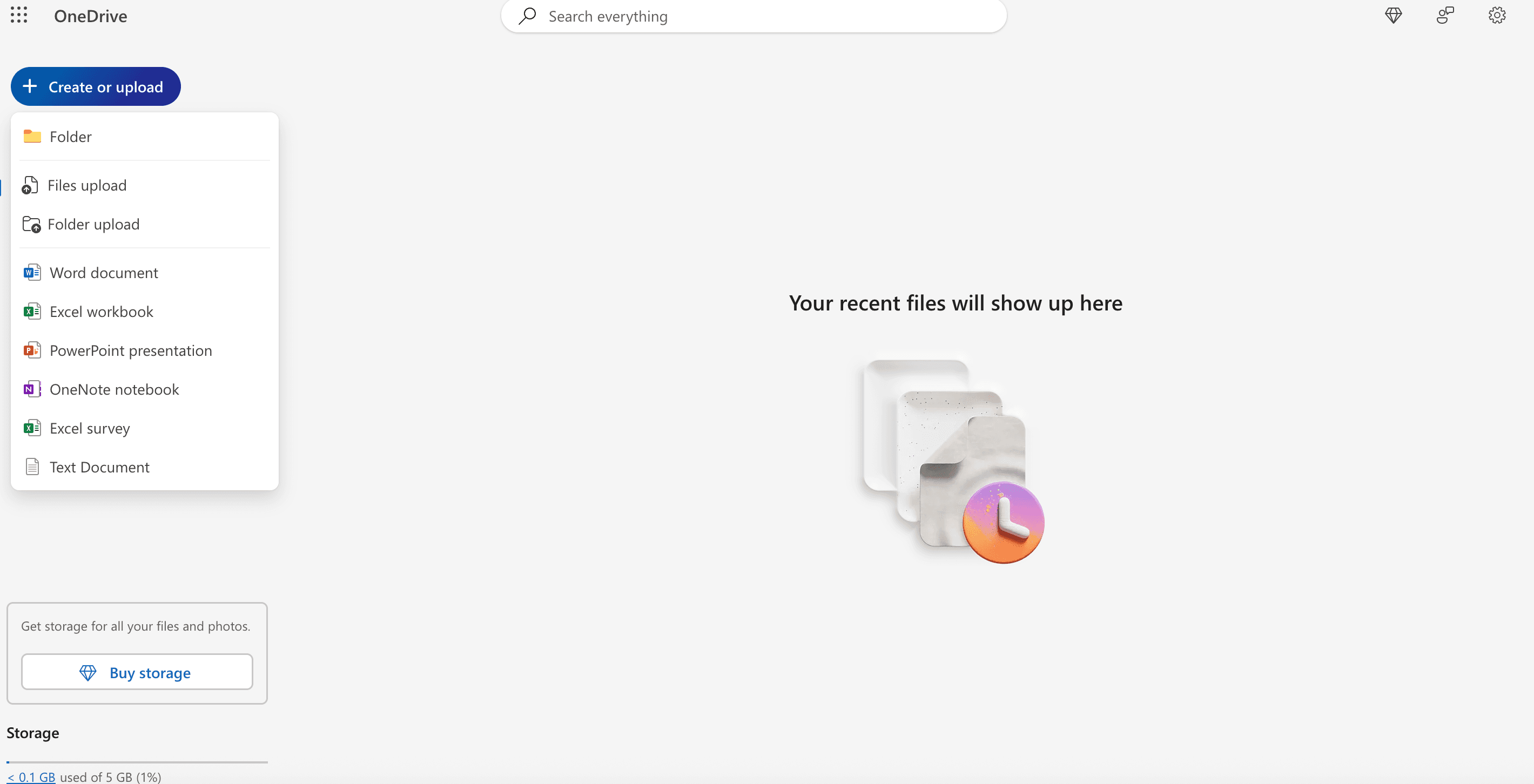
Discover OneDrive's analytics capabilities, understand the differences between free and business plans, and learn how Papermark provides enhanced document tracking and insights that OneDrive cannot offer.