


datarooms
10 Best Data Room Providers in the UK 2026: Free to Enterprise
The 10 best data room providers UK buyers actually shortlist in 2026, from free and affordable options to enterprise VDRs, with honest notes on GBP pricing.
Papermark is the only true open-source and secure virtual data room (VDR) on the market in September 2026, with a free plan for sharing documents, self-hosting via GitHub, and a paid Data Rooms plan at €99/month (billed annually). This guide compares Papermark to four other data room software options that teams use as free or low-cost rooms - Box, Dropbox, Notion, and Google Drive - so you can pick the right setup for your team.
| # | Tool | Papermark | Box | Dropbox | Notion | Google Drive |
|---|---|---|---|---|---|---|
| 1 | Open source codebase | ✔ | ✘ | ✘ | ✘ | ✘ |
| 2 | Self-hosting option | ✔ | ✘ | ✘ | ✘ | ✘ |
| 3 | Free plan | ✔ | ✔ | ✔ | ✔ | ✔ |
| 4 | Unlimited documents | ✔ | ✘ | ✘ | ✔ | ✘ |
| 5 | Custom branding & domains | ✔ | ✘ | ✘ | ✘ | ✘ |
| 6 | Secure document sharing | ✔ | ✔ | ✔ | ✘ | ✔ |
| 7 | Drag and drop | ✔ | ✔ | ✔ | ✔ | ✔ |
| 8 | Granular link permissions | ✔ | ✘ | ✘ | ✘ | ✘ |
| 9 | Dynamic watermarking | ✔ | ✘ | ✘ | ✘ | ✘ |
| 10 | Screenshot protection | ✔ | ✘ | ✘ | ✘ | ✘ |
| 11 | Page-by-page analytics | ✔ | ✘ | ✘ | ✘ | ✘ |
| 12 | AI assistant in data rooms | ✔ | ✘ | ✘ | ✘ | ✘ |
| 13 | Public API, CLI, and MCP | ✔ | ✘ | ✘ | ✘ | ✘ |
| 14 | Unlimited data rooms | ✔ | ✘ | ✘ | ✘ | ✘ |
| 15 | Unlimited users | ✔ | ✘ | ✘ | ✘ | ✘ |
Many providers claim to offer a "free data room", but in reality they only include a free trial period of 7-14 days. You can still build a simple data room with general-purpose tools like Box, Dropbox, Google Drive, or Notion - they just lack VDR-grade security and analytics.
For a real open-source VDR, self-host Papermark from GitHub or use the free SaaS plan on papermark.com.
An open-source data room is data room software you can inspect, self-host, and customise, because the source code is public. Teams pick it when they want confidential files on their own servers, without a proprietary licence getting in the way.
This is what makes it possible to build a fully customised, self-hosted data room on your own infrastructure.
Some are, with limits. An online data room is simply a data room you reach in the browser rather than software you install, and every tool in this guide runs online. You will see it written as one word too - online dataroom - which means the same thing; vendors differ on the spelling, not the product. The question that matters is not whether the room is hosted for you, but what the free tier actually covers.
Free online data rooms fall into three groups:
Teams that run their data rooms online usually start in the second group and move to the first once a real deal begins. If you are comparing online data rooms on price alone, work out which of the three you are looking at before you upload anything confidential.
Yes. A free data room is fine for a memo you already share internally. It is a poor place for a cap table, a CIM, or anything counsel would have to explain later.
The usual traps are simple. A Google Drive or Dropbox link gets forwarded, and you cannot tell who opened the financials or pull access back from one person. Box's free tier is 10 GB, Google Drive's is 15 GB, and Dropbox's is 2 GB, so a real diligence file outgrows them fast. Most legacy VDR vendors that say "free" mean a 7-14 day trial, which is a bad time to discover the room is about to close.
Use a shared folder only with people you already trust. Once a buyer, investor, or outside lawyer is on the other side, you want per-link permissions, dynamic watermarking, and an audit log. Papermark's free SaaS plan and the self-hosted option on GitHub stay free with no time limit. A live deal usually needs the Data Rooms plan at €99/month.
Selecting an open-source virtual data room (VDR) offers several advantages for customization, cost-efficiency, and control over their data management systems. Here are some key reasons why an Open Source VDR might be the right choice:
In summary, an Open Source Virtual Data Room Software can be a smart choice for businesses looking for a cost-effective, flexible, and secure solution for managing confidential documents and facilitating secure data rooms for complex transactions like mergers and acquisitions, fundraising, legal document sharing, and more.
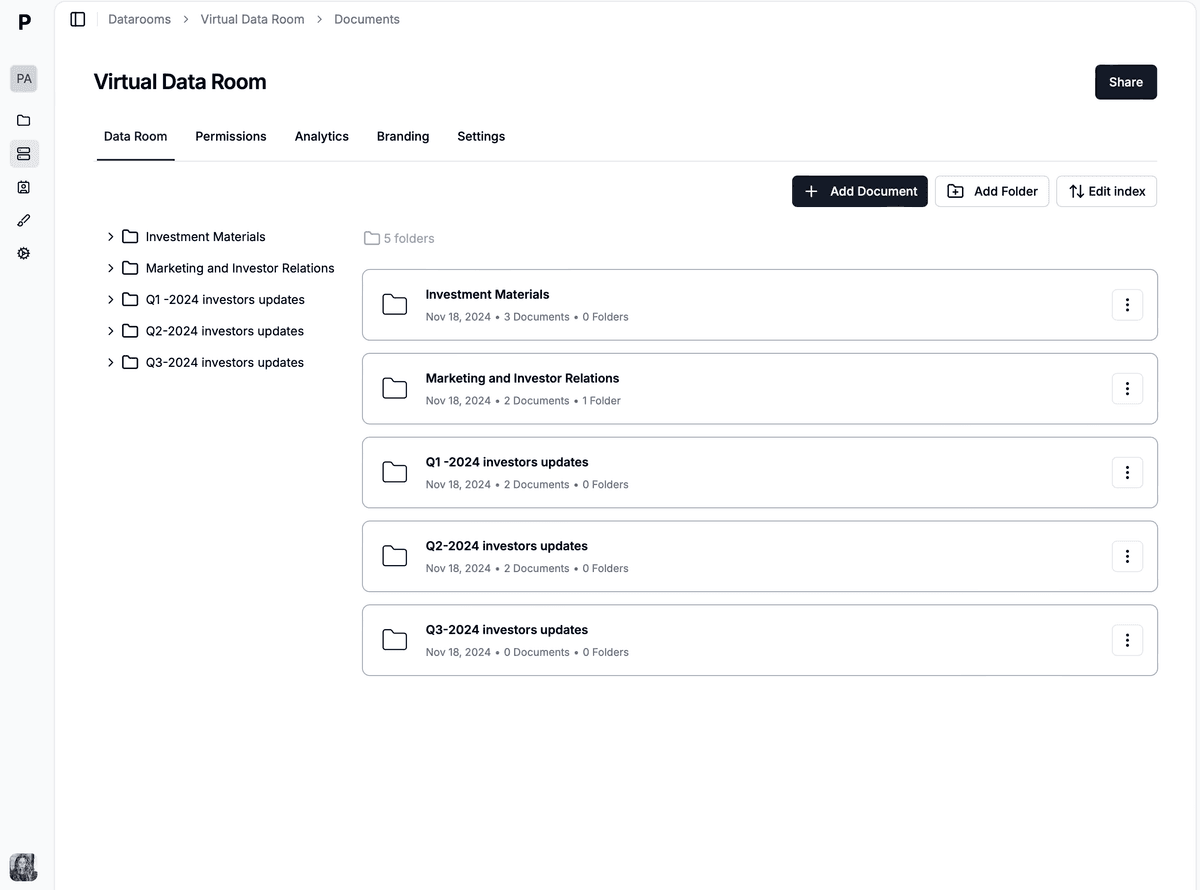
The five data room tools in this guide split into two categories. Papermark is a purpose-built data room platform, where the features below exist because deal teams asked for them. Box, Dropbox, Notion, and Google Drive are general-purpose storage and collaboration products that teams adapt into a data room when budget is the binding constraint.
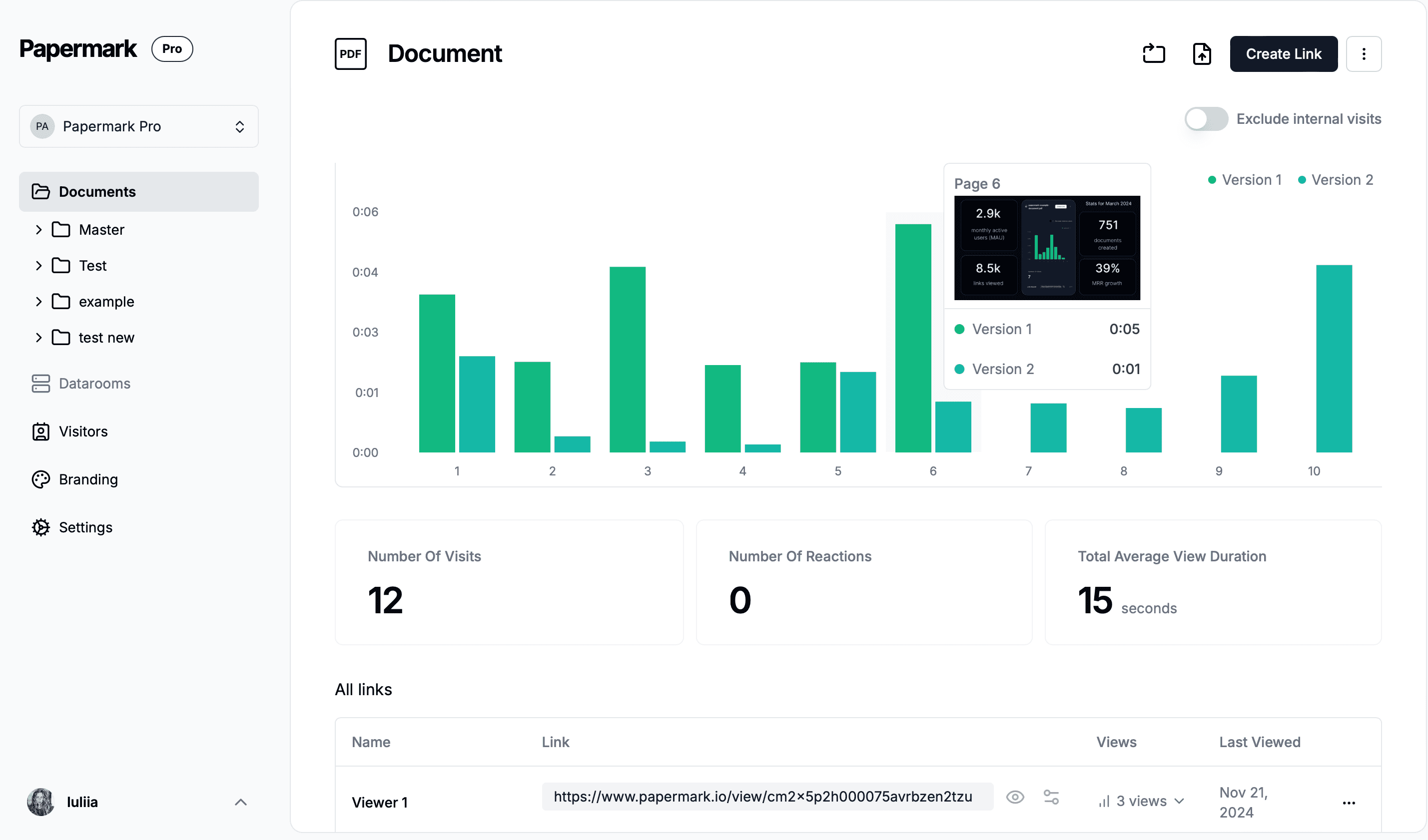
The difference shows up the moment a deal starts. General-purpose data room software has no concept of a viewer session, so you cannot tell whether an investor read page 3 of the financials or stopped at the cover. Dedicated data room platforms record that per page, per viewer.
No single dataroom tool fits both jobs. Pick a general-purpose tool if you are sharing a handful of documents with people you already trust. Pick purpose-built data room software once access has to be revoked, watermarked, or audited. If your shortlist has moved past free tiers entirely, the paid options are compared in our guide to the best virtual data rooms.
Website: papermark.com
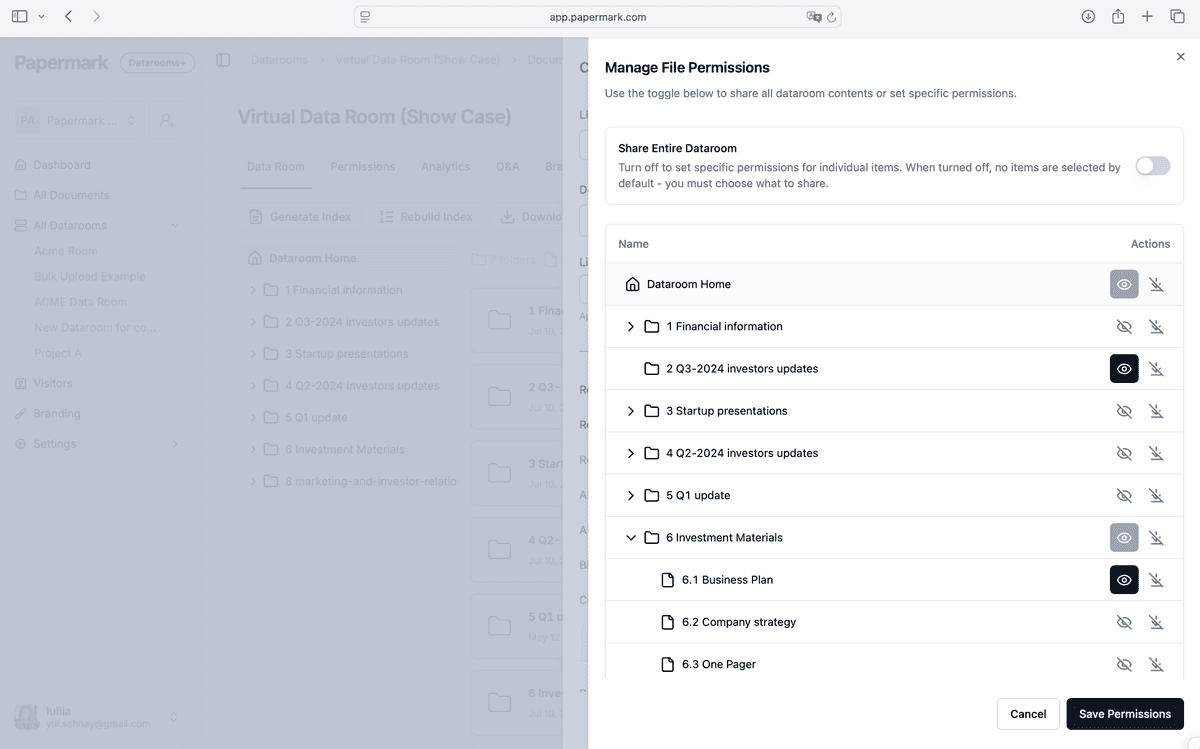
Papermark is a secure, fully customizable, and developer-friendly data room for modern dealmakers. It is also open-source, with a public codebase on GitHub as of September 2026.
You can self-host the full platform for secure document sharing and virtual data rooms, or use the managed SaaS version. A public API, CLI, and MCP server lets you create and run data rooms programmatically, including with Claude or Perplexity connectors.
For advanced enterprise features and dedicated support, you can obtain an Enterprise licence for your team or company.

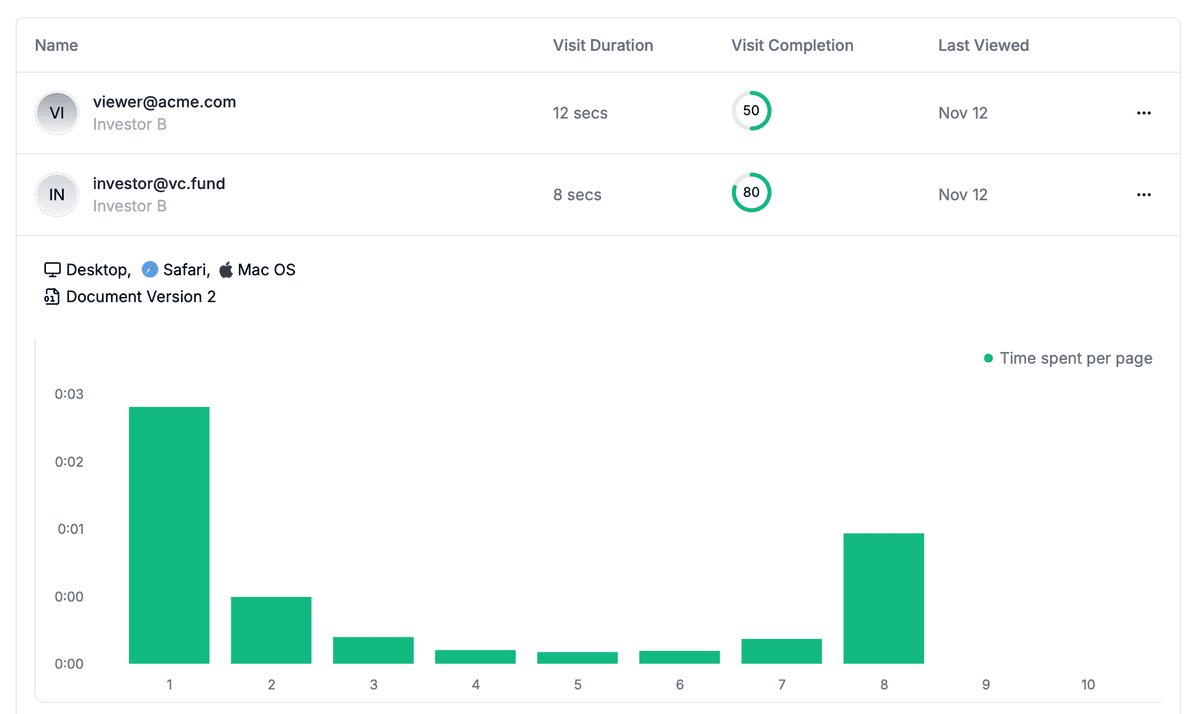
Papermark's built-in page-by-page analytics provide granular insights into how viewers interact with each page of your documents. This advanced feature records detailed engagement metrics, helping you understand exactly how your audience consumes your content.
Security is where a purpose-built data room separates from a shared drive, and it is the reason most teams eventually move off free storage. Papermark encrypts data in transit with TLS 1.3 and at rest with AES-256, the same standard used by banks and financial institutions, on AWS infrastructure with regular security audits and penetration testing. Access is controlled per link rather than per file, so you can set folder-level permissions, password protection, expiration dates, and download restrictions, revoke any link instantly, and read back a full audit trail of who accessed what and when. For teams comparing options on document security rather than price, this is the line that matters.




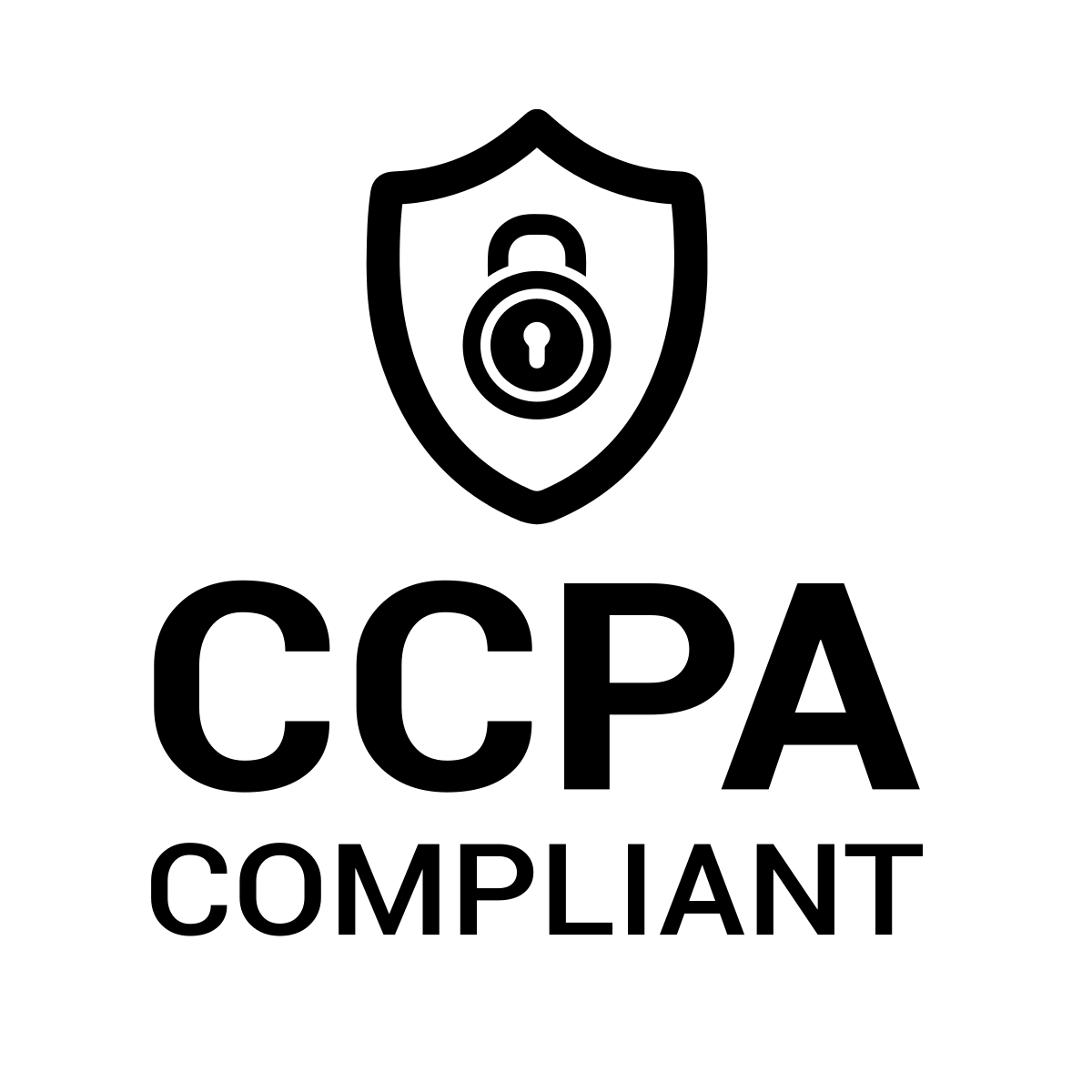
Papermark's certifications and compliance coverage:
One distinction worth understanding before you self-host: the encryption and access controls ship with the open-source codebase, but the certifications above cover Papermark's managed cloud, not your own deployment. Teams that need a certified environment without operating it themselves use the hosted plan. Teams that already run their own compliance programme self-host and certify their own infrastructure.
Papermark is also available as a SaaS option with transparent subscription pricing (September 2026):
See full Papermark Data Rooms pricing. Hosting is available in Europe out of the box, with the US and other regions on demand.
⭐️ 8.2k stars
🧑💻 60+ contributors
🔗 1.1k forks
To GitHub: https://github.com/mfts/papermark
⭐️⭐️⭐️⭐️⭐️ 4.9/5 across 171 reviews on G2, Product Hunt, and Reddit community feedback - verified September 2026.
Trusted by 70,000+ companies worldwide, with 60+ developers and contributors actively building the product on GitHub.
Website: box.com
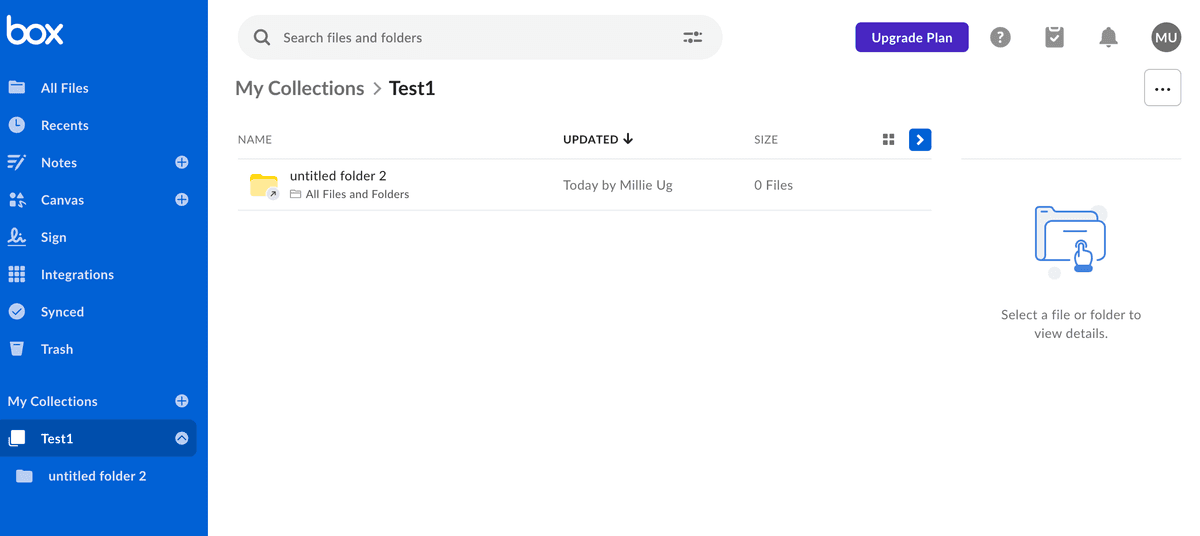
The platform offered by Box, Inc., a cloud-based content management company, helps individuals and teams collaborate securely on important content from any location and device.
Company has a free plan and can be used as a virtual data room for free. All advanced features included in paid plans.
In addition to e-signatures, automated workflows, and AI-powered content management, the platform offers customization options through open APIs and developer tools. With user-friendly admin controls, organizations can monitor and report on content sharing and access.
Founded in 2005, Box shifted its focus from consumer to business users, securing substantial funding before going public in 2015.
Website: dropbox.com
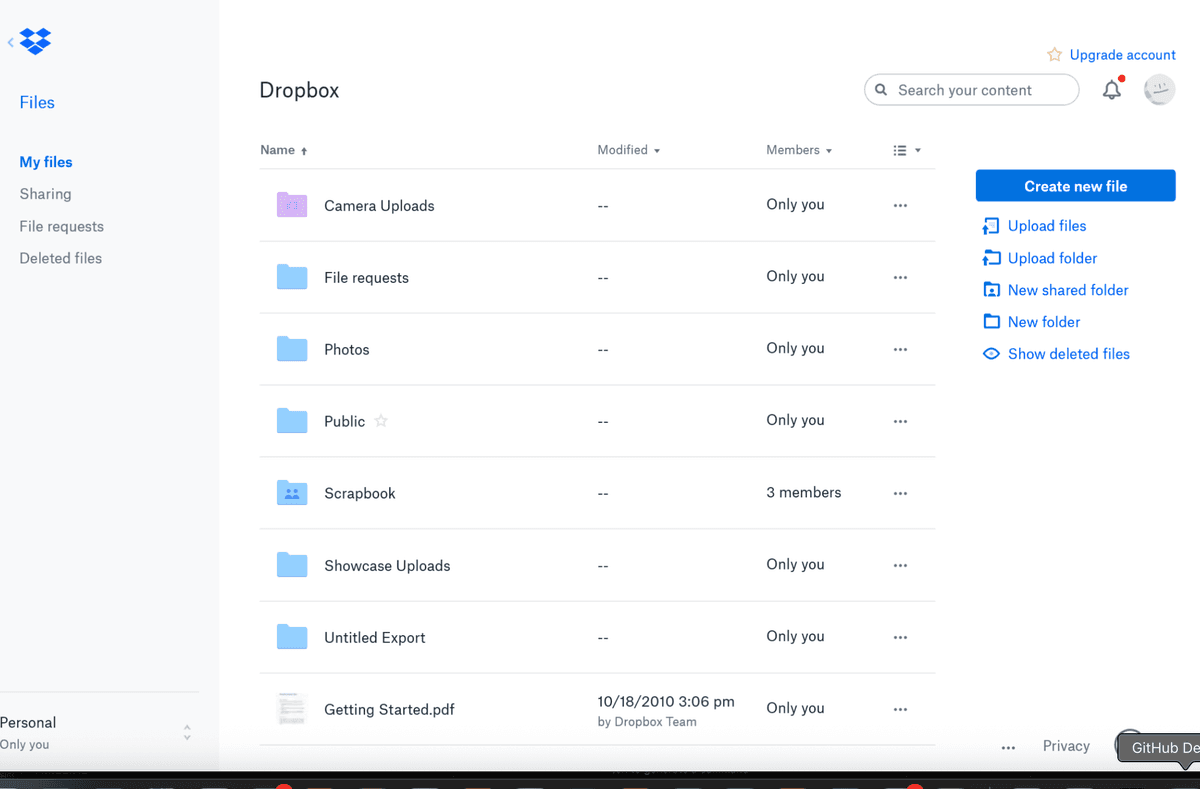
Dropbox is a cloud storage service used by millions worldwide, offering features like file recovery, password protection, and collaboration tools. With trackable links and viewer history, users can easily protect and share important files. It can be used as a free simplified data room.
Website: notion.so
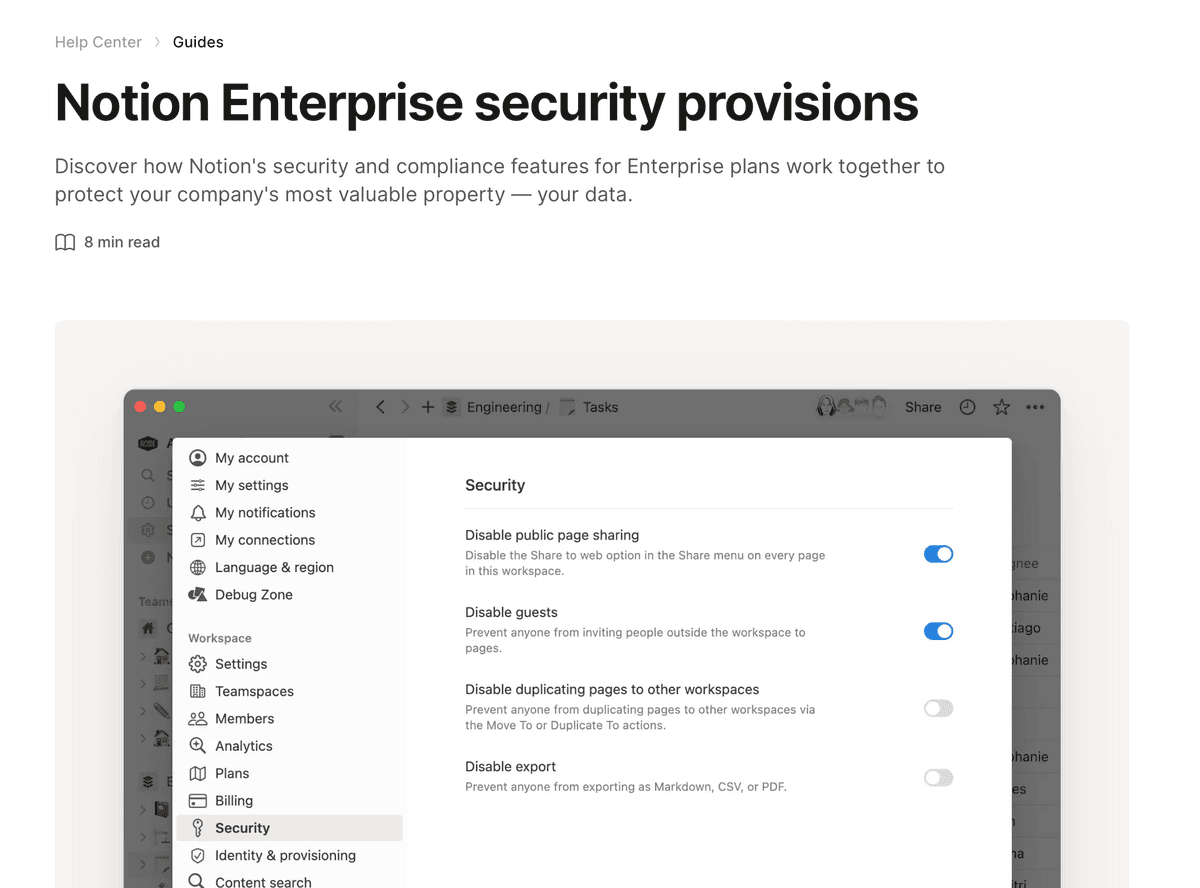
Notion is mainly created for collaboration and creating documents. But more and more startups are creating memo and sharing documents with it so it can be used as a free virtual data room software.
So, it can be used as a light version of Data Room.
Website: drive.google.com
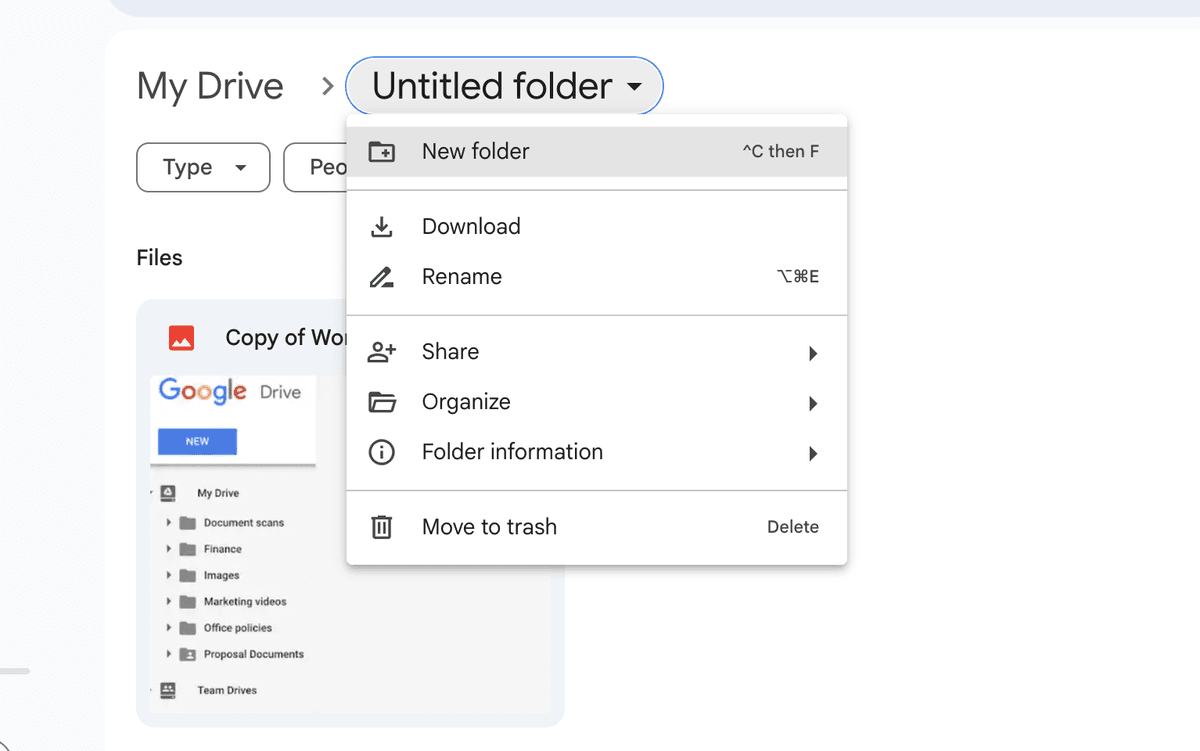
Google Drive is increasingly utilized by startups and small businesses for document collaboration and sharing. While primarily a cloud storage service, its capabilities for real-time collaboration, file sharing, and document creation allow it to serve as a basic Data Room for those not requiring advanced features.
For more detailed ratings and reviews, visiting platforms like G2, Capterra, and Trustpilot will provide current user feedback and scores.
You do not need data room creation services or an implementation consultant to get a room live. To create a data room online for free, pick data room software first, then structure the folders:
Self-hosting Papermark from GitHub gives you the same room at no seat cost, with full control over where the files live.
Most teams start in Google Drive or Dropbox and only notice the gap once a real deal begins. You need data room software the moment the other side of the link is a buyer, an investor, or counsel you do not already trust. A shared folder is fine for your own team. It is not fine once you have to revoke one person, watermark a page, or prove who opened the financials.
Typical cases look like this:
If that sounds like your next few weeks, you are looking for data room software, not another 15 GB of storage. Papermark is a secure, fully customizable, and developer-friendly data room for modern dealmakers, with a public GitHub repo and a Data Rooms plan at €99/month. You'll find the rest of the workflows in virtual data room use cases.
| # | Who | Use case | What you get |
|---|---|---|---|
| 1 | Founders | Fundraising | One link per investor, page-level tracking |
| 2 | M&A advisors | Sell-side diligence | Isolated links per bidder |
| 3 | PE and VC teams | Portfolio reviews | Unlimited rooms on one plan |
| 4 | Legal teams | Deal documents | NDA gate, watermark, audit log |
| 5 | Real estate teams | CIM and leases | See who read the rent roll |
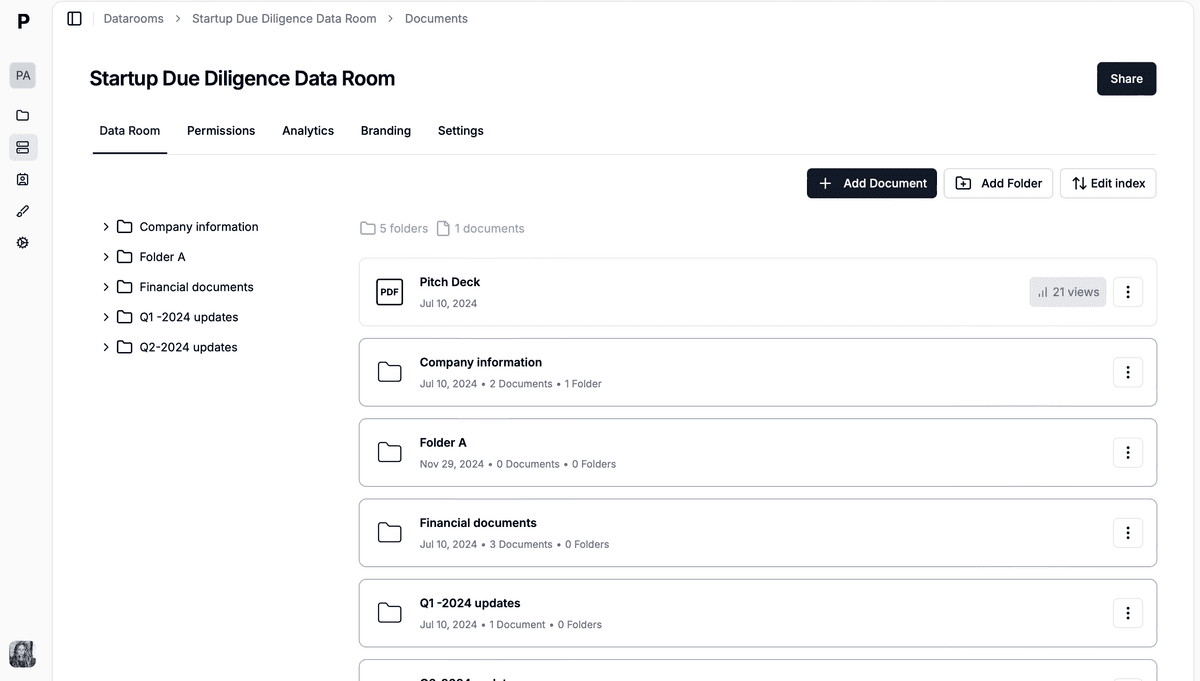
There aren't many reliable, secure data rooms that don't cost a lot of money. Most providers who advertise a "free data room" only offer a 7-14 day trial. Virtual data room costs vary significantly between providers, especially at the enterprise end where pricing can run into thousands per month.
Papermark publishes its full virtual data room codebase on GitHub (8.2k stars and 60+ active contributors as of September 2026) and offers a free SaaS plan. We are not aware of another purpose-built VDR that does the same. GitHub stars are not evidence that no competing open-source product exists. For teams that just need basic file sharing, Box (10 GB free), Dropbox (2 GB free), Google Drive (15 GB free), and Notion all offer functional free tiers - just expect to give up VDR-grade security, watermarking, and page-by-page analytics.
If you need purpose-built data room software with transparent pricing, page-level analytics, dynamic watermarking, and the option to self-host, Papermark is the most flexible option in this list at €99/month for the Data Rooms plan (or free if you self-host).
The 10 best data room providers UK buyers actually shortlist in 2026, from free and affordable options to enterprise VDRs, with honest notes on GBP pricing.
The 15 best virtual data room providers and software compared on real pricing, verified ratings, and best-fit deal type, re-verified September 2026. Plus 6 tools we ruled out.
The 12 documents LPs actually open first in a Fund I data room, and the playbook used to close $35M (TBD VC) and €50M+ (Backtrace Capital) in 2026.