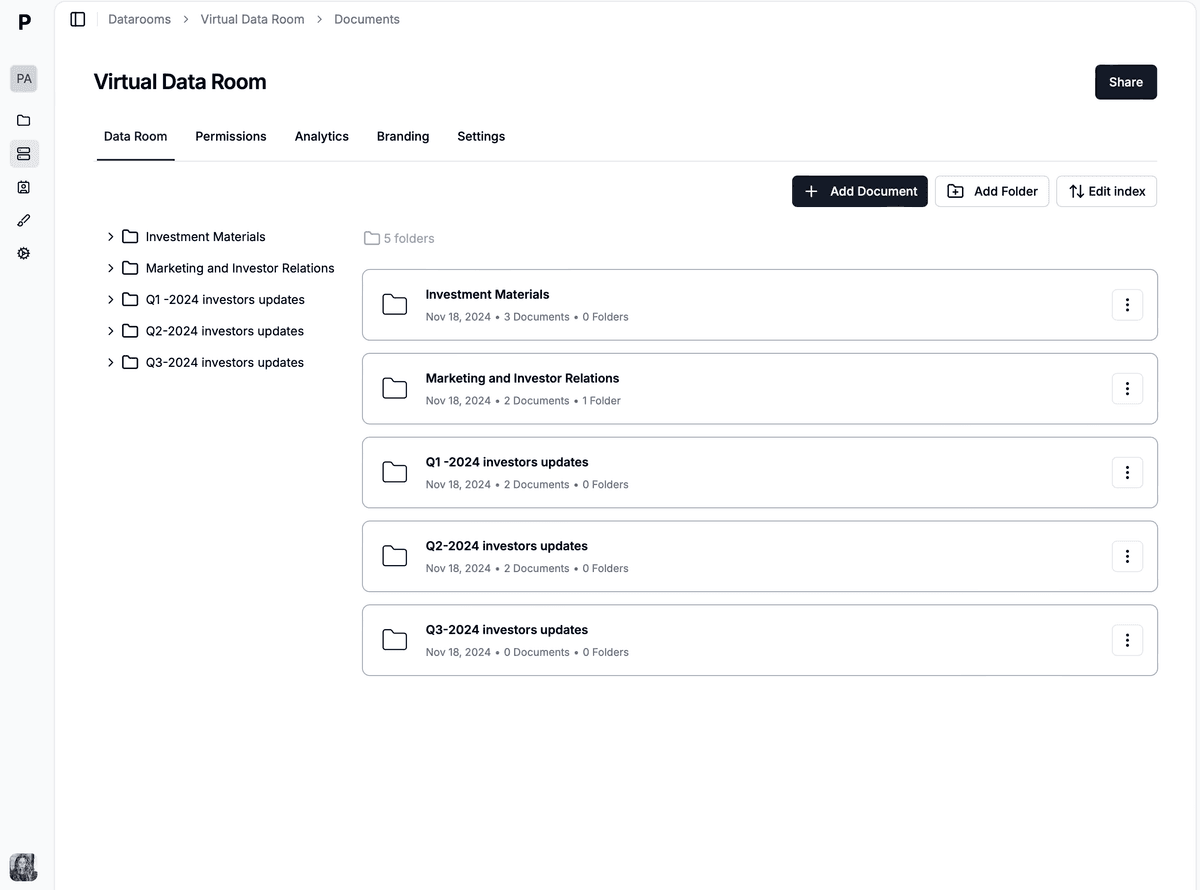
When sharing your pitch deck with potential investors or clients, understanding how viewers interact with your content can be incredibly valuable. Tracking activity not only informs you of the level of interest but also helps you tailor follow-up communications and refine your pitch. Papermark offers a sophisticated platform for sharing pitch decks securely while providing detailed analytics on viewer engagement. Follow this comprehensive guide to learn how to track activity on your pitch deck using Papermark.
Quick overview of steps:
Create account on Papermark
Upload your pitch deck
Configure document settings
Generate trackable link
Share your trackable link
Monitor viewer engagement
Analyze and act on data
Step 1. Create account on Papermark
Start by visiting Papermark and sign up for free. If you already have one, simply log in.
Step 2. Upload your pitch deck
Navigate to the upload section of your dashboard. Papermark accepts various file formats, ensuring your pitch deck maintains its original design and functionality.
Step 3. Configure document settings
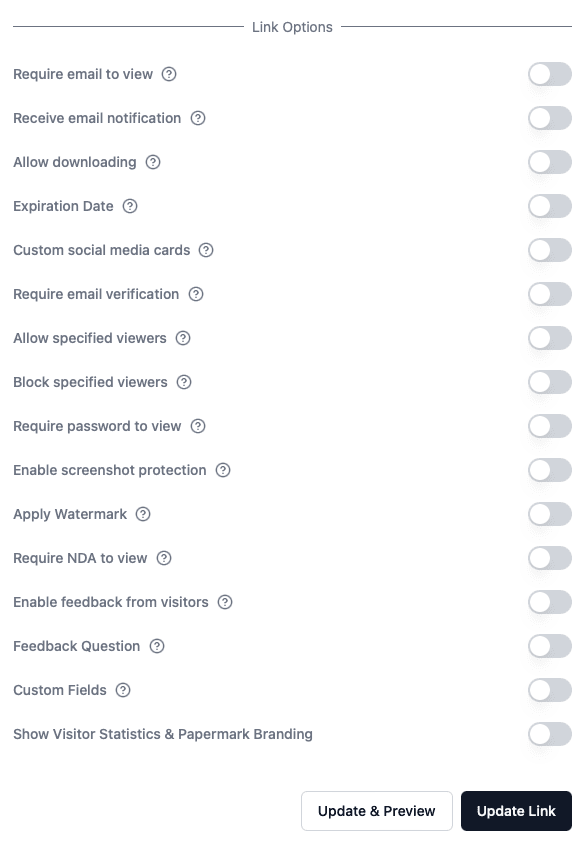
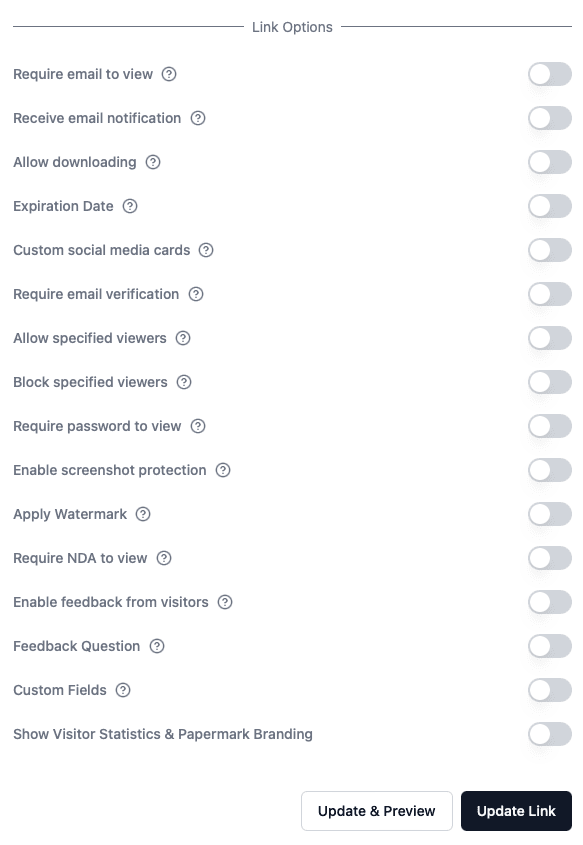
After uploading, set up the necessary parameters for your pitch deck. This includes deciding on access controls, such as who can view your pitch deck and if they are allowed to download it. You can also add password protection and set an expiration date for the link for enhanced security.
Key protection settings for your pitch deck
Papermark offers several security features to protect your pitch deck:
Email verification
Password protection
Expiration date
Download controls
Allowlist
Screenshot protection
Watermark
NDA requirement
These settings can be adjusted at any time through your Papermark dashboard to match your security needs.
Step 4. Generate trackable link
Once you've adjusted the settings to your preference, generate a unique, trackable link for your pitch deck. This link will be connected to Papermark's analytics, offering insights into how your document is viewed.
As your link is automatically generated, you can set up access controls.
Step 5. Share your trackable link with investors
Distribute your pitch deck by sharing the trackable link with potential investors or clients through your preferred communication channels. The link directs them to a secure landing page where they can view your pitch deck.
Step 6. Monitor viewer engagement
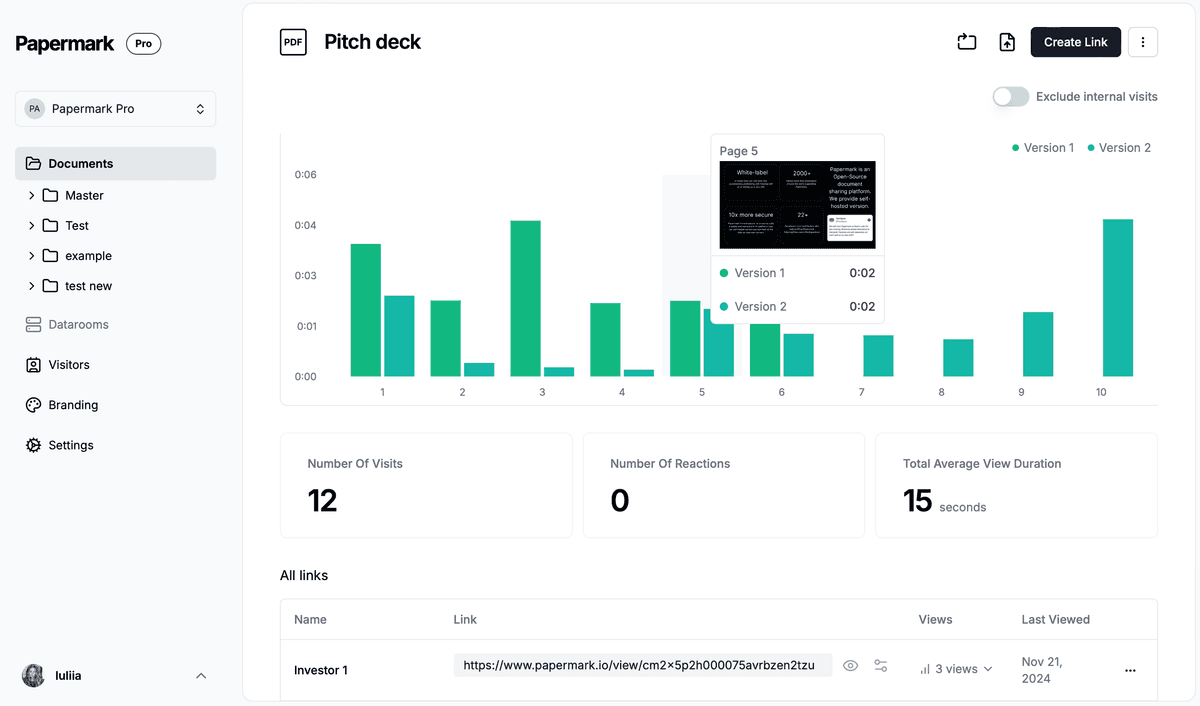
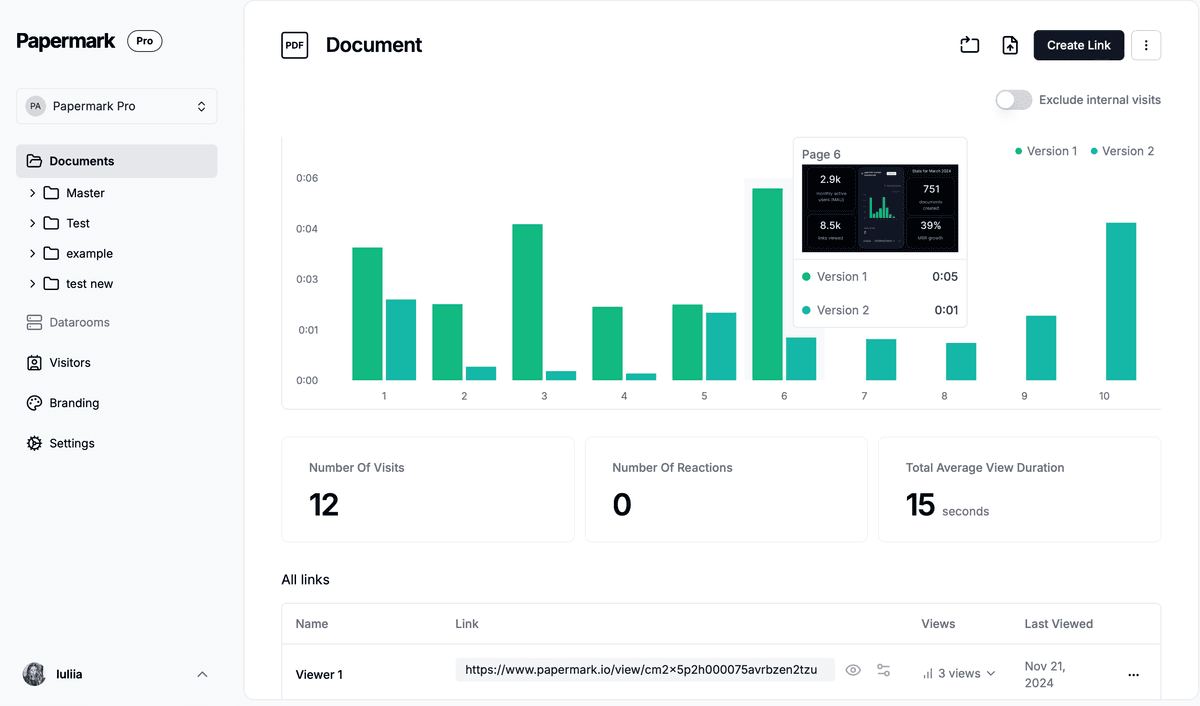
Use Papermark's analytics dashboard to monitor how viewers are interacting with your pitch deck. Key metrics include the number of views, the amount of time spent on each slide, viewer location, and more. These insights are crucial for understanding engagement levels and areas of interest or concern within your pitch.
Step 7. Analyze and act on data
Use the analytics provided by Papermark to refine your pitch deck and follow-up strategy. Tailor your communications with potential investors based on their engagement with specific sections of your pitch deck, and make data-driven decisions on how to improve your pitch for future presentations.
Benefits of using Papermark for tracking pitch deck activity
Comprehensive Analytics: Gain deep insights into how your pitch deck is being received, allowing you to identify the most engaging parts of your presentation or areas that may need improvement.
Professional Presentation: Ensure your pitch deck is presented in a professional and engaging manner, reinforcing your brand and message.
Effortless Updates: Easily update your pitch deck on Papermark, and all viewers will automatically see the most recent version through the same link, ensuring consistency in the information presented.
Conclusion
Tracking the activity on your pitch deck with Papermark provides invaluable insights into investor engagement and interest. By following these steps, you can effectively monitor how your pitch deck is being received, allowing you to make informed decisions on how to improve your presentation and follow-up efforts. With Papermark, you're not just sharing your pitch deck; you're also gaining a strategic tool that helps you understand investor intent and close rounds faster.