BlogDocument SharingTop 10 Document Tracking Software in November 2026 (FREE+PAID)
Top 10 Document Tracking Software in November 2026 (FREE+PAID)
·13 min read
Marc Seitz
Feature
Papermark
DocSend
PandaDoc
GetAccept
Attach.io
DocuSign
Box
Proposify
Brieflink
DocHub
Page-by-page analytics
Limited
Limited
Limited
Time spent tracking
Unlimited viewers
Unique Feature
Open Source & Self-hosting
Dropbox Integration
E-signature & Templates
Video Messaging Integration
Simple Marketing Analytics
Advanced E-signature
Enterprise Security
Interactive Pricing Tables
Pitch Deck Specialized
Advanced PDF Editing
Pricing
From $0
From $15/u/m
From $35/u/m
From $35/u/m
From $15/u/m
From $0
From $0
From $29/u/m
From $0
From $0
In today's digital business landscape, understanding how prospects and clients engage with your documents is crucial. Document tracking software provides valuable insights into viewer behavior, helping teams optimize their content and close deals more effectively. This guide compares the top 10 document tracking solutions in November 2026, with up-to-date pricing, features, and analytics capabilities for both free and paid plans, and adds a section on tracking buyers who read M&A and deal documents.
Quick Recap of Top Document Tracking Tools
Papermark (from $0, data rooms from $99/month): Secure, modern document sharing and data room platform with page-by-page analytics. Best for sales, fundraising and M&A deal documents
DocSend (Paid, from $15/user/month): Dropbox's document analytics and sharing platform. Best for investor decks
PandaDoc (Paid, from $35/user/month): Document tracking with e-signature and template capabilities. Best for sales proposals
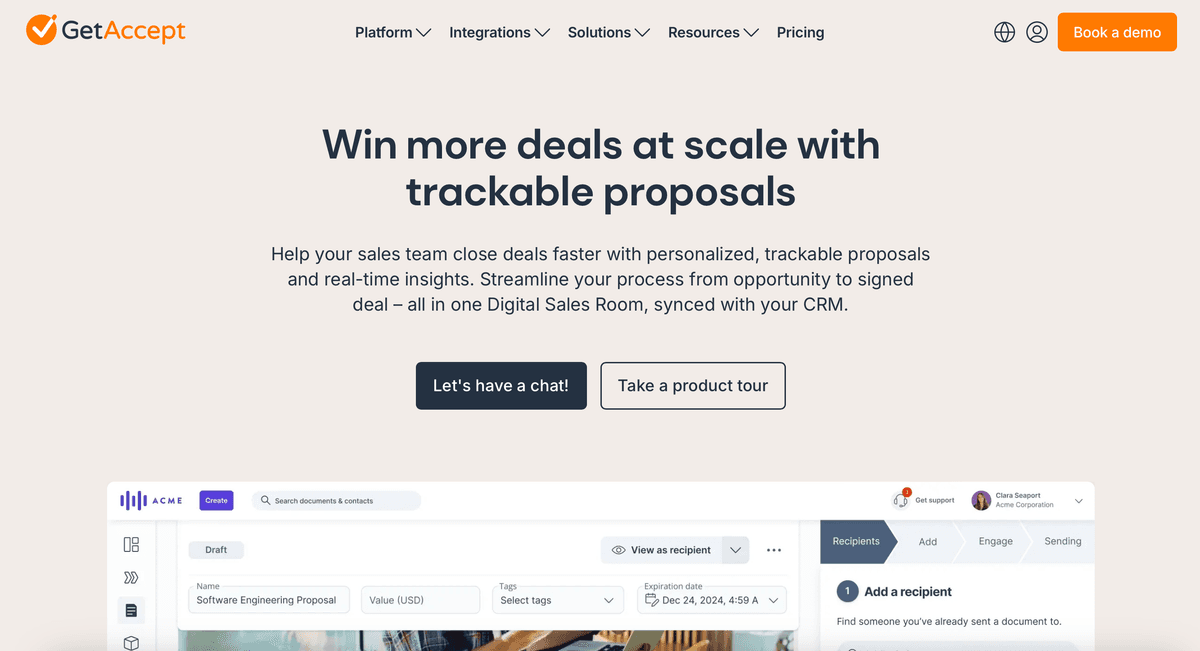
GetAccept (Paid, from $35/user/month): Sales-focused document tracking with CRM integrations. Best for sales teams
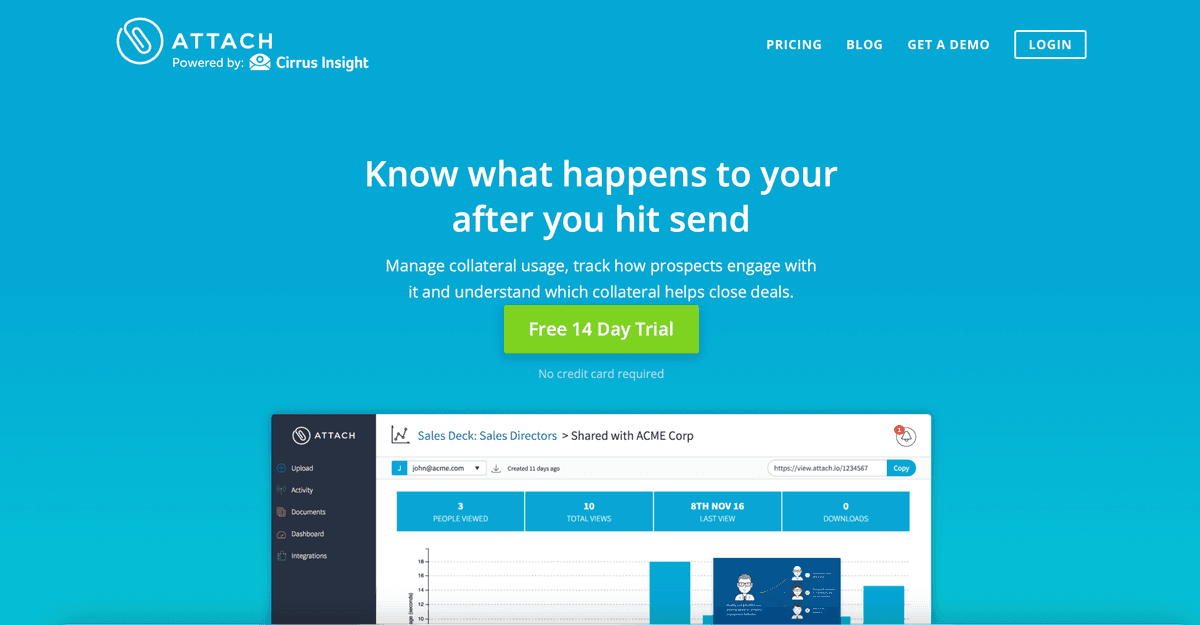
Attach.io (Paid, from $15/user/month): File sharing with engagement metrics. Best for marketing content
DocuSign (Free plan available, from $0): E-signature platform with document status tracking. Best for signing workflows
Box (Free plan available, from $0): Enterprise file sharing with security controls and access stats. Best for internal content management
Proposify (Paid, from $29/user/month): Proposal-focused platform with analytics. Best for proposals
Brieflink (Free plan available, from $0): Pitch deck sharing and tracking for startups. Best for founders sharing one deck
DocHub (Free plan available, from $0): PDF-focused document management with tracking. Best for PDF editing
What is Document Tracking Software?
Document tracking software enables users to monitor how recipients interact with shared documents. Key features include:
Page-by-page view tracking
Time spent analysis
Viewer identification
Real-time notifications
Access controls and link expiration
Download tracking
Engagement analytics
Viewer location data
These tools help teams understand document performance, optimize content, and make data-driven decisions in sales and business processes.
What metrics to track
Document tracking metrics fall into four groups: access, engagement, behaviour and outcomes. Access tells you who opened a document, engagement tells you how closely they read it, behaviour shows what they did next, and outcomes connect all of it to a result such as a meeting, an offer or a signature.
Most teams over-index on opens. An open only proves a link was clicked. The more useful numbers are time per page and return visits, because they separate someone skimming from someone working through the document.
Access: unique visitors, verified identity, first-open time, device and location
Engagement: total time, time per page, completion rate (share of pages viewed)
Behaviour: return visits, new viewers from the same company, downloads, forwarding to new verified viewers
Outcomes: replies, meetings booked, questions asked, offers or signatures
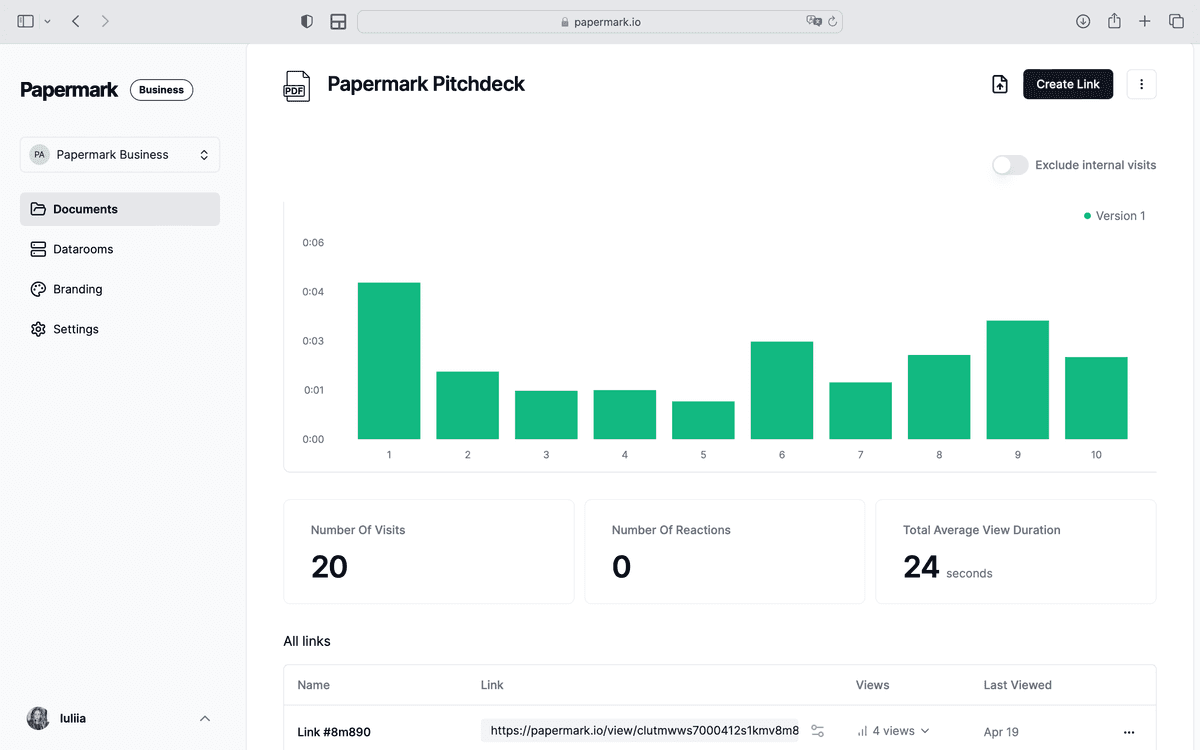
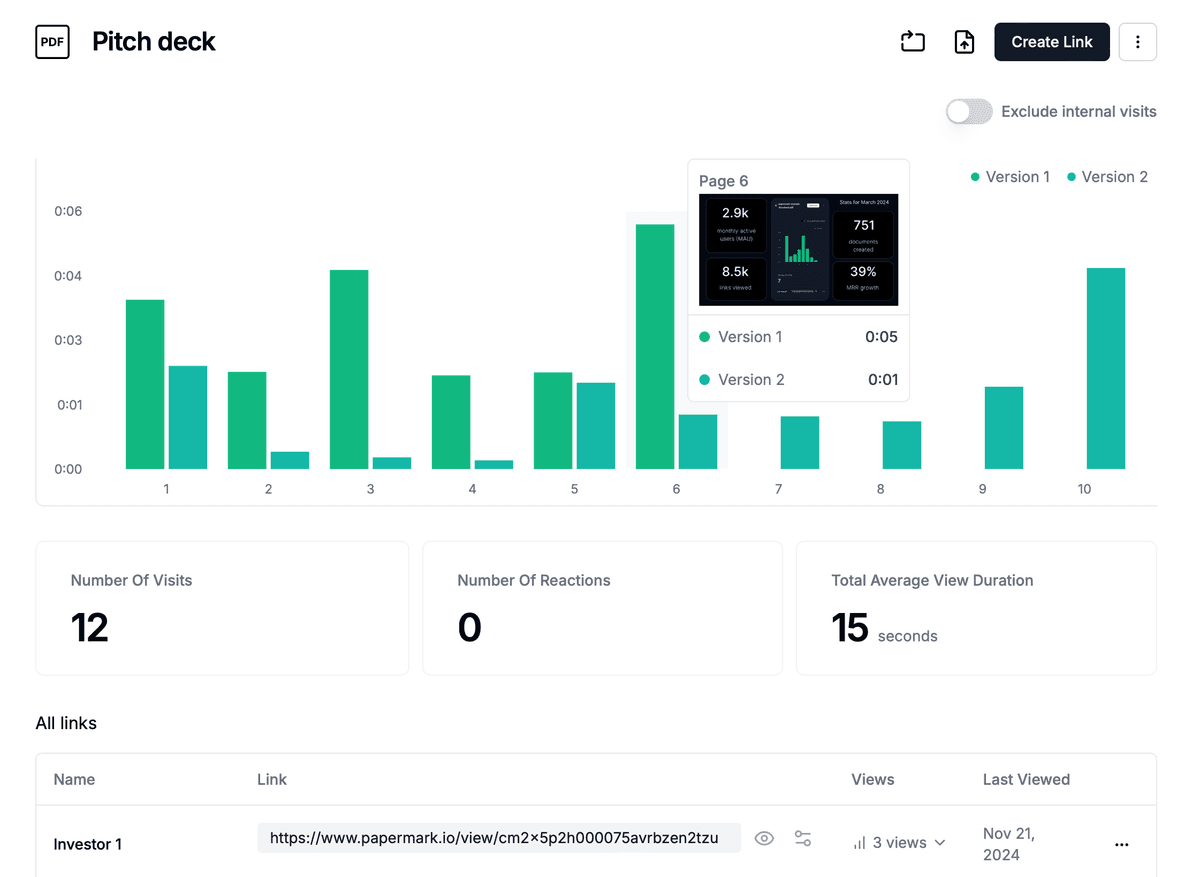
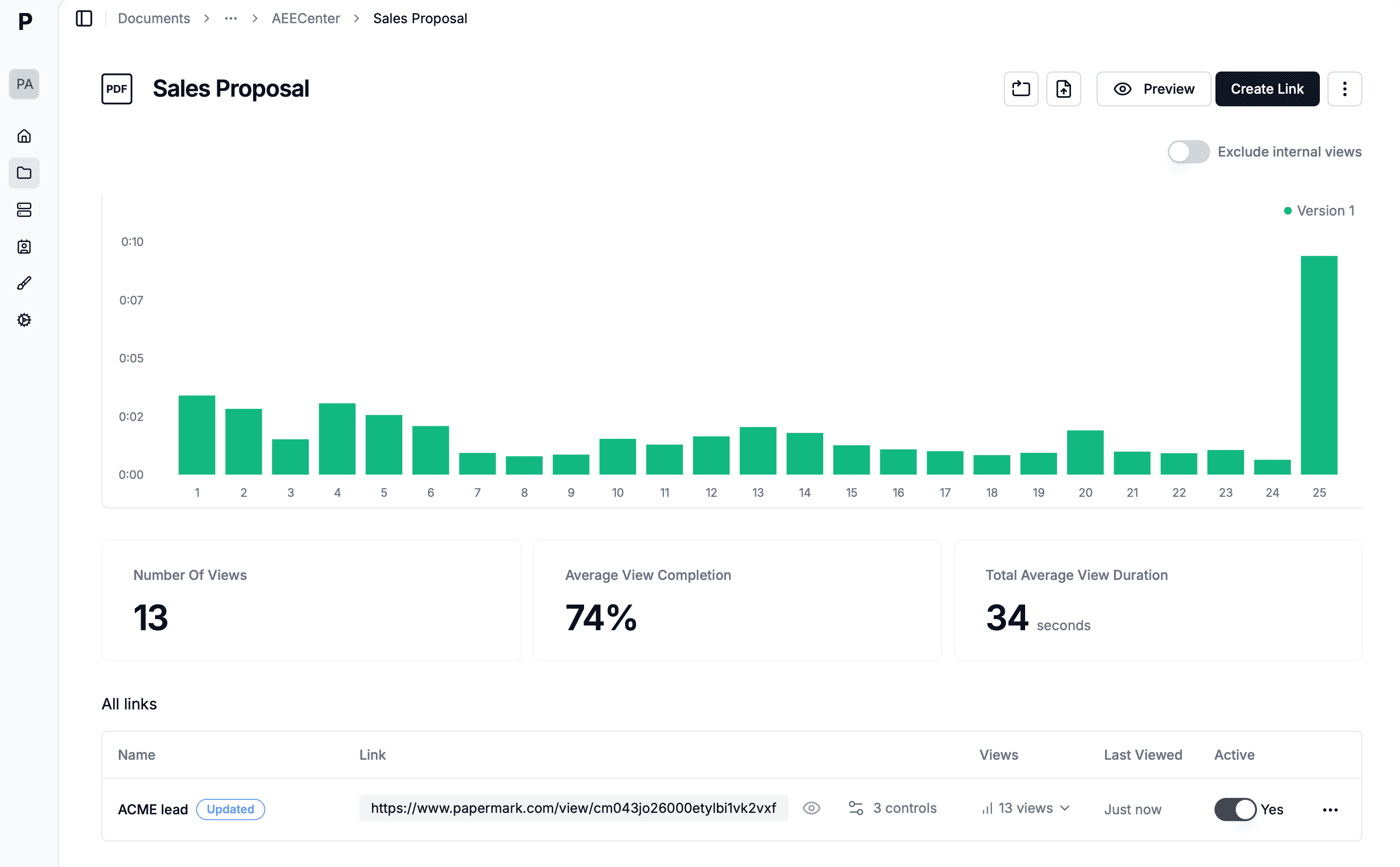
Papermark's page-by-page analytics cover access, engagement and behaviour for each verified visitor, with a CSV export and webhooks to connect outcomes in your CRM. Time tracking pauses after about 5 minutes of inactivity, so idle tabs don't inflate the numbers.
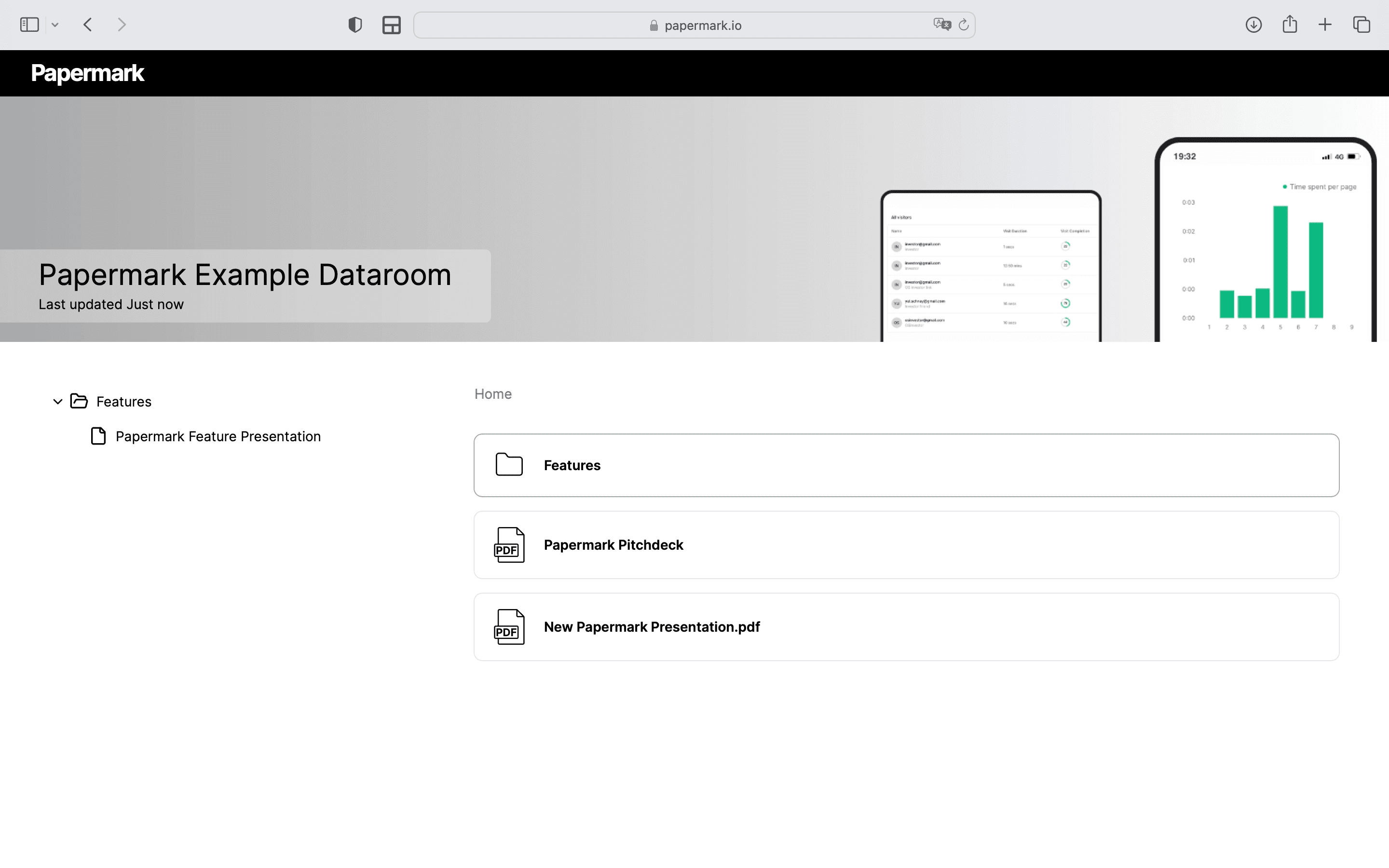
Papermark is a secure, modern document sharing and data room platform with page-by-page analytics, built for sales teams, founders and dealmakers who need to know exactly who read what. It is also open source, with self-hosting available.
Papermark Key Features
Page-by-page Analytics: Track viewing time and engagement for each page
Real-time Notifications: Instant alerts when documents are viewed
Viewer Insights: Detailed information about who views your documents
Custom Branding: White-label options for a professional appearance
Self-hosting: Complete control over your data and infrastructure
Access Controls: Link expiration and email verification options
Version Management: Track different document versions
API Access: Integrate tracking into your existing workflows
Papermark Pricing
Free Plan: $0 - Page-by-page tracking for individual users
Pro and Business: Paid team plans with custom branding, more analytics and API access (see pricing)
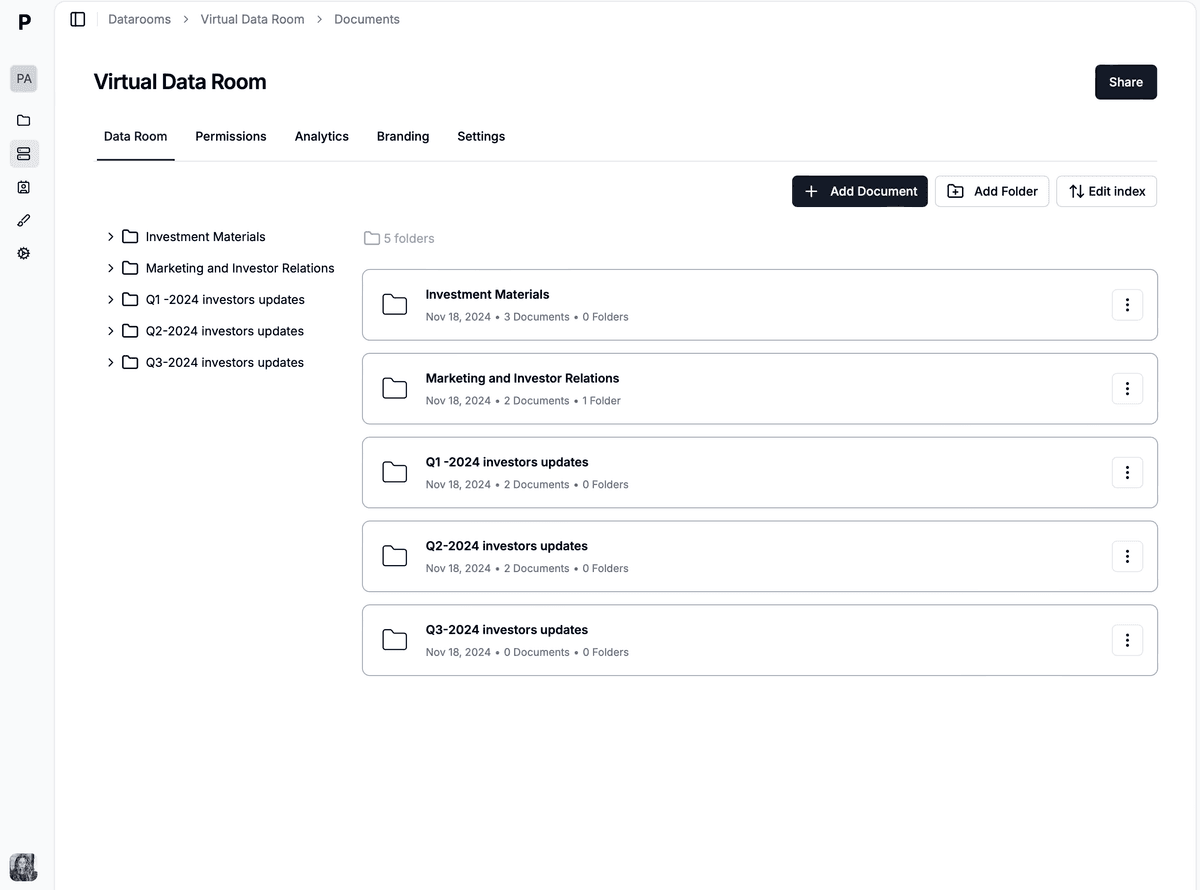
Data Rooms: $99/month - Data rooms with detailed per-visitor analytics, dynamic watermarking, NDA agreements and granular permissions
Enterprise: Custom pricing - Self-hosting and dedicated support
Papermark User Reviews
⭐️⭐️⭐️⭐️⭐️ 5/5 on G2
"Perfect alternative to DocSend with better pricing"
"Great analytics and easy to use interface"
"Full branding with custom domain is amazing"
Highly rated and supported by over 5000 customers and users for its user-friendly interface, robust features, and exceptional customer support.
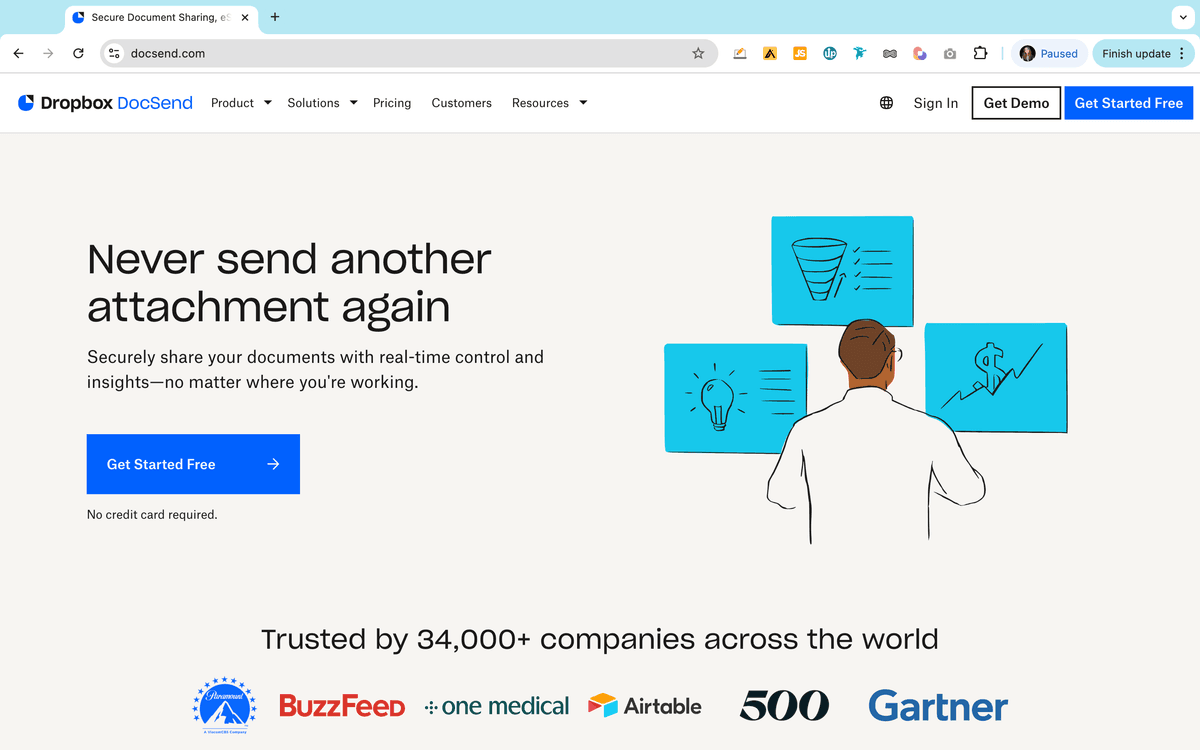
DocSend, owned by Dropbox, is a professional document analytics platform that helps teams track and secure their most important documents. It's particularly popular among investment firms and sales teams.
Brieflink helps startup founders create and share their fundraising pitch decks securely. It provides tools to track and manage how their presentations are viewed by potential investors. This software is provided by NFX as a part of support for fundraising for founders.
Brieflink Features
Privacy and Security: Allows sharing the pitch deck private sharing of fundraising decks.
Founders can track investor activity on their deck.
Users can upload a deck and generate a link to share.
Provides insights like view counts.
Access to fundraising tips and strategies from top venture capitalists.
Papermark team listens to their users and build what they need. Thanks for solving a big pain point. Docsend monopoly will end soon!
PandaDoc combines document tracking with e-signature capabilities, making it ideal for sales teams who need to monitor proposal engagement and close deals.
PandaDoc Features
Document Analytics: Track opens, views, and time spent
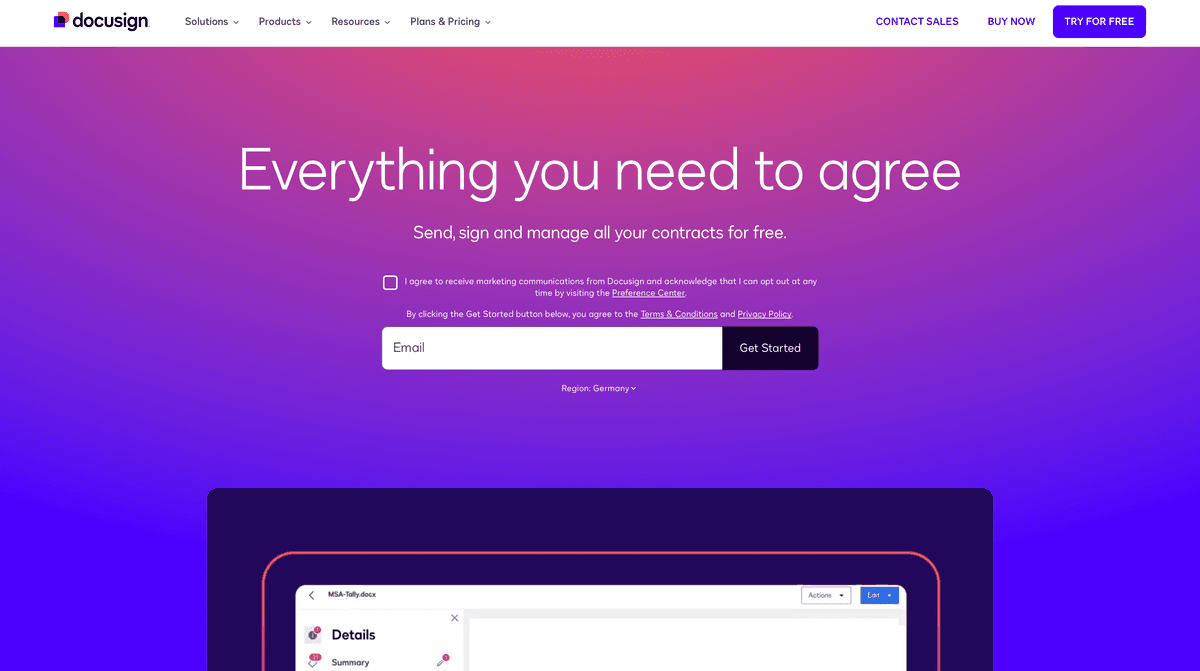
While primarily known for e-signatures, DocuSign offers document tracking capabilities that help businesses monitor document status and engagement throughout the signing process. The platform combines secure document sharing with basic analytics, making it suitable for organizations that prioritize the signing process while needing tracking capabilities.
DocuSign Features
Basic Analytics: Track document status and views
E-signature Tracking: Monitor signature progress in real-time
Audit Trails: Detailed document history and compliance tracking
Mobile Tracking: Track documents on any device with native apps
Enterprise Security: SOC 2 certified with bank-level encryption
Integration Options: Works with 350+ applications including Salesforce
Template Library: Reusable document templates for faster processing
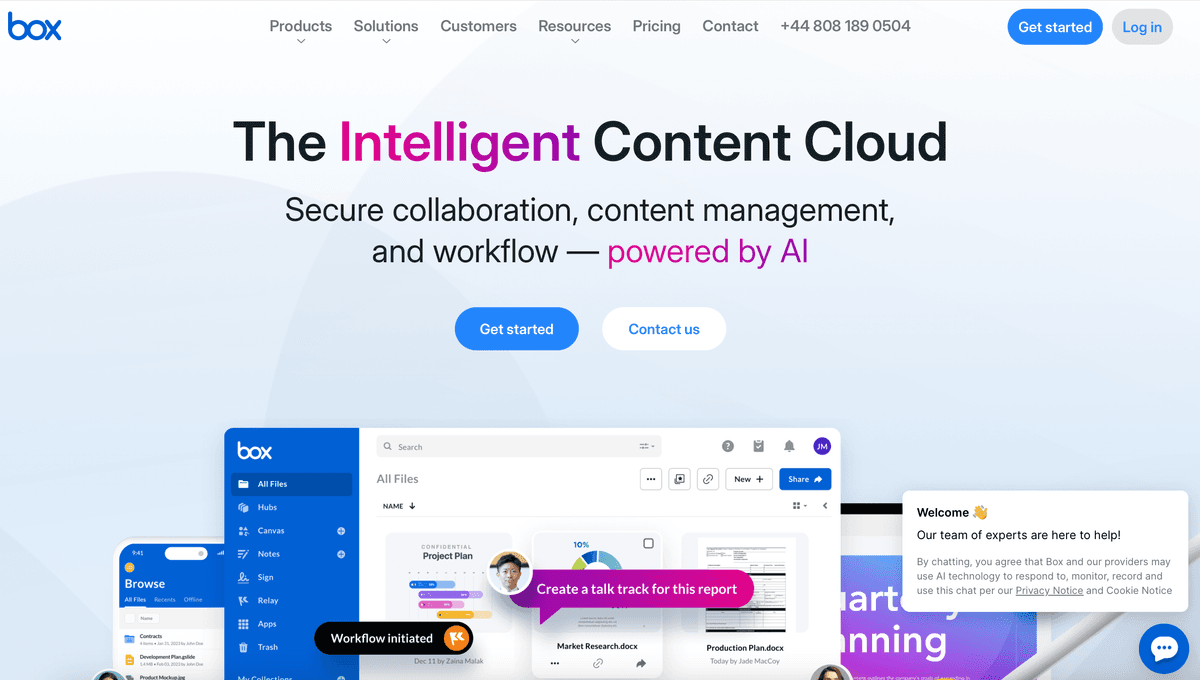
Box provides enterprise-level document tracking and security features, ideal for large organizations requiring detailed content analytics. Their platform focuses on secure content management with robust tracking capabilities.
Box Features
Advanced Analytics: Detailed usage and engagement tracking
Security Controls: Enterprise-grade security with encryption
Collaboration Tools: Team workspace with real-time tracking
Version History: Track document changes and updates
Custom Reports: Comprehensive analytics dashboard
Access Stats: Detailed viewer tracking and permissions
Integration Suite: Works with major enterprise platforms
Compliance Features: HIPAA, GDPR, and FedRAMP compliant
Box Pricing
Starter: $15/user/month - Basic features and tracking
Business: $25/user/month - Advanced features and analytics
Business Plus: $35/user/month - Enhanced security and controls
Enterprise: Custom pricing - Full platform capabilities
Box Reviews
"Excellent for enterprise document management with comprehensive tracking"
"Strong security features with good tracking capabilities"
"Comprehensive solution but expensive for small teams"
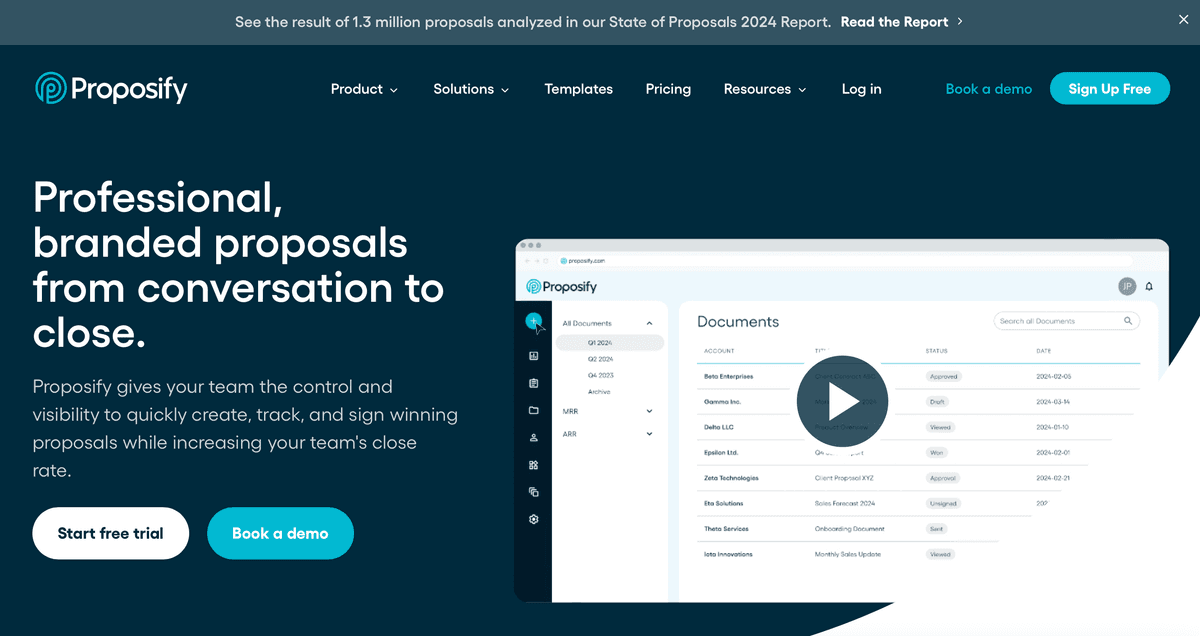
Proposify specializes in proposal tracking and analytics, helping sales teams monitor and optimize their proposals. The platform offers detailed insights into how prospects engage with sales documents.
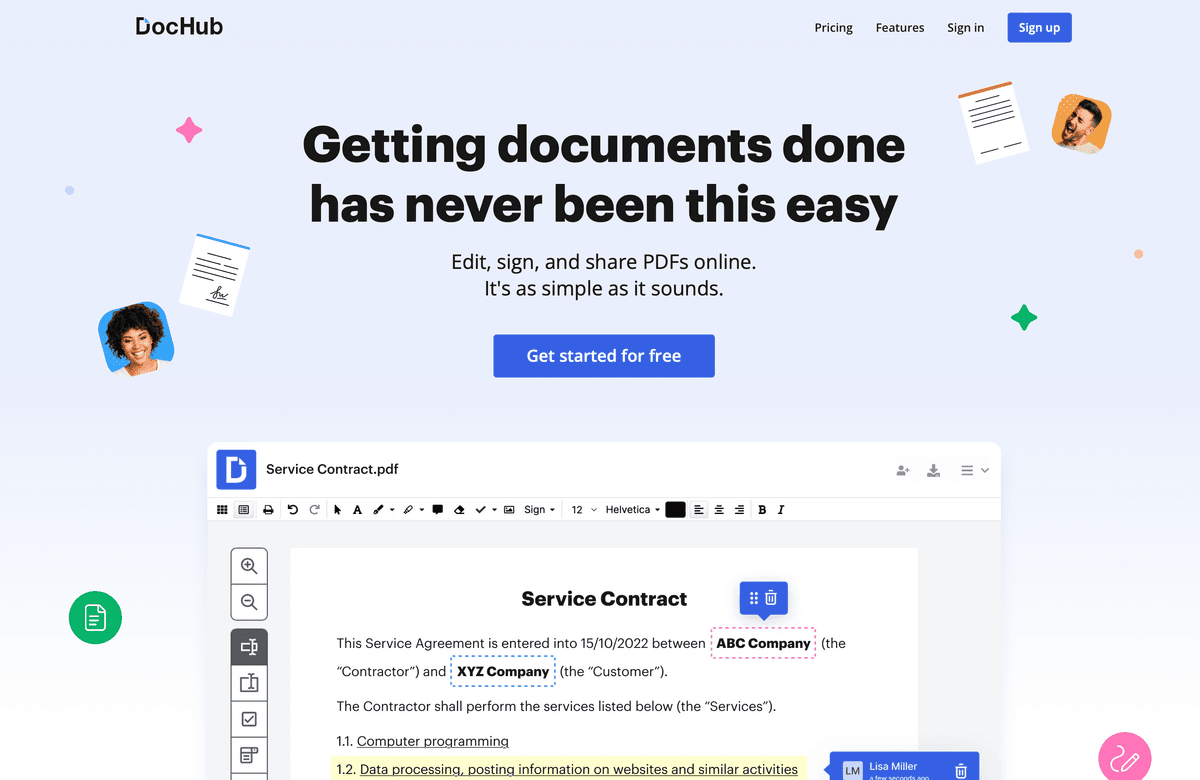
DocHub combines document tracking with comprehensive document management features. The platform offers advanced PDF editing capabilities alongside secure document sharing and analytics, making it suitable for businesses requiring detailed document handling and tracking.
DocHub Features
Document Analytics: Comprehensive tracking and engagement metrics
PDF Management: Advanced PDF editing and tracking capabilities
Cloud Storage: Secure document storage with version control
Collaboration Tools: Real-time team sharing and editing
Version Control: Track document changes and updates
Limited Free Plan: Basic features restricted in free version
Learning Curve: Complex features may require training
Integration Costs: Some integrations require additional fees
Storage Limits: Upper limits on document storage in basic plans
DocHub Pricing
Basic: $29/month - Essential features
Business: $49/month - Advanced features
Enterprise: Custom pricing - Full platform access
Free Trial: 14-day trial available
DocHub Reviews
G2: 4.3/5 (200+ reviews)
Capterra: 4.5/5 (150+ reviews)
TrustPilot: 4.0/5 (100+ reviews)
DocHub vs DocSend
When comparing DocHub to DocSend:
DocHub offers more comprehensive PDF editing features
DocSend provides more detailed engagement analytics
DocHub includes built-in document creation tools
DocSend focuses more on secure sharing and tracking
DocHub offers more affordable pricing options for small teams
Best document tracking for M&A and deal documents
For M&A and other deal documents, the best document tracking setup is a data room with one email-verified link or group per buyer, page-level analytics and watermarking. Sales tracking tools record views on a proposal, but a sale process runs on a CIM, financials and diligence folders shared with 10 or more buyers under NDA, and you need to compare those buyers side by side.
The question advisers actually ask is "which buyers are serious?". The signals below answer it. Read them together and compare buyers against each other, rather than against a fixed benchmark. Our guide to tracking which buyers are actually reading your deal documents covers the setup and a simple engagement score.
Signal
What it may mean
What to do
Opened the CIM within 24 hours
Active mandate
Call within 48 hours
15+ minutes on financial pages
Building a valuation
Offer a model walkthrough
3 or more return visits
Internal discussion
Ask about timing to IOI
New verified viewers from the same firm
Deal team or IC expanding
Prioritise, check NDA covers them
Opened once, under 2 minutes
Low priority
One follow-up, then deprioritise
Several tools beyond the 10 above are built for this use case. Peony offers page-level analytics with data rooms. Digify focuses on document security with watermarking and access controls. HummingDeck tracks engagement on shared decks and documents. Enterprise VDRs such as Datasite and Intralinks provide bidder activity reports for large bank-run processes, usually priced per deal.
Papermark covers the full deal workflow at a flat price: per-buyer groups, email verification, an NDA gate, dynamic watermarking, and detailed data room analytics showing time per document and per page for every visitor, with Data Rooms from $99/month. See the buyer activity monitoring workflow for a step-by-step setup.
Comparison Summary
When choosing a document tracking solution, consider these key factors:
Startups & Small Teams: Papermark (free, open-source)
Sales Teams: DocSend, PandaDoc, GetAccept
Enterprise & Security: Box, DocuSign
Proposal Management: Proposify
M&A & Due Diligence: Papermark (data rooms with per-buyer analytics), DealRoom
Client Collaboration: ClientShare
Feature Comparison Highlights
Advanced Analytics
Most Comprehensive: Papermark, DocSend
Basic Tracking: DocuSign, Box
Sales-Focused: PandaDoc, GetAccept
Security & Control
Highest Security: Box, DealRoom
Self-Hosted Option: Papermark
Enterprise-Grade: DocuSign, ClientShare
Integration Capabilities
Most Flexible: Papermark (API), DocuSign
CRM-Focused: GetAccept, PandaDoc
Enterprise Systems: Box, DealRoom
Conclusion and Final Recommendations
Budget-Conscious Teams: Start with Papermark - it's free, open-source, and provides comprehensive tracking features
Sales Organizations: Consider DocSend or GetAccept for their sales-focused features
Enterprise Requirements: Look at Box or DocuSign for their robust security and compliance features
Deal Management: DealRoom or ClientShare for specialized use cases
Proposal Teams: Proposify for dedicated proposal tracking and management
Remember that most of these tools offer free trials, so it's worth testing a few options before making a final decision. Consider your specific needs around:
Budget constraints
Security requirements
Integration needs
Team size
Use case specifics
Analytics requirements
The document tracking software market continues to evolve, with new features and capabilities being added regularly. While Papermark offers an excellent free and open-source option, each tool has its strengths for specific use cases and organizational needs.