BlogDocument SharingHow Document Tracking Works (And Why It's More Secure Than Email Tracking)
How Document Tracking Works (And Why It's More Secure Than Email Tracking)
·4 min read
Marc Seitz
A recent vulnerability in Roundcube webmail just exposed a fundamental flaw in email tracking. Attackers found a way to bypass image blocking using SVG elements — proving once again that email tracking is a cat-and-mouse game nobody wins.
If you're still relying on email open rates to measure engagement, you're working with broken data.
The Problem with Email Tracking
Email tracking pixels have been around forever. You embed a tiny invisible image, and when someone opens your email, it loads the image and pings your server.
Simple, right? Not anymore.
Why Email Tracking Is Broken
Privacy tools block them. Apple Mail's Privacy Protection, Hey's tracking blocker, and countless browser extensions now block tracking pixels by default. Your "opened" metrics are lies.
They tell you almost nothing. Great, someone opened your email. But did they actually read your attachment? Did they spend 10 minutes on page 3 or 2 seconds before closing?
They're easy to bypass. The Roundcube vulnerability showed how determined actors can slip tracking through filters — while legitimate tracking gets blocked.
No granular data. You can't see which sections resonated. You can't tell if they forwarded it to a decision-maker. You're guessing.
How Document Tracking Actually Works
Document tracking flips the model. Instead of tracking whether someone opened an email, you track what they do with the actual content.
Here's the difference:
Feature
Email Tracking
Document Tracking
Opens
Blocked 40%+ of the time
Accurate every time
Time spent
Not available
Page-by-page timing
Engagement depth
No data
Which pages, how long
Forwarding
Can't detect
See exactly who views
Real-time alerts
Delayed, unreliable
Instant notifications
Page-by-Page Analytics with Papermark
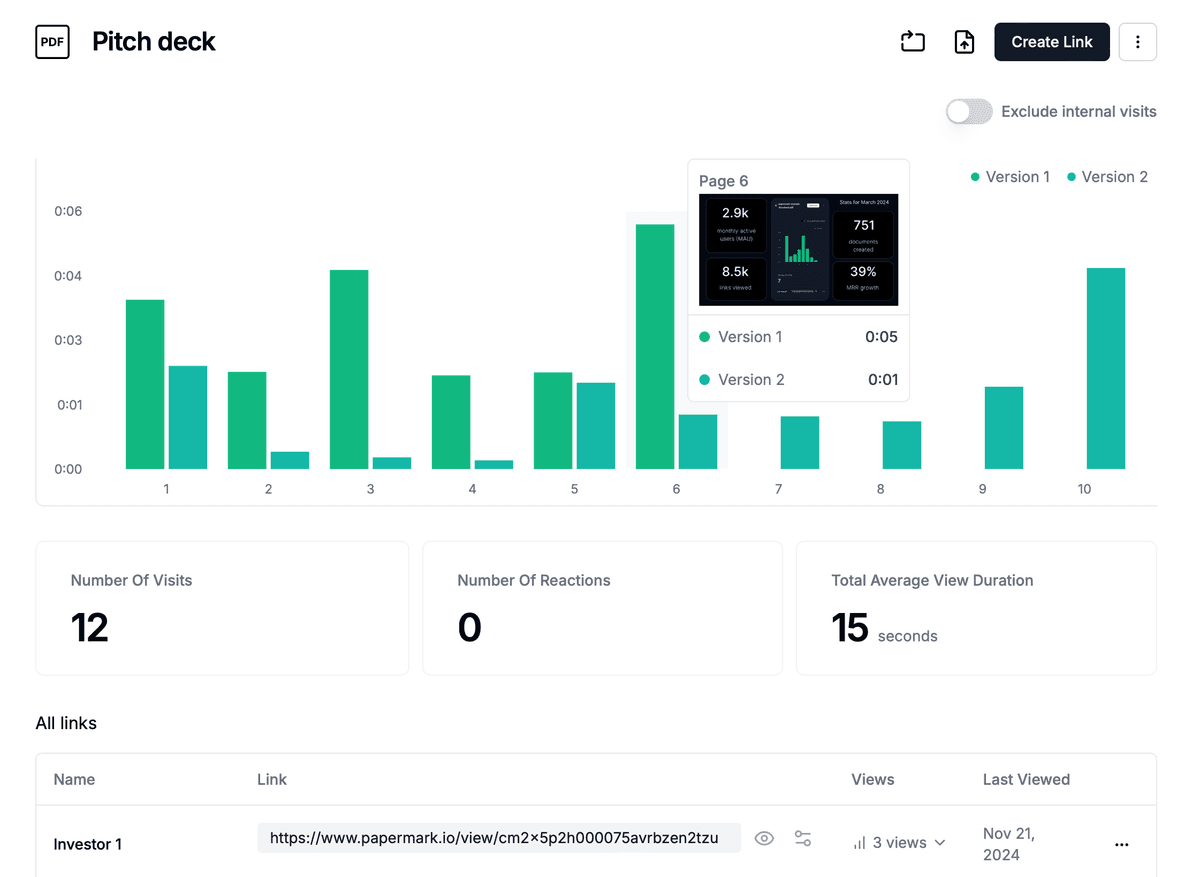
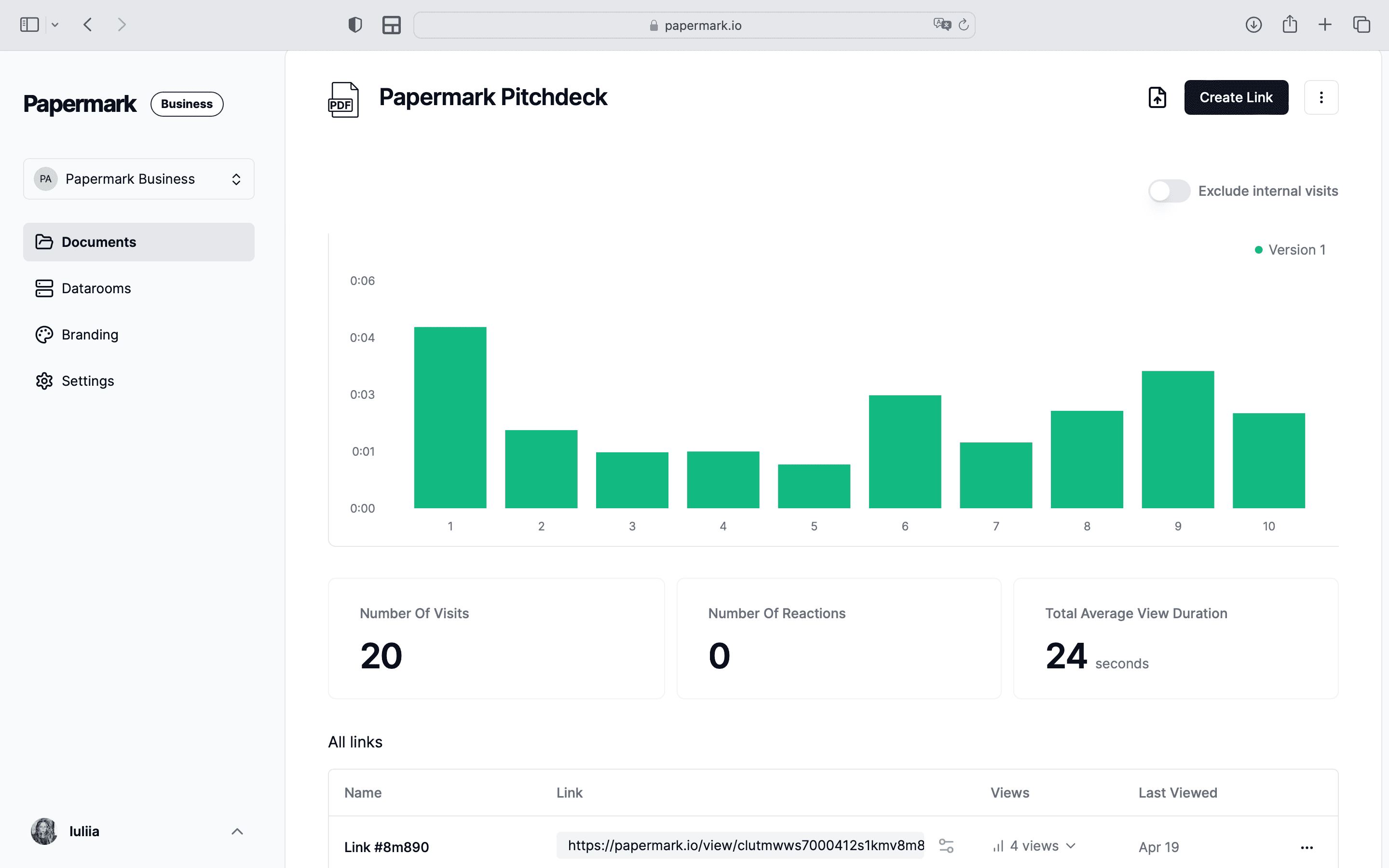
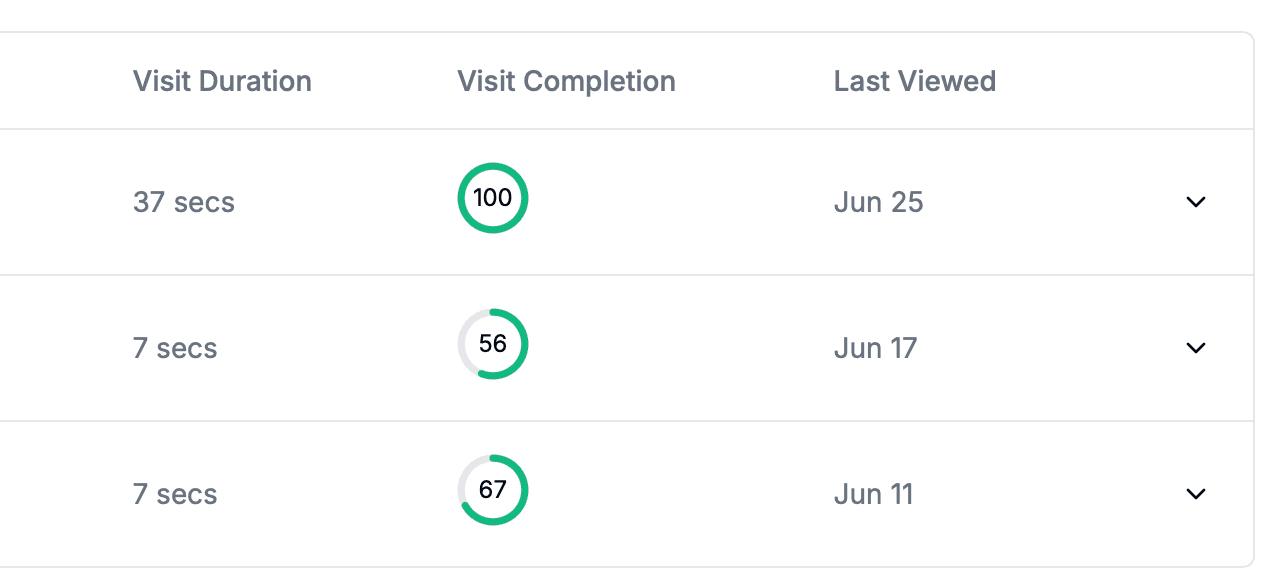
When someone views your document through Papermark, you see exactly how they engage:
Which pages they viewed — Did they skip your pricing slide?
How long on each page — 3 minutes on your traction slide is a good sign
When they viewed it — 11pm on a Sunday? They're interested
What device they used — Desktop means they're taking it seriously
If they came back — Multiple sessions show real engagement
This isn't creepy surveillance. It's the same analytics every website uses. You're just applying it to your most important documents.
Why Document Tracking Can't Be Blocked
Email tracking relies on loading external images. Easy to block.
Document tracking works because the document itself is hosted. When someone clicks your link and views your PDF or deck, they're loading it from the server. The viewing is the tracking.
You can't block it without not viewing the document.
How Papermark Makes Document Tracking Simple
Papermark gives you enterprise-grade document tracking without the enterprise complexity:
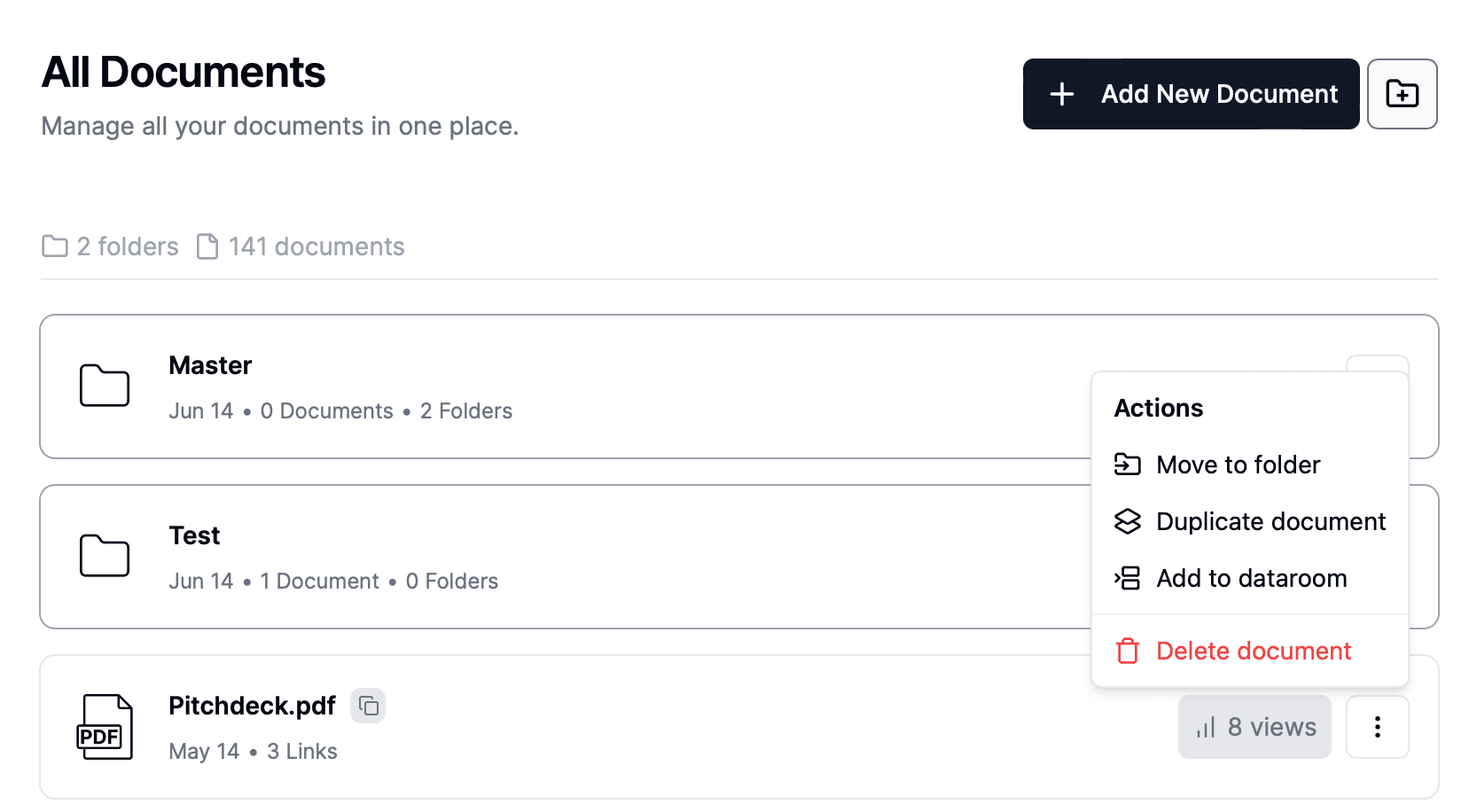
Upload any document. PDFs, PowerPoints, Word docs — whatever format you have.
Get unique tracking links. Create different links for different recipients to see exactly who viewed what.
Real-time notifications. Get alerted the moment someone opens your document.
Access controls built in. Set expiration dates, require email verification, revoke access anytime.
The alternative for document version control
No credit card required
Page by page analytics
Require email verification
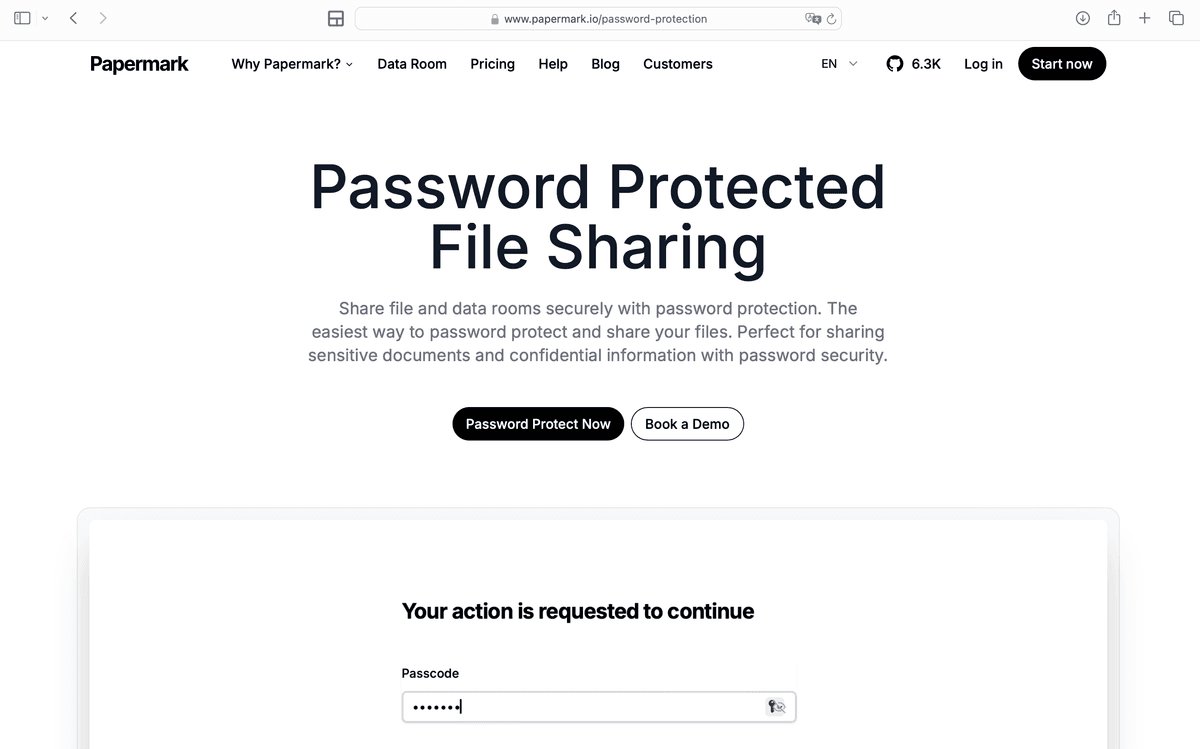
Require password to view
Allow/Block specified viewers
Apply Watermark
Require NDA to view
Custom Welcome Message
Privacy Done Right
Here's where document tracking wins on ethics too.
The viewer knows. When you share a Papermark link, recipients can see it's a tracked link. No hidden pixels. No deception.
You control access. Set expiration dates. Require email verification. Revoke access anytime. Try doing that with an email attachment.
Granular permissions. Allow viewing but not downloading. Enable one person but not another. Email gives you none of this.
Compliance-friendly. Document tracking with proper consent beats sneaky email pixels for GDPR and CCPA compliance.
Real-World Use Cases
1. Fundraising
You sent your deck to 50 investors. Document tracking shows you:
12 opened it within 24 hours (prioritize follow-ups)
3 spent over 10 minutes (very interested)
8 forwarded to partners (deals moving forward)
15 never opened (don't waste time following up)
2. Sales Proposals
Your prospect received three competing proposals. Document tracking reveals:
They viewed yours 4 times (engaged)
Spent most time on pricing page (ready to negotiate)
Watch the analytics — Real-time dashboard shows engagement
No code. No integrations. No IT department required.
Key Takeaways
Email tracking pixels are increasingly blocked and unreliable
Document tracking gives you page-by-page engagement data
It can't be blocked because viewing is the tracking
Privacy controls are actually better than email
Setup takes minutes, no technical skills needed
Start Tracking Your Documents
Stop guessing whether your pitch deck was read. Stop wondering if your proposal landed. Get actual data on how people engage with your most important documents.