

document-sharing
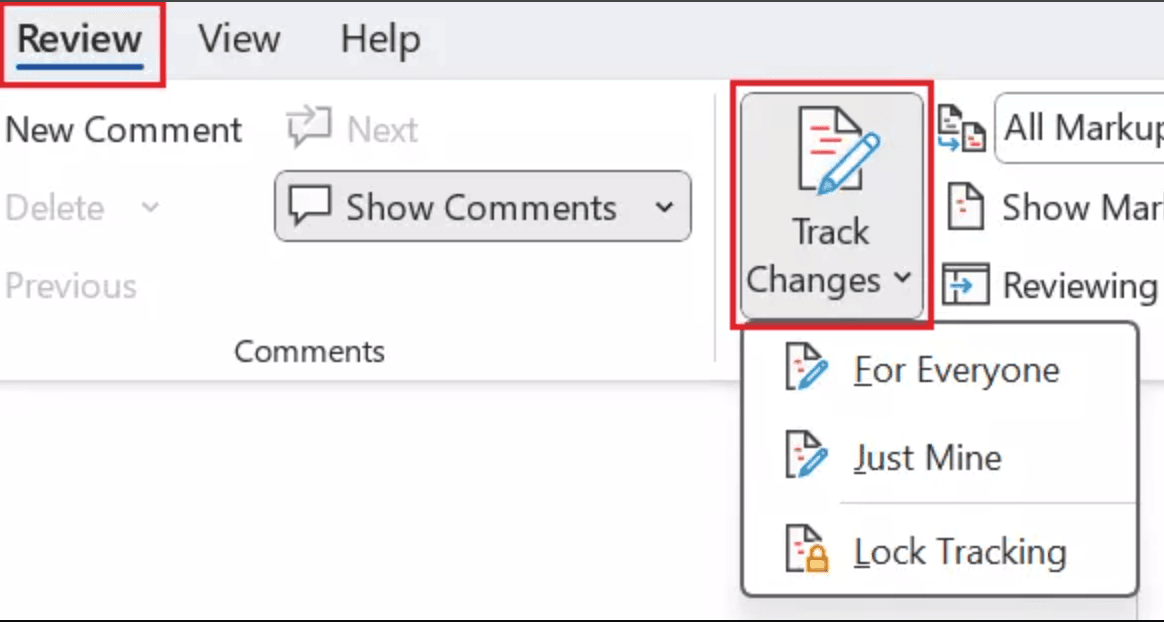
How to set up Word document version control in 2026
Learn how to enable Word document version control using built-in tools, SharePoint/OneDrive, and Papermark for secure external collaboration with audit trails.
Keeping documents consistent, auditable, and secure is critical for teams collaborating across departments and external partners. Document version control software prevents overwrites, tracks changes, and provides a clear history of who did what and when—so everyone works from the latest, approved version. This guide reviews five leading document version control solutions, from open-source options to enterprise-grade platforms, to help you choose the right fit for your organization.
| Feature | Papermark | SharePoint | Box | Alfresco | OpenText |
|---|---|---|---|---|---|
| Version history | ✔ (with audit trail) | ✔ (major/minor) | ✔ | ✔ | ✔ |
| Granular permissions | ✔ (link + folder) | ✔ | ✔ | ✔ | ✔ (advanced) |
| External sharing | ✔ (secure links, VDR) | ✔ | ✔ | Limited | Limited |
| Audit and compliance | ✔ (version audit + watermark) | ✔ (M365 compliance) | ✔ (Shield) | ✔ | ✔ (enterprise) |
| Workflow automation | Limited (API) | ✔ (Power Automate) | ✔ (Box Relay) | ✔ (APS) | ✔ (Process Suite) |
| Self-host option | ✔ | ✔ (Server) | ✘ | ✔ | ✔ |
| Open source | ✔ | ✘ | ✘ | ✔ | ✘ |
| Analytics | ✔ (page-level) | Limited | Limited | Limited | Limited |
| Watermarking | ✔ (dynamic) | ✘ | Limited | ✘ | Limited |
| Data rooms | ✔ | Limited | Limited | ✘ | ✘ |
Website: papermark.com
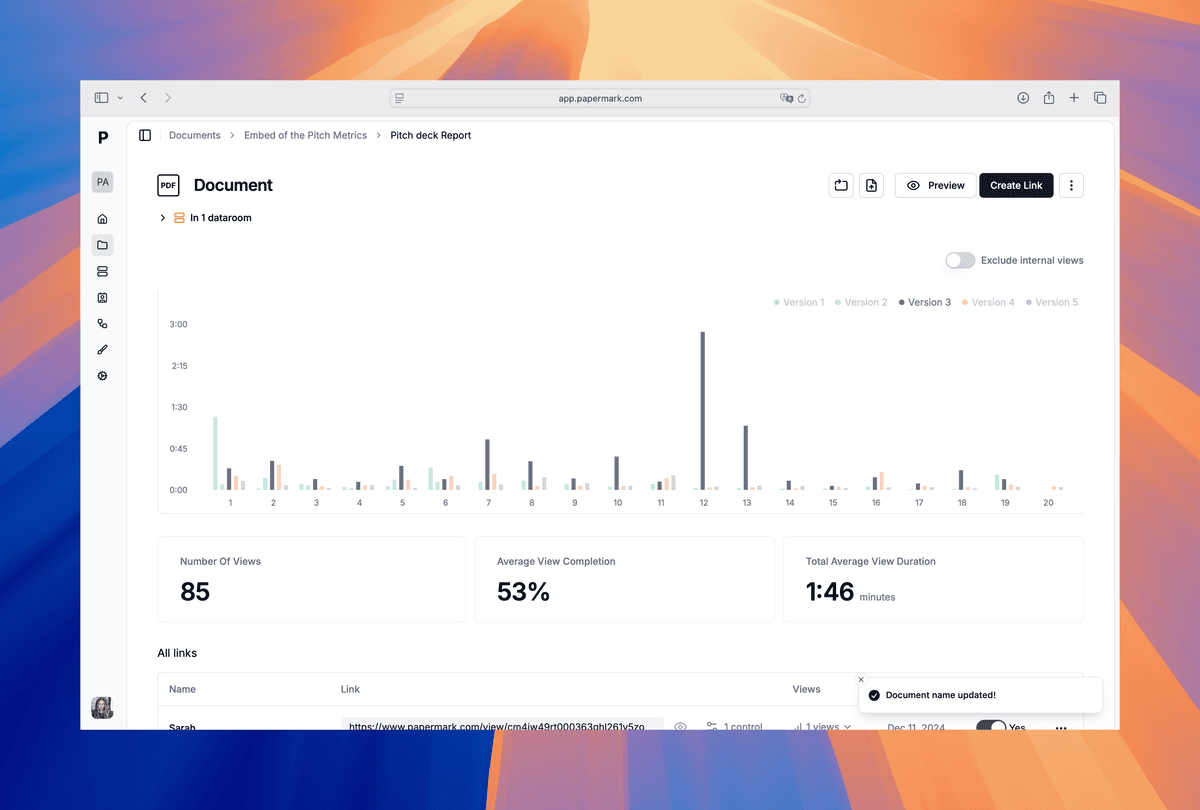
Papermark is an open-source document version control software specifically designed for sharing documents and decks externally. While traditional version control focuses on internal collaboration, Papermark specializes in version control for external sharing, providing secure links, complete version history, and detailed analytics for external recipients.
Teams use it to manage document versions, share documents and decks via secure links, and track page-level engagement. Virtual data rooms, dynamic watermarking, and granular permissions make it ideal for due diligence, client deliverables, and investor reporting—while version history and audit trails keep everyone aligned on the latest file.
Website: microsoft.com/sharepoint
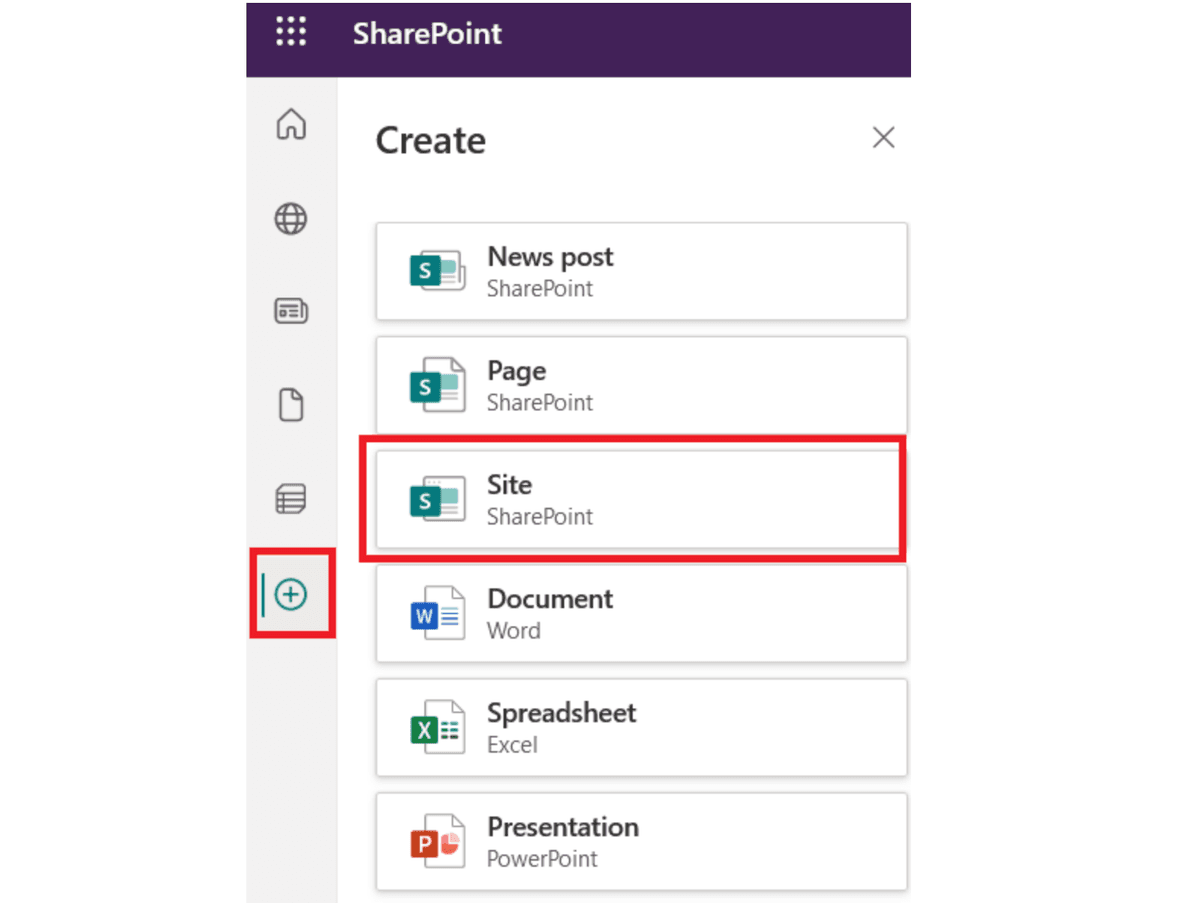
SharePoint delivers document versioning, co-authoring, and permissions natively within Microsoft 365. Teams that already use Microsoft 365 benefit from tight integration with Office apps, Teams, and Power Automate for workflow automation.
Website: box.com
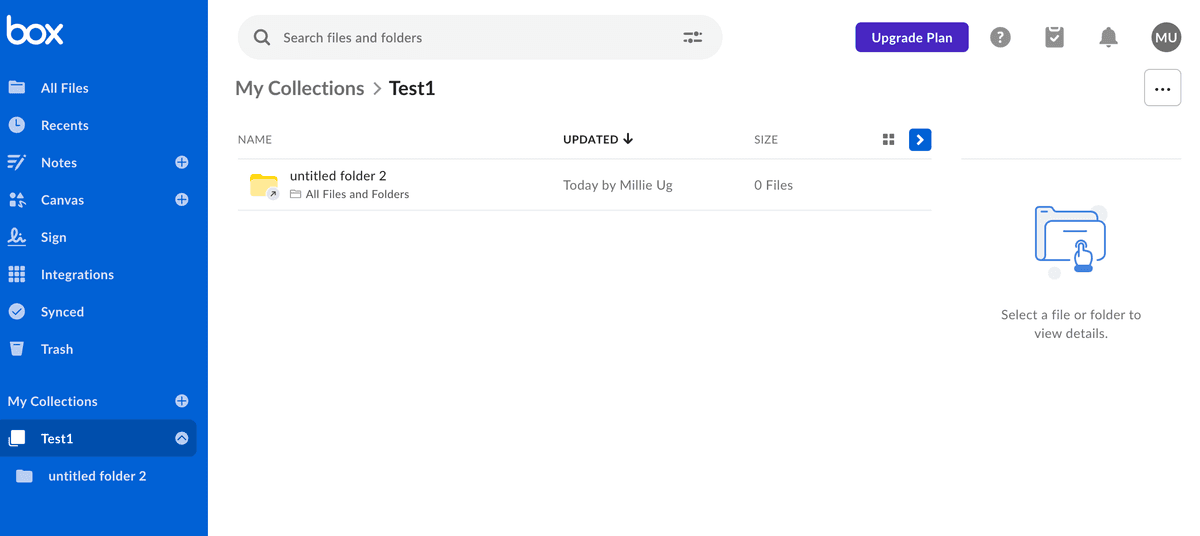
Box is a cloud-first content platform with version history, file locking, and governance. Box Shield and Governance add security, classification, and retention controls suited for regulated industries.
Website: alfresco.com
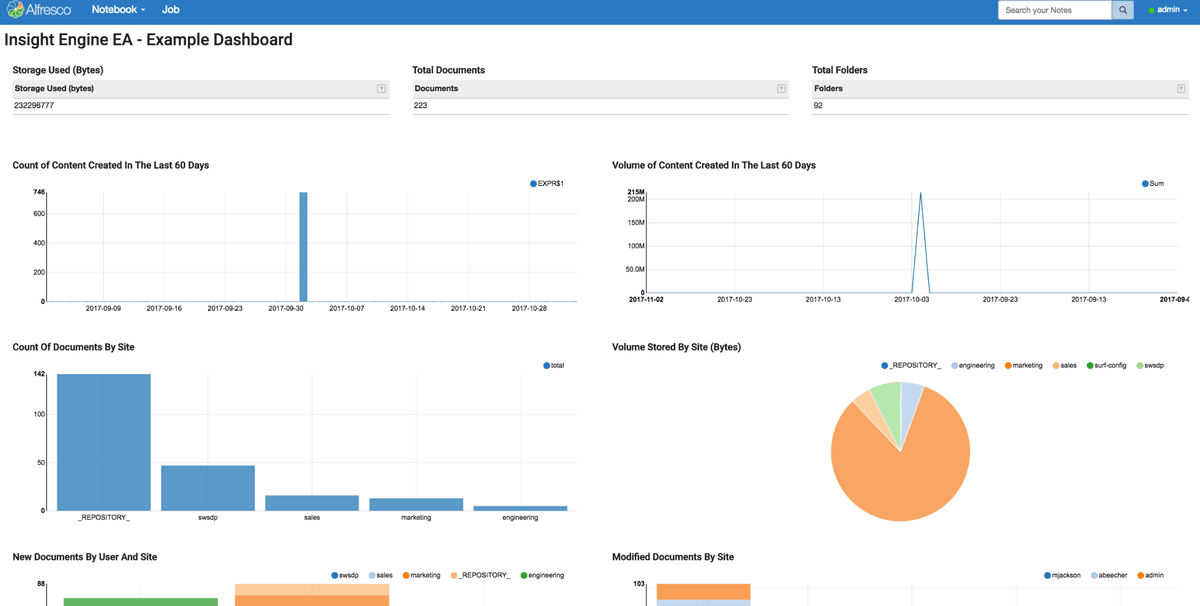
Alfresco is an open-source content platform offering robust version control, workflow automation, and flexible deployment (cloud or on-prem). Its Process Services engine supports complex approval flows.
Website: opentext.com
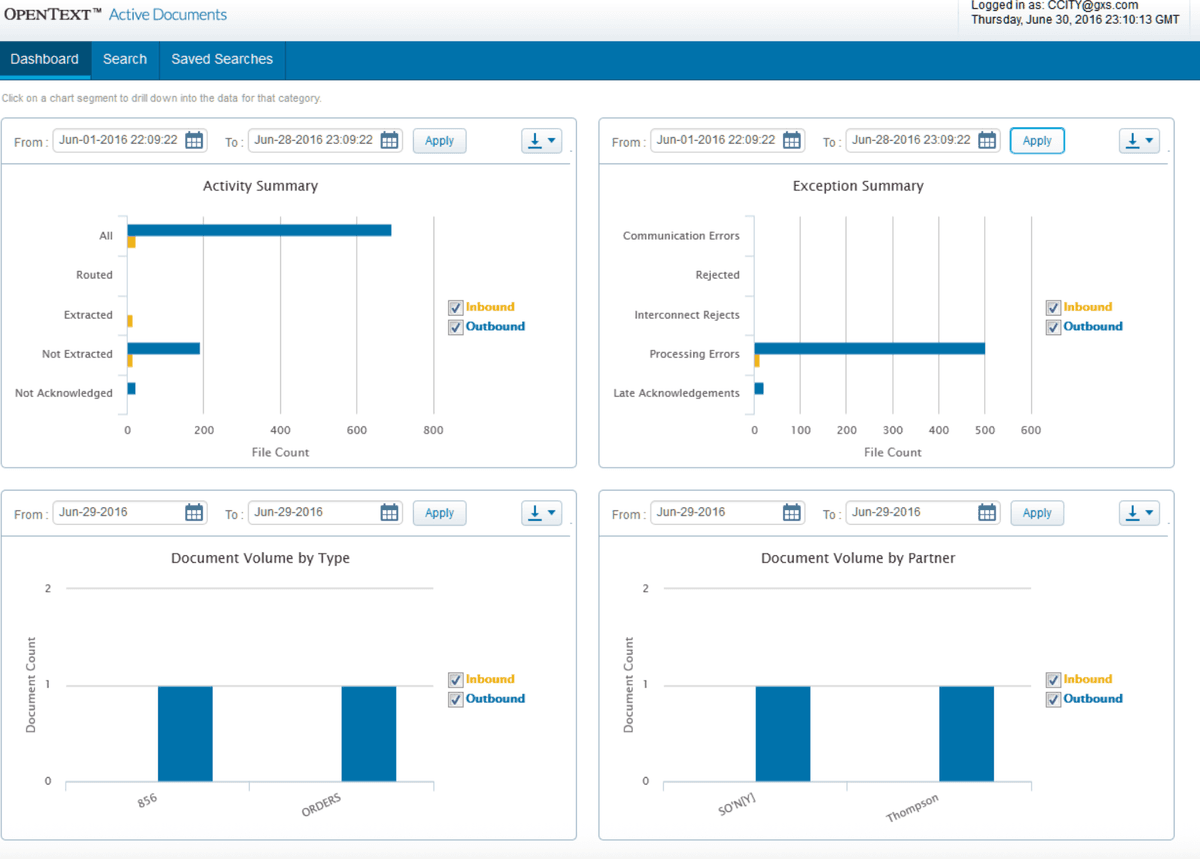
OpenText Content Suite provides enterprise-grade version control with extensive compliance, records management, and scalable workflows for large regulated organizations.
Document version control is essential for preventing conflicts, maintaining audit trails, and enabling secure collaboration. Papermark excels at version history for external sharing of documents and decks with watermarking and analytics; SharePoint fits Microsoft 365-centric teams; Box offers cloud simplicity with governance; Alfresco provides open-source flexibility; and OpenText covers heavy compliance needs. Choose based on your versioning depth, security requirements, deployment model, and workflow complexity.
Learn how to enable Word document version control using built-in tools, SharePoint/OneDrive, and Papermark for secure external collaboration with audit trails.
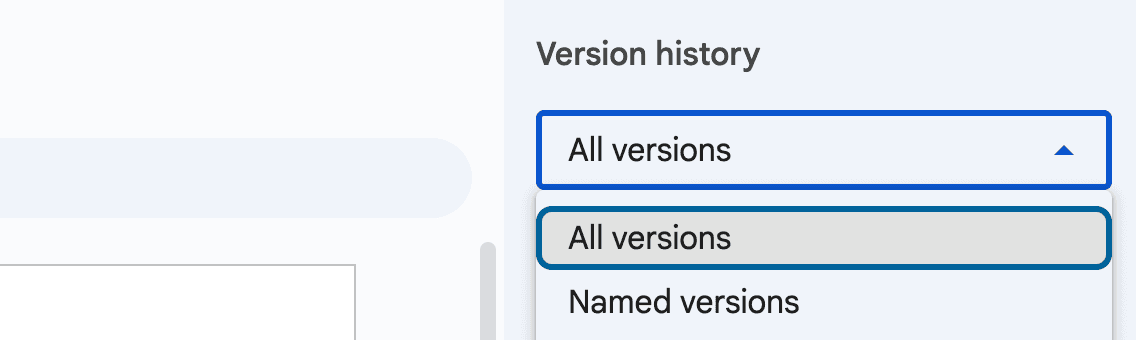
Learn how to use Google Docs version history, control edits with permissions, and share externally via Papermark links with watermarks and audit logs.
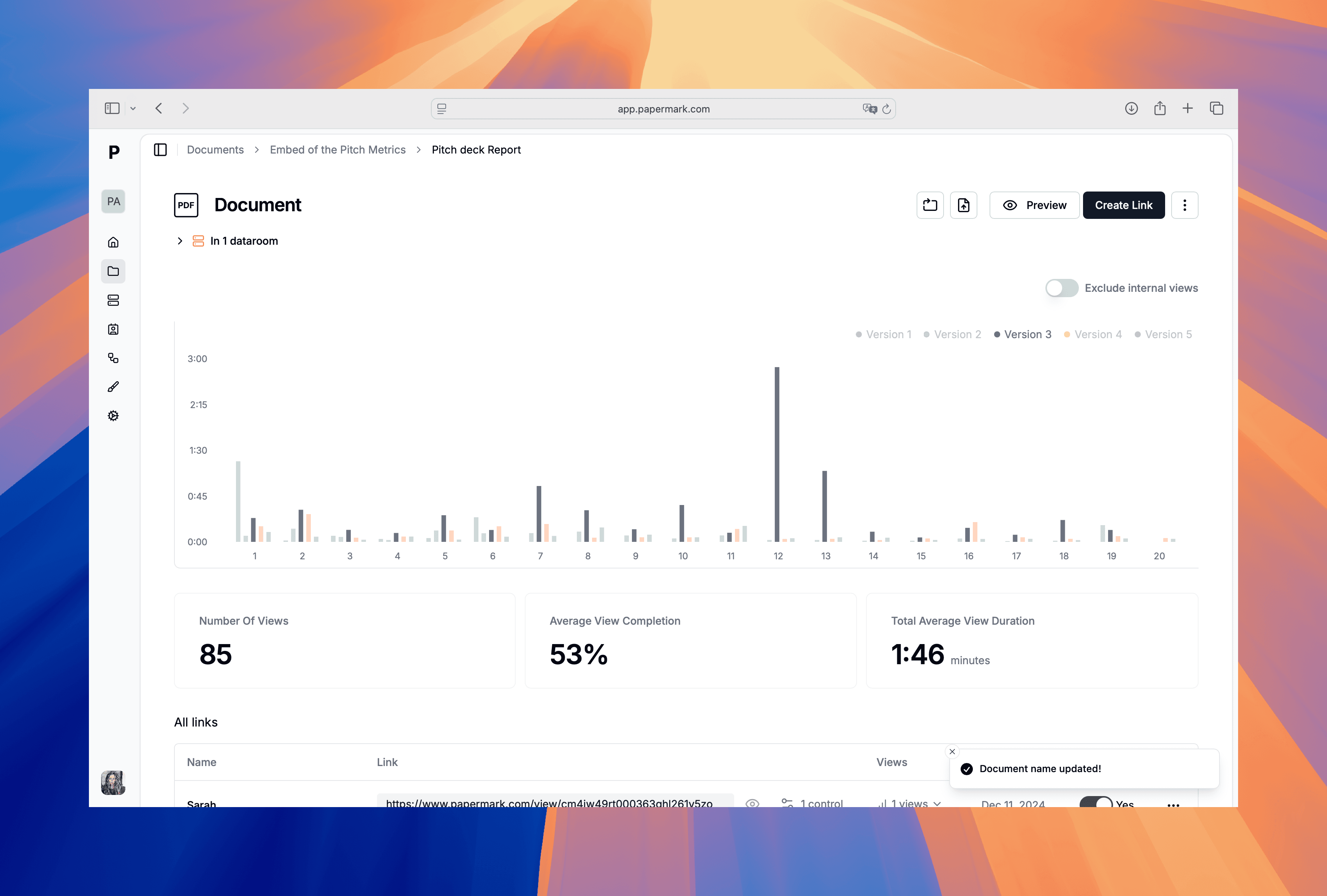
Learn practical ways to control PDF versions, why PDFs don’t have built-in versioning, and how Papermark adds secure external sharing with audit trails and watermarks.