Sharing multiple files or large documents as an unencrypted ZIP archive is like sending them in a transparent envelope—anyone who intercepts the archive can extract and view your sensitive data. ZIP encryption protects your compressed files by requiring a password to extract them, preventing unauthorized access even if the archive is shared, lost, or stolen.
ZIP encryption transforms your compressed files into unreadable code that can only be decrypted with the correct password. Whether you're protecting business documents, personal files, or sensitive data, encrypting ZIP files adds a crucial security layer. This guide covers multiple methods to encrypt ZIP files, from built-in operating system tools to specialized compression software with advanced protection features.
Quick recap of ZIP encryption methods
7-Zip: Free, open-source compression tool with strong AES-256 encryption
WinRAR: Commercial compression software with AES encryption support
Built-in OS tools: Use Windows or Mac built-in ZIP features for basic password protection
Secure sharing platforms: Use Papermark for encrypted ZIP sharing with analytics and access controls
Command-line tools: Advanced encryption using zip command-line utilities for automation
Protect your documents with advanced security
No credit card required
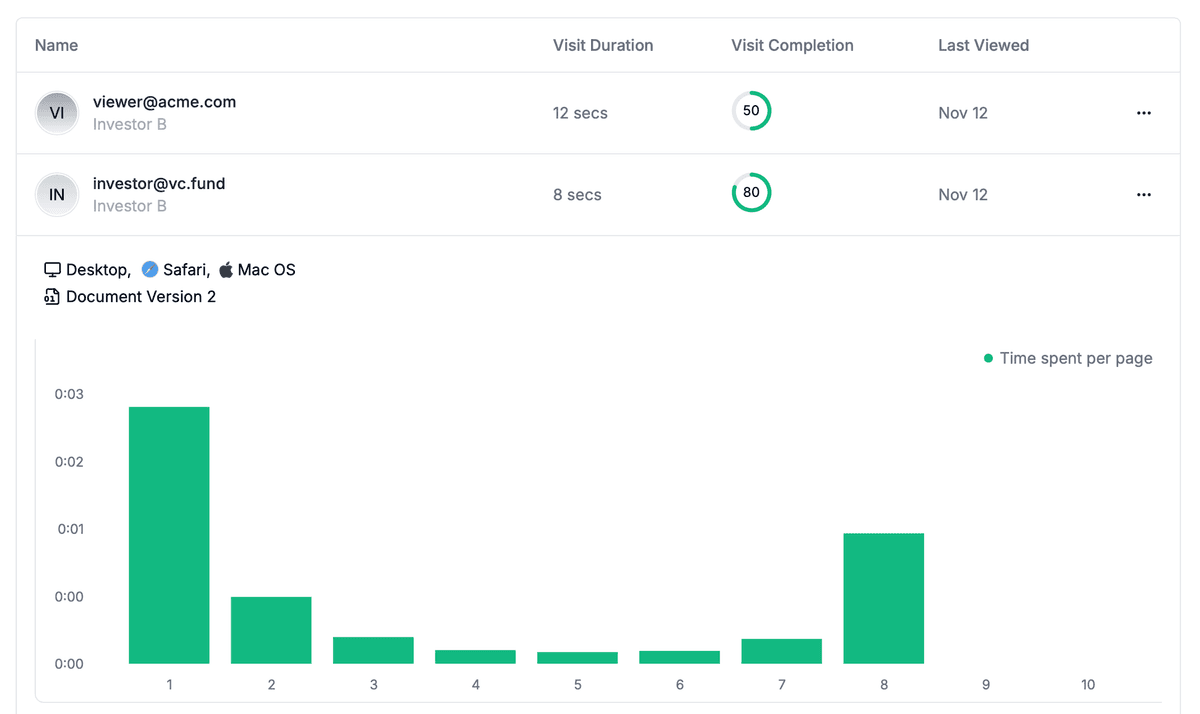
Page by page analytics
Require email verification
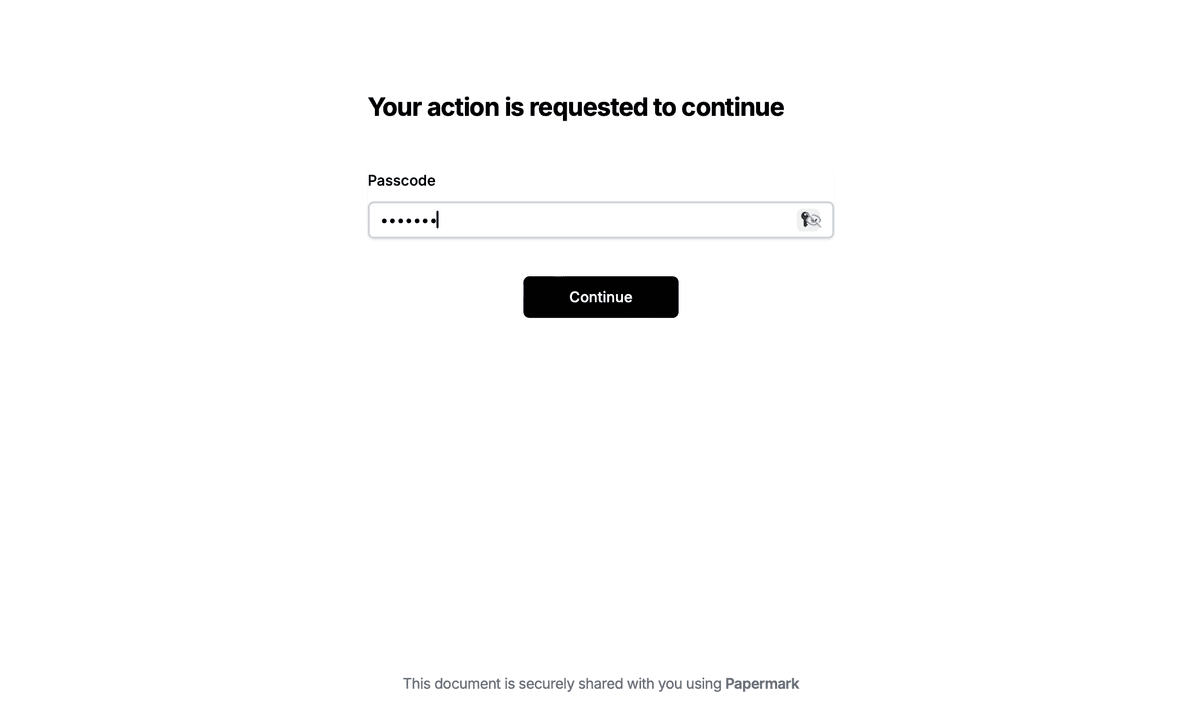
Require password to view
Allow/Block specified viewers
Apply Watermark
Require NDA to view
Custom Welcome Message
Method 1: Encrypt ZIP using 7-Zip
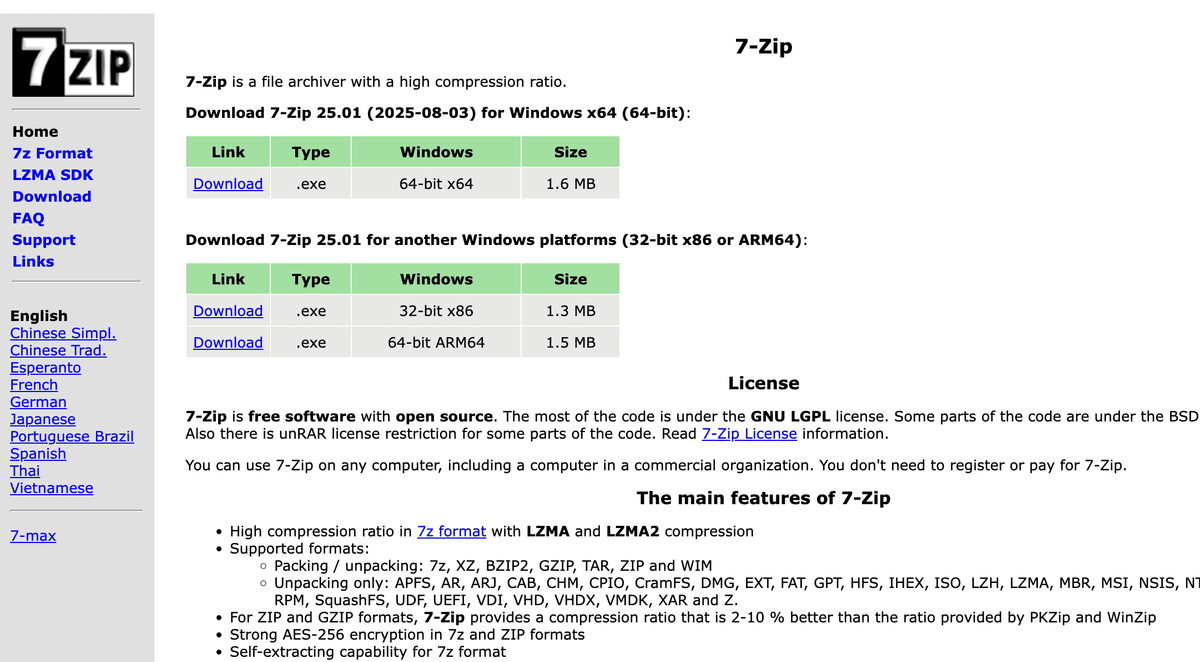
7-Zip is a free, open-source compression tool that provides strong AES-256 encryption for ZIP files.
Step-by-step guide for encrypting ZIP files with 7-Zip:
Download the appropriate version for your operating system (Windows, Mac, or Linux)
Install 7-Zip following the installation wizard
Select files to encrypt:
Right-click the file or folder you want to encrypt
Select 7-Zip > Add to archive
Alternatively, open 7-Zip File Manager and navigate to your files
Configure encryption settings:
Set Archive format to "zip" or "7z"
Enter a strong password in the Encryption section
Select "AES-256" encryption method (recommended)
Check "Encrypt file names" for additional security (7z format only)
Choose compression level (Normal or Maximum)
Set archive options:
Name your archive file
Choose save location
Review other compression settings as needed
Click OK to create the encrypted ZIP file
7-Zip uses AES-256 encryption, which is the industry standard for strong encryption. The encrypted ZIP file will require the password to extract and view the contents. The "Encrypt file names" option (available in 7z format) provides additional security by hiding the file structure even before entering the password.
Note: For maximum security, use the 7z format with file name encryption. ZIP format provides good security but doesn't support encrypting file names.
Method 2: Encrypt ZIP using WinRAR
WinRAR is a commercial compression software that provides strong encryption capabilities for ZIP and RAR archives.
Step-by-step guide for encrypting ZIP files with WinRAR:
Install WinRAR following the installation instructions
Select files to encrypt:
Right-click the file or folder you want to encrypt
Select Add to archive (WinRAR option)
Or open WinRAR and navigate to your files
Configure archive settings:
Set Archive format to "ZIP"
Name your archive file
Choose save location
Set password protection:
Click Set password button
Enter a strong password in the Enter password field
Confirm the password in the Reenter password field
Check "Encrypt file names" for additional security (RAR format only)
Click OK to apply password
Choose encryption method:
WinRAR uses AES-256 encryption by default
Click OK to create the encrypted ZIP file
WinRAR provides strong encryption and is widely used in business environments. The software offers a 40-day trial period, after which you can continue using it with a reminder to purchase a license.
Note: WinRAR's file name encryption feature is only available in RAR format, not ZIP format. For ZIP files, only file contents are encrypted.
Method 3: Encrypt ZIP using built-in OS tools
Both Windows and Mac include built-in tools that can create password-protected ZIP files, though with varying levels of security.
Windows: Create encrypted ZIP files
Using Windows built-in compression:
Select the file or folder you want to encrypt
Right-click and select Send to > Compressed (zipped) folder
Double-click the ZIP file to open it
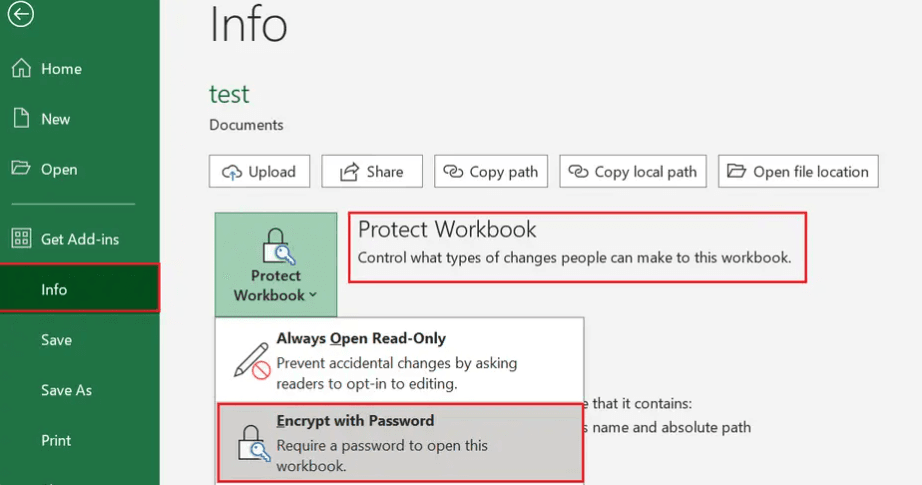
Click File > Add a password (Windows 10/11)
Enter a strong password and confirm it
Click OK to apply encryption
Note: Windows built-in ZIP encryption uses weak encryption (ZipCrypto) which is vulnerable to attacks. For stronger security, use 7-Zip or WinRAR instead.
Note: PowerShell doesn't support password protection directly. Use 7-Zip or WinRAR for password-protected ZIP files.
Mac: Create encrypted ZIP files
Select the file or folder you want to encrypt in Finder
Right-click and select Compress [filename]
Open Terminal (Applications > Utilities)
Navigate to the ZIP file location:
cd ~/Desktop
Encrypt the ZIP file:
zip -e encrypted_file.zip original_file.zip
Enter and verify a password when prompted
Mac's built-in zip command uses ZipCrypto encryption, which is weaker than AES-256. For stronger security, use 7-Zip or other third-party tools.
Method 4: Encrypt ZIP using Papermark
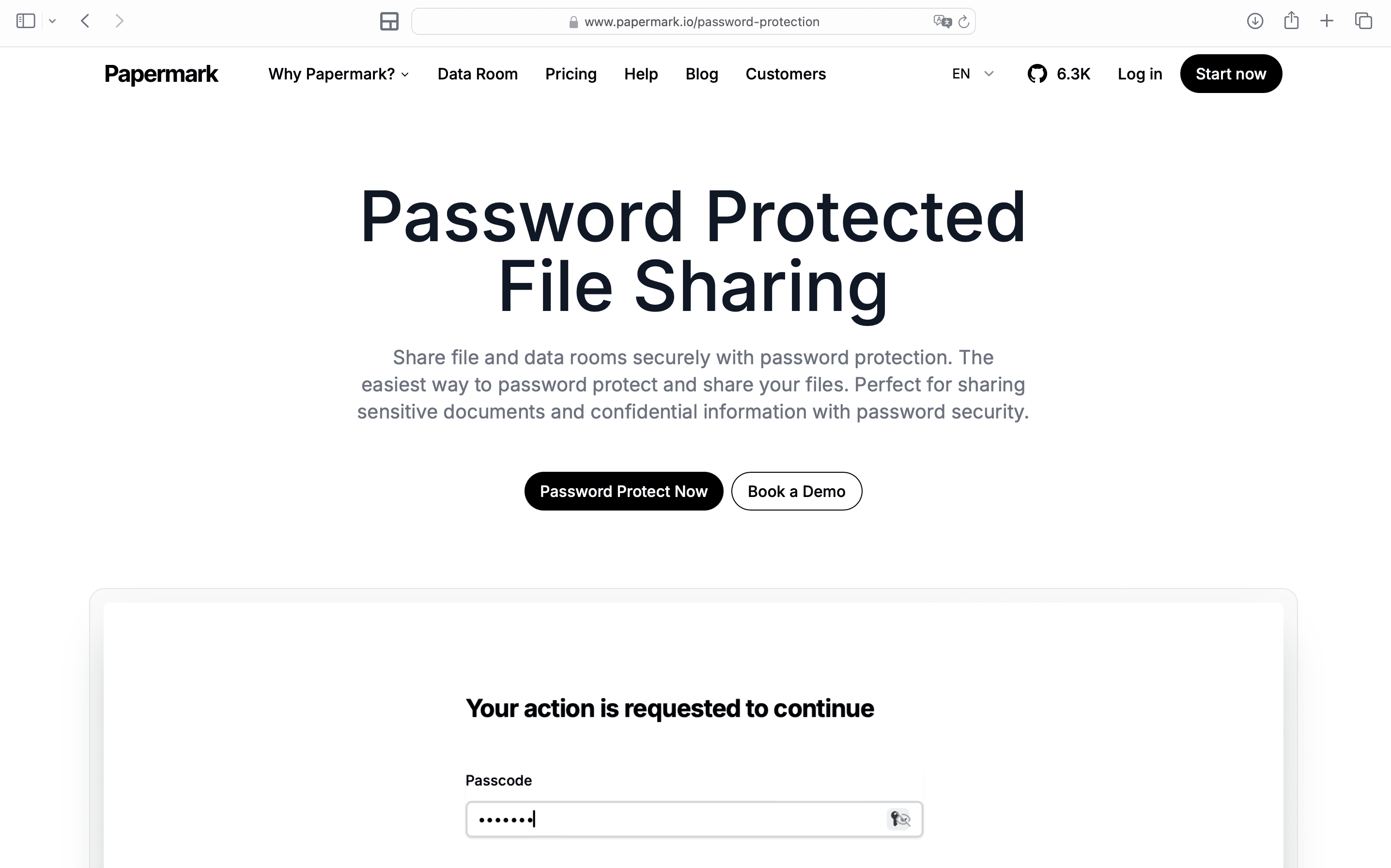
Papermark provides a secure way to encrypt and share ZIP files with advanced security features beyond basic password protection, including analytics, access controls, and dynamic watermarking.
Step-by-step guide for encrypting ZIP files with Papermark:
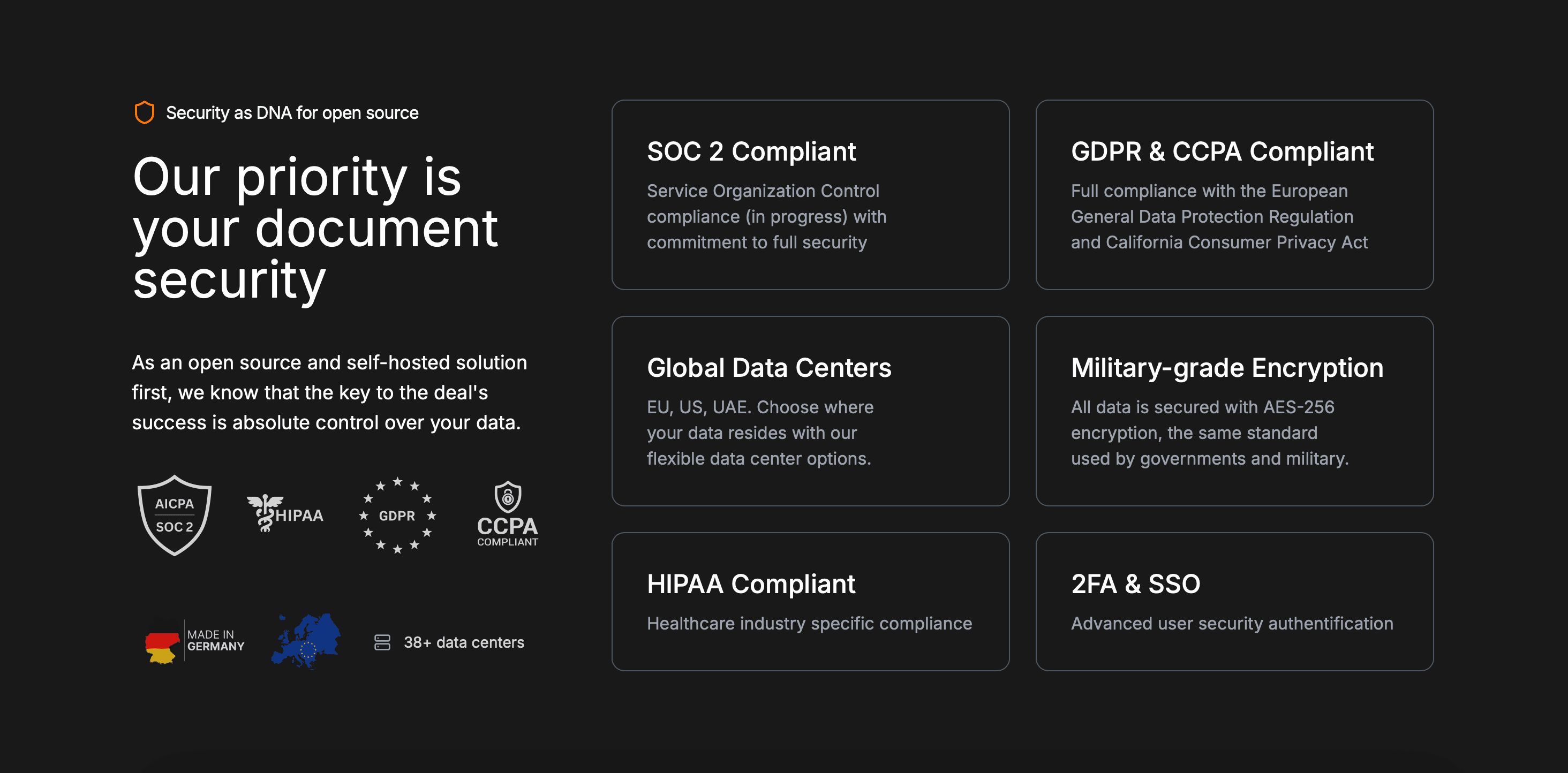
Papermark uses server-side AES-256 encryption combined with comprehensive access controls. While it doesn't use end-to-end encryption, it provides strong security with the added benefit of document analytics, engagement tracking, and access revocation—making it ideal for business use cases where you need to track who accessed your ZIP file contents and when.
Method 5: Encrypt ZIP using command-line tools
For advanced users or batch processing, command-line tools provide programmatic ZIP encryption.
Using zip command (Mac/Linux):
Open Terminal
Navigate to the file location:
cd /path/to/your/files
Create encrypted ZIP:
zip -e encrypted.zip file1.txt file2.txt
Enter and verify password when prompted
For directory encryption:
zip -r -e encrypted.zip directory/
Using PowerShell (Windows):
Windows PowerShell doesn't support password-protected ZIP files directly. Use 7-Zip command-line interface instead:
Download 7-Zip and add to PATH
Open Command Prompt or PowerShell
Create encrypted ZIP:
7z a -tzip -p"yourpassword" encrypted.zip file1.txt file2.txt
For directory encryption:
7z a -tzip -p"yourpassword" -r encrypted.zip directory\
Command-line tools are powerful for automating ZIP encryption across multiple files but require technical knowledge to use effectively.
Comparison: ZIP encryption methods
Method
Encryption strength
Ease of use
Cost
Best for
7-Zip
AES-256
Easy
Free
Strong encryption, file name encryption (7z format), cross-platform
WinRAR
AES-256
Easy
Paid (40-day trial)
Business use, RAR format with file name encryption
Built-in OS tools (Windows/Mac)
ZipCrypto (weak)
Very easy
Free
Quick encryption, non-sensitive files
Papermark
AES-256 (server-side)
Very easy
Free plan available
Business ZIP sharing with analytics and access controls
Command-line tools
AES-256 (with 7-Zip)
Advanced (requires technical knowledge)
Free
Batch processing, automation, advanced users
Best practices for ZIP encryption
Follow these practices to maximize the security of your encrypted ZIP files.
Use strong passwords: Create passwords with at least 16 characters, mixing uppercase, lowercase, numbers, and special characters. Avoid dictionary words, personal information, or common patterns. Consider using a password manager to generate and store strong passwords.
Choose AES-256 encryption: Always use AES-256 encryption instead of ZipCrypto when possible. AES-256 is the industry standard for strong encryption, while ZipCrypto is vulnerable to brute-force attacks. 7-Zip and WinRAR both support AES-256 encryption.
Encrypt file names when possible: Use 7z format with 7-Zip or RAR format with WinRAR to enable file name encryption. This prevents attackers from seeing the file structure even before entering the password, providing an additional layer of security.
Backup passwords securely: Always store passwords in a secure location separate from your encrypted ZIP files. Use a password manager or encrypted note-taking app. Never share passwords in the same email or message as the ZIP file link.
Verify encryption is working: Test that encrypted ZIP files cannot be extracted without the correct password before relying on encryption for sensitive data. Try extracting the file without the password to confirm protection is active.
Combine encryption with other security measures: Encryption protects ZIP files at rest, but also use secure transmission methods (HTTPS, secure email), access controls, and consider dynamic watermarking for additional protection against unauthorized sharing when using secure sharing platforms.
Conclusion
Encrypting ZIP files protects your compressed documents from unauthorized access, whether they're stored locally or shared online. Choose 7-Zip for free, strong AES-256 encryption with file name encryption support, WinRAR for commercial-grade protection, or Papermark for encrypted ZIP sharing with analytics and advanced access controls. For business use cases where you need to track access and control sharing, Papermark's secure file sharing provides encryption plus comprehensive security features for your ZIP files.