How to manage legal document version control in 2026
·3 min read
Marc Seitz
Legal documents demand precise version control: approvals, tracked changes, and secure external sharing. This guide shows how to control legal versions with naming, gated approvals, and Papermark links for watermarking and audit logs.
Share secure documents
No credit card required
Page by page analytics
Require email verification
Require password to view
Allow/Block specified viewers
Apply Watermark
Require NDA to view
Custom Welcome Message
Quick recap of steps
Use strict naming and major/minor versions for every draft.
Gate approvals and freeze signed versions as immutable PDFs.
Share externally via Papermark links with watermarking and audit logs.
Limit editors; use comments for most reviewers.
Archive superseded drafts and rotate access after deals close.
Comparison: legal version control options
Method
Best for
Version history
External sharing
Security
Strict naming + checkpoints
Drafting
Manual majors/minors
Email/attachments
Passworded files
Approvals + signed PDFs
Execution
Locked major versions
Read-only PDFs
Watermark/controls
Papermark links
Counterparties
Version history + audit logs
Secure links, data room
Watermark, email verify, expiry
1. Enforce naming and approvals
Precision starts with clear versions and gated sign-off.
Step-by-step guide
Name files Agreement_vMajor.Minor_owner_date and log changes briefly.
Use tracked changes or redlines; require approval before major increments.
Keep one Active folder; archive superseded drafts.
Freeze signed versions as immutable PDFs with a checksum or hash stored separately.
Record who approved each major version.
2. Limit editing and distribute safely
Restrict who can edit; let most reviewers comment.
Step-by-step guide
Assign edit rights only to the deal team; everyone else comments.
Avoid forwarding attachments—use a single controlled link.
For sensitive clauses, share view-only until alignment is reached.
Keep an approval note or summary of agreed changes per version.
Rotate access for external counsel or counterparties after each milestone.
3. Share legal documents with Papermark
Papermark keeps sensitive legal docs watermarked, auditable, and revocable. Each upload creates a new version while keeping all previous versions accessible in the audit trail under one link, maintaining a complete chain of custody.
Step-by-step guide
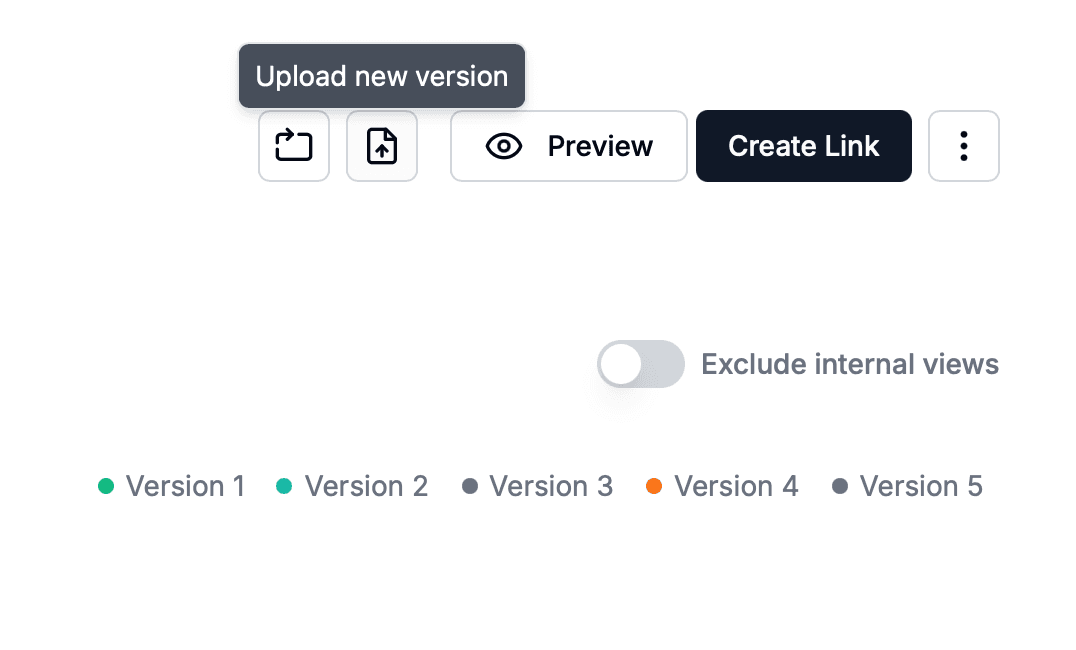
Upload your draft or signed PDF to Papermark. Each upload creates a new version while maintaining complete version history under one live link, so recipients always see the latest without you needing to resend. This is especially critical for legal documents where you need to track which version was shared at any point in time.
Enable email verification, expiry, and password if needed.
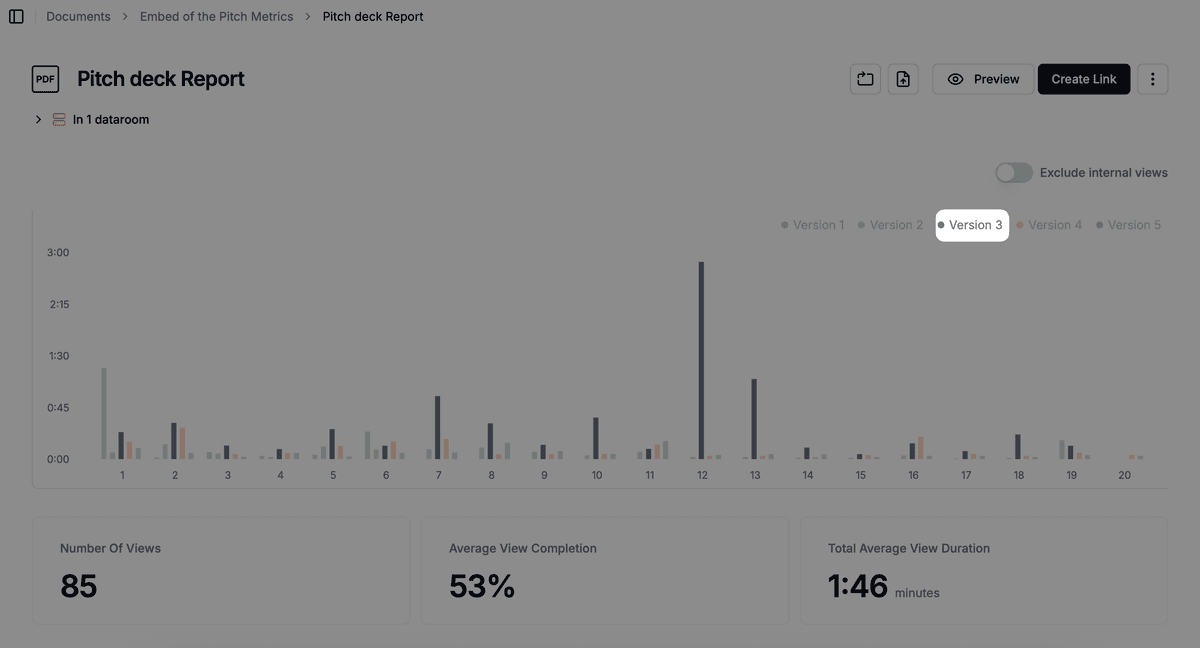
Track page-level analytics, downloads, and view the complete version history with a full audit log showing who accessed what and when. Every version upload is recorded, making it easy to see which version was shared at any point in time and maintain chain of custody.
When you need to update the document, simply upload a new version to the same Papermark link. Recipients automatically see the latest version, while previous versions remain accessible in the history for reference, rollback, or legal compliance. For signed versions, keep them immutable and restrict downloads to maintain chain of custody.
Protect your documents with advanced security
No credit card required
Page by page analytics
Require email verification
Require password to view
Allow/Block specified viewers
Apply Watermark
Require NDA to view
Custom Welcome Message
Best practices for legal document version control
Use strict naming, gated approvals, and read-only PDFs for signed versions. Share externally through Papermark for watermarking, audit logs, and revocable access. Archive superseded drafts and document approvals to stay audit-ready.