
![]()
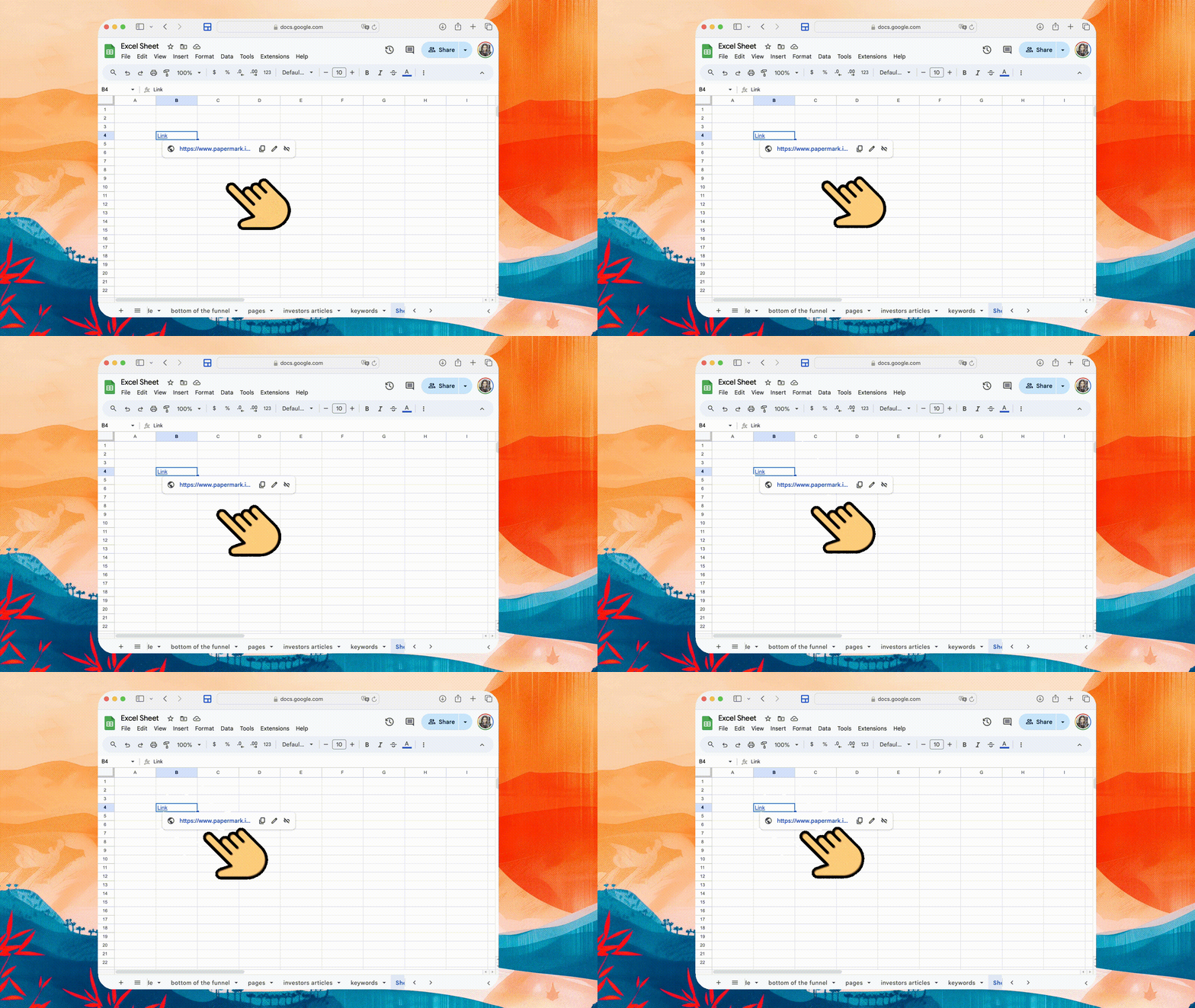
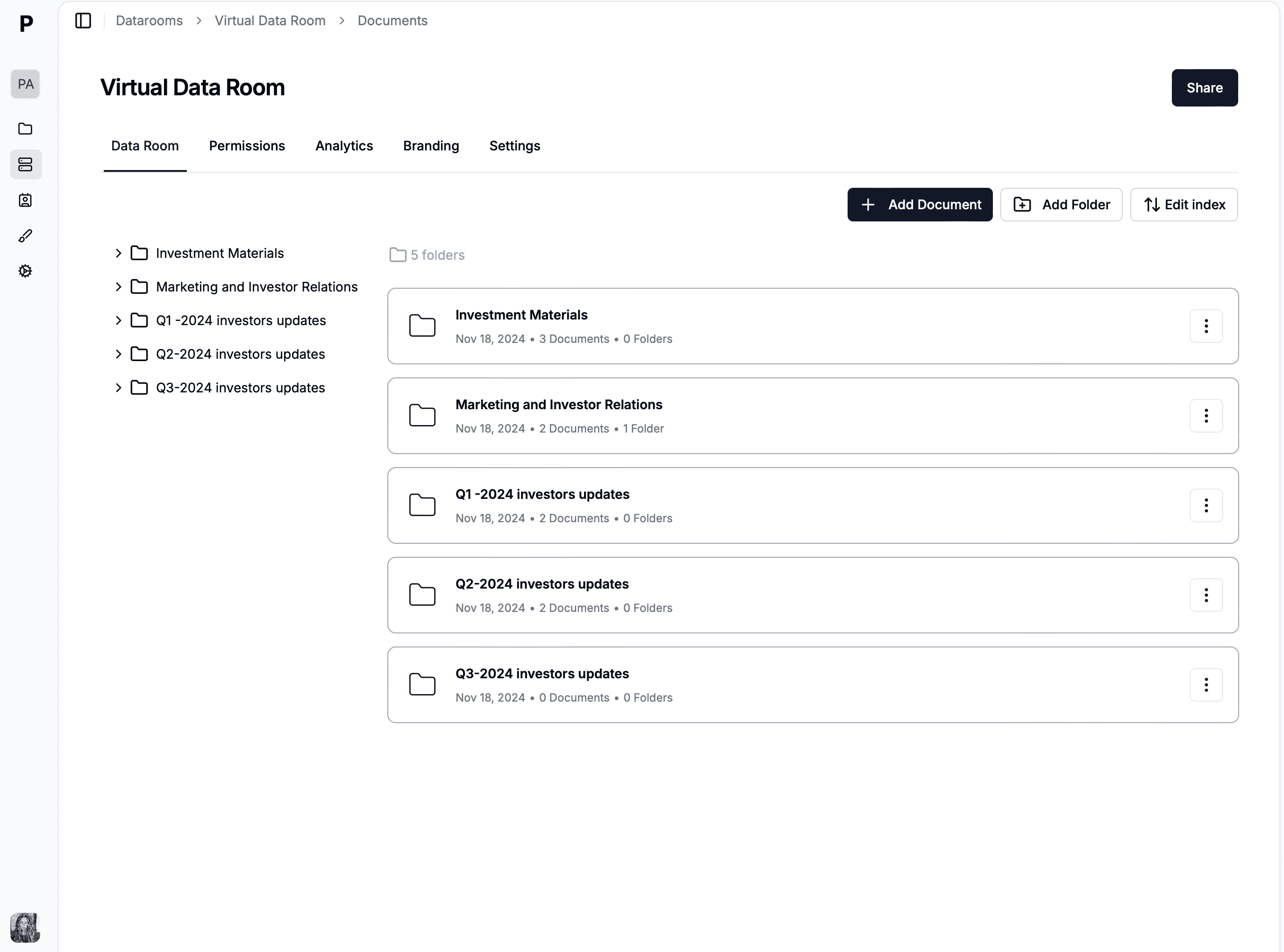
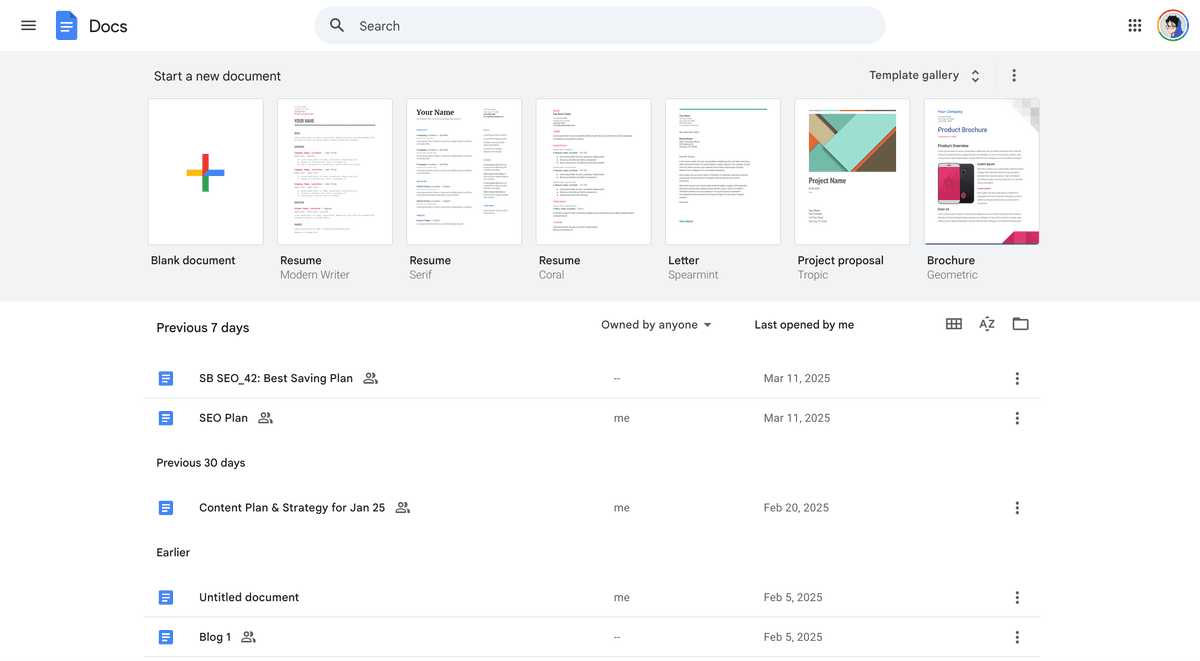
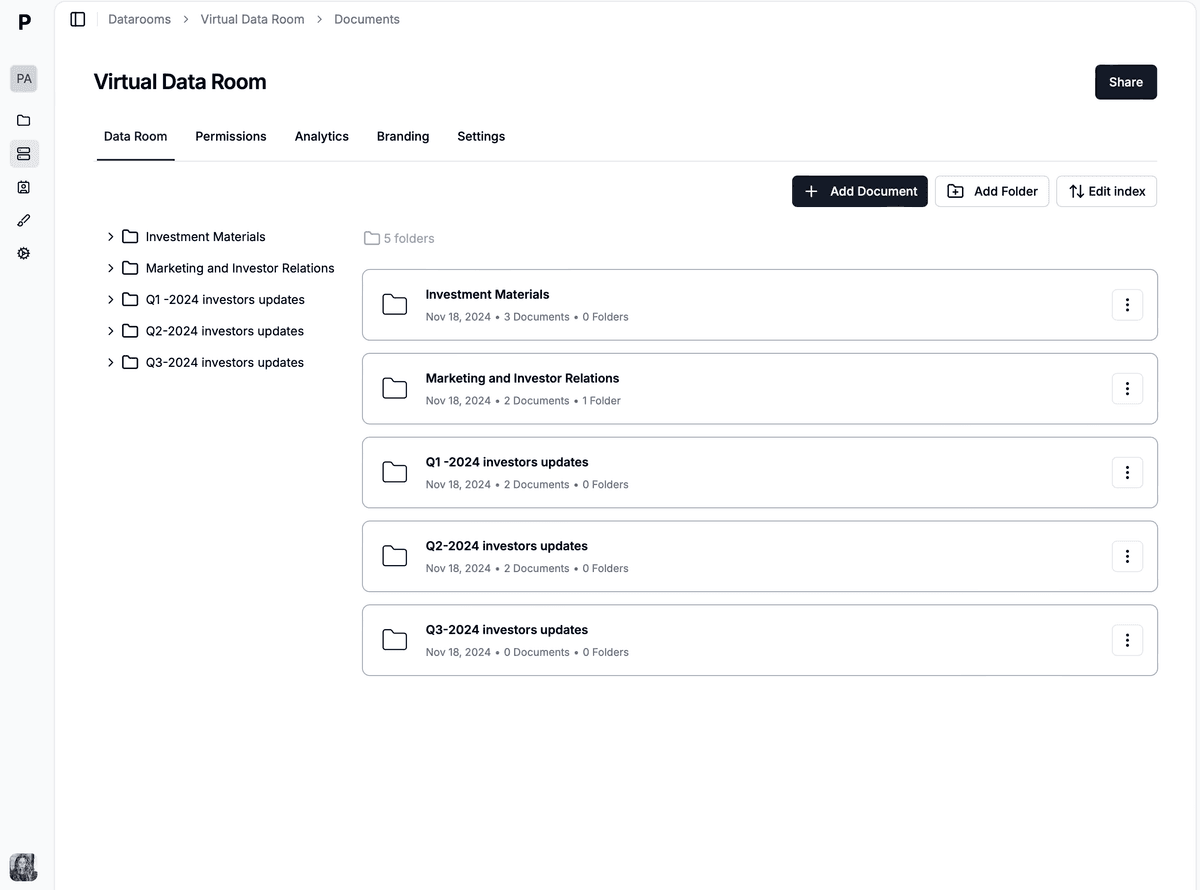
Embedding a PDF link into a Google Doc can enrich your document with additional resources, references, or supporting materials. Whether you're drafting an academic paper, compiling a report, or preparing a project proposal, linking directly to PDF documents can provide readers with easy access to further information. This guide will walk you through the process of linking a PDF to a Google Doc, highlighting the use of Papermark to first convert your PDF into a web link.
These steps ensure that anyone reading your Google Doc can access the linked PDF with a simple click.
![]()
Linking a PDF to a Google Doc enhances your document's value by providing direct access to additional resources. By using Papermark to convert your PDF into a web link, you simplify the process of integrating comprehensive materials into your Google Docs. This approach not only makes your documents more informative and engaging but also ensures that your readers have immediate access to supplementary information.
This guide aims to streamline the process of embedding PDF links into Google Docs, empowering you to create richer, more resourceful documents. Follow these steps to seamlessly integrate external PDFs into your Google Docs, elevating the quality and depth of your content.