BlogFile SecurityDocument Malware in 2026: 7 Attack Vectors and Why Secure Document Sharing Is No Longer Optional
Document Malware in 2026: 7 Attack Vectors and Why Secure Document Sharing Is No Longer Optional
·5 min read
Marc Seitz
Quick recap
Malware authors target documents because PDFs, Word, and PowerPoint files are trusted formats; recipients open them without thinking.
7 common document attack vectors: malicious PDF JavaScript, Office macros, embedded executables, fake download pages from search ads, OAuth phishing inside docs, supply-chain compromise, and social-engineering signed lures.
Email attachments create permanent uncontrolled copies that survive forever in inboxes, file systems, and forwarded threads.
Secure link-based sharing (Papermark and similar) keeps the source document on trusted infrastructure with TLS 1.3 in transit, AES-256 at rest, NDA gating, dynamic watermarking, link expiration, and an audit trail.
Compliance: SOC 2 Type II, GDPR (EU/Frankfurt hosting), HIPAA-ready BAA on enterprise plans. See Papermark security page.
Pricing: Free, Pro €24/month, Business €59/month, Data Rooms from €99/month. See pricing.
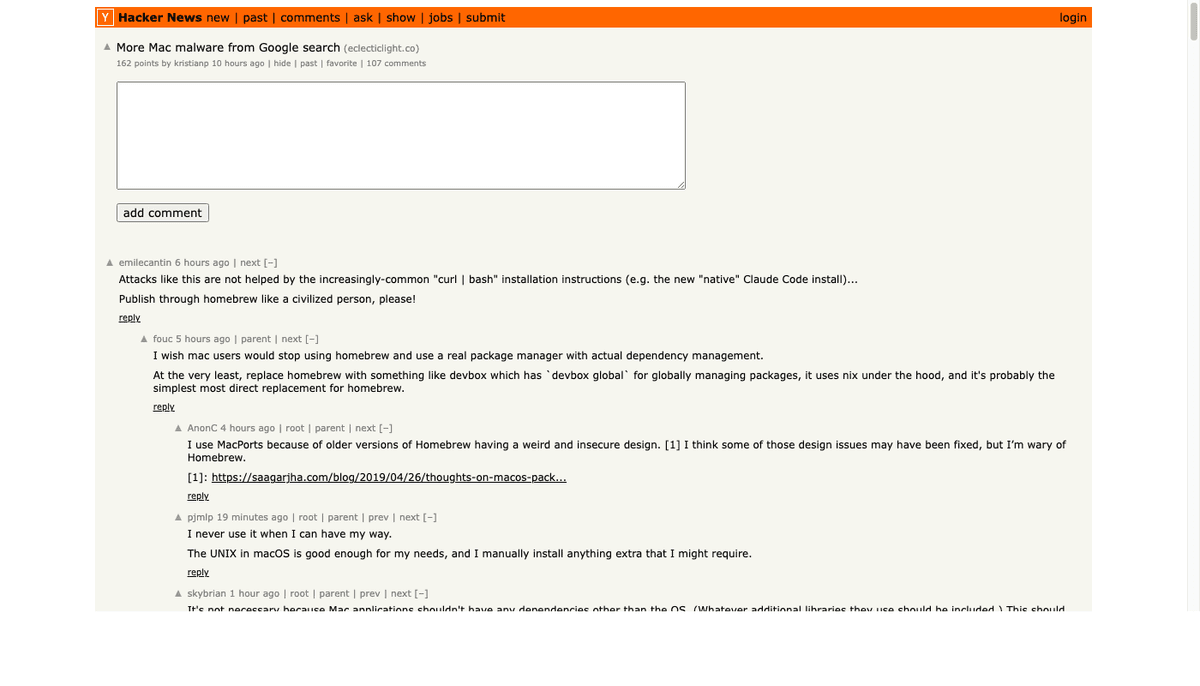
This week, security researchers found more Mac malware spreading through Google search ads. Users searching for legitimate software downloaded infected files instead.
The attack vector? Fake download pages serving malicious documents.
If you're still emailing attachments or sharing files through random download links, you're part of the problem.
The Document Malware Problem
Malware authors love documents. PDFs, Word files, and PowerPoints are trusted formats. People open them without thinking.
Common attack vectors:
Fake invoices with embedded macros
"Pitch decks" from unknown senders
Contract PDFs with malicious JavaScript
Spreadsheets that execute code on open
Why Email Attachments Are Risky
When you email an attachment:
It passes through multiple mail servers
Each server could be compromised
The file sits in inboxes forever
Anyone who gains access to the inbox gets the file
No way to revoke access after sending
You're creating permanent copies of sensitive documents across infrastructure you don't control.
The lesson? Even trusted sources aren't trustworthy. File origin matters.
What Secure Document Sharing Looks Like
Secure sharing isn't about encryption alone. It's about control.
Feature
Email Attachment
Secure Link
Access control
None after sending
Revoke anytime
Expiration
Never
Set time limits
Verification
Anyone can open
Require email/password
Audit trail
None
Full view history
Download control
Can't prevent
Block downloads
Updates
Must resend
Update in place
How Papermark Protects Your Documents
Papermark gives you complete control over who sees your documents and when:
Link-based sharing. Instead of attaching files, share secure links. Your document stays on secure infrastructure — you control who can access.
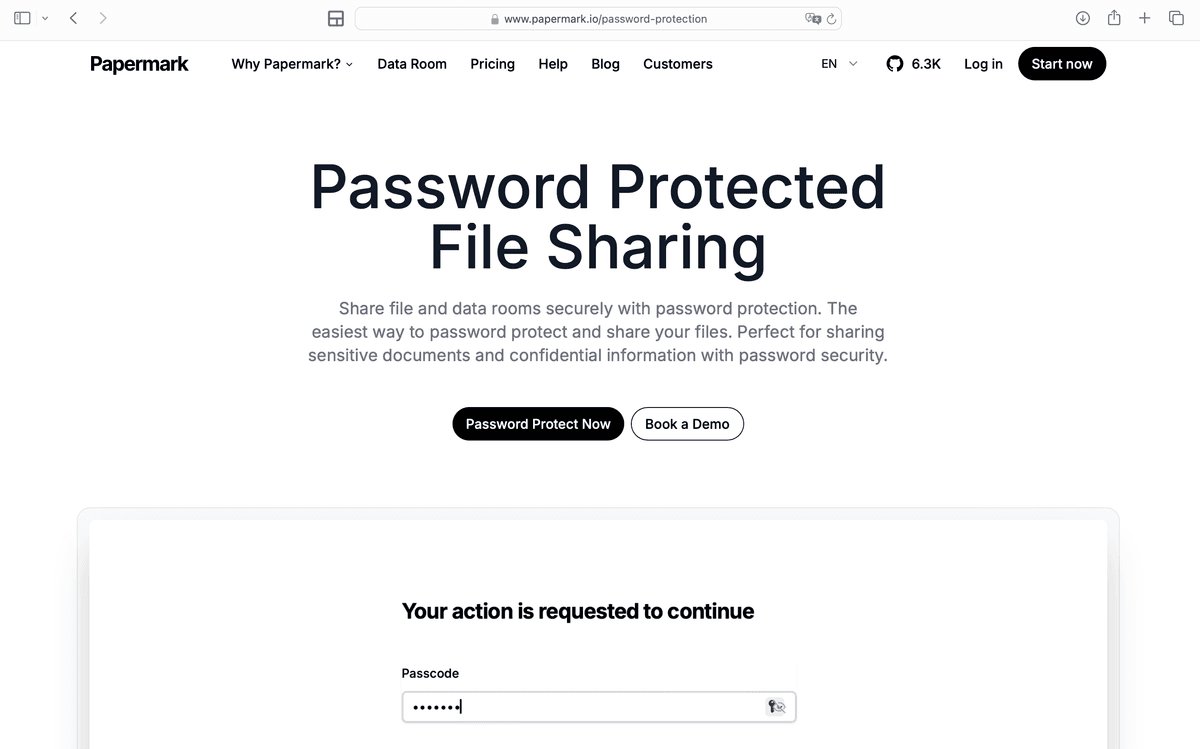
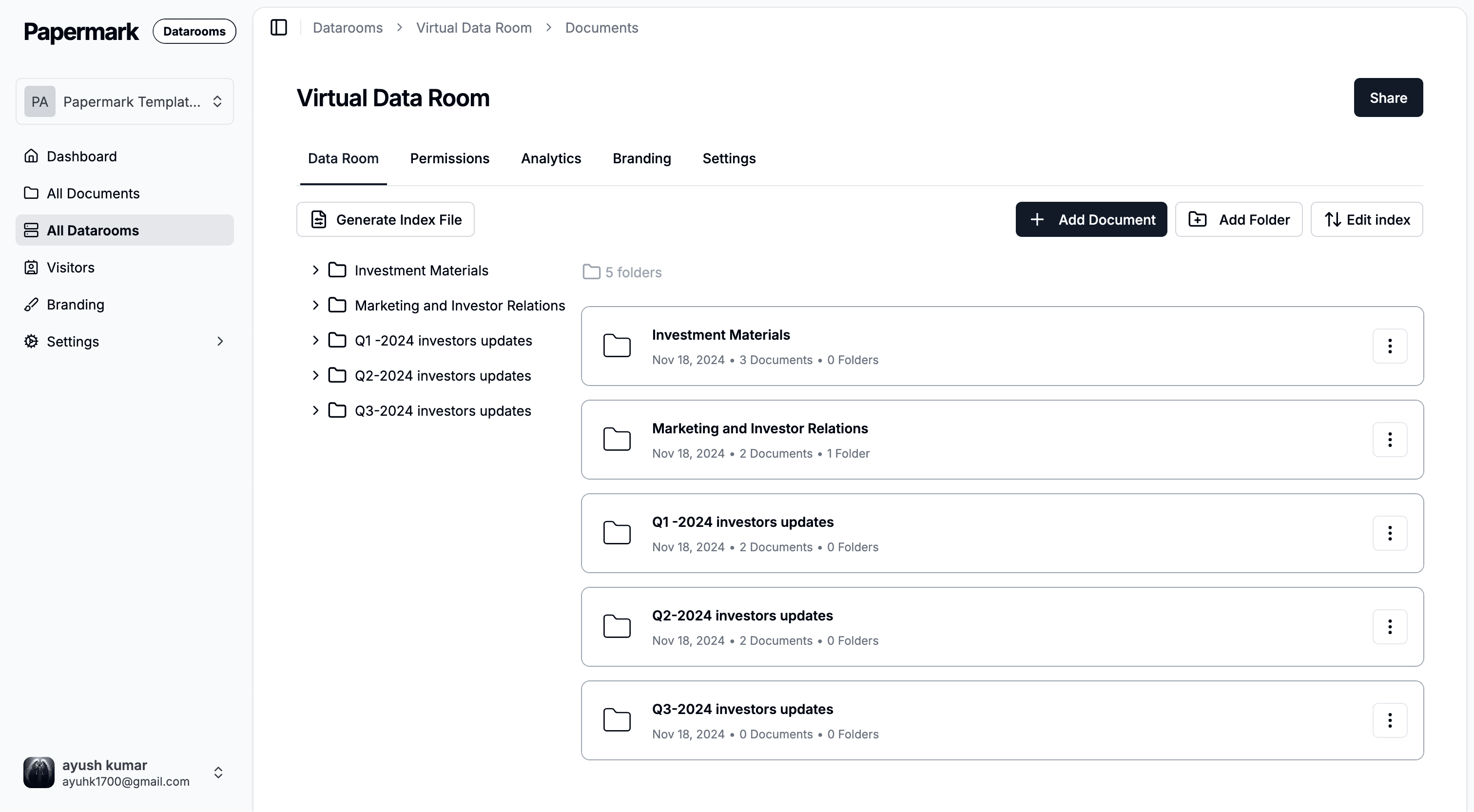
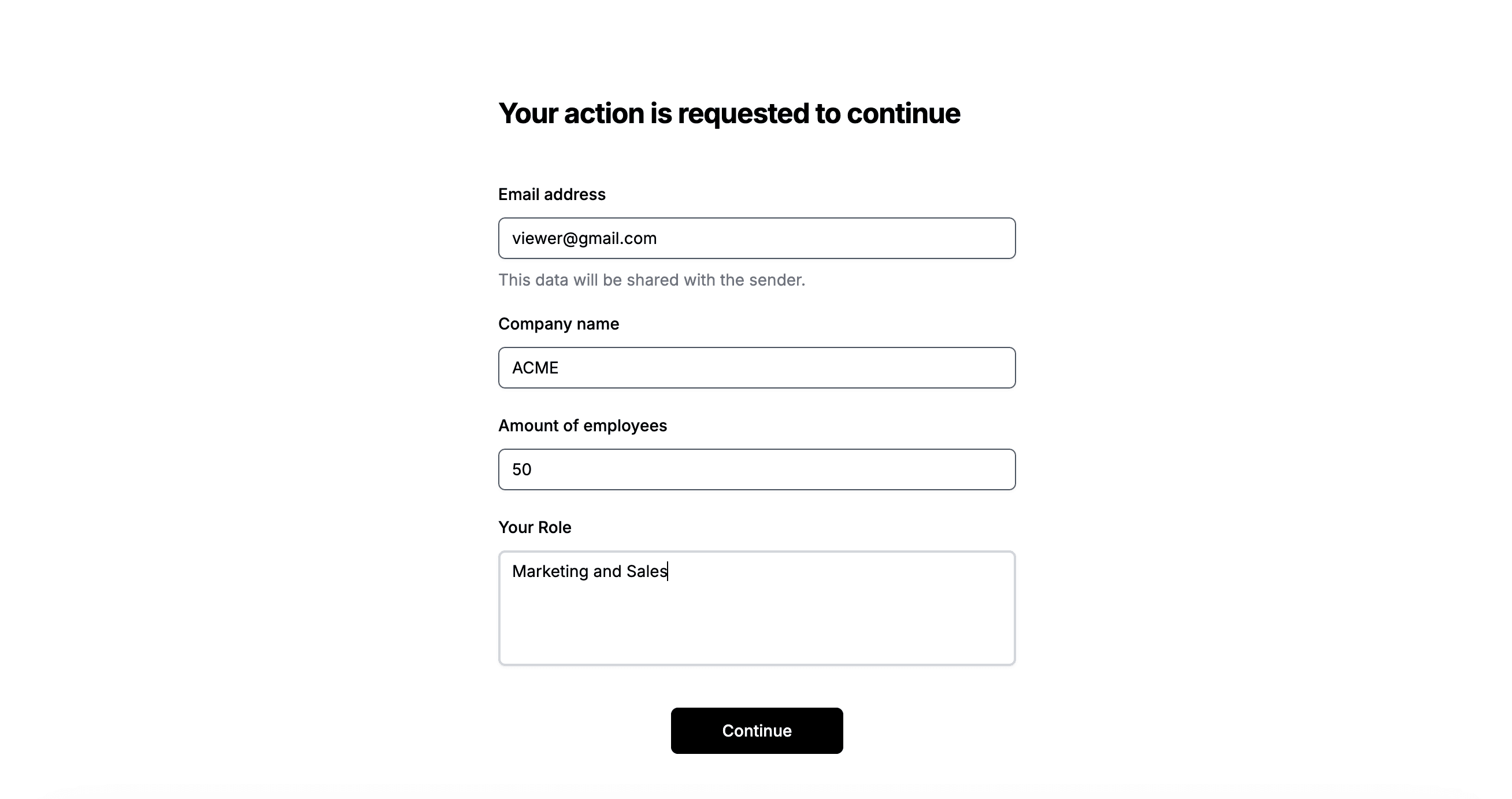
Verification layers. Add email verification or password protection for sensitive documents. A malicious actor would need the link AND pass verification.
Instant revocation. Deal fell through? Revoke access immediately. No more worrying about documents floating around.
The alternative for document version control
No credit card required
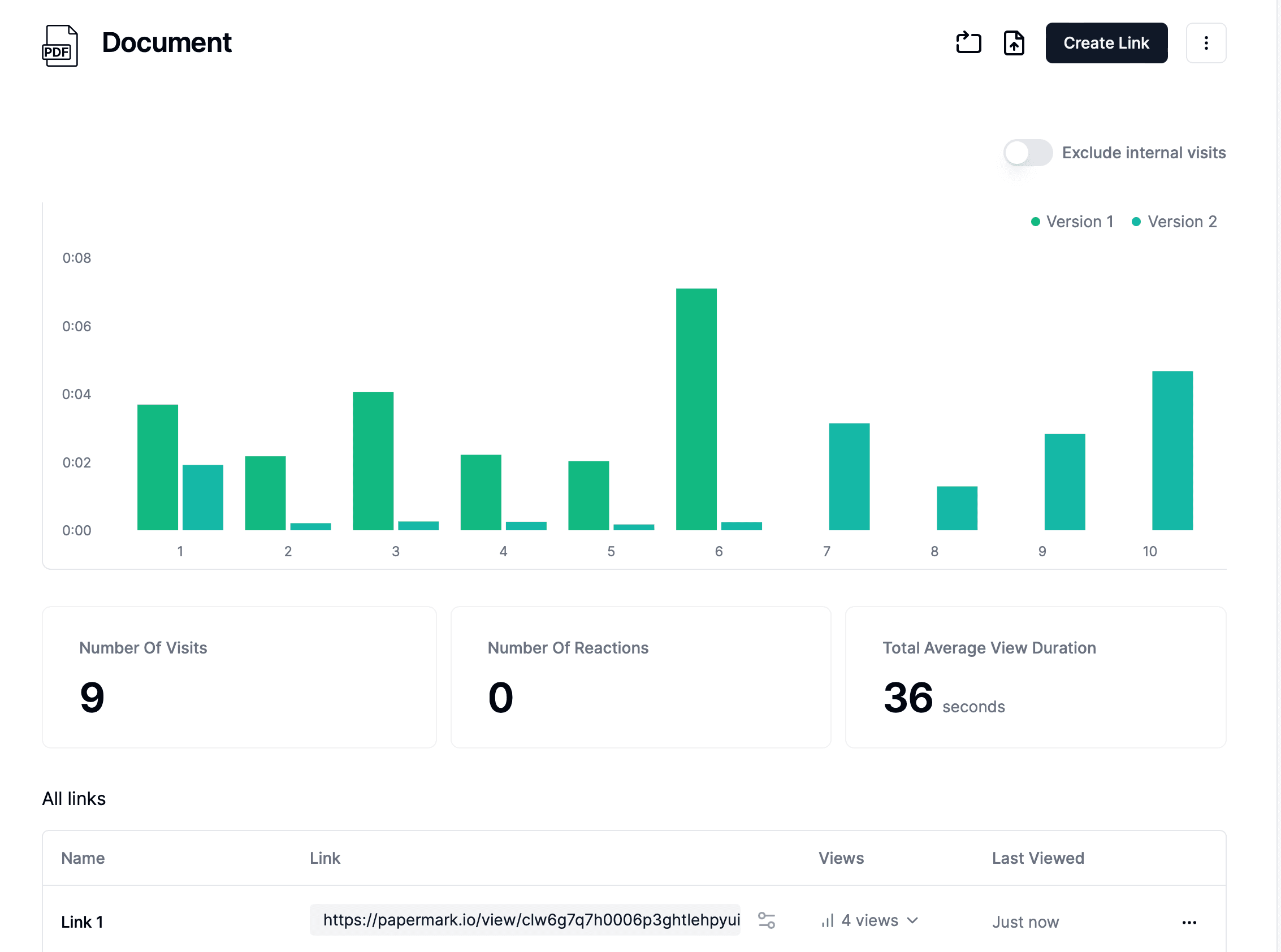
Page by page analytics
Require email verification
Require password to view
Allow/Block specified viewers
Apply Watermark
Require NDA to view
Custom Welcome Message
The Watermark Deterrent
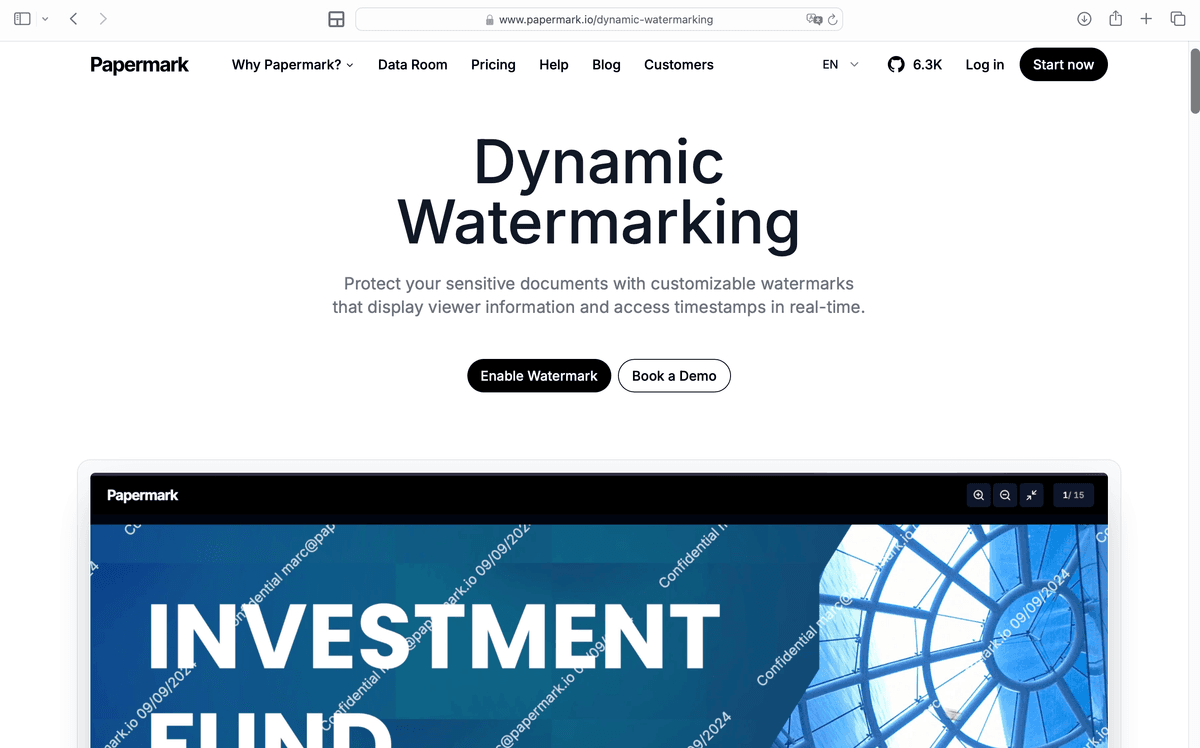
Dynamic watermarks embed viewer information directly on the document:
Viewer's email address
IP address or timestamp
Custom identifiers
If someone leaks your document, you know exactly who did it. This psychological deterrent prevents most intentional sharing.
Real Scenarios Where This Matters
1. Fundraising Documents
Your pitch deck contains:
Revenue numbers
Customer names
Growth projections
Competitive strategy
Email this to 100 investors, and you've created 100 uncontrolled copies. Any one could leak. Any one could be forwarded.
With Papermark:
Each investor gets a unique link
You see who viewed and when
Revoke access after the round closes
Watermarks deter screenshots
2. M&A Due Diligence
You're sharing financials with potential acquirers. The stakes are high: