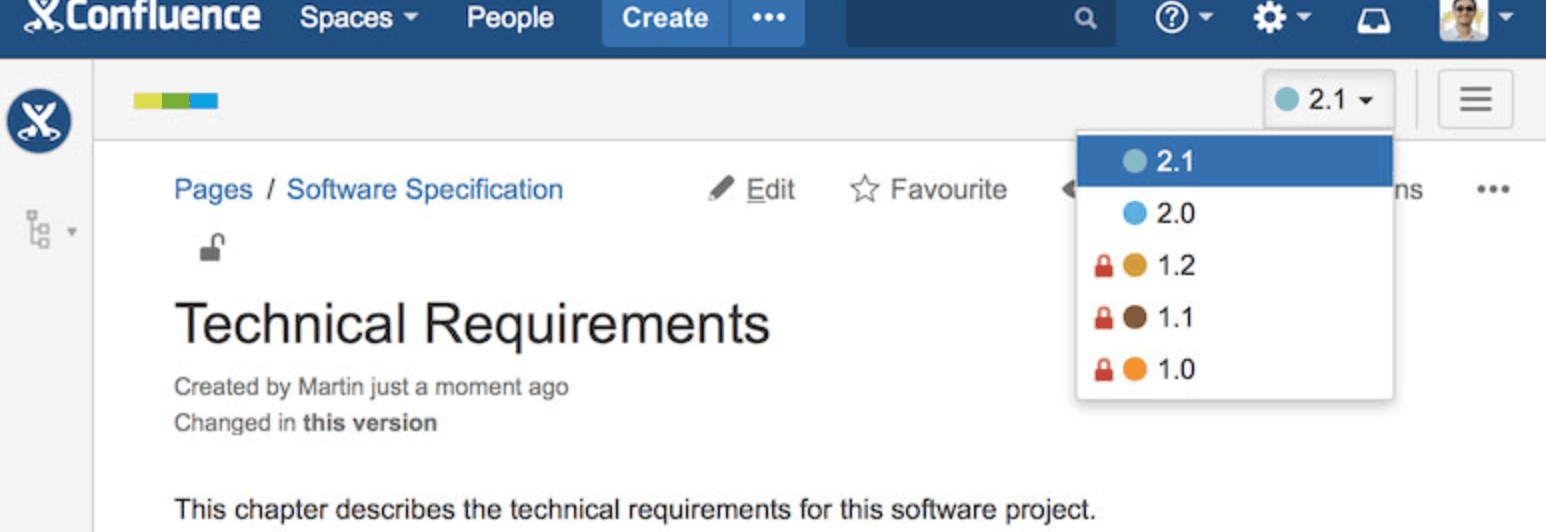
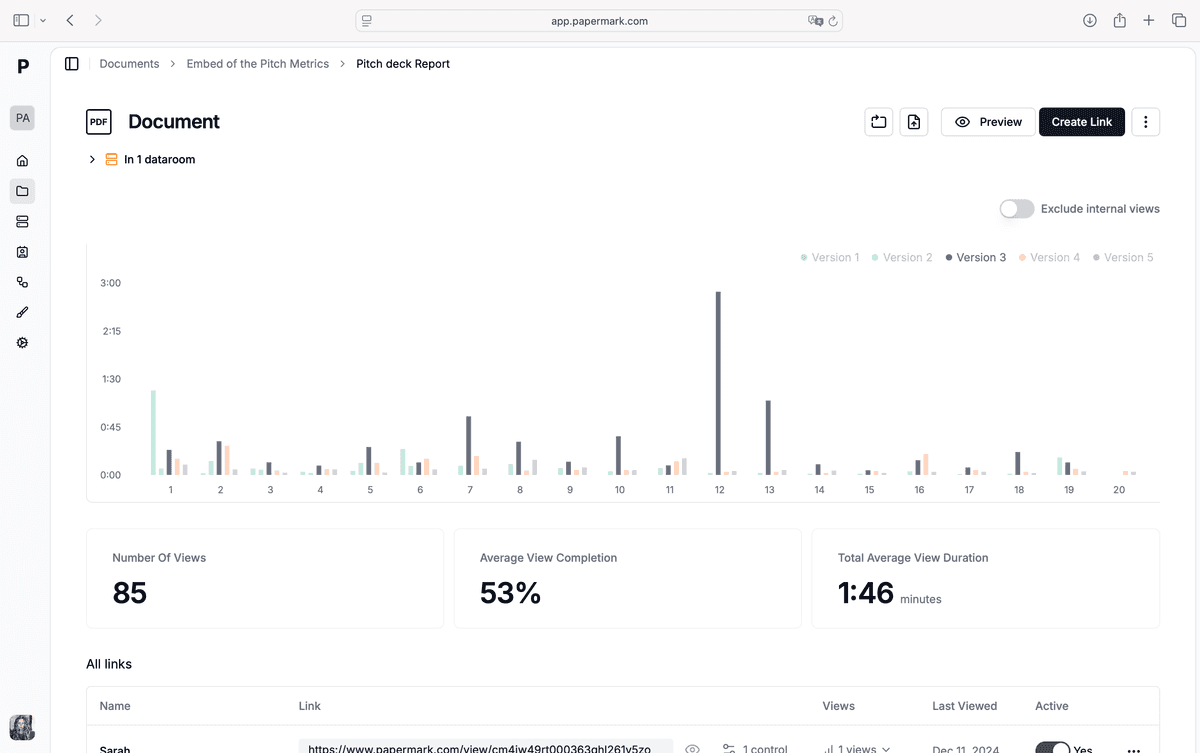
Notion is great for fast collaboration, but with many editors it’s easy to lose track of who changed what and when. This guide shows how to manage Notion version control with built-in page history, structured change policies, and Papermark for exporting and sharing controlled versions externally with audit trails and watermarks.
Share secure documents
No credit card required
Page by page analytics
Require email verification
Require password to view
Allow/Block specified viewers
Apply Watermark
Require NDA to view
Custom Welcome Message
Quick recap of steps
Use Notion’s page history and permissions as your first line of control.
Standardize change requests and checkpoints for critical pages.
Lock major versions and keep immutable snapshots for approvals.
Monitor access and roll back when needed.
Comparison: Notion version control options
Method
Best for
Version history
External sharing
Security
Notion page history
Internal collaboration
Built-in page history
Internal sharing
Workspace permissions
Change policy + checkpoints
Critical docs
Named checkpoints
Internal links
Role-based access
Papermark exports
External reviewers, clients
Version history + audit logs
Secure links, data room
Watermark, email verify, expiry
1. Use Notion page history and permissions
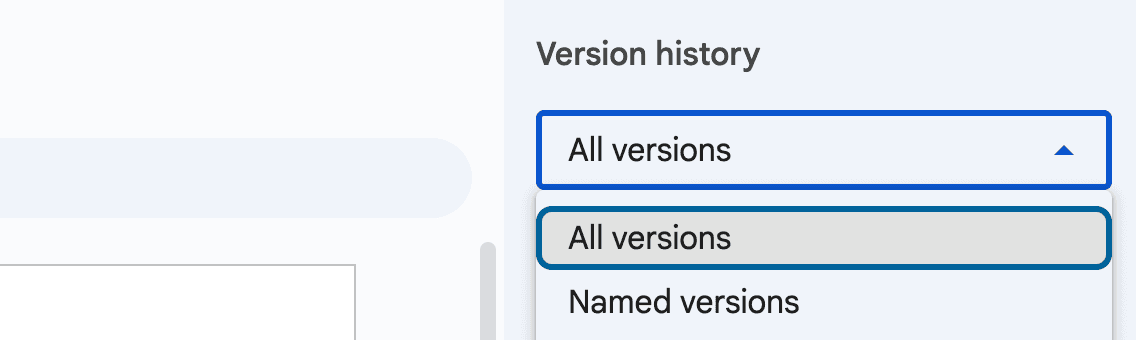
Notion keeps page history and lets you restore prior states. Combine this with tight permissions.
Step-by-step guide in Notion
Turn on Page history (Plus/Business plans) for key docs.
Assign Can edit only to owners; give most collaborators Can comment.
For sensitive pages, duplicate a backup before major edits.
Use Comments or Suggested edits (callouts/tasks) instead of direct edits when possible.
Restore a previous version from page history if an unwanted change ships.
2. Add change policies and checkpoints
Critical docs (runbooks, specs, policies) need clearer governance.
Step-by-step guide for change governance
Define owners for critical pages; reviewers add comments, owners merge.
Add a Changelog section at the top with date, version, and approver.
Gate major changes (v1.0, v2.0) with an approval note or task.
Snapshots: duplicate the page for major versions and mark it Read-only.
Move deprecated versions to an archive database to avoid clutter.
3. Share Notion pages via Papermark
For clients or auditors, use Papermark's Notion integration to share pages directly without exporting to PDF. This keeps control after it leaves your workspace.
Step-by-step guide for Papermark sharing
Add your Notion page link to Papermark using the Notion integration:
In Papermark, select the Notion integration option
Paste your Notion page URL
Papermark automatically syncs the page content
Keep version history under one link; the page automatically updates when Notion content changes.
Require email verification and set link expiry; add a password for high-sensitivity docs.
Track page-level analytics and downloads; revoke access or expire links after reviews.
4. Policies that keep Notion versions clean
One owner per critical page; reviewers suggest, owner merges.
Use a simple version tag in the page header (e.g., v1.3 | -12-20 | owner).
Keep a Changelog for major updates and approvals.
Share major versions via Papermark's Notion integration for external sharing with version control.
Archive deprecated pages and tighten permissions quarterly.
5. Troubleshooting and rollback
Restore from Page history if edits conflict.
If a page leaks externally, expire or revoke the Papermark link and rotate passwords.
When feedback diverges, branch a duplicate, then consolidate into a new major version.
Keep an offline PDF of approved versions for audit or legal holds.
Use Papermark audit logs to see who viewed or downloaded and adjust access.
Best practices for Notion version control
Rely on Notion page history and strict permissions internally; use change policies for critical docs. For external sharing, use Papermark's Notion integration to share pages directly and add audit trails, watermarks, and granular access controls. Keep one source of truth, lock major versions, and archive old copies to reduce noise.
Key takeaways
Notion’s history covers internal collaboration, but external sharing needs stronger controls. Pair Notion governance with Papermark links to add watermarks, analytics, and revocable access so you maintain confidence in every shared version.