

document-sharing
How to set up folder version control in 2026
Learn how to keep folders versioned with clear naming, structured storage, and Papermark links for secure external sharing with audit trails and watermarks.
PDFs are often the final, share-ready format for contracts, reports, and decks. But PDFs themselves don’t have built-in version control, so when multiple reviewers edit and resend attachments, version sprawl happens fast. This guide shows how to keep PDF versions organized with disciplined naming and how Papermark adds secure external sharing with audit trails and watermarks.
| Method | Best for | Version history | External sharing | Security |
|---|---|---|---|---|
| Local saves + naming | Solo or quick edits | Manual (v1, v2, v3) | Email/attachments | File password or none |
| Papermark links | External reviewers, clients | Version history + audit logs | Secure links, data room | Watermark, email verify, expiry |
Local saves work for small teams but require discipline to avoid confusion.
Title_vMajor.Minor_owner_date (e.g., Report_v1.1_alex_2025-12-20).PDFs don’t store a built-in version history. Control comes from how you name, store, and share them.
Title_vMajor.Minor_owner_date) and avoid emailing uncontrolled copies.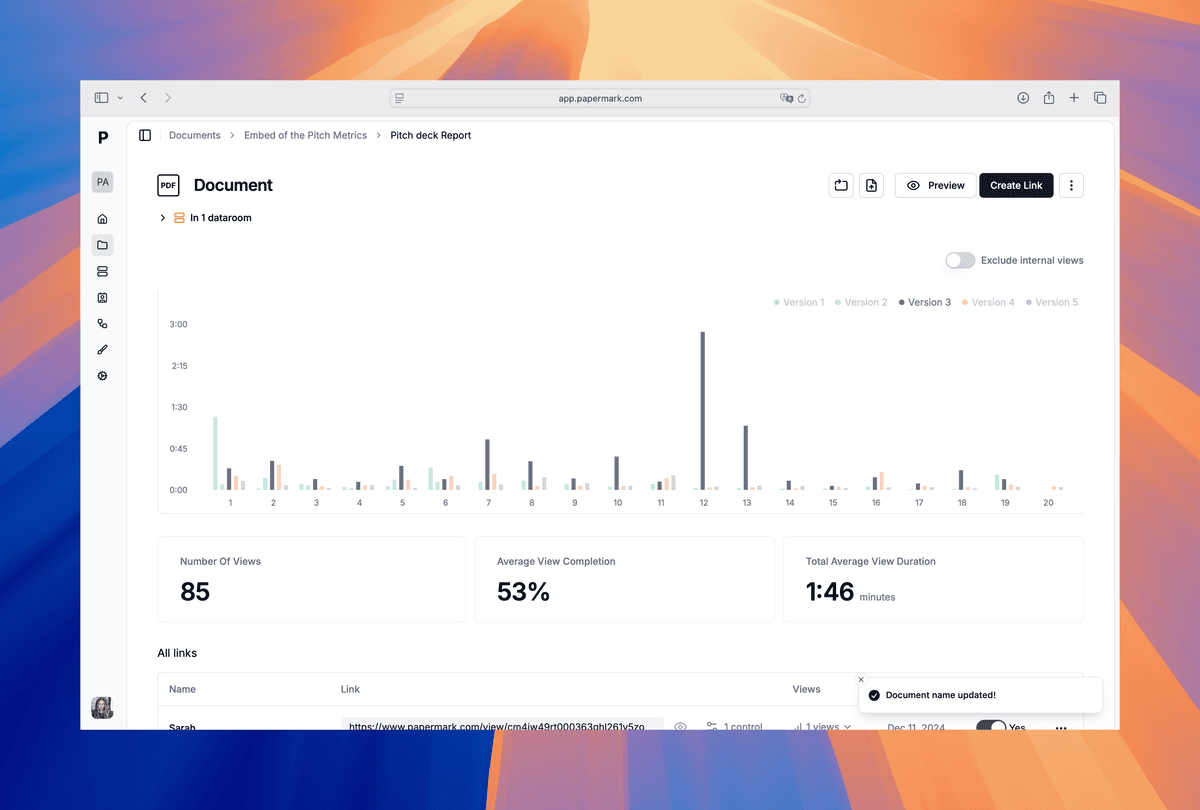
Papermark keeps control after the PDF leaves your cloud. You get audit logs, watermarks, and granular link settings under one shareable link.
Short, enforced rules prevent version sprawl.
Use disciplined naming for internal work and Papermark for external sharing. Keep one source of truth, avoid emailing attachments, and watermark external copies. Align approvals to major versions, store finals as immutable PDFs, and monitor access via audit logs to stay compliant.
Local saves cover small teams, and Papermark extends control to external stakeholders with watermarks, analytics, and link governance. Clear naming, single ownership, and approval checkpoints reduce risk and confusion.
Learn how to keep folders versioned with clear naming, structured storage, and Papermark links for secure external sharing with audit trails and watermarks.
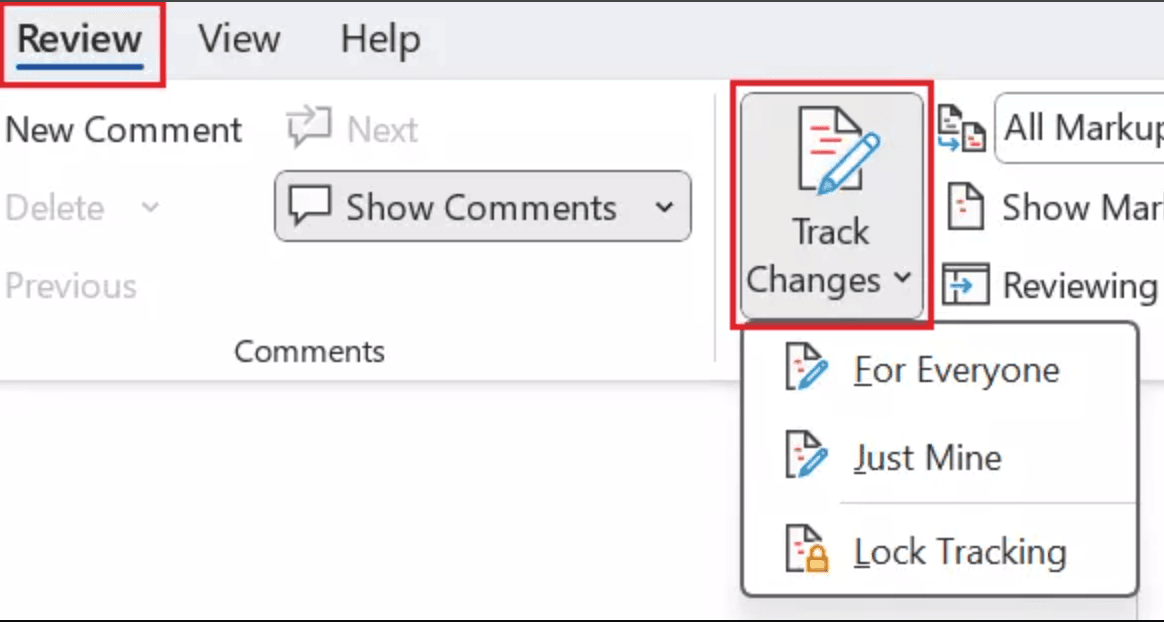
Learn how to enable Word document version control using built-in tools, SharePoint/OneDrive, and Papermark for secure external collaboration with audit trails.
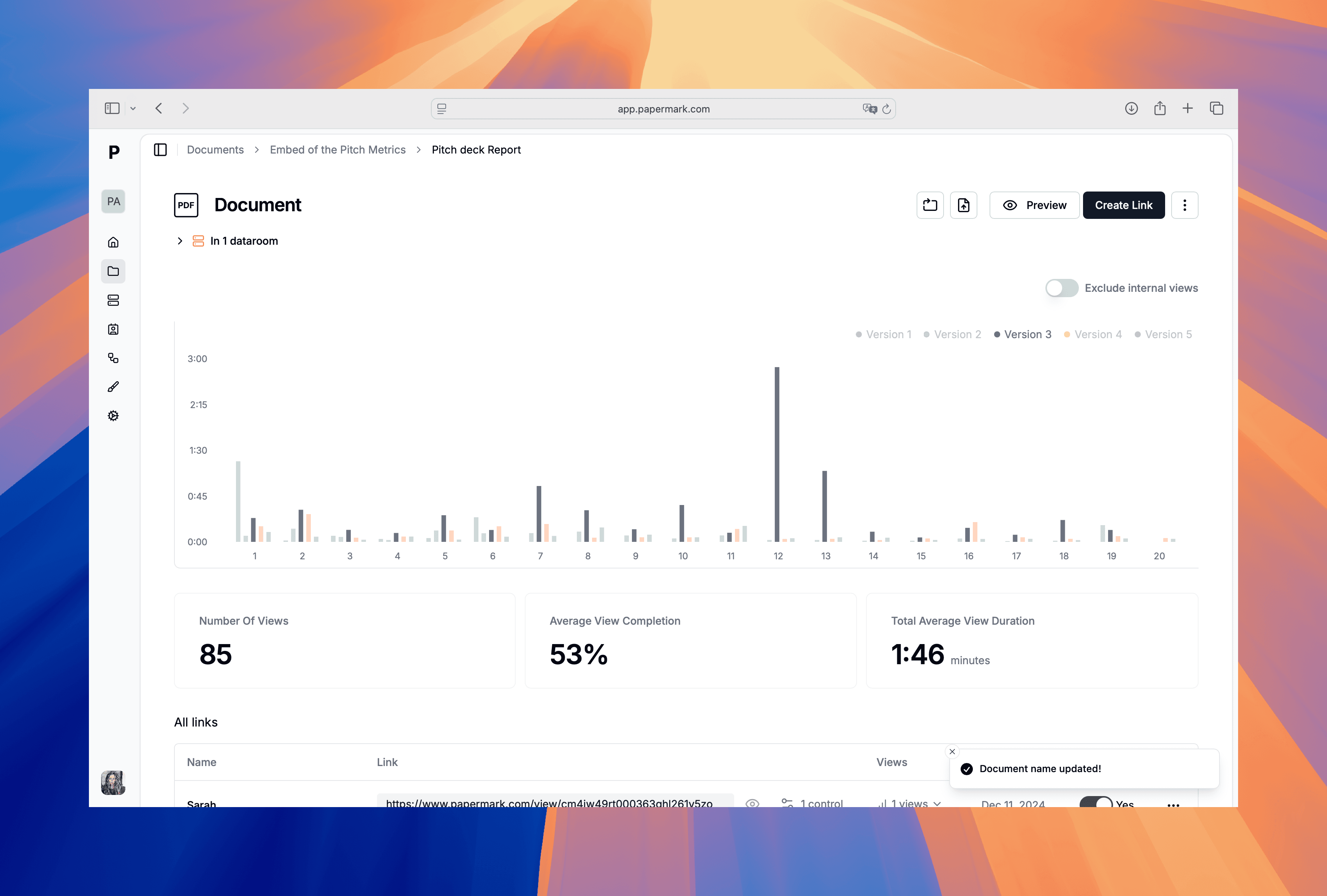
Compare the best document version control software for teams that need secure sharing, audit trails, and change history. See how Papermark, Microsoft SharePoint, Box, Alfresco, and OpenText handle versioning, permissions, and compliance.