Video content management software (VCMS) is essential for organizations that need to organize, store, manage, and share video content efficiently. As businesses and institutions generate increasing amounts of video content for training, marketing, communications, and documentation, having a robust VCMS helps ensure videos are accessible, secure, and properly managed throughout their lifecycle.
Video content management software provides centralized video storage, transcoding, streaming capabilities, access controls, and analytics features that help organizations manage their video content effectively.
The right VCMS solution depends on your organization's size, video volume, security requirements, integration needs, and budget. This guide explores five leading video content management solutions, from secure sharing platforms to enterprise video systems, helping you choose the best option for your organization's video management needs.
Quick recap of video content management software
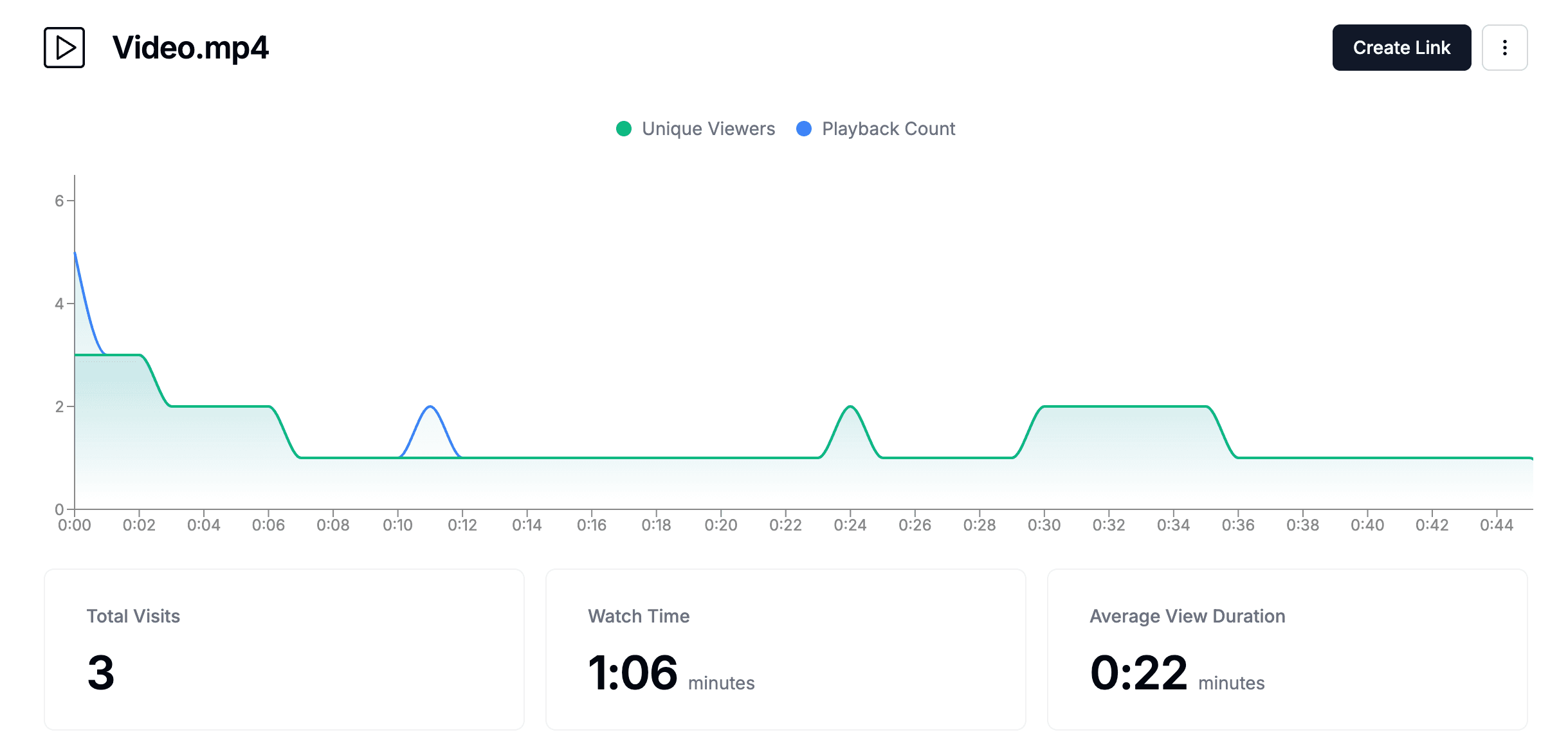
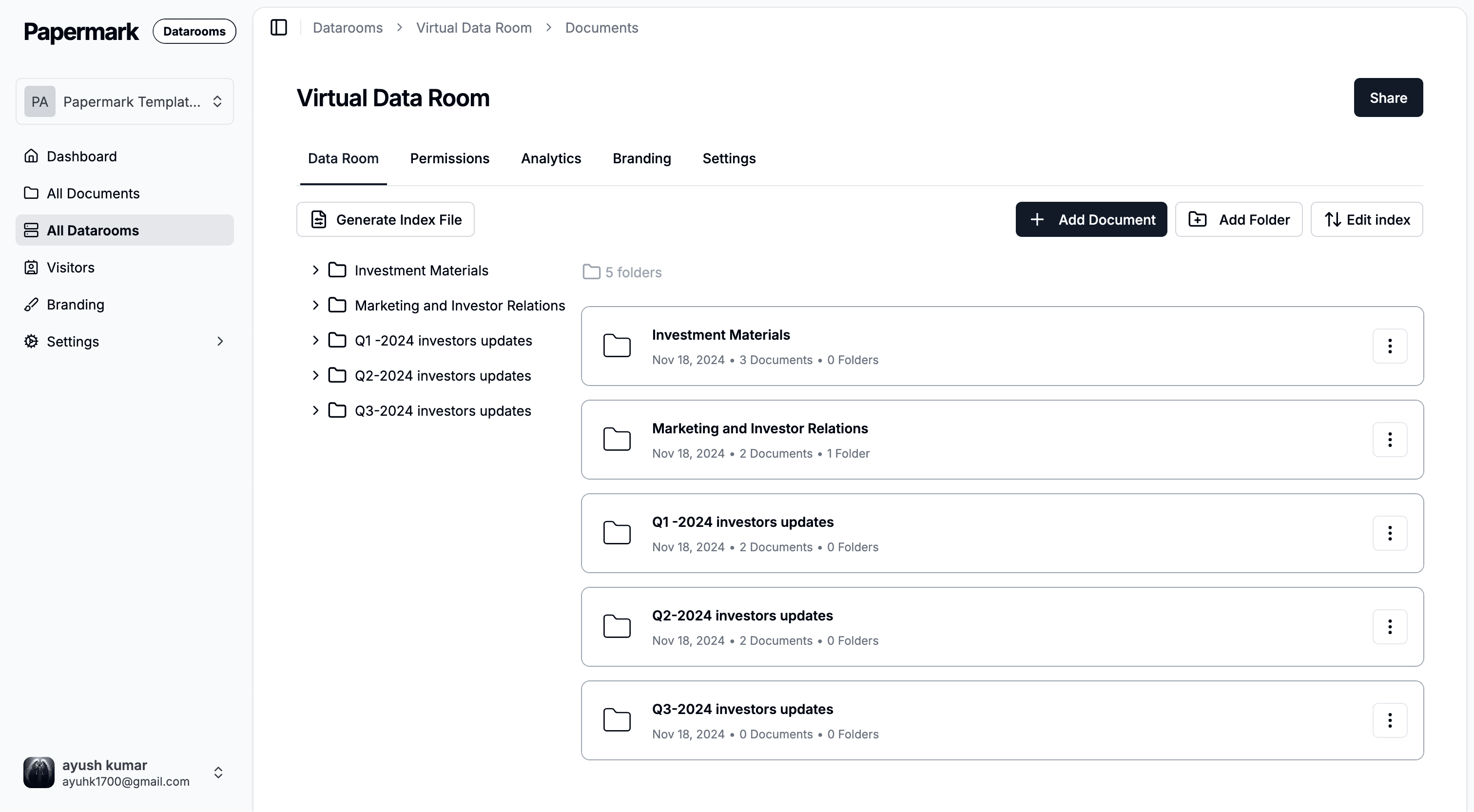
Papermark: Secure video sharing platform with advanced analytics, virtual data rooms, and comprehensive access controls for business video content
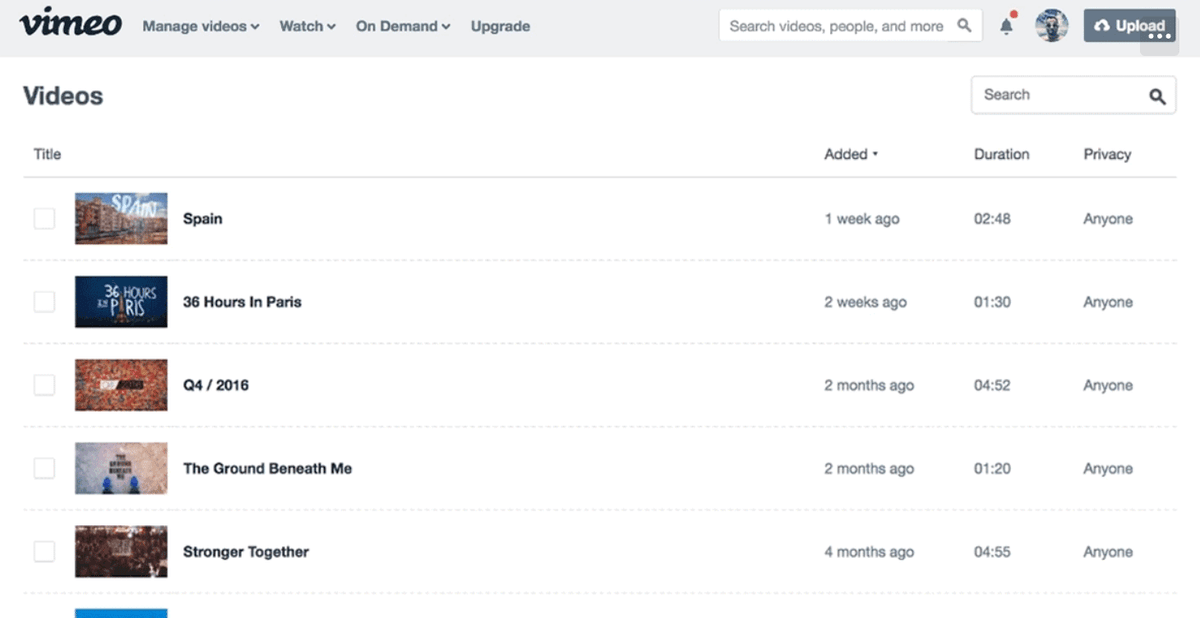
Vimeo: Professional video hosting and management platform with collaboration tools and marketing integrations
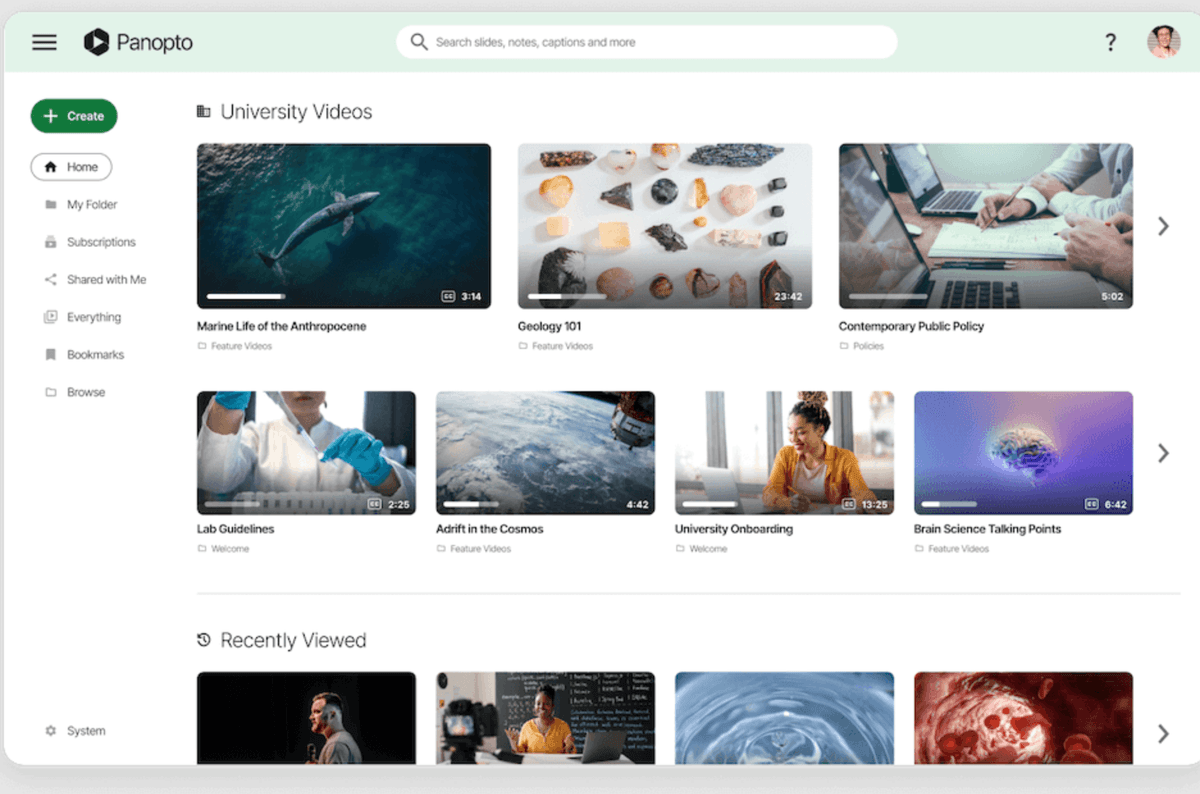
Panopto: Enterprise video content management with automatic transcoding, AI-powered search, and learning management system integration
VEED.IO: Free video CMS with editing capabilities, secure storage, and collaboration features
YuJa: Cloud-based video platform for creating, managing, and distributing video content with streaming and analytics
Comparison table: video content management software
Feature
Papermark
Vimeo
Panopto
VEED.IO
YuJa
Video hosting
✔
✔
✔
✔
✔
Video analytics
✔ (Page-by-page, engagement tracking)
✔ (Viewer insights, engagement metrics)
✔ (Viewer analytics, search analytics)
Limited
✔ (Comprehensive analytics)
Secure sharing
✔ (Password protection, access controls)
✔ (Privacy settings, password protection)
✔ (SSO, access controls)
Limited
✔ (SSO, permissions)
Video transcoding
Limited
✔ (Automatic)
✔ (Automatic, multiple formats)
✔
✔ (Automatic)
Live streaming
✘
✔
✔
✘
✔
Video editing
✘
Limited
✔ (Basic editing, trimming)
✔ (Advanced editing)
✔ (Basic editing)
Closed captions
Limited
✔ (Auto-generated)
✔ (Auto-generated, manual)
✔ (Auto-generated)
✔ (Auto-generated)
Data rooms
✔
✘
✘
✘
✘
Watermarking
✔ (Dynamic)
Limited
Limited
Limited
Limited
LMS integration
Limited
Limited
✔ (Extensive)
Limited
✔ (Extensive)
API access
✔
✔
✔
Limited
✔
Self-hosting option
✔
✘
✔
✘
✘
Types of video content management software and use cases
Secure video sharing platforms:
Software like Papermark falls into this category, offering secure video sharing with virtual data rooms, built-in analytics, and advanced access controls. These platforms make it easy to share sensitive video content with external parties through safe links while providing clear visibility into who viewed videos and when. The ability to see exactly who accessed your video content makes these platforms ideal for organizations that need to track video engagement and maintain control over shared content.
Professional video hosting platforms:
Vimeo represents this type, providing high-quality video hosting with collaboration tools, marketing integrations, and professional features. These solutions are ideal for content creators, marketing teams, and organizations that need reliable video hosting with professional presentation options.
Enterprise video platforms:
Panopto and YuJa represent this category, providing comprehensive video management with automatic transcoding, AI-powered search, and extensive learning management system integration. These solutions are designed for educational institutions and large enterprises with complex video management requirements.
Video editing and management platforms:
VEED.IO offers video editing capabilities alongside content management, making it ideal for teams that need to create, edit, and manage video content in one platform. These solutions combine video production tools with content management features.
Cloud-native video platforms:
Most modern VCMS solutions provide cloud-native video management with automatic updates, scalability, and reduced IT overhead. These solutions are ideal for organizations that prefer cloud deployment and want to minimize infrastructure management.
Papermark is an open-source video content management platform that provides secure video sharing, analytics, and data room capabilities for modern organizations. Unlike traditional VCMS systems that focus primarily on video hosting and streaming, Papermark combines video management with secure external sharing capabilities, making it ideal for businesses that need to share video content with clients, investors, or partners while maintaining detailed visibility into video engagement.
The platform offers both cloud-based and self-hosted deployment options, giving organizations flexibility in how they manage their video infrastructure. Papermark's focus on secure video sharing with analytics makes it particularly valuable for organizations in finance, legal, consulting, and other industries where video tracking and security are critical.
Papermark features
Papermark provides comprehensive video content management capabilities designed for organizations that need secure video sharing with advanced control and visibility. The platform offers unlimited video and folder organization, allowing enterprise teams to structure video content in a way that matches their workflow.
Papermark's virtual data room feature provides enterprise-grade secure video sharing through safe links, making it simple to organize and distribute business-critical video content during due diligence, fundraising, M&A transactions, and other sensitive business processes.
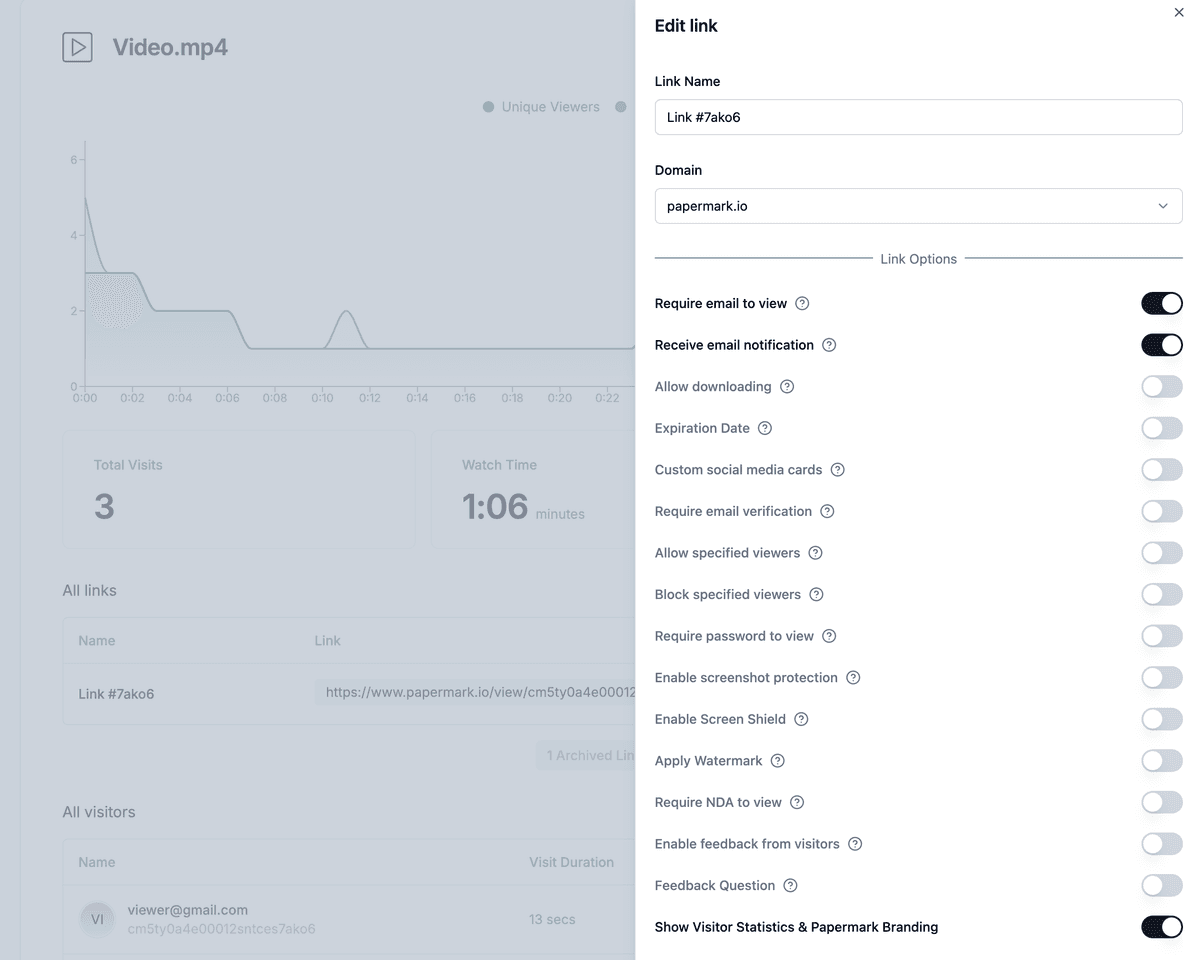
The platform includes enterprise-grade access controls with email verification, allowlists, denylists, and access expiration dates. Papermark's virtual data rooms allow organizations to create secure spaces with granular permissions, ensuring only authorized parties can access sensitive video content.
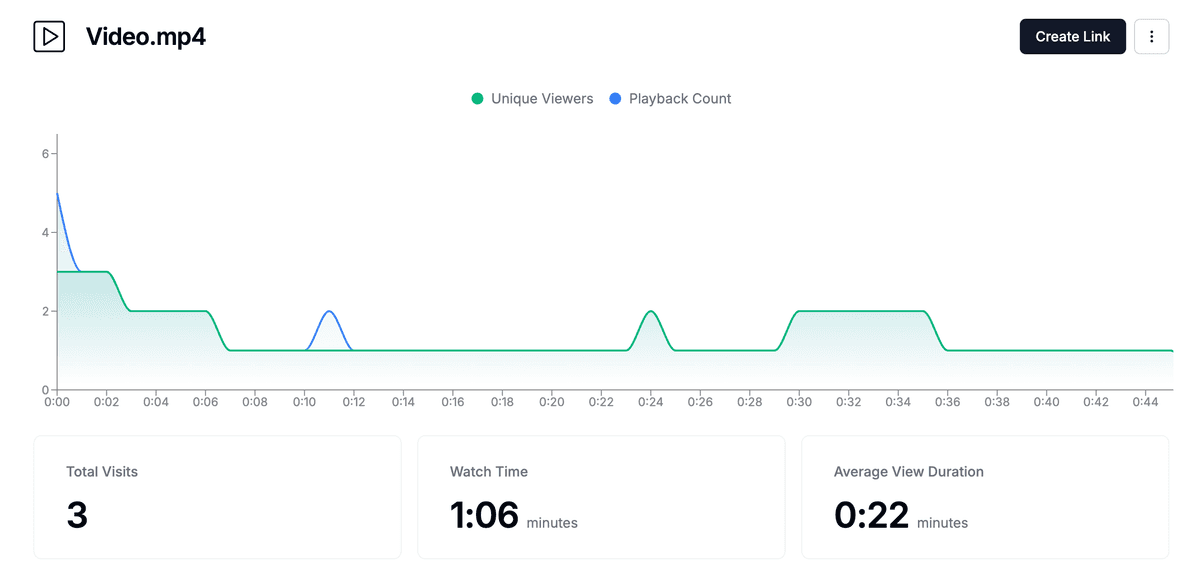
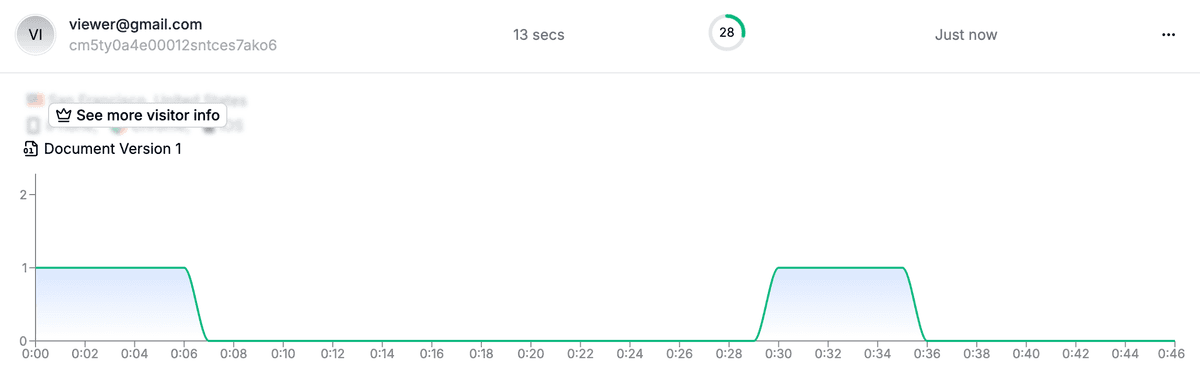
The platform provides detailed video analytics, making it easy for enterprises to see exactly who viewed videos, when they accessed them, and how long they spent watching—critical for tracking engagement during important business processes.
Papermark's enterprise features include dynamic watermarking that automatically adds recipient-specific information to video content, providing traceability and deterring unauthorized sharing.
The platform includes screenshot protection and download prevention features to protect sensitive enterprise video content.
Papermark provides comprehensive white-labeling and branding capabilities, allowing enterprises to customize the interface with their logo, brand colors, and custom domain to maintain consistent corporate identity. The platform offers API access for seamless integration with existing enterprise systems and workflows, supporting automation and custom integrations.
Papermark limitations
As a platform focused on secure video sharing, Papermark doesn't provide the same level of video editing capabilities as dedicated video editing platforms like VEED.IO. The platform is designed primarily for secure video sharing and analytics rather than comprehensive video production workflows. Advanced video features like live streaming and automatic transcoding may require integration with other tools.
Papermark pricing
Pro plan: $24 per month (includes advanced features, analytics, and watermarking)
Business plan: $59 per month (includes unlimited videos and folders, full branding, custom domain, advanced analytics)
Data rooms plan: $99 per month (includes all Business features plus virtual data rooms, unlimited folders, and advanced access controls)
Self-hosted version: Available for enterprises requiring complete control over their infrastructure and data
Vimeo is a professional video hosting and management platform that provides high-quality video hosting, collaboration tools, and marketing integrations. The platform is designed for content creators, marketing teams, and organizations that need reliable video hosting with professional presentation options and extensive customization capabilities.
Vimeo offers both free and paid plans, providing flexibility for organizations with different video hosting needs. The platform emphasizes video quality, privacy controls, and professional presentation, making it popular among businesses, educators, and content creators.
Vimeo features
Vimeo provides comprehensive video hosting with unlimited bandwidth on paid plans, advanced privacy settings, and password protection. The platform offers automatic closed captioning, video review tools, and collaboration features that allow teams to work together on video projects. Vimeo includes marketing integrations with platforms like HubSpot, Mailchimp, and Google Analytics.
The platform provides video analytics with viewer insights, engagement metrics, and geographic data. Vimeo offers live streaming capabilities for real-time video broadcasting. The platform includes video embedding options and customizable video players that match your brand.
Vimeo integrates with popular marketing and productivity tools, allowing organizations to incorporate video into their existing workflows. The platform provides mobile apps for iOS and Android, ensuring access from any device. Vimeo offers API access for custom integrations and automation.
Vimeo limitations
Vimeo's free plan has storage and bandwidth limitations that may not be sufficient for organizations with extensive video libraries. Advanced features like advanced analytics, team collaboration, and marketing tools are only available on higher-tier plans. The platform doesn't provide the same level of enterprise security features as dedicated enterprise video platforms.
Vimeo pricing
Free: Limited storage and features
Starter: $12 per month (5GB storage, basic features)
Standard: $20 per month (250GB storage, advanced features)
Advanced: $65 per month (5TB storage, team collaboration, marketing tools)
Panopto is an enterprise video content management platform designed for educational institutions and large organizations. The platform provides automatic video transcoding, AI-powered search within video content, and extensive learning management system integration. Panopto is particularly suited for organizations that need to manage large video libraries with advanced search and discovery capabilities.
The platform offers both cloud-based and on-premises deployment options, providing flexibility for organizations with different infrastructure requirements. Panopto integrates seamlessly with learning management systems like Canvas, Blackboard, Moodle, and Microsoft Teams, making it ideal for educational institutions.
Panopto features
Panopto provides comprehensive video management with automatic transcoding to multiple formats, ensuring videos play on any device. The platform includes AI-powered search that indexes spoken words within videos, making it easy to find specific content within large video libraries. Panopto offers automatic closed captioning and supports manual caption editing.
The platform provides live streaming capabilities with recording and archiving. Panopto includes video editing tools for basic trimming and editing. The platform offers comprehensive analytics with viewer engagement data, search analytics, and usage reports.
Panopto integrates with learning management systems, video conferencing platforms, and enterprise systems. The platform provides mobile apps for iOS and Android. Panopto offers SSO support, access controls, and compliance features for enterprise deployments.
Panopto limitations
Panopto is designed primarily for educational institutions and large enterprises, which may make it overkill for smaller organizations. The platform's pricing can be expensive, especially for organizations with many users. Some advanced features require technical expertise to configure properly. The platform's interface may feel complex for users who only need basic video hosting.
Panopto pricing
Contact for pricing: Enterprise licensing based on users, storage, and features
Deployment options: Cloud, on-premises, or hybrid
Educational pricing: Available for educational institutions
VEED.IO is a free video content management system that combines video editing capabilities with content management features. The platform allows users to upload, edit, and share videos online with options for secure storage and collaboration. VEED.IO is designed for teams that need to create, edit, and manage video content in one platform.
The platform offers both free and paid plans, making it accessible for individuals and small teams. VEED.IO emphasizes ease of use and video editing capabilities, making it popular among content creators, marketers, and small businesses.
VEED.IO features
VEED.IO provides comprehensive video editing tools including trimming, cutting, merging, and adding text, subtitles, and effects. The platform offers automatic closed captioning and subtitle generation. VEED.IO includes video hosting and sharing capabilities with privacy controls.
The platform provides basic analytics for video views and engagement. VEED.IO offers collaboration features that allow teams to work together on video projects. The platform includes templates and presets to speed up video creation workflows.
VEED.IO integrates with popular platforms and provides export options for various video formats. The platform offers a user-friendly interface designed for non-technical users. VEED.IO provides both web-based and mobile access.
VEED.IO limitations
VEED.IO's free plan has limitations on video length, storage, and features. Advanced analytics and security features are limited compared to enterprise video platforms. The platform doesn't provide the same level of enterprise security and compliance features as dedicated enterprise solutions. Integration capabilities may be limited compared to enterprise platforms.
VEED.IO pricing
Free: Limited video length, basic features, watermarked exports
Basic: $12 per month (10 minutes per video, no watermark)
Pro: $24 per month (25 minutes per video, advanced features)
Business: $59 per month (unlimited video length, team collaboration, advanced features)
YuJa is a cloud-based video platform for creating, managing, and distributing video content with streaming, search, captioning, and analytics capabilities. The platform is designed for educational institutions and enterprises that need comprehensive video management with learning management system integration.
YuJa provides both cloud-based and on-premises deployment options, offering flexibility for organizations with different infrastructure preferences. The platform integrates with major learning management systems and provides tools for video creation, management, and distribution.
YuJa features
YuJa provides comprehensive video management with automatic transcoding, streaming capabilities, and video organization tools. The platform includes AI-powered search that indexes video content for easy discovery. YuJa offers automatic closed captioning and supports multiple languages.
The platform provides live streaming with recording and archiving capabilities. YuJa includes basic video editing tools for trimming and editing. The platform offers comprehensive analytics with viewer engagement data, usage reports, and learning analytics.
YuJa integrates extensively with learning management systems, video conferencing platforms, and enterprise systems. The platform provides SSO support, access controls, and compliance features. YuJa offers mobile apps for iOS and Android.
YuJa limitations
YuJa is designed primarily for educational institutions, which may limit its appeal for non-educational organizations. The platform's pricing can be expensive for smaller organizations. Some features may require technical expertise to configure. The platform's interface may feel complex for users who only need basic video hosting.
YuJa pricing
Contact for pricing: Enterprise licensing based on users, storage, and features
Deployment options: Cloud, on-premises, or hybrid
Educational pricing: Available for educational institutions
Free trial: Available for evaluation
Conclusion: video content management software in 2026
Choosing the right video content management software depends on your organization's specific needs and requirements. For secure video sharing with analytics and virtual data rooms, Papermark provides open-source flexibility with modern enterprise features. For professional video hosting with marketing integrations, Vimeo offers comprehensive hosting and collaboration tools. For enterprise video management with LMS integration, Panopto provides advanced features and extensive integrations. For video editing and management in one platform, VEED.IO offers accessible editing tools. For educational institutions, YuJa provides comprehensive video management with learning analytics.
Consider your organization's video volume, security requirements, integration needs, and long-term video management strategy when selecting the best VCMS solution.