Enterprise document workflow automation: A complete guide
·6 min read
Marc Seitz
Enterprise document workflow automation has become essential for modern organizations managing high volumes of documents across multiple departments and processes. As businesses generate increasing amounts of digital documents and face growing compliance requirements, automating document workflows helps ensure consistent processing, proper approvals, and efficient document management.
Understanding what enterprise document workflow automation is and how it works can help organizations make informed decisions about automating their document processes. This comprehensive guide explores the fundamentals of document workflow automation, its key components, benefits, and how modern organizations are leveraging automation solutions to transform their document management practices.
What is enterprise document workflow automation?
Enterprise document workflow automation refers to the use of technology to streamline and automate the creation, management, routing, approval, and processing of documents within an organization. Document workflow automation involves designing automated sequences that move documents through predefined steps, from creation or receipt through review, approval, distribution, and archival.
Unlike simple document storage or basic file sharing, enterprise document workflow automation encompasses end-to-end process automation that connects document management with business processes, approval chains, and compliance requirements. Modern solutions provide automated routing, approval workflows, integration capabilities, and analytics that help organizations optimize their document processes and ensure efficient document management at scale.
Share documents the modern way
No credit card required
Page by page analytics
Require email verification
Require password to view
Allow/Block specified viewers
Apply Watermark
Require NDA to view
Custom Welcome Message
How enterprise document workflow automation works
Enterprise document workflow automation transforms manual document processes into automated sequences that move documents through predefined steps with minimal human intervention. Understanding how document workflow automation works helps organizations identify automation opportunities and implement effective solutions.
1. Document capture and digitization
Document workflow automation begins with capturing documents from various sources, including email, file uploads, scanned documents, or integrated systems. Modern systems use optical character recognition (OCR) to convert physical documents into digital formats, making them searchable and processable. Automated capture ensures documents enter workflows immediately upon receipt, eliminating delays and manual data entry.
2. Document classification and routing
Once captured, documents are automatically classified based on content, metadata, or document type, then routed to appropriate workflows. Classification rules can identify document types like invoices, contracts, or reports and route them to the correct process. Automated routing ensures documents reach the right people or departments without manual intervention, reducing processing time and errors.
3. Approval workflows
Document approval workflows automate the process of routing documents through approval chains, ensuring proper authorization before documents are finalized or published. These workflows can handle multi-level approvals, parallel reviews, conditional routing based on document content or value, and automatic escalation for overdue approvals. Approval workflows are essential for organizations that need to ensure proper authorization for contracts, policies, or financial documents.
4. Document review and collaboration
Automated workflows facilitate document review by routing documents to reviewers, managing review cycles, and tracking feedback. Collaboration features enable multiple reviewers to work on documents simultaneously, with automated notifications keeping stakeholders informed about review status. Workflows can automatically consolidate feedback, manage version control, and route documents for final approval.
5. Integration with business systems
Document workflow automation systems integrate with existing business applications like CRM, ERP, accounting systems, and document management platforms. Integration ensures documents flow seamlessly between systems, eliminating manual data entry and ensuring consistency. Automated workflows can trigger actions in other systems based on document status, such as creating records in CRM or updating financial systems.
6. Document distribution and tracking
Automated workflows handle document distribution by sending documents to appropriate recipients through secure channels. Distribution workflows can track document access, send reminders, and manage document expiration. For external document sharing, workflows can automatically configure access controls, send secure links, and track document engagement through analytics.
Benefits of enterprise document workflow automation
Implementing effective document workflow automation provides numerous benefits that help organizations improve efficiency, reduce costs, and ensure compliance. Understanding these benefits helps organizations make the business case for automation investment and set realistic expectations for what document workflow automation can deliver.
Benefit
Description
Increased efficiency
Document workflow automation significantly accelerates document processing times by eliminating manual routing, approval delays, and data entry. Automated workflows ensure documents move forward without bottlenecks, reducing the time required to complete document processes. This efficiency improvement allows employees to focus on value-added activities rather than administrative document handling tasks.
Error reduction
Automated document workflows standardize processes and eliminate human errors in routing, data entry, and approval chains. By enforcing business rules and validation checks, document workflow automation ensures consistent execution and reduces the risk of mistakes. This error reduction improves document quality and reduces the need for corrections and rework.
Enhanced collaboration
Document workflow automation facilitates better communication and coordination among team members by ensuring documents are routed to the right people at the right time. Automated notifications keep stakeholders informed about document status, review deadlines, and required actions. This enhanced collaboration helps break down departmental silos and ensures smooth document handoffs between teams.
Cost savings
By automating document processes and reducing manual labor, organizations can achieve significant cost savings. Document workflow automation minimizes paper usage, reduces storage costs, and decreases the need for additional staff to handle document processing. The efficiency gains from automation also reduce operational costs associated with slow or inefficient document processes.
Improved compliance
Automated document workflows ensure processes follow defined business rules and regulatory requirements. Workflow systems maintain complete audit trails of all document actions, approvals, and decisions, making it easy to demonstrate compliance during audits. This auditability helps organizations meet regulatory requirements and reduces compliance risk.
Better document security
Document workflow automation provides enhanced security through automated access controls, encryption, and audit trails. Workflows can automatically enforce security policies, manage document permissions, and track document access. This security improvement is particularly important for organizations handling sensitive or confidential documents.
Key features of document workflow automation platforms
Document workflow automation platforms provide various features that enable organizations to automate their document processes effectively. Understanding these key features helps organizations evaluate solutions and identify the capabilities most important for their needs.
1. Automated document routing
Automated routing ensures documents are sent to the right people or departments based on predefined rules, document type, content, or metadata. Routing rules can consider factors like document value, department, urgency, or reviewer expertise to ensure efficient document distribution. This feature eliminates manual routing and reduces processing delays.
2. Approval chain management
Approval chain management enables organizations to configure multi-level approval workflows with parallel or sequential approvals, conditional routing, and automatic escalation. These features ensure proper authorization for documents while maintaining flexibility to handle different approval scenarios. Approval chains can be configured based on document type, value, or other criteria.
3. Document version control
Version control features track document changes, maintain revision history, and ensure users always work with the most current document versions. Automated versioning prevents confusion from multiple document versions and maintains a complete audit trail of document changes. This feature is essential for documents that undergo multiple revisions.
4. Integration capabilities
Integration features allow document workflow platforms to connect with existing business systems like CRM, ERP, accounting software, and document management systems. These integrations enable seamless data flow between systems and automate data entry. API access enables custom integrations for organizations with unique system requirements.
5. Analytics and reporting
Analytics features provide insights into document processing times, approval bottlenecks, and workflow efficiency. Reporting capabilities generate metrics on document volumes, processing times, and workflow performance. These insights help organizations identify optimization opportunities and demonstrate the value of automation investments.
Common use cases for document workflow automation
Document workflow automation can be applied to various document processes across different departments. Understanding common use cases helps organizations identify opportunities for automation in their own operations.
1. Contract approval and management
Contract approval workflows automate the process of routing contracts through legal review, business approval, and signature processes. Automated workflows can route contracts based on value, type, or risk level, manage approval chains, and track contract status. Integration with e-signature platforms enables automated contract execution, while analytics provide visibility into contract processing times and bottlenecks.
2. Invoice processing
Invoice processing workflows automate the receipt, validation, approval, and payment of invoices. Automated workflows can extract invoice data, validate against purchase orders, route for approval based on amount or department, and integrate with accounting systems. This automation reduces processing times, minimizes errors, and improves cash flow management.
3. Document review and collaboration
Document review workflows automate the process of routing documents to reviewers, managing review cycles, and consolidating feedback. Automated workflows can assign reviewers based on expertise, send reminders for overdue reviews, and track review completion. This automation ensures timely document reviews and improves collaboration efficiency.
4. External document sharing
External document sharing workflows automate the secure distribution of documents to clients, investors, or partners. Automated workflows can configure access controls, send secure links, track document engagement, and manage document expiration. Integration with platforms like Papermark provides detailed analytics on document viewing, enabling organizations to track engagement and automate follow-up processes.
5. Compliance and records management
Compliance workflows automate document retention, classification, and archival processes to ensure regulatory compliance. Automated workflows can classify documents based on content, apply retention policies, manage legal holds, and archive documents according to compliance requirements. This automation helps organizations meet regulatory requirements and reduces compliance risk.
For organizations automating external document sharing workflows, platforms like Papermark provide specialized capabilities for secure document distribution and tracking. To learn more about document workflow automation platforms, see our guide on enterprise content management software.
Automating document workflows with Papermark
Papermark provides document workflow automation capabilities specifically designed for external document sharing and engagement tracking, enabling organizations to automate document distribution, access management, and engagement workflows. For businesses that need to streamline document sharing with clients, investors, or partners, Papermark offers automated features that reduce manual work and improve process efficiency.
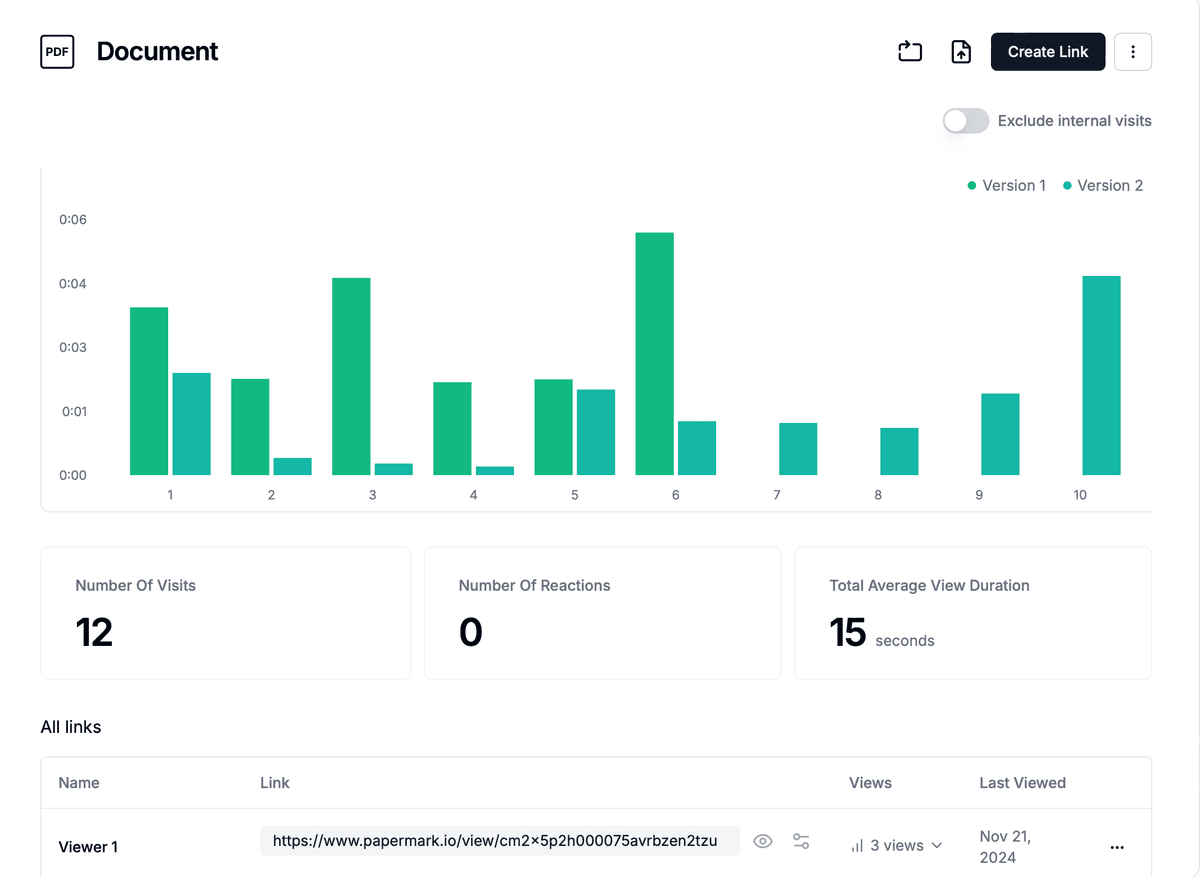
Papermark automates document workflow processes through intelligent notifications, engagement tracking, and automated access management. When documents are shared, the platform automatically sends notifications to recipients and tracks when documents are accessed. This automation eliminates the need for manual follow-up and provides real-time visibility into document engagement, enabling organizations to automate follow-up communications based on document viewing activity.
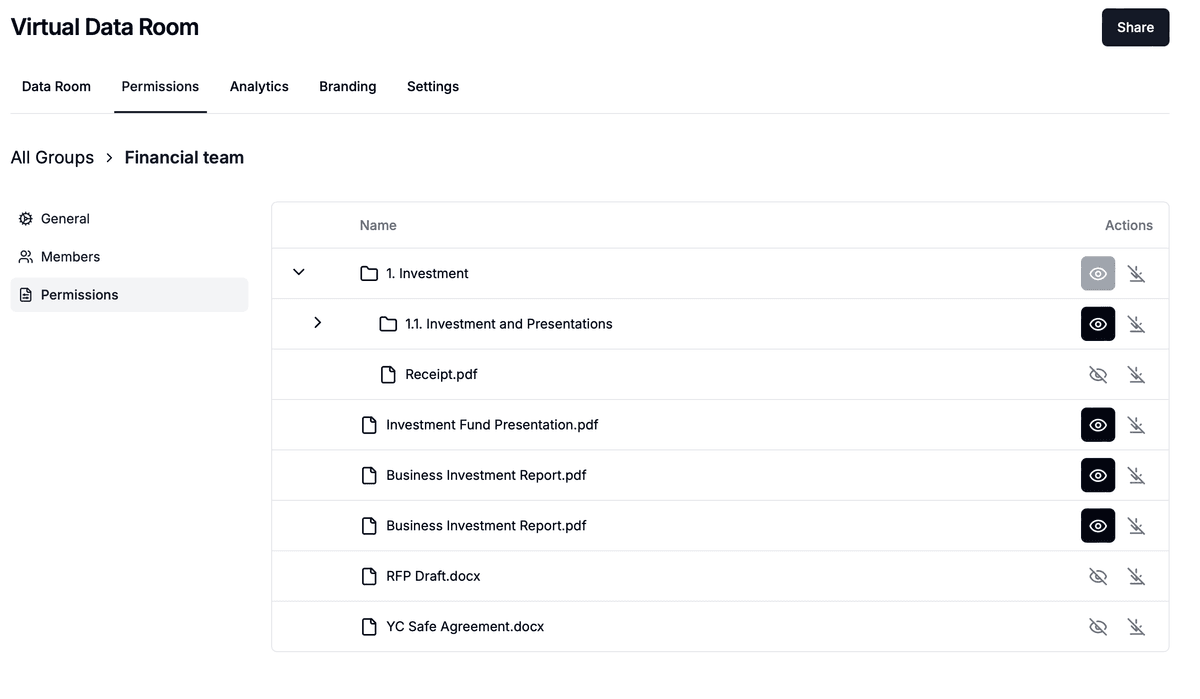
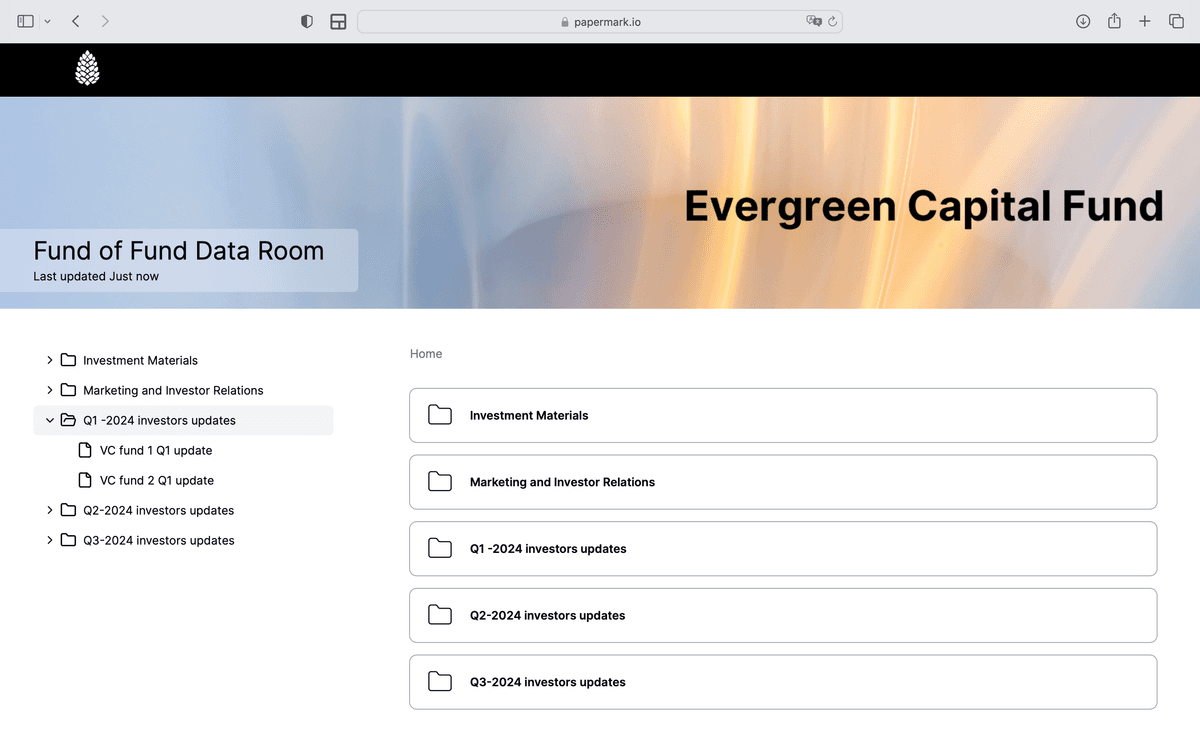
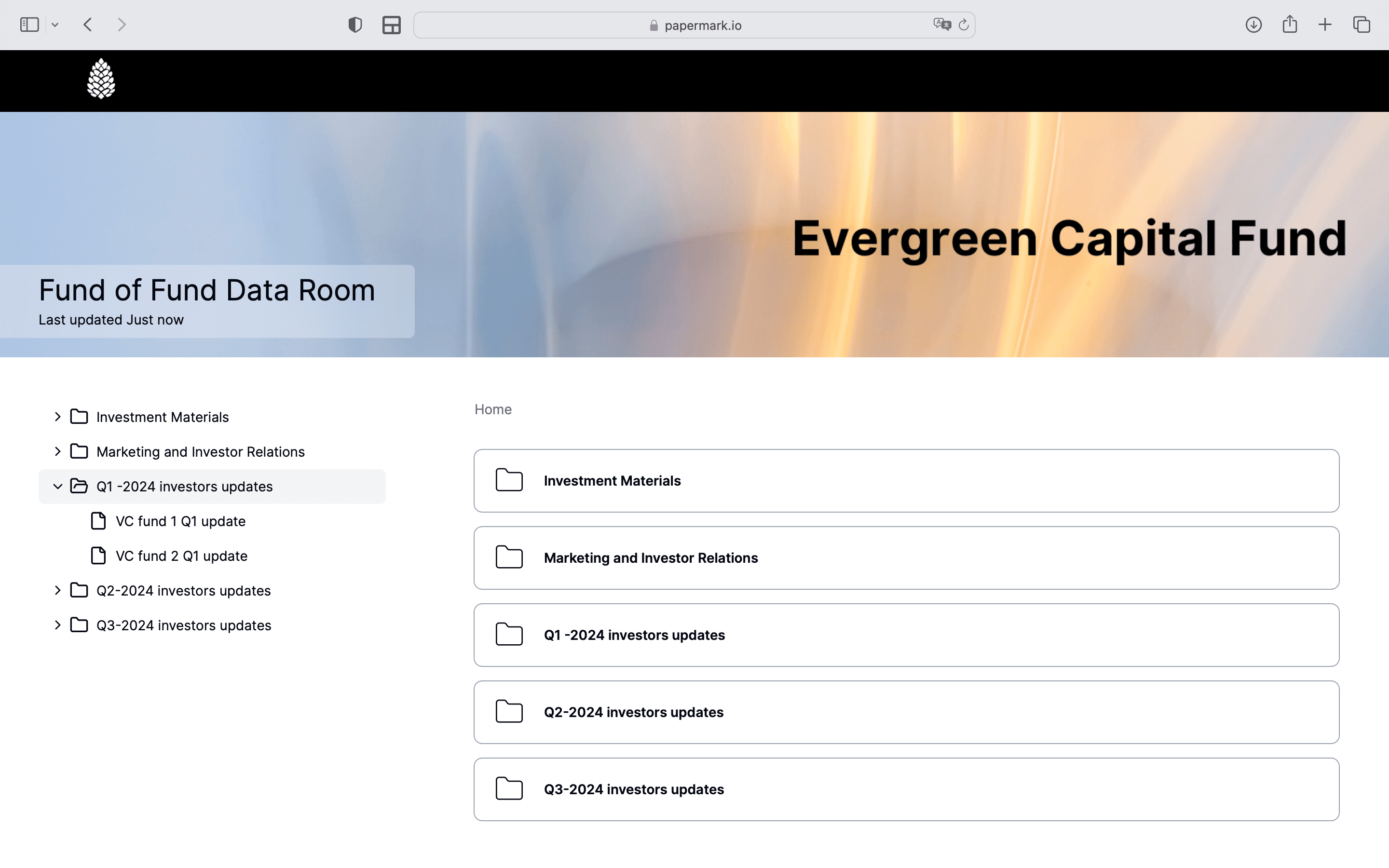
The platform's automated access controls allow organizations to configure document sharing rules that automatically enforce security policies. Email verification, allowlists, denylists, and access expiration dates can be set up automatically based on workflow requirements. Papermark's virtual data room feature automates document organization and distribution, making it simple to manage complex document workflows during due diligence, fundraising, M&A transactions, and other business processes.
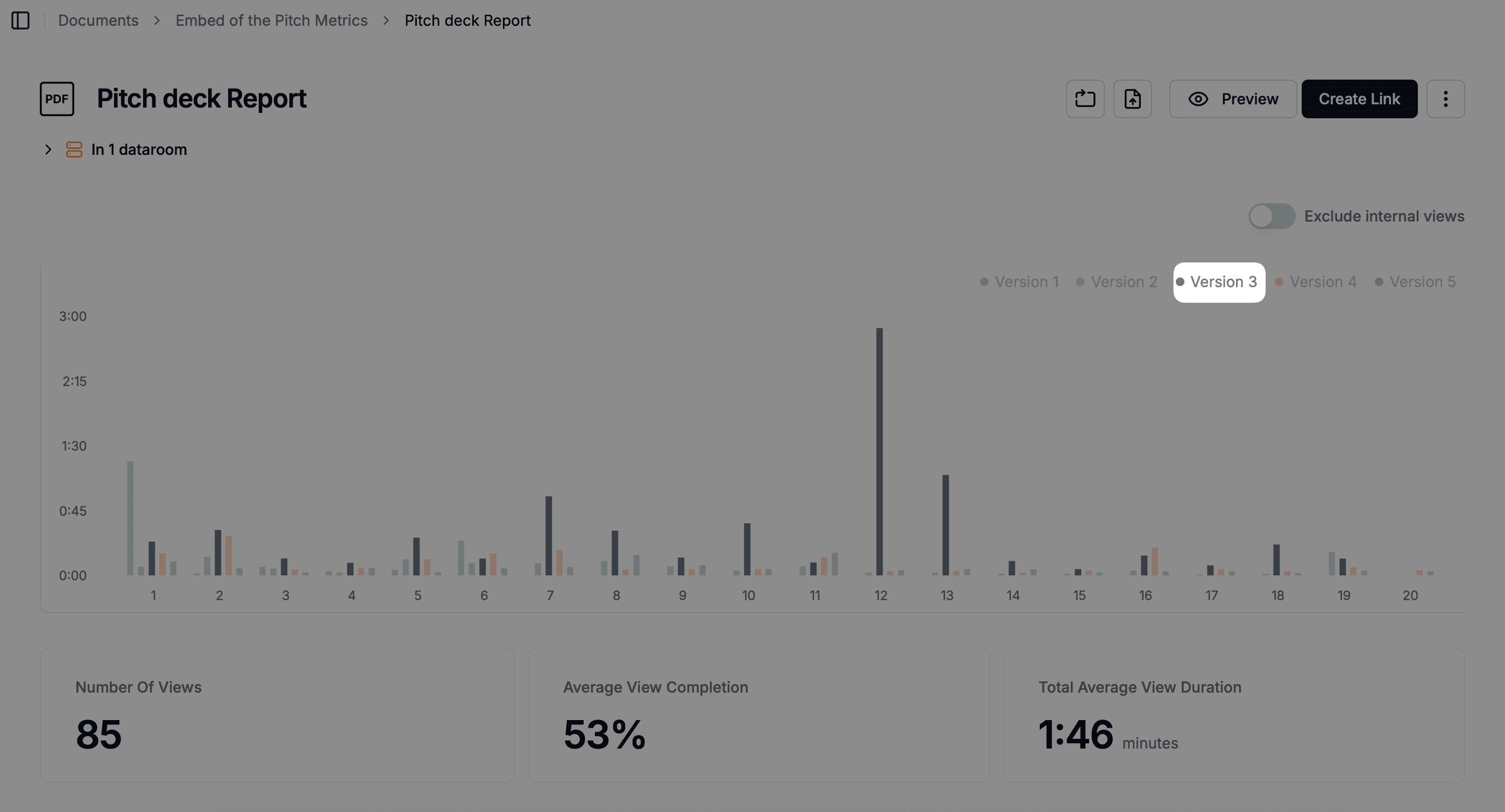
Papermark's API enables organizations to integrate document workflows with existing automation platforms, creating end-to-end automated processes. The platform's detailed page-by-page analytics can trigger automated actions based on document engagement patterns, allowing organizations to automate follow-up communications, update CRM systems, or initiate next steps in business processes based on document viewing activity.
For organizations implementing external document workflow automation, Papermark offers both cloud-based and self-hosted deployment options, providing flexibility to match infrastructure preferences. The platform's focus on automating document sharing and tracking makes it particularly valuable for organizations in finance, legal, consulting, and other industries where external document workflows are central to business operations.
Conclusion
Enterprise document workflow automation transforms how organizations manage documents by automating routine tasks, routing documents efficiently, and ensuring consistent process execution. By implementing document workflow automation, organizations can reduce manual work, minimize errors, improve collaboration, and ensure compliance with regulatory requirements.
The key to successful document workflow automation lies in understanding your document processes, identifying automation opportunities, and selecting the right platform for your needs. Whether automating simple approval workflows or complex document processing scenarios, document workflow automation delivers measurable improvements in efficiency, accuracy, and compliance.
For organizations managing external document sharing workflows, platforms like Papermark provide specialized automation capabilities that streamline document distribution, tracking, and engagement processes. As document workflow automation continues to evolve with AI and intelligent automation capabilities, organizations that invest in automation today position themselves for greater efficiency and competitive advantage in the future.