



sales-enablement
9 Best Sales Enablement Software for Sending Sales Proposals in 2026
Discover the best sales enablement software for creating, sending, and tracking sales proposals in 2026, including free options and AI-powered solutions.
Sales teams need powerful tools to track and analyze how prospects engage with their proposals. The right sales proposal tracking software can help you understand exactly what your prospects are interested in, how long they spend on each section, and when they're most engaged. Here are the top solutions that can transform your proposal tracking and analytics.
| Feature | Papermark | Qwilr | PandaDoc | Proposify | GetAccept |
|---|---|---|---|---|---|
| Page-by-page analytics | |||||
| Real-time tracking | |||||
| Free plan available | ✗ | ✗ | ✗ | ||
| Custom domain support | ✗ | ✗ | ✗ | ✗ | |
| AI-powered insights | ✗ | ✗ | |||
| E-signature built-in | ✗ |
Understanding how prospects engage with your proposals is crucial for closing deals. Sales proposal tracking software provides valuable insights that can help you:
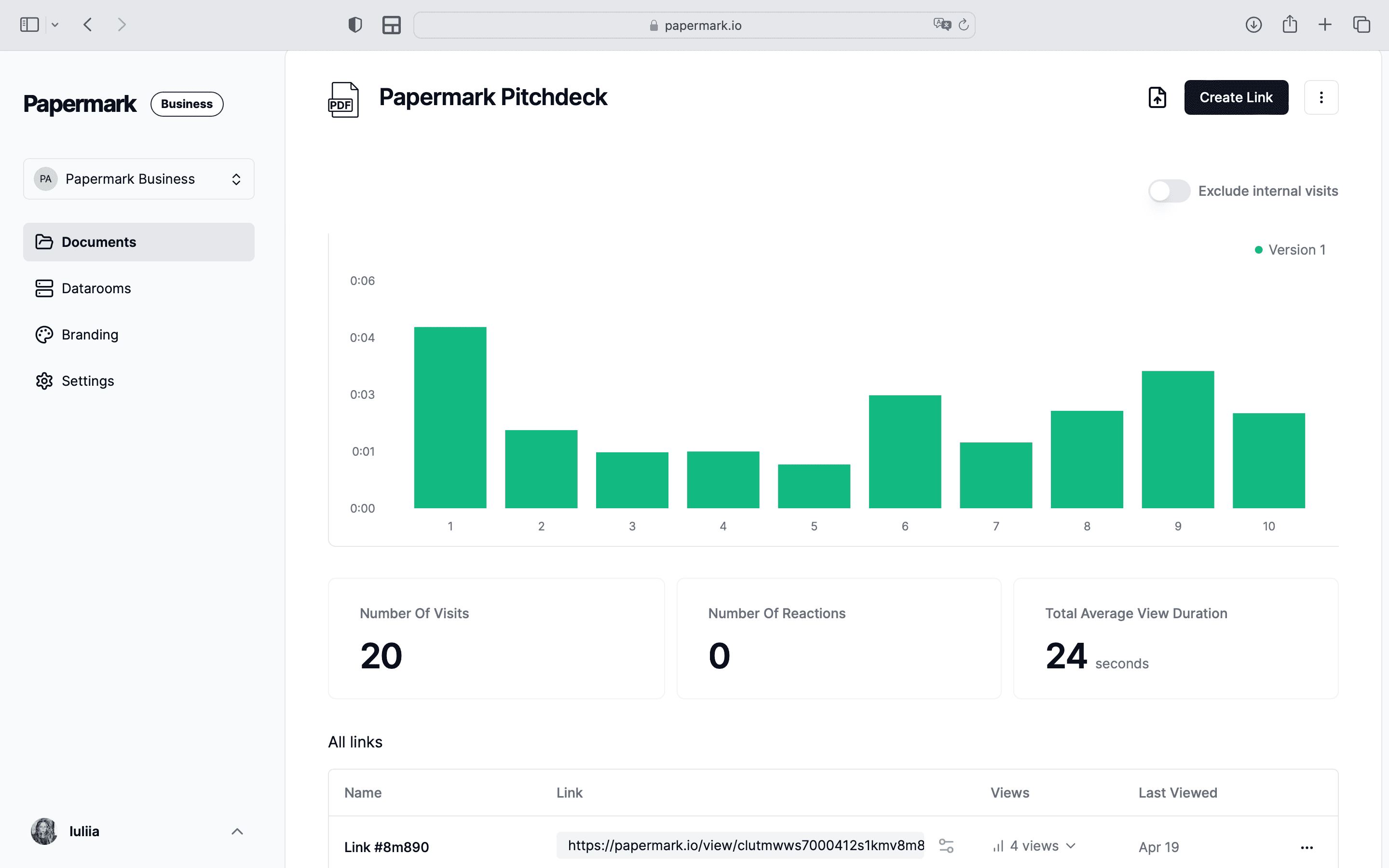
Sales proposal tracking software lets you track which pages or sections are viewed most frequently, helping you identify which pricing options or features generate the most interest. You can see if prospects are skipping to specific sections like pricing or case studies, and understand if they're revisiting certain pages multiple times. Advanced tools even provide heatmaps showing exactly where prospects focus their attention.
With real-time tracking, you can monitor peak viewing times to optimize follow-up timing and track engagement patterns across different time zones. You'll know when multiple stakeholders are reviewing the proposal and if prospects are sharing it with others. The system alerts you when engagement spikes occur, helping you time your follow-ups perfectly.
Detailed analytics measure time spent on each page to gauge interest level and identify sections that might need clarification or improvement. You can see if prospects are skimming or thoroughly reading content, track total viewing duration to assess overall interest, and compare viewing patterns across different prospects to understand what resonates most.
Get real-time alerts when proposals are opened, helping you know exactly when to follow up for maximum impact. Track multiple views from the same prospect and receive notifications when new stakeholders view the proposal. The system alerts you when prospects reach key sections like pricing, giving you perfect timing for follow-up conversations.
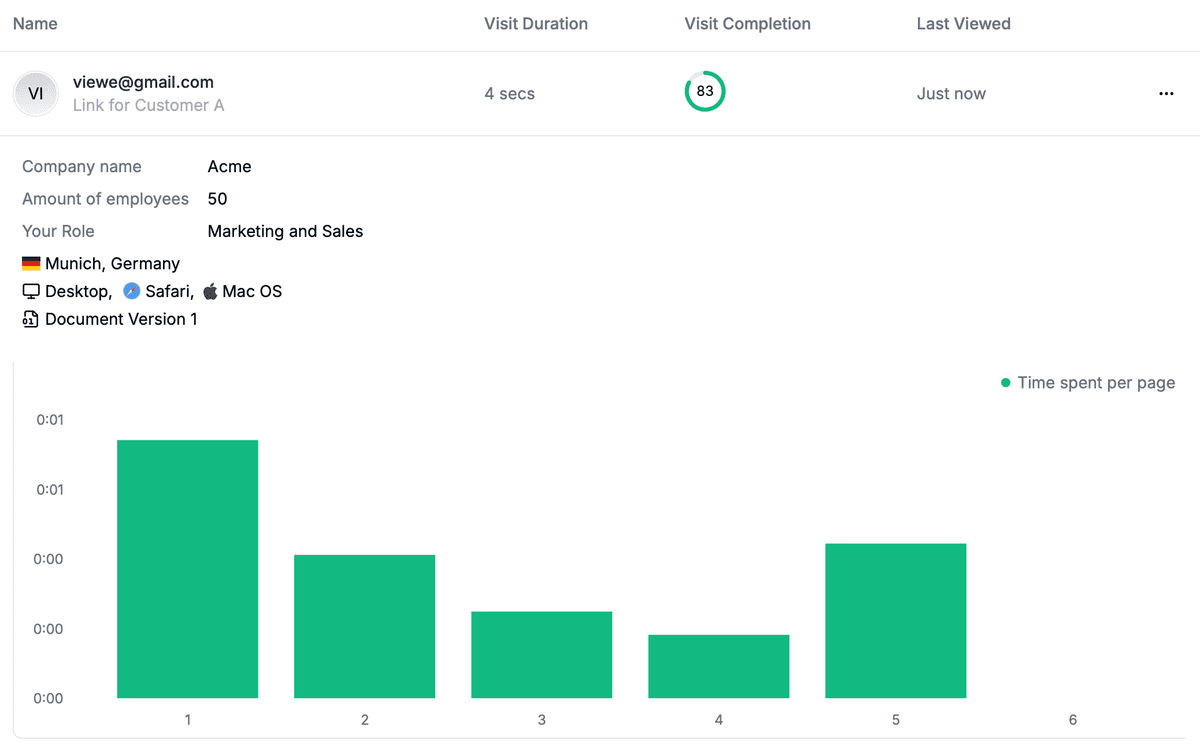
Advanced tracking features let you monitor unique viewer IPs and locations, helping you identify different stakeholders involved in the decision. You can see if the proposal is being shared internally, monitor viewing patterns across different devices, and track engagement from different departments, giving you a complete picture of the decision-making process.
Analytics help you identify sections that consistently get less attention and see which content formats perform best. Track conversion rates for different proposal versions and get data to optimize proposal length and structure. You'll understand which calls-to-action generate the most engagement, helping you continuously improve your proposal effectiveness.
These insights help you time your follow-ups perfectly, focus on the most relevant sections in discussions, address concerns before they become objections, improve your proposal effectiveness over time, and close deals faster with data-driven insights.
Here are the top 5 sales proposal tracking tools that can help you monitor and analyze your proposal engagement:
Website: papermark.com
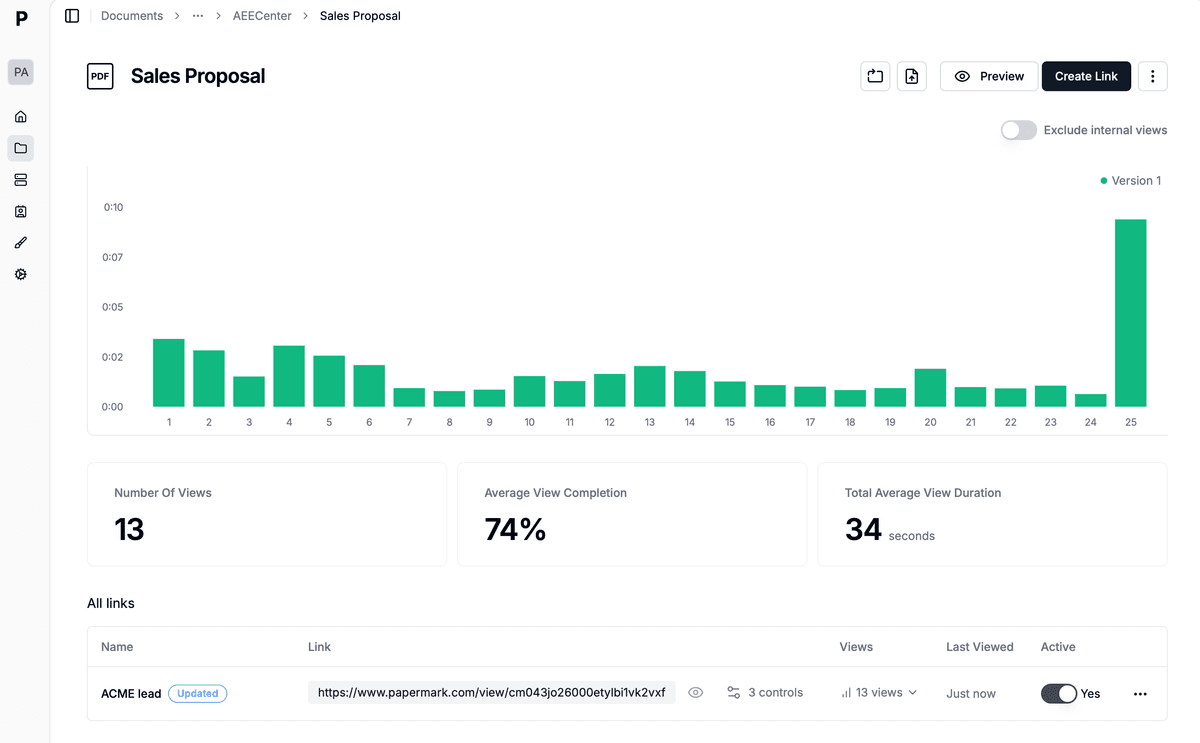
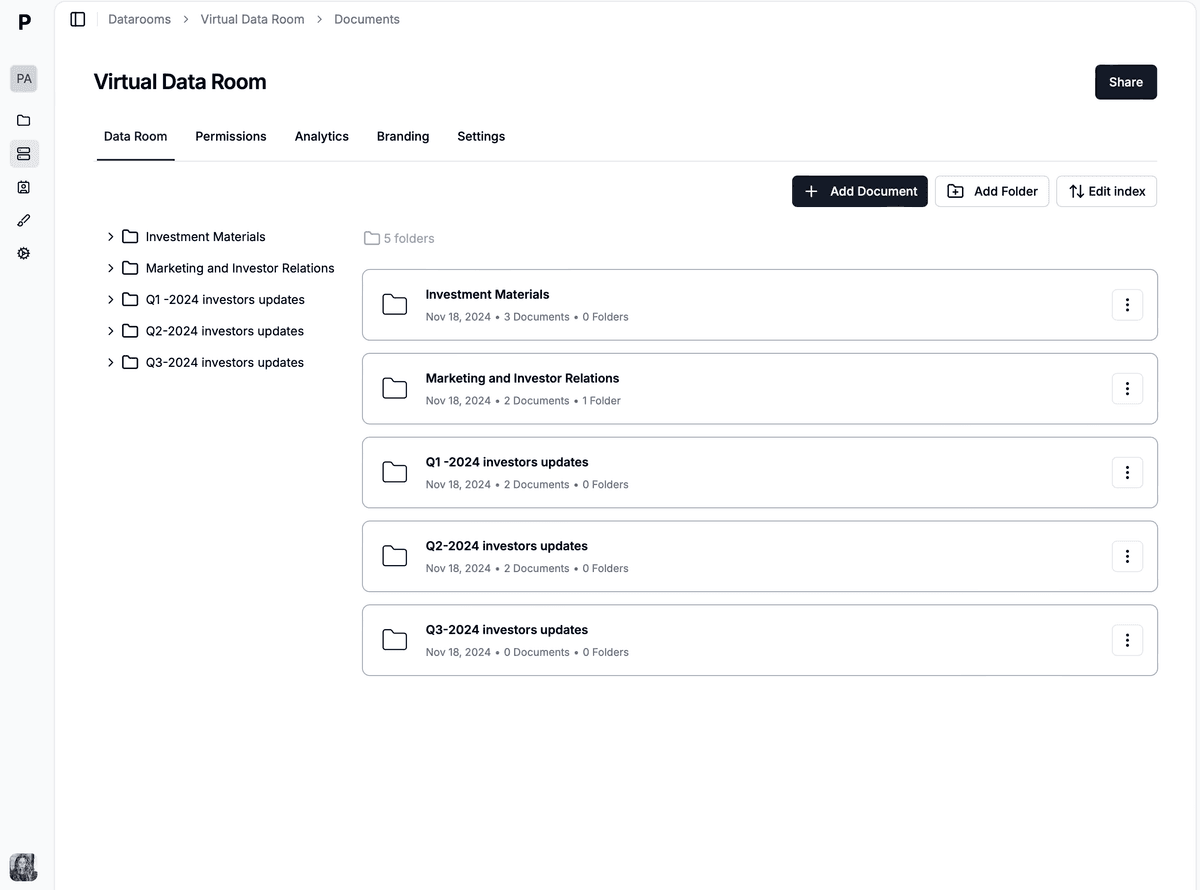
Papermark is a modern document sharing and analytics platform that provides comprehensive tracking capabilities while maintaining data privacy and control. Perfect for sales teams who need detailed proposal analytics without compromising security.
Website: qwilr.com
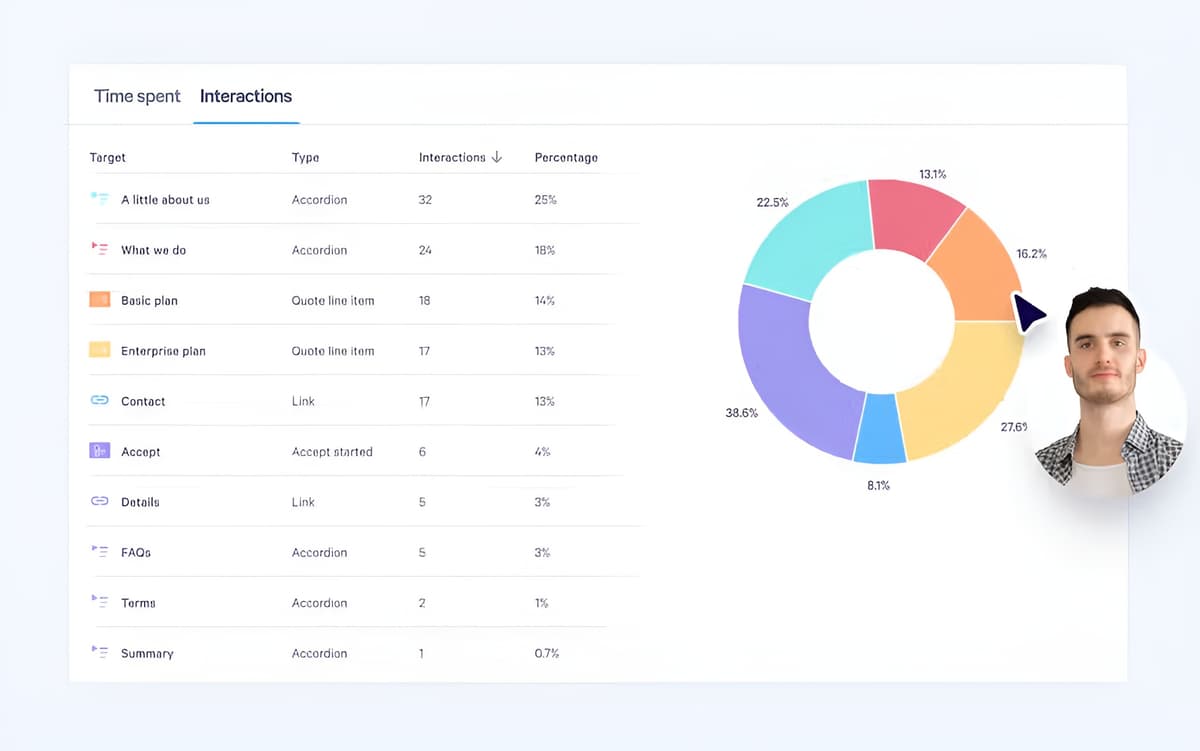 Qwilr is a sales proposal and quote software that helps teams create interactive, web-based proposals with embedded pricing, e-signatures, and CRM integrations. It's designed for teams who want to move beyond static PDFs to more engaging proposal experiences.
See how Yuno scaled to 20 sales people using proposal tracking to monitor engagement and close deals faster:
Website: pandadoc.com
PandaDoc combines document tracking with e-signature capabilities, making it ideal for sales teams who need to monitor proposal engagement and close deals.
Website: proposify.com
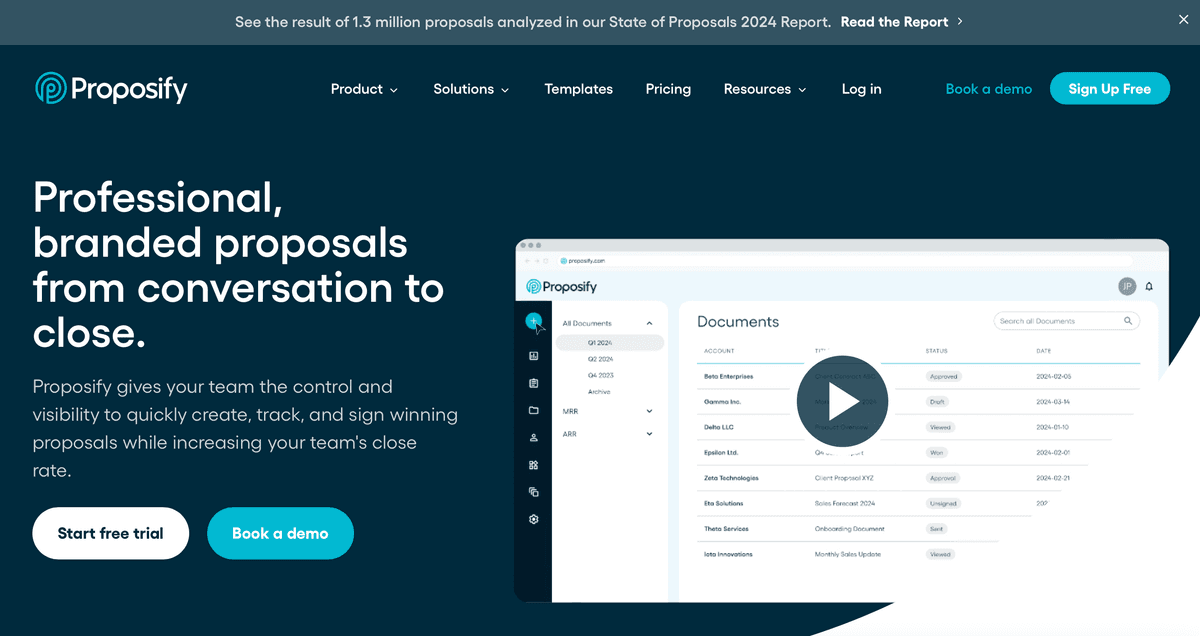
Proposify specializes in proposal tracking and analytics, helping sales teams monitor and optimize their proposals. The platform offers detailed insights into how prospects engage with sales documents.
Website: getaccept.com
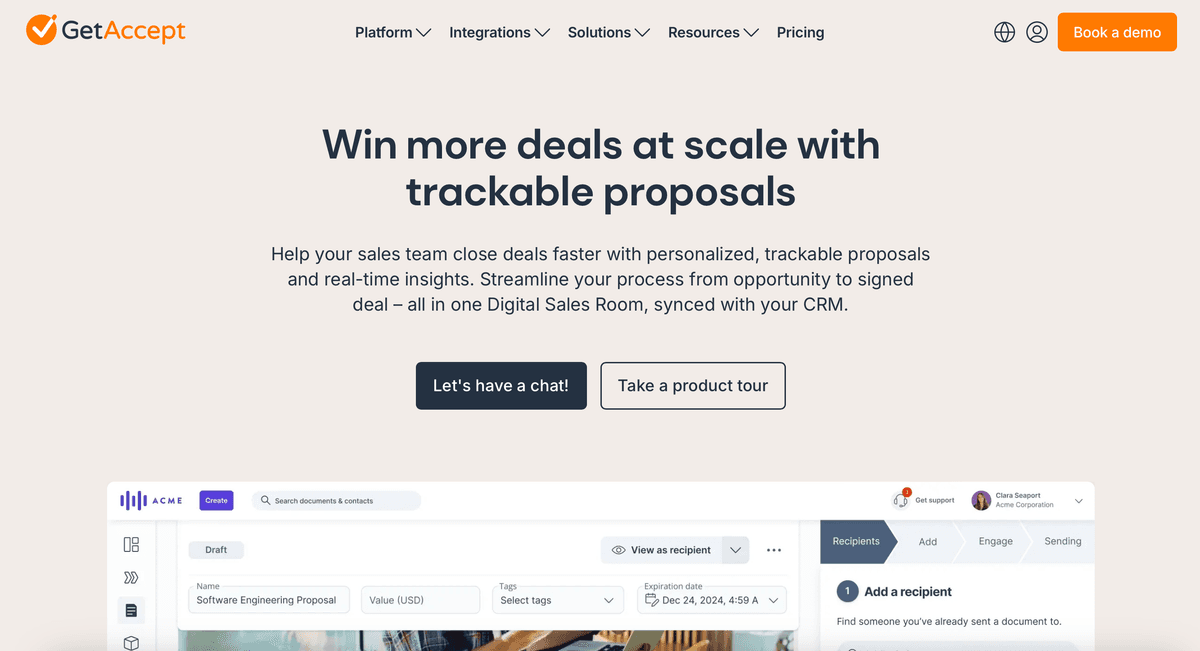
GetAccept focuses on sales engagement tracking, combining document analytics with video messaging and CRM integration.
| Category | Tier | Tools |
|---|---|---|
| Pricing comparison | Free options | Papermark, GetAccept (limited) |
| Pricing comparison | Entry-level ($15-35/month) | PandaDoc, Qwilr |
| Pricing comparison | Mid-range ($25-50/month) | GetAccept, Proposify |
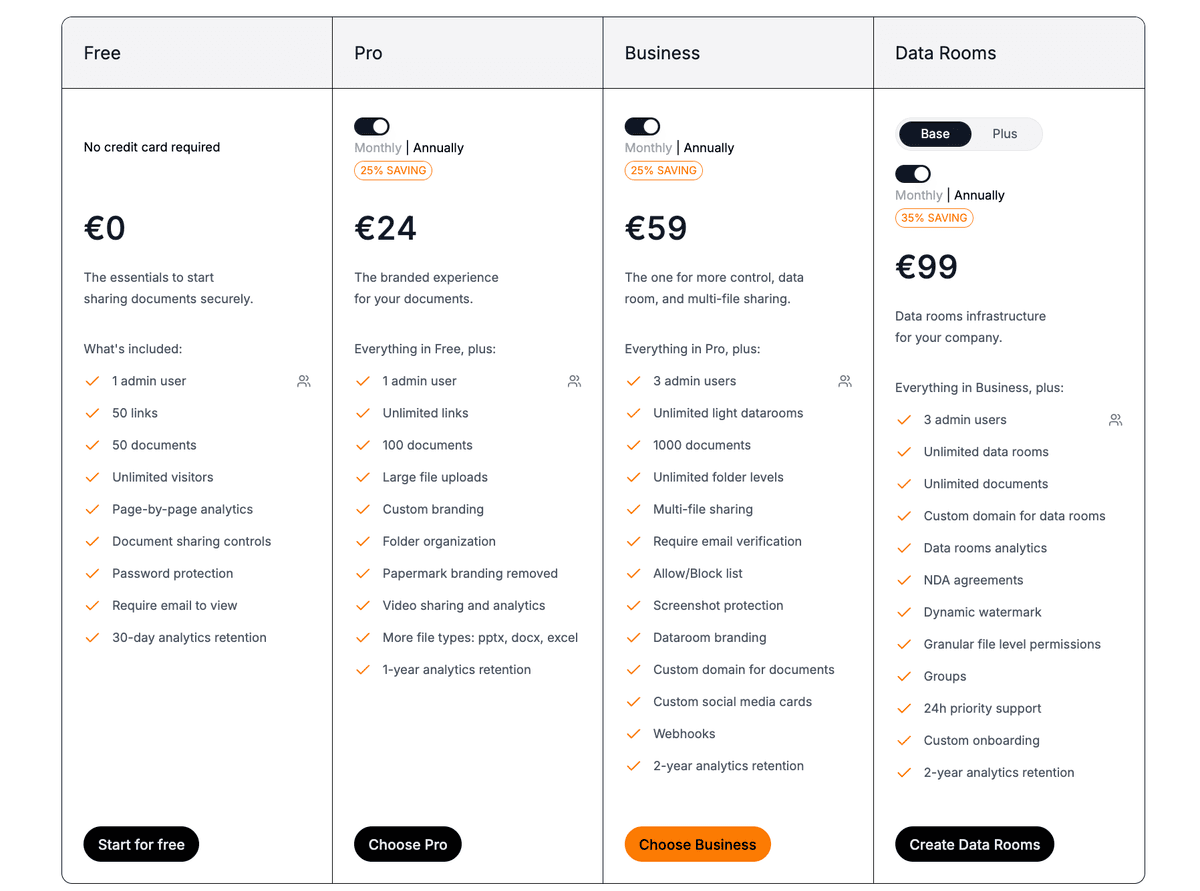
| Pricing comparison | Enterprise ($59+/month) | Qwilr, Proposify, Papermark Data Rooms |
| Best for different use cases | Startups & small teams | Papermark (free, open-source) |
| Best for different use cases | Interactive proposals | Qwilr, GetAccept |
| Best for different use cases | Sales teams | PandaDoc, Proposify, Qwilr |
| Best for different use cases | Enterprise | GetAccept, Qwilr Enterprise, Papermark |
| Feature comparison highlights | Advanced analytics | Papermark, Proposify |
| Feature comparison highlights | Interactive proposals | Qwilr, GetAccept |
| Feature comparison highlights | E-signature focus | PandaDoc, Proposify, GetAccept |
| Feature comparison highlights | Security & control | Papermark (self-hosted) |
When choosing sales proposal tracking software, consider your team's specific needs and budget. For budget-conscious teams, Papermark offers a free, open-source solution with comprehensive tracking features. Sales organizations looking for interactive, web-based proposals should consider Qwilr or GetAccept, while teams needing traditional proposal and e-signature workflows might prefer PandaDoc or Proposify. Most tools offer free trials, so take the time to test options that best match your requirements before making a decision.
Discover the best sales enablement software for creating, sending, and tracking sales proposals in 2026, including free options and AI-powered solutions.
The top 10 document tracking software in September 2026, compared by features, pricing, and analytics. Includes free and paid options for tracking document engagement, viewer behavior, and page-by-page insights.
Learn how to send professional sales proposals via email with Papermark, including templates, security features, and proven strategies to increase response rates.