Navigating the world of video content management can be a complex challenge, especially with the ever-evolving landscape of digital video content, streaming requirements, and collaboration needs. In this comprehensive guide, we'll explore the intricacies of video content management strategy, providing you with the tools and knowledge needed to successfully plan, implement, and optimize your VCMS approach in 2026.
From understanding different VCMS strategies to establishing governance policies, planning infrastructure, and leveraging analytics, this guide covers everything you need to know. Whether you're a first-time VCMS implementer or an experienced IT leader, our goal is to equip you with actionable insights to elevate your video content management efforts. So, let's dive in and demystify the world of video content management strategy!
TL;DR
Here's a quick summary of the key takeaways from our comprehensive guide on video content management strategy:
Understand different VCMS strategy approaches available for organizations.
Prepare thoroughly with a solid video content audit and stakeholder analysis.
Execute your VCMS strategy by selecting the right platform and planning implementation.
Establish video governance policies and content lifecycle management.
Plan for video quality, format standardization, bandwidth, and storage requirements.
Implement video search, discovery, and accessibility features.
Leverage technology and analytics to enhance video content management effectiveness.
Monitor performance, gather feedback, and continuously improve your VCMS system post-implementation.
Types of VCMS strategies
Centralized VCMS: Single platform managing all organizational video content.
Hybrid VCMS: Combination of cloud and on-premises video solutions.
Departmental VCMS: Separate systems for different departments with integration.
Cloud-First VCMS: Primarily cloud-based video content management.
Open-Source VCMS: Self-hosted solutions with full control and customization.
Secure Video Sharing Focus: VCMS strategy emphasizing external sharing and analytics.
Understanding the various VCMS strategy approaches available is crucial for organizations to choose the best path for their video content management needs and organizational structure. Each strategy approach comes with its own set of benefits and challenges. From centralized to hybrid and cloud-first approaches, knowing the right VCMS strategy can significantly impact your organization's video content management success.
1. Centralized VCMS strategy
A centralized VCMS strategy involves using a single platform to manage all organizational video content across departments. This approach allows you to maintain consistent governance and unified access but may require significant change management across the organization.
Single Platform Benefits
Using one VCMS platform across the organization reduces complexity, enables consistent governance policies, and simplifies user training. It's a great way to ensure all departments follow the same video content management standards and processes. This approach is particularly valuable for organizations that need to maintain consistent video quality, security standards, and access controls across all departments.
Implementation Challenges
Implementing a centralized VCMS requires strong executive support, comprehensive change management, and careful planning to address different departmental needs. This method is often used by organizations seeking to eliminate video content silos and improve cross-departmental collaboration. Video content often requires more storage and bandwidth than documents, so infrastructure planning becomes critical.
2. Hybrid VCMS strategy
A hybrid VCMS strategy combines cloud-based and on-premises solutions to meet different organizational requirements. They are often used by organizations that need flexibility in deployment while maintaining control over sensitive video content.
Cloud and On-Premises Balance
Balancing cloud and on-premises solutions allows organizations to leverage cloud benefits for non-sensitive video content while keeping critical video data on-premises. This approach provides flexibility but requires careful integration planning. Video transcoding and streaming capabilities need to work seamlessly across both environments.
Integration Requirements
Hybrid VCMS strategies require robust integration capabilities to ensure seamless video access across cloud and on-premises systems. Building these integrations effectively can provide the best of both deployment models. Video streaming protocols and CDN integration become important considerations in hybrid deployments.
3. Departmental VCMS strategy
A departmental VCMS approach involves separate systems for different departments with strategic integration points. This type of strategy is ideal for organizations with diverse departmental needs that require specialized video solutions.
Department-Specific Solutions
Different departments may have unique video content management requirements. Marketing may need video editing and collaboration tools, while training departments may prioritize learning management system integration. A departmental approach allows each department to choose solutions that best fit their video needs.
Integration Strategy
Effective integration between departmental systems is crucial for maintaining organizational coherence. APIs, connectors, and integration platforms help ensure video content can flow between departments when needed. Video transcoding and format compatibility become important when sharing videos across different departmental systems.
4. Cloud-First VCMS strategy
A cloud-first VCMS strategy prioritizes cloud-based solutions for video content management, leveraging scalability, automatic updates, and reduced IT overhead. This approach is ideal for organizations that want to minimize infrastructure management.
Cloud Benefits
Cloud-first VCMS provides automatic updates, scalability, mobile access, and reduced IT maintenance. Organizations can focus on video content management rather than infrastructure management. Cloud platforms typically handle video transcoding, streaming, and storage scaling automatically, which is particularly valuable for video content.
Vendor Selection
Choosing the right cloud VCMS vendor is crucial for a cloud-first strategy. Consider factors like security, compliance, integration capabilities, video quality, streaming performance, and vendor reliability when selecting your cloud VCMS platform. Video-specific features like automatic transcoding, adaptive bitrate streaming, and CDN integration are important considerations.
5. Open-Source VCMS strategy
An open-source VCMS strategy involves using self-hosted, open-source solutions that provide full control and customization capabilities. This approach is ideal for organizations that need flexibility and want to avoid vendor lock-in.
Customization and Control
Open-source VCMS solutions like Papermark provide organizations with the ability to customize the platform to their specific video needs. This flexibility allows organizations to adapt the software to their unique video workflows and requirements. For a detailed comparison of open-source and commercial VCMS solutions, see our guide on video content management software.
Self-Hosting Considerations
Self-hosting open-source VCMS requires IT resources for deployment, maintenance, and updates. Organizations need to evaluate whether they have the technical capabilities to manage self-hosted solutions effectively. Video content requires significant storage and bandwidth, so infrastructure planning is critical for self-hosted video solutions.
6. Secure Video Sharing Focus strategy
A secure video sharing focus strategy emphasizes external video sharing with analytics and tracking capabilities. This approach is ideal for organizations that frequently share videos with external parties and need visibility into video engagement.
External Sharing Requirements
Organizations in finance, legal, consulting, and other industries often need to share video content with clients, investors, or partners. A secure video sharing focus ensures these interactions are tracked, secure, and professional. Video content shared externally requires robust security features like password protection, access controls, and watermarking.
Analytics and Tracking
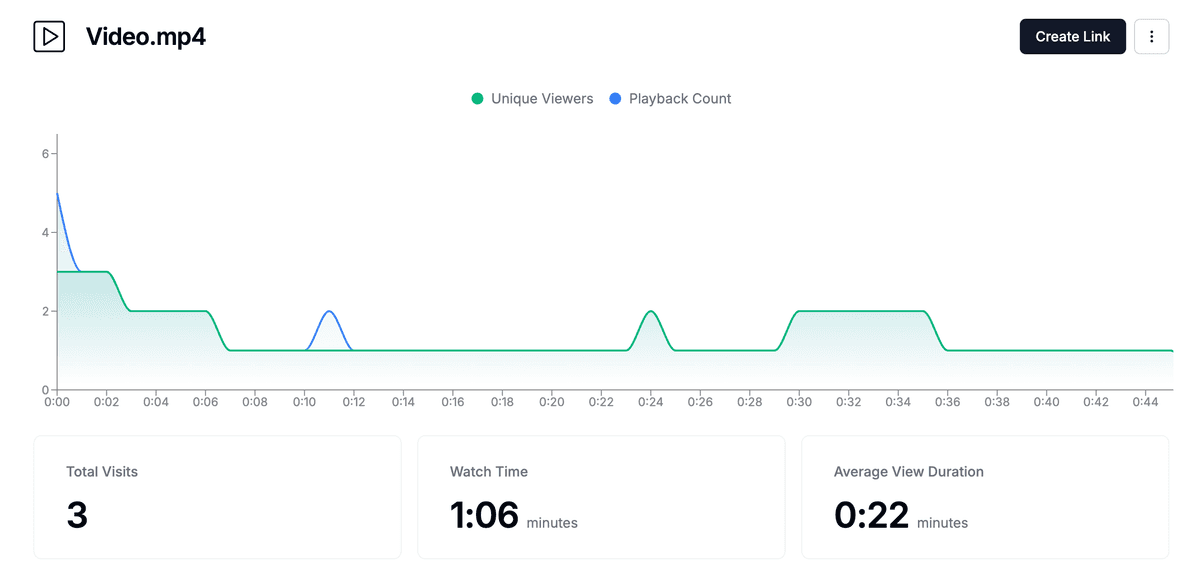
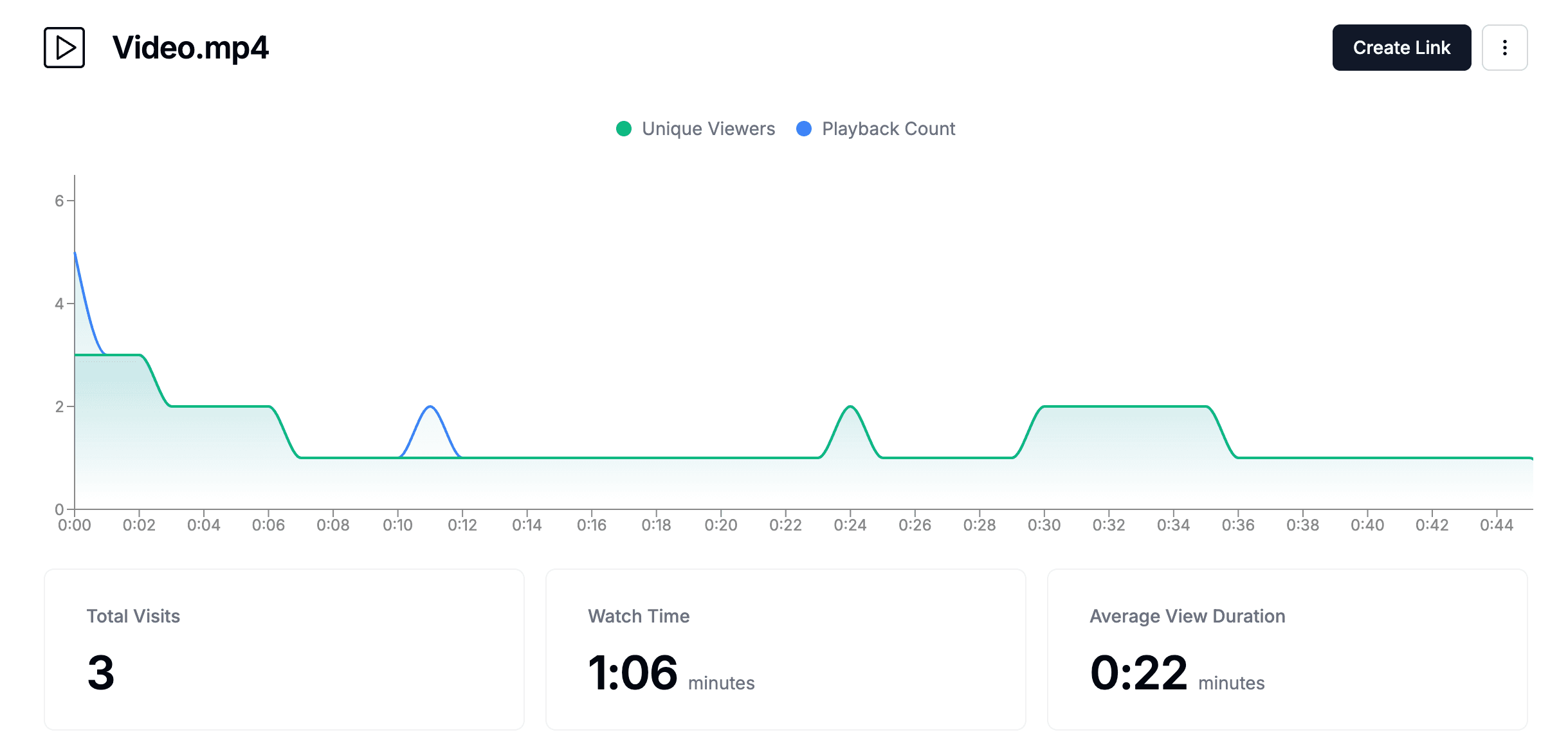
Understanding who viewed videos, when they accessed them, and how long they spent watching provides valuable insights for business development and relationship management. Platforms like Papermark provide detailed page-by-page analytics for external video sharing, showing exactly which parts of videos received the most attention.
Preparing for VCMS implementation
Preparation is key to successful VCMS implementation, involving thorough planning, video content auditing, and stakeholder analysis. A well-prepared organization can present a compelling case for VCMS adoption, increasing the likelihood of successful implementation and user adoption.
Preparation Area
Key Activities
Outcomes
Video Content Audit
Catalog all existing video content across systems and locations; Assess video value, relevance, and retention requirements; Understand video formats, sizes, and quality; Identify who accesses what videos and how frequently
Complete inventory of existing video content, identification of content gaps, understanding of current video management challenges, assessment of storage and bandwidth needs
Clear, specific, and measurable requirements document that guides platform selection and implementation planning
Stakeholder Analysis
Identify stakeholders across departments, IT, compliance, legal, marketing, training, and executive leadership; Conduct interviews, surveys, and workshops to gather requirements; Understand pain points, desired features, and concerns related to video content
Comprehensive understanding of stakeholder needs, priorities, and concerns; Strong support base for VCMS adoption
Executing the VCMS strategy
Execution involves selecting the right platform, planning implementation, and managing change. A well-executed VCMS strategy can significantly increase the likelihood of successful adoption and organizational benefits.
1. Selecting the right VCMS platform
Research and evaluate VCMS platforms that align with your strategy, requirements, and budget. Building a targeted evaluation process increases the chances of finding the right platform for your organization.
Evaluation Criteria
Feature Alignment: Does the platform meet your functional requirements for video hosting, transcoding, streaming, and analytics?
Integration Capabilities: Can it integrate with existing systems like learning management systems, CRM, or productivity tools?
Security and Compliance: Does it meet your security and compliance needs for video content?
Scalability: Can it grow with your organization's video content volume?
Video Quality: Does it support the video formats and quality requirements you need?
Vendor Support: What level of support does the vendor provide for video-specific issues?
Compare multiple VCMS platforms using your evaluation criteria. Consider factors like pricing, deployment options, feature sets, video quality capabilities, streaming performance, and vendor reputation. Create a scoring matrix to objectively compare options, paying special attention to video-specific features like transcoding, adaptive streaming, and analytics.
2. Planning implementation
A detailed implementation plan outlines phases, timelines, resources, and success metrics. Careful planning reduces risks and ensures a smooth implementation process.
Implementation Phases
Break implementation into manageable phases, starting with pilot departments or use cases. Phased implementation allows organizations to learn, adjust, and build momentum before full deployment. Video content migration can be time-consuming due to file sizes, so phased approaches help manage bandwidth and storage requirements.
Change Management
Effective change management is crucial for VCMS adoption. Develop training programs, communication plans, and support resources to help users transition to the new system. Address resistance and concerns proactively. Video content management may be new to many users, so comprehensive training on video upload, organization, and sharing is essential.
3. Video migration and integration
Migrating existing video content and integrating with existing systems are critical implementation tasks. Thorough planning and testing ensure data integrity and system compatibility.
Migration Strategy
Develop a migration strategy that prioritizes video content, ensures data integrity, and minimizes disruption. Video files are large, so migration requires careful bandwidth planning and may take significant time. Test migration processes thoroughly before executing full migration. Consider video format conversion needs during migration. Plan for video metadata migration, including titles, descriptions, tags, and access permissions.
System Integration
Plan integrations with existing business systems like CRM, ERP, learning management systems, and productivity tools. Effective integration ensures the VCMS platform becomes part of the organizational workflow rather than a separate system. Video-specific integrations may include embedding videos in learning courses, sharing videos through CRM systems, or integrating video analytics with business intelligence tools.
4. Video quality and format management
Managing video quality and formats is crucial for VCMS success. Proper format standardization and quality control ensure videos are accessible and perform well across different devices and networks.
Format Standardization
Establish video format standards for your organization to ensure compatibility and reduce transcoding overhead. Common formats include MP4, WebM, and MOV. Consider your organization's primary use cases—internal training videos may have different quality requirements than external marketing content. Standardize on formats that balance quality, file size, and compatibility.
Quality Control
Implement quality control processes to ensure uploaded videos meet organizational standards. Define minimum and maximum quality requirements, resolution standards, and file size limits. Automated quality checks can help maintain consistency across your video library. Consider implementing video compression workflows to optimize storage while maintaining acceptable quality.
5. Bandwidth and storage planning
Video content requires significant bandwidth and storage resources. Careful infrastructure planning ensures your VCMS can handle current and future video content volumes.
Storage Planning
Calculate storage requirements based on current video library size, expected growth, and retention policies. Video files are large—a single hour of HD video can require several gigabytes of storage. Plan for storage scaling, considering both active video libraries and archived content. Evaluate cloud storage options for scalability and cost-effectiveness.
Bandwidth Considerations
Assess bandwidth requirements for video streaming, especially if serving videos to external users or across multiple locations. Consider CDN (Content Delivery Network) integration for improved streaming performance. Plan for peak usage scenarios, such as simultaneous video views during training sessions or marketing campaigns. Bandwidth planning is critical for user experience and system performance.
Video content governance and policies
Establishing clear governance policies is essential for effective video content management. Well-defined policies ensure consistency, security, and compliance across your video content library.
Content Lifecycle Management
Define policies for video content lifecycle management, including creation, review, approval, publication, archival, and deletion. Establish retention policies based on content type, legal requirements, and business needs. Video content often has longer retention requirements than documents, especially for training, compliance, or legal purposes.
Access Control Policies
Develop access control policies that define who can upload, edit, view, and delete video content. Consider role-based access controls that align with organizational structure. Video content may require stricter access controls than documents, especially for sensitive training materials or proprietary content.
Video Metadata Standards
Establish metadata standards for video content to improve searchability and organization. Define required fields like title, description, tags, category, and creation date. Consistent metadata makes it easier to find and manage video content across your organization. Consider implementing automated metadata extraction from video files when possible.
Using technology in VCMS strategy
Leveraging technology can accelerate VCMS implementation and provide valuable insights. Modern VCMS platforms offer advanced features like analytics, automation, and integration capabilities that enhance video content management effectiveness.
Papermark: Modern VCMS platform for secure video sharing
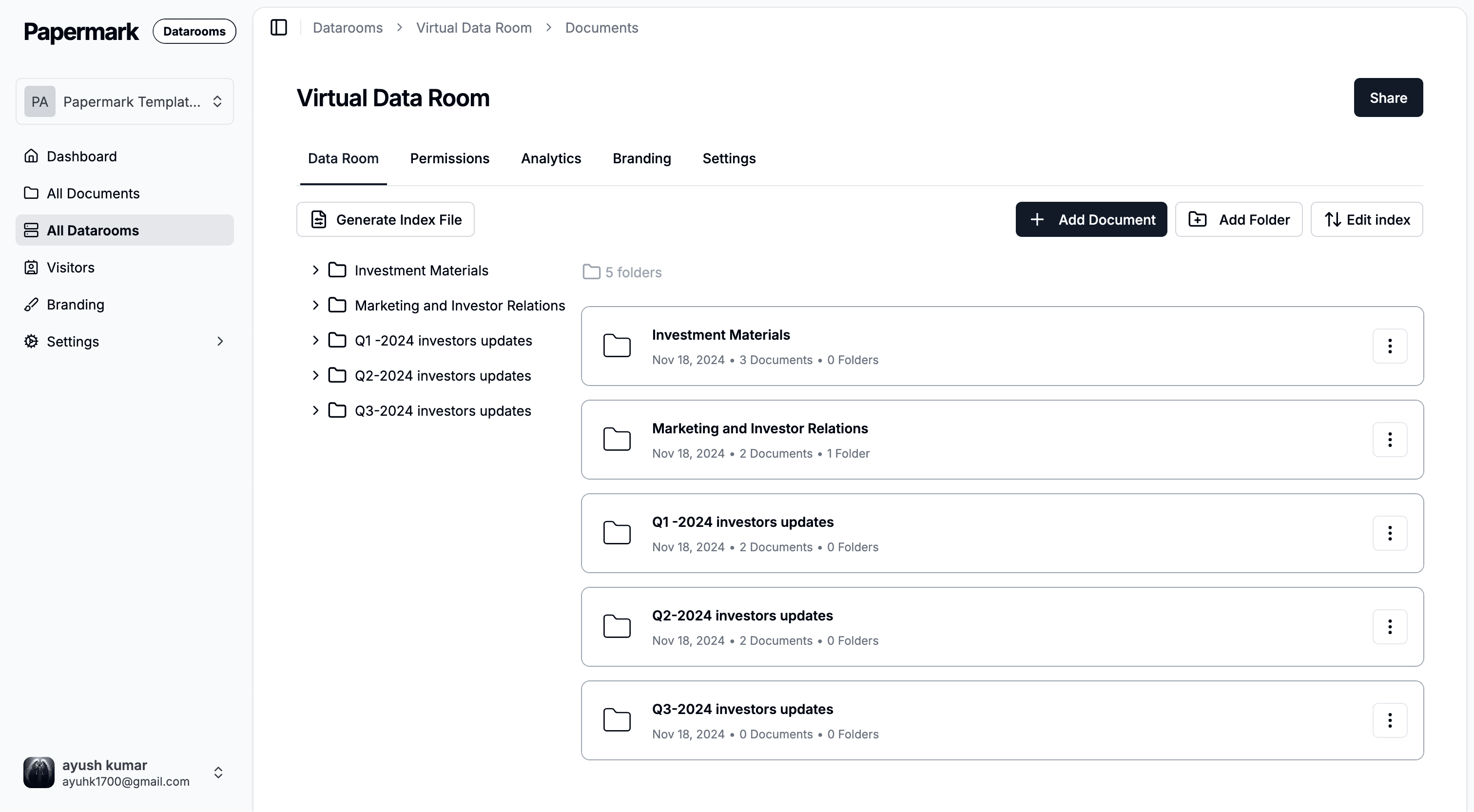
Papermark is an open-source video content management platform that combines secure video sharing with powerful analytics and virtual data room capabilities. For organizations implementing a VCMS strategy focused on secure external video sharing, Papermark provides essential features that enhance video content management effectiveness.
Key Papermark features for VCMS strategy:
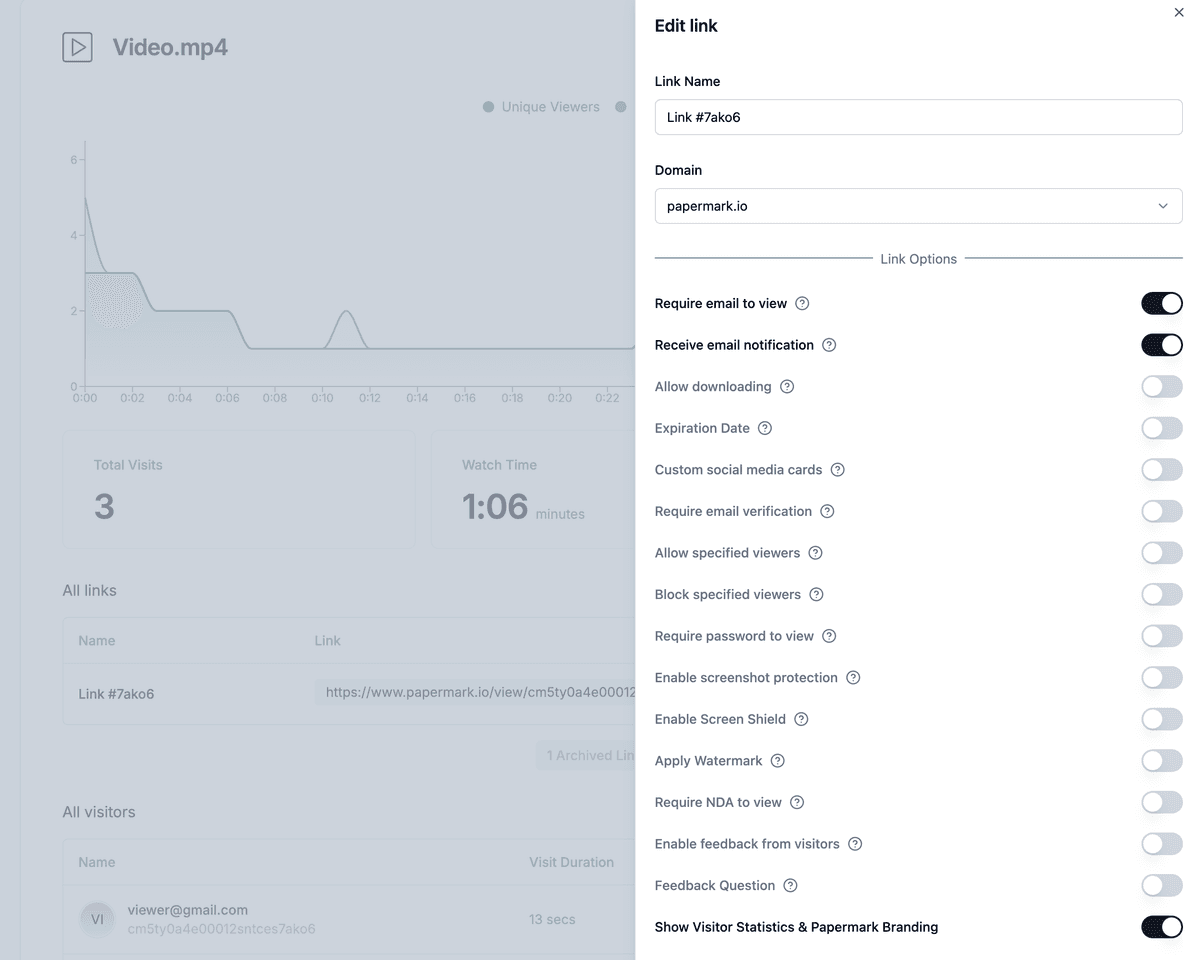
Secure video sharing: Share videos internally and externally through secure links with advanced access controls, password protection, and email verification
Page-by-page video analytics: Track exactly who viewed videos, when they accessed them, and how long they spent watching—critical insights for understanding video engagement and stakeholder interest
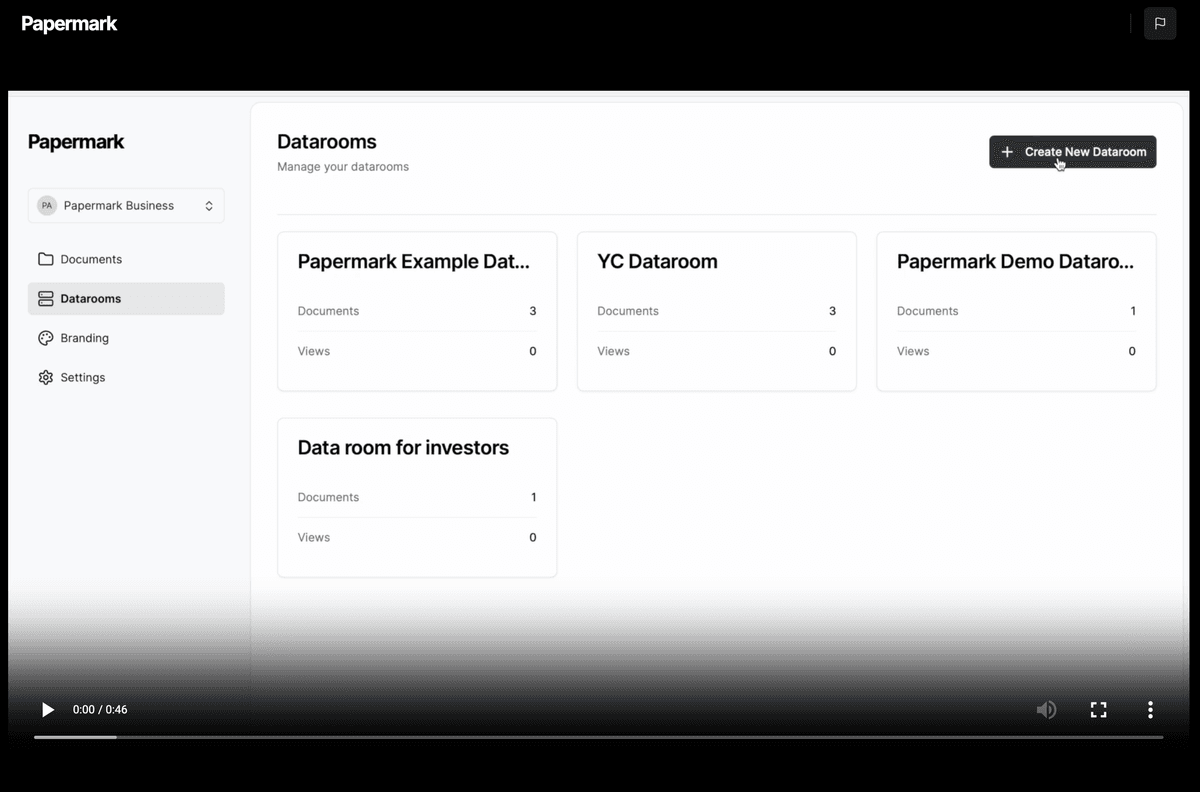
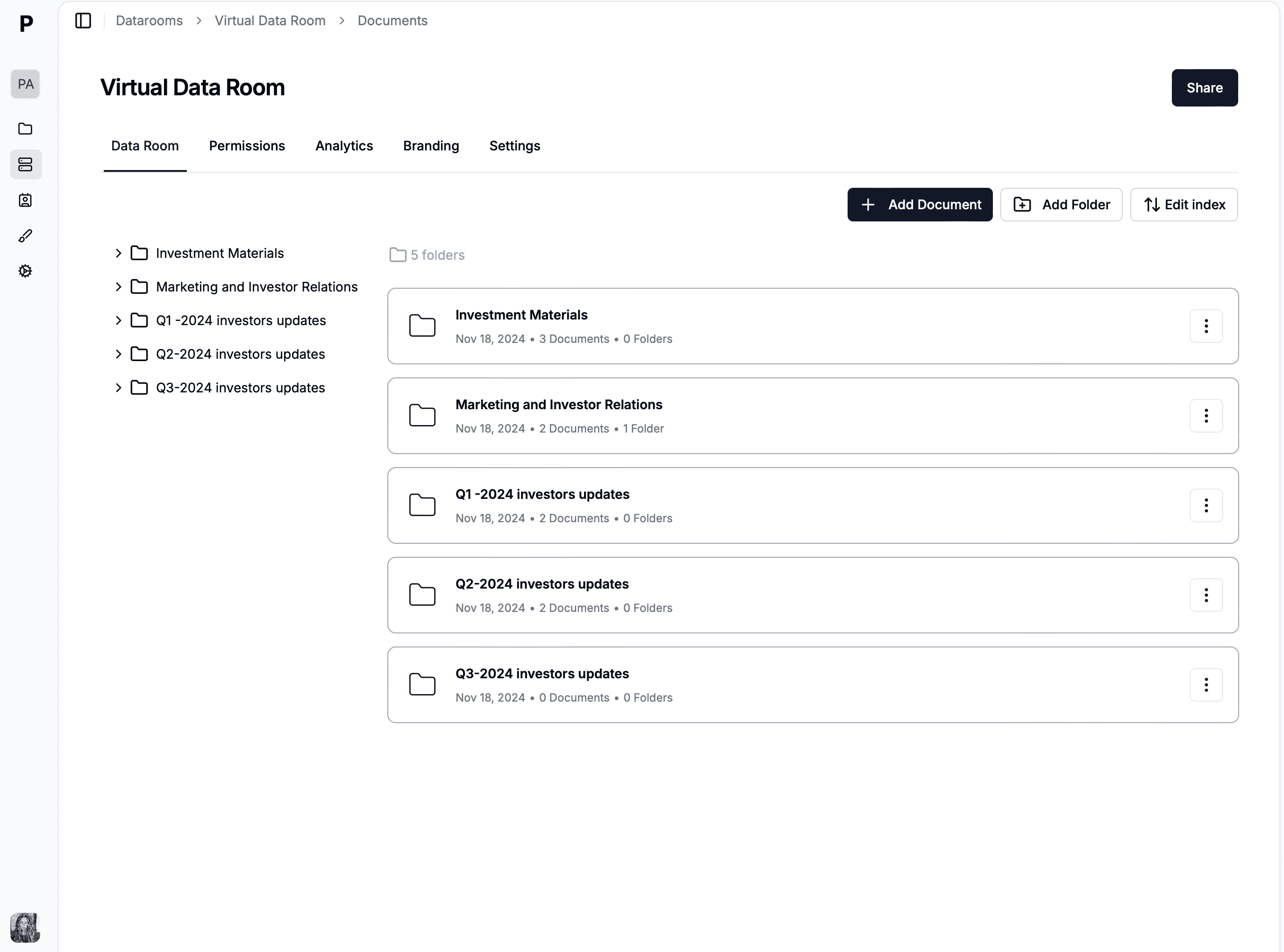
Virtual data rooms: Create secure data rooms for organizing and sharing business-critical video content during due diligence, fundraising, M&A transactions, and other sensitive processes
Dynamic watermarking: Automatically add recipient-specific watermarks to videos, providing traceability and deterring unauthorized sharing
API and integrations: Connect Papermark with existing business systems through comprehensive API access, ensuring the platform integrates seamlessly into your organizational workflow
White-labeling and branding: Customize the interface with your logo, brand colors, and custom domain to maintain consistent corporate identity
Papermark's analytics capabilities provide data-driven insights that help optimize video content management and demonstrate VCMS value to stakeholders. The platform tracks video views, engagement patterns, and viewer behavior, helping organizations identify important video content, optimize organization, and make informed decisions about video retention and sharing strategies.
Video search and discovery
Effective video search and discovery capabilities are essential for large video libraries. AI-powered search and tagging help users find relevant video content quickly.
Search Capabilities
Look for VCMS platforms that offer advanced search features, including full-text search of video transcripts, metadata search, and visual search capabilities. AI-powered search can index spoken words within videos, making it possible to search video content by what was said. This is particularly valuable for training videos, recorded meetings, and educational content.
Content Organization
Implement effective content organization strategies using folders, tags, categories, and playlists. Well-organized video libraries improve discoverability and user experience. Consider implementing automated tagging based on video content analysis or manual tagging workflows for better organization.
Video accessibility and compliance
Ensuring video accessibility is crucial for compliance and inclusion. Accessibility features make video content usable by all employees and stakeholders.
Closed Captions and Transcripts
Implement closed captioning and transcript generation for all video content. Many VCMS platforms offer automatic caption generation, which can be edited for accuracy. Transcripts improve accessibility, searchability, and can be used for content repurposing. Ensure caption accuracy meets accessibility standards like WCAG compliance.
Multi-language Support
For global organizations, consider VCMS platforms that support multiple languages for captions, transcripts, and interface localization. Multi-language support ensures video content is accessible to international teams and stakeholders.
For organizations implementing a VCMS strategy, Papermark offers both cloud-based and self-hosted deployment options, providing flexibility to match your organization's infrastructure preferences. The platform's focus on secure external video sharing with detailed analytics makes it particularly valuable for organizations in finance, legal, consulting, and other industries where video tracking and security are critical.
Video analytics and measurement
Understanding video engagement and performance is crucial for optimizing your VCMS strategy. Comprehensive analytics provide insights into how video content is being used and where improvements are needed.
Engagement Metrics
Track key engagement metrics including video views, watch time, completion rates, and viewer drop-off points. These metrics help identify which videos are most valuable and where content may need improvement. Understanding viewer behavior patterns helps optimize video length, content structure, and delivery methods.
Usage Analytics
Monitor video usage patterns across departments, user groups, and content types. Identify trends in video consumption, peak viewing times, and popular content categories. Usage analytics help inform content creation priorities and resource allocation. Track video upload rates, storage growth, and bandwidth utilization to plan for future capacity needs.
ROI Measurement
Measure the return on investment of your VCMS implementation by tracking metrics like time saved in content delivery, reduced support requests, improved training completion rates, and increased engagement with video content. Quantify the value of video content management to demonstrate VCMS success to stakeholders.
Post-implementation strategy
Effective management and optimization of the VCMS system are critical after implementation. Properly monitoring performance, gathering feedback, and continuously improving the system can ensure your organization maximizes VCMS value.
Strategy Area
Key Activities
Outcomes
Performance Monitoring
Monitor system performance metrics (video streaming performance, transcoding times, storage usage, bandwidth utilization, integration performance); Track user adoption through metrics (active users, video uploads, video views, feature usage, content creation)
Early identification of performance issues, understanding of adoption patterns, identification of areas needing support or training, optimization of video delivery
Continuous Improvement
Collect feedback from users, stakeholders, and administrators through surveys, interviews, and usage data; Use feedback and analytics to optimize the VCMS system (reorganize video content, adjust workflows, add features, improve interfaces, optimize video quality settings)
System that evolves with organizational needs, improved user satisfaction, optimized workflows based on actual usage patterns, better video engagement
Training and Support
Develop training programs for new users, advanced features, and system updates; Provide support resources (documentation, help desks, user communities); Focus on video-specific training like video upload best practices, video organization, and video sharing workflows
Effective user adoption, improved efficiency, quick issue resolution, maintained productivity, better video content quality
Learnings Recap
As we conclude our comprehensive guide on video content management strategy, let's recap the essential learnings. Understanding different VCMS strategy approaches, preparing thoroughly, executing the VCMS strategy effectively, leveraging technology, and maintaining a robust post-implementation strategy are all critical for your organization's VCMS success.
According to industry research, organizations with well-defined VCMS strategies see significant improvements in video content findability, collaboration efficiency, and video engagement. A strategic approach to video content management helps organizations maximize the value of their video assets and improve operational efficiency.
To sum it up:
Understand different VCMS strategy approaches and choose the right one for your organization.
Prepare thoroughly with video content audits, requirement definition, and stakeholder analysis.
Execute your VCMS strategy by selecting the right platform and planning implementation carefully.
Establish video governance policies and content lifecycle management processes.
Plan for video quality, format standardization, bandwidth, and storage requirements.
Implement video search, discovery, and accessibility features.
Leverage technology and analytics to enhance video content management effectiveness.
Monitor performance, gather feedback, and continuously improve your VCMS system post-implementation.
Final Thoughts
Mastering video content management strategy is a journey that requires preparation, strategic thinking, and continuous improvement. By understanding the various VCMS strategy approaches, preparing thoroughly, and leveraging technology, you can increase your chances of implementing a successful VCMS system that delivers value to your organization. Remember, maintaining focus on organizational needs is key to long-term VCMS success. At Papermark, we are committed to providing you with the tools and insights needed to navigate the VCMS landscape effectively. For a detailed comparison of VCMS platforms, check out our guide on video content management software. Start your VCMS journey today and take control of your video content management strategy with confidence.