What is document version control? A complete guide for 2026
·6 min read
Marc Seitz
Document version control has become essential for modern organizations dealing with growing volumes of documents and frequent revisions. As teams collaborate on documents across multiple systems and locations, having a structured approach to tracking changes, managing versions, and maintaining document history is critical for productivity, compliance, and operational efficiency.
Understanding what document version control is and how it works can help organizations make informed decisions about their document management strategy. This comprehensive guide explores the fundamentals of document version control, its key components, benefits, and how modern organizations are leveraging version control solutions to transform their document management practices.
What is document version control?
Document version control refers to the practices, methods, and tools organizations use to track, manage, and maintain different versions of documents throughout their lifecycle. Version control provides a systematic approach to handling document changes, ensuring teams always work with the correct version while maintaining a complete history of modifications, approvals, and access.
Unlike simple file storage or basic document management, document version control encompasses the entire document lifecycle from creation through multiple revisions to final approval and archival. Version control systems help organizations prevent overwrites, maintain document integrity, and provide accountability by tracking who made changes, when they were made, and why modifications occurred.
Modern version control solutions go beyond traditional file naming conventions by providing automated version tracking, change history, collaboration features, and audit trails that help organizations maintain control over their documents. Whether managing internal documents, sharing content with external parties, or maintaining compliance records, version control systems provide the infrastructure needed for effective document management at scale.
Share secure documents
No credit card required
Page by page analytics
Require email verification
Require password to view
Allow/Block specified viewers
Apply Watermark
Require NDA to view
Custom Welcome Message
Key components of document version control
Document version control systems typically include several core components that work together to provide comprehensive version management capabilities. Understanding these components helps organizations evaluate version control solutions and identify the features most important for their needs.
1. Version history and tracking
Version history forms the foundation of document version control, providing capabilities for tracking every change made to a document. This includes automatic version numbering, timestamps for each change, and identification of who made modifications. Effective version history ensures teams can see the evolution of a document over time, compare different versions, and understand the context behind changes. Modern systems maintain complete audit trails that record not just what changed, but when, by whom, and often why the change was made.
2. Version identifiers and naming
Version identifiers help organizations distinguish between different document versions using consistent naming conventions. Common approaches include semantic versioning (v1.0, v1.1, v2.0), date-based versioning, or milestone-based naming. Effective version identification prevents confusion about which version is current, which is approved, and which versions are superseded. Some systems automatically generate version numbers, while others allow custom naming that aligns with organizational workflows.
3. Change tracking and diff capabilities
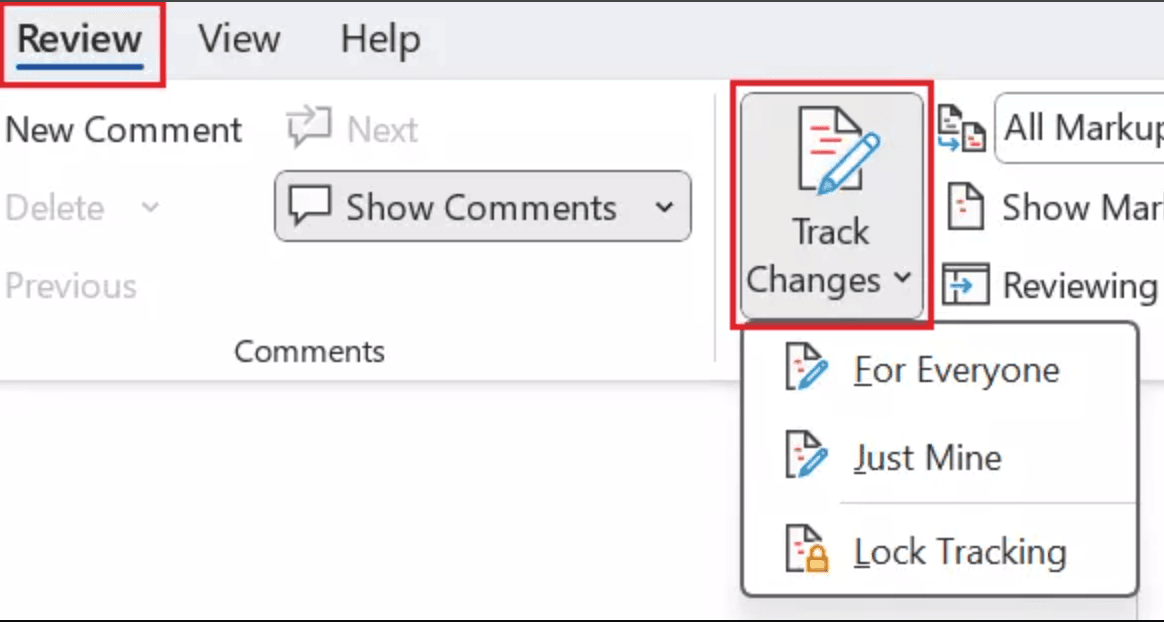
Change tracking capabilities allow users to see exactly what changed between versions, including additions, deletions, and modifications. Advanced systems provide visual diff capabilities that highlight changes, making it easy to review modifications without manually comparing documents. This component is essential for organizations where multiple stakeholders need to review and approve changes, ensuring transparency in the document evolution process.
4. Access controls and permissions
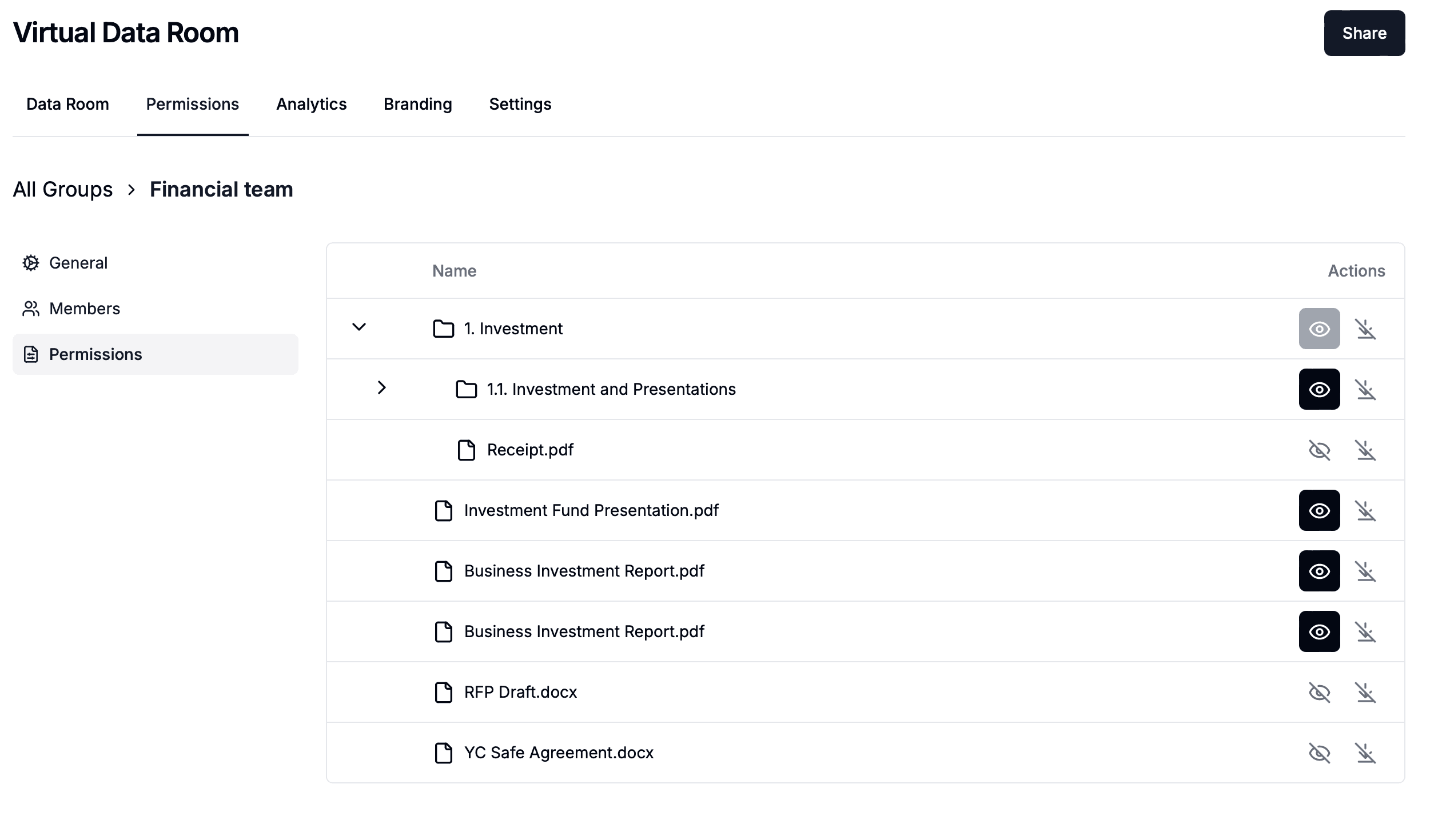
Security features are critical for document version control, especially when handling sensitive or confidential information. Version control systems provide granular access controls that determine who can view, edit, or approve different versions. Advanced security features may include role-based permissions, approval workflows, and integration with identity management systems. These controls ensure documents remain secure while remaining accessible to authorized users who need to work with specific versions.
5. Checkpoints and milestones
Checkpoint capabilities allow organizations to mark important document versions as milestones, such as approved versions, signed copies, or major releases. These checkpoints create immutable snapshots that cannot be accidentally modified, providing a stable reference point for teams. Checkpoint features are essential for organizations that need to maintain approved versions while continuing to work on new iterations, ensuring compliance and maintaining document integrity.
6. Rollback and restoration
Rollback capabilities enable organizations to restore previous document versions when needed, whether due to errors, unwanted changes, or the need to revert to an approved state. Effective rollback features maintain the complete history of changes, allowing users to restore any previous version while preserving the audit trail. This component is critical for maintaining document integrity and recovering from mistakes or unauthorized modifications.
7. Audit trails and compliance
Audit trail capabilities provide comprehensive logging of all document version activities, including who accessed which version, when they accessed it, and what actions they performed. For organizations sharing documents externally, audit trails can track who viewed documents, when they accessed them, and how long they spent on each page. These capabilities help organizations demonstrate compliance with regulatory requirements and provide evidence of proper document handling when required by regulations or legal proceedings.
Benefits of document version control
Implementing an effective document version control system provides numerous benefits that help organizations improve productivity, reduce risks, and ensure compliance. Understanding these benefits helps organizations make the business case for version control investment and set realistic expectations for what version control can deliver.
Benefit
Description
Prevent overwrites and data loss
Version control systems prevent accidental overwrites by maintaining multiple document versions and requiring explicit actions to replace content. Teams can work confidently knowing that previous versions are preserved and can be restored if needed. This capability eliminates the risk of losing important document content due to human error or system failures, providing peace of mind and reducing the need for manual backups.
Enhanced collaboration
Modern version control platforms facilitate collaboration by providing tools for tracking changes, commenting on specific versions, and coordinating edits across team members. Teams can work together on documents regardless of their physical location, supporting remote work and distributed teams. Collaboration features help break down information silos and ensure all team members have access to the correct document versions they need to do their jobs effectively.
Better compliance and accountability
Version control solutions help organizations adhere to regulatory requirements by providing comprehensive audit trails, change tracking, and approval workflows. Compliance features ensure organizations can demonstrate proper handling of documents when required by regulations or legal proceedings. These capabilities reduce compliance risk and help organizations avoid penalties associated with improper document management, while providing clear accountability for document changes.
Improved productivity
By eliminating confusion about which version is current and reducing time spent searching for the correct document, version control systems significantly improve productivity. Teams can quickly identify the latest approved version, see what changed between versions, and understand the context behind modifications. The automation capabilities of version control systems also reduce manual work associated with document management tasks, allowing employees to focus on strategic activities.
Support for external sharing
With version control integrated into secure sharing platforms, organizations can confidently share documents with external parties while maintaining control over which version is shared. Advanced platforms provide features like dynamic watermarking, access tracking, and version history that ensure external recipients always see the correct version while maintaining complete audit trails. This capability has become increasingly important as organizations collaborate with partners, clients, and stakeholders outside their organization.
Enhanced security
Version control systems provide enterprise-grade security features that protect sensitive documents from unauthorized access and modifications. Granular access controls, approval workflows, audit trails, and watermarking capabilities help organizations maintain control over their documents. For organizations sharing documents externally, features like [dynamic watermarking](https://www.papermark.com/dynamic-watermarking) and detailed analytics provide additional security and visibility into document access.
Types of document version control approaches
Organizations can implement document version control using different strategic approaches depending on their needs, infrastructure preferences, and organizational structure. Understanding these approaches helps organizations choose the right version control strategy for their specific circumstances.
Built-in version control: Native version control features within document management platforms like Google Docs, Microsoft SharePoint, or Confluence, providing automatic version tracking integrated with collaboration tools
File-based version control: Manual or semi-automated version control using naming conventions and folder structures, suitable for small teams with simple workflows
Cloud-based version control: Version control services provided through cloud platforms, offering scalability, automatic backups, and access from anywhere
Open-source version control: Self-hosted, open-source solutions providing full control and customization capabilities, ideal for organizations wanting to avoid vendor lock-in
Secure document sharing with version control: Version control integrated into secure document sharing platforms, emphasizing external document sharing with analytics and tracking capabilities for organizations that frequently share documents with external parties
Modern document version control solutions and platforms
The document version control landscape includes various platforms designed to meet different organizational needs. From cloud-native solutions to on-premises systems, organizations have multiple options when selecting a version control platform.
Secure document sharing platforms with version control
Platforms like Papermark focus on secure document sharing with integrated version control and analytics capabilities. These solutions are ideal for organizations that need to share documents with clients, investors, or partners while maintaining detailed visibility into document engagement and version access. Features like page-by-page analytics, dynamic watermarking, and granular access controls make these platforms particularly valuable for external document sharing scenarios where version tracking is critical.
Collaboration-focused version control
Solutions like Microsoft SharePoint, Google Workspace, and Box provide comprehensive document management with built-in version control and strong collaboration features. These platforms integrate with productivity suites and offer real-time collaboration, making them ideal for teams that need seamless document collaboration alongside version control. These solutions are particularly popular among organizations already using Microsoft 365 or Google Workspace, providing integrated version control within familiar workflows.
Enterprise-grade version control systems
Large enterprises with complex document management requirements often choose enterprise-grade systems that provide advanced version control, workflow automation, and compliance features. These platforms provide scalability for organizations managing millions of documents with extensive version histories. Enterprise-grade version control systems are designed for organizations with extensive compliance needs and large-scale document processing workflows that require sophisticated version management.
Papermark: Modern document version control for secure sharing
Papermark is an open-source document version control platform that combines secure document sharing with powerful analytics and virtual data room capabilities. For organizations implementing version control focused on secure external document sharing, Papermark provides essential features that enhance document management effectiveness.
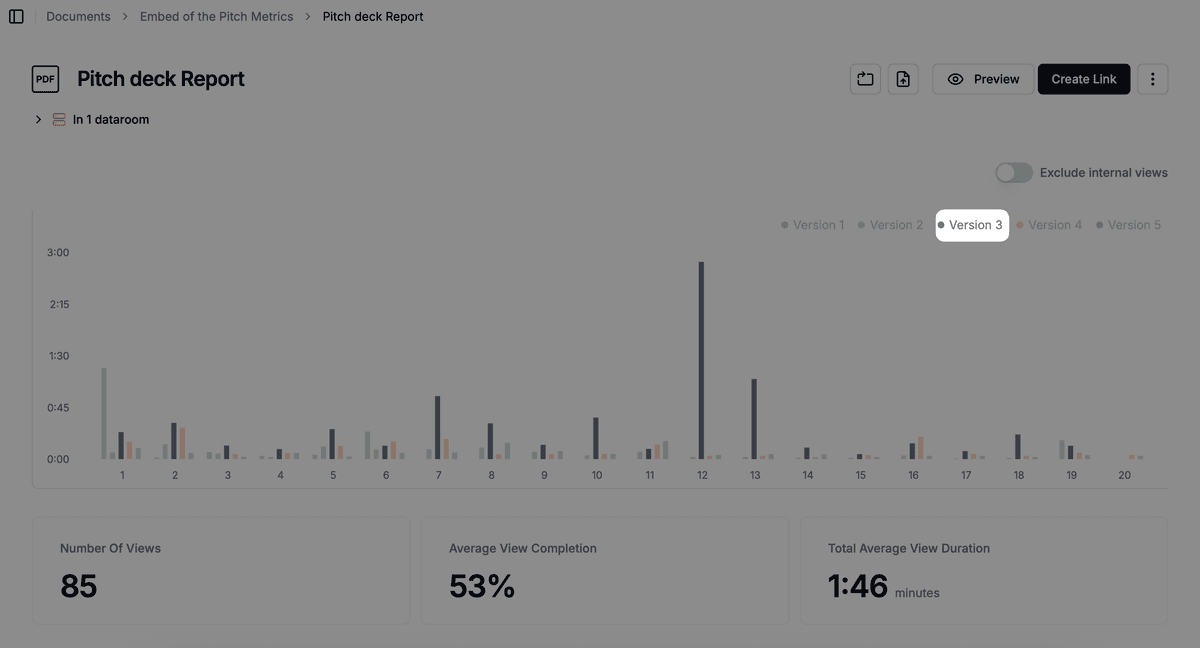
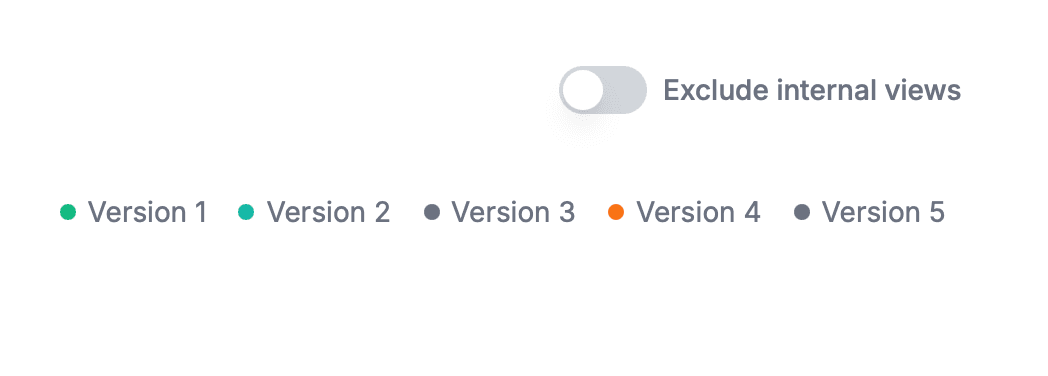
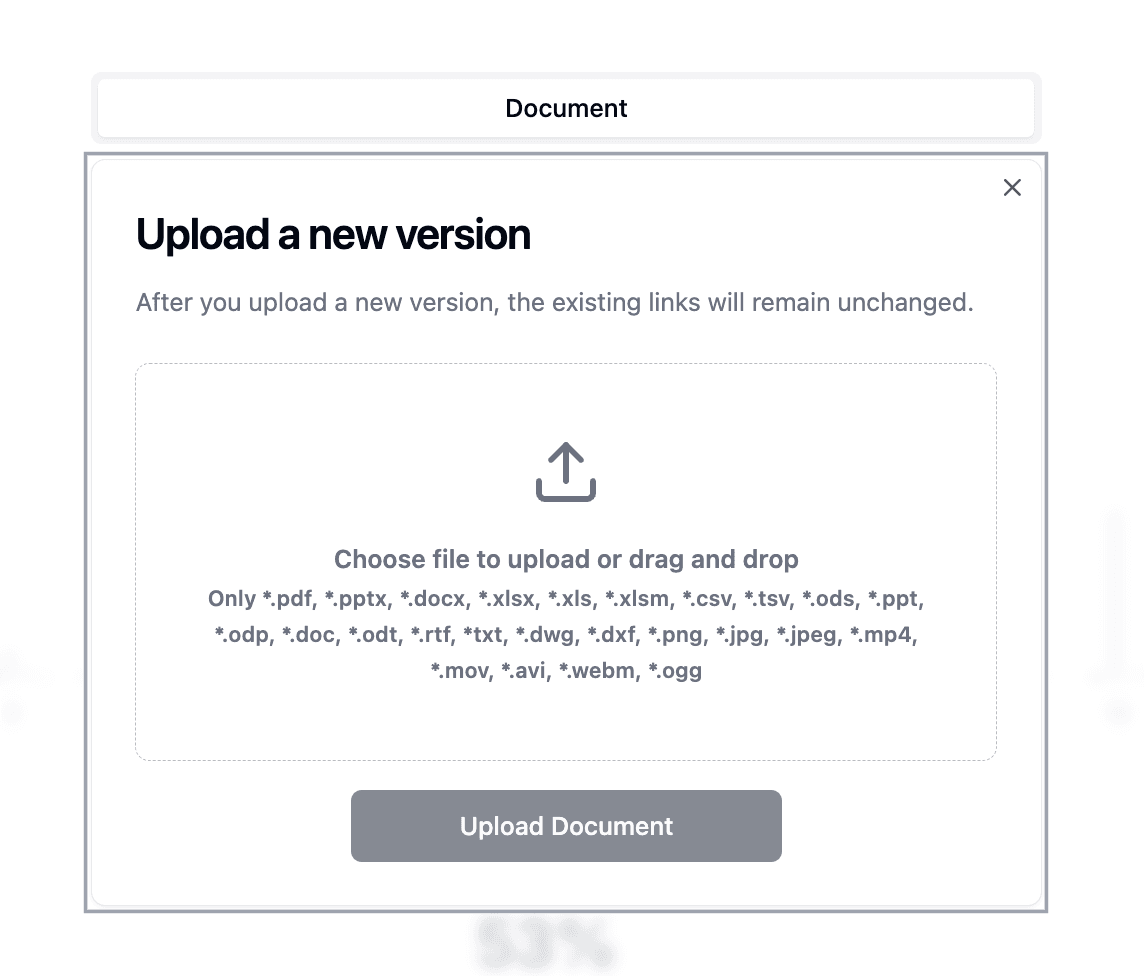
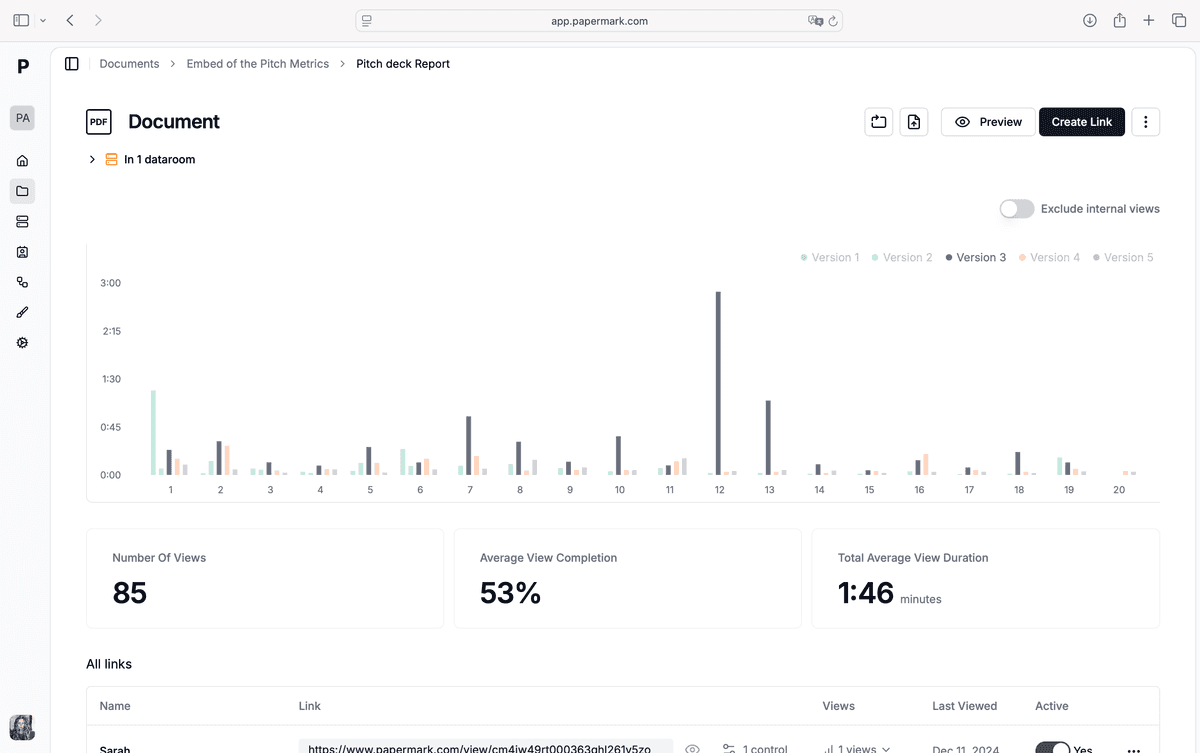
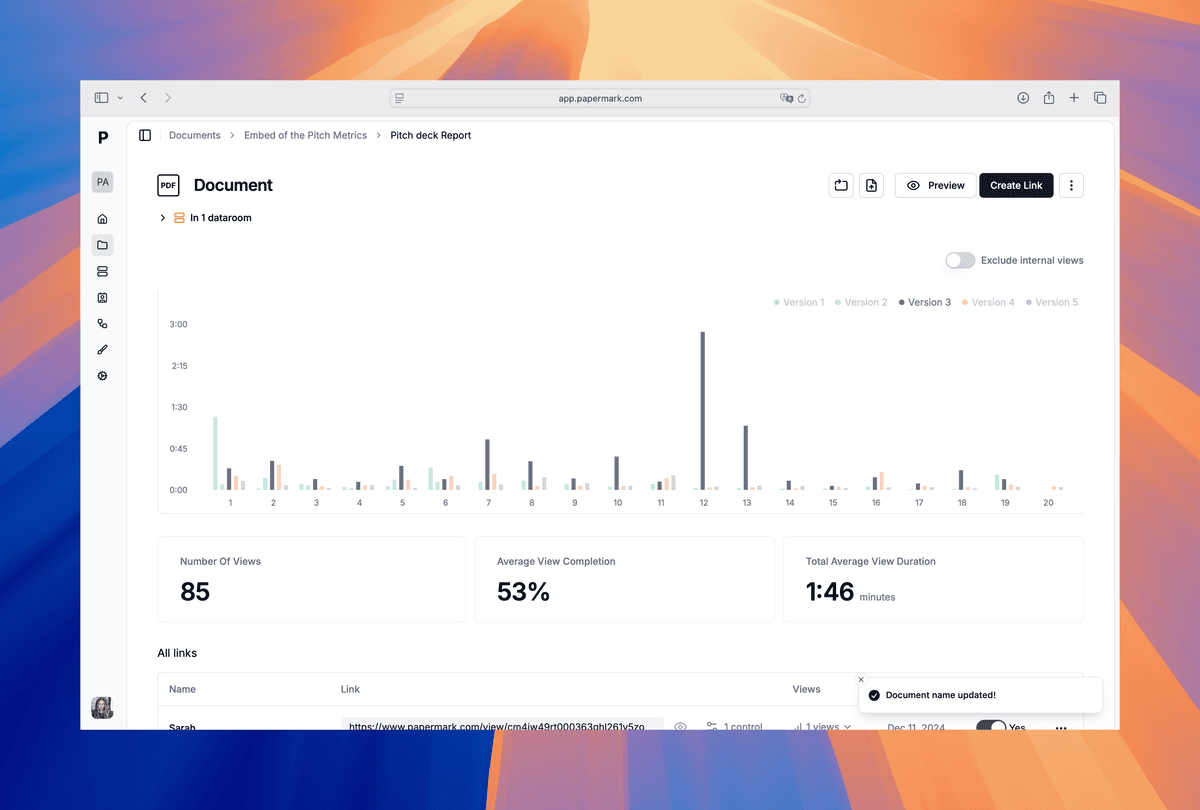
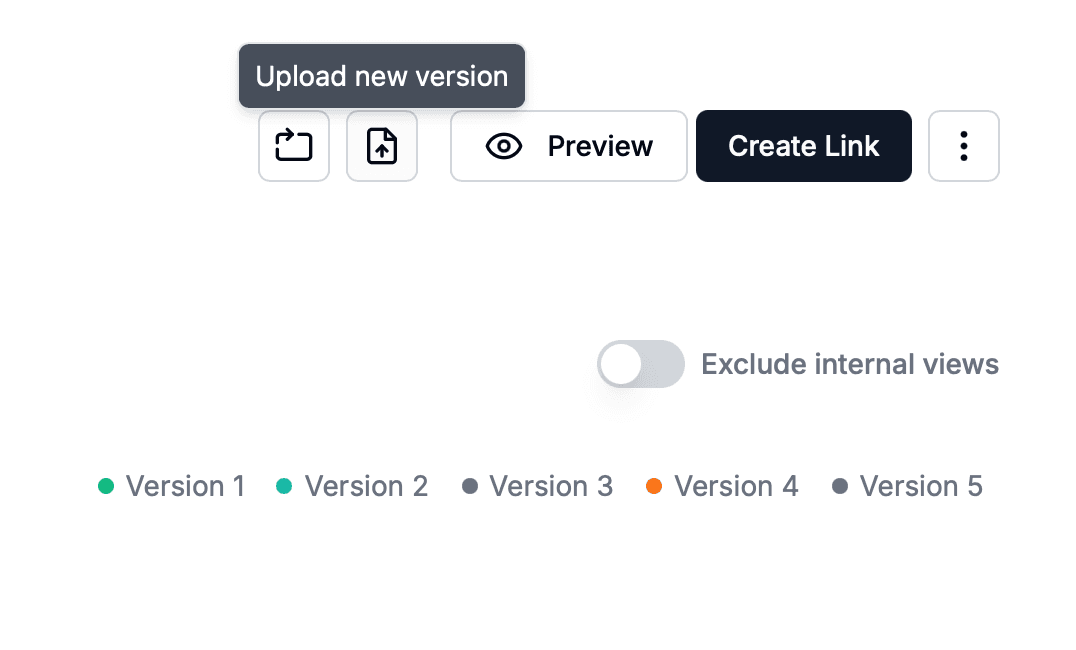
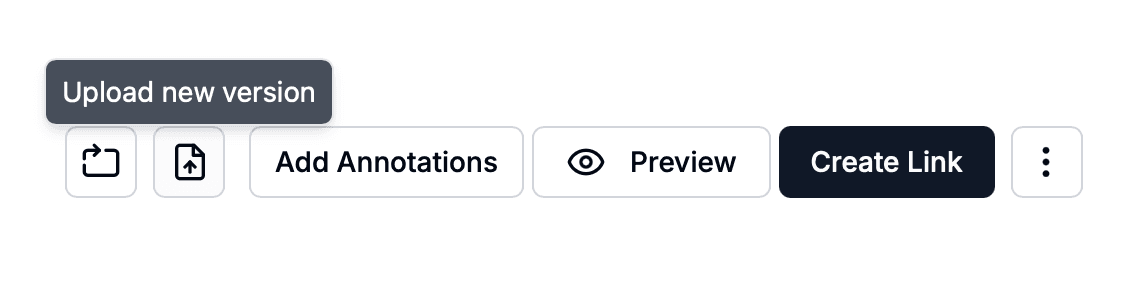
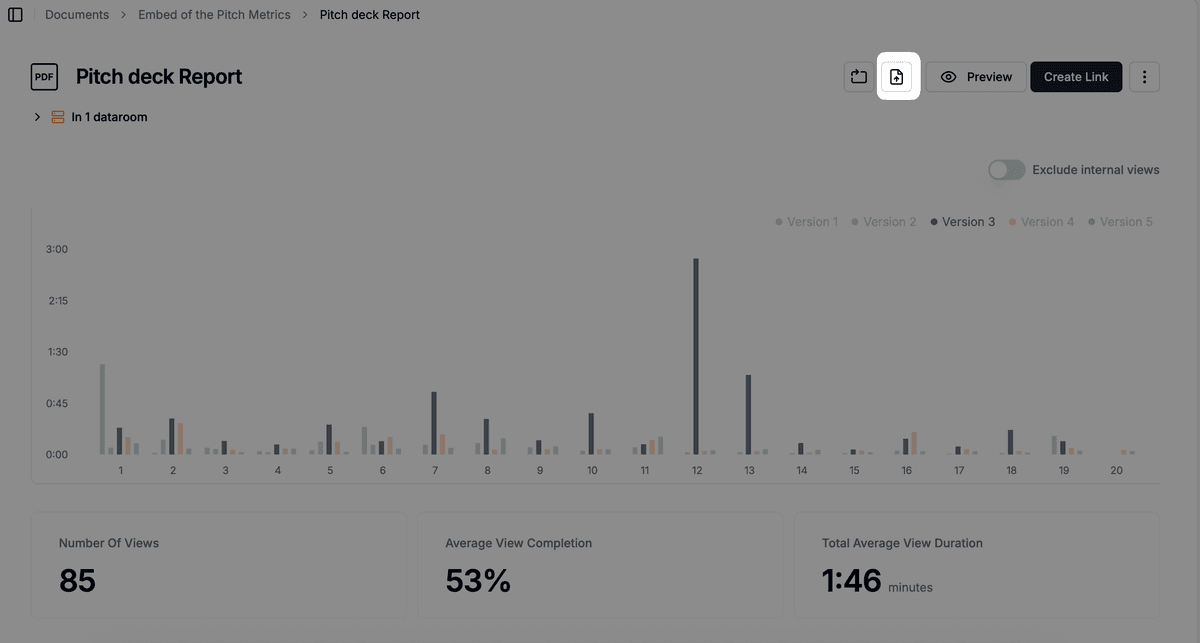
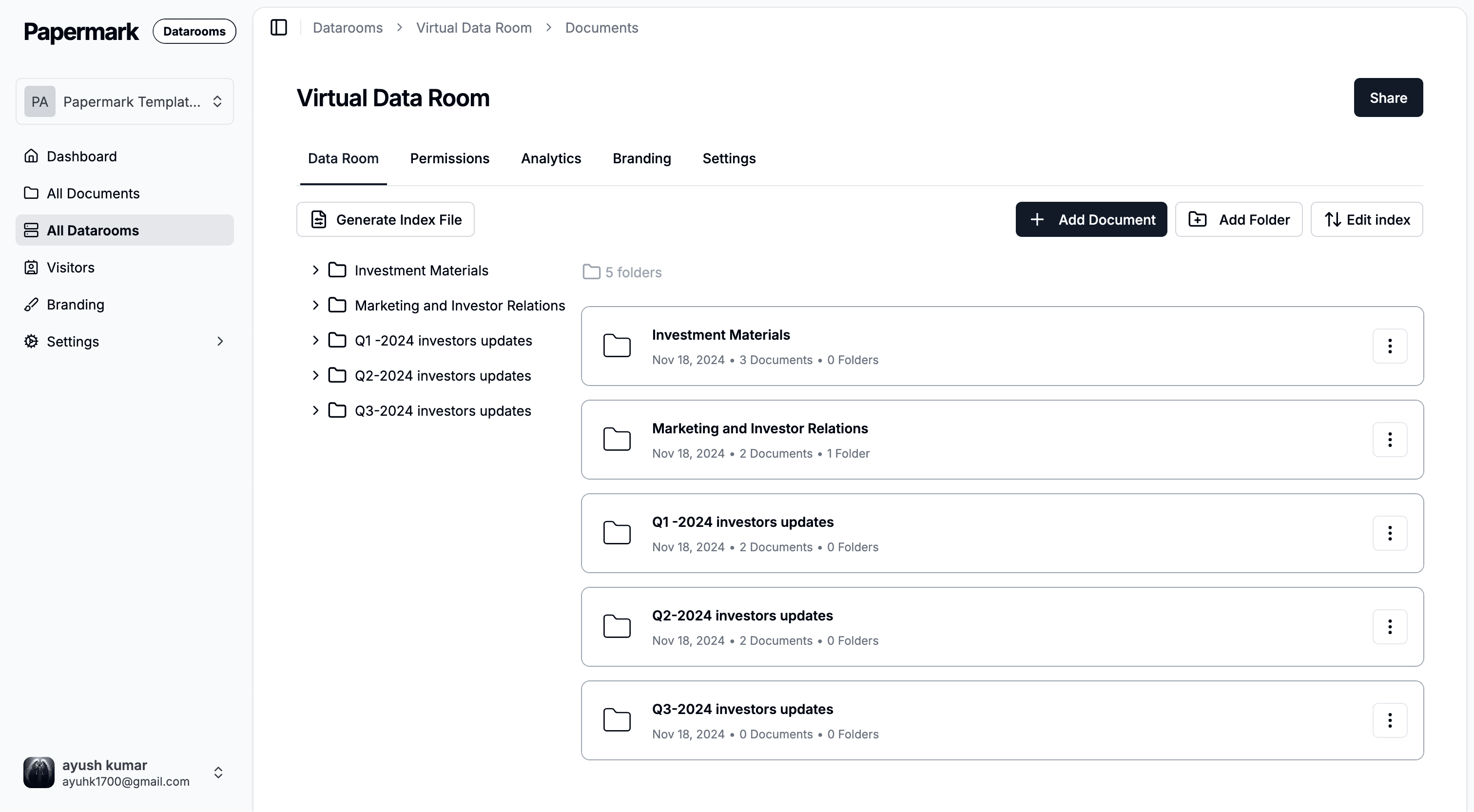
Papermark offers comprehensive version control capabilities designed for organizations that need secure document sharing with advanced control and visibility. The platform provides unlimited document and folder organization, allowing teams to structure content in a way that matches their workflow. Papermark maintains complete version history under a single link, so when you upload a new version of a document, recipients automatically see the latest version while previous versions remain accessible in the audit trail. This approach eliminates confusion about which version is current and ensures external parties always access the correct document version.
The platform includes enterprise-grade access controls with email verification, allowlists, denylists, and access expiration dates. Papermark's virtual data room feature provides enterprise-grade secure document sharing through safe links, making it simple to organize and distribute business-critical content during due diligence, fundraising, M&A transactions, and other sensitive business processes. The platform provides detailed page-by-page analytics, making it easy for organizations to see exactly who viewed documents, when they accessed them, and which version they viewed—critical for tracking engagement during important business processes.
Papermark's version control features include dynamic watermarking that automatically adds recipient-specific information to each document page, providing traceability and deterring unauthorized sharing. The platform includes screenshot protection and download prevention features to protect sensitive content. Every document upload creates a new version while maintaining complete version history, ensuring organizations can track which version was shared at any point in time.
Papermark provides comprehensive white-labeling and branding capabilities, allowing organizations to customize the interface with their logo, brand colors, and custom domain to maintain consistent corporate identity.
For organizations implementing document version control, Papermark offers both cloud-based and self-hosted deployment options, providing flexibility to match your organization's infrastructure preferences. The platform's focus on secure external document sharing with detailed analytics and complete version history makes it particularly valuable for organizations in finance, legal, consulting, and other industries where document tracking, version control, and security are critical.
Conclusion
Document version control provides organizations with the practices, methods, and tools needed to effectively manage document changes throughout their lifecycle. From version history and change tracking to security and compliance, version control systems help organizations prevent overwrites, maintain document integrity, and derive value from their document assets.
Understanding what document version control is and how it works is the first step toward implementing an effective document management strategy. Whether you choose built-in version control, cloud-based solutions, or open-source platforms, the right version control system can transform how your organization manages documents.
For organizations focused on secure external document sharing, modern platforms like Papermark combine version control capabilities with advanced analytics and security features. To learn more about implementing document version control in your organization, explore our guide on document version control software or learn about specific use cases in our guides on Word document version control, PDF version control, and folder version control.