Enterprise workflow automation has become essential for modern organizations seeking to streamline business processes, reduce manual work, and improve operational efficiency. As businesses face increasing complexity and growing volumes of tasks across multiple departments, having automated workflows helps ensure consistent processes, minimize errors, and accelerate task completion.
Understanding what enterprise workflow automation is and how it works can help organizations make informed decisions about automating their business processes. This comprehensive guide explores the fundamentals of workflow automation, its key components, benefits, and how modern organizations are leveraging automation solutions to transform their operations.
What is enterprise workflow automation?
Enterprise workflow automation refers to the use of technology to streamline and automate complex business processes across various departments within an organization. Workflow automation involves designing, implementing, and managing automated sequences of tasks that move work through predefined steps, reducing manual intervention and ensuring consistent execution of business processes.
Unlike simple task automation, enterprise workflow automation encompasses end-to-end process automation that connects multiple systems, departments, and stakeholders. Workflow automation systems help organizations standardize processes, route tasks to appropriate team members, track progress, and ensure compliance with business rules and regulations.
Modern workflow automation solutions go beyond basic task automation by providing process modeling, integration capabilities, intelligent decision-making, and analytics that help organizations optimize their business processes. Whether automating approval workflows, document routing, employee onboarding, or customer service processes, workflow automation provides the infrastructure needed for efficient process management at scale.
Share documents the modern way
No credit card required
Page by page analytics
Require email verification
Require password to view
Allow/Block specified viewers
Apply Watermark
Require NDA to view
Custom Welcome Message
How enterprise workflow automation works
Enterprise workflow automation transforms manual business processes into automated sequences that move work through predefined steps with minimal human intervention. Understanding how workflow automation works helps organizations identify automation opportunities and implement effective solutions.
1. Workflow design and configuration
Workflow automation begins with designing the process flow, identifying each step, decision point, and action required. Organizations map out their current manual processes, identify bottlenecks and inefficiencies, then design automated workflows that streamline these processes. Configuration involves defining rules, conditions, and triggers that determine how work moves through the workflow.
2. Trigger-based automation
Workflows are typically triggered by specific events such as form submissions, document uploads, system notifications, or scheduled times. When a trigger occurs, the workflow automatically initiates the first step in the process. Triggers can be simple events like receiving an email or complex conditions involving multiple data points from different systems.
3. Task execution and routing
Once triggered, workflows execute tasks automatically, routing work items to appropriate team members or systems based on predefined rules. Routing logic considers factors like workload, expertise, availability, and business rules to ensure tasks are assigned efficiently. Automated routing eliminates manual task assignment and ensures consistent process execution.
4. Decision points and conditional logic
Workflows include decision points where the system evaluates conditions and determines the next step. Conditional logic allows workflows to branch based on data values, approval status, or other criteria. This enables complex processes with multiple paths while maintaining automation throughout the workflow.
5. Integration and data flow
Workflow automation systems integrate with existing business applications to access and update data automatically. Integration eliminates manual data entry and ensures information flows seamlessly between systems. Modern workflow platforms provide connectors for popular applications and APIs for custom integrations.
6. Monitoring and exception handling
Automated workflows continuously monitor process execution, tracking progress, identifying bottlenecks, and handling exceptions. When workflows encounter errors or unexpected conditions, they can automatically escalate, notify administrators, or route to alternative paths. Monitoring provides visibility into process performance and helps organizations optimize workflows over time.
Benefits of enterprise workflow automation
Implementing effective workflow automation provides numerous benefits that help organizations improve efficiency, reduce costs, and enhance collaboration. Understanding these benefits helps organizations make the business case for automation investment and set realistic expectations for what workflow automation can deliver.
Benefit
Description
Improved process efficiency
Workflow automation significantly reduces process cycle times by eliminating manual steps and automating routine tasks. Automated workflows ensure tasks move forward without delays, reducing the time required to complete business processes. This efficiency improvement allows employees to focus on strategic activities rather than administrative tasks.
Cost reduction
By automating repetitive tasks and reducing manual labor, organizations can achieve significant cost savings. Workflow automation minimizes errors that lead to rework and reduces the need for additional staff to handle increased workloads. The efficiency gains from automation also reduce operational costs associated with slow or inefficient processes.
Error reduction
Automated workflows standardize processes and eliminate human errors in data entry, calculations, and task routing. By enforcing business rules and validation checks, workflow automation ensures consistent execution and reduces the risk of mistakes. This error reduction improves data quality and reduces the need for corrections and rework.
Enhanced collaboration
Workflow automation facilitates better communication and coordination among departments by ensuring tasks are routed to the right people at the right time. Automated notifications keep stakeholders informed about process status, deadlines, and required actions. This enhanced collaboration helps break down departmental silos and ensures smooth handoffs between teams.
Better compliance and auditability
Automated workflows ensure processes follow defined business rules and regulatory requirements. Workflow systems maintain complete audit trails of all actions, approvals, and decisions, making it easy to demonstrate compliance during audits. This auditability helps organizations meet regulatory requirements and reduces compliance risk.
Scalability
Workflow automation allows organizations to handle increased workloads without a proportional increase in resources. Automated processes can scale to handle higher volumes of work without requiring additional staff. This scalability is particularly valuable for growing organizations or those with fluctuating workloads.
Workflow automation implementation approaches
Organizations can implement workflow automation using different strategies depending on their process complexity, technical resources, and business requirements. Each approach offers distinct advantages for different organizational needs.
1. Rule-based workflow automation
Rule-based automation uses predefined business rules and conditions to determine workflow paths and actions. These workflows are ideal for processes with clear, consistent logic that doesn't require complex decision-making. Rule-based automation is straightforward to implement and maintain, making it suitable for organizations starting their automation journey.
2. Event-driven workflow automation
Event-driven workflows respond to specific events or triggers from systems, applications, or user actions. These workflows automatically initiate when events occur, such as form submissions, document uploads, or system notifications. Event-driven automation is ideal for processes that need to respond immediately to business events.
3. Data-driven workflow automation
Data-driven workflows use data values and conditions to determine process flow and actions. These workflows analyze incoming data, apply business rules, and route work based on data characteristics. Data-driven automation is valuable for processes that require different handling based on data attributes like order value, customer type, or document classification.
4. Human-in-the-loop automation
Some workflows combine automation with human decision-making at key points. Human-in-the-loop automation automates routine steps while routing complex decisions or approvals to people. This approach balances automation benefits with the need for human judgment in critical decisions.
5. Intelligent workflow automation
Intelligent automation combines traditional workflow automation with AI and machine learning to make decisions, learn from patterns, and adapt to changing conditions. These workflows can handle exceptions, predict outcomes, and optimize themselves over time. Intelligent automation is ideal for complex processes that require adaptive behavior.
Common use cases for workflow automation
Workflow automation can be applied to various business processes across different departments. Understanding common use cases helps organizations identify opportunities for automation in their own operations.
1. Employee onboarding
Automating the employee onboarding process ensures new hires have access to necessary systems, equipment, and resources from day one. Onboarding workflows can integrate HR systems with IT provisioning, facilities management, and training systems to create a seamless experience. Automated workflows route tasks to appropriate departments, send notifications, and track completion to ensure nothing is missed.
2. Document approval workflows
Document approval workflows automate the process of routing documents through approval chains, ensuring proper authorization before documents are finalized or published. These workflows can handle multi-level approvals, parallel reviews, and conditional routing based on document type or content. Integration with document management systems like Papermark ensures secure document sharing with tracking and analytics throughout the approval process.
3. Order processing
Order processing automation streamlines the order-to-cash process by connecting sales, inventory, finance, and fulfillment systems. Automated workflows can validate orders, check inventory, process payments, generate invoices, and trigger fulfillment processes. This automation reduces processing times, minimizes errors, and improves customer satisfaction.
4. IT service management
IT service management automation helps IT departments handle service requests, incidents, and change management more efficiently. Automated workflows can route tickets to appropriate technicians, escalate urgent issues, and track resolution times. Integration with monitoring systems can automatically create tickets for system issues and route them based on severity and expertise required.
5. Customer service workflows
Customer service automation routes customer inquiries to appropriate agents, provides automated responses for common questions, and tracks resolution through completion. Workflows can integrate with CRM systems, knowledge bases, and communication channels to ensure consistent, efficient customer service. Automation helps reduce response times and ensures customers receive timely, accurate assistance.
Choosing the right workflow automation platform
Selecting the appropriate workflow automation platform depends on your organization's specific needs, technical capabilities, and process requirements. Different platforms excel in different areas, so understanding your priorities helps ensure you choose the right solution.
1. Platform selection criteria
When evaluating workflow automation platforms, consider factors like ease of use, integration capabilities, scalability, security features, and cost. Organizations with limited technical resources may prioritize low-code platforms that enable business users to create workflows. Companies with complex processes may need enterprise-grade platforms with advanced features and extensive integration options.
2. Integration requirements
Assess which business systems your workflows need to connect with, such as CRM, ERP, document management, or communication tools. Platforms with pre-built connectors for your existing systems reduce implementation time and complexity. For organizations with custom systems, platforms with robust API capabilities are essential.
3. Process complexity and scale
Simple, departmental workflows may be well-served by low-code platforms, while enterprise-wide processes with complex logic may require more sophisticated solutions. Consider the volume of workflows you'll need to manage and whether the platform can scale to meet growing demands.
4. Security and compliance needs
Organizations handling sensitive data or operating in regulated industries need platforms with strong security features, audit trails, and compliance capabilities. Evaluate whether platforms meet your industry's regulatory requirements and security standards.
For organizations automating document workflows, platforms like Papermark provide specialized capabilities for secure document sharing and tracking. To learn more about workflow automation platforms, see our guide on enterprise content management software.
Automating document workflows with Papermark
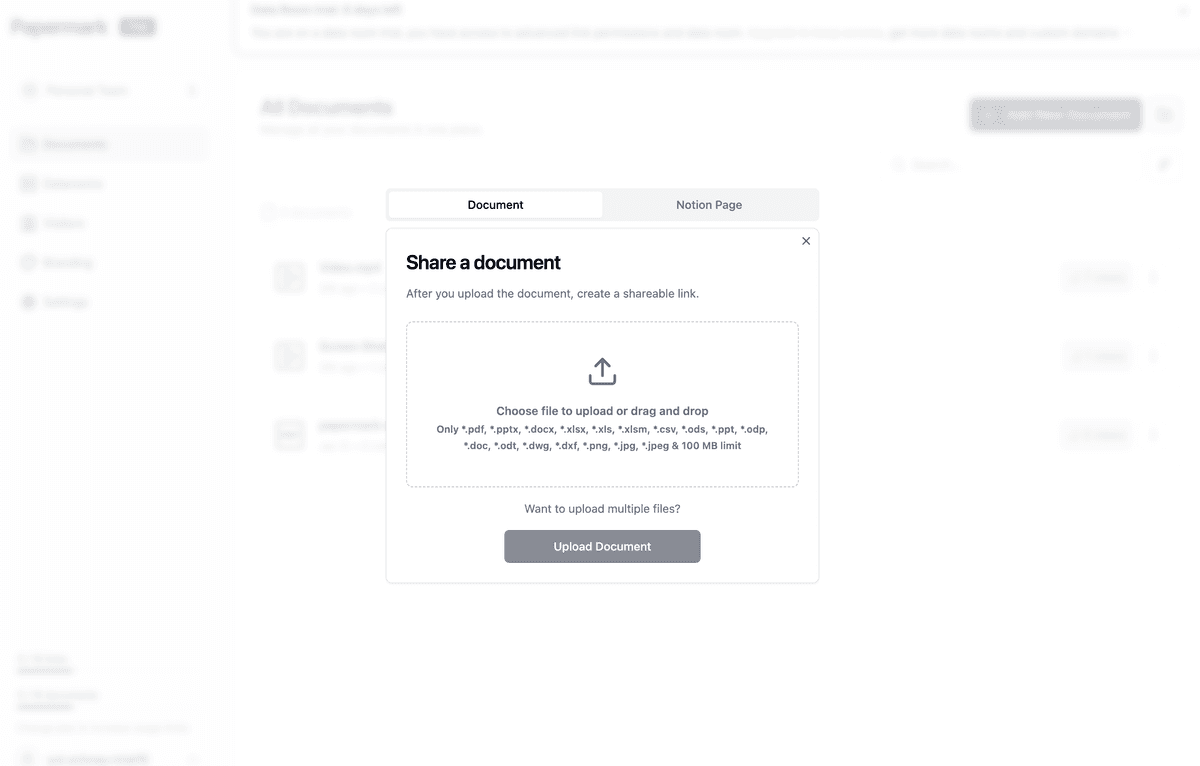
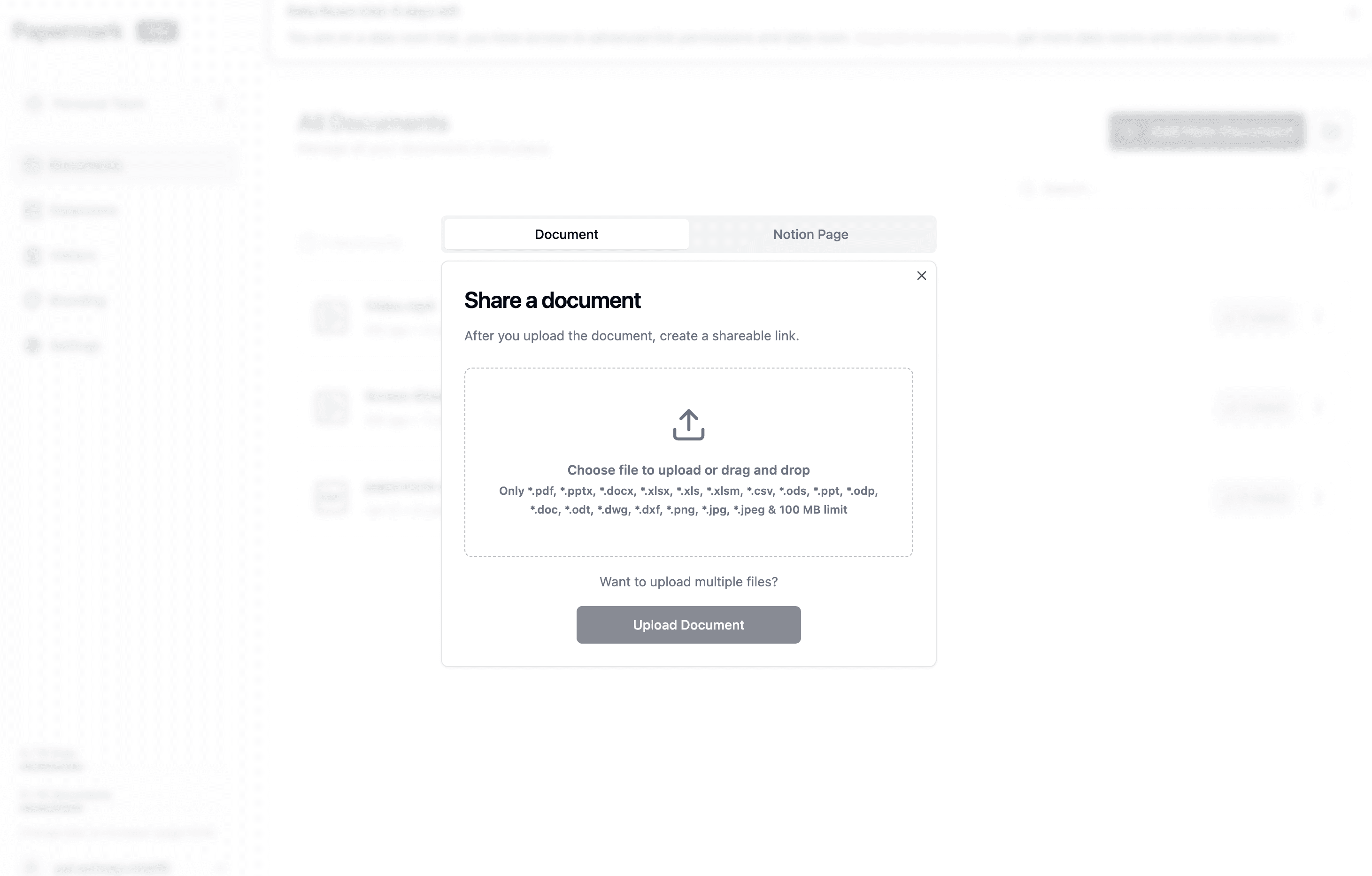
Papermark provides workflow automation capabilities specifically designed for document-centric processes, enabling organizations to automate document sharing, tracking, and engagement workflows. For businesses that need to streamline document distribution and track document interactions, Papermark offers automated features that reduce manual work and improve process efficiency.
Papermark automates document workflow processes through intelligent notifications, engagement tracking, and automated access management. When documents are shared, the platform automatically sends notifications to recipients and tracks when documents are accessed. This automation eliminates the need for manual follow-up and provides real-time visibility into document engagement.
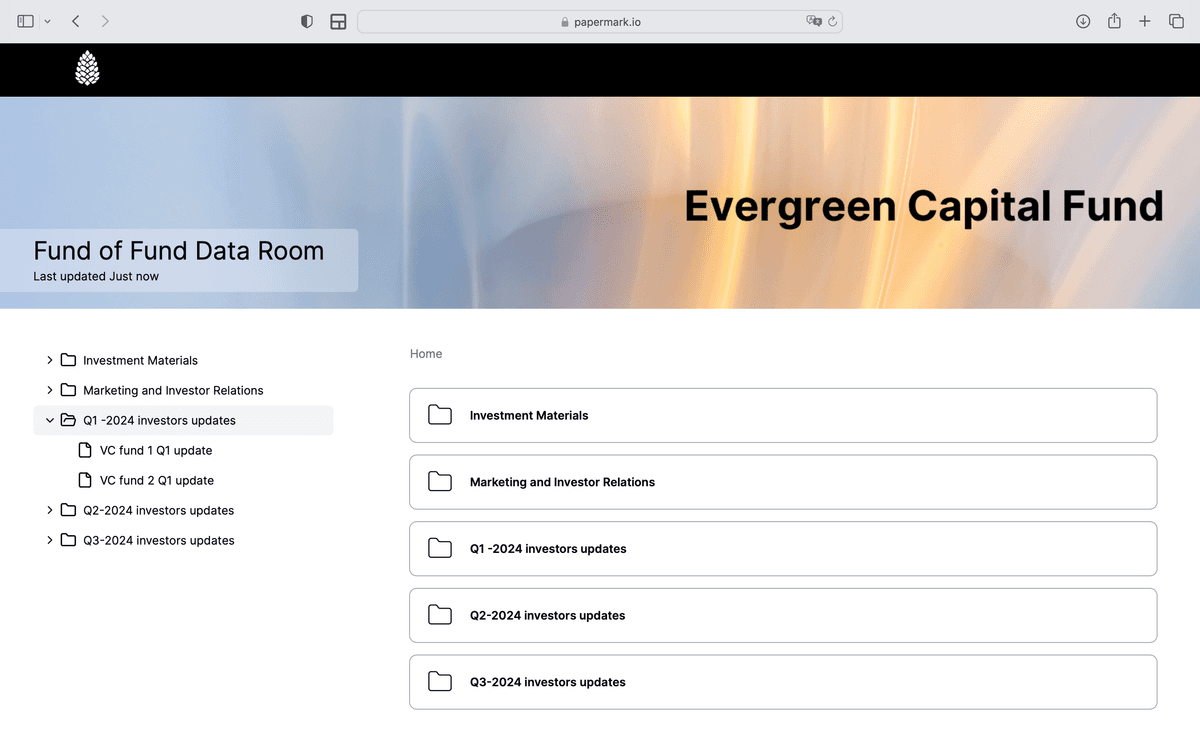
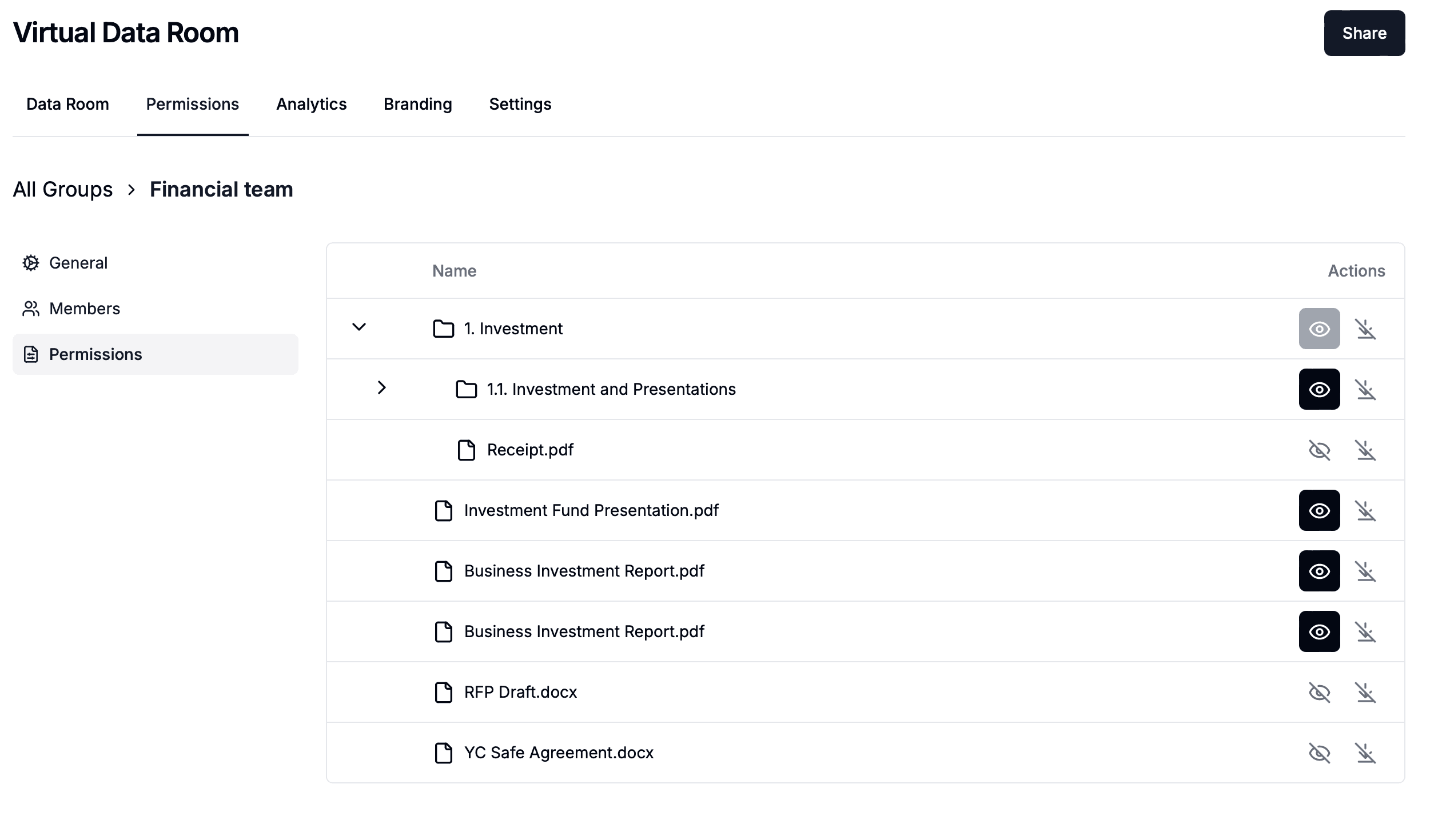
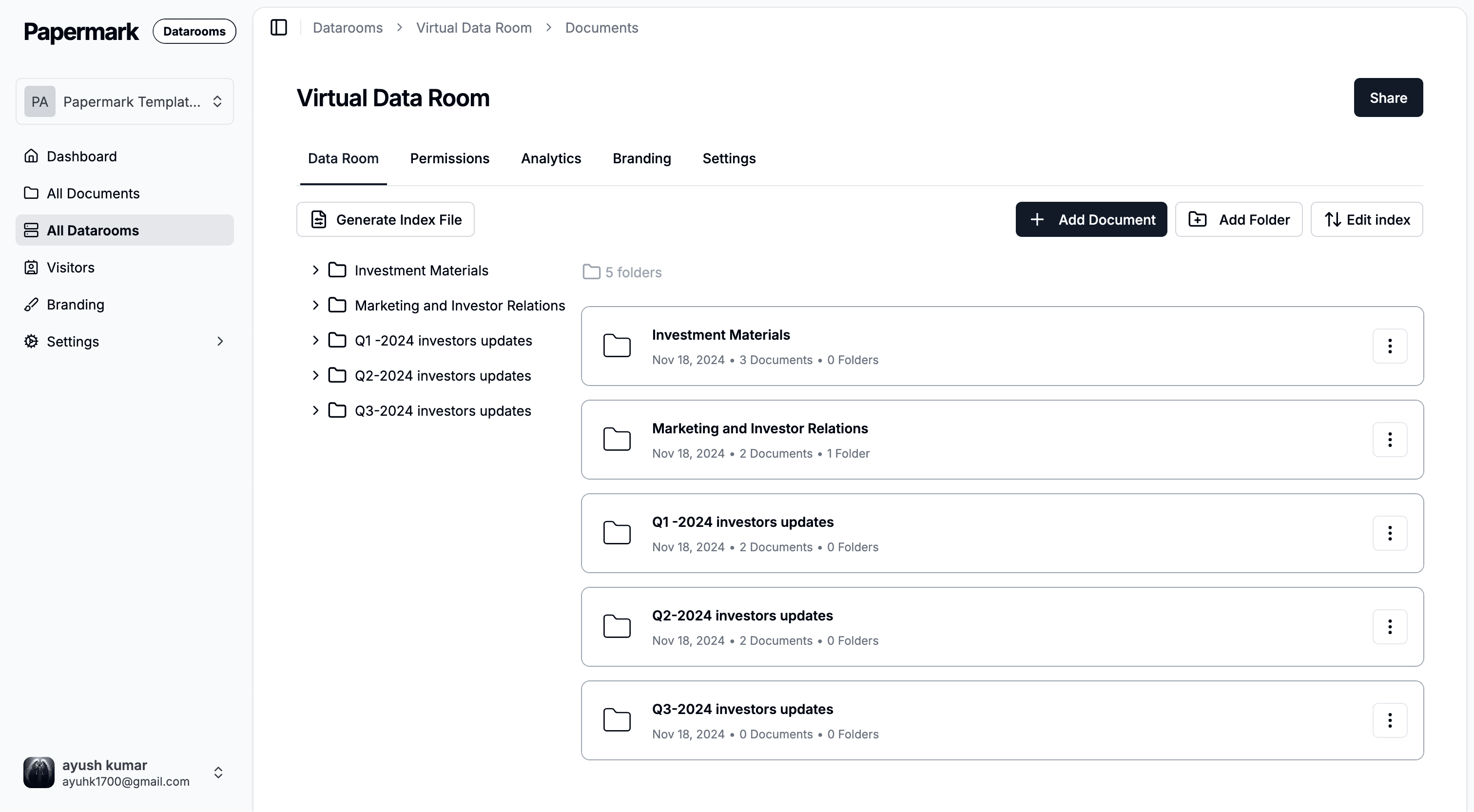
The platform's automated access controls allow organizations to configure document sharing rules that automatically enforce security policies. Email verification, allowlists, denylists, and access expiration dates can be set up automatically based on workflow requirements. Papermark's virtual data room feature automates document organization and distribution, making it simple to manage complex document workflows during due diligence, fundraising, M&A transactions, and other business processes.
Papermark's API enables organizations to integrate document workflows with existing automation platforms, creating end-to-end automated processes. The platform's detailed analytics can trigger automated actions based on document engagement patterns, allowing organizations to automate follow-up communications, update CRM systems, or initiate next steps in business processes based on document viewing activity.
For organizations implementing document workflow automation, Papermark offers both cloud-based and self-hosted deployment options, providing flexibility to match infrastructure preferences. The platform's focus on automating document sharing and tracking makes it particularly valuable for organizations in finance, legal, consulting, and other industries where document workflows are central to business operations.
Conclusion
Enterprise workflow automation transforms how organizations execute business processes by automating routine tasks, routing work efficiently, and ensuring consistent process execution. By implementing workflow automation, organizations can reduce manual work, minimize errors, improve collaboration, and scale operations without proportional increases in resources.
The key to successful workflow automation lies in understanding your processes, identifying automation opportunities, and selecting the right platform for your needs. Whether automating simple departmental workflows or complex enterprise processes, workflow automation delivers measurable improvements in efficiency, accuracy, and compliance.
For organizations managing document-centric workflows, platforms like Papermark provide specialized automation capabilities that streamline document sharing, tracking, and engagement processes. As workflow automation continues to evolve with AI and intelligent automation capabilities, organizations that invest in automation today position themselves for greater efficiency and competitive advantage in the future.