BlogDocument SharingDocument Repository in 2026: When It Works, and When You Need a Virtual Data Room Instead
Document Repository in 2026: When It Works, and When You Need a Virtual Data Room Instead
·14 min read
Marc Seitz
A document repository is a centralized digital system where an organization stores, organizes, and retrieves its documents with security, version control, and audit trails. It is the backbone of internal knowledge management. For high-stakes external workflows like M&A, fundraising, IPO readiness, or regulated due diligence, the right tool is a virtual data room (VDR) - a purpose-built repository with deal-grade security controls. This guide covers what a document repository is, when it is enough, and when you need a VDR instead.
Quick recap
A document repository is a centralized digital system for storing, organizing, and retrieving an organization's documents.
Not designed for: M&A diligence, institutional fundraising, regulated external sharing - those workflows require a virtual data room.
Modern repository features: hierarchical folders, full-text search, version control, role-based access, audit trails, AI-assisted indexing, and metadata tagging.
Key trade-off: a document repository is optimized for internal access at scale; a VDR is optimized for external sharing of sensitive documents with deal-grade controls (NDA gating, dynamic watermarking, per-bidder permissions, page-by-page analytics).
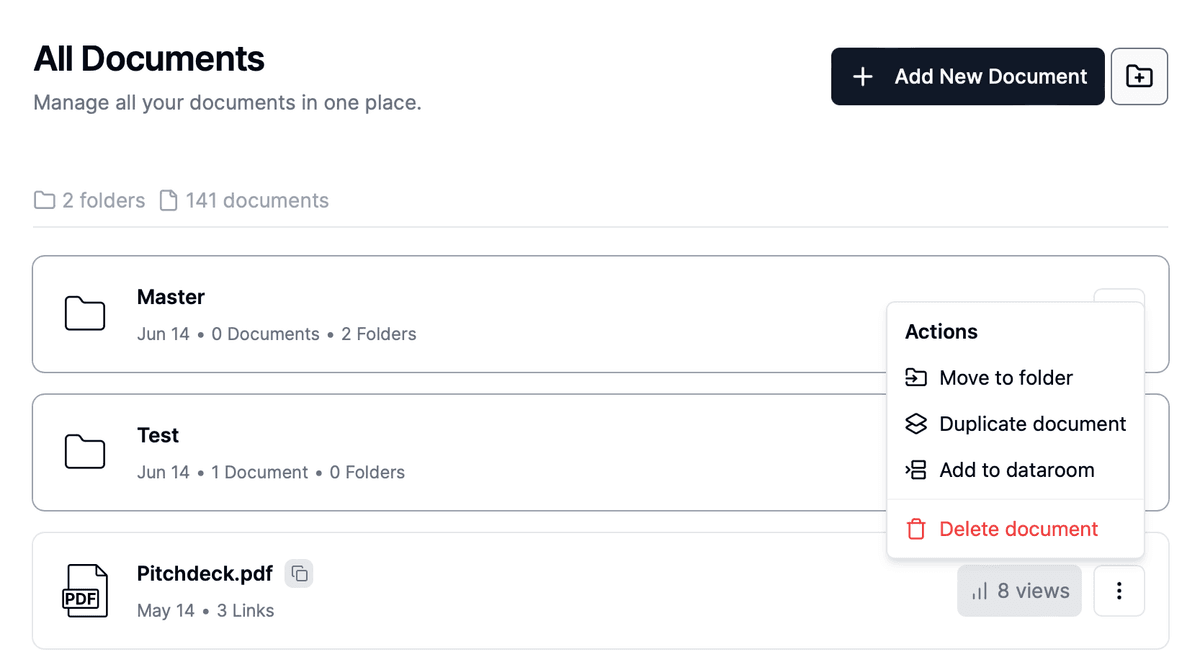
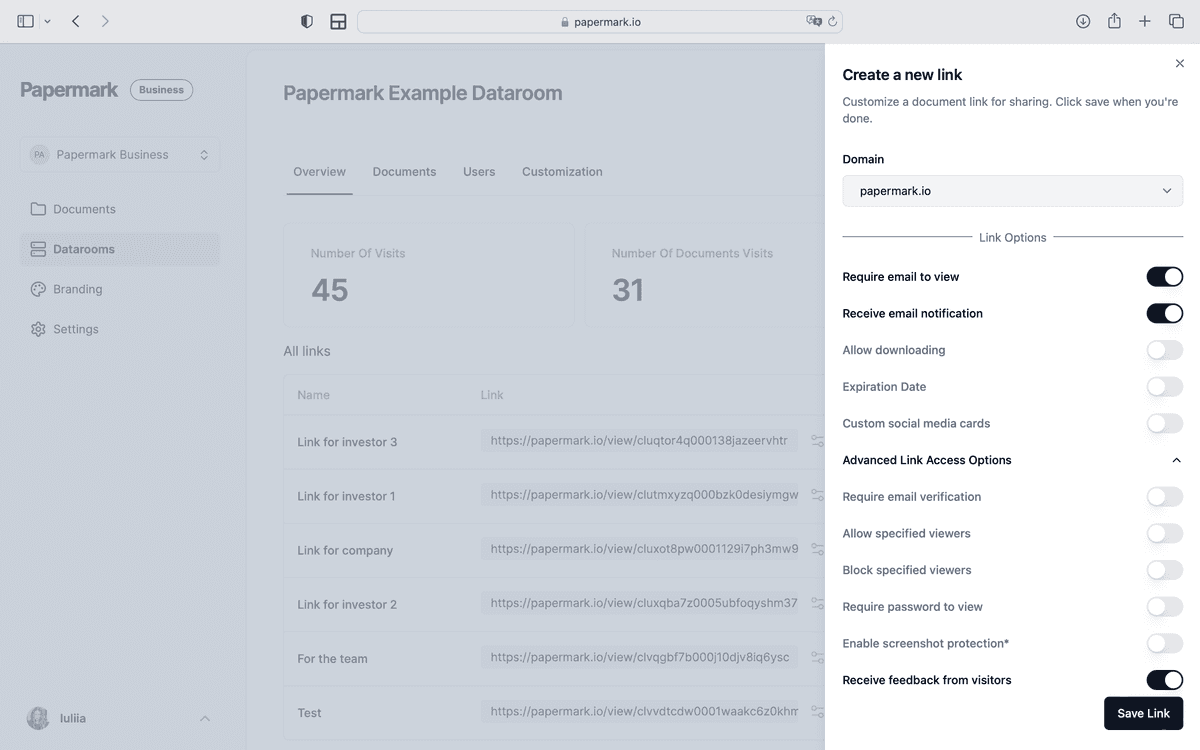
Papermark offers both: secure document sharing for everyday workflows and full data room functionality for deal-grade use cases on a flat-rate plan.
Share secure documents
No credit card required
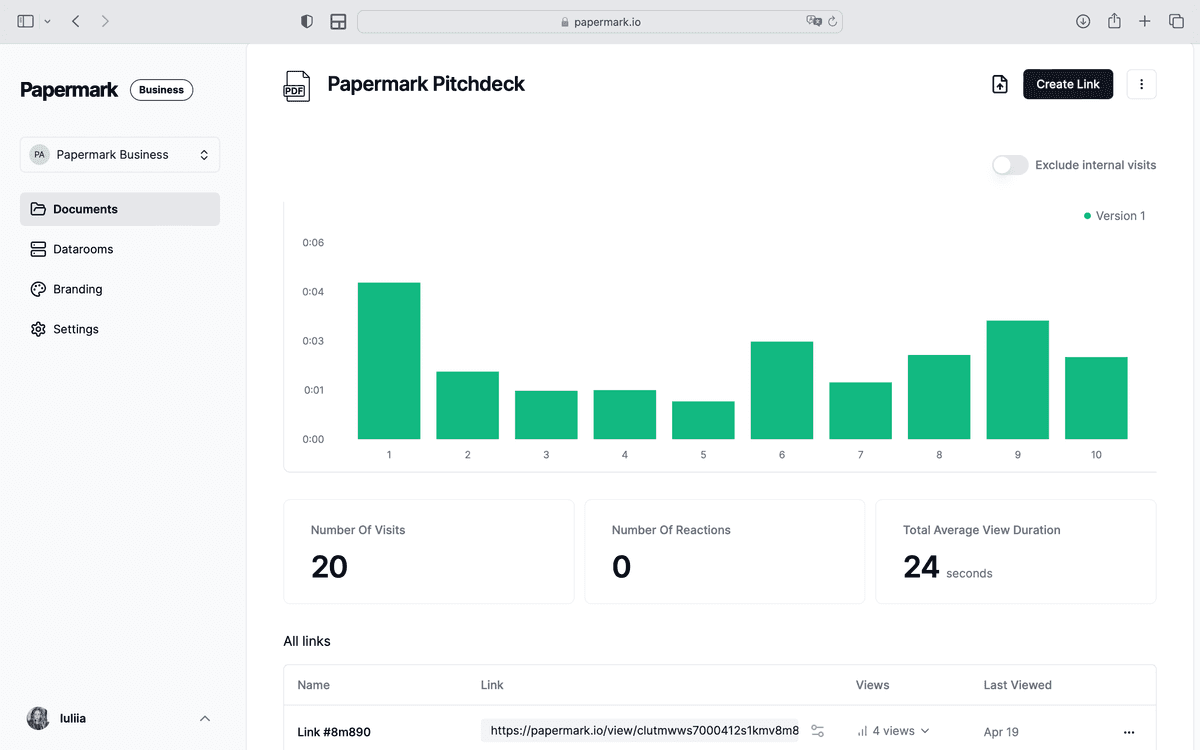
Page by page analytics
Require email verification
Require password to view
Allow/Block specified viewers
Apply Watermark
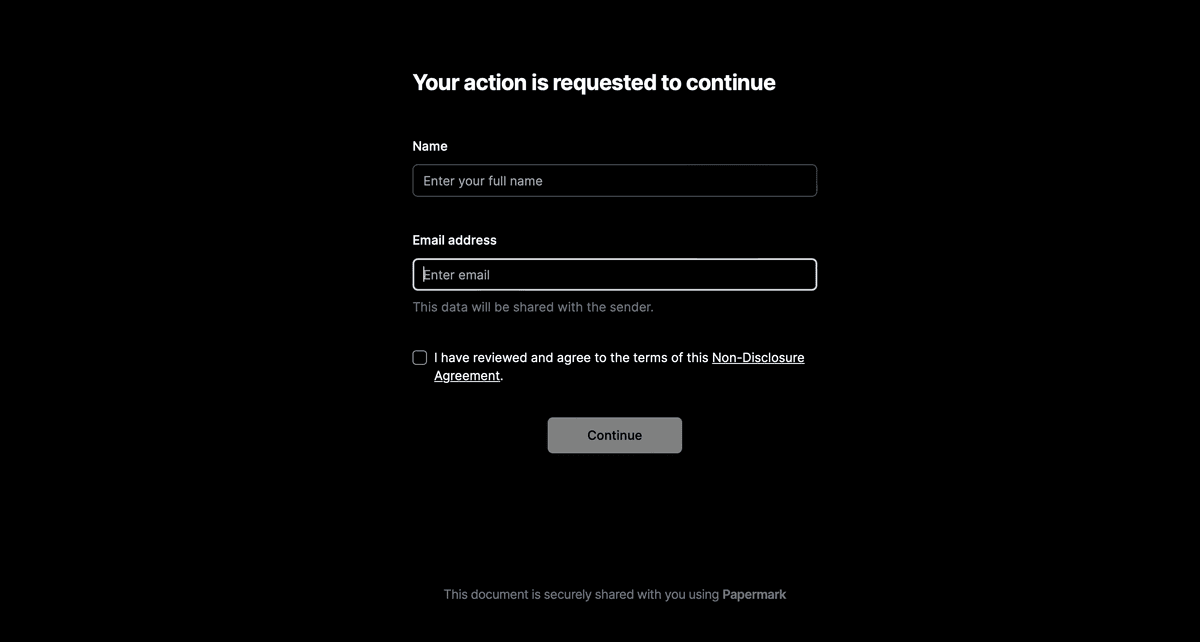
Require NDA to view
Custom Welcome Message
Document repository vs virtual data room
The most common confusion in 2026 is mistaking a document repository for a virtual data room. They overlap in features but solve different problems.
A document repository is the right choice when documents stay internal or move between trusted long-term partners. A VDR is the right choice when documents move to high-stakes external counterparties whose accountability matters.
Document repositories increase productivity by centralizing file storage and making document retrieval instantaneous.
Security and compliance are enhanced through encryption, access controls, and systematic audit trails.
AI and machine learning are transforming metadata extraction, search, and categorization of documents.
Mobile-first approaches cater to globally dispersed and remote-ready workforces.
For sensitive external workflows (M&A, fundraising, IPO, regulated diligence), use a virtual data room - the deal-grade controls (NDA gating, dynamic watermarking, page-by-page analytics) are not in scope for general document repositories.
What is a document repository?
A document repository is a centralized digital storage system that houses an organization's documents, records, and files. Typically a core component of a Document Management System (DMS), a repository offers users a secure environment where they can store, manage, share, and retrieve documents with ease. This functionality is particularly vital in 2026, where businesses deal with ever-growing volumes of data and need advanced tools to keep everything organized.
Core Principle: Bring all relevant documents into one secure, searchable location.
Modern Twist: Integrations with AI, machine learning, and process automation to reduce manual workload.
Business Impact: Accelerated workflows, lowered operational costs, and improved decision-making.
Today, these systems come in different flavors, from on-premises deployments for maximum control to online document repository services that leverage the cloud for easy scalability. Regardless of the model, a well-implemented repository is a significant competitive advantage in our data-driven world.
For related insights on how to share documents effectively using various systems, consider reading our guide on how to get a PDF link.
Why document repositories matter in 2026
In the current business environment, companies face increasing pressure to operate efficiently, meet strict compliance requirements, and secure sensitive information. Here's why document repositories have become indispensable:
Rapid Digital Transformation: With remote and hybrid work on the rise, the ability to securely access files from anywhere is crucial.
Regulatory Demands: Governance regulations like HIPAA, GDPR, and other industry-specific rules require auditable trails and tight data controls.
Cybersecurity Concerns: As cyber threats evolve, securing digital assets within a repository that has robust encryption and authentication measures is paramount.
Cost Efficiency: Digitization reduces the burden of physical storage and paper usage, leading to lower operational expenses.
Scalability: Modern systems, particularly cloud-based, offer limitless storage expansion, suiting businesses of all sizes.
Benefits of document repositories
1. Increased productivity
Time is money—a phrase that resonates profoundly in document-intensive environments. Studies show that employees often spend a disproportionate amount of their workday searching for information. A document repository addresses this inefficiency by providing:
Centralized Access: Employees no longer waste time navigating multiple folders, email threads, or third-party apps.
Intelligent Search: Advanced metadata tagging, OCR (Optical Character Recognition), and AI-based indexing enable swift, pinpoint retrieval.
Reduced Errors: When everyone references a single "source of truth," duplication and versioning issues diminish.
Time savings
A specific survey by Foxit found that inefficient document processes can result in over 21% loss in overall organizational efficiency. This underscores the transformative potential a repository offers by eliminating manual rummaging and ensuring employees can focus on higher-value tasks.
Mobile accessibility
A remarkable statistic indicates that 80% of employees use smartphones or tablets to access work files. Because a digital document repository provides seamless mobile access, employees can be productive from anywhere—be it their home office, a client site, or while traveling.
Pro Tip: When evaluating repositories, inquire about cross-platform support, offline sync capabilities, and robust mobile security features.
2. Enhanced security
In an era where data breaches can cripple organizations, safeguarding sensitive documents is non-negotiable. Document repositories deliver strong protective measures:
Access Controls: Restrict visibility based on roles, departments, or individual user permissions.
Encryption: Encrypt data in transit (HTTPS, TLS) and at rest (AES-256 or similar).
Monitoring and Alerts: Automated alerts for suspicious login attempts or unusual download patterns.
Access controls
Role-based access ensures that only authorized personnel can view or modify documents. For instance, HR-related files can be off-limits to non-HR staff, reducing the risk of internal data exposure.
Encryption
Encryption transforms files into unreadable code, making them accessible only with the correct decryption key. This is especially critical for confidential client information, intellectual property, and financial records.
3. Compliance and audit preparedness
Compliance is a defining challenge in industries such as healthcare, finance, and government. Document repositories simplify meeting these standards by:
Centralizing Records: All files are in one location, reducing the chance of lost or improperly stored documents.
Enforcing Retention Policies: Automate how long documents are kept, ensuring legal requirements around record-keeping are met.
Generous Audit Trails: Every action—upload, download, edit—is logged, enabling quick retrieval of who accessed what, when, and why.
Regulatory compliance
Regulations like HIPAA, GDPR, Sarbanes-Oxley, and more mandate secure, traceable record handling. Repositories incorporate compliance modules that help maintain these strict requirements.
For deeper insights, read our M&A process guide, which details how repositories facilitate due diligence.
Audit trails
Comprehensive logs that track document interactions down to specific time stamps are invaluable for both internal reviews and external audits. A robust system can store multiple years of logs, supporting everything from eDiscovery to forensic investigations.
4. Eco-friendliness
Paper-heavy processes are not only cumbersome but also harm the environment. Digital or online document repository platforms reduce paper usage by digitizing workflows:
Green Credentials: Companies can market themselves as eco-conscious, appealing to customers who value sustainability.
Cost Savings: Minimizing paper, printing, and storage expenses leads to direct cost benefits.
Paper reduction
Switching to a digital document repository often cuts paper consumption by up to 80%. This shift offers a win-win scenario—lower operational costs while reducing carbon footprint.
Key features of document repositories
A modern document repository isn't just a digital filing cabinet. It encompasses a suite of features designed to streamline complex document-centric tasks. Below are some of the most critical ones:
1. Document capture and storage
Scanning and OCR: Convert physical papers into searchable, editable PDFs or text files.
Bulk Upload: Rapidly ingest thousands of files, structuring them automatically.
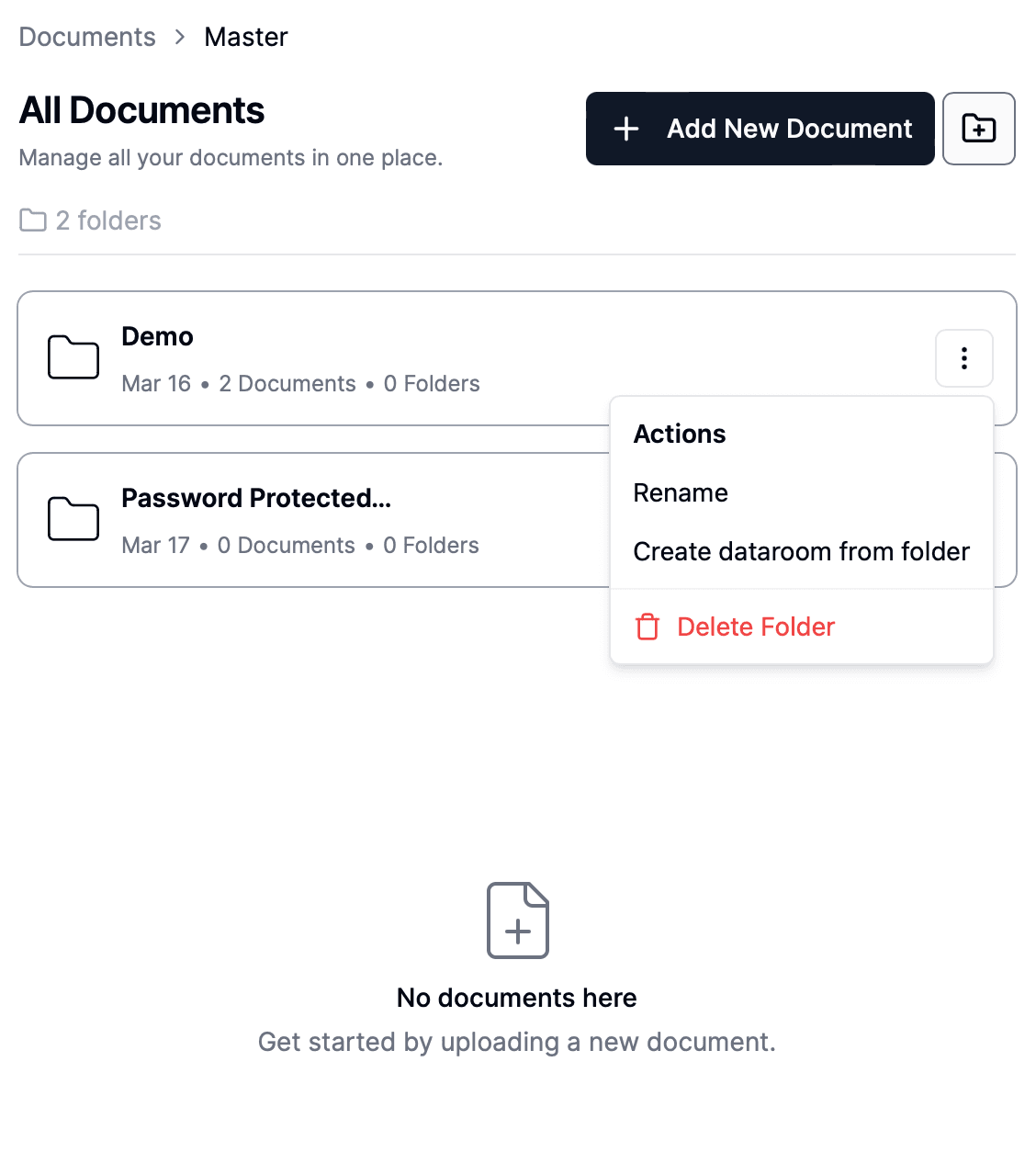
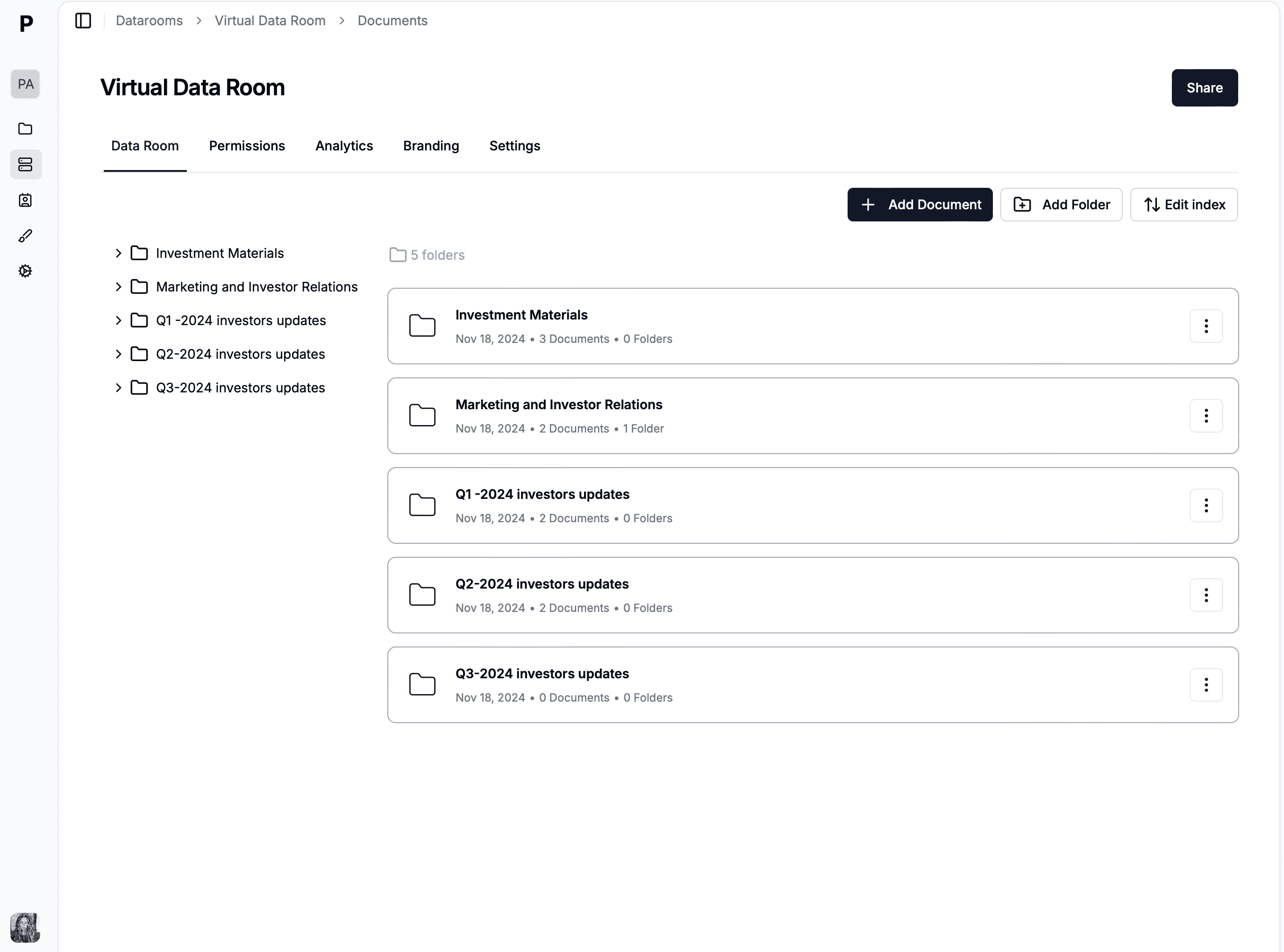
Folder Hierarchies: Logical grouping using either tree-like structures or virtual filters.
Scanning and OCR
Optical Character Recognition technology identifies printed or handwritten text in scanned images, making them fully searchable within the repository. This capability is a huge boon for organizations dealing with legacy paper archives.
Metadata is the descriptive data about the document, such as the author, creation date, department, or keywords. Tagging allows users to classify documents using custom labels for quicker retrieval.
Automatic metadata
Some repositories automatically generate metadata from file content using AI, further speeding up classification and search. For example, an invoice might be auto-tagged with the vendor name, invoice amount, and date.
3. Version control
Version control ensures that all edits to a document are tracked, preventing confusion over multiple file versions and guaranteeing that team members always see the latest changes.
Version history
A transparent history of edits not only helps revert to previous states but also fosters accountability. Here's a sample version history table:
Date
Version
Changes Made
User
2025-01-01
1.0
Initial Document
John Doe
2025-01-10
1.1
Added Metadata Section
Jane Smith
2025-02-15
2.0
Major Revision
John Doe
4. Integration with other systems
Modern repositories rarely operate in isolation. They typically integrate with ERP, CRM, HRM, and other core enterprise systems to provide a unified experience.
API and connectors
APIs allow custom integrations, while pre-built connectors enable quick deployment. For instance, a CRM integration might auto-attach customer contracts, ensuring that all relevant data resides in the repository.
Custom workflows
Many platforms include workflow automation capabilities, so employees can trigger document approval sequences or notifications based on specific triggers—like a new contract upload or a policy update.
5. User permissions and access controls
Precision in access privileges is vital for data confidentiality. Role-based or attribute-based access significantly reduces the risk of unauthorized document views or edits.
Role-based access
A typical approach is to designate user roles (e.g., Admin, Manager, Team Member) and define which folders or document categories each can access.
Types of document repositories
1. On-premises document repositories
On-premises solutions reside within a company's own data centers. This offers maximum control and customization—beneficial for companies with stringent data policies—but also involves:
High Upfront Costs: Servers, storage hardware, and IT staff.
Maintenance Overhead: Continuous monitoring, patching, and upgrades.
Compliance Complexity: While you have control, you're also fully responsible for meeting all regulations.
Control and customization
Complete data sovereignty is the principal advantage. You can tailor the architecture, security protocols, and add specialized third-party solutions as needed.
Infrastructure costs
Companies must budget for initial capital expenses and ongoing operational costs (power, cooling, IT staff salaries). These hidden expenses can be considerable over time.
2. Cloud-based document repositories
Cloud-based solutions shift the responsibility of infrastructure management to a third-party provider. Key advantages include:
Scalability: Quickly add storage or computational resources as your library grows.
Lower Upfront Investment: Typically a subscription (monthly or annual), with minimal hardware spending.
Automatic Updates: Security patches, new features, and system upgrades are handled by the vendor.
Scalability
Cloud-based platforms accommodate sudden increases in data volume without requiring hardware procurement or downtime.
Cost-effective
This model often proves more economical, especially for small and medium-sized enterprises, as it scales according to usage.
3. Hybrid document repositories
Hybrid solutions combine the best of both worlds: some data and processes remain on-premises, while others leverage the cloud.
Flexibility: Ideal for companies that want cloud benefits but must keep sensitive info in-house.
Complex Management: Coordinating policies, permissions, and data synchronization across hybrid environments can be tricky.
Flexibility
Highly regulated industries might store confidential documents on local servers, while using the cloud for less sensitive files. This approach balances compliance with modern collaboration needs.
Complexity
Ensuring data consistency and cohesive user experiences across on-premises and cloud environments requires meticulous planning and robust integration tools.
Automates repetitive tasks, reduces manual sorting by up to 80%, improves data accuracy and processing speeds. AI-powered OCR identifies specific fields (invoice totals, client names) and populates databases automatically, cutting down manual data entry and errors.
Mobile-first document management
Real-time collaboration on the go, secure offline access, mobile apps for field workers
Enables unrestricted document access from anywhere. Industries like construction, utilities, and field sales benefit from on-site access to blueprints, invoices, and marketing materials via smartphones or tablets.
Ensures organizations meet tightening regulations (HIPAA, GDPR, etc.). Automated compliance verification, data residency controls, and comprehensive audit trails accelerate audit readiness and reduce compliance risks.
According to Unite.AI, AI-powered document management systems are rapidly gaining traction for their ability to improve data accuracy and processing speeds. Business.com highlights that advanced compliance features are a top priority for regulated industries, fueling the growth of integrated repository solutions.
Implementing a document repository system
1. Planning and requirement Analysis
A successful rollout starts with clear objectives:
Assess Needs: Inventory document types, data volumes, and user workflows.
Set Goals: Pinpoint tangible outcomes like "reduce retrieval times by 50%" or "achieve GDPR compliance within 6 months."
Prioritize Features: Must-have vs. nice-to-have capabilities (e.g., advanced workflows, AI search, or e-signatures).
2. Selecting the Right Document Repository
Solution selection is critical. Evaluate vendors on:
Security: Encryption protocols, data centers, certifications (ISO 27001, SOC 2).
Scalability: Will the system handle future expansions?
Compatibility: Does it integrate easily with your CRM or ERP?
Vendor Reliability: Look for proven track records, user reviews, and ongoing development efforts.
Evaluate options
Shortlist 3–5 vendors, comparing them in detail. Consider your industry's specific regulations. If dealing with medical data, for instance, ensure the vendor is HIPAA-compliant.
Demo and trials
Hands-on experience is indispensable. Many solutions offer free trials or sandbox environments. Have a cross-functional team test usability, performance, and ease of integration.
3. Deployment and Integration
A structured deployment plan ensures minimal operational disruption:
System Setup: Configure user roles, document categories, and security settings.
Data Migration: Transfer existing files, ensuring metadata accuracy and version continuity.
Integrations: Connect with existing apps (e.g., Microsoft 365, Salesforce, Oracle).
Pilot Phase: Launch a small pilot group to identify potential issues before a company-wide rollout.
4. Training and Support
Even the best system fails if employees don't know how to use it effectively:
Conduct Workshops: Provide hands-on training sessions or e-learning modules.
Establish Support Channels: A dedicated helpdesk or Slack channel fosters quick resolution of user queries.
Feedback Loop: Gather regular feedback and adapt training materials accordingly.
Case study: A mid-sized enterprise transition
Company X—a 500-person software firm—adopted a cloud-based document repository to unify scattered information from multiple teams:
Before: Staff stored files on personal drives and random SaaS tools. Version confusion was rampant.
Implementation: Deployed a user-friendly cloud repository with SSO (Single Sign-On), automated metadata tagging, and role-based permissions.
Results:
80% reduction in time spent searching for documents.
20% drop in IT support tickets related to file access.
Improved Compliance: The audit trail drastically simplified ISO 27001 certification.
Key Takeaway: User training and carefully mapping existing workflows to the new system made the transition smooth.
Conclusion and learnings recap
Document repositories form the bedrock of modern business operations, helping organizations handle the ever-growing complexity of digital files. From online document repository platforms offering instant collaboration to robust on-premises solutions prioritizing data sovereignty, the range of choices continues to expand.
Let's revisit the central learnings:
Productivity Gains: Streamlined workflows and quick file retrieval free teams to focus on core tasks.
Security and Compliance: Encryption, role-based access, and audit trails safeguard valuable data and ensure regulatory adherence.
AI & Machine Learning: Advanced classification and predictive search functionalities are game-changers for large-scale document management.
Mobile-First Approach: Ensuring employees can securely access documents from anywhere fosters agility.
Sustainability: Digitizing your archives drastically cuts paper consumption and operational costs.
Final thoughts
As we traverse 2026and beyond, document repositories continue to evolve in response to shifting business demands and technological breakthroughs. From machine learning innovations to stringent data protection regulations, the ecosystem is dynamic and full of opportunity.
Papermark stands at the forefront of this progression, offering AI-powered insights, real-time analytics, and an intuitive user experience—all within a highly secure environment. Whether your focus is on operational efficiency, compliance, or seamless integration, Papermark can tailor solutions to your organizational needs.
Ready to take the next step?
Investing in a robust digital document repository strategy is no longer optional - it is a business imperative. Harness its power to streamline operations, maintain airtight security, and position your organization for future innovations.
When you need a virtual data room instead of a document repository
For most internal workflows, a well-configured document repository is enough. The moment you start sharing sensitive documents with external counterparties (potential acquirers, institutional investors, auditors, regulators) under structured deal pressure, the requirements change. You need:
NDA enforcement before access so every viewer is contractually bound before any document loads.
Dynamic watermarking that stamps per-session viewer email, IP, and timestamp on every page, making leaks traceable.
Per-bidder scoped permissions so competing buyers, investors, or counsel see only what they should see.
Page-by-page engagement analytics to read counterparty intent in real time.
Append-only, exportable audit log that holds up in litigation and post-close disputes.
Structured Q&A with per-bidder threading and Q&A export for the deal record.