BlogData RoomsWhat is a Data Room in Investment Banking? Beginner's Guide (2026)
What is a Data Room in Investment Banking? Beginner's Guide (2026)
·3 min read
Marc Seitz
A data room in investment banking (also called a virtual data room or VDR) is a secure digital workspace where bankers share confidential documents with potential buyers, investors, and advisors during M&A, IPO, and capital-raising mandates. Unlike email or basic cloud storage, an IB data room provides granular permissions, dynamic watermarking, NDA enforcement, and an audit trail that underwriter counsel and regulators rely on. This guide is the beginner-friendly introduction; for the operational deep-dive covering the five-stage IB workflow (teaser, CIM, IOIs, Stage-2 diligence, close), see the investment banking data room complete guide.
Quick recap
A data room in investment banking is a secure online workspace for sharing confidential deal documents with buyers, investors, and regulators.
Used for: M&A (sell-side and buy-side), IPO readiness (S-1 or prospectus workflows), private equity and venture capital fundraising, loan syndication, and restructuring.
Key features: granular permissions, dynamic watermarking, NDA enforcement, page-by-page analytics, Q&A module, append-only audit log, SOC 2 Type II compliance.
Common IB documents: teaser, CIM, audited financials, material contracts, cap table, IP portfolio, management projections, board materials.
Top IB VDR providers: Papermark (€99/month flat, modern), Datasite ($25,000+/year, bulge-bracket), Intralinks (banking and capital markets), Firmex (flat-rate mid-market).
Setup time: under 1 hour in a modern VDR.
What is a data room in investment banking?
A data room in investment banking is a secure online platform used to store, organize, and share confidential documents during deal execution. It is purpose-built for financial transactions (M&A, IPO, fundraising, loan syndication) with granular permissions, dynamic watermarking, NDA enforcement, and a tamper-proof audit trail that underwriter counsel and regulators rely on.
Investment banks rely on data rooms to manage complex transactions efficiently and securely. Here's how the process differs with and without data rooms:
Aspect
Without Data Room
With Data Room
Document organization
Documents scattered across hundreds of emails, impossible to track versions
All deal materials organized in one secure, searchable location
Security
Sensitive information sent via unsecured email attachments
Bank-grade encryption, watermarking, and screenshot protection
Access control
Everyone sees everything, no way to restrict sensitive documents
Granular permissions - control exactly which documents each buyer can access
Tracking
Bankers spend hours manually tracking which documents were sent to which buyers
Automated tracking with complete logs of all user activities
Version control
Multiple versions of the same document circulating, leading to errors
Clear document versioning with automatic updates to all parties
Engagement insights
No visibility into which buyers are actually reviewing materials
See which documents buyers review most and how long they spend
Compliance
Limited audit trails for regulatory requirements
Complete audit trails for regulatory compliance and deal documentation
Q&A process
Chaotic email threads with questions and answers scattered
Structured question and answer processes between parties
Investment banks use data rooms to:
Centralize deal documents in one secure location for all parties
Control access permissions to protect sensitive information during due diligence
Track buyer engagement to identify serious prospects and prioritize follow-ups
Maintain audit trails for regulatory compliance and deal documentation
Facilitate Q&A processes between buyers and sellers during transactions
Manage multiple bidders with different access levels and document visibility
What to include in an investment banking data room
Organize your data room with these essential categories for comprehensive due diligence:
Company overview: Corporate structure, cap table, board minutes, and organizational charts
Legal documentation: Contracts, agreements, litigation history, and regulatory compliance records
Human resources: Employment agreements, policies, compensation structures, and organizational charts
Technical assets: Intellectual property, patents, technology architecture, and security protocols
Operations: Vendor relationships, processes, SLAs, and operational procedures
How to create an investment banking data room with Papermark
Follow these steps to set up a professional data room for your investment banking transactions.
Create your Papermark account
Visit the app and sign in. Start with the free plan and upgrade when you need advanced features for larger deals.
Set up your deal room
Click "New data room", name it (e.g., "TechCorp M&A Process"), and invite team members who will manage documents and client access.
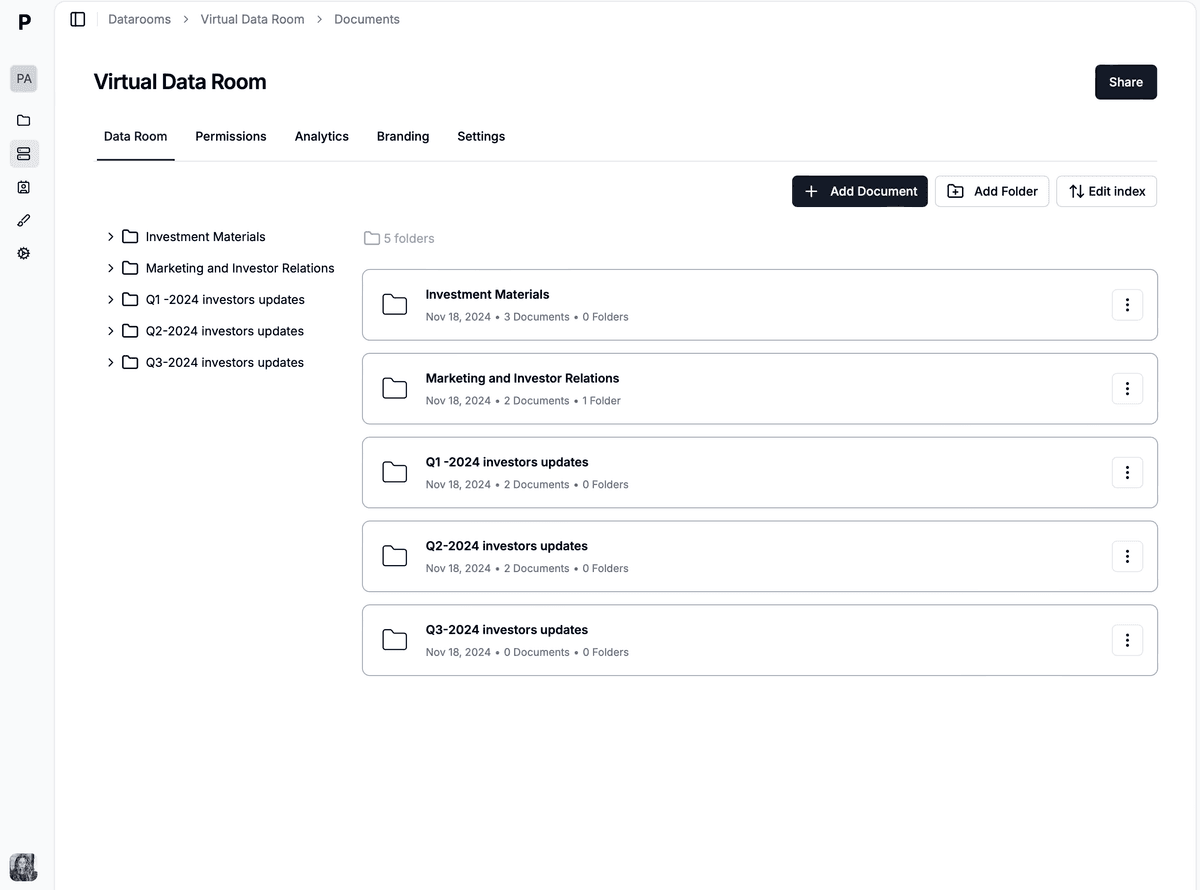
Organize deal documents
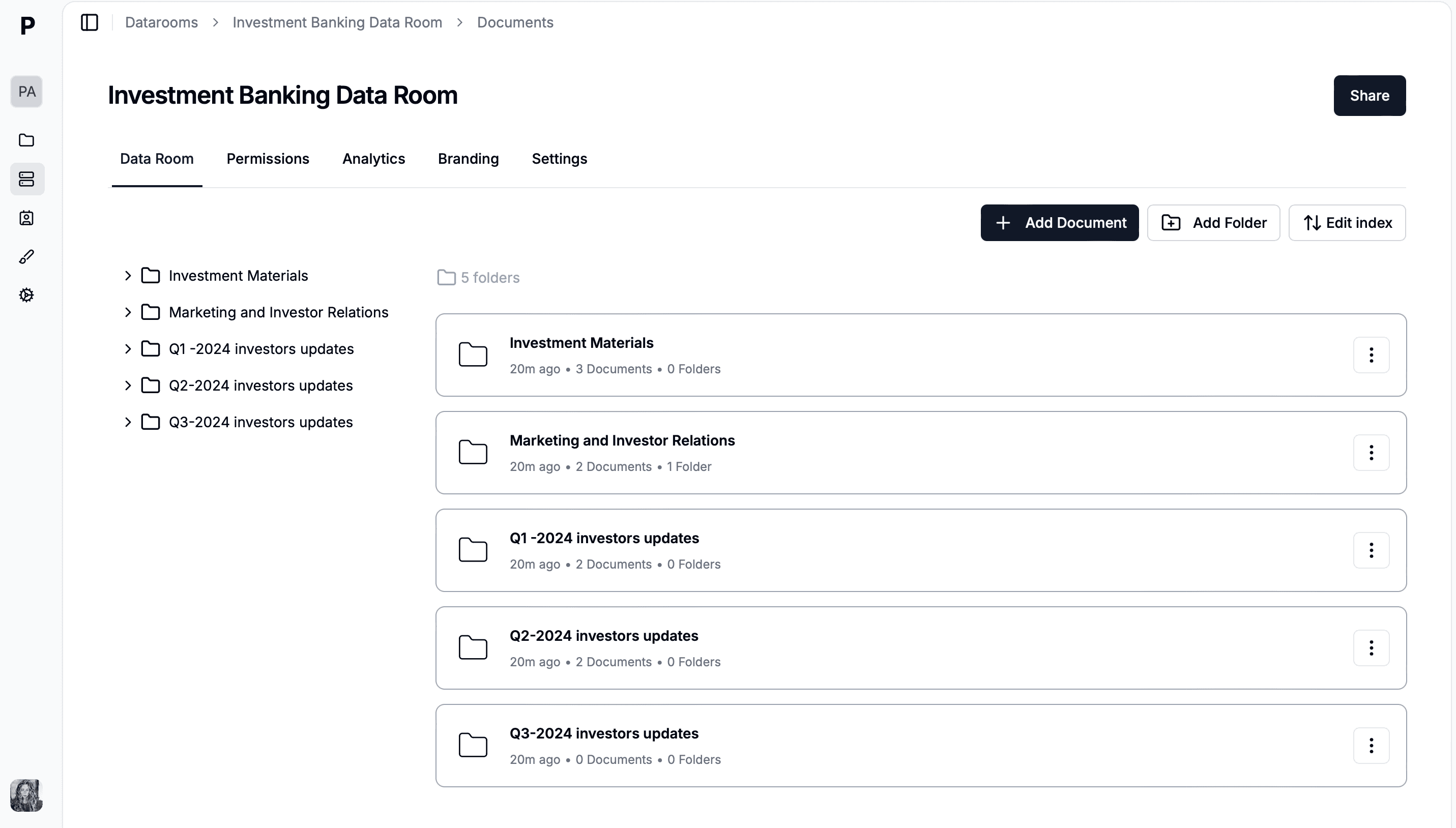
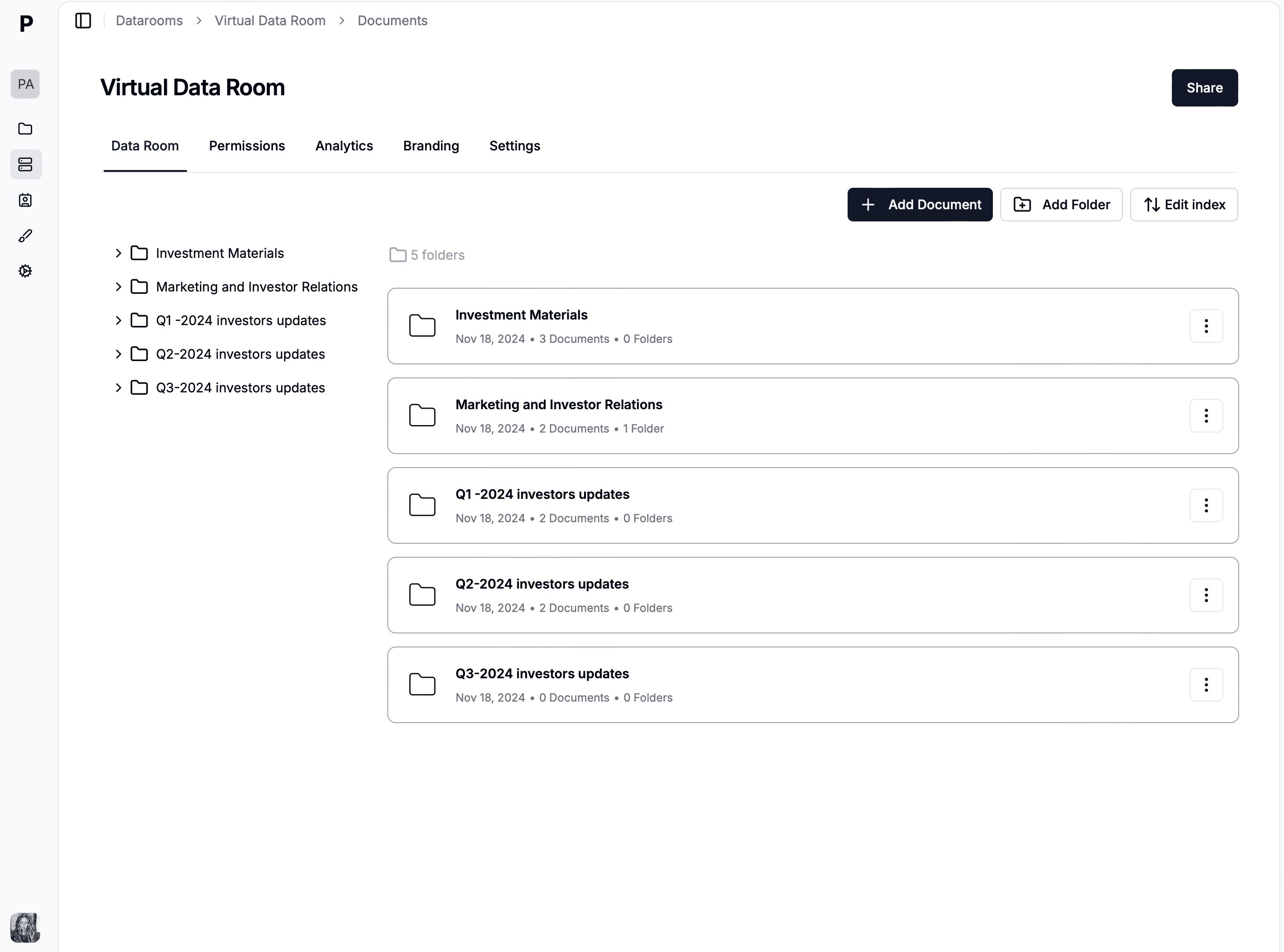
Upload folders for Financials, Legal, Commercial, Technical, and HR documents. Maintain clear folder structure for easy navigation by potential buyers.
Configure access controls
Set up password protection, email verification, link expiry dates, and viewer limits. Add NDA gates for sensitive information access.
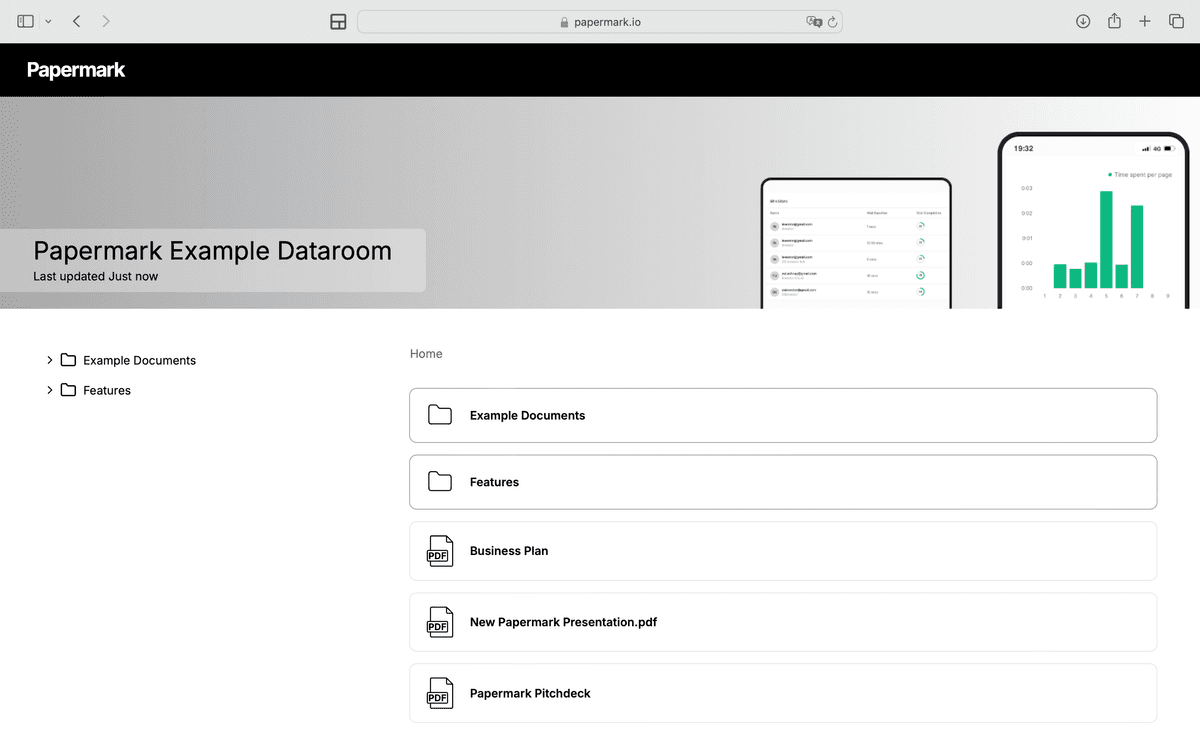
Brand the data room
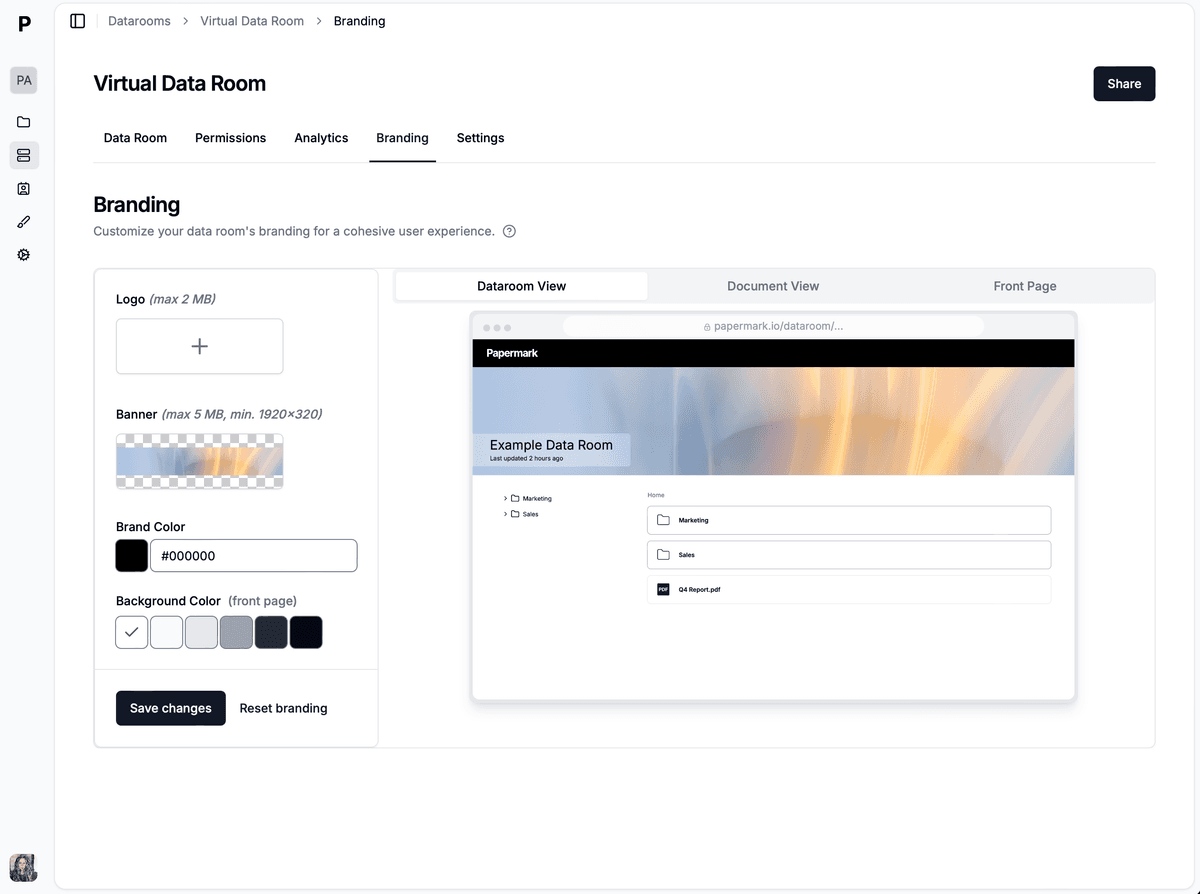
Add your bank's logo, select corporate colors, and connect a custom domain for a professional client experience.
Manage multiple bidders
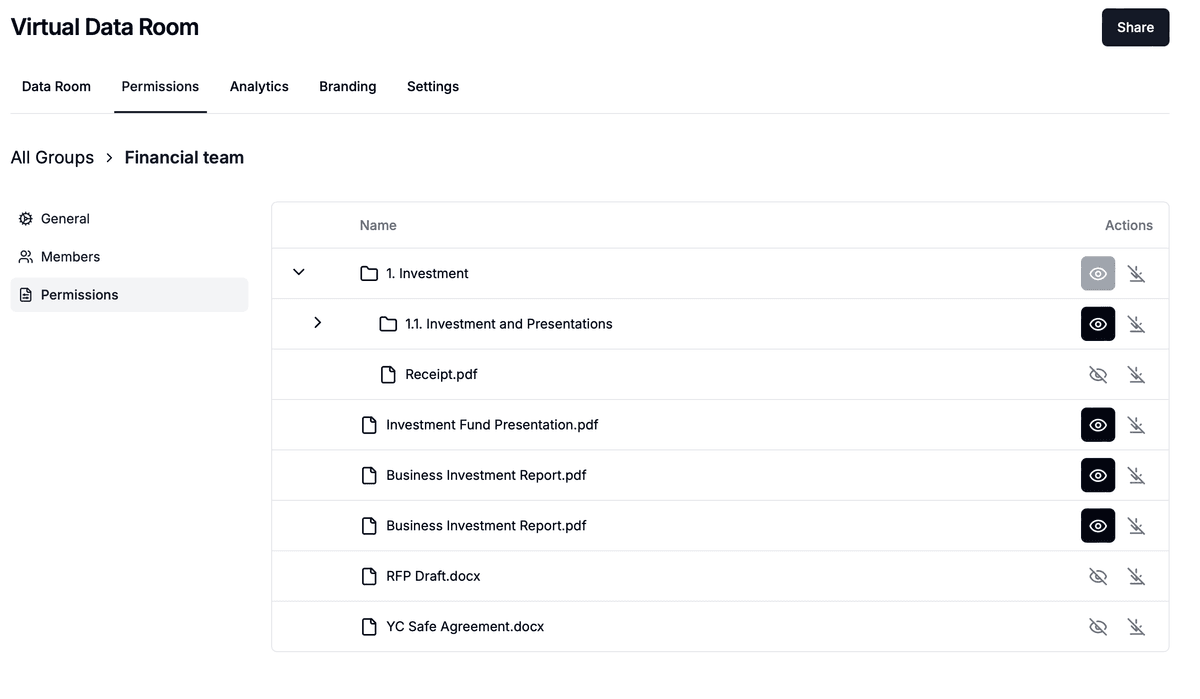
Create separate rooms for different buyer groups or use granular permissions to show different documents to different parties.
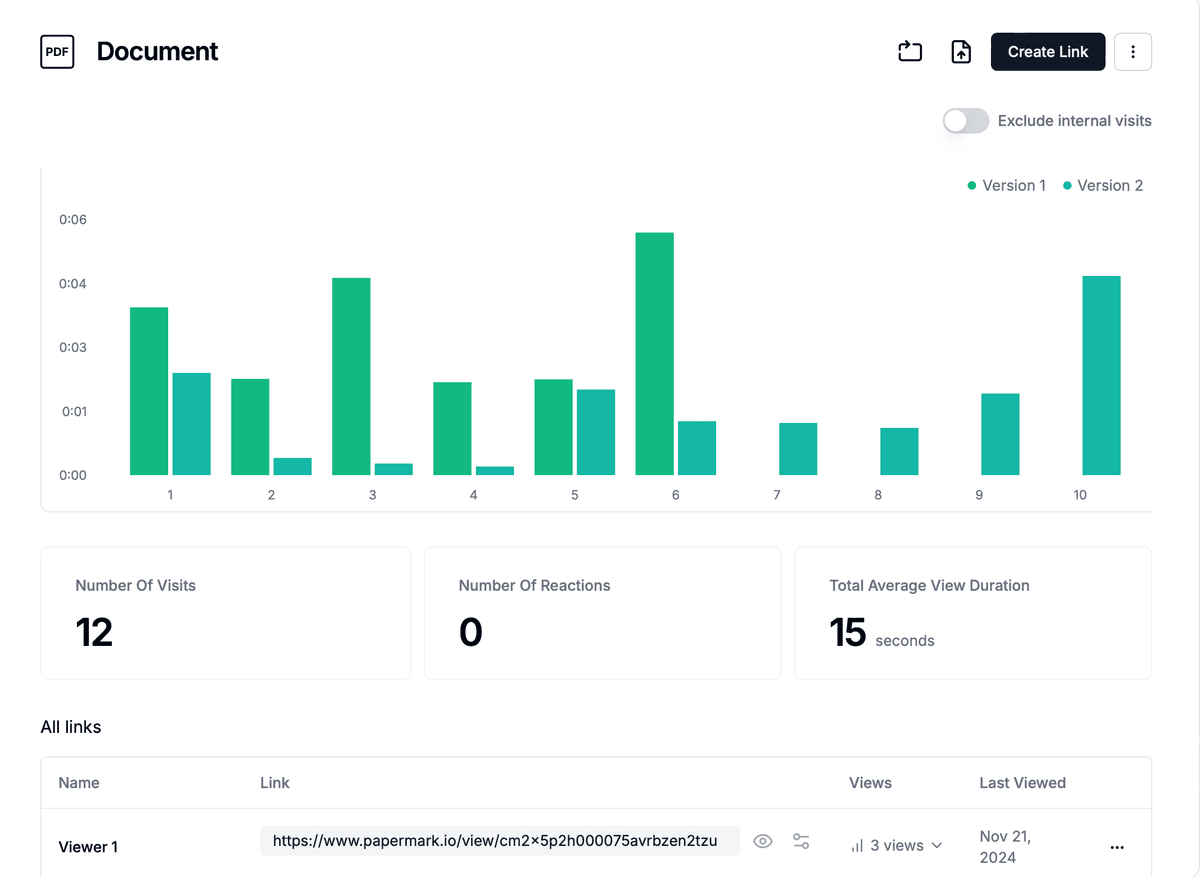
Track deal progress
Monitor which documents buyers access most frequently and track time spent on key materials to prioritize follow-ups.
Investment banking data room workflows by mandate
Different IB mandate types use the data room differently. The table below maps the four most common mandates to their data room characteristics.
A typical IB data room has seven distinct stakeholder roles, each with different permissions and engagement patterns.
Role
Access scope
Typical engagement pattern
Senior banker (MD/Partner)
Full admin
Setup, gating decisions, escalation
Banking associate / VP
Full admin
Day-to-day room management, Q&A routing
Banking analyst
Full admin (read/write)
Document upload, indexing, version control
Client (seller / issuer)
Owner / view-all
Document validation, Q&A approvals
External counsel
Stage-scoped read
Legal review, NDA enforcement
Auditor
Read-only on financials
Verification of audited statements
Bidder / investor
Stage-scoped read
Diligence review, Q&A submission
Each role needs separate access groups in the VDR. Modern VDRs (Papermark, Datasite, Intralinks) support unlimited groups with inherited permissions.
Investment banking deal economics: how a good VDR contributes to fee capture
IB fees are typically a percentage of deal value (1-5% for M&A, 5-7% for capital raises, 4-7% for IPOs). A good VDR helps the banker capture more fee in three ways:
1. Closing more deals. A clean data room compresses diligence and reduces the chance of buyer drop-out at confirmatory stage. Higher close rate = higher fee realization.
2. Increasing valuation through better signaling. Engagement analytics (which bidder reads what, how long) help bankers identify the most committed buyer and direct exclusivity terms accordingly. Better identification = higher final price = higher % fee.
3. Reducing internal cost-to-close. Self-serve data rooms reduce associate and analyst hours spent on email-based Q&A. Cost savings translate directly to per-deal margin.
A modern flat-rate VDR like Papermark (€99/month for Data Rooms, €249/month for Plus with Q&A) costs the bank a tiny fraction of a typical M&A fee while materially improving deal velocity and close rate.
Common investment banking data room mistakes
Five mistakes show up consistently in IB-led data room post-mortems.
1. Launching before the audited financials are ready. Buyers immediately notice gaps. A data room missing 3-5 years of audited financials reads as seller readiness problems, not as in-progress audit work.
2. Mixing parent and newco documents in spin-offs. Spin-off and carve-out data rooms must scope cleanly between parent-retained documents and newco-transferred documents. Mixing creates IP and contract-assignment ambiguity.
3. Skipping the Q&A module in favor of email. Email-based Q&A creates parallel threads, lost answers, and post-close disputes. The IB-grade workflow uses the data room's structured Q&A module from week one.
4. Insufficient bidder isolation in competitive auctions. Bidders should not see each other's questions or which documents the other side opened. Default permissions in many VDRs leak this information; verify settings explicitly.
5. No audit log preservation at signing. When the deal closes, the audit log of who viewed what becomes part of the disclosure schedule. Bankers should export and archive immediately at signing, not weeks later.
How investment banks pick a VDR: the procurement scorecard
Mid-market and bulge-bracket IBs typically score VDRs on five dimensions. The scorecard below summarizes how the four most common providers stack up for IB workflows.