

fundraising
How I Reached 100 Investors Using AI Agents and Papermark in 2026
A step-by-step case study on how I used Clawdbot AI agent with Papermark to automate investor outreach, create personalized tracking links, and raise my seed round faster.
LinkedIn is where investors live. But cold outreach on the platform is brutal. Connection requests get ignored. Messages disappear into the void. And you have zero visibility into whether anyone actually read your deck.
I changed this by combining AI-powered browser automation with Papermark tracking links. Now I know exactly which investors opened my deck, how long they spent on each page, and who's worth following up with.
Here's the exact playbook I used to book 15 investor meetings in two weeks—entirely through LinkedIn.
Email inboxes are war zones. Investors get hundreds of cold pitches weekly. Your perfectly crafted email sits unread next to spam about crypto and supplement pills.
LinkedIn is different.
Connection requests stand out. Messages feel more personal. And investors actually check LinkedIn—it's where they find deals, not just get pitched.
The problem? LinkedIn outreach is slow. One message at a time. No tracking. No idea if anyone read your deck.
That's where AI and smart tracking come in.
Before any outreach, you need the right targets. Quality beats quantity every time.
Search by title:
Check who invested in similar companies: Look at companies in your space. Who led their rounds? Those investors already understand your market.
Use LinkedIn's "People also viewed": Find one good investor, then check similar profiles. LinkedIn's algorithm does the targeting for you.
| Field | Example | Purpose |
|---|---|---|
| Name | David Park | Personalization |
| LinkedIn URL | linkedin.com/in/davidpark | For outreach |
| Fund/Role | Partner at Horizon VC | Context |
| Portfolio company | Invested in DataCo | Personalized angle |
| Focus | B2B, AI, Enterprise | Relevance check |
I aim for 50-100 highly qualified investors rather than 500 random ones.
Each investor gets their own Papermark link. This is non-negotiable if you want real analytics.

With unique links, you see exactly:
This intel transforms your follow-up from guessing to precision targeting.
Here's where it gets interesting. I use Clawdbot with browser control to automate LinkedIn outreach while keeping it personal.
Clawdbot connects to your browser and can:
I don't fully automate. The AI drafts messages, I review, then it sends. This ensures quality and catches any weird AI moments.
This keeps my voice authentic while eliminating the tedious clicking.
The connection request note is crucial. You have 300 characters to make an impression.
DO:
DON'T:
Hi David—saw your thesis on AI-native enterprise tools after the DataCo investment. Building something in that space and would love to learn from your perspective on the market.
That's it. No pitch. No ask. Just genuine interest.
I tell Clawdbot: "Send connection requests to my investor list. Use their portfolio companies as the hook. Keep it under 250 characters."
The AI personalizes each note while maintaining this structure.
Once they accept (typically 30-50% do), send your actual pitch. This is where your Papermark link shines.
Thanks for connecting, David. As mentioned, we're building [one-line pitch].
Given Horizon's focus on enterprise AI, thought you might find this interesting: [Papermark link]
Happy to jump on a quick call if it resonates. Either way, appreciate you connecting.

After sending, Papermark becomes your command center.
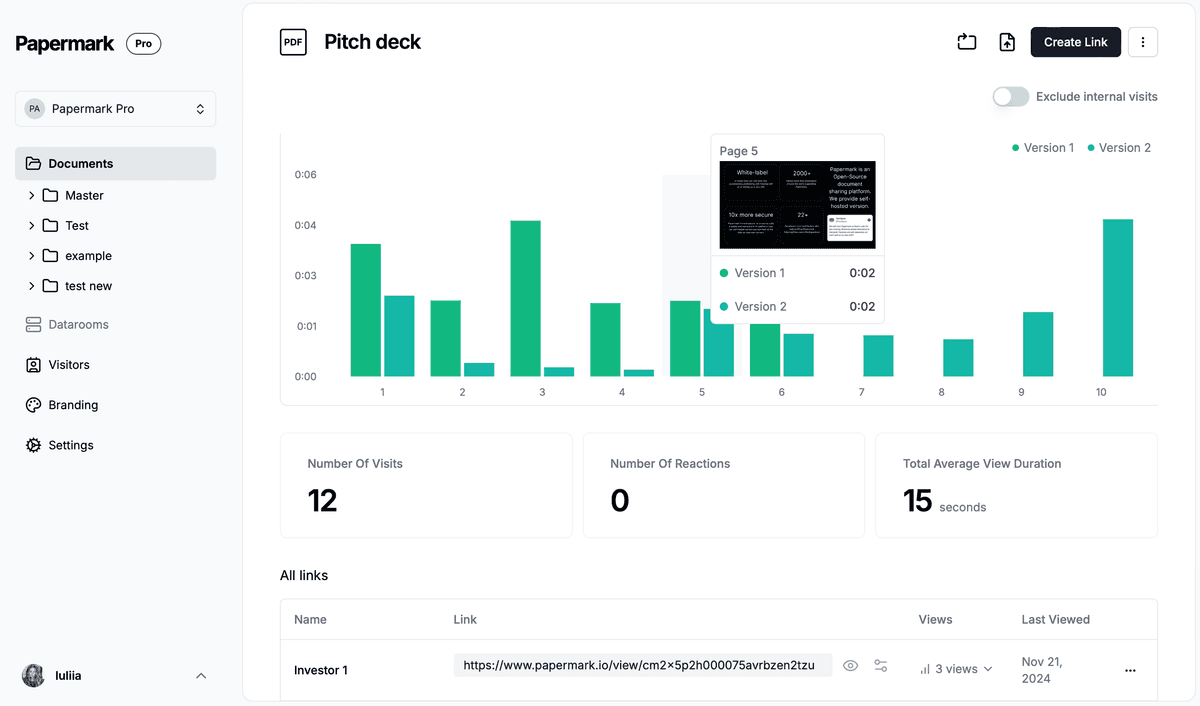
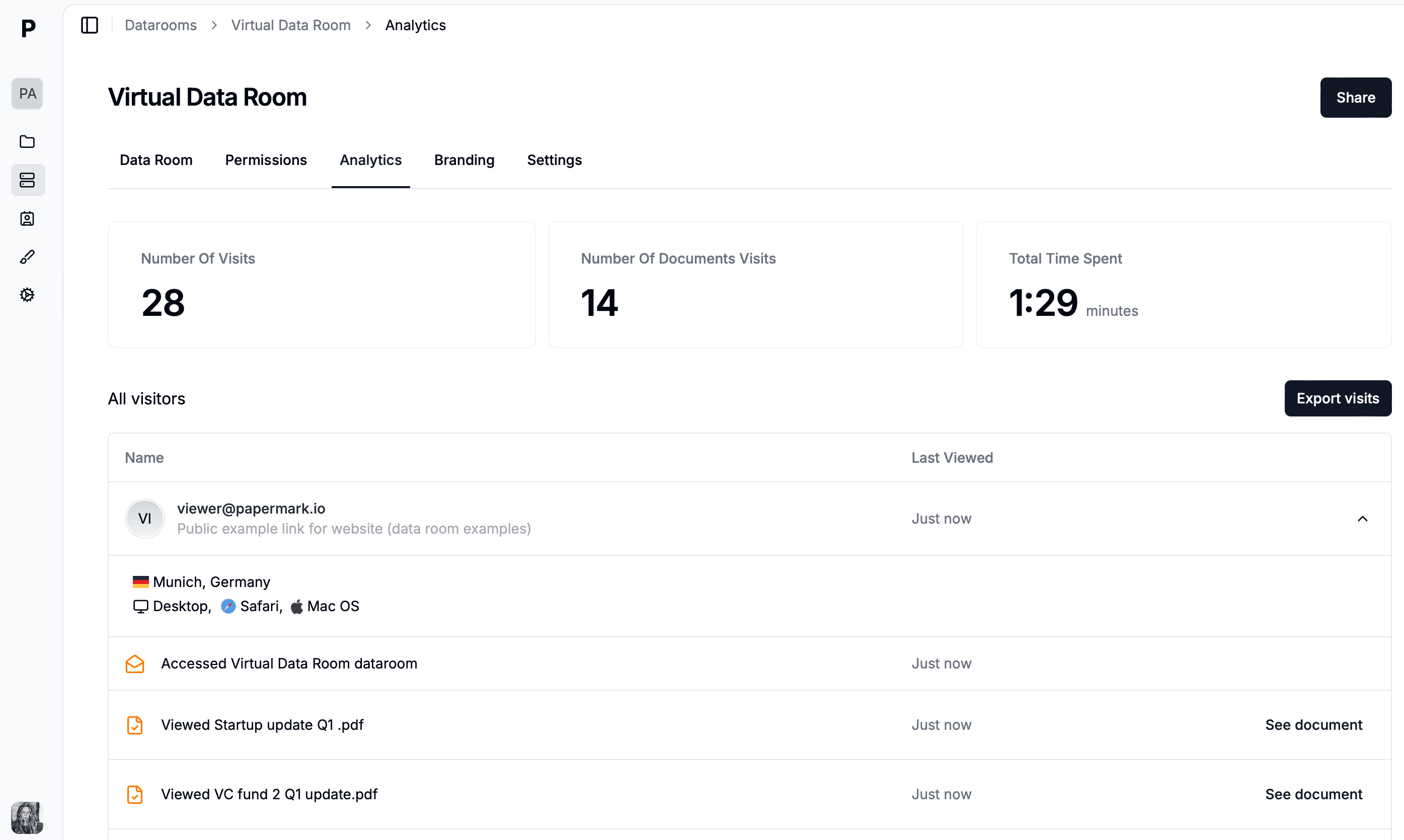
Per-investor data:
| Signal | What It Means | Your Move |
|---|---|---|
| 10+ minutes viewing | Serious interest | Follow up within 24 hours |
| Multiple sessions | Discussing internally | Send additional materials |
| Only viewed 2 pages | Casual interest | Wait or try different angle |
| No opens after 1 week | Not interested now | Move on or try email |
| Viewed team slide 3x | Evaluating your team | Offer intro to co-founders |
The AI can analyze this data too. I ask Clawdbot: "Which LinkedIn investors should I prioritize based on engagement?" and it ranks them instantly.
This is where most founders waste time—following up with everyone equally.
With tracking data, you know exactly who's warm.
Hot (follow up today):
Warm (follow up this week):
Cool (wait or pivot):
For hot leads:
David, noticed you spent some time on the deck—happy to dig into any questions. Free for 15 minutes Thursday?
For warm leads:
Following up on the deck I shared last week. Any initial thoughts? Happy to provide more detail on [specific area].
For cool leads:
Wanted to share a quick update since we last connected. [Traction update]. Let me know if worth a closer look now.
For maximum coverage, I combine LinkedIn with email outreach using the same Papermark links.
Clawdbot manages this entire sequence. I just review and approve.
The Papermark link stays the same across channels, so all engagement data consolidates in one dashboard.
After 2 weeks of AI-powered LinkedIn outreach:
Compare this to cold email where I see 10-15% open rates and 2-3% meeting conversion.
LinkedIn + AI + tracking links = fundamentally different game.
| Tool | Purpose | Cost |
|---|---|---|
| Investor discovery and outreach | Free (Sales Navigator helps) | |
| Papermark | Tracking links + analytics | Free to €99/mo |
| Clawdbot/OpenClaw | AI browser automation | Open source |
| Google Sheets | Investor tracking | Free |
LinkedIn outreach doesn't have to be a black hole. By combining AI automation with Papermark's tracking links, you transform guesswork into data-driven fundraising.
You'll know exactly who's interested, what they care about, and when to follow up.
Set up your tracking links, let AI handle the repetitive work, and focus your energy on the conversations that matter.
A step-by-step case study on how I used Clawdbot AI agent with Papermark to automate investor outreach, create personalized tracking links, and raise my seed round faster.
Discover the best pitch deck software for AI startups in 2026. From AI-powered design to investor tracking and secure sharing, find the perfect tool for your fundraising.
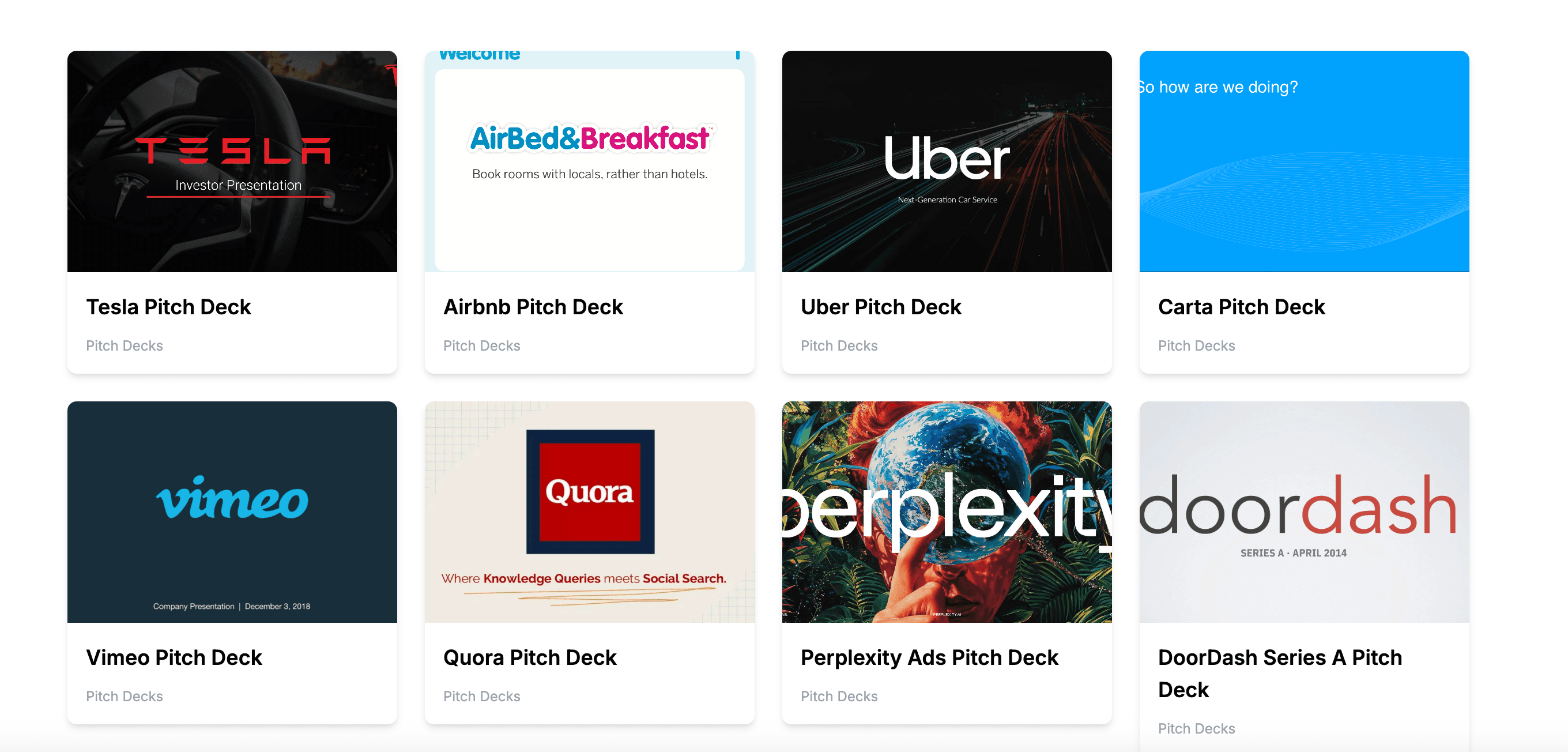
Explore the best AI startup pitch deck examples from successful companies that raised millions. Learn what makes these decks effective and how to apply lessons to your own fundraising.