Your buy-side team is submitting questions to sellers through scattered email chains. No one has a clear view of all outstanding questions, and when sellers respond, only the person who asked sees the answer.
With Papermark you can submit and track all Q&A in structured threads visible to the full deal team, with instant notifications on new answers.
How it works
Step by step
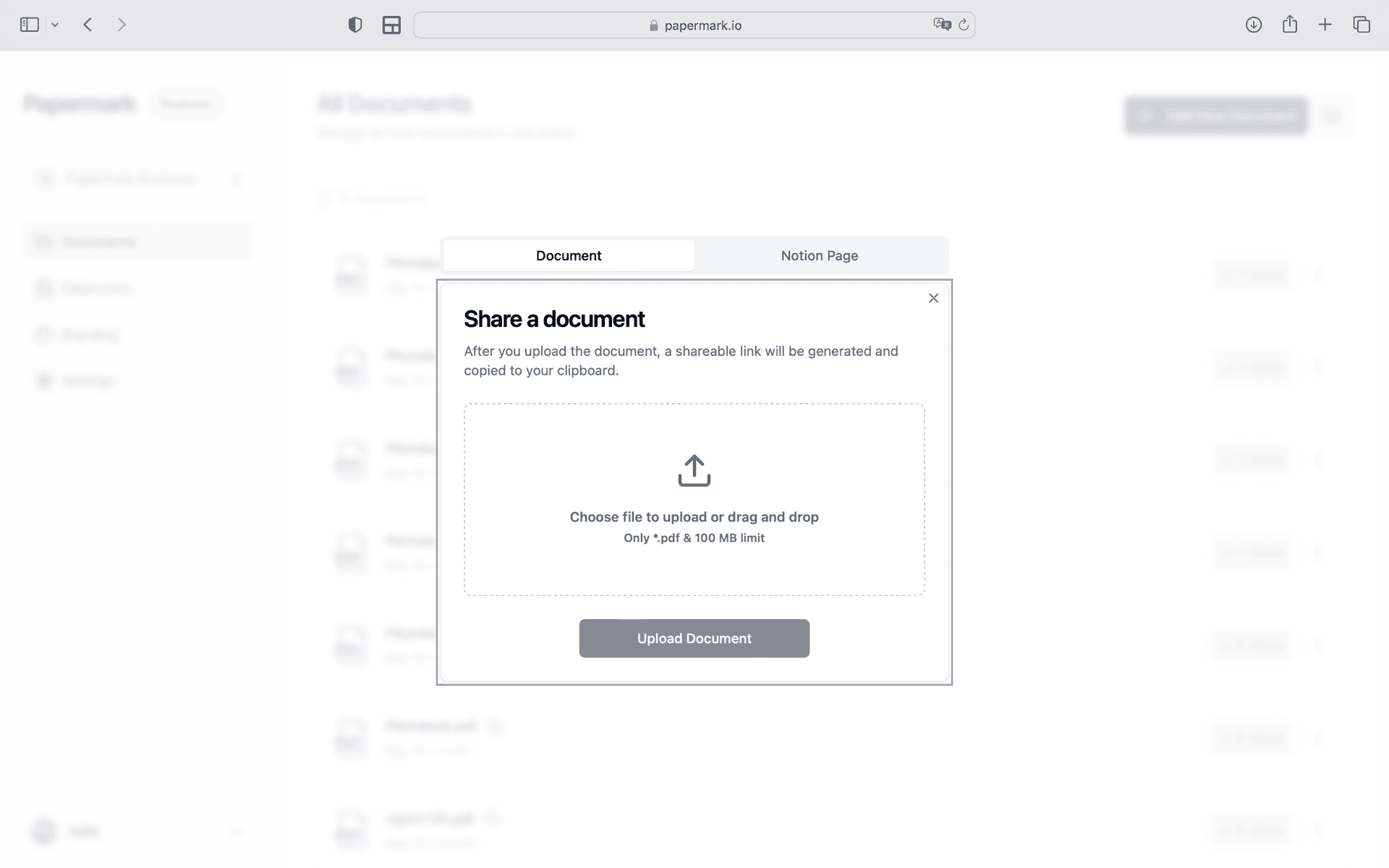
Step 1. Upload your diligence findings
Open Papermark and create a new data room. Upload diligence materials organized by workstream. Use drag-and-drop to add files, then organize them into folders. Papermark automatically indexes everything and supports bulk upload of entire folder structures.
Step 2. Set up access controls for your deal team and external advisors
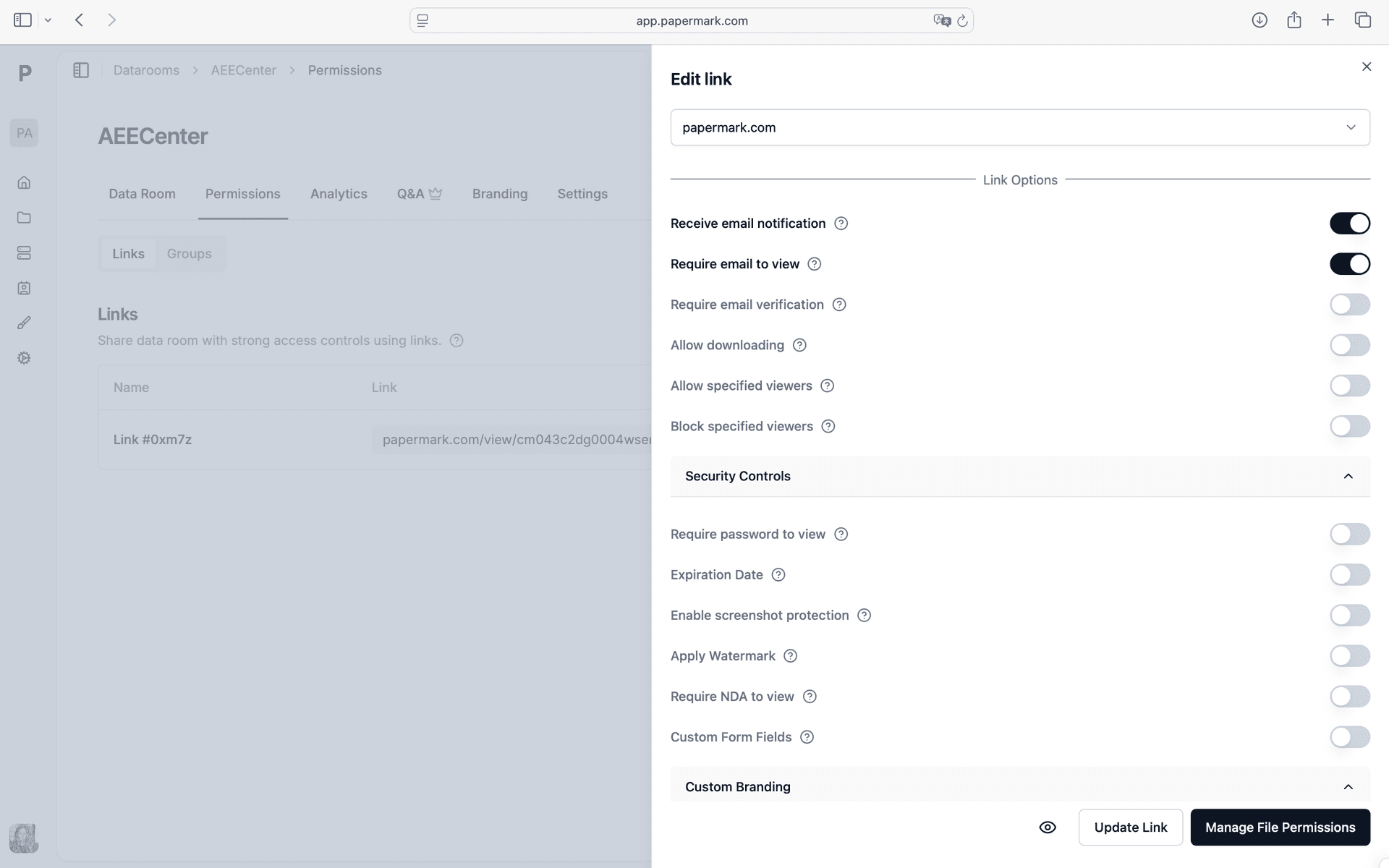
Configure your security settings. In Papermark link settings, enable Q&A module, Thread history, Email notifications, Team visibility. Every viewer is verified before they can access a single page. You control exactly who among your your deal team and external advisors sees which documents.
Step 3. Give your team access with role-based permissions and track engagement
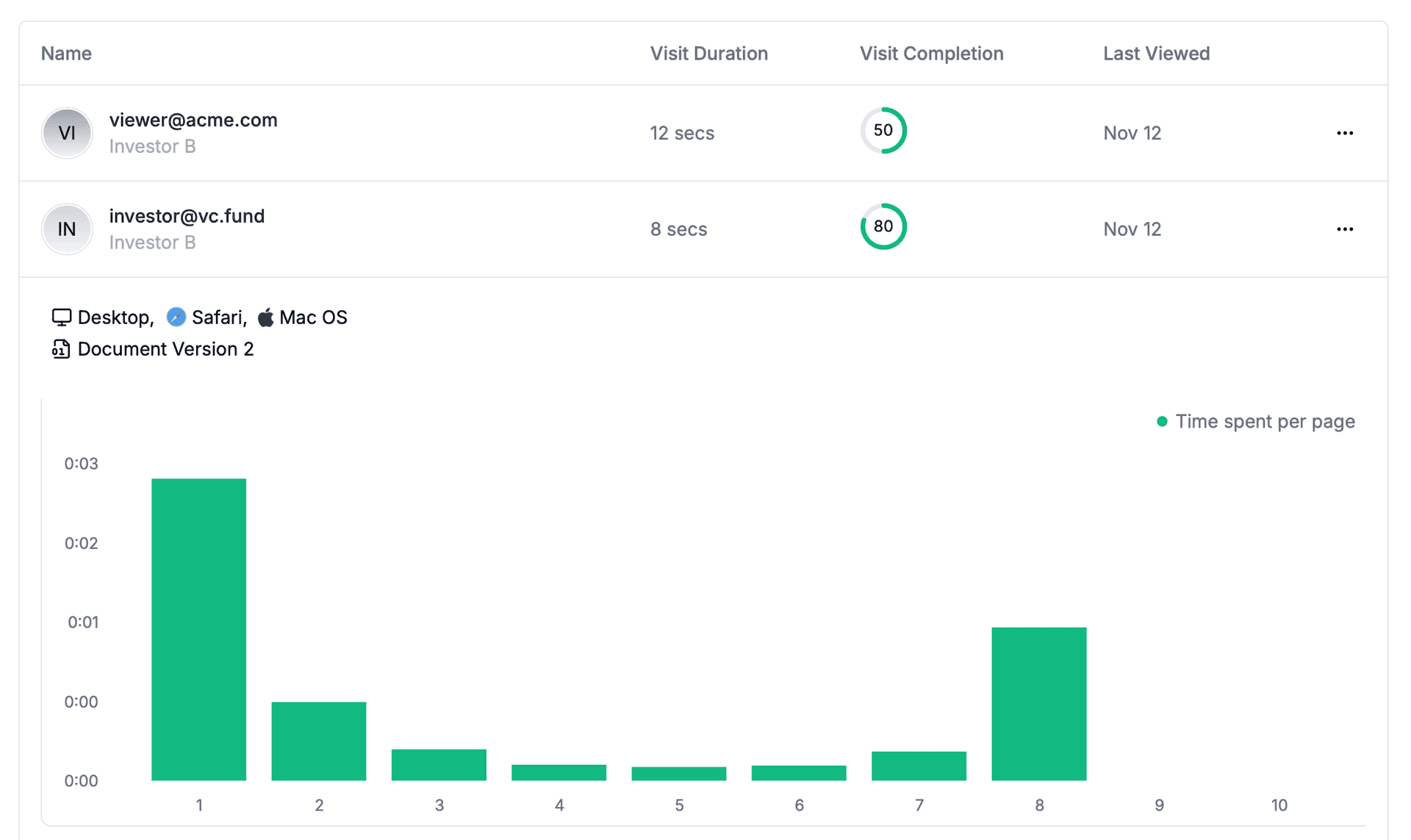
Generate a secure link and give your team access with role-based permissions. Papermark tracks every interaction in real-time. Track which team members completed their assigned diligence sections. Open the analytics dashboard to see all engagement data as it happens.
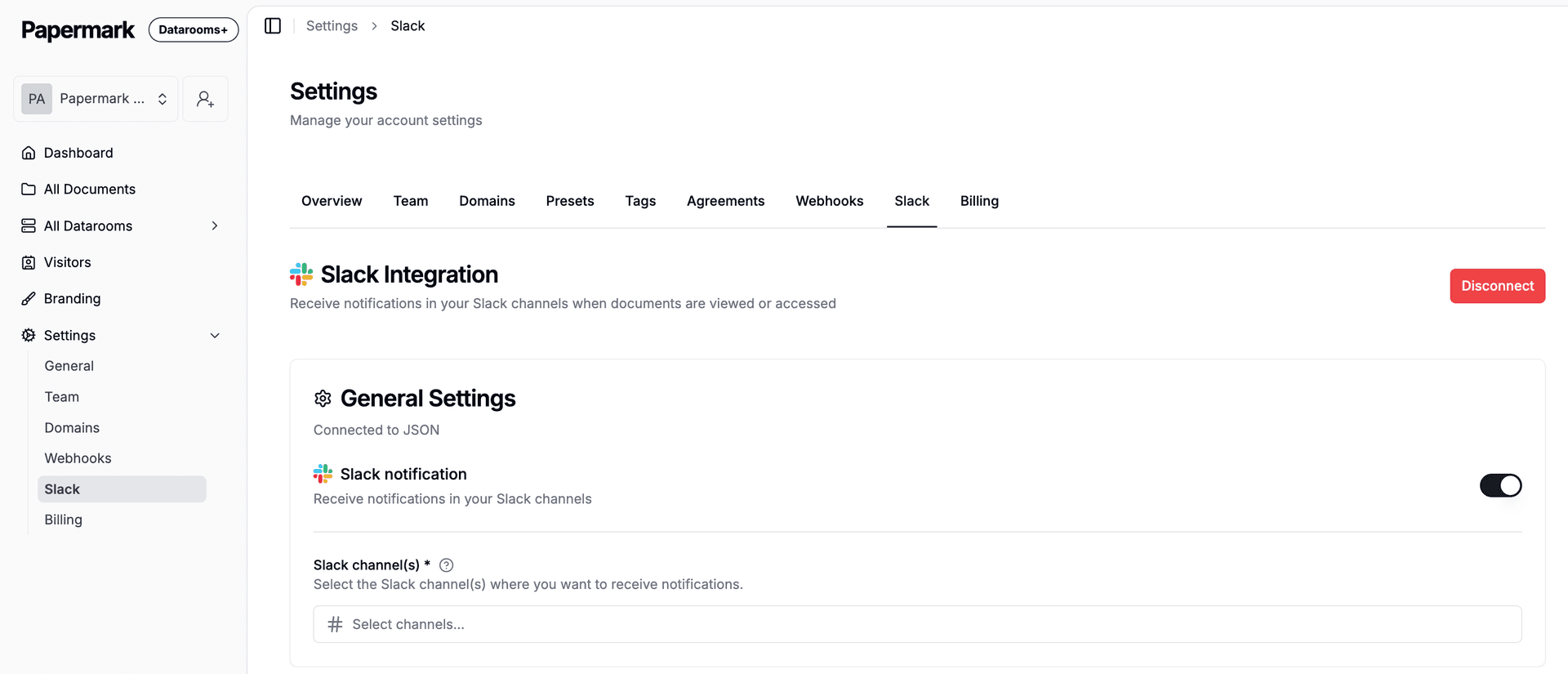
Step 4. Connect Slack to get notified instantly
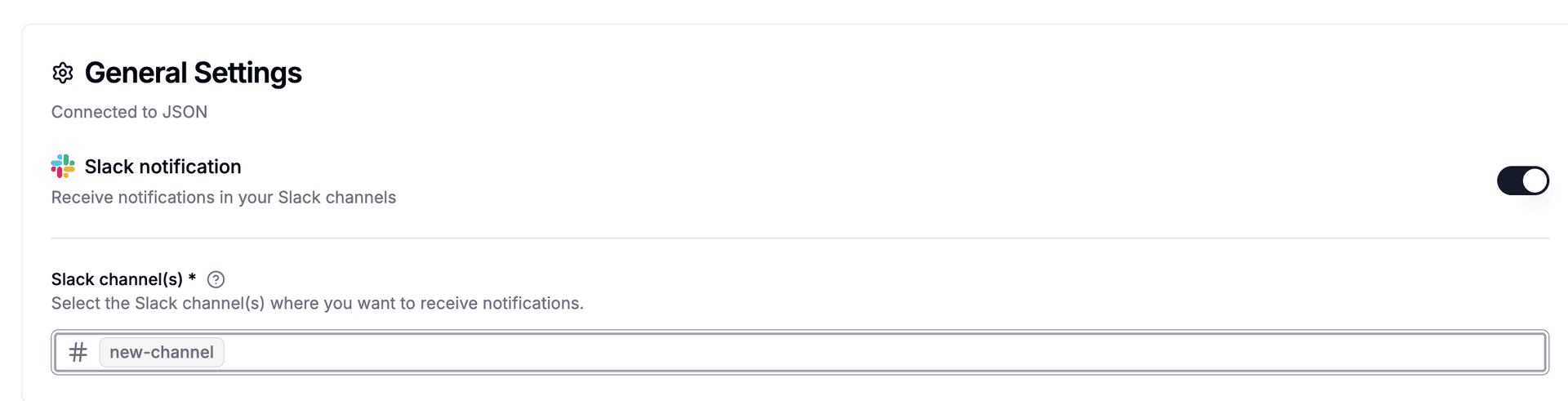
Go to Settings > Integrations > Slack in Papermark. Click "Connect Slack" and authorize via OAuth. Select the team channel where you want to receive alerts. Papermark sends formatted messages when your deal team and external advisors view, download, or access your documents.
Step 5. See who among your your deal team and external advisors is engaging
Every time someone opens your diligence findings, a Slack notification appears in your channel. It shows the viewer's email, which document they opened, how long they spent, and a link to full analytics. Your team knows immediately who is engaged without checking the dashboard.
Tools and integrations
Papermark connects to external tools via outgoing webhooks (HMAC-SHA256 signed). Slack has a native integration with OAuth. For all other tools, connect Papermark webhooks through Zapier, Make, or n8n.
Slack Native integration
Notify team of new answers