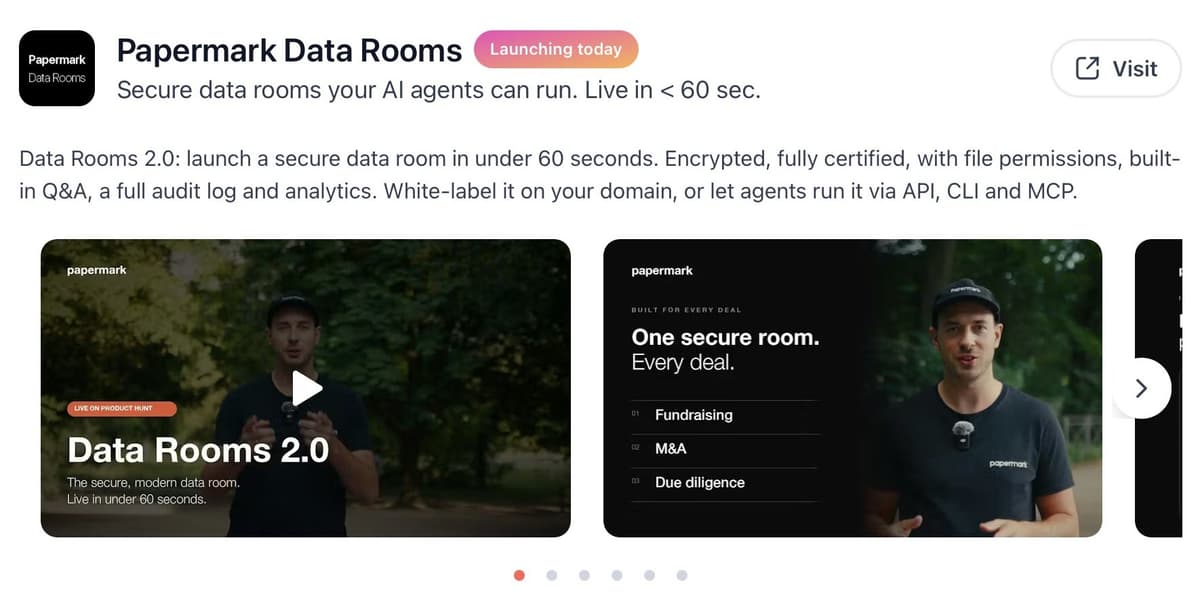
Today we are launching Papermark Data Rooms 2.0, the secure, modern data room for fundraising, M&A and due diligence, rebuilt from the ground up.
We started Papermark three years ago as a document sharing tool. Over time, most of our users moved from sharing single documents to running whole deals in data rooms. So we listened, and rebuilt the data room around what deal teams actually need: speed, security, control and insight.
🚀 We are live on Product Hunt today. If you like what we build, support our launch on Product Hunt.
1. Live in under 60 seconds
Most data rooms start with a sales call and take days to set up. A Papermark data room is live in under 60 seconds: upload your files, set permissions and share one link. No onboarding project, no waiting.
Everything for the deal sits in one structured room: financials, legal, commercial, HR and Q&A, each folder with its own access rules.
There are three ways to start a room, depending on what you already have:
- Create from scratch when you know your structure and want to build it yourself.
- Use a template for common deal types, such as M&A due diligence, fundraising or real estate.
- Generate with AI. Describe the deal in a sentence, for example "sell-side M&A room for a SaaS company with 40 employees", and AI suggests up to eight top-level folders with subfolders. You can rename, remove or add folders before the room is created.
Set up your data room step by step
Here is the full path from an empty account to a room your investors or buyers can open.
- Create the room. Go to Data Rooms and create a new room, or start from the welcome screen. Pick Create from Scratch, Use a Template or Generate with AI, and give the room a name, for example "Project Atlas, sell-side".
- Build the folder structure. Use Create folder for a few folders, or Import folders from Excel to create the whole structure at once (more on this below).
- Upload your documents. Drag files or entire folders into the room. PDFs, Word, PowerPoint, Excel, CSV, images and videos are all supported. You can also use Add from All Documents to reuse files you already uploaded to Papermark, without uploading them twice.
- Set up groups. Under Participants, create a group for each party, for example "Bidder A", "Bidder B" and "Legal counsel", and add members by email or by company domain.
- Choose what each group can see. Under Permissions, set each folder and file to View only, View & download or No access per group. New folders can inherit permissions from their parent folder.
- Create a link and choose its protection. Turn on what the deal needs: email verification, a password, an expiration date, an allow or block list, an NDA agreement, a watermark or screenshot protection.
- Share and follow the deal. Send the link or invite people by email, then follow every view under Analytics and answer questions under Q&A.
Import your folder structure from Excel
A broker told us her deals often have more than 200 folders, sometimes ten levels deep, and her old data room made her create them one at a time.
The structure already existed. The client had sent a due diligence request list, she had pasted it into Excel, and the spreadsheet held the whole folder tree. Recreating it by hand was pure waste.
Legacy data rooms assume the folder structure starts inside the data room. In practice, it usually starts in a spreadsheet from the client. So in Data Rooms 2.0 the room adapts to your workflow:
- Prepare two columns in Excel: a hierarchy column (1, 1.1, 1.2, 2 and so on) and a folder name column. You can download a template from the import dialog to start.
- Open Import folders from Excel in your data room and upload the file (.xlsx, .xls or .csv).
- Check the preview. You see the full folder tree before anything is created. Duplicate hierarchy codes and rows without a folder name are flagged and skipped.
- Import. The whole structure appears at once, in the order of your spreadsheet. If you are inside a folder, the import goes into that folder.
One upload holds up to 500 folders, as many levels deep as you need. A 200-folder room goes up in the time it takes to paste a spreadsheet.
2. Secure by default
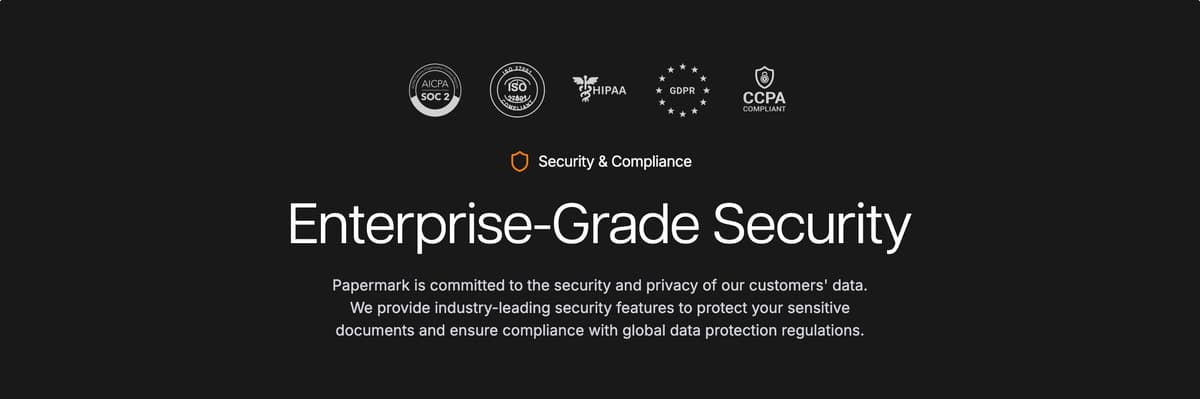
Your fundraise, M&A process or due diligence deserves a room that is secure by default. Data Rooms 2.0 comes with military-grade encryption, is fully certified, and every view is recorded in a full audit log. Read more about how we protect your documents on our security page.
3. Granular permissions and access controls
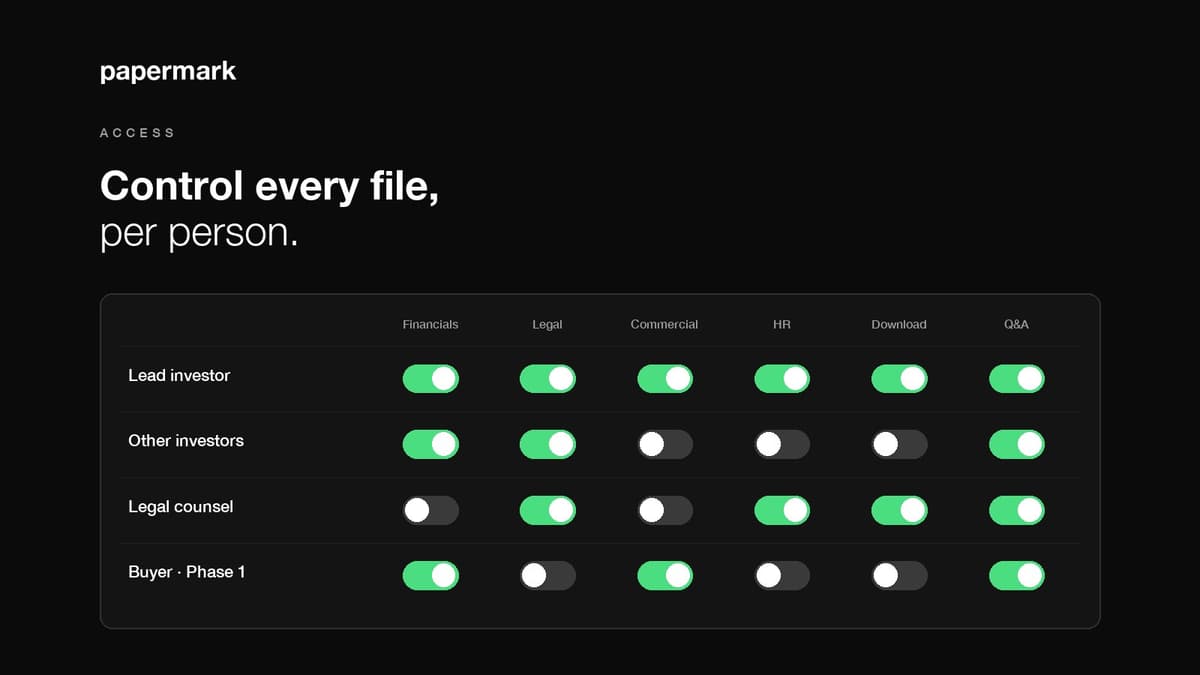
Not every investor or buyer should see every file. Set granular permissions per file, per folder and per group: view only, download, or no access at all. Employee contracts can stay visible to two people while the rest of the room is open to the whole deal team.
A typical sell-side setup looks like this:
- Create one group per bidder, plus one for your own advisors.
- Give every bidder group View only on the teaser, financials summary and commercial folders.
- Keep the HR and customer contract folders on No access until a bidder reaches the second round.
- When a bidder moves forward, switch those folders to View only for that group alone. Nobody else sees the change.
- Give your advisors View & download on everything.
Each group gets its own links, so you can see in the analytics exactly how each bidder moves through the room.
4. Built-in Q&A
Questions from investors and buyers are answered in the built-in Q&A inside the room, next to the documents they are about, instead of across fifty email threads.
How it works:
- Turn on Q&A in the link settings for the links where you want questions.
- Visitors ask a question while they read, next to the document it is about.
- You get a notification and answer from the Q&A tab of the room.
- Publish answers that matter to everyone, so the next bidder does not ask the same question again.
The full conversation history stays in the room, which is useful when lawyers later want to know what was said and when.
5. Page-by-page analytics
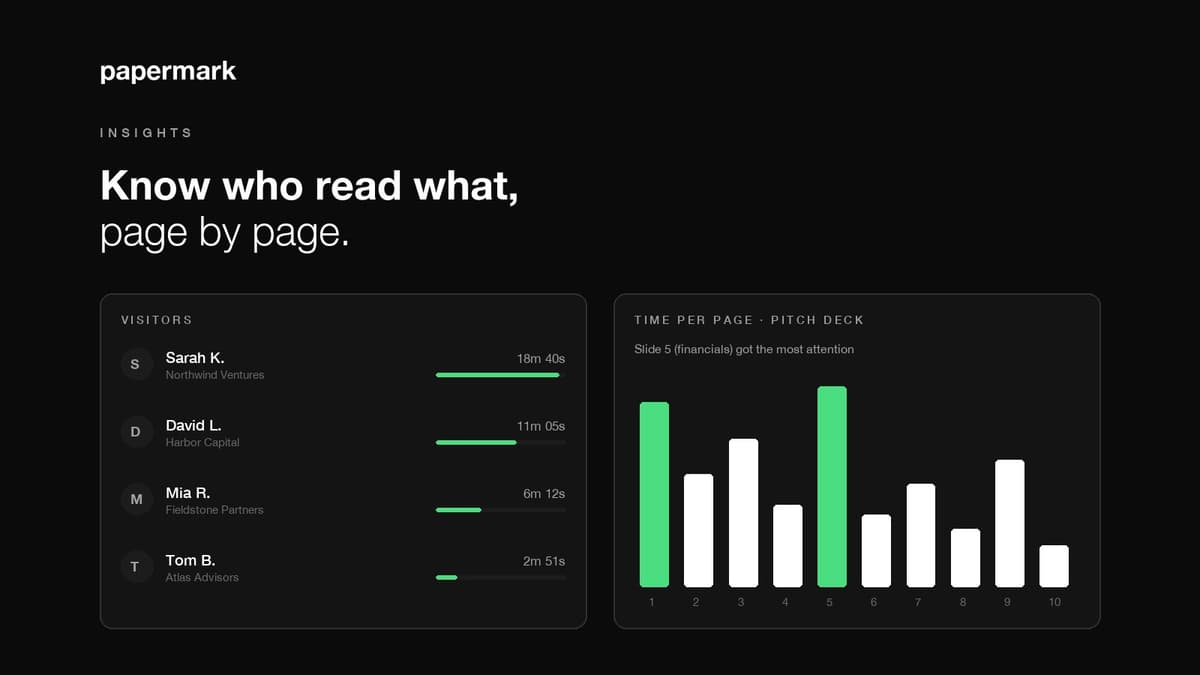
See who opened what, for how long, page by page, with document analytics and real-time engagement tracking. You know which investor spent twenty minutes on your financials before they tell you.
What to look at during a deal:
- Per visitor: which documents someone opened, how long they stayed and which pages they read.
- Per document: which files get attention and where people stop reading.
- Per group: how each bidder or investor firm moves through the room compared with the others.
- Location and device: where visitors open the room from, which helps you spot a link that was forwarded.
Turn on view notifications and you get an email the moment someone opens the room, so you can follow up while it is still fresh.
6. Agent-ready: API, CLI and MCP server
Your next data room will be set up by an agent. Data Rooms 2.0 ships with a transparent API, a CLI and an MCP server, so you can connect Claude, Cursor or ChatGPT and ask: "Set up a buy-side M&A room for Project Atlas and invite the deal team."
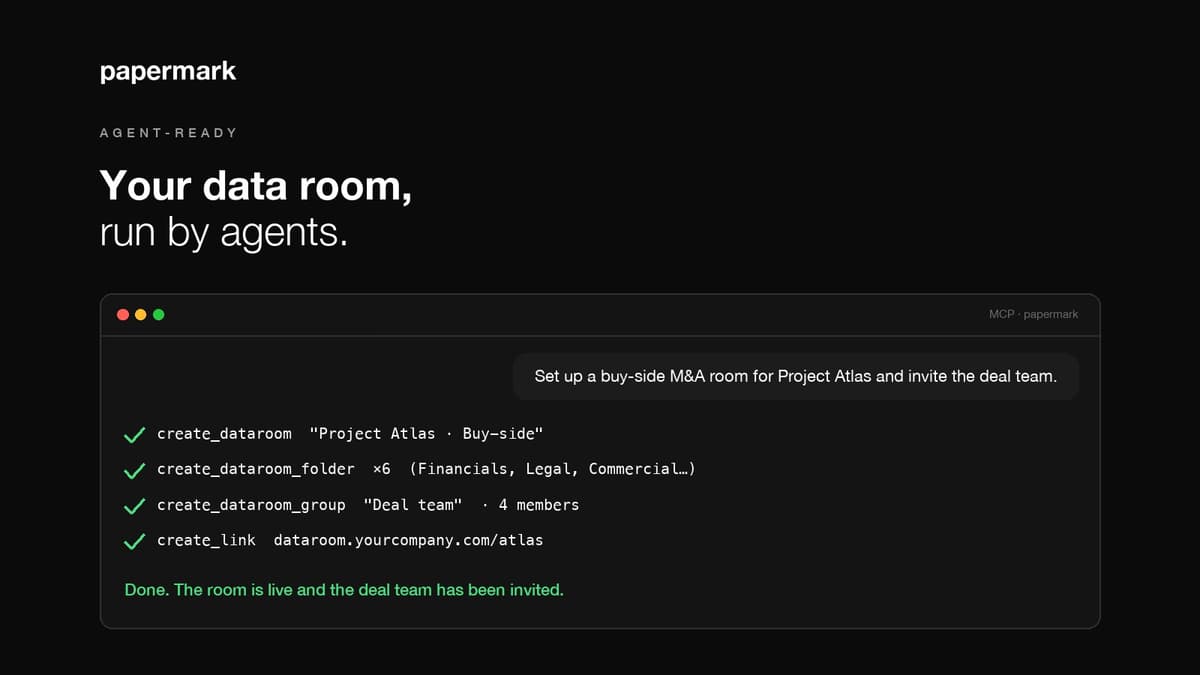
To connect your agent:
- Create an API token in your Papermark settings. Give it read-only access if the agent only needs analytics.
- Add the Papermark MCP server to Claude, Cursor or ChatGPT with that token.
- Ask for what you need in plain language: create a room, import the folders, upload files, set permissions per group or summarize who read what this week.
The agent works within the permissions of its token, and every link it creates carries the same protection as one you create by hand. Our MCP server guide covers each step.
7. Fully white-labeled
Your brand, your logo, your domain. With custom branding, investors and buyers see your company, not ours.
To brand a room:
- Open Branding in the room and add your logo and brand colors.
- Connect a custom domain, so links look like
dataroom.yourcompany.cominstead of ours. - Turn on the introduction page under Settings to greet visitors with your logo, a welcome message and an embedded YouTube or Loom video before they see the documents.
Who Data Rooms 2.0 is for
- Founders raising a round. From a light room at seed to a full data room for Series A and later.
- M&A advisors and deal teams. Sell-side and buy-side rooms with separate permissions for every bidder.
- Due diligence. One version of the truth for lawyers, accountants and advisors, with a full audit trail.
- Funds and investor relations. Fund raising materials and quarterly reporting for LPs.
Pricing
Data Rooms start at $99/month, fully self-serve. See every plan on our pricing page.
Papermark is also open source, so you can self-host it for extra security and audit the code yourself.
Support our launch
We have been building Papermark for three years, and Data Rooms 2.0 is the biggest update we have shipped. If it helps you run your next deal, we would love your support on Product Hunt.