

security
How to password protect a video (Step by step guide)
Learn how to securely password protect your videos using Papermark. Follow our step-by-step guide for adding password protection to video files.

While YouTube doesn't offer built-in password protection for videos, there's a way to secure your video content by downloading it first and then using a secure sharing platform. This guide will show you how to password protect your YouTube videos effectively.
YouTube offers these privacy options:
However, none of these options provide true password protection. Here's how you can add proper password protection to your YouTube content:
First, you'll need to download your YouTube video. Make sure you have the rights to the video content before downloading.
Options for downloading:
YouTube Studio (if it's your video):
Third-party tools (if you have permission):
💡 Important: Only download videos you own or have permission to use.
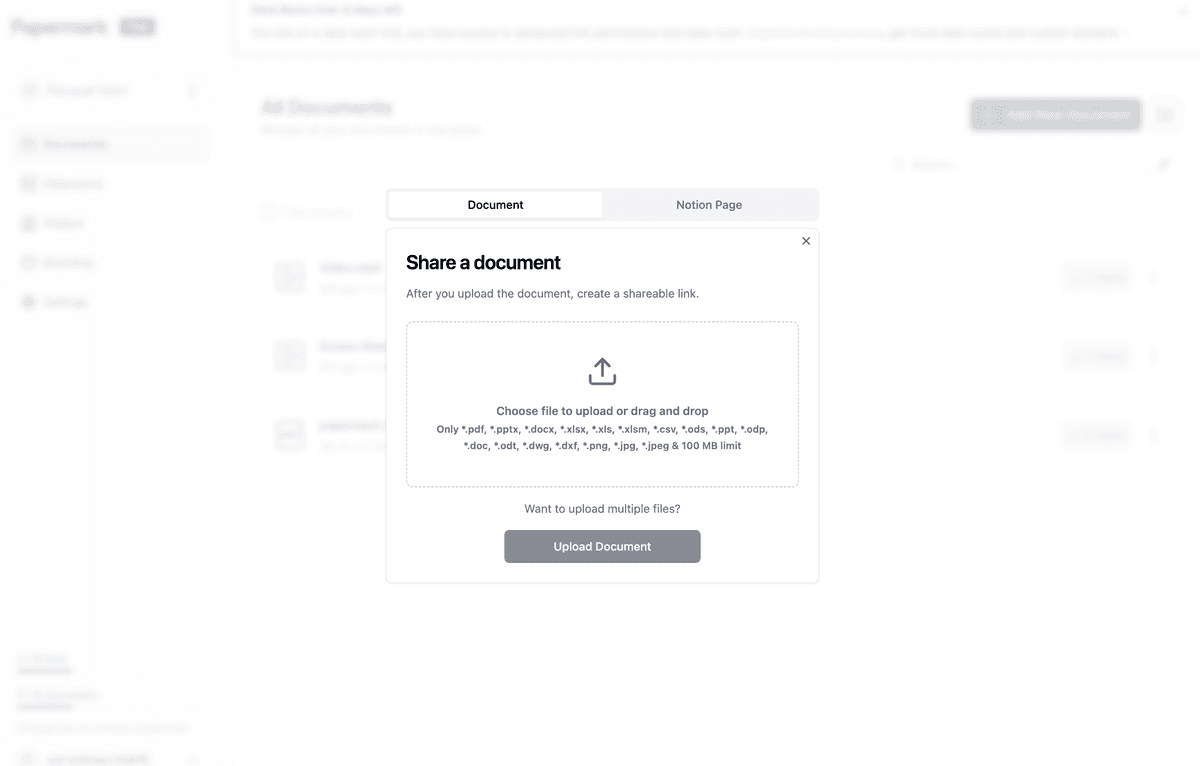
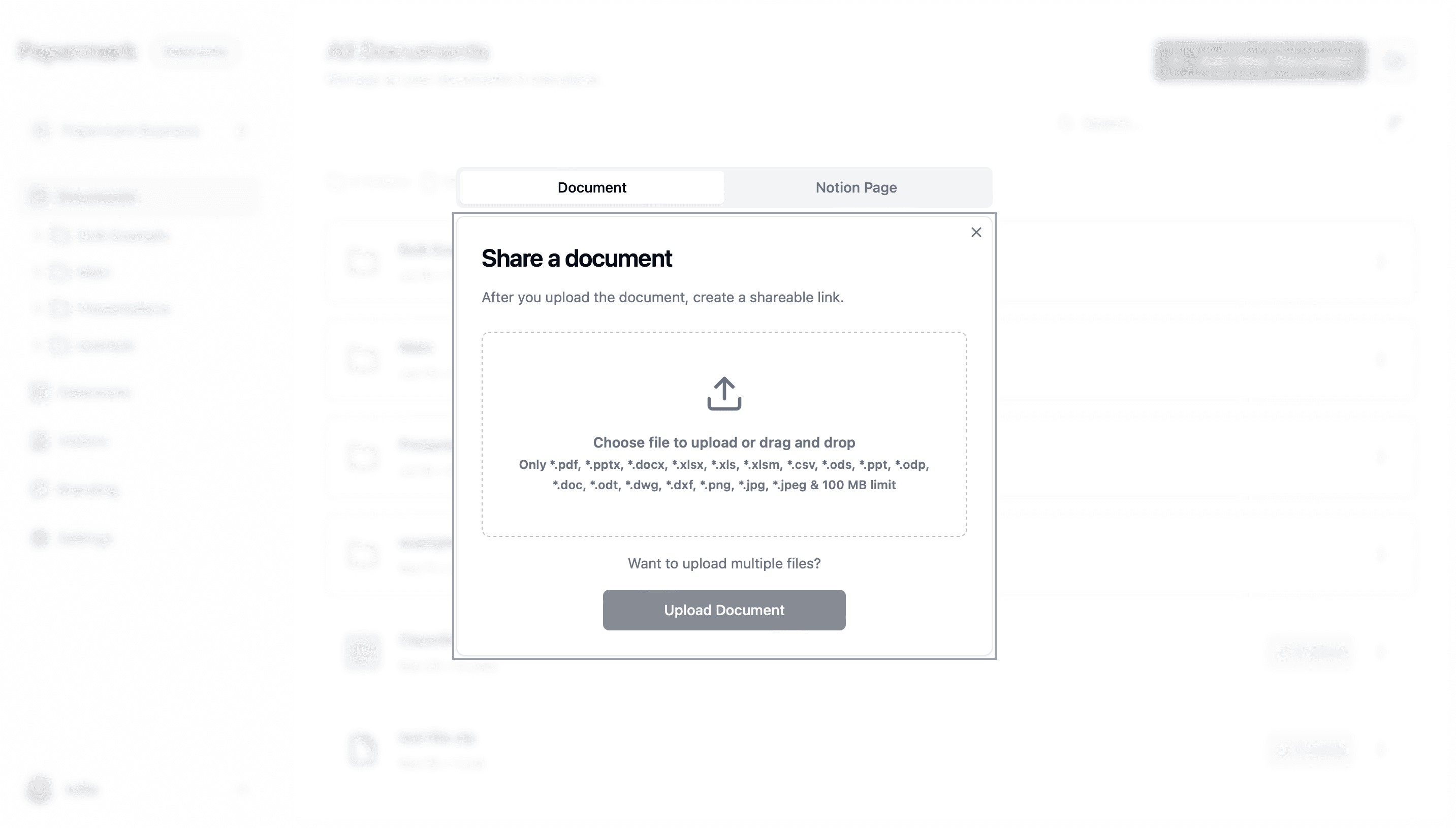
Upload your downloaded video to Papermark:
Supported formats:
Configure your security settings:
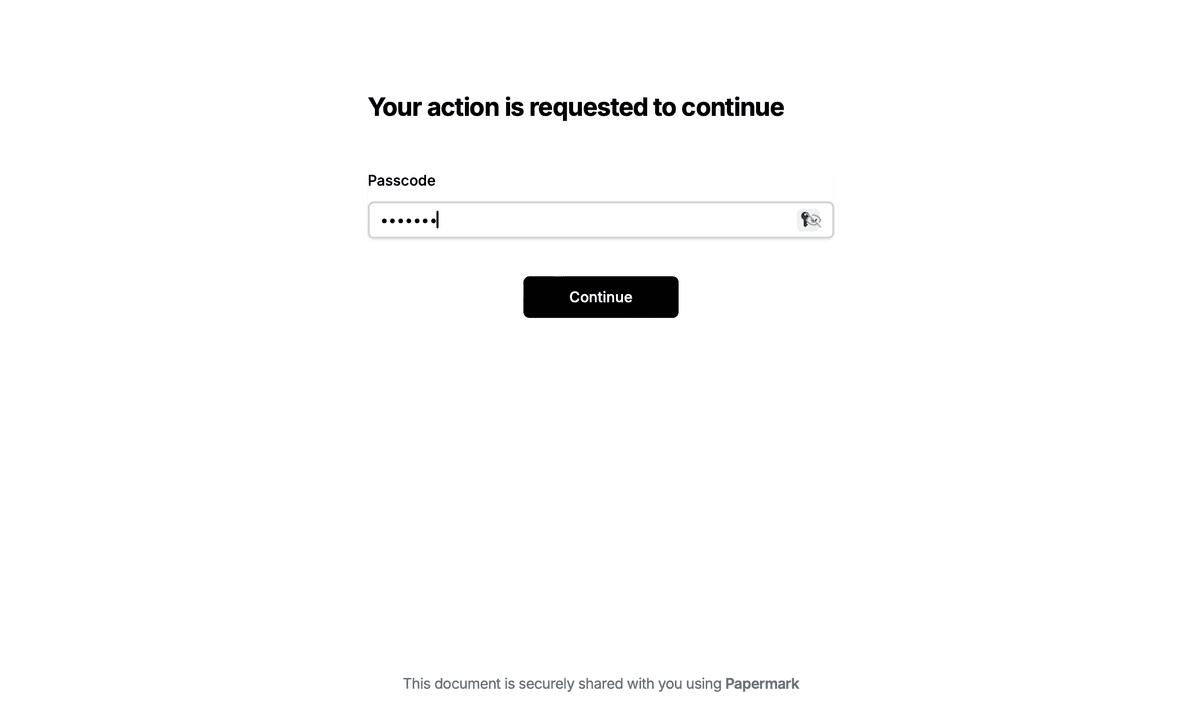
Enhance protection with:
Share your protected video securely:
Monitor viewer activity with detailed analytics:

Track important metrics:
While YouTube doesn't offer native password protection, you can secure your video content by downloading it and using a dedicated secure sharing platform like Papermark. This approach provides better security, control, and analytics than YouTube's basic privacy settings.
Remember to:
Start protecting your videos today with professional-grade security and analytics.
Learn how to securely password protect your videos using Papermark. Follow our step-by-step guide for adding password protection to video files.
Master Google Sheets security with our comprehensive guide to password protection and advanced security features. Learn how to safeguard your spreadsheets using Papermark and native security methods.
Master Google Docs security with our comprehensive guide on password protection and advanced security features. Learn how to safeguard your documents using Papermark and native security methods.