Per-Document Advanced Mode Toggle
Enable or disable Excel advanced mode on individual documents.
More control over how your spreadsheets display. You can now toggle Excel advanced mode on individual documents, not just team-wide. Enable the interactive spreadsheet experience for complex files, keep simple mode for basic tables.
- Toggle per document
- Override team default
- Useful for mixed document types
- Instant switch between modes
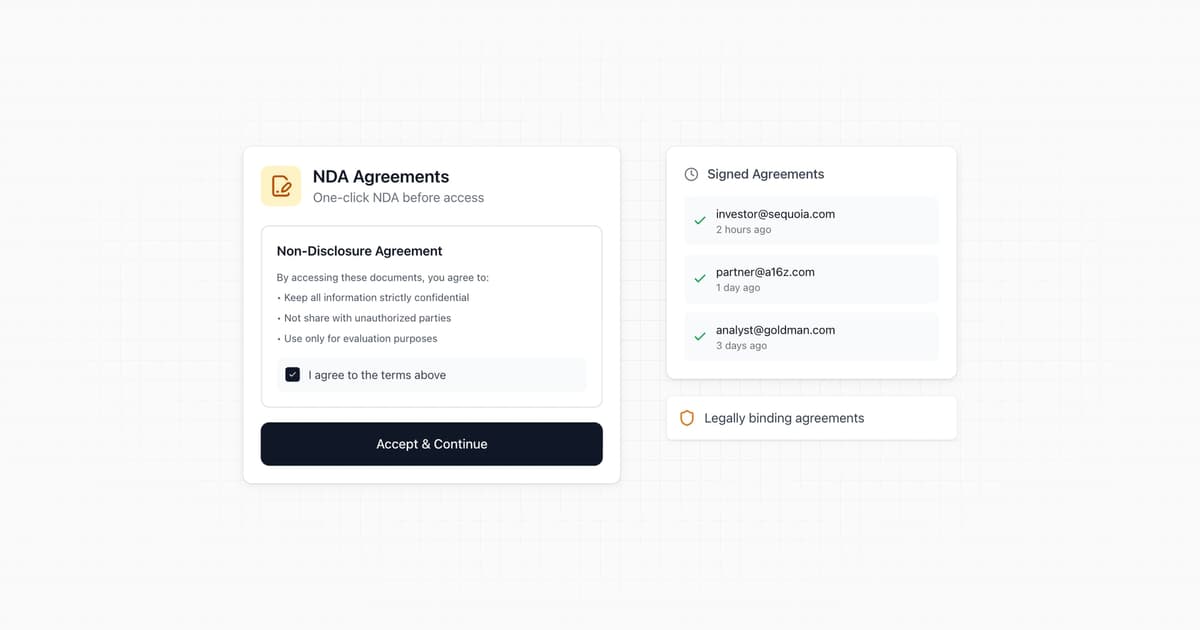
Keynote File Support
Upload and share Apple Keynote presentations with full analytics.
Mac users, rejoice! You can now upload Keynote presentations directly to Papermark. No need to export to PDF first — upload your .key files and share with full slide-by-slide analytics.
- Native .key file support
- Preserves animations and transitions
- Full page-by-page analytics
- Works in data rooms
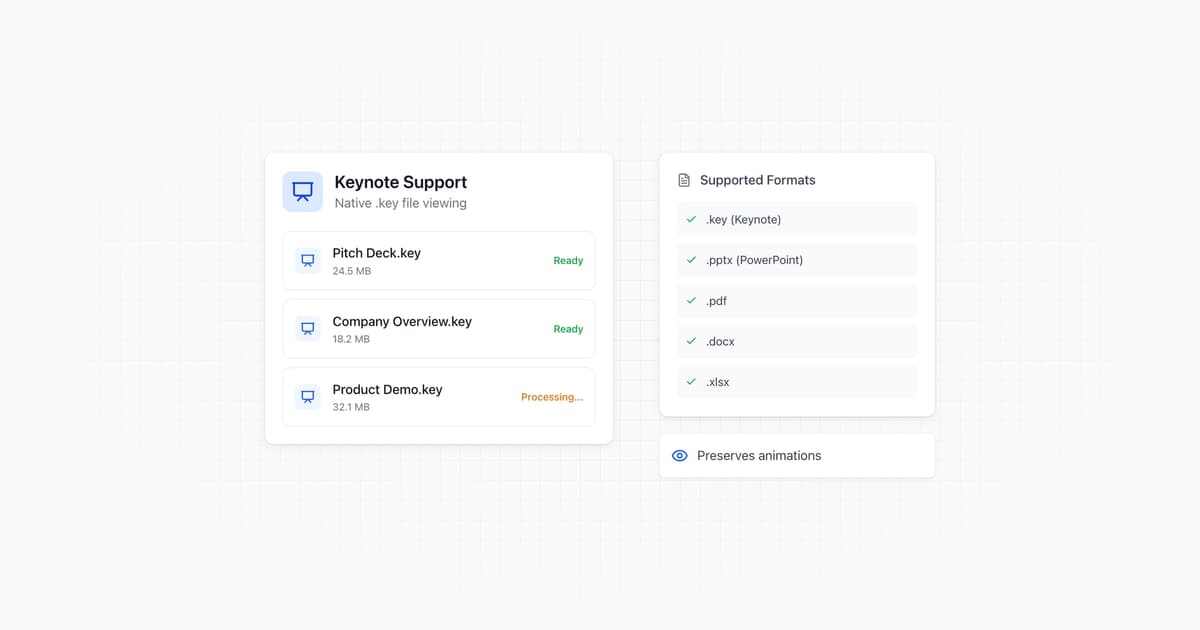
Presentation Fullscreen Mode
View presentations in true fullscreen for a better viewing experience.
Present like a pro with the new fullscreen button. Click to expand your presentation to fill the entire screen — perfect for live presentations or focused review.
- One-click fullscreen button
- Keyboard shortcut support (F key)
- Clean, distraction-free view
- Easy exit with Escape key
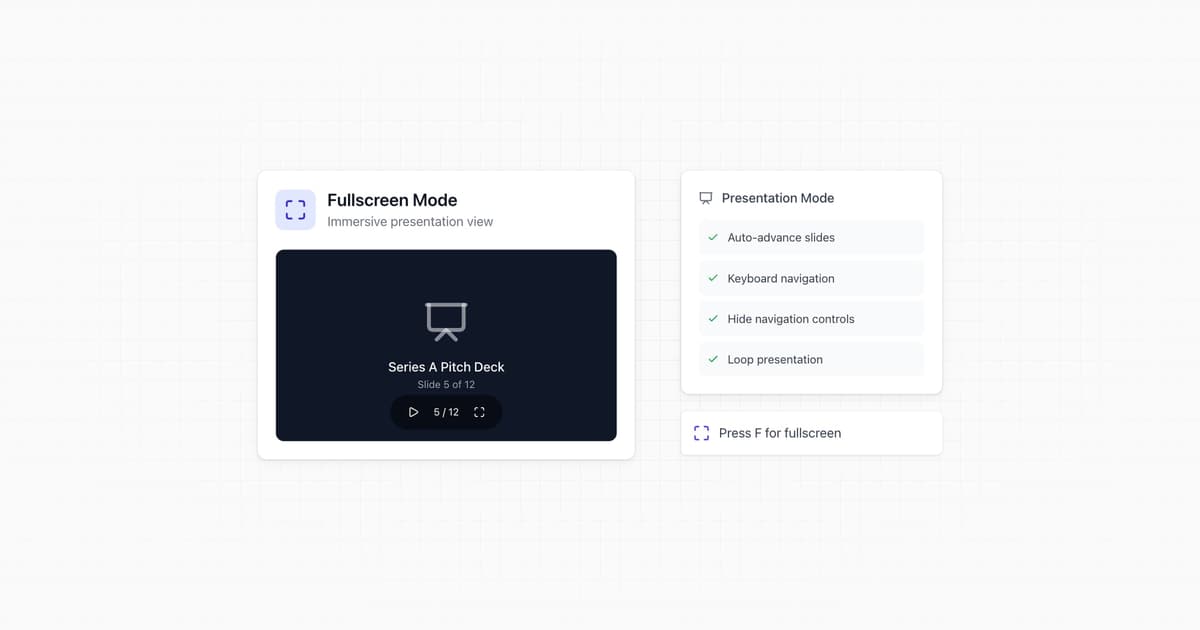
Hide Branding Banner
Option to hide the Papermark branding banner for a cleaner viewer experience.
For a completely clean viewing experience, you can now hide the Papermark branding banner. Your documents appear without any Papermark branding visible to viewers.
- Toggle per link or via presets
- Cleaner, distraction-free viewing
- Your logo still appears (if set)
- Available on Business plans and above
Custom Welcome Messages for Documents
Add a personalized welcome message that appears before document access.
Make a great first impression with custom welcome messages. Add a personalized message that viewers see before accessing your document — perfect for context, instructions, or a warm greeting.
- Add custom text per link
- Supports basic formatting
- Appears on the access screen
- Works for both documents and data rooms
Audio File Support
Upload and share M4A and MP3 audio files with full analytics.
Share audio content with the same security and analytics as your documents. Upload M4A and MP3 files and track exactly how long listeners engage.
- Native audio player
- Playback analytics
- Include in data rooms
- Same access controls as other files
Perfect for podcast episodes, voice memos, or audio presentations.
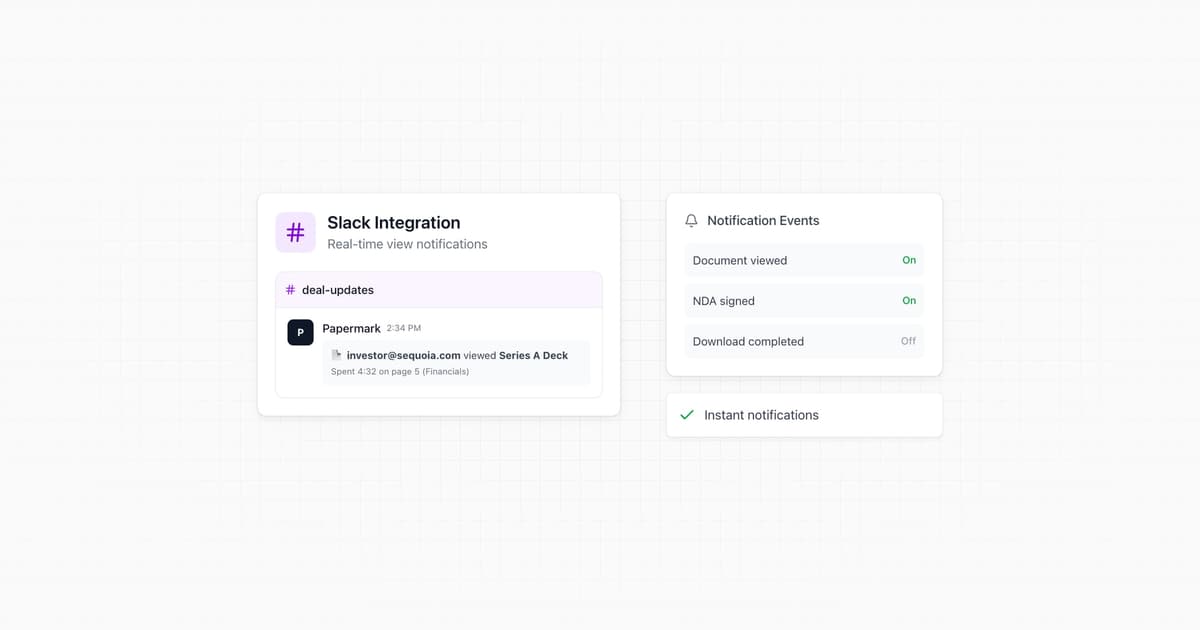
Native Slack Integration
Get document view notifications directly in your Slack channels.
Stay on top of document engagement without leaving Slack. Connect Papermark to your Slack workspace and get real-time notifications when someone views your documents.
Notifications include:
- Viewer email (when collected)
- Document name and link
- View duration and pages viewed
- Direct link to full analytics
Connect in Settings → Integrations, then choose which channel receives notifications.
Automatic Index Numbering
Data room items automatically get hierarchical index numbers.
Keep your data room organized with automatic index numbering. Documents and folders are automatically assigned hierarchical numbers (1.1, 1.2, 2.1, etc.) based on their position in the structure.
- Automatic numbering by position
- Updates when you reorder items
- Visible in the viewer sidebar
- Matches industry-standard data room conventions
Makes it easy to reference specific documents in emails or calls.
Publishable Q&A Conversations
Publish Q&A conversations so all viewers can see answers to common questions.
Turn your best Q&A responses into a resource for all viewers. When you answer a question, you can now choose to publish it so everyone with access to the document can see it.
- Publish selected Q&A threads
- Build a FAQ directly on your document
- Reduce repetitive questions
- Unpublish anytime
Great for investor decks where the same questions come up repeatedly.
Papermark v0.21.0
Webhooks, Dashboard, Document Previews and Dataroom Updates 👇
Read the release notes on GitHub →Search in Data Room Viewer
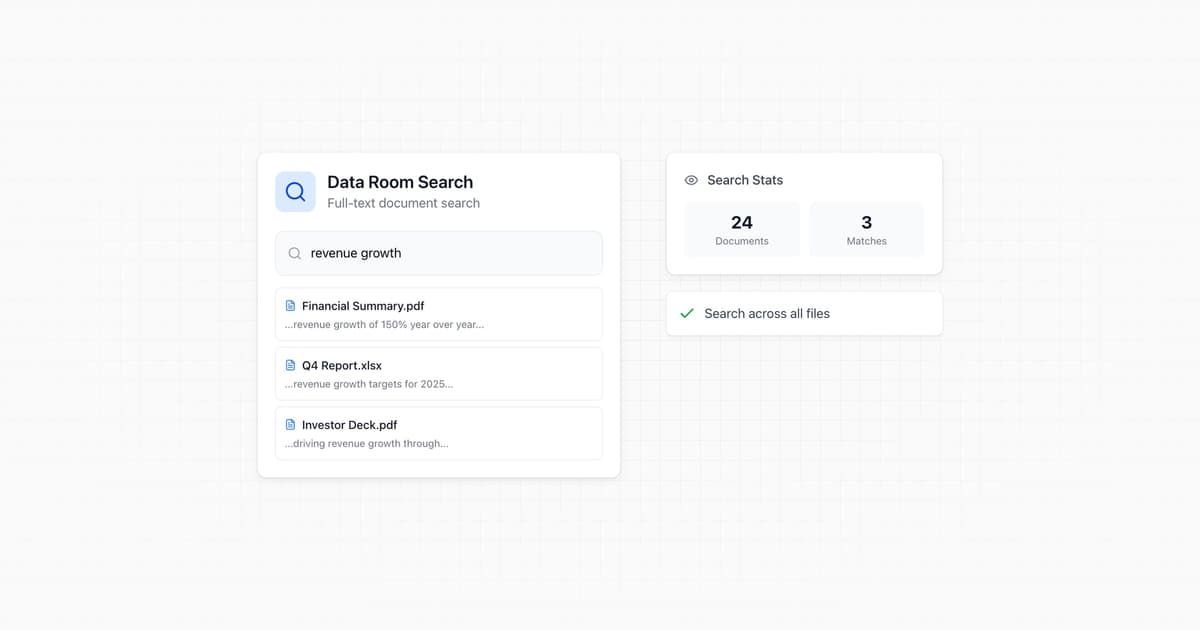
Viewers can search across all documents in your data room.
Make large data rooms easier to navigate. Viewers can now search across all documents in the data room to find exactly what they're looking for.
- Full-text search across document names
- Instant results as you type
- Jump directly to matching documents
- Works with folder structure
Great for data rooms with hundreds of documents where scrolling isn't practical.
Disable Printing for Documents
Prevent viewers from printing your shared documents.
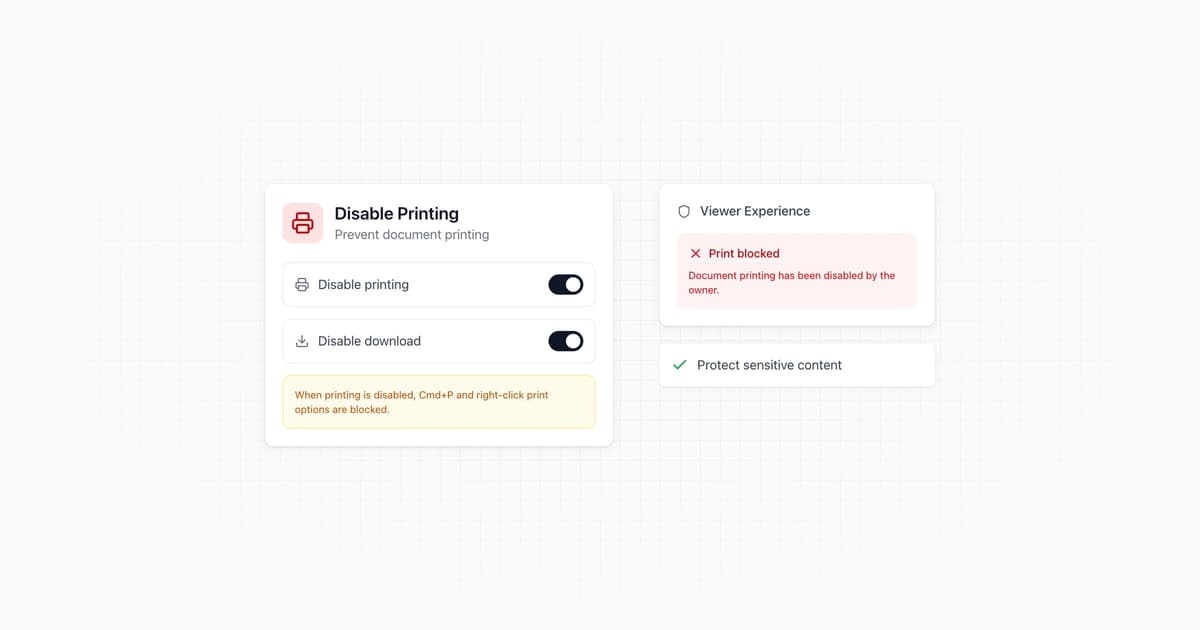
Add another layer of protection to your sensitive documents. You can now disable printing on any link, preventing viewers from using their browser's print function.
- Toggle per link
- Works for both documents and data rooms
- Combines with watermarks and download restrictions
- Clear message shown to viewers if they try to print
Visitor Location and Device Analytics
See where your viewers are located and what devices they use.
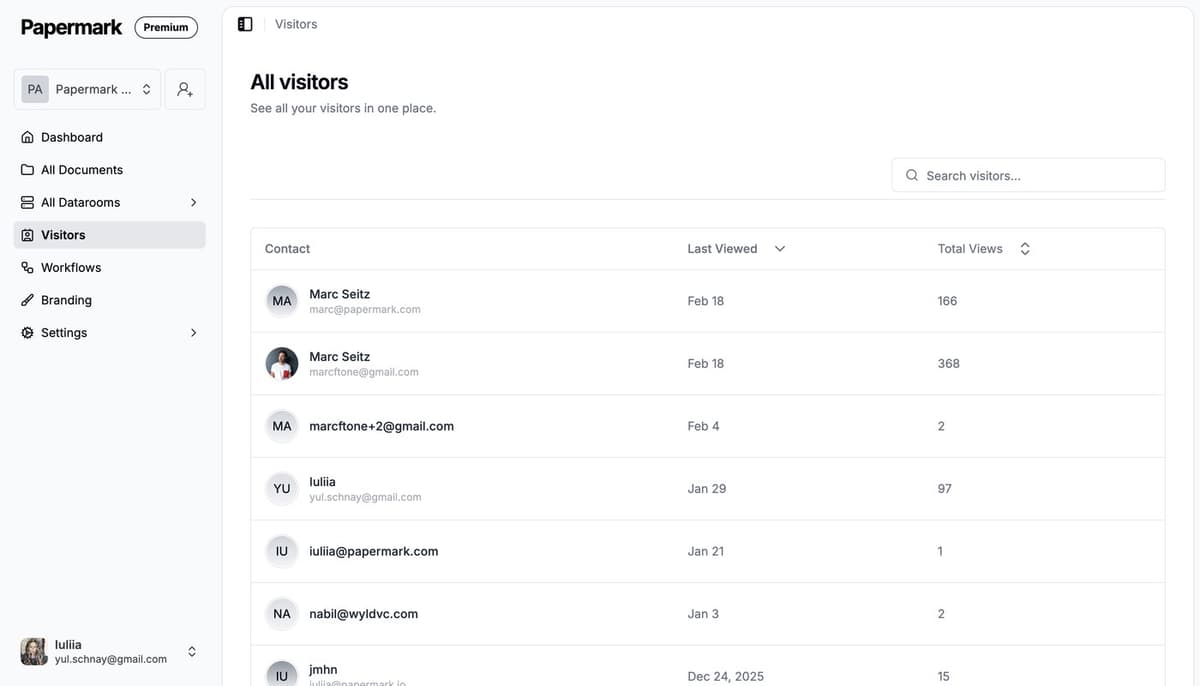
Get more context about your viewers. Analytics now show visitor location and device information for all document views, including videos and data rooms.
- Geographic location (city, country)
- Device type and operating system
- Browser information
- Available across all document types
Understand your audience better and see which regions are most engaged with your content.
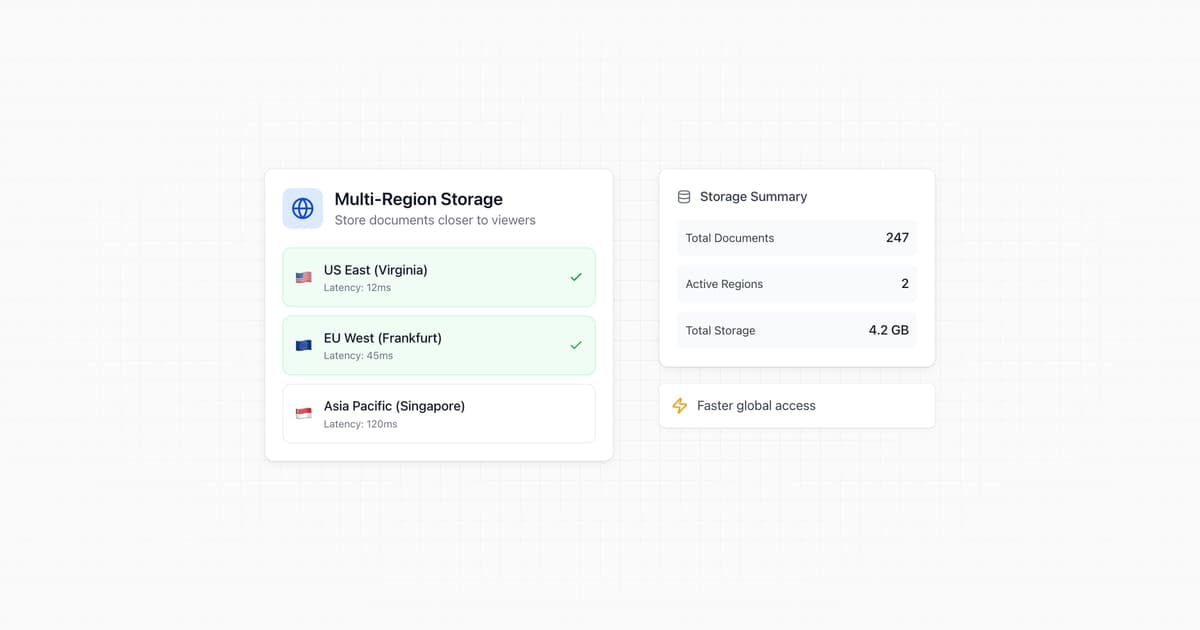
Multi-Region Storage
Store documents in your preferred geographic region for compliance.
For teams with data residency requirements, you can now choose where your documents are stored. Select your preferred AWS region when setting up your team.
- US, EU, and APAC regions available
- Data stays in your selected region
- Meets GDPR and other compliance requirements
- Automatic routing to nearest region for viewers
Contact us to enable multi-region storage for your team.
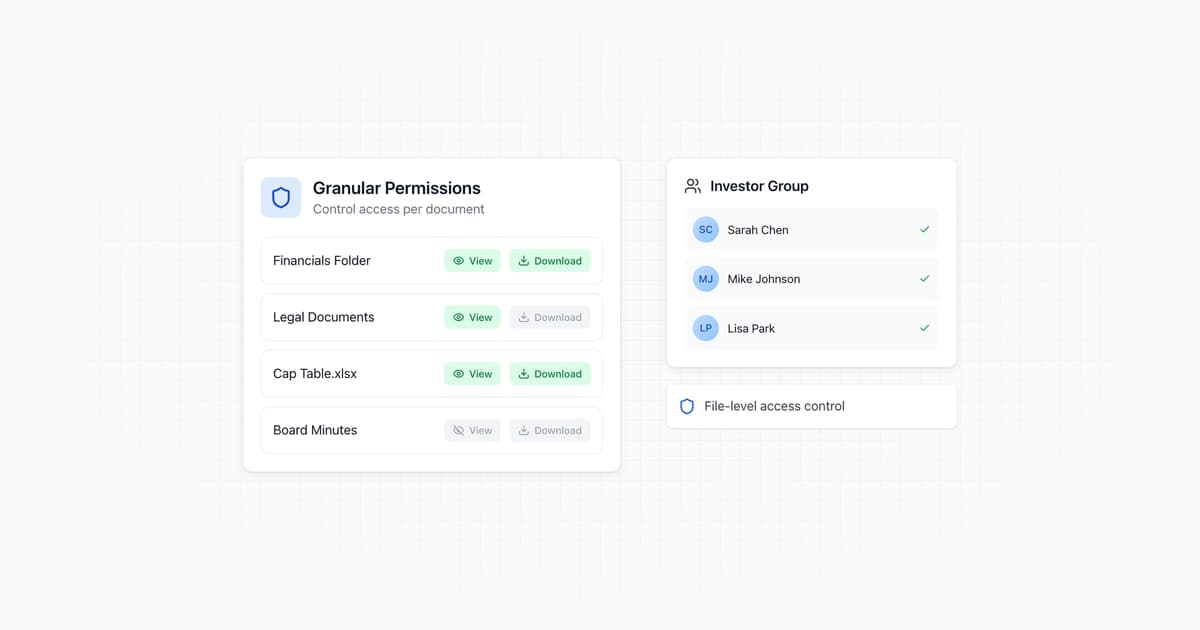
File-Level Granular Permissions
Control access to individual files and folders with precision.
Take full control over who sees what in your data room with file-level granular permissions. Set view and download permissions on individual files, not just folders.
How it works:
- Turn off "Share Entire Dataroom" to start with nothing shared
- Select specific folders or files to share
- Set permissions for each item: View, Download, or Original file access
- Different links can have different permissions
Perfect for multi-party deals where different groups need access to different documents.
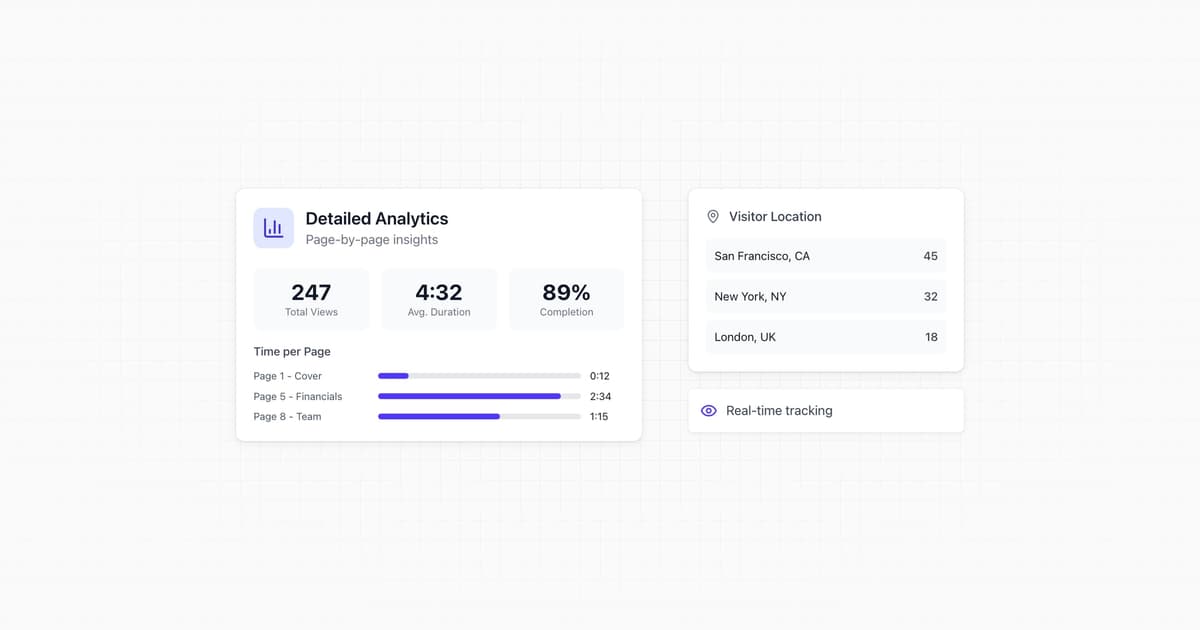
Detailed Analytics for Data Rooms
Deep dive into visitor engagement with enhanced data room analytics.
Get deeper insights into how visitors interact with your data rooms. The new detailed analytics view shows you exactly which documents are getting attention and which might need follow-up.
- Document-by-document engagement metrics
- Time spent per folder and file
- Download tracking by document
- Visitor journey through your data room
- Export analytics to CSV
Available on Data Rooms plans and above.
Outlook Message File Support
Upload and share .msg email files from Outlook.
You can now upload and share Outlook message files (.msg) just like any other document. Perfect for sharing email correspondence in data rooms without converting to PDF.
- Upload .msg files directly
- View email content in the browser
- Include in data rooms
- Full analytics tracking
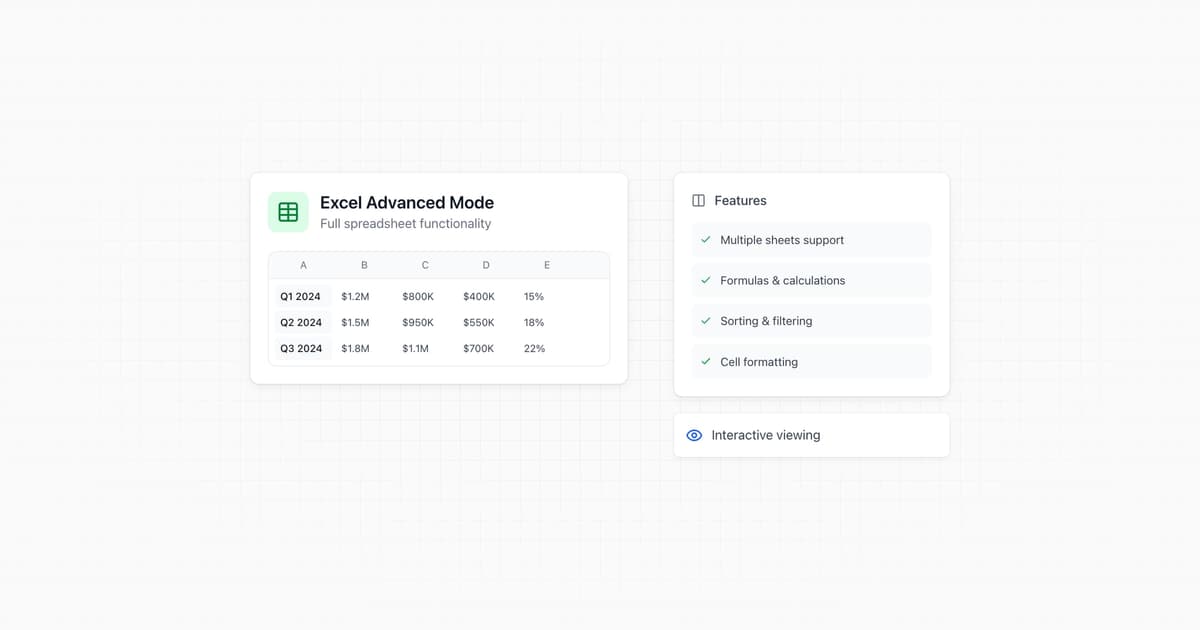
Excel Advanced Mode
Interactive spreadsheet viewing with full Excel functionality.
Excel files now have an advanced viewing mode that gives viewers the full spreadsheet experience. Navigate between sheets, sort columns, filter data, and more — all without downloading.
- Multi-sheet navigation
- Column sorting and filtering
- Freeze panes support
- Better rendering for complex spreadsheets
- Toggle per document or team-wide
Enabled by default for Business plans and above.
Default Permissions for New Documents
Control how new documents inherit permissions when added to data rooms.
Choose what happens when you add new documents to your data room. Set a default permission strategy that matches your workflow:
- Inherit from parent folder — new items get their parent folder's permissions automatically
- Ask every time — manual permissions modal for each upload
- Hidden by default — new items start with no access, you explicitly grant permissions
This gives you full control over who sees what, especially in active data rooms with frequent updates.
NDA Agreement Management
Manage NDA templates and require agreement before document access.
Create and manage NDA agreement documents from your settings. When enabled on a link, visitors must accept the agreement before accessing your documents.
- Upload your own NDA template
- Require agreement acceptance per link
- Track who agreed and when
- Customize agreement text per link
- Character counter for agreement text
Perfect for confidential data rooms, investor materials, or any sensitive document sharing.