
Download Specific Folders from Data Rooms
Viewers can download individual folders instead of the entire data room.
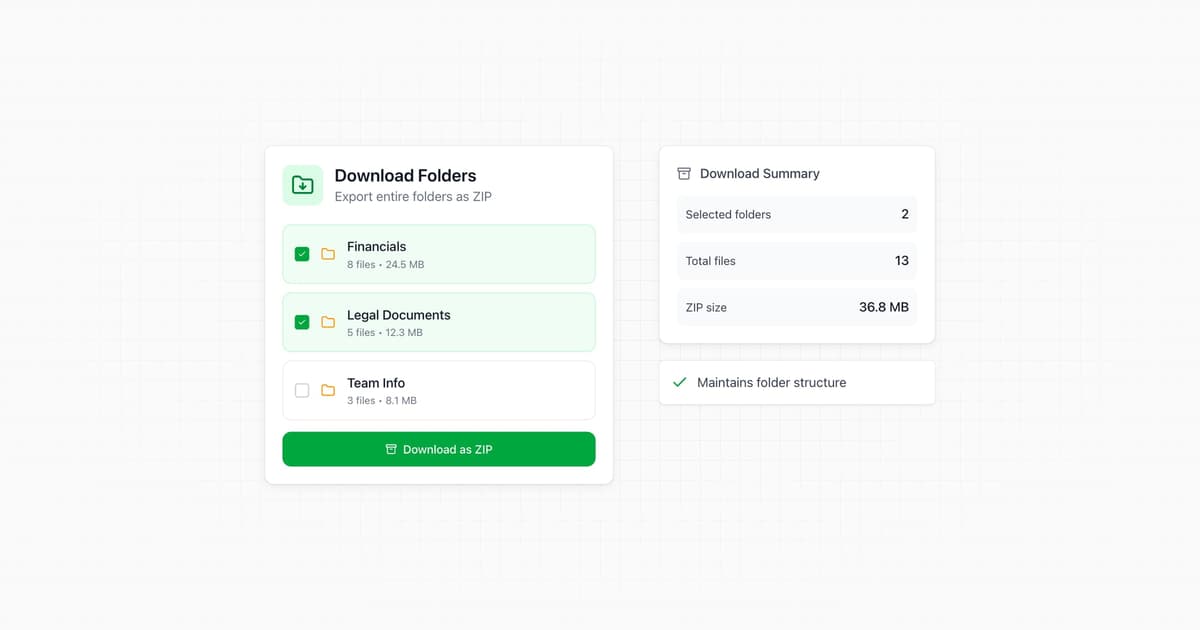
Data room visitors can now download specific folders and subfolders, not just the entire data room. This makes it easier to grab just the documents they need.
- Download any folder or subfolder
- Maintains folder structure in the download
- Works with permission controls
- Progress indicator during download
Papermark v0.20.0
Q&A Conversations, Dataroom File Requests, Presets & Tags 👇
Read the release notes on GitHub →Tags for Links
Organize your links with custom tags for easier management.
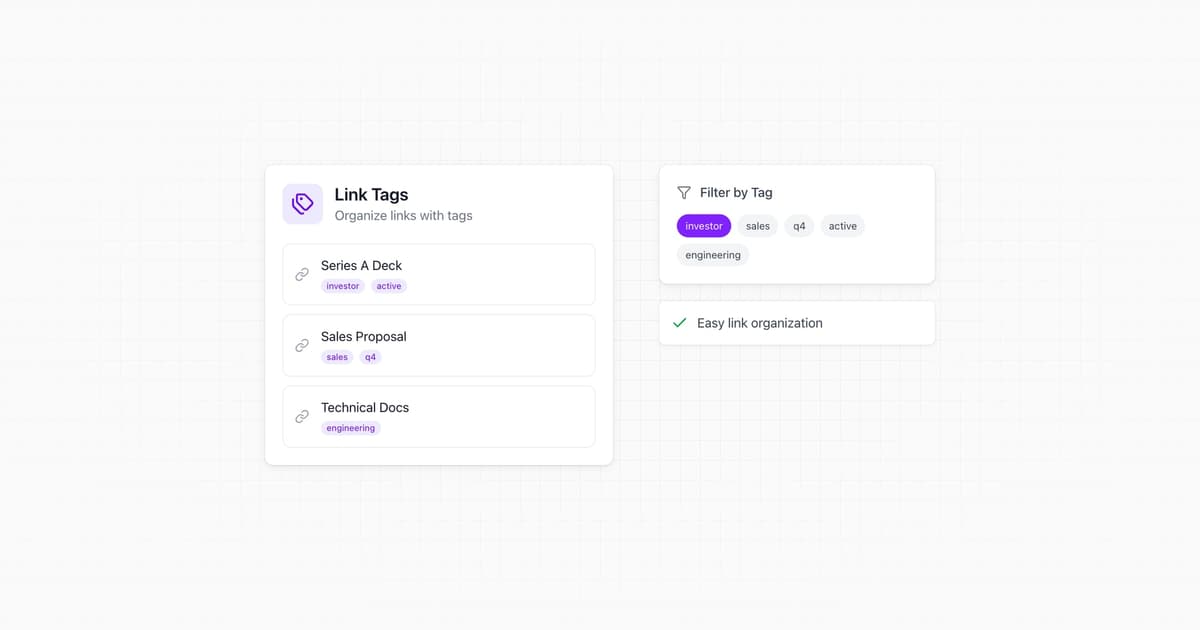
Keep your links organized with tags. Add custom tags to any link to categorize by deal stage, recipient type, campaign, or whatever works for your workflow.
- Create custom tags (e.g., "Series A", "Legal", "Q2 Campaign")
- Filter links by tag
- Search across tags
- Apply tags during link creation
Expanded Link Presets
Save all link settings as presets, including expiration, notifications, and more.
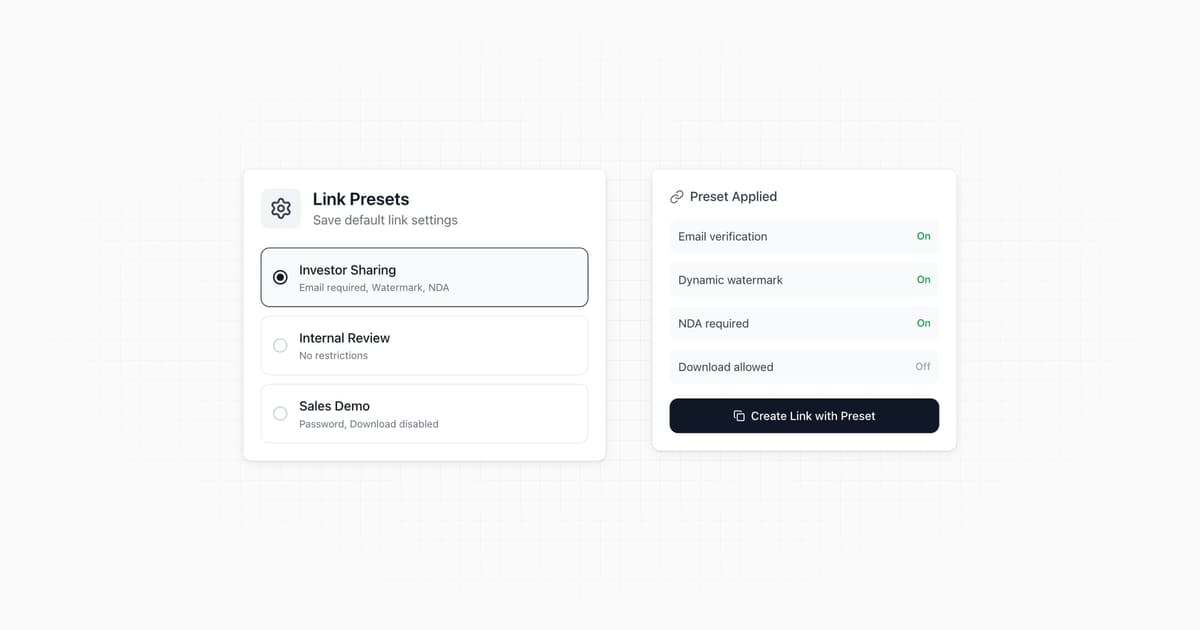
Link presets now support your full configuration. Save your preferred settings once, then apply them with one click when creating new links.
Preset options now include:
- Expiration dates (dynamic: 7 days, 30 days, etc.)
- Notification preferences
- Custom domain selection
- Password protection settings
- Allow/block list rules
- Download permissions
- Watermark settings
Create presets for different use cases — investor outreach, sales follow-ups, legal reviews — and never configure the same settings twice.
Block List for Links
Block specific email domains from accessing your shared documents.
Complement your allow list with a block list. Now you can explicitly block certain email domains from accessing your documents, even if they somehow get the link.
Useful for blocking competitors, preventing access from certain regions, or enforcing company policies about document sharing.
- Block by email domain (e.g., @competitor.com)
- Works alongside allow lists
- Blocked visitors see a clear access denied message
File Requests in Data Rooms
Allow visitors to upload documents directly to your data room.
Collecting documents from counterparties just got easier. Enable file requests on your data room links and visitors can upload documents directly to any folder.
Perfect for due diligence where you need investors, lawyers, or partners to submit documents without giving them full admin access.
- Enable file uploads per link
- Visitors can upload to any folder you specify
- Supports PDF, Word, Excel, HTML, Markdown, and more
- Get notified when files are uploaded
Q&A Conversations
Enable interactive Q&A directly on your shared documents.
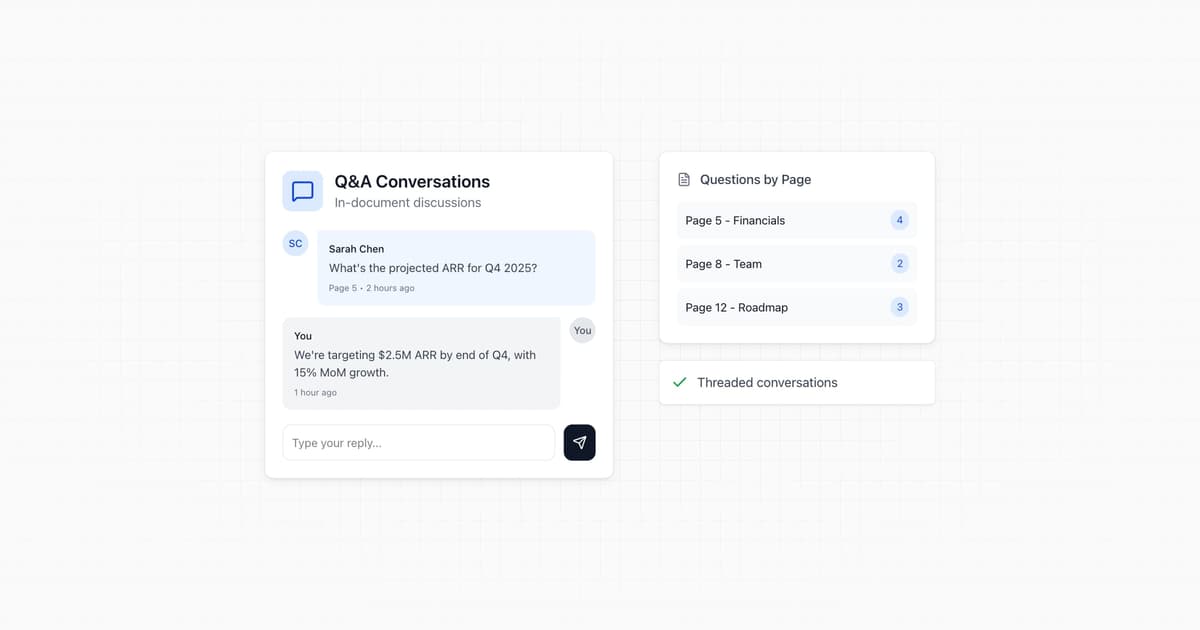
Turn your documents into interactive conversations. Viewers can now ask questions and get answers directly on the document page.
Enable Q&A on any link to let viewers submit questions. You'll be notified and can respond from your dashboard. Great for investor updates, sales decks, or any document that might prompt questions.
- Enable/disable Q&A per link
- Real-time notifications when questions arrive
- Respond directly from your Papermark dashboard
- Full conversation history
Webhook Triggers for Links and Documents
Automate workflows with webhooks when links and documents are created.
Build powerful integrations with Papermark using our expanded webhook system. Get notified instantly when links are created or documents are uploaded.
New webhook triggers:
link.created— fires when a new link is generateddocument.created— fires when a document is uploaded
Perfect for syncing with your CRM, triggering notifications in other tools, or building custom automation.
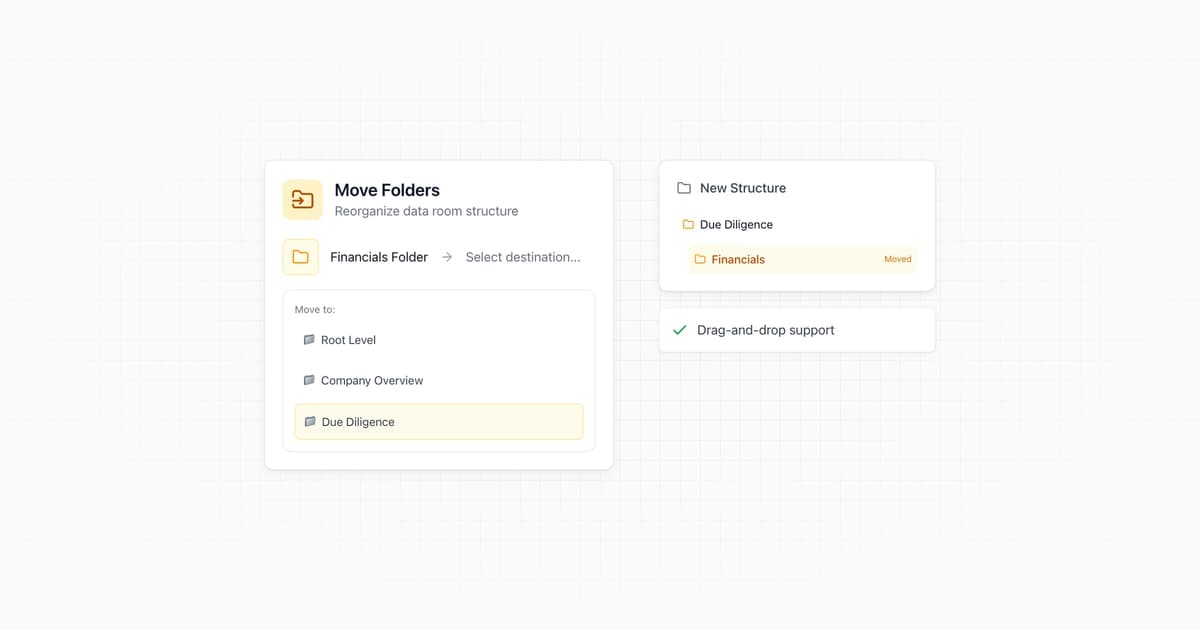
Move Folders in Data Rooms
Drag and drop folders to reorganize your data room structure.
Reorganize your data room without recreating everything. You can now move folders to different locations in your data room hierarchy using drag and drop.
- Move folders between parent folders
- Maintain all documents and permissions when moving
- Instant updates across your data room
Add new user
Streamlined process for inviting team members to manage documents, data rooms, and analytics.
We made it easier for you to invite additional team members. Add the folks on your team to help manage documents, data rooms and analytics.
Automatic index file for data rooms
New feature to automatically generate and share data room index files for improved navigation in large data rooms.
Generate your data room index file and share it with stakeholder for easier navigation in the bigger data room.
Global Branding
New global branding settings that apply across all documents and data rooms, with options for customization at individual data room level.
Now custom branding set in the main settings will be applied to all your documents and data rooms. We call it global branding. You can still customize branding if you want on the particular data room separately and of course set up your custom domain.
Papermark v0.18.0
Video support, custom fields, data room layout, and more. 👇
Read the release notes on GitHub →Custom access screen fields
Customizable form fields for document access screens, enabling collection and analysis of visitor-specific information.
Customize the information you require from visitors before they access your documents. This powerful new feature allows you to:
- Add custom form fields to your access screens
- Collect specific information relevant to your use case
- Track and analyze custom field data in your analytics dashboard
- Export custom field data alongside other visitor information
- Use custom fields to better understand and segment your audience
New data room admin layout
Redesigned data room interface with improved navigation for content, permissions, analytics, branding, and settings.
With the new data room layout, we are immersing you into your data room. The navigation overhaul makes it easy to find
- the data room content,
- permissions (such as links and groups),
- visitor analytics in chronological order with export functionality,
- custom data room branding, and
- settings
Video file support
New support for video files with built-in player controls and comprehensive analytics integration.
We're excited to announce support for video files. Now you can upload and share video content alongside your documents in both individual shares and data rooms. The video player comes with built-in controls and supports various video formats. Just like with documents, you'll get detailed analytics on how your videos are being consumed, including:
- View counts and engagement metrics
- Secure, controlled access with the same permission system
- Support for various video formats
- Analytics integration with the rest of your content
Papermark v0.17.0
Visitor overview, search and sort documents, analytics exports, and more. 👇
Read the release notes on GitHub →Archive visits
New feature to archive individual document views, helping maintain accurate analytics by excluding outlier visits.
Document analytics can get cluttered fast, especially if you are testing your links or there's an outlier visit that skews the combined analytics. We added the ability to archive individual views, so that not one view ruins your overall statistics.
Search and sort documents
Enhanced document management with search functionality and multiple sorting options, including browser history integration.
We made it easier to find the right document in your team account. You can search across all document by document name. Additionally, you can sort all documents by
- name
- upload date
- recently viewed
- number of views
- number of links
The best thing: it's part of the browser history, so you can use the browser back button to navigate between searches or share the search result page with a team member.