

datarooms
Google Drive Data Room: Quick overview
Using Google Drive as a data room in 2026: what it can and cannot do for M&A and fundraising, and how Papermark compares as a purpose-built VDR alternative.
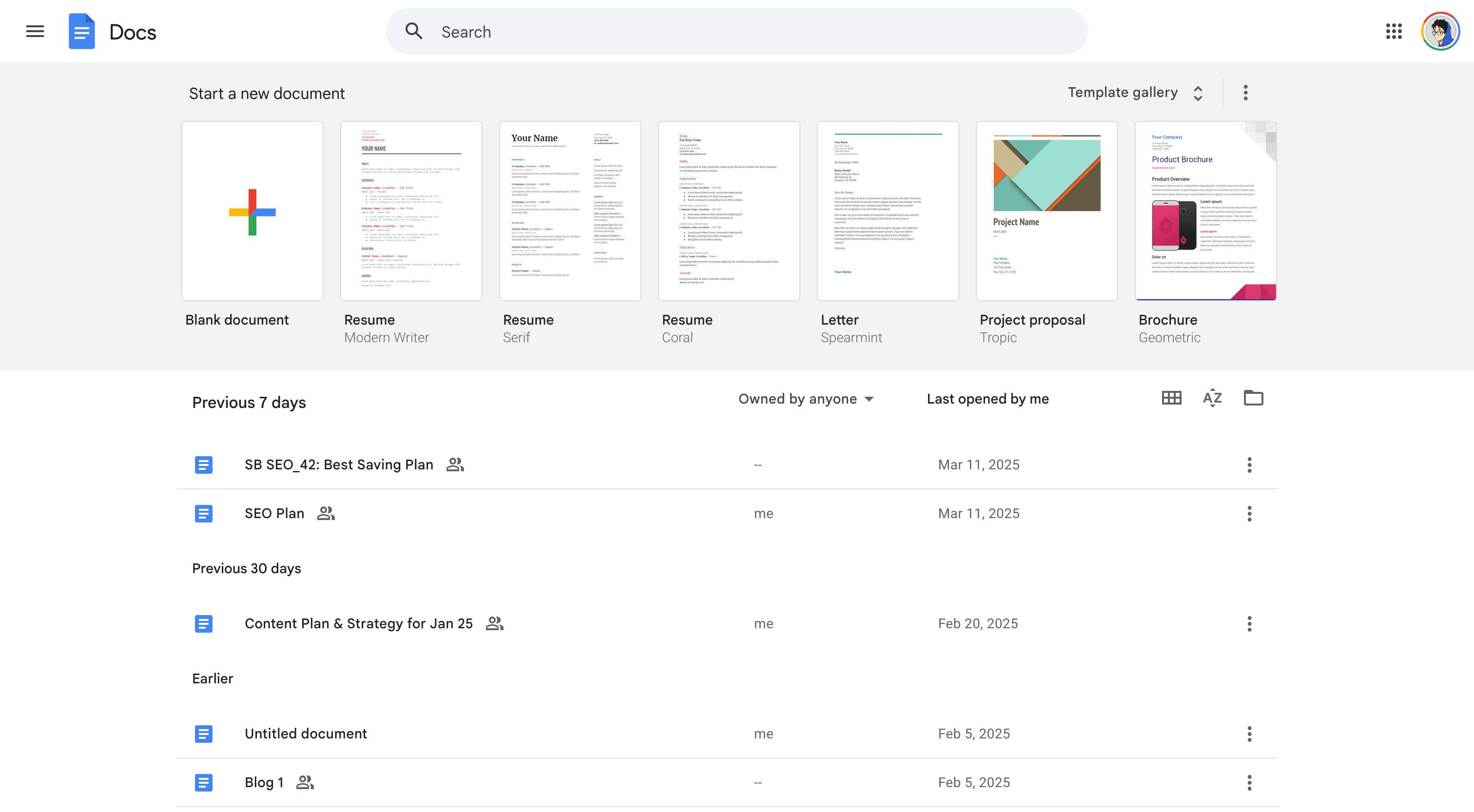
Google Drive is a cloud storage and collaboration tool included in Google Workspace. For simple internal document sharing or pre-seed fundraising with a small investor list, it can work as a lightweight data room. For M&A, Series A+ fundraising, or regulated due diligence, Google Drive lacks dynamic watermarking, page-by-page analytics, NDA gating, and structured Q&A. This guide covers the setup steps, limitations, and when to move to a purpose-built VDR.
From Google Drive, click New → Folder and name it clearly for the transaction (for example, "CompanyName-SeriesA-Diligence").
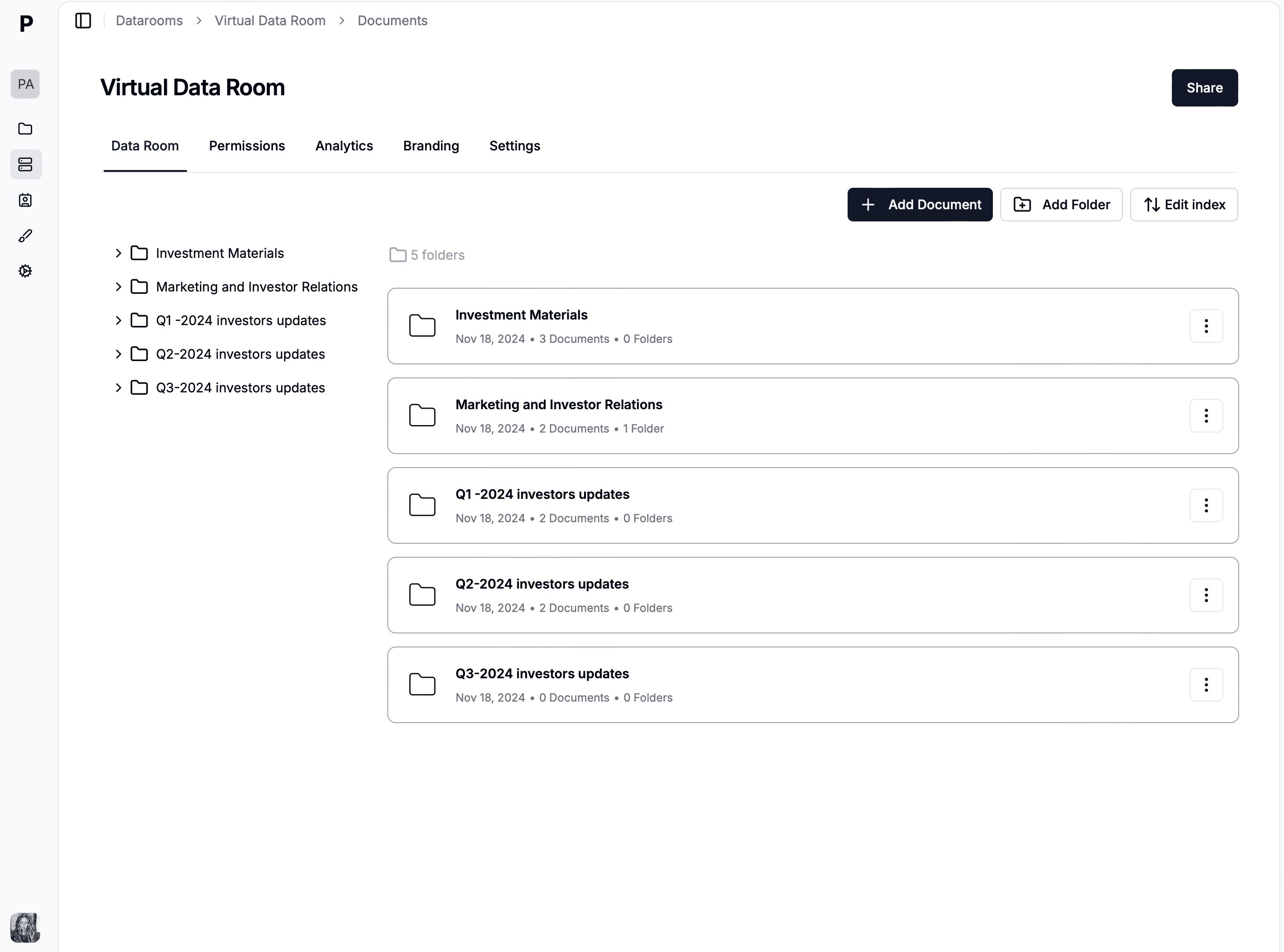
Inside the root folder, create numbered sub-folders matching the standard M&A index: 1. Corporate, 2. Financial, 3. Legal, 4. HR, 5. IP, 6. Operations. Numbered prefixes fix sort order consistently across Google Drive views.
Bulk-upload files via drag-and-drop from your local file system. Google Drive preserves folder hierarchy on upload. Use the YYYY-MM-DD_DocumentType naming convention for files.
Right-click the root folder and select Share. Choose per-folder permissions:
For external viewers, use "Share with specific people" by email rather than "Anyone with the link" which removes access control.
Enable two-factor authentication on the Google account. For sensitive folders, disable "Downloads, printing, and copying" in the advanced share settings (Viewer role only). Set expiration dates for external shares where available (Google Workspace Business Standard and above).
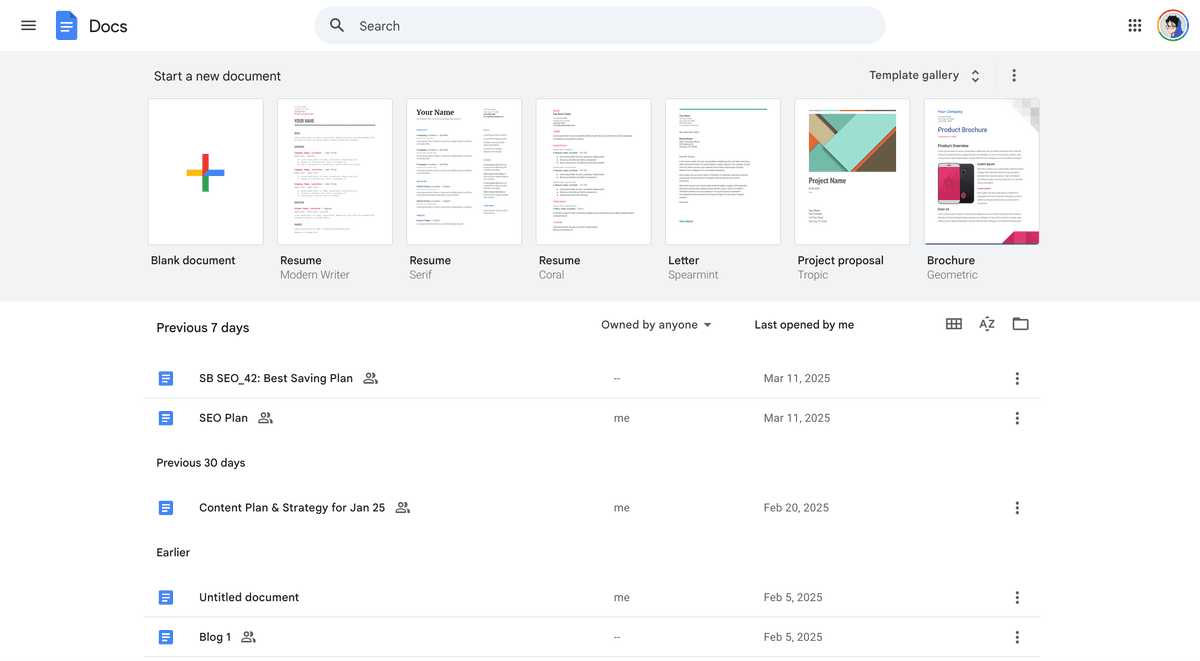
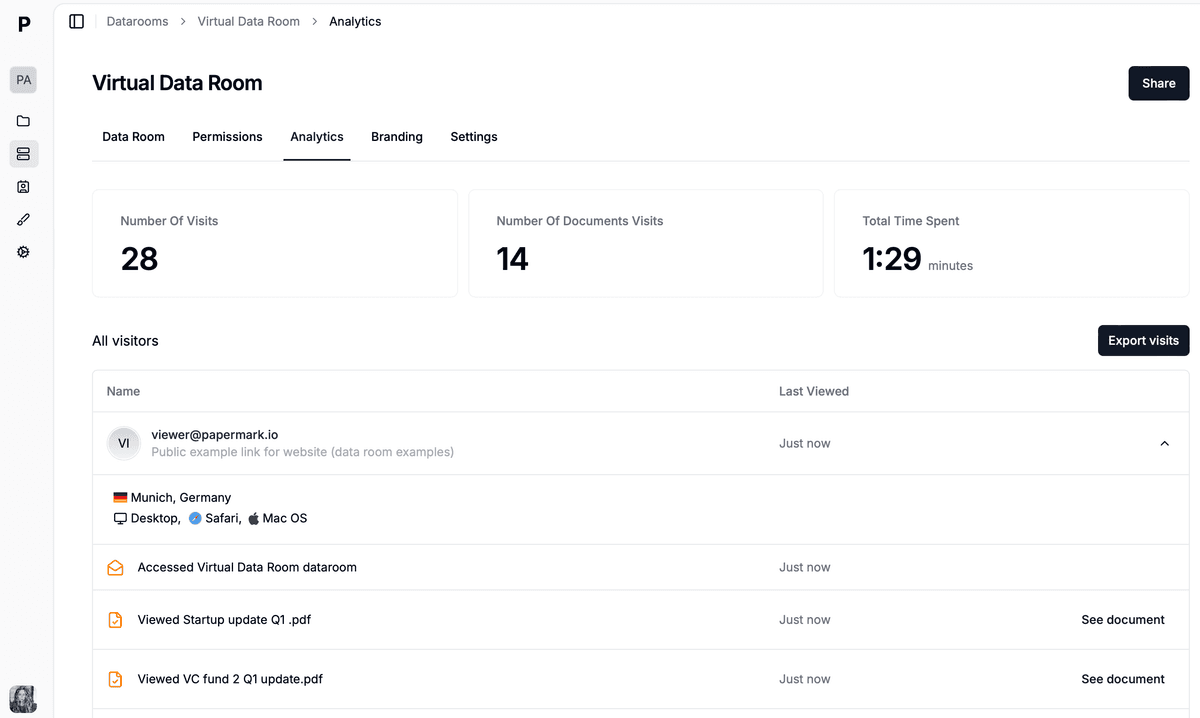
Open any file and check File → Details for basic view history. The Activity dashboard in Google Workspace shows sharing statistics. Page-by-page analytics are not available; you get file-open events only.
Google Drive is fine for light document sharing and internal collaboration. It falls short on the controls that matter in competitive deal workflows.
What Google Drive does well:
What Google Drive does not do:
An external CFO running due diligence on Google Drive described the core problem: "anything can be downloaded." That single sentence is the reason purpose-built VDRs exist for regulated and competitive workflows.
Google Drive works as a data room when all four conditions apply:
For any workflow that fails one of these four tests, a purpose-built VDR is the better choice.
Papermark is purpose-built for deal workflows at €99/month flat:
| Feature | Google Drive | Papermark |
|---|---|---|
| Setup time | 10-15 min | Under 1 hour |
| Pricing | $1.99-$18/user/month | Flat-rate €99/month |
| External viewers | Limited per plan | Unlimited |
| Dynamic watermarking | ❌ | ✔️ (per-session) |
| Page-by-page analytics | ❌ | ✔️ |
| NDA enforcement gate | ❌ | ✔️ |
| Q&A module | ❌ (comments only) | ✔️ (structured) |
| Custom domain | ❌ | ✔️ |
| Download/print blocking | Basic | ✔️ (per link) |
| Self-hosted option | ❌ | ✔️ (AGPL) |
| Forced account creation | ✔️ (most paths) | ❌ |
| Best for | Internal collaboration | Deal-grade M&A, fundraising |
Using Google Drive as a data room in 2026: what it can and cannot do for M&A and fundraising, and how Papermark compares as a purpose-built VDR alternative.
Create a data room with Claude in minutes. Connect the Papermark MCP server to Claude Desktop, then prompt it to upload documents and share secure links.
How to set up a data room in Microsoft SharePoint for M&A, fundraising, and due diligence in 2026, with limitations and a Papermark alternative.