BlogData Rooms17 Best Onehub Alternatives for Virtual Data Rooms in 2026
17 Best Onehub Alternatives for Virtual Data Rooms in 2026
·9 min read
Marc Seitz
Onehub is a cloud storage and virtual data room platform used by teams that need secure file sharing with branded workspaces. But its Data Room Edition starts at $300/month (billed annually), and many features like watermarking and NDAs are locked behind that tier. If you're looking for better pricing, deeper analytics, or more flexibility, there are strong Onehub alternatives worth considering.
This guide compares 17 Onehub alternatives across three categories: dedicated data rooms, hybrid VDR + collaboration tools, and simple document sharing platforms.
Quick summary of the best Onehub alternatives
Provider
Category
Best for
Starting price
Papermark
VDR
Secure VDR with page-level analytics
Free / €99/mo (3 users)
iDeals
VDR
Mid-market M&A with fast support
~$500/mo
Datasite
VDR
Enterprise M&A and cross-border deals
Custom ($25K+/yr)
Firmex
VDR
Advisory firms running multiple deals
~$500/mo
Intralinks
VDR
Bulge-bracket investment banking
Custom
Ansarada
VDR
AI-powered deal management
Custom
SecureDocs
VDR
Simple subscription pricing
$450/mo
Caplinked
VDR
Mid-market with transparent pricing
$399/mo
DealRoom
VDR
M&A lifecycle management
$1,000/mo
Box
Hybrid
Enterprise content management + security
$35+/user/mo
ShareFile
Hybrid
Professional services and compliance
$385/mo
HighQ
Hybrid
Legal teams using Thomson Reuters tools
Custom
ShareVault
Hybrid
Life sciences and IP-heavy deals
Custom
Dropbox
Sharing
Simple cross-device file sync
Free / $20/user/mo
Google Drive
Sharing
Teams already in Google Workspace
Free / $12/user/mo
OneDrive / SharePoint
Sharing
Microsoft 365 organizations
$5/user/mo
WeTransfer
Sharing
One-off large file transfers
Free / $15/mo
Build your data room in minutes
No credit card required
Page by page analytics
Unlimited documents & folders
Custom domain & branding
Dynamic watermarks
Granular permissions
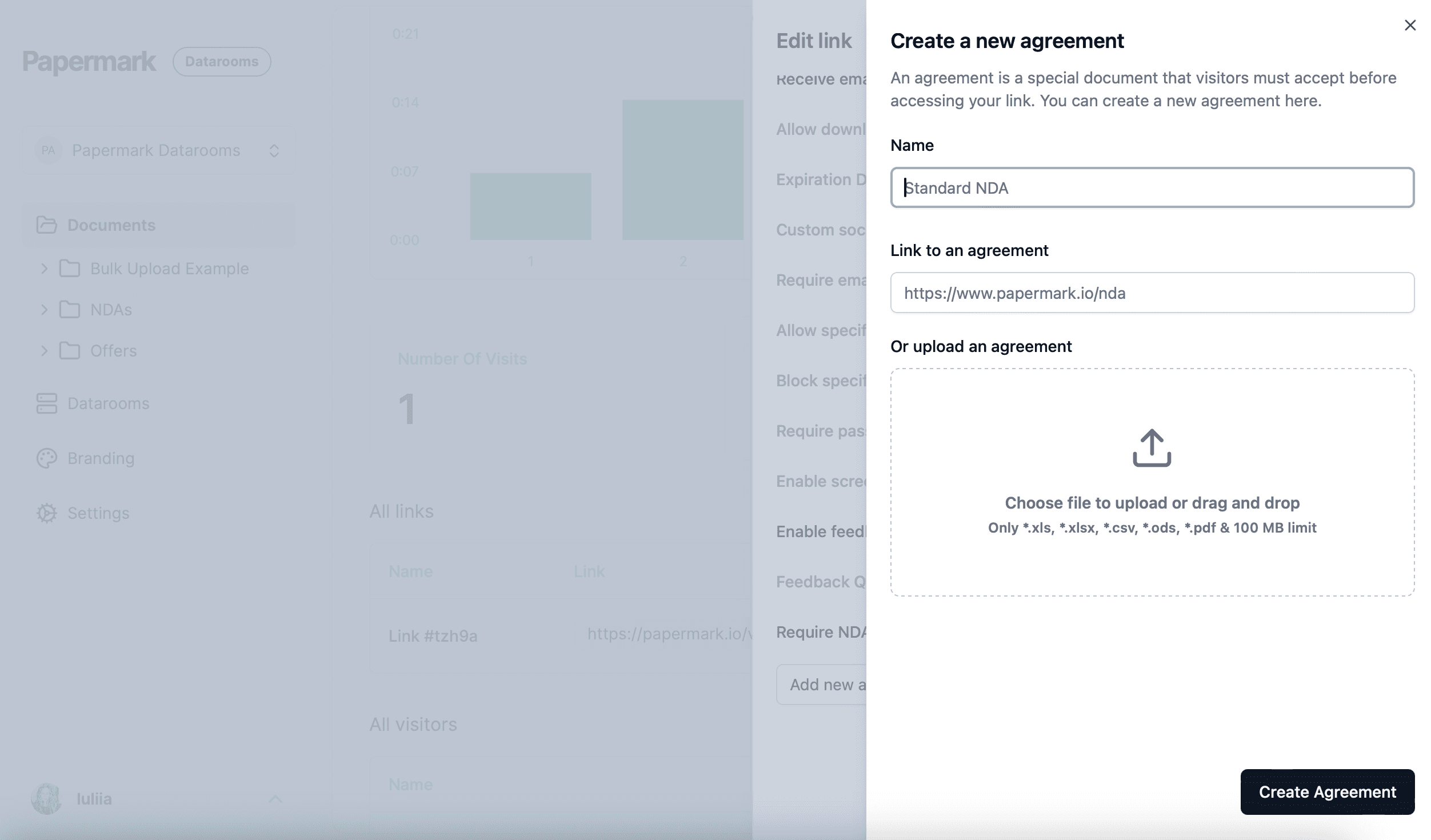
NDA & agreements
Activity notifications
SOC 2 & ISO 27001 certified
Why look for Onehub alternatives?
Onehub works well for basic file sharing with branded workspaces. But teams running complex due diligence or M&A transactions often hit limits:
No page-level analytics. Onehub tracks file downloads but doesn't show which pages viewers spend time on. For deal teams, knowing which sections of a CIM or financial model get attention is critical.
Data Room features require the $300/month tier. Watermarking, NDAs, stealth mode, and automatic indexing are only on the Data Room Edition. The Standard ($15/user) and Advanced ($25/user) plans lack these.
Per-user pricing on lower tiers. If you have 20 users on the Advanced plan, you're paying $500/month, without data room features.
No Q&A module. Onehub doesn't offer a structured Q&A workflow for managing buyer questions during due diligence.
If any of these are dealbreakers, the alternatives below offer better solutions.
Best data room alternatives
If you're replacing Onehub for deals, legal, fundraising, or due diligence, these dedicated VDRs are the true upgrade. They're built for audit trails, granular permissions, compliance certifications, and multi-party deal workflows.
When to choose this category: M&A, fundraising, legal due diligence, sensitive document sharing, or any process where you need structured access controls and forensic-grade audit logs.
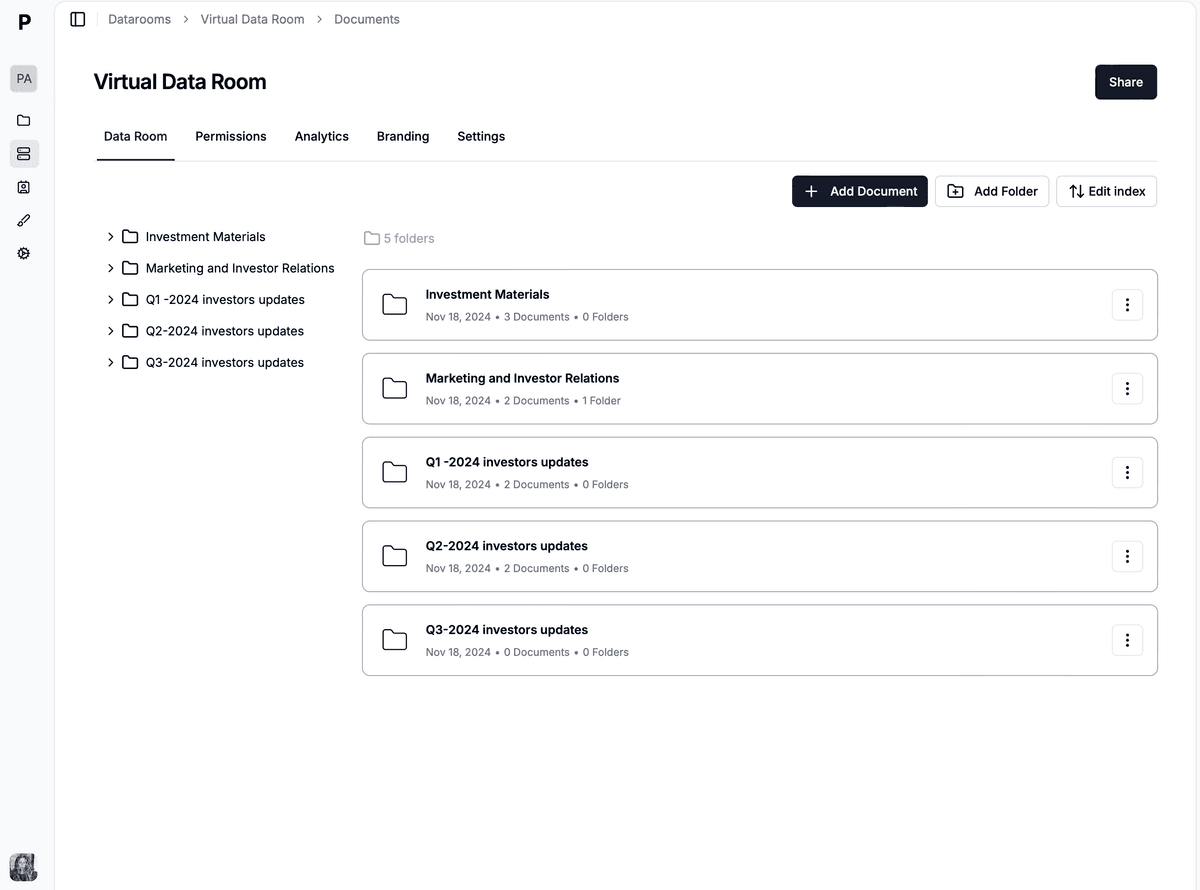
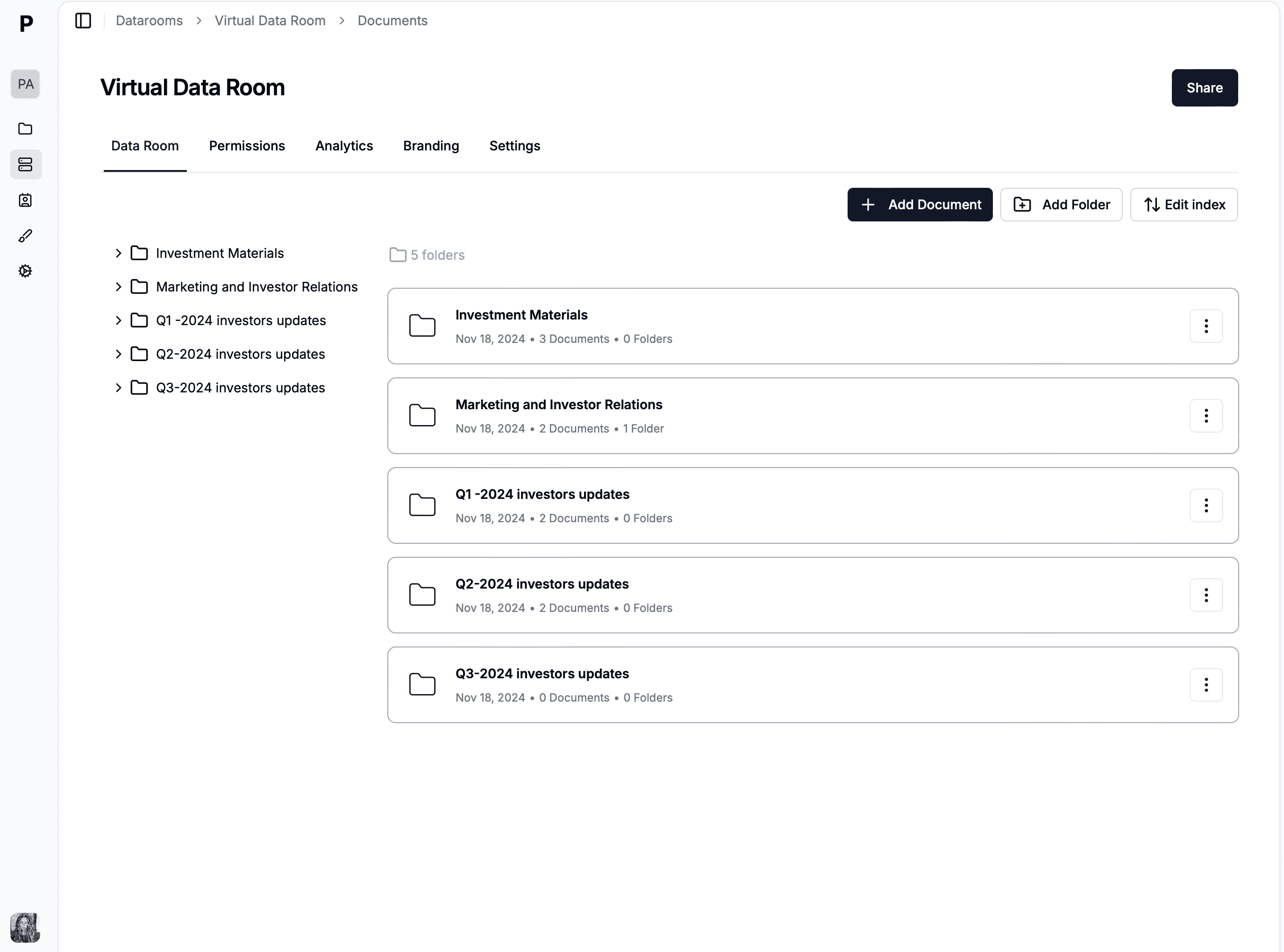
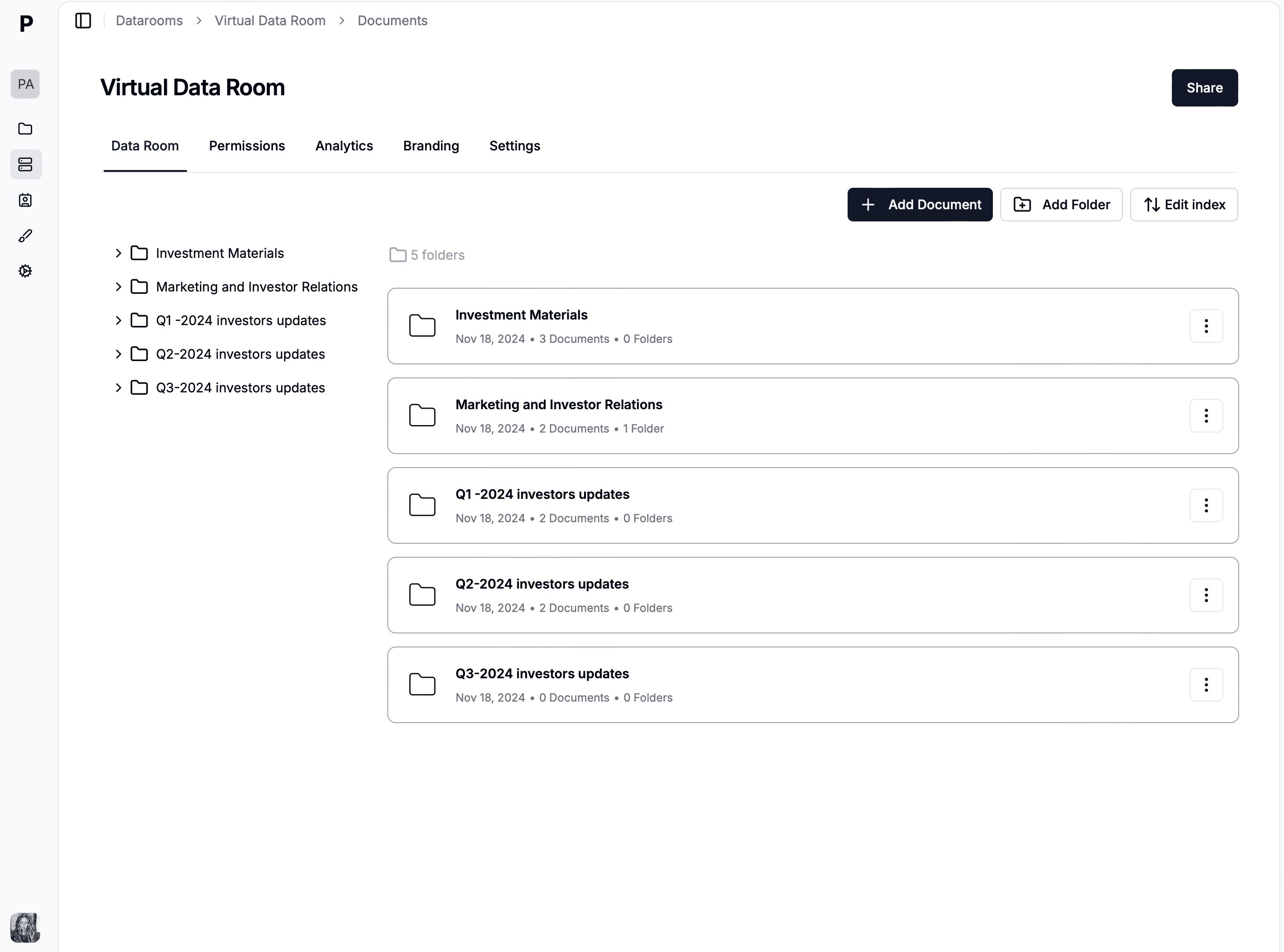
Papermark is an open-source virtual data room with transparent pricing, full white-labelling (including custom domains), and page-by-page analytics. It's built for teams that want enterprise-grade security without enterprise pricing.
Papermark's dynamic watermarking embeds the viewer's identity on every page, and granular permissions let you control access at the folder and document level. The Q&A module supports structured buyer communication, and the audit log captures every action for compliance.
"Papermark has been phenomenal for our fundraising process. The analytics give us insights we never had with other platforms."
Pricing: Free plan available. Data Rooms plan at €99/month with 7-day free trial. Includes 5 team members, unlimited documents, unlimited custom domains, and a dedicated account manager.
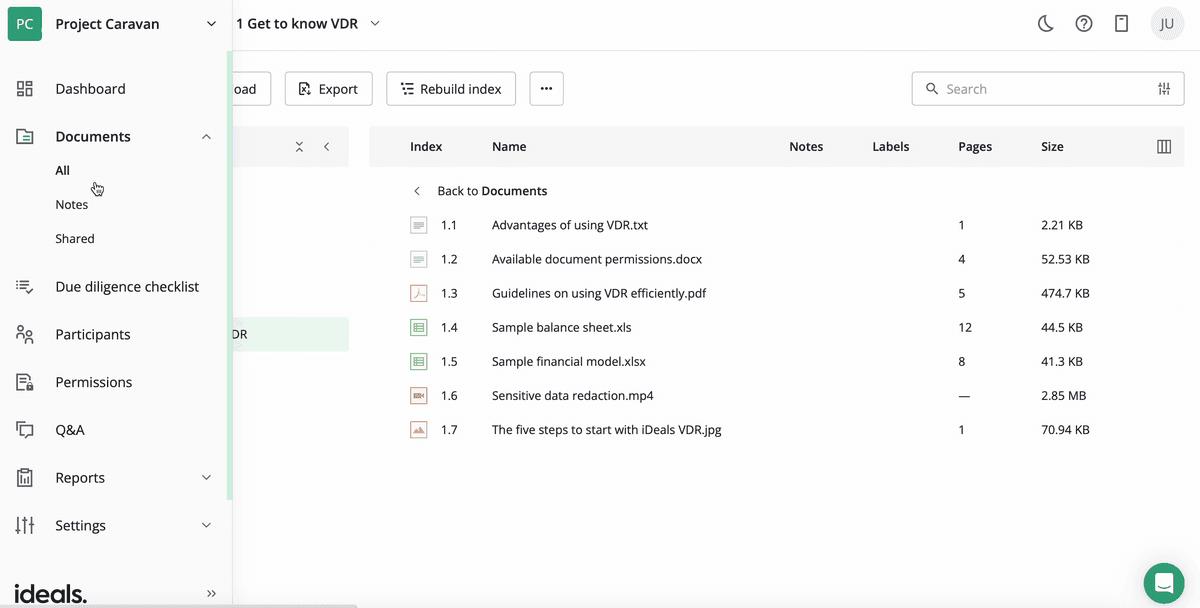
iDeals has completed over 175,000 deals and is a go-to platform for mid-market M&A and due diligence. The platform offers eight levels of document permissions, AI-powered redaction, and a 30-second average support response time.
iDeals supports dynamic watermarking, fence view (prevents screen capture), two-factor authentication, and OCR-powered search. It's SOC 2 Type II and ISO 27001 certified.
Features: 8-level permissions, AI redaction, dynamic watermarking, fence view, OCR search, auto-indexing, 24/7 multilingual support
Pricing: Starts around $500/month. Free trial available with 1 project and unlimited users.
Ratings: G2 4.7/5 (634 reviews)
3. Datasite: best for enterprise cross-border deals
Website: datasite.com
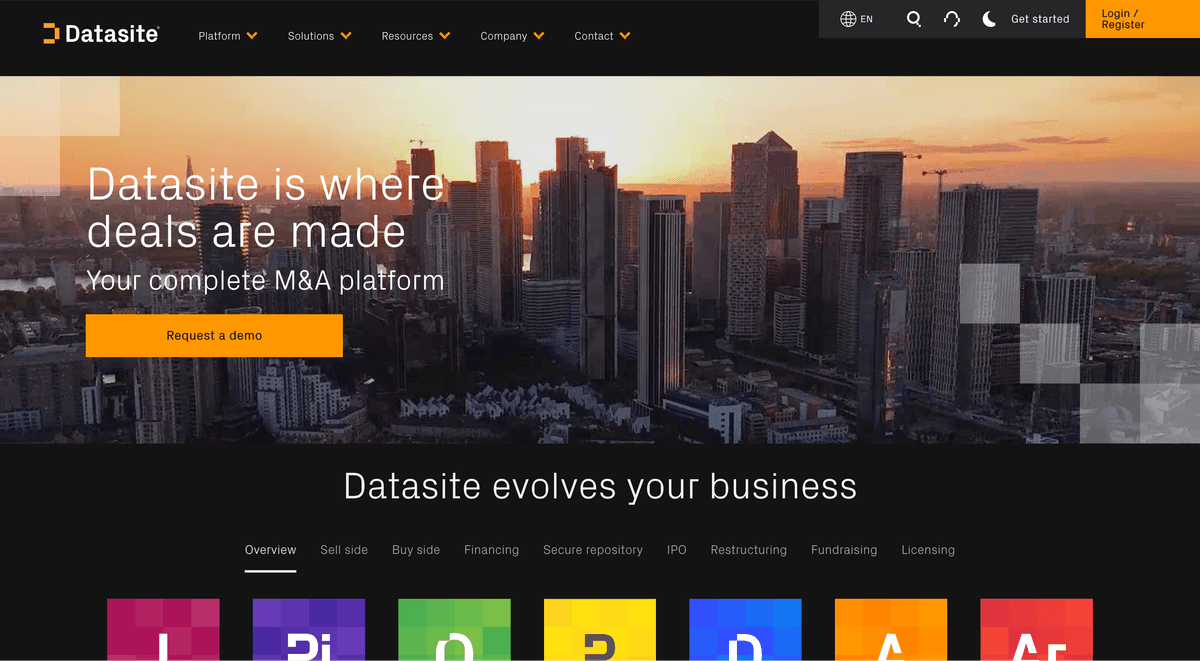
Datasite (formerly Merrill DatasiteOne) is the enterprise standard for large-cap M&A. It offers AI-powered redaction, predictive deal analytics, and a robust Q&A module. The platform supports multi-language document review, making it valuable for cross-border transactions.
Datasite holds SOC 2 Type II, ISO 27001, and ISO 42001 certifications. Over 55,000 deals have been completed on the platform.
Pricing: Custom pricing, typically starting at $25,000+/year. Negotiated annually based on storage and usage.
Ratings: G2 4.5/5 (332 reviews)
4. Firmex: best for advisory firms with multiple deals
Website: firmex.com
Firmex has served 223,000+ companies since 2006, with a strong position in the mid-market. Its key differentiator is annual subscriptions that include unlimited self-serve data rooms, ideal for advisory firms running concurrent deals.
The platform offers drag-and-drop uploads, watermarking, 24/7 support, and a dedicated customer success manager on subscription plans. Firmex is SOC 2 Type II and ISO 27001 certified.
Pricing: Single project from ~$500/month. Subscriptions from ~$3,000–$10,000/month (unlimited rooms). 14-day free trial.
Ratings: G2 4.6/5 (74 reviews)
5. Intralinks: best for investment banking
Website: intralinks.com
Intralinks by SS&C has been a dominant player in investment banking data rooms for over two decades. The platform is deeply integrated into M&A and capital markets workflows at bulge-bracket banks.
Intralinks offers AI-powered document organization, compliance certifications (SOC 2, ISO 27001, FISMA), and a global infrastructure with data centers in major financial hubs. It supports complex permission structures for large syndicated transactions.
Features: AI document organization, enterprise security, global infrastructure, advanced permissions, comprehensive audit trails, Zoom integration
Pricing: Custom pricing. Enterprise-grade, typically the most expensive option.
Ratings: G2 4.1/5 (200+ reviews)
6. Ansarada: best for AI-powered deal management
Website: ansarada.com
Ansarada uses AI to streamline deal preparation and due diligence. The platform offers AI-powered document organization, real-time bidder engagement scoring, and workflow automation. It's popular with companies preparing for exits and fundraising.
Ansarada also provides board meeting management and compliance tools, making it useful beyond just data rooms.
Pricing: Custom pricing. Contact sales for a quote.
Ratings: G2 4.5/5 (90+ reviews)
7. SecureDocs: best for simple flat-rate pricing
Website: securedocs.com
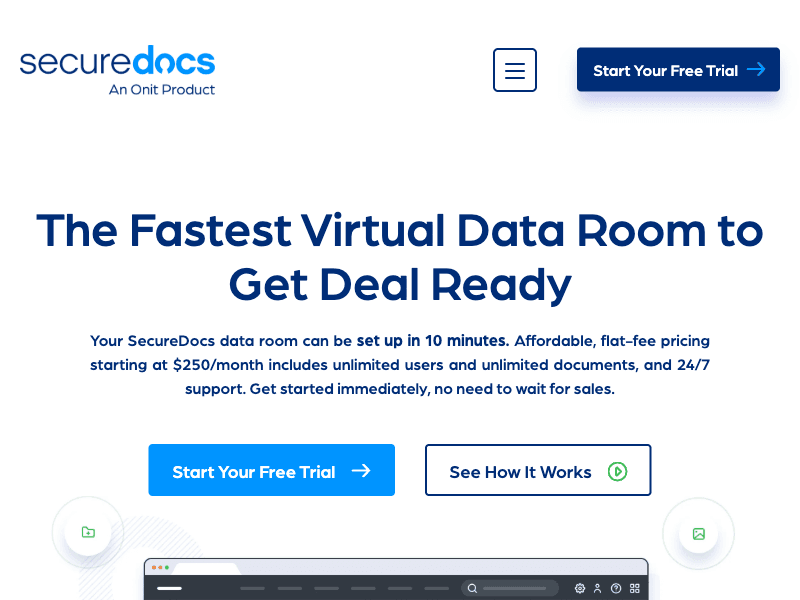
SecureDocs promotes simplicity. Subscription pricing from $450/month includes unlimited users and documents. The platform uses strong encryption, role-based permissions, dynamic watermarking, and detailed audit trails.
It's a solid choice for startups and mid-market businesses that want a no-surprises pricing model. The tradeoff is that SecureDocs offers more limited analytics compared to enterprise platforms.
Pricing: Starts at $149/month (Professional). Enterprise at $599/month.
Ratings: G2 4.4/5 (30+ reviews)
9. DealRoom: best for M&A lifecycle management
Website: dealroom.net
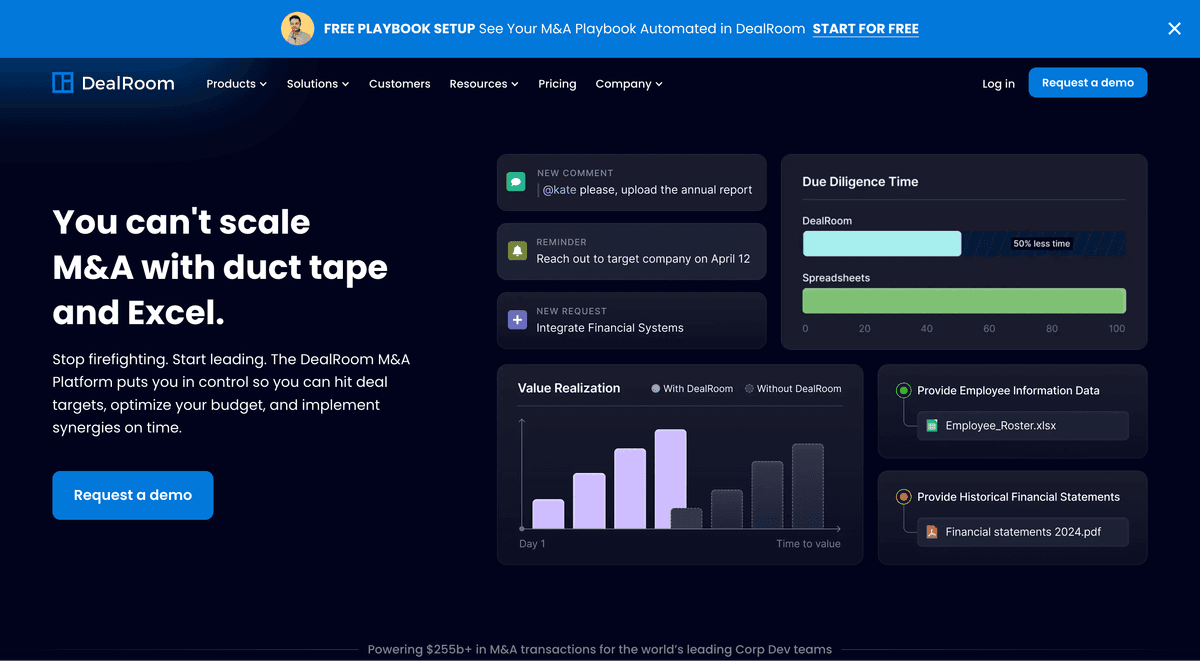
DealRoom goes beyond a traditional data room. It covers the full M&A lifecycle, from pipeline tracking through due diligence to post-merger integration. The platform includes project management tools, diligence request lists, and integration tracking.
DealRoom's analytics show which documents buyers engage with most, helping deal teams prioritize follow-ups.
If you liked Onehub's simplicity but want more power, these platforms balance usability, compliance, and collaboration. They work well for legal teams, consulting firms, and organizations that need ongoing secure document sharing alongside occasional deal workflows.
10. Box: best for enterprise content management
Website: box.com
Box is a cloud content management platform that offers VDR-like functionality through Box Shield and Box Governance add-ons. With FedRAMP authorization, SOC 2 compliance, and 1,500+ integrations, Box works well for organizations already in the Box ecosystem.
Box stands out for enterprise integrations and security compliance. However, it lacks VDR-specific features like Bates numbering, structured Q&A, and NDA gating that deal teams rely on.
Features: 1,500+ integrations, FedRAMP authorization, classification and access controls, workflow automation, mobile access
Pricing: Business plans from $35/user/month. Enterprise pricing is custom.
Ratings: G2 4.2/5 (5,500+ reviews)
11. ShareFile: best for professional services and compliance
Website: sharefile.com
ShareFile (now part of Progress Software, formerly Citrix) combines document sharing with VDR capabilities in its higher tiers. The VDR plan adds dynamic watermarking, NDA enforcement, folder-based Q&A, and real-time activity tracking on top of ShareFile's collaboration features.
The platform supports HIPAA, FINRA, and SEC compliance, making it a natural pick for legal, accounting, and financial services firms that need a single platform for both daily document workflows and deal rooms.
Pricing: VDR plan $385/mo, 5-user minimum. Lower tiers from $54/mo. 14-day free trial.
Ratings: G2 4.2/5
12. HighQ: best for legal teams using Thomson Reuters
Website: highq.com
HighQ combines a secure data room with legal collaboration, project management, and client portals. Law firms already using Thomson Reuters products (Westlaw, Practical Law, CoCounsel) get a unified legal tech stack.
The platform offers three tiers: Essentials (document management), Advanced (project and litigation management), and Premium (AI-powered document analysis and workflow automation). It integrates with iManage, NetDocuments, DocuSign, and Salesforce.
Features: Secure document sharing with DRM, workflow automation, client portals, task management, AI document analysis (Premium), integration with Thomson Reuters ecosystem
Pricing: Custom per-user pricing. Contact Thomson Reuters for a quote. Free demo available.
Ratings: G2 4.1/5 | Capterra 4.5/5
13. ShareVault: best for life sciences and IP deals
Website: sharevault.com
ShareVault specializes in industries with heavy IP and regulatory requirements: life sciences, biotech, and energy. The platform offers document-level permissions, watermarking, detailed activity tracking, and customizable branding.
ShareVault also supports real-time document syncing and offline access through its mobile app.
Pricing: Custom pricing. Contact sales for a quote.
Ratings: G2 4.5/5 (50+ reviews)
Best document sharing alternatives
If you don't need a full VDR and just want a simpler Onehub replacement for everyday file sharing and collaboration, these platforms focus on ease of use, syncing, and team productivity. They lack audit trails, granular permissions, and deal-specific features, but that's the point.
When to choose this category: Internal team collaboration, non-sensitive document sharing, basic file storage, or ad-hoc file transfers where compliance isn't required.
14. Dropbox: best for simple cross-device file sync
Website: dropbox.com
Dropbox is the go-to for reliable file syncing across devices. It handles large files well, integrates with most productivity tools, and offers a clean interface for team collaboration. Dropbox Replay adds feedback tools for creative teams.
The tradeoff is clear: no granular permissions, no audit trails for compliance, no watermarking, and no Q&A module. Dropbox is for everyday file sharing, not deals.
Features: Cross-device sync, file versioning, shared folders, integrations with Slack/Zoom/Office, Smart Sync for storage management
Pricing: Free (2GB). Plus at $12/month. Business plans from $20/user/month.
Ratings: G2 4.4/5 (25,000+ reviews)
15. Google Drive: best for Google Workspace teams
Website: drive.google.com
Google Drive is deeply integrated into Google Workspace. Docs, Sheets, Slides, and Gmail all connect natively. For teams already using Google's ecosystem, it's the simplest way to store and share documents.
Google Drive offers basic sharing permissions (view, comment, edit) and activity logs, but lacks the granular controls, watermarking, and compliance features that deal teams need.
Features: Native Google Workspace integration, real-time co-editing, 15GB free storage, shared drives for teams, search powered by Google
Pricing: Free (15GB). Google Workspace plans from $7/user/month (30GB) to $18/user/month (5TB).
Ratings: G2 4.6/5 (42,000+ reviews)
16. OneDrive / SharePoint: best for Microsoft 365 organizations
Website: onedrive.live.com
OneDrive handles personal file sync and storage, while SharePoint provides team sites, document libraries, and workflow automation. Together, they're the default document management stack for organizations on Microsoft 365.
SharePoint offers more advanced features like retention policies, sensitivity labels, and approval workflows, but it's still a collaboration tool, not a data room. No dynamic watermarking, no deal-specific Q&A, and no page-level analytics.
Features: Deep Microsoft 365 integration, 1TB storage per user, SharePoint document libraries, sensitivity labels, co-authoring in Office apps
Pricing: OneDrive from $5/user/month. Microsoft 365 Business plans from $12.50/user/month (includes OneDrive + SharePoint).
Ratings: G2 4.3/5 (OneDrive, 12,000+ reviews)
17. WeTransfer: best for one-off large file transfers
Website: wetransfer.com
WeTransfer is the simplest tool on this list. Upload files, get a link, send it. No folders, no permissions, no analytics. It's designed for one-off file transfers when you need to send large files quickly.
WeTransfer Pro adds password protection, download tracking, and custom branding. But it's not a document management platform. It's a file delivery service.
Features: Drag-and-drop file transfer (up to 2GB free, 200GB on Pro), link expiration, password protection (Pro), download tracking (Pro)
Pricing: Free (2GB per transfer). Pro at $15/month (200GB, password protection).
For M&A, fundraising, or due diligence: Choose a dedicated VDR. Papermark gives you page-level analytics, unlimited data rooms, and open-source transparency at €99/month. iDeals and Firmex are proven mid-market platforms with strong support.
For enterprise deals: Datasite and Intralinks offer the institutional credibility and global infrastructure that large transactions require.
For legal teams and professional services: HighQ integrates into the Thomson Reuters ecosystem. ShareFile covers HIPAA/FINRA compliance with a simpler VDR experience.
For everyday collaboration with some security: Box gives you enterprise content management with VDR add-ons. ShareVault works well for IP-heavy industries like life sciences.
For budget-conscious teams: SecureDocs (from $450/month) or Caplinked ($399/month) keep VDR costs predictable. For basic sharing, Google Drive and Dropbox are free to start.
For maximum control: Papermark's self-hosted option lets you run the VDR on your own infrastructure.
Conclusion
Onehub is a decent file sharing platform, but teams running M&A transactions, due diligence, or fundraising processes need deeper analytics, structured Q&A, and stronger security controls.
Papermark stands out as the best overall Onehub alternative. It's open source, offers page-by-page document analytics, dynamic watermarking, and transparent pricing at €99/month with a 7-day free trial. You get unlimited data rooms, unlimited custom domains, and a dedicated account manager.
For teams that don't need a full VDR, Box and ShareFile offer a strong middle ground with collaboration and compliance. And for simple file sharing, Google Drive and Dropbox are free and get the job done.