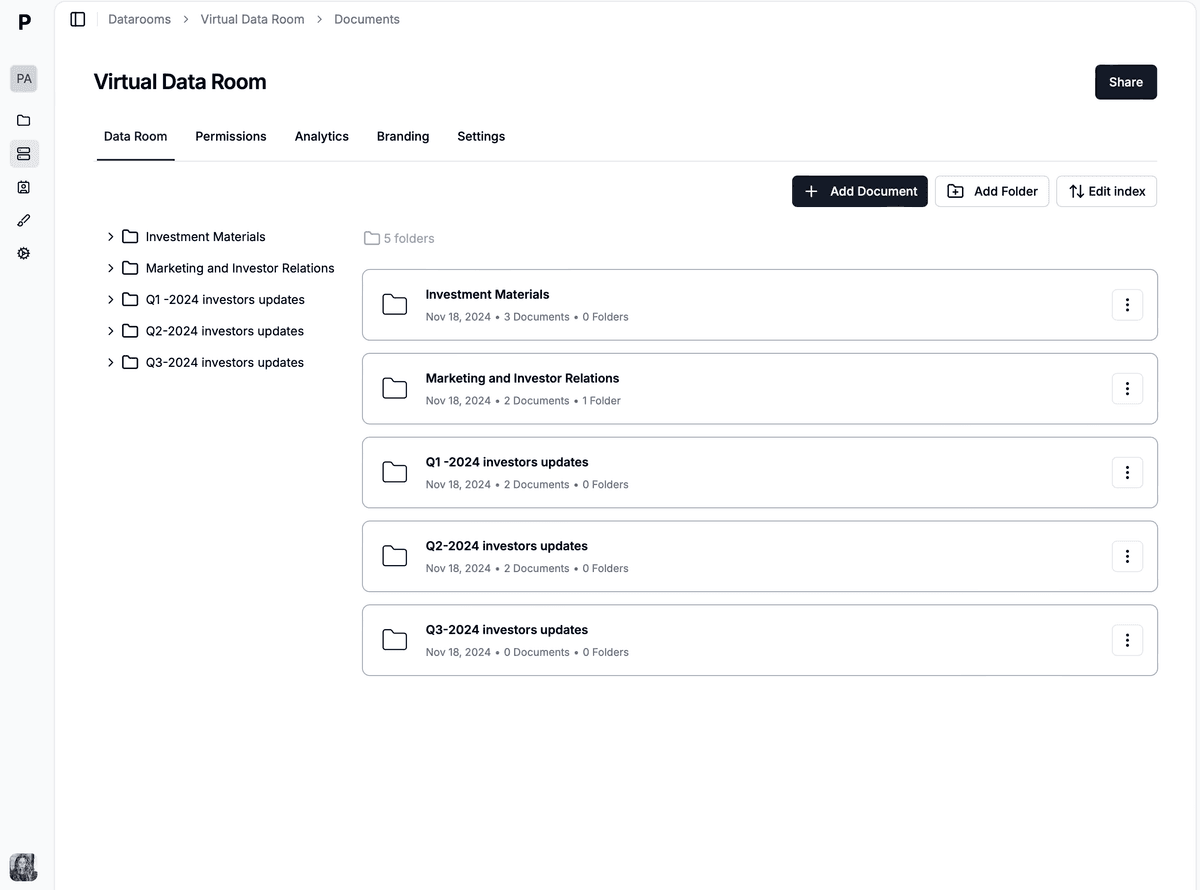
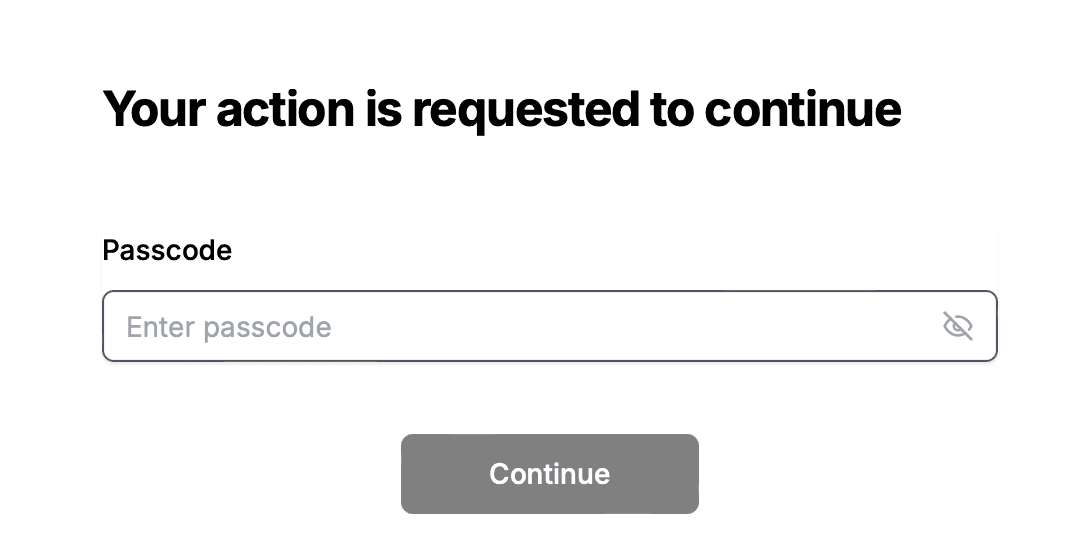
Protecting sensitive text with a password is the first step, but most text ends up as a document you need to share - a note becomes a contract, a memo becomes a report, a draft becomes a full set of files. Papermark turns your protected text into a secure, password-protected document link with page-by-page analytics, and when you need to protect and share a whole set of confidential documents, the same controls scale into a secure Papermark data room (from €99/month, 7-day free trial).
This guide walks you through protecting a single text file with a password, then sharing it as a document, and finally moving to a data room when one file is no longer enough.
Protect your documents with advanced security
No credit card required
Page by page analytics
Require email verification
Require password to view
Allow/Block specified viewers
Apply Watermark
Require NDA to view
Custom Welcome Message
Quick steps to protected text and documents
1. Convert your text into a document: Turn your text into a PDF or upload it as-is.
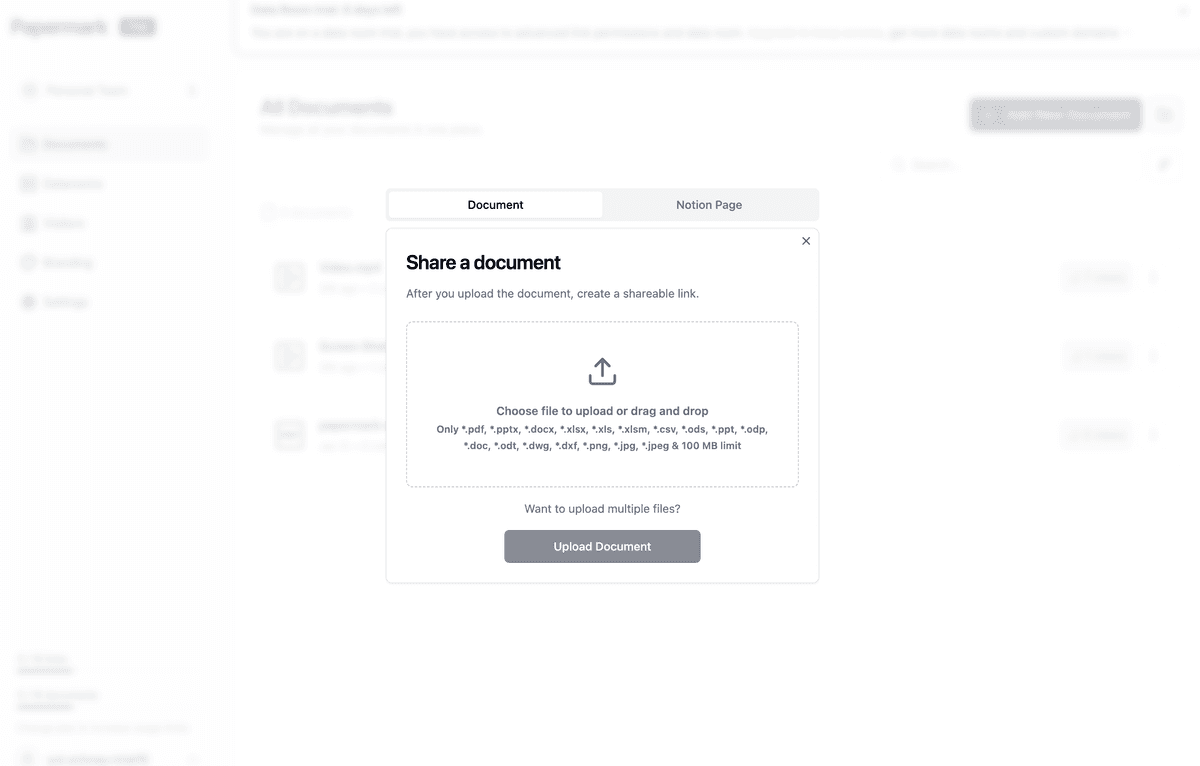
2. Upload the file to a document sharing platform: Use Papermark to store and protect the document.
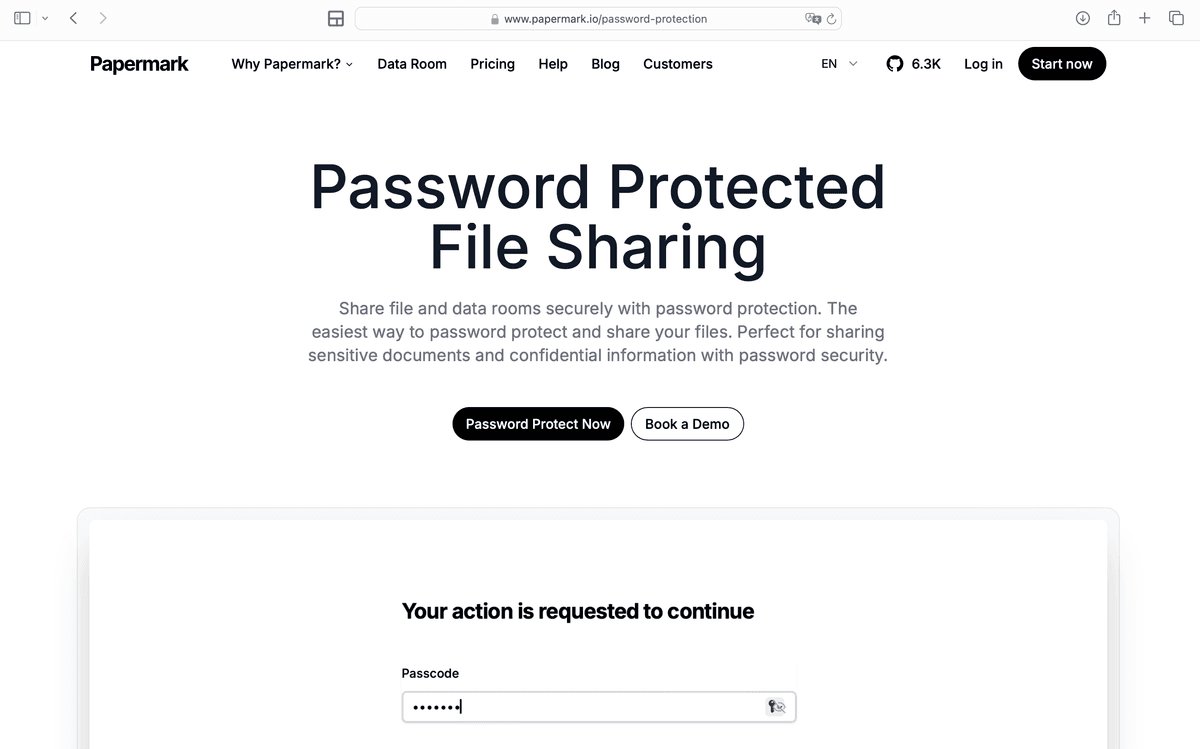
3. Add password protection: Papermark converts your document into a secure link you can lock with a password.
4. Set a strong password: Choose a robust password for your protected document.
5. Share securely: Distribute your password-protected link with confidence.
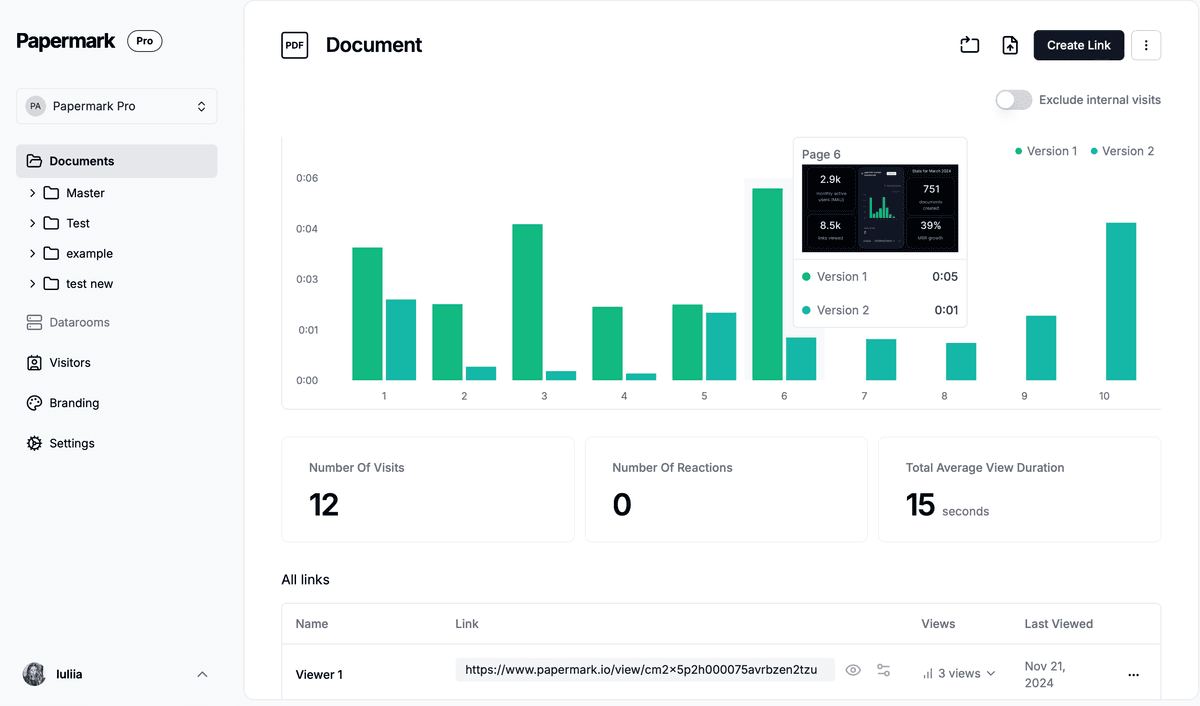
6. Track visitor analytics: See who opened the document, when, and for how long.
7. Scale to a data room: When you have more than one confidential file, move them into a Papermark data room to protect and share them together.
By following these steps, your sensitive text and documents stay confidential and accessible only to the people you choose.
Why Protect Your Text?
Intellectual Property Rights: Safeguard your original content from unauthorized use or plagiarism.
Confidentiality: Keep sensitive information private and secure.
Integrity: Ensure the content remains unaltered and trustworthy.
Access Control: Limit content access to authorized individuals.
Legal Compliance: Adhere to data protection laws and regulations.
Brand Reputation: Maintain your brand's integrity and trustworthiness.
Revenue Protection: Prevent loss of potential earnings from your content.
Creative Control: Retain the authority over how your content is used and distributed.
User Trust: Build and maintain trust with your audience by protecting their data.
Competitive Advantage: Protect unique content that gives you an edge over competitors.
How to Protect Your Text?
Encryption
Protecting text is important for privacy. Unauthorized access to sensitive information can have serious consequences. Encryption methods help keep text safe from prying eyes by making it unreadable without the proper decryption key. This ensures that even if text is accessed by unauthorized individuals, it remains protected.
Understanding the importance of privacy in protecting text shows the need for secure practices in today's digital age. Whether it's personal messages, financial data, or business communications, keeping text safe from unauthorized access is necessary. Implementing encryption methods provides an extra layer of security to prevent breaches and maintain confidentiality.
As technology advances, it is essential to enhance measures to protect text from exploitation.
Password-protecting documents
Protecting sensitive information with a password is important for privacy and security. Encryption is a strong method to keep text safe from unauthorized access.
Setting up secure passwords ensures that documents are not easily accessible to unauthorized individuals. This extra security layer stops confidential information from getting into the wrong hands.
It could be personal data, financial records, or sensitive business documents. Password protection is a simple yet effective way to control who can access or edit the information in documents.
This provides assurance that sensitive data is safe from potential threats. In today's digital world with prevalent cyber threats, securing text through encryption and password protection is crucial in safeguarding valuable information.
Step by step guide to protect your text and documents
1. Convert your text into a document
Turn your text into a PDF, or keep it as a document you want to share. This makes it easy to protect and track once it is uploaded.
2. Upload the file to a document sharing platform
Use Papermark to upload the document in seconds.
3. Convert your document to a protected format
Upload your file to Papermark. The platform converts your document into a protected link you can add a password to.
4. Set a strong password
When creating your protected link on Papermark, select a strong password that combines letters, numbers, and special characters. A robust password keeps your document secure against brute force attacks or unauthorized attempts to access the information.
5. Share securely
Once your document is secured with a password, you can share it knowing that only people with the password can view the content. Your sensitive information stays confidential, regardless of where it's stored or how it's transmitted.
6. Track visitor analytics
Analyse who viewed your password-protected document, when, and for how long.
More access controls on Papermark
Papermark has other access controls for sharing your files and documents, including granular permissions, link expiry, and dynamic watermarking.
When protected text isn't enough: use a data room
A password on a single file is perfect for one note or one contract. But the moment you're sharing several confidential documents with the same audience - investors, buyers, legal counsel, or a due diligence team - a single protected link stops being enough.
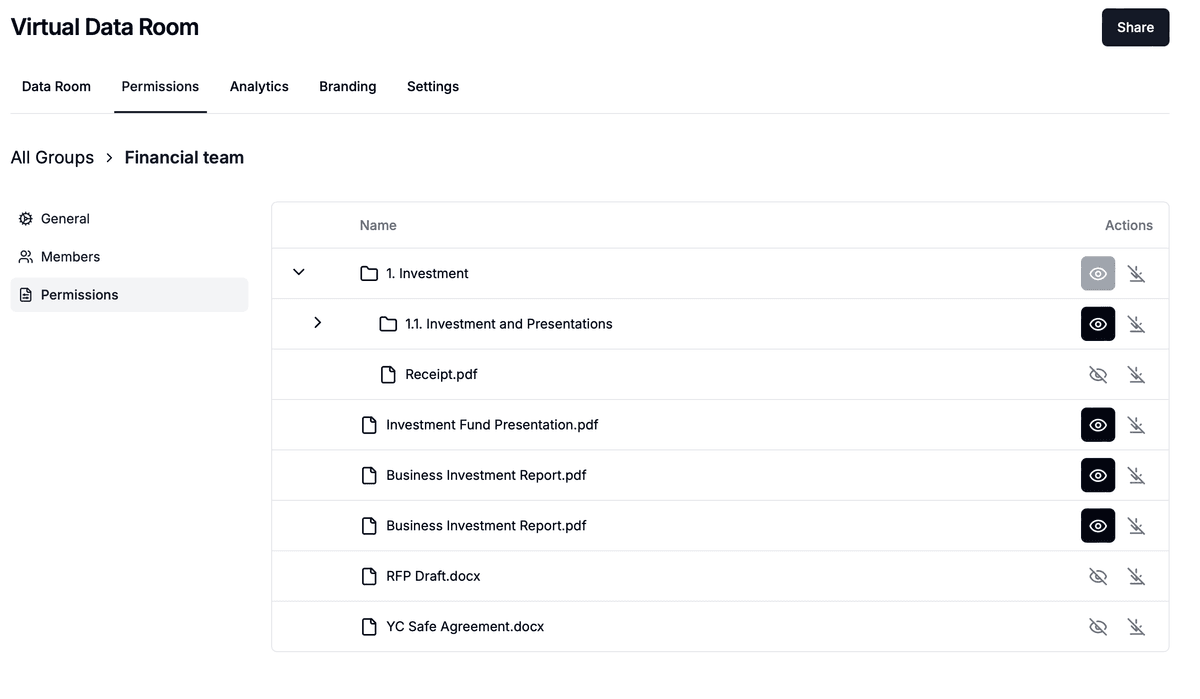
That's when you move from a protected document to a Papermark data room. A data room protects and shares a whole set of files together, with the same password protection plus:
Granular permissions so each viewer only sees the folders and files they should
Dynamic watermarking that stamps each viewer's email across every page
NDAs and access requests before anyone can open the documents
Audit logs and page-by-page analytics across every file, not just one
Automatic file indexing so your documents stay organized as the set grows
The Papermark Data Rooms plan is €99/month with a 7-day free trial, and it's the natural next step once "protect this text" becomes "protect and share all of these documents."
Share documents the modern way
No credit card required
Page by page analytics
Require email verification
Require password to view
Allow/Block specified viewers
Apply Watermark
Require NDA to view
Custom Welcome Message
Conclusion
Protecting your text and documents with a password is essential for maintaining privacy and security. Papermark offers a straightforward solution for locking a single document behind a password link with page-by-page analytics. And when one file turns into many, the same platform scales into a secure data room so you can protect and share a whole set of confidential documents together.
Whether you're protecting personal data, a confidential contract, or a full due diligence set, Papermark gives you password protection first and a data room when you need it.
Key takeaways
Password protection turns a single text file or document into a secure, trackable link.
Papermark records who opened each document, when, and for how long.
When you need to protect and share multiple confidential files, a Papermark data room is the next step, with granular permissions, watermarking, and audit logs.