


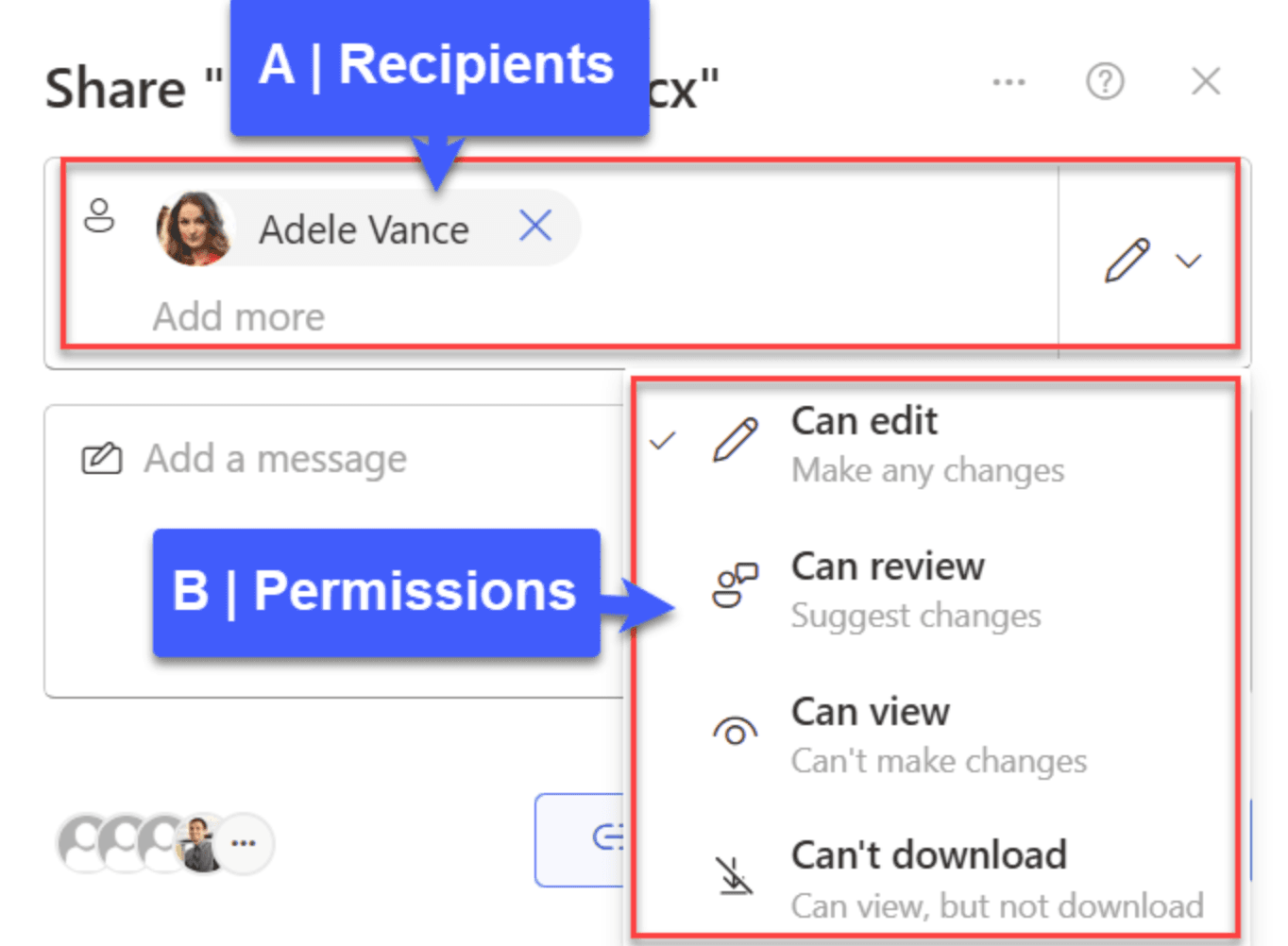
datarooms
How to Share a Document on SharePoint in 2026
Learn how to share documents on SharePoint effectively, including best practices and why businesses are choosing specialized data room solutions like Papermark for secure document sharing
SharePoint is a popular document management platform, but creating and managing folders effectively requires understanding its features and limitations.
This guide will walk you through the process while highlighting why many businesses choose specialized solutions like Papermark for their document organization needs.
To create a new document library in SharePoint:
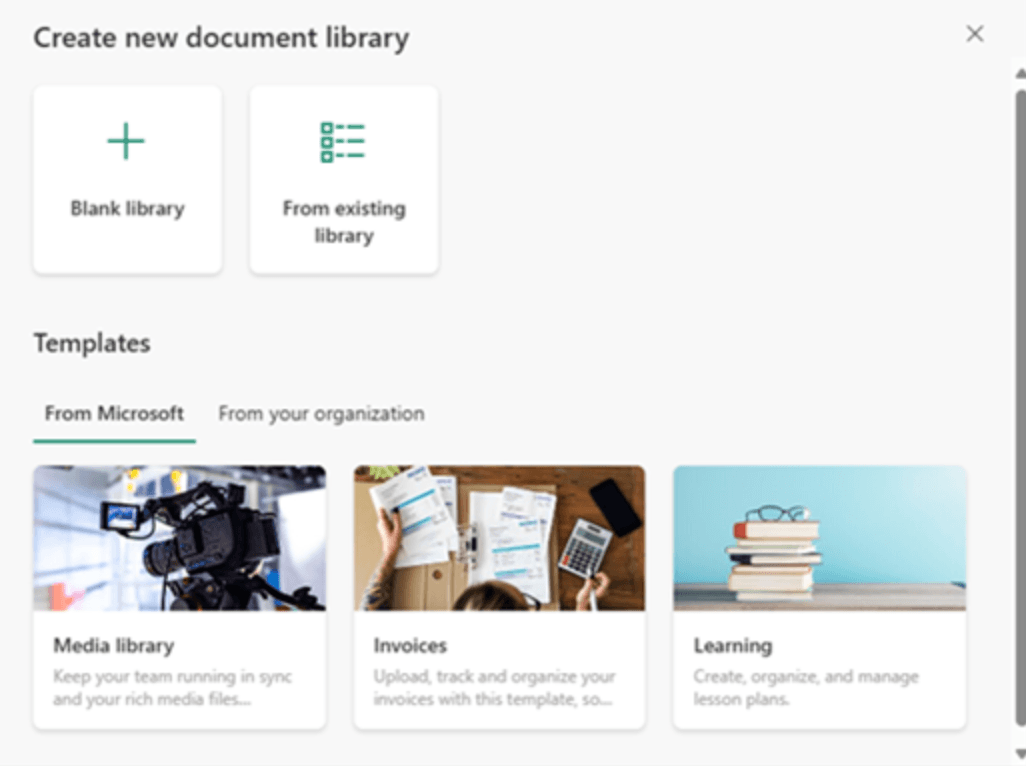
Note: Only site owners can create new document libraries. Each site collection is limited to 2,000 lists and libraries combined.

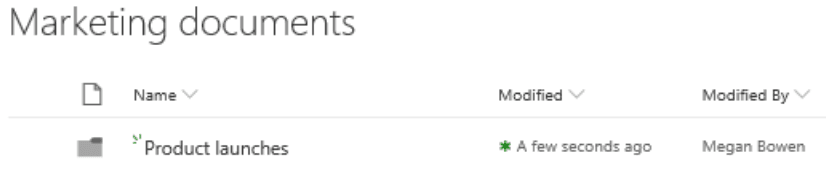
While SharePoint offers basic folder creation capabilities, it has several limitations:
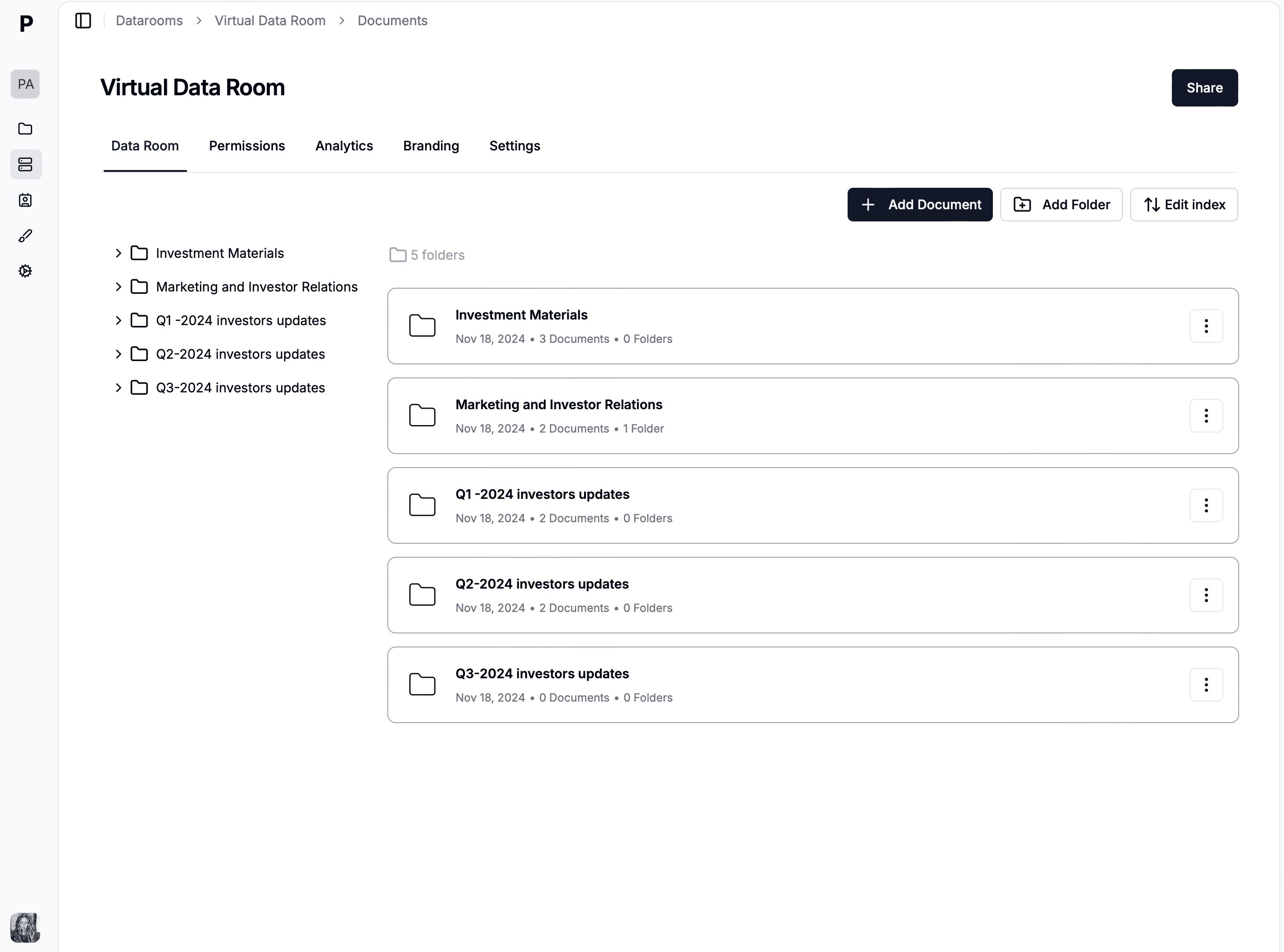
Papermark offers specialized features that address these limitations:
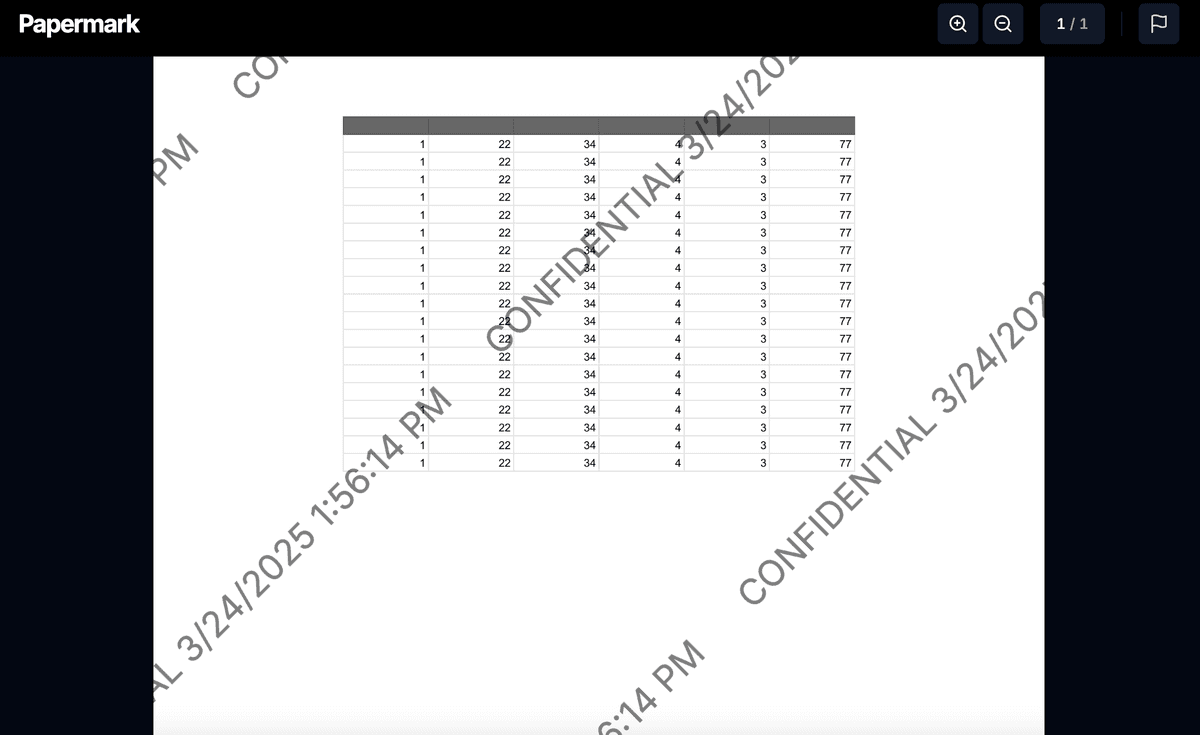
With Papermark's real-time analytics, you can track how users interact with your folders and documents, monitor access patterns, and get detailed engagement metrics. This comprehensive tracking helps you understand how your content is being used and by whom.
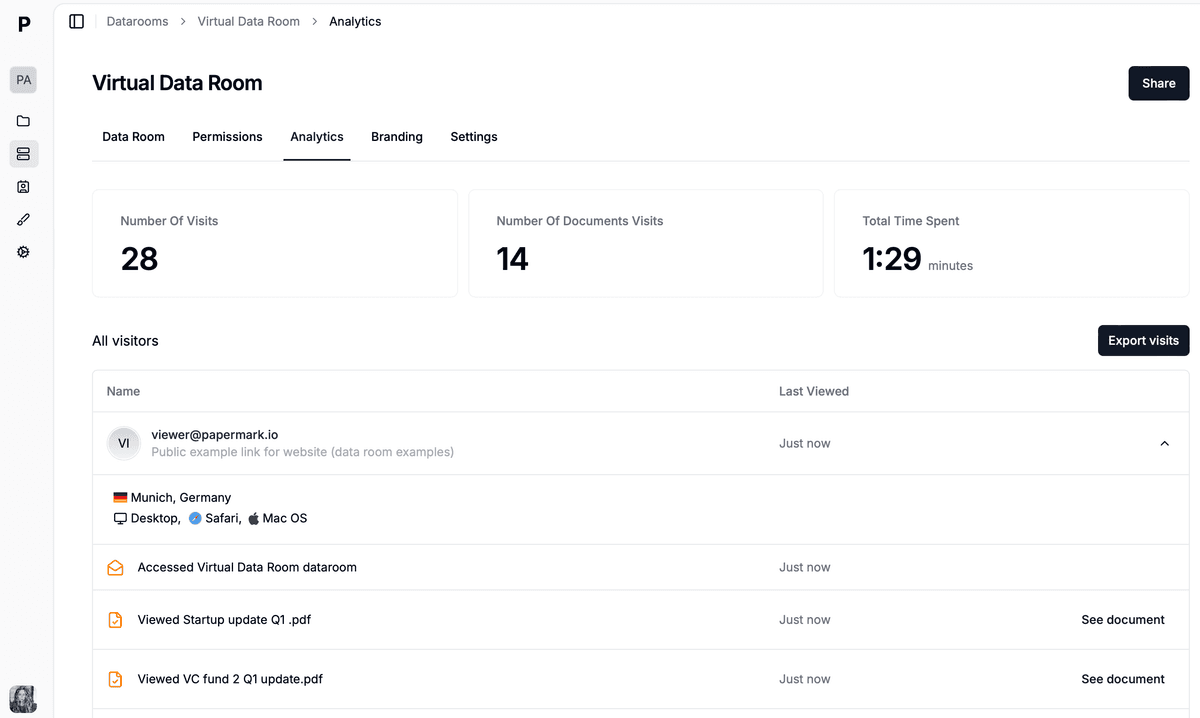
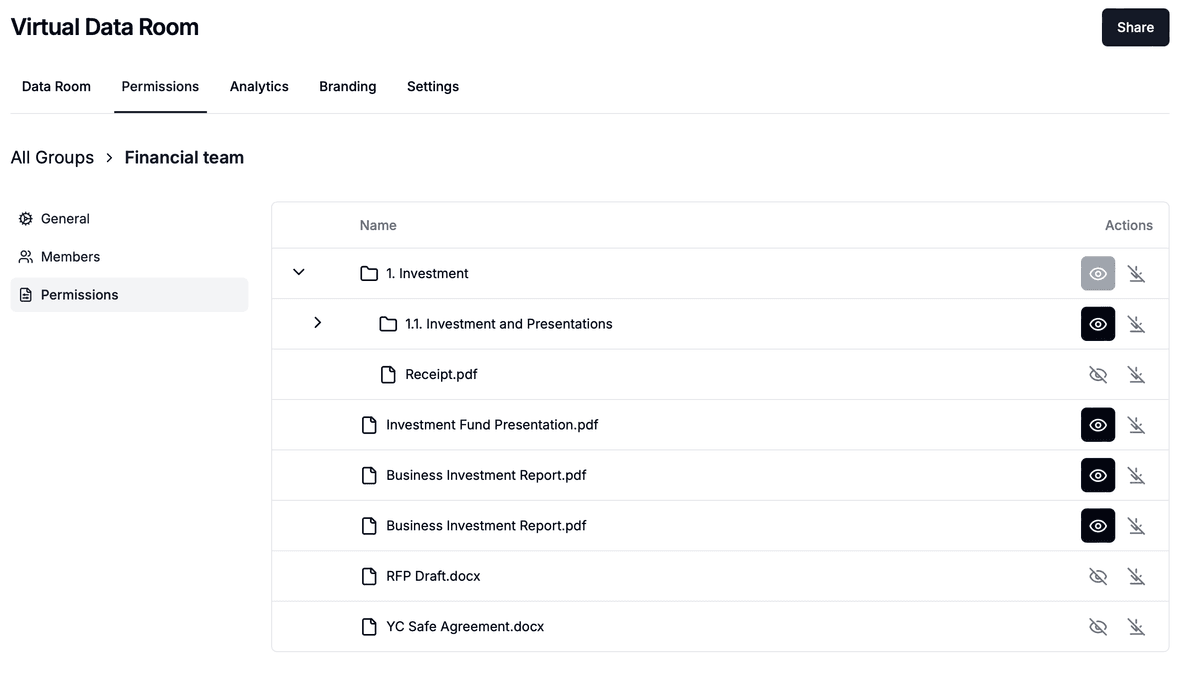
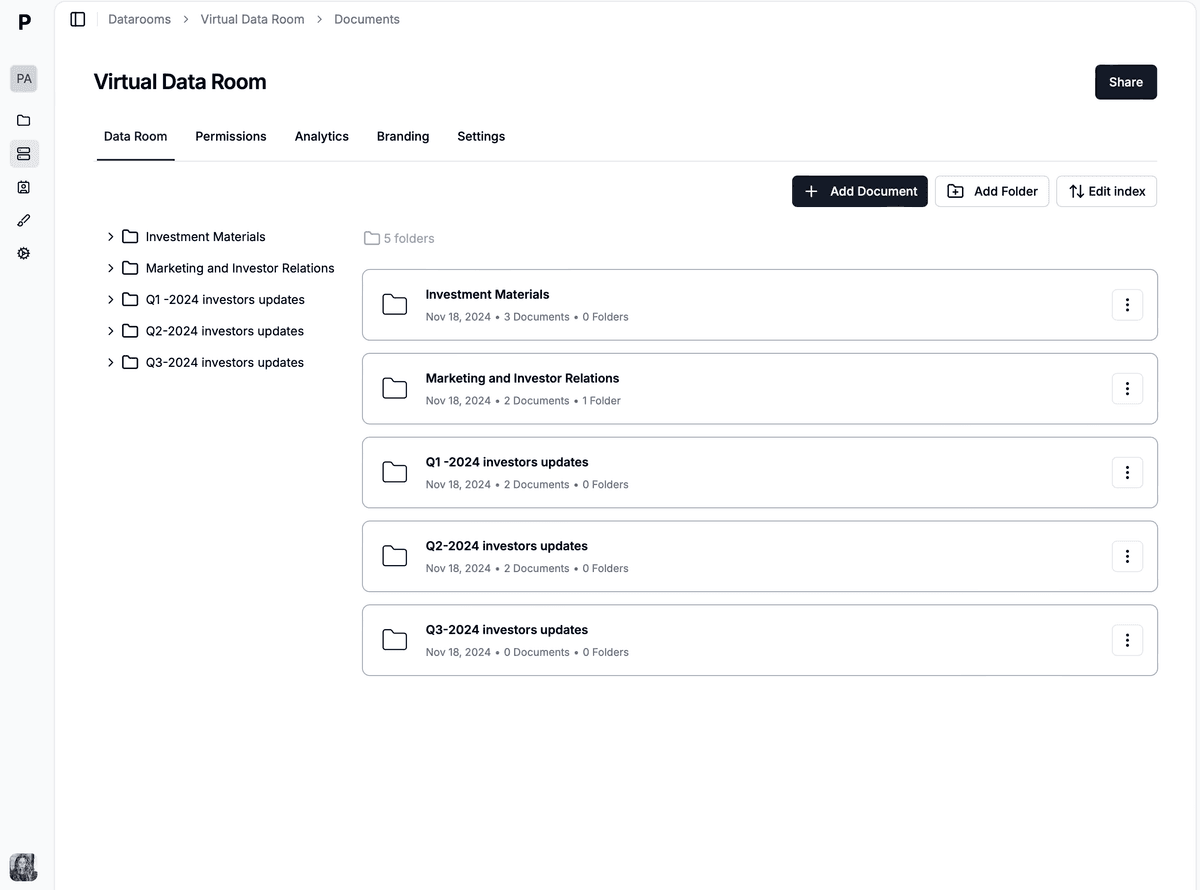
Papermark provides advanced folder organization features including:
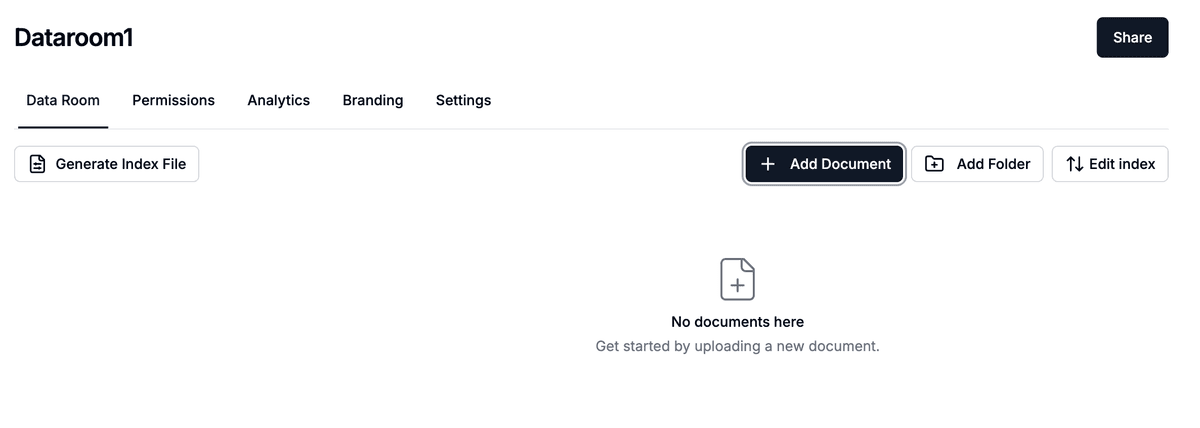
Papermark enables you to set detailed permissions at both folder and document levels, ensuring your content remains secure and accessible only to authorized users.
| Feature | SharePoint | Papermark |
|---|---|---|
| Folder nesting | 8 levels | Unlimited |
| Real-time analytics | Limited | ✓ |
| Activity tracking | Basic | ✓ |
| Custom metadata | Basic | ✓ |
| Folder templates | ✗ | ✓ |
| Granular permissions | Basic | ✓ |
| Drag and drop | Basic | ✓ |
| Bulk operations | Limited | ✓ |
| Custom branding | Enterprise only | ✓ |
| API access | Enterprise only | ✓ |
Ready to experience better folder organization? Papermark offers a free plan with comprehensive features:
While SharePoint provides basic folder creation capabilities, Papermark offers specialized features designed for efficient document organization. With advanced analytics, enhanced security, and dedicated folder management support, Papermark is the preferred choice for businesses looking to organize their documents professionally and securely.
Ready to improve your document organization? Try Papermark today and discover how it can transform your document management workflow.
Learn how to share documents on SharePoint effectively, including best practices and why businesses are choosing specialized data room solutions like Papermark for secure document sharing
How to set up a data room in Microsoft SharePoint for M&A, fundraising, and due diligence in 2026, with limitations and a Papermark alternative.
Create a data room with Claude in minutes. Connect the Papermark MCP server to Claude Desktop, then prompt it to upload documents and share secure links.