Need to send sensitive PDF documents via email? This guide will show you multiple ways to encrypt PDF files, ensuring your confidential information remains secure during transmission. Whether you're looking for free solutions or professional-grade encryption, we'll cover all the methods you need to know.
Quick Overview of PDF Encryption Methods
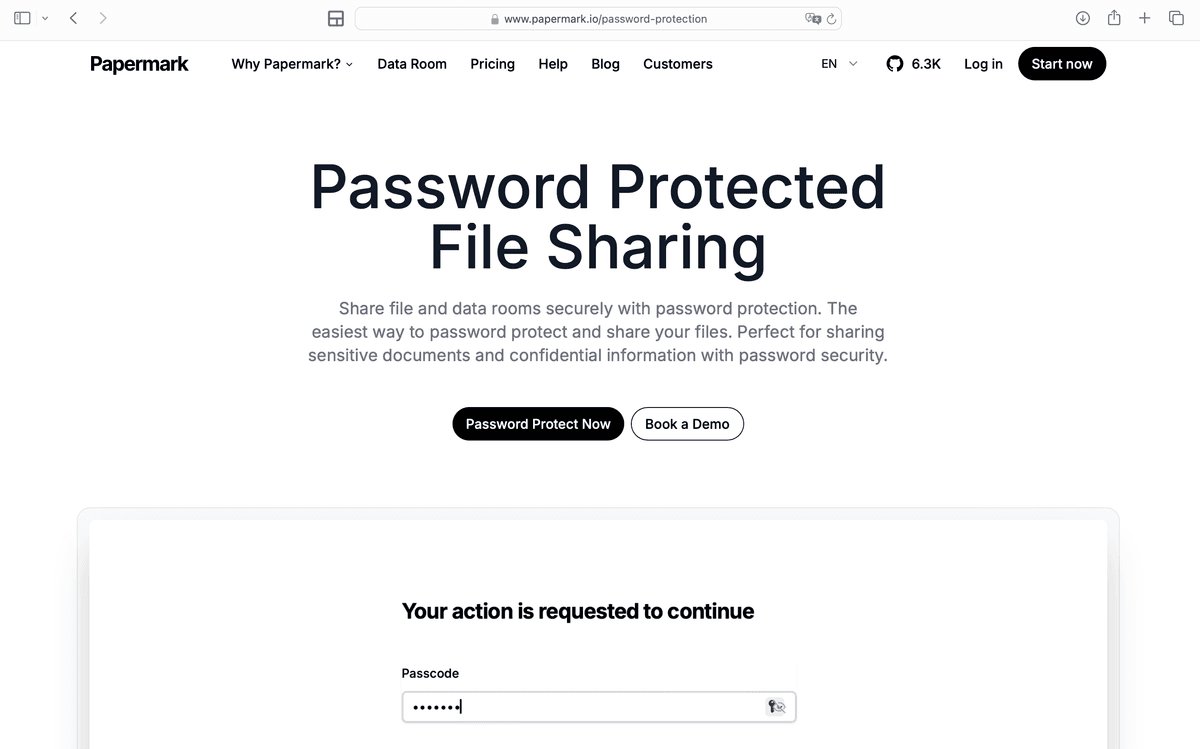
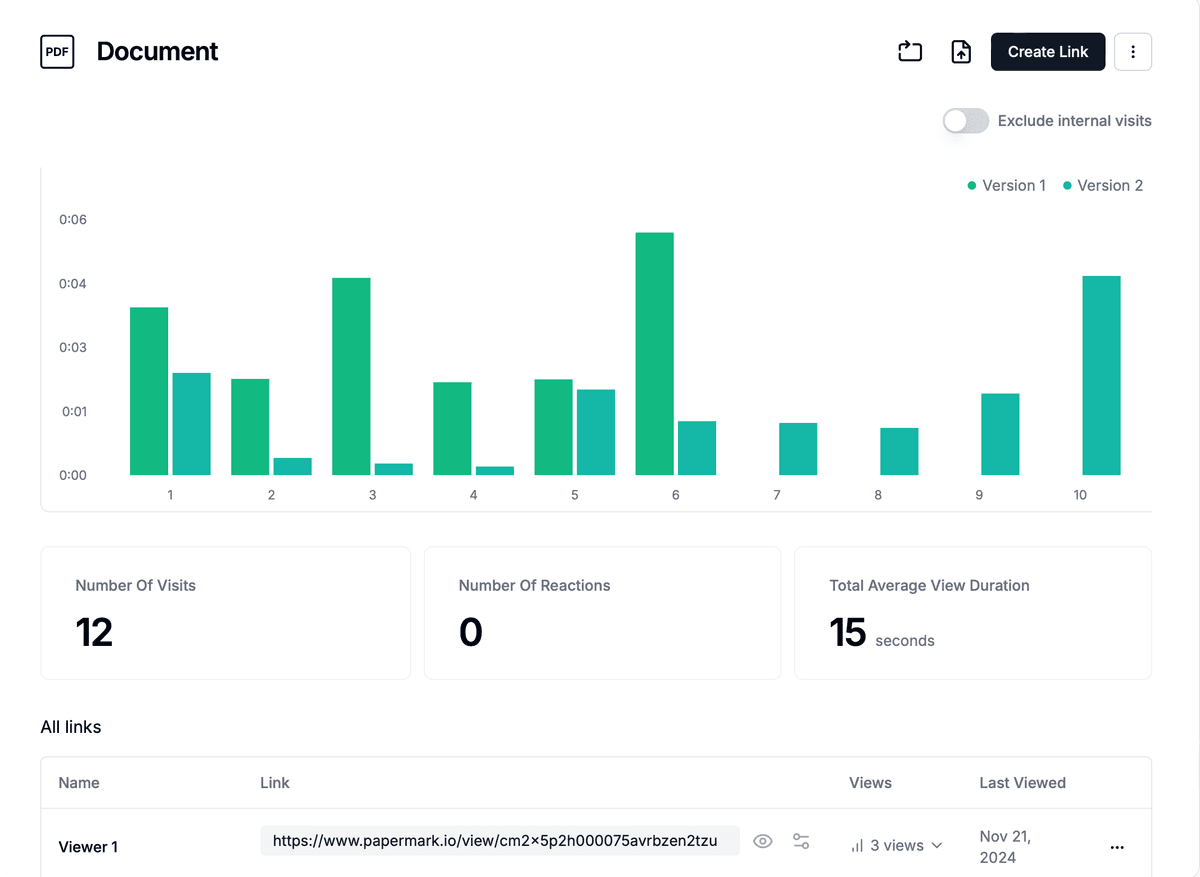
Papermark Secure Encryption: Professional-grade protection with tracking
Adobe Acrobat: Built-in PDF encryption
Free PDF Tools: Online encryption options
Operating System Tools: Native encryption features
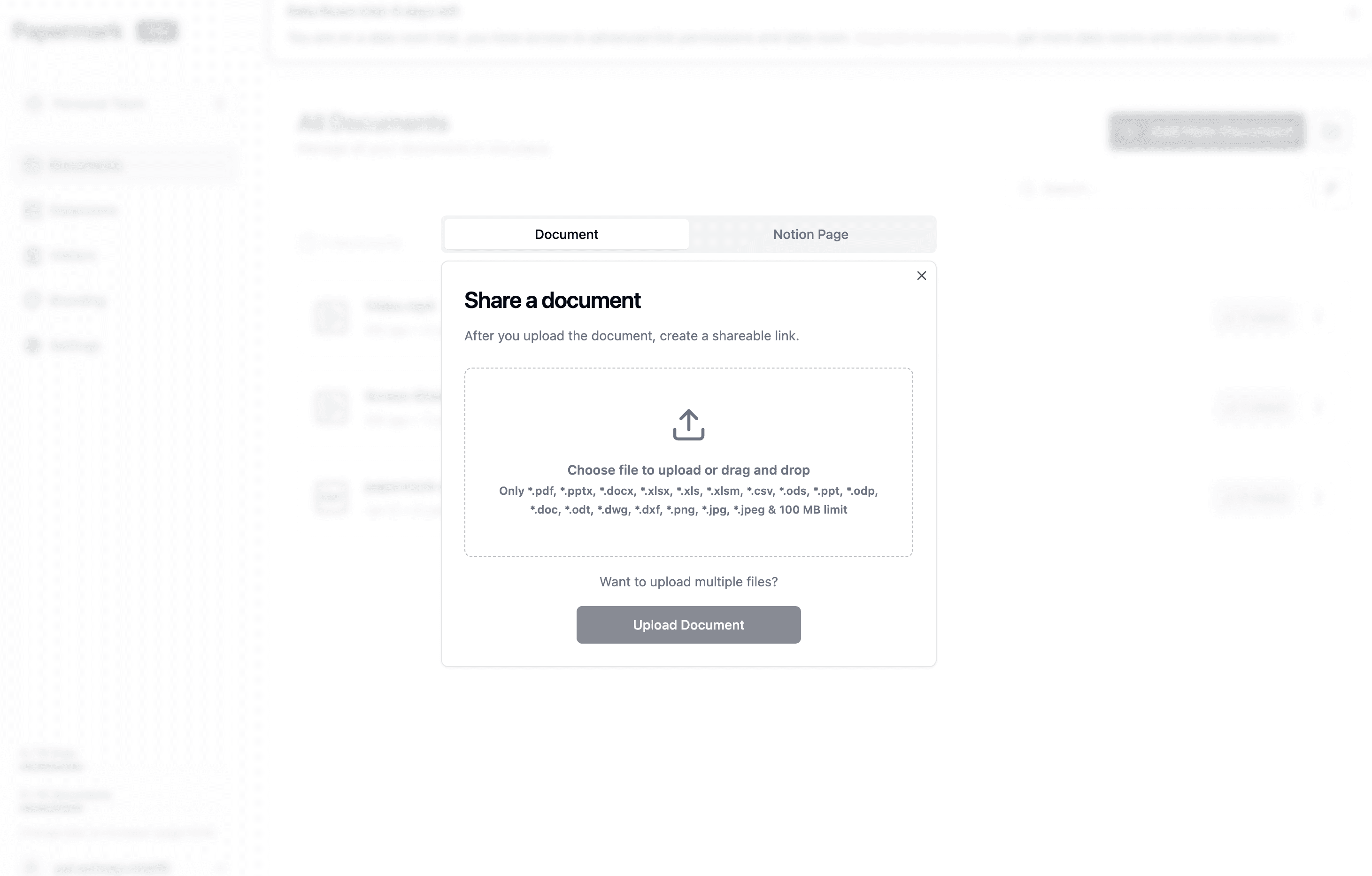
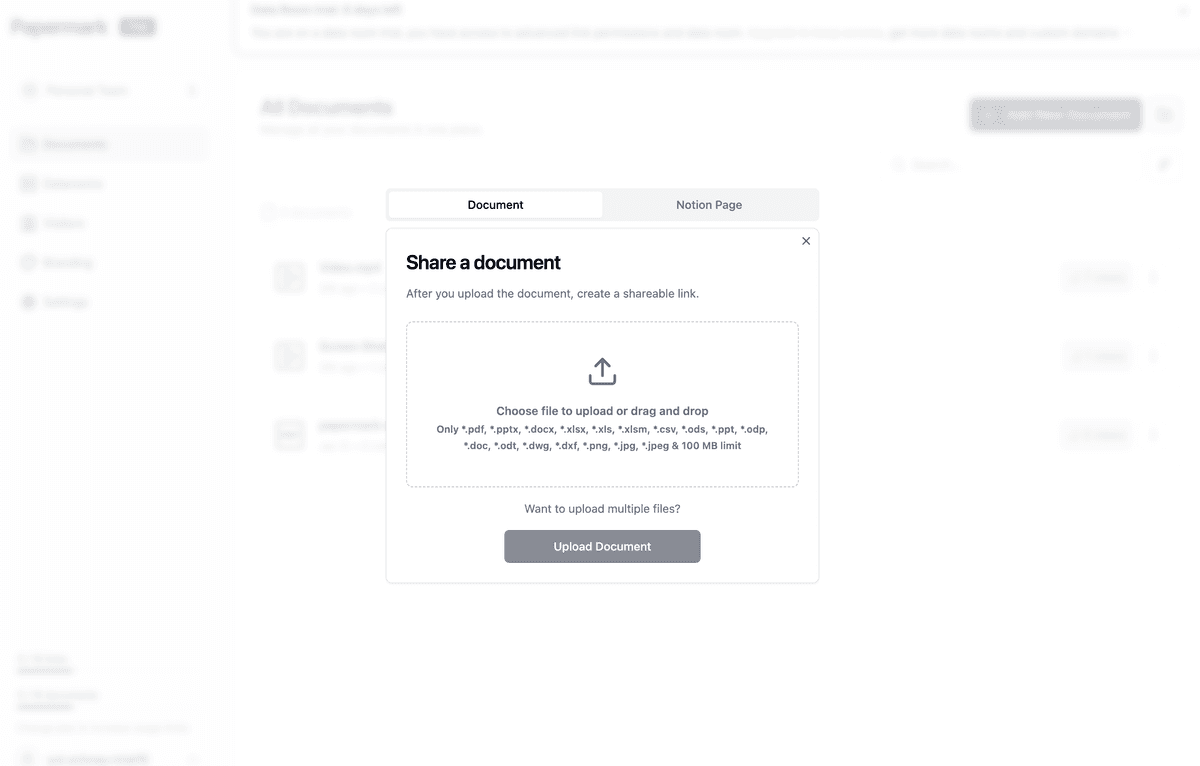
Method 1: Using Papermark for Professional PDF Encryption
⚠️ Pro Tip: While these practices apply to all encryption methods, Papermark automatically handles many of these security considerations, reducing the risk of human error and simplifying the secure sharing process.
Methods Compared
Feature
Free Tools
Adobe Acrobat
OS Tools
Papermark
Password Protection
✅
✅
✅
✅
Access Tracking
❌
❌
❌
✅
Expiration Control
❌
⚠️
❌
✅
Analytics
❌
❌
❌
✅
Revocation
❌
❌
❌
✅
Enterprise Security
❌
⚠️
❌
✅
Conclusion
While there are multiple ways to encrypt PDF files for email, Papermark offers the most comprehensive solution with professional-grade security and tracking capabilities. Start protecting your sensitive PDFs today with our secure platform.