BlogFile Security10 Best Document Watermark Software Solutions in 2026
10 Best Document Watermark Software Solutions in 2026
·5 min read
Marc Seitz
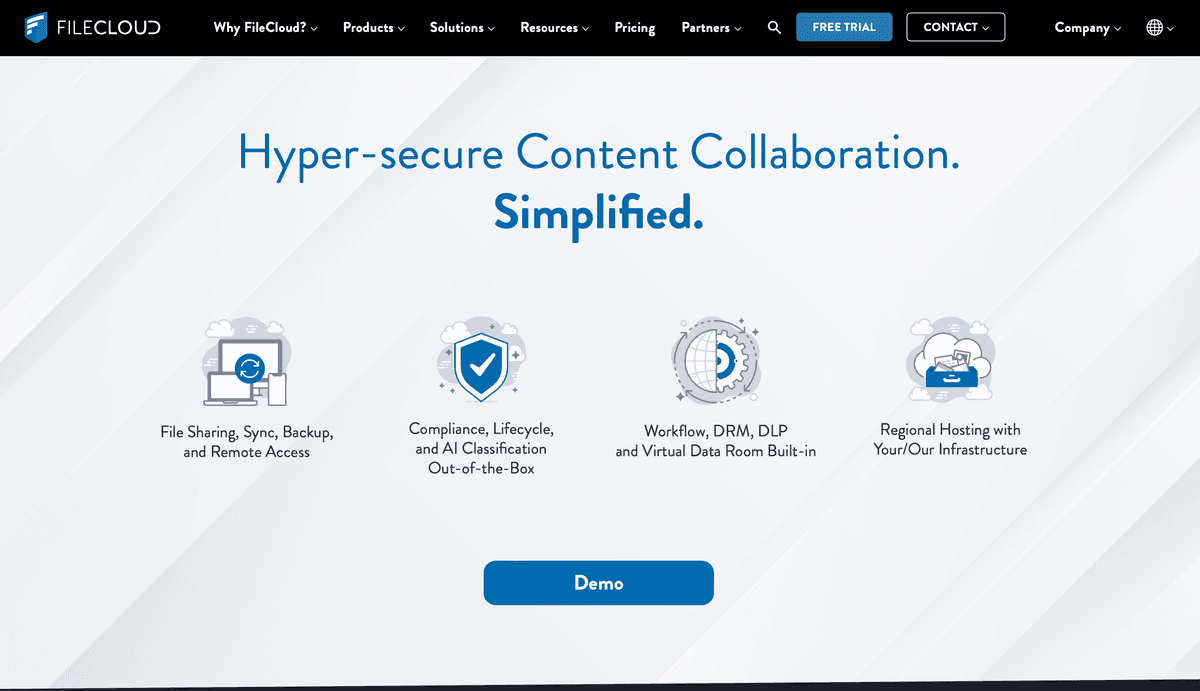
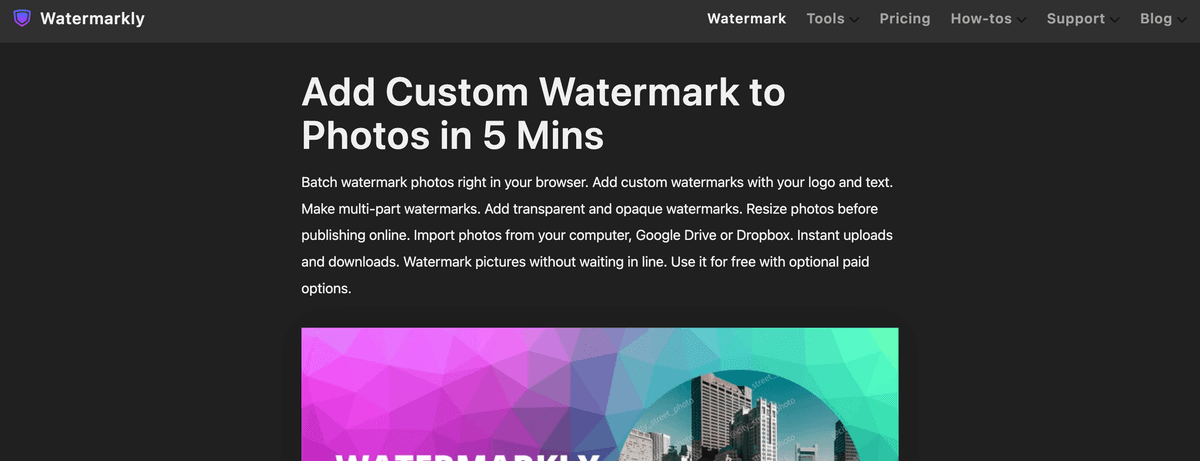
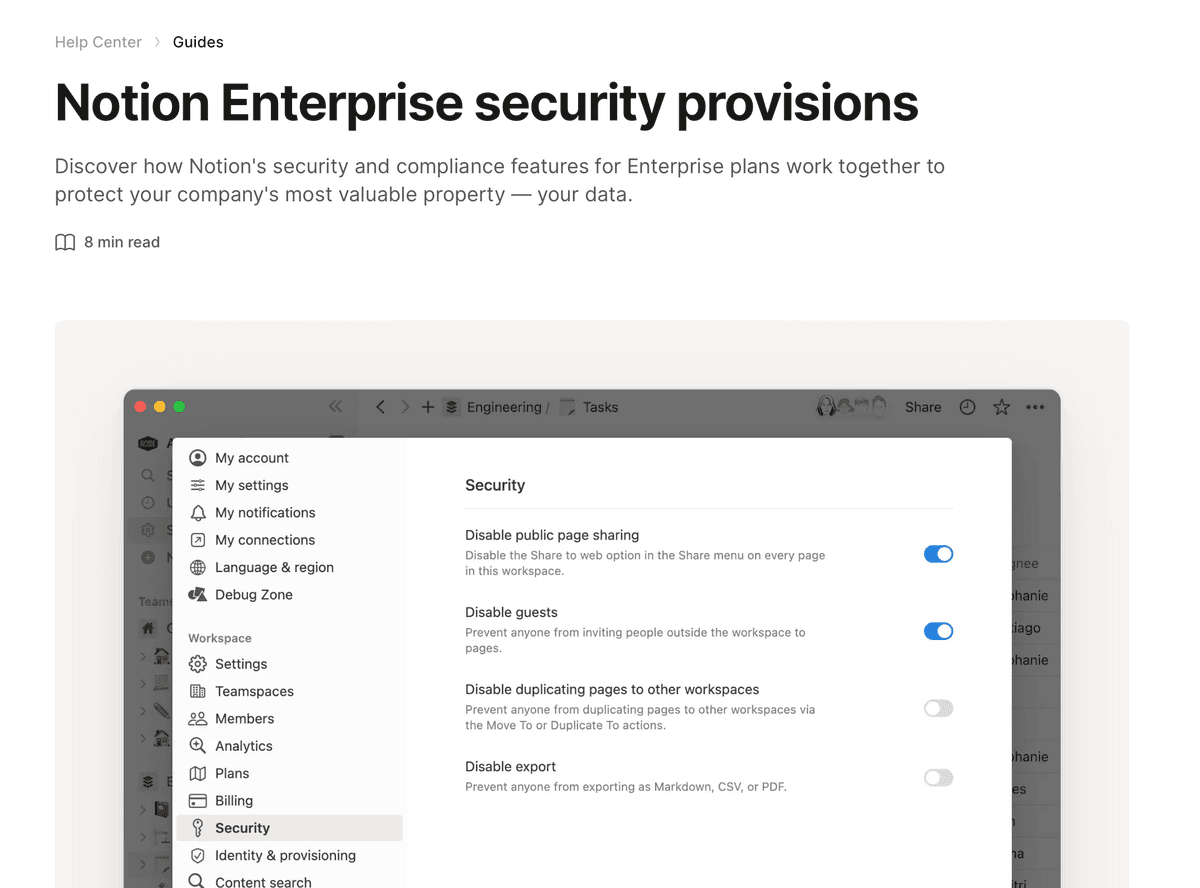
Document watermark software protects sensitive information when documents are shared with clients, investors, or team members. The market splits into two categories: dynamic watermarking tools (Papermark, Digify, FileCloud, Box, Watermarkly) that stamp per-session viewer information on every page, and static watermarking tools (Adobe Acrobat, Microsoft Word, PDF24, Notion, Confluence) that apply a single fixed watermark to the file. For M&A, fundraising, and legal workflows, dynamic watermarking is the stronger choice.
Best for quick one-off PDF watermarks: Adobe Acrobat (if you have the subscription) or PDF24 (free).
Why you need document watermark software
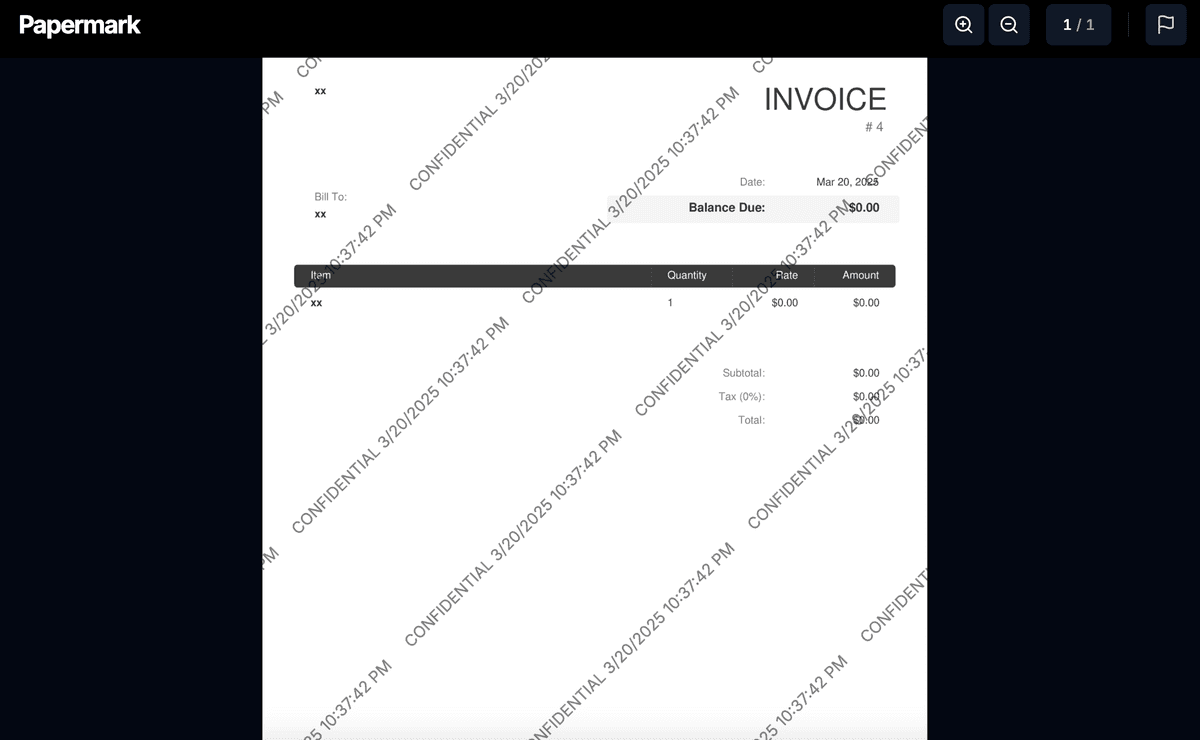
Document watermarking is the single strongest deterrent against unauthorized sharing of sensitive documents. Without a watermark, a leaked PDF is anonymous: a competitor receives a forwarded pitch deck, a journalist gets a confidential M&A document, an LP shares the fund model with a friend - and there is no way to trace the source. With dynamic watermarking, every page carries the viewer's email, IP, and access timestamp at the moment of viewing. A leaked document is now traceable to the specific viewer and session that leaked it, which changes the risk calculus for any viewer considering unauthorized sharing.
Six concrete reasons businesses use document watermark software
1. Leak deterrence in M&A. A typical sell-side process involves 10-30 prospective buyers, each with multiple advisors. Per-session dynamic watermarks make every viewer accountable. Bidders who would casually forward a CIM to a colleague think twice when their email is rendered on every page.
2. Investor accountability in fundraising. Founders sharing pitch decks and fund models with 30-50 investors can trace any leaked document back to the specific investor. This is particularly valuable when sensitive financials, customer concentration, or roadmap details are at stake.
3. Legal evidence. A watermark with viewer email, IP, and timestamp is an evidentiary record that holds up in litigation and post-close disputes. "We disclosed the breach to the buyer on March 15" is much stronger when the audit log shows the buyer's counsel opened the disclosure document on March 15 with their email watermarked on every page.
4. Regulatory compliance. Healthcare, biotech, financial services, and government workflows face strict requirements for evidentiary chains of custody. FDA 21 CFR Part 11 (electronic records and signatures) and HIPAA both effectively require per-session viewer identity on every document interaction. Static watermarks do not meet this bar.
5. IP protection. Patent applications, trade secrets, manufacturing processes, and proprietary research are existentially valuable to biotech, pharma, hardware, and defense companies. Dynamic watermarks make every page recipient accountable for what they do with the document afterward.
6. Government and public-sector accountability. Cabinet documents, legislative materials, and confidential briefings need traceability when leaked. A government IT manager described the problem in one line during onboarding: "Two documents already leaked with no way to trace." Dynamic watermarking converts that scenario from unsolved into forensically resolvable.
What happens if you do not use watermarking?
The consequences scale with the deal size and document sensitivity:
Lost competitive advantage. A leaked product roadmap or M&A bid letter ends up with a competitor.
Regulatory fines. GDPR fines up to 4% of global revenue or €20M for unprotected personal data.
Litigation exposure. Without a verifiable record of what was disclosed and when, post-close disputes become "your word against theirs."
Brand damage. Public leaks of customer data, financial documents, or strategic plans damage trust with clients, investors, and employees.
Loss of negotiating leverage. A leaked sell-side CIM in a competitive M&A process kills the auction.
Static vs dynamic watermarking: what's the difference?
The watermarking software market splits into two structurally different categories. The distinction determines which use cases each tool can actually serve.
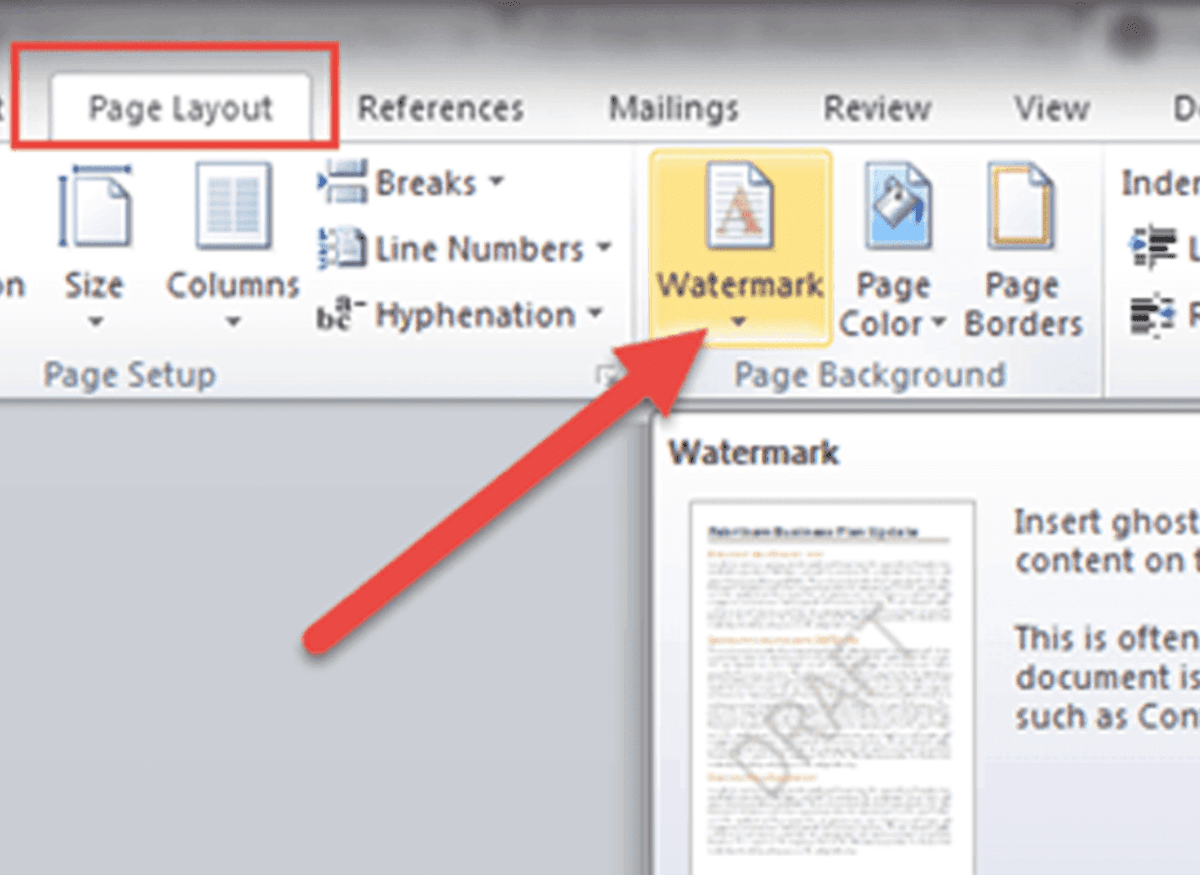
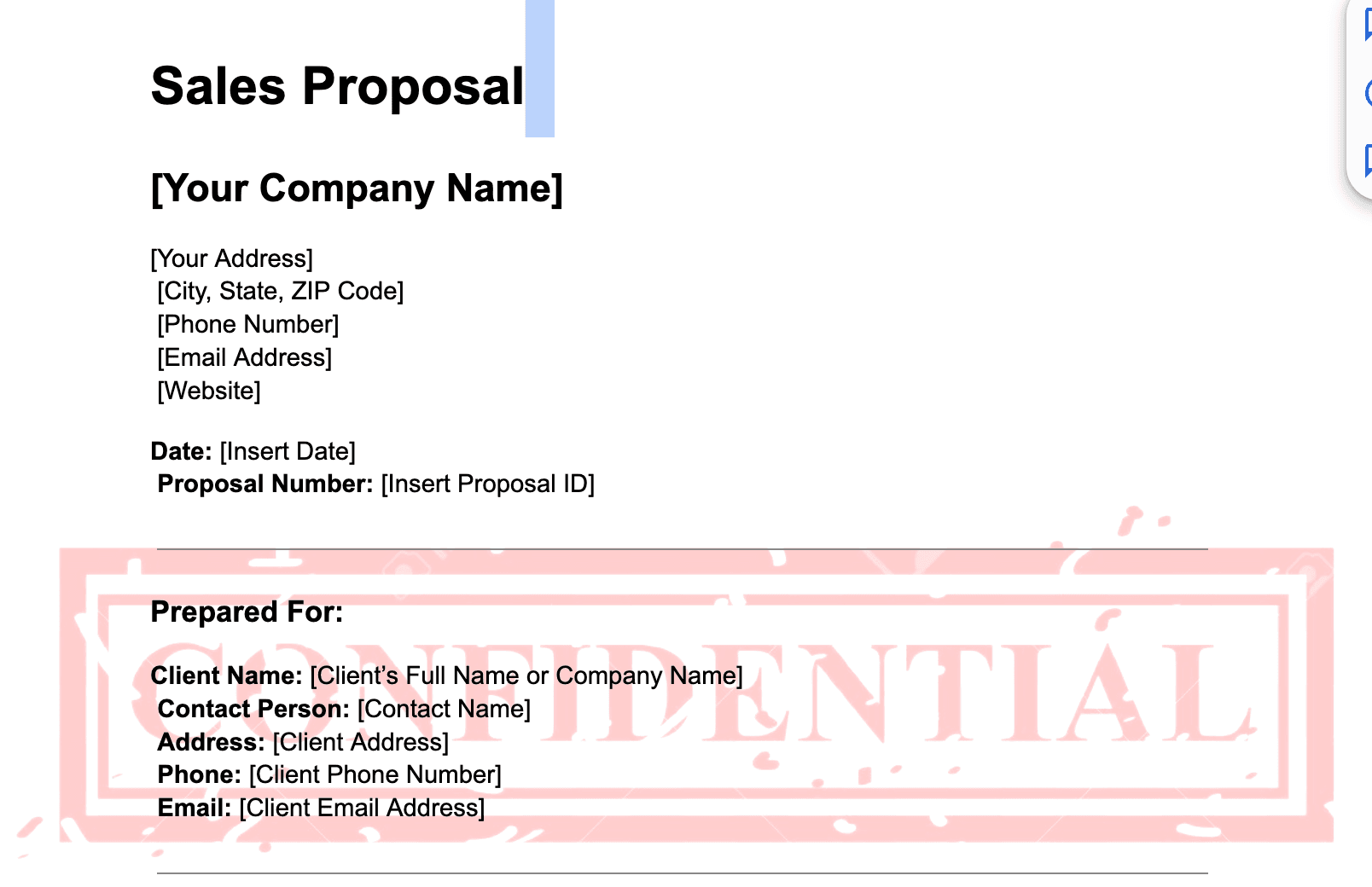
Static watermarks are identical for every viewer. The watermark is "burned into" the file at the time of export (a logo, a "Confidential" banner, a generic "Draft" stamp). It is the same for every recipient and every viewing session. Static watermarking is what Adobe Acrobat, Microsoft Word, PDF24, and Notion ship.
Dynamic watermarks are unique per viewer and per session. The watermark is generated at view time and renders the viewer's email, IP, access timestamp, and other custom variables on every page. Each session produces a different watermark. Dynamic watermarking is what Papermark, Digify, FileCloud, and Box (Enterprise+) ship.
Property
Static watermarking
Dynamic watermarking
Personalization
Same for all viewers
Unique per session
Leak traceability
None - cannot identify leaker
Yes - traces to specific viewer and session
Use case
Internal docs, branding, "Confidential" banner
M&A, fundraising, legal, regulated diligence
Removable?
Possible with editing software
Rendered at view time, not in the file
Cost
Free (Adobe, Word, PDF24) to ~$15/user/month
€99/month flat (Papermark) up to enterprise custom quotes
Compliance bar
Low
Meets FDA 21 CFR Part 11, HIPAA, GDPR audit requirements
For deal-grade workflows (M&A, fundraising, IPO, regulated diligence), dynamic watermarking is the only option that produces a verifiable accountability trail. Static watermarks are appropriate for non-sensitive internal documents, branding, and basic confidentiality stamping.
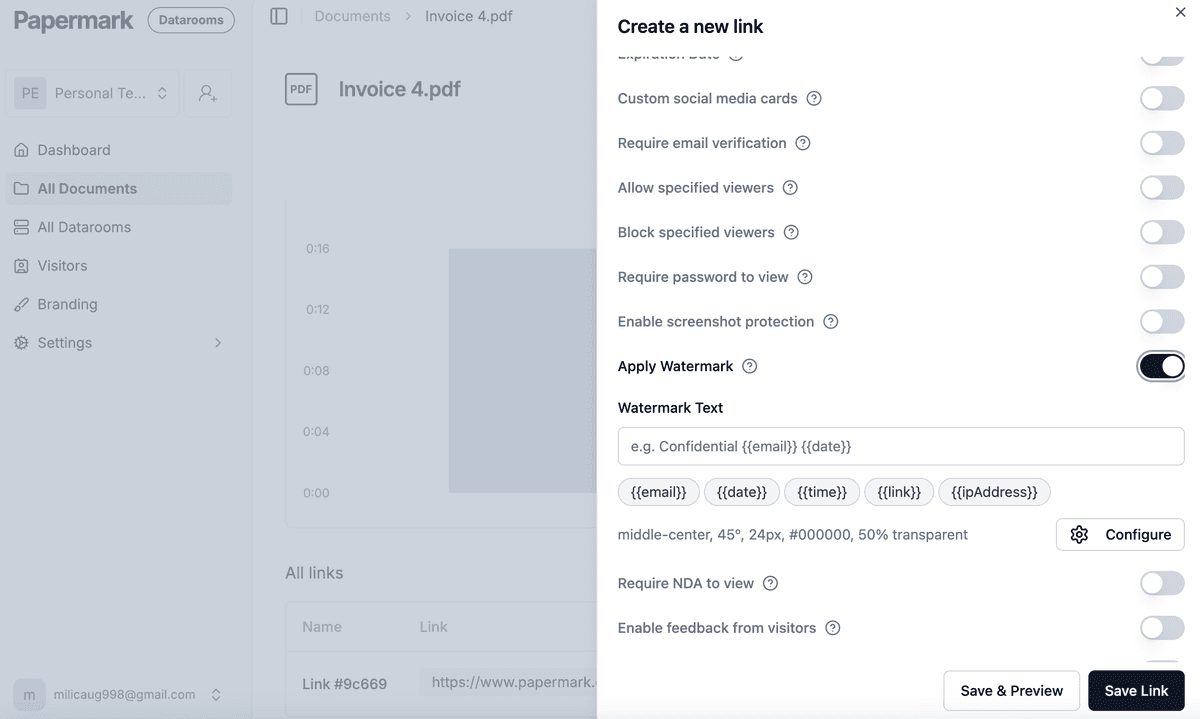
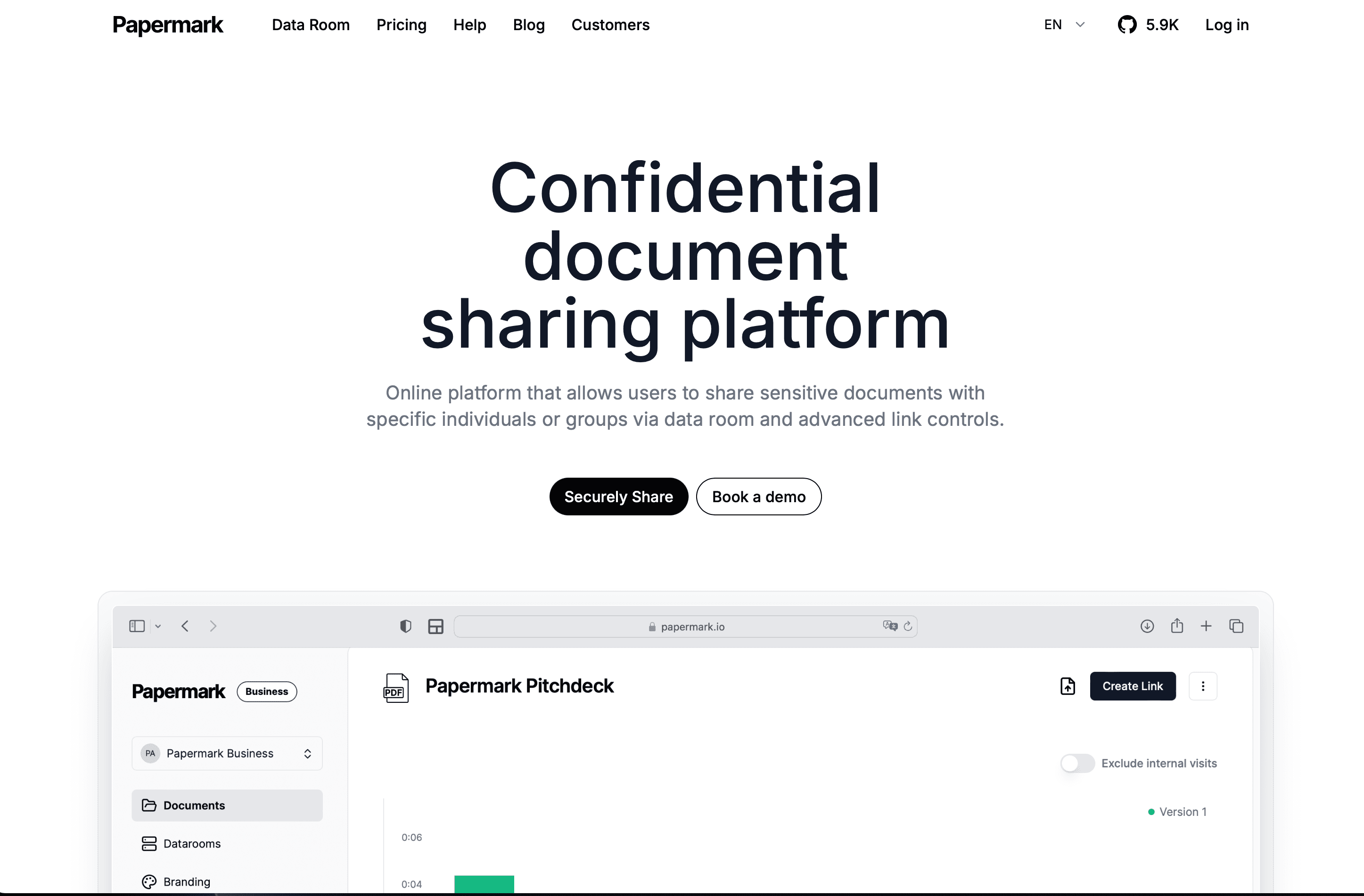
Papermark leads the document watermarking space with its dynamic watermarking capabilities built into a secure modern virtual data room. The platform applies per-session viewer email, IP, and timestamp on every page, with an optional self-hostable open-source deployment for teams that need full data sovereignty.
Papermark key features:
Dynamic watermarking with viewer information
Screen capture prevention
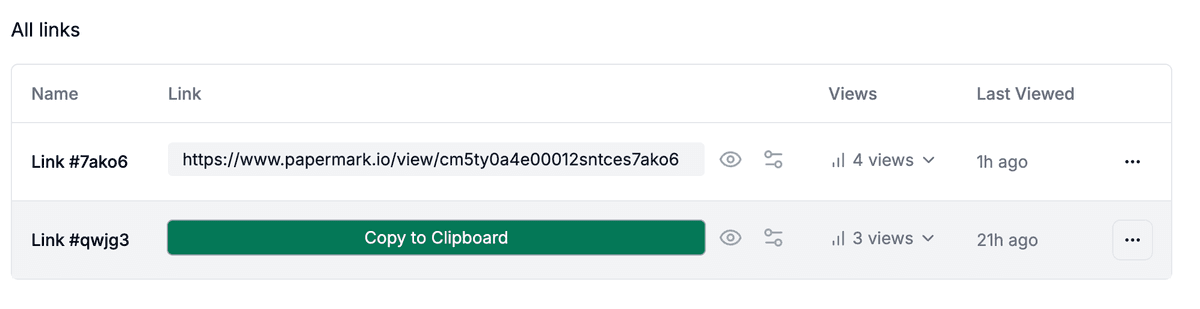
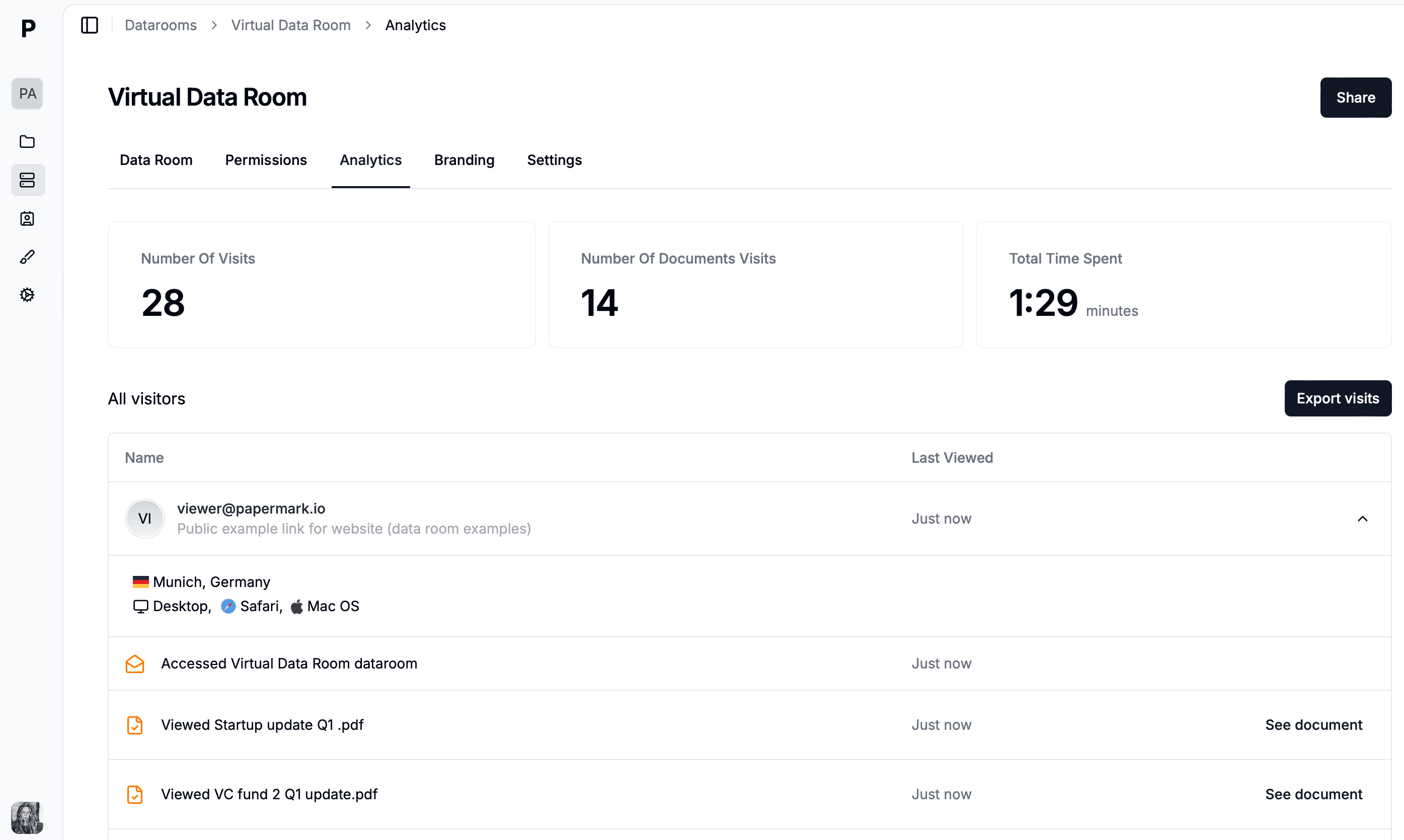
Real-time tracking and analytics
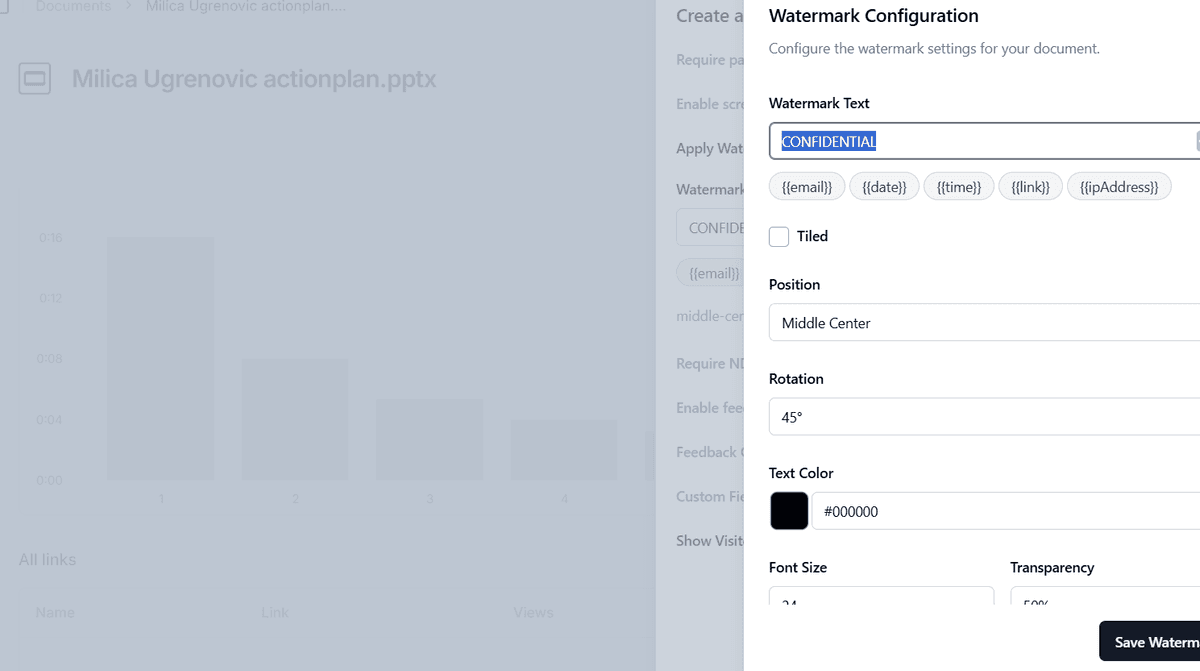
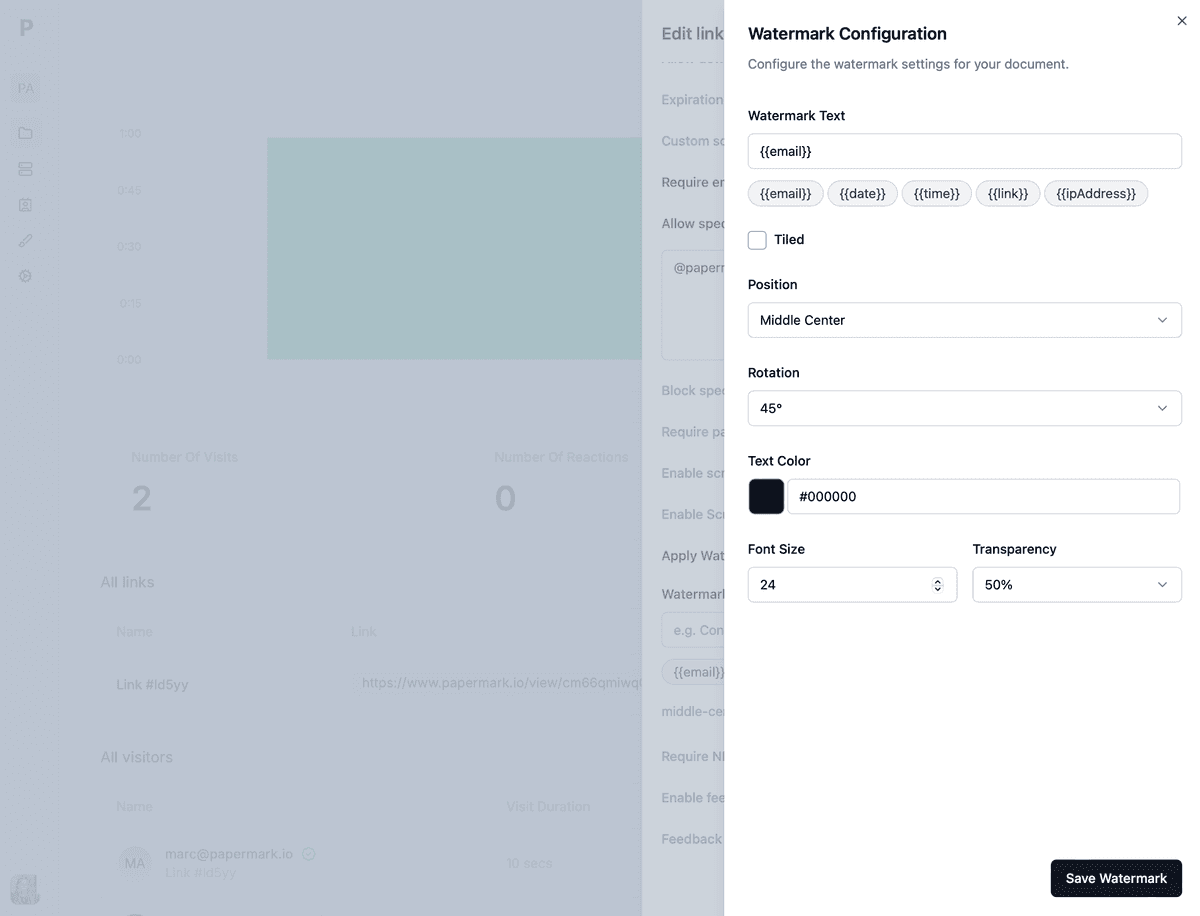
Custom watermark variables
Self-hosting option available
Open-source transparency
Papermark pricing:
Document sharing: Free (€0), Pro (€24/month), Business (€59/month, 3 members, multi-file sharing).
Data Rooms:
Data Rooms: €99/month, 3 team members (dynamic watermarking, NDA agreements, granular file-level permissions, custom domain)
Data Rooms Plus: €249/month, 5 team members (Q&A, audit log, dedicated account manager, SOC 2 Type II)
Data Rooms Premium: €549/month, 10 team members + multi-team (full API, SSO, whitelabeling)
Data Rooms Unlimited (€999/month): unlimited team members with no per-seat charge, plus every Premium capability including AI redaction
Digify provides comprehensive document protection with dynamic watermarking and remote file deletion capabilities. The platform is particularly popular among businesses handling sensitive financial documents.
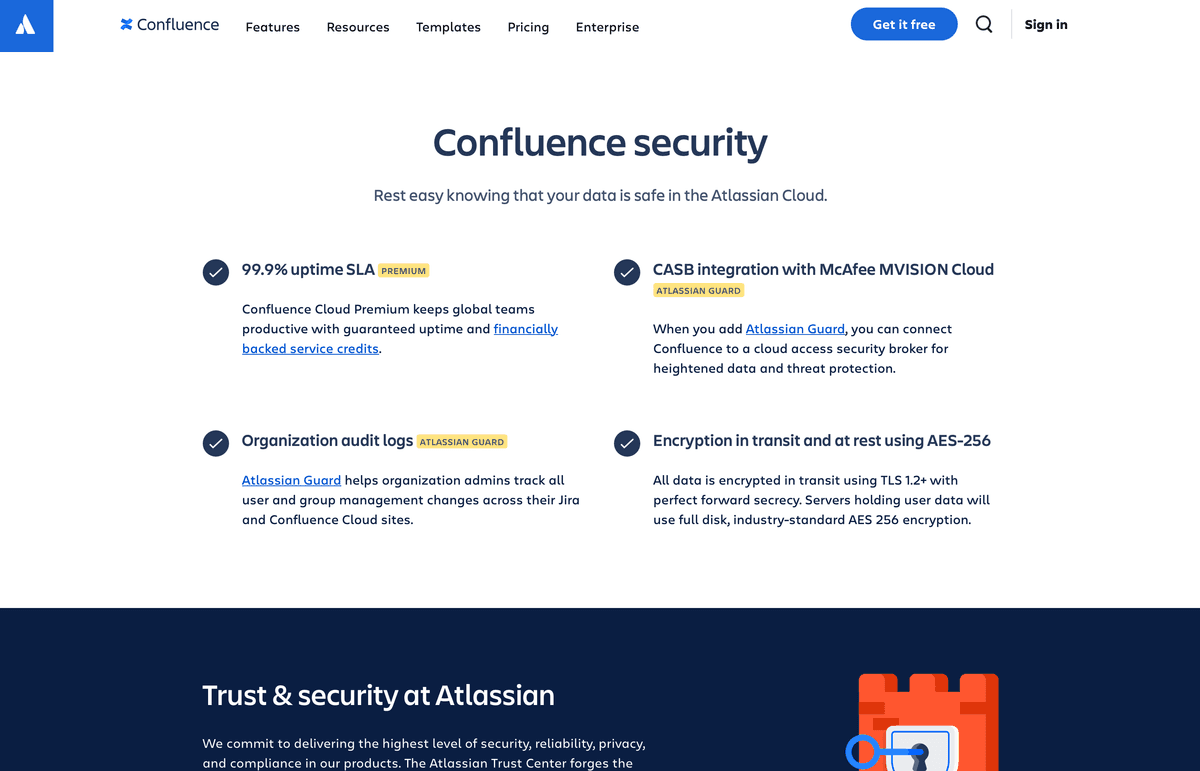
Confluence offers document watermarking as part of its advanced security features.
Confluence key features:
Document watermarking
Workspace security
Access controls
Audit logging
Integration options
Team collaboration
Confluence pricing:
Standard: From $7/user/month
Premium: From $15.50/user/month
Enterprise: Custom pricing
Best practices for document watermarking
When implementing document watermarking, it's crucial to follow best practices to ensure effective protection while maintaining document usability.
The first step is to choose appropriate variables for your watermarks. For sensitive documents, opt for dynamic variables that display viewer-specific information such as email addresses, IP addresses, or access timestamps. This approach provides better security while maintaining document readability.
Visibility settings play a crucial role in watermark effectiveness. Adjust the opacity to ensure watermarks are visible enough to deter unauthorized sharing but not so prominent that they interfere with document readability. Maintain consistent positioning across all pages for a professional appearance, and consider the document type when determining the optimal placement and style of your watermarks.
Access control implementation is another critical aspect of document watermarking. Set appropriate permissions based on user roles and document sensitivity. Enable tracking features to monitor document access and usage patterns. This helps identify potential security breaches and ensures compliance with data protection regulations.
Regular monitoring and maintenance are essential for maintaining effective document protection. Review access logs regularly to identify suspicious patterns or unauthorized access attempts. Keep security settings up to date and ensure your watermarking solution complies with relevant industry regulations and standards. By following these best practices, you can maximize the effectiveness of your document watermarking strategy while maintaining a balance between security and usability.
Conclusion
Document watermark software is essential for protecting sensitive information in today's digital business environment. Whether you need basic watermarking or advanced dynamic features, there's a solution to meet your needs.
For businesses requiring the highest level of security and customization, Papermark's secure data room with dynamic watermarking capabilities (and an optional self-hostable open-source deployment) provides an excellent choice. For enterprise organizations, solutions like FileCloud or Box offer comprehensive security features with self-hosting options.