
investors
Top 10 Media Investors in 2026
Discover the leading media investors driving innovation in the space in 2026.
M&A Finance Team
7 min read
All insights on secure document sharing in 2026
Discover the leading media investors driving innovation in the space in 2026.
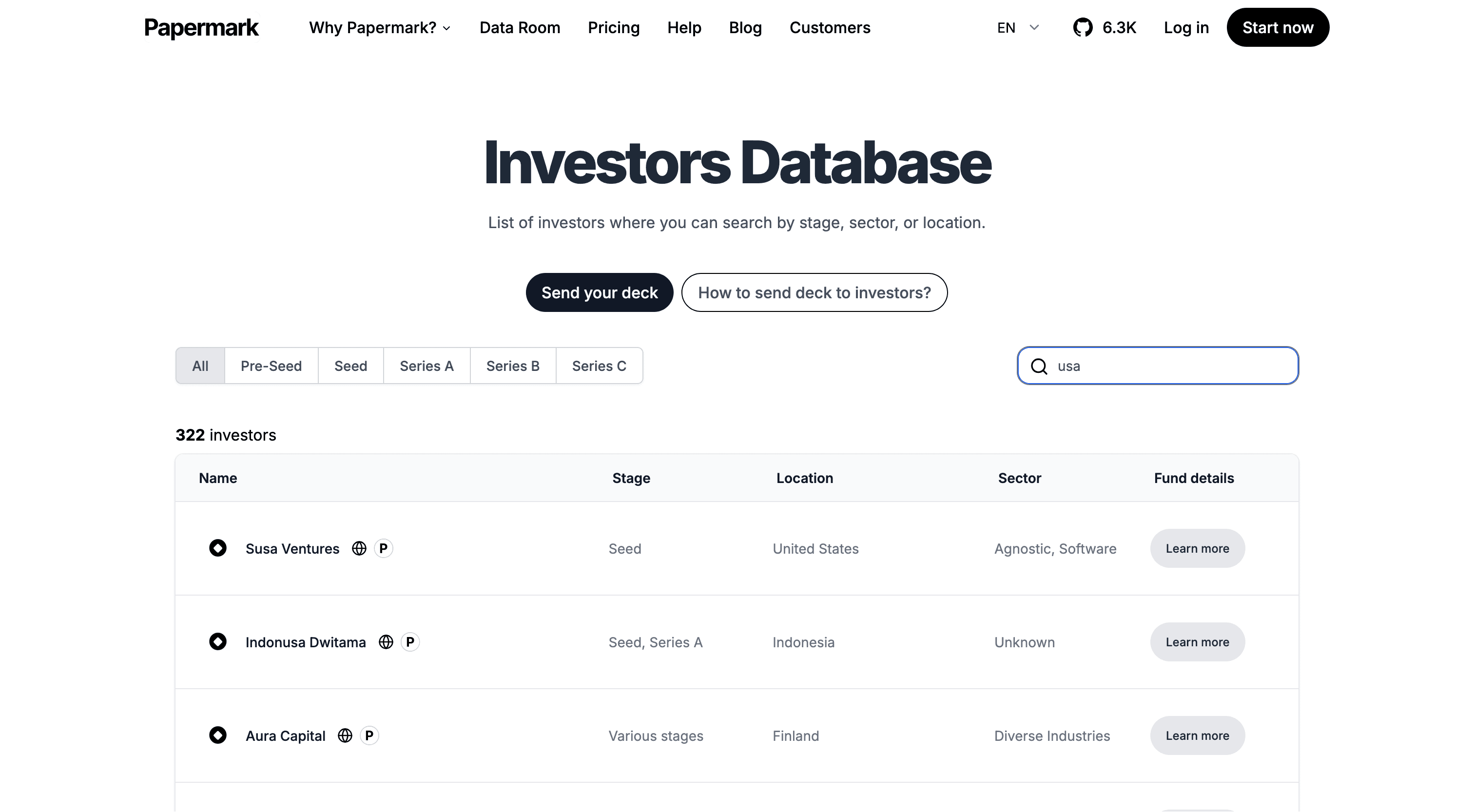
Discover the leading venture capital firms in San Diego actively investing in 2026. Connect with the right San Diego-based VC funds to accelerate your startup's growth in Southern California's innovative ecosystem.
Discover active venture capital firms in New York in 2026. Connect with the right NYC-based VC funds to accelerate your startup's growth and secure funding in the competitive New York ecosystem
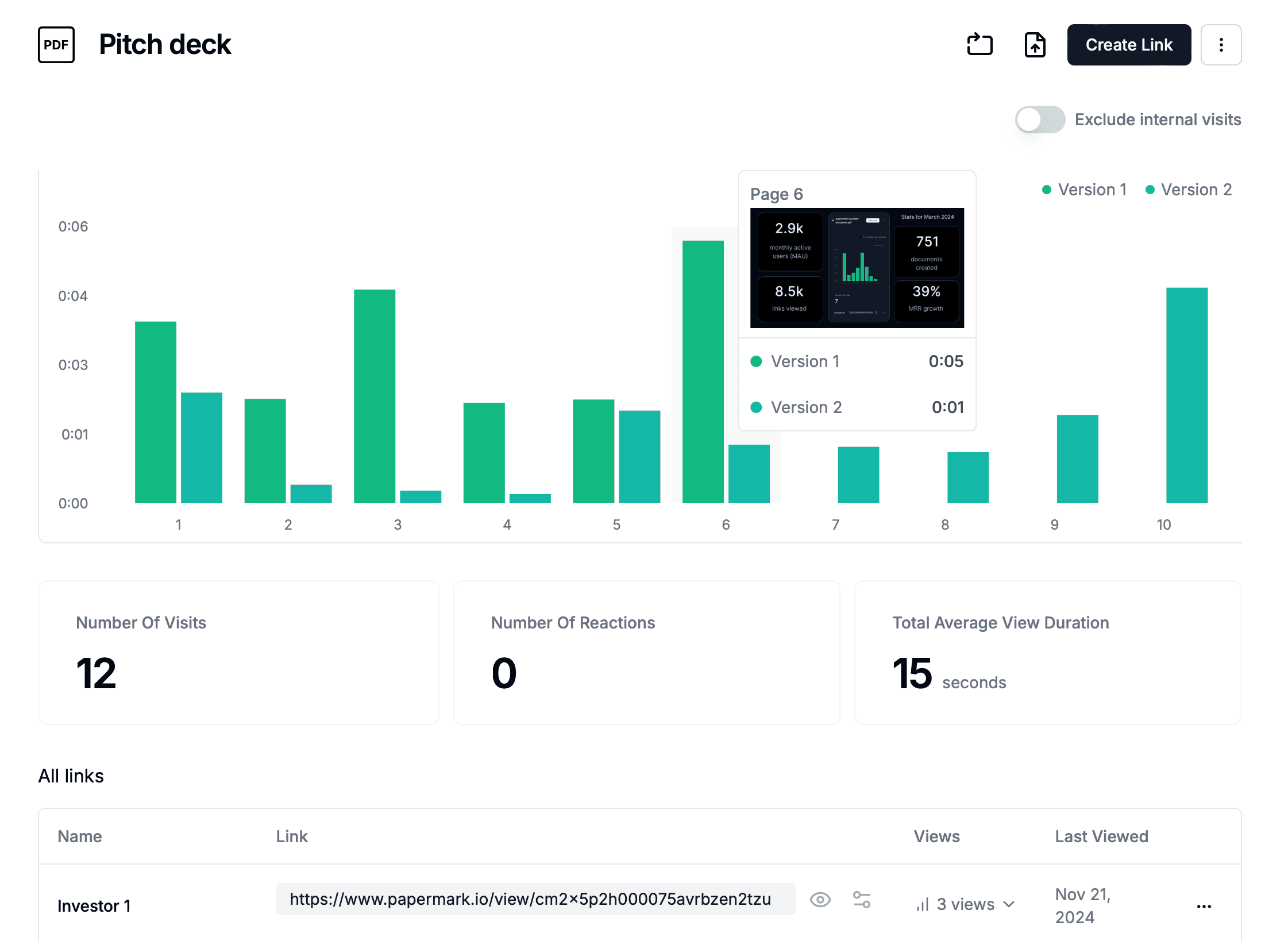
Explore the best pitch deck software for easy create pitch deck and to fundraise in 2026, there are free software and the one which use AI .
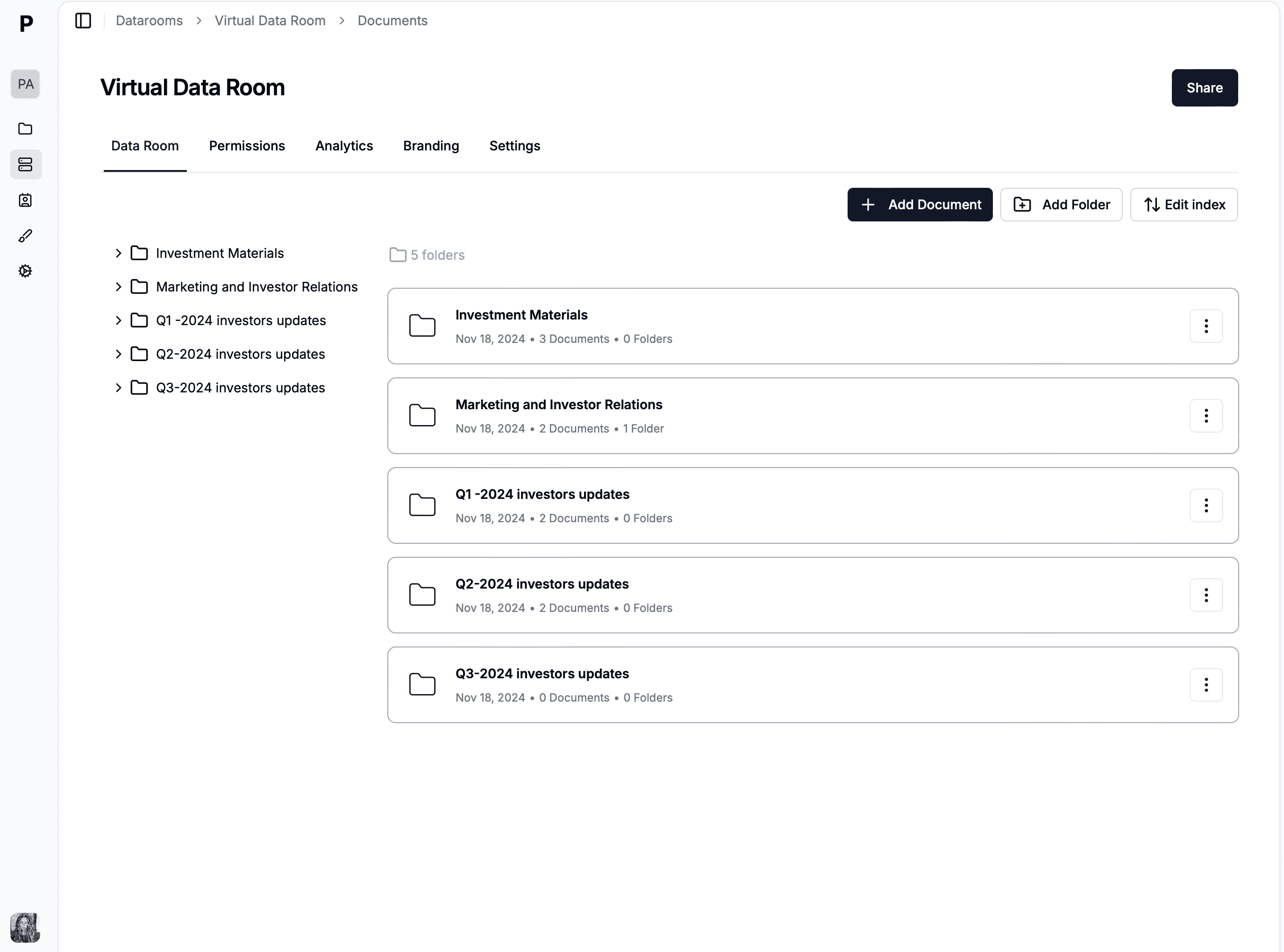
Discover the 15 best startup fundraising tools in 2026 to streamline investor outreach, manage pitch decks, and close funding rounds faster with powerful analytics and automation.
How private equity uses data analytics across diligence, value creation, and exit. Learn key KPIs, modern data stack choices, and a practical rollout plan.
We gathered for you gaming investors active in the sapce in 2026. Check out the list and get access to full database
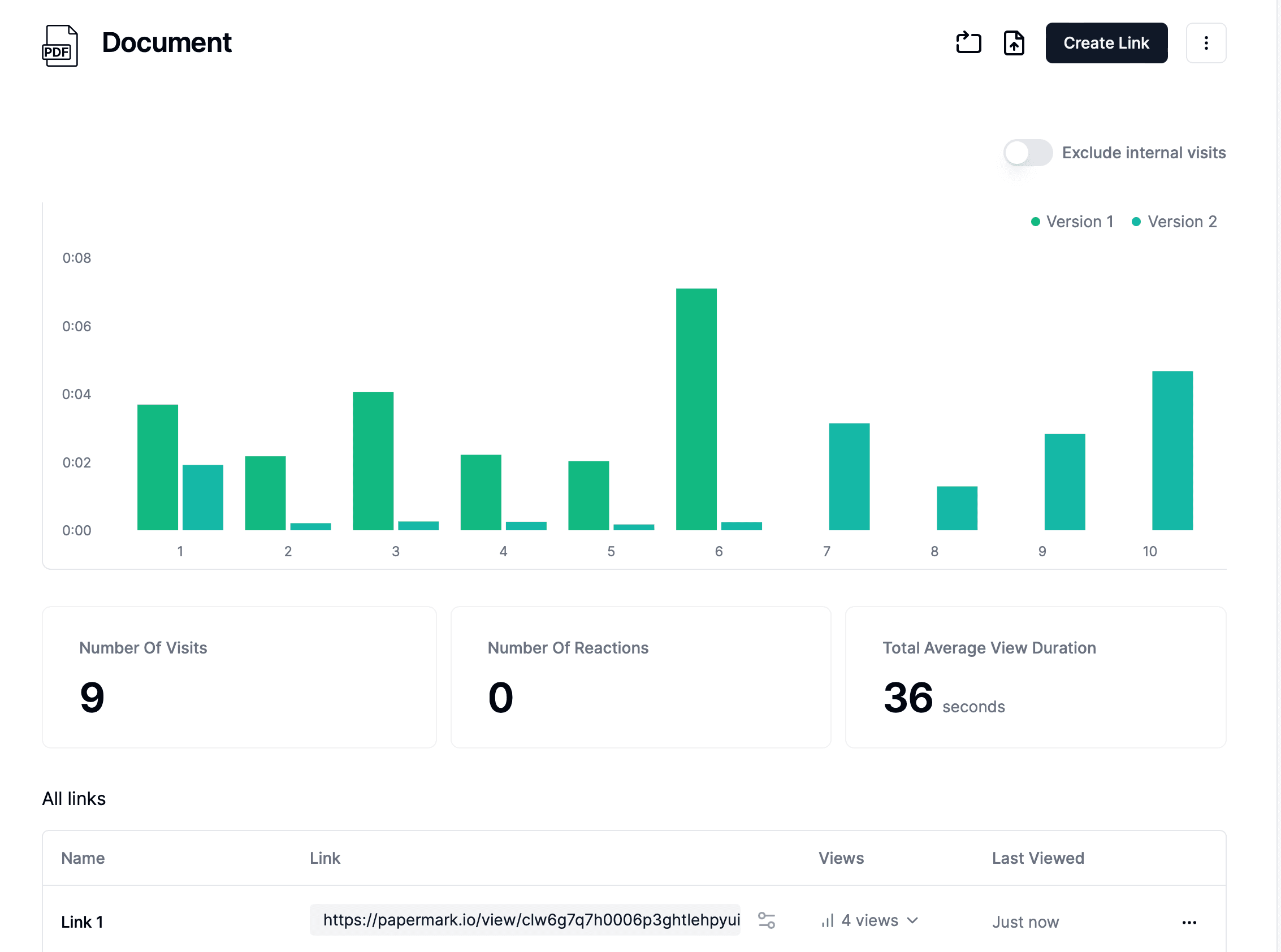
How to share files securely in 2026 - 7 methods covering encryption, password protection, secure links, and tracking features to prevent unauthorized access.
Explore the top 10 file sharing software in 2026. All sending files software listed has a free plan From open-source platforms to more generic tools.
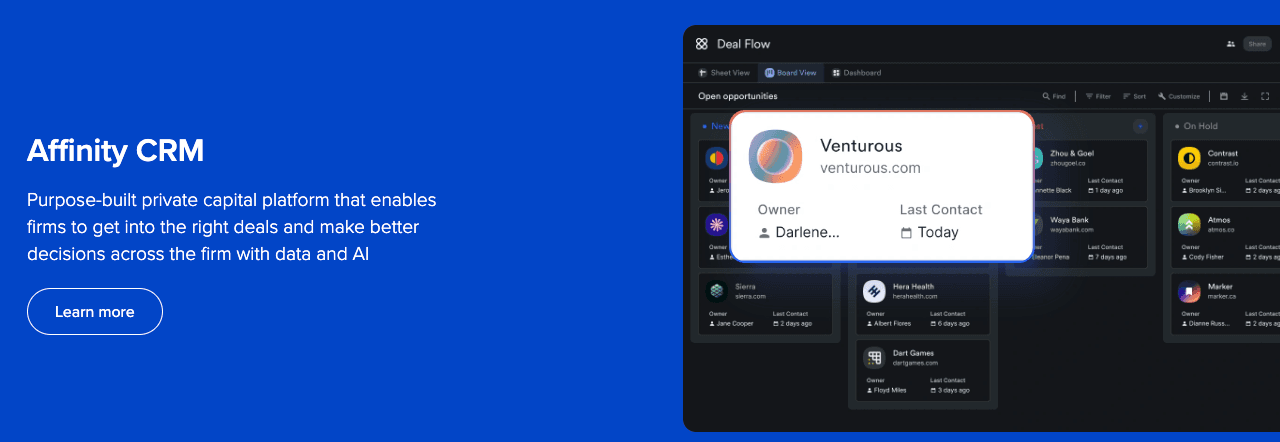
Complete guide to choosing the right CRM for private equity firms, including comparison of top tools like Affinity, DealCloud, 4Degrees, Altvia, and eFront, plus secure document sharing solutions.
A step-by-step guide to private equity fundraising, from pre-marketing to final close, including timelines, key documents, LP types, economics, and how to run diligence with a Papermark data room.
Complete guide on how to start a private equity company from scratch, including fundraising, team building, compliance, and using data rooms for investor relations.