BlogFile SecuritySecure File Sharing in 2026: 8 Steps to Protect Sensitive Documents (with Audit Trail)
Secure File Sharing in 2026: 8 Steps to Protect Sensitive Documents (with Audit Trail)
·2 min read
Marc Seitz
Sharing sensitive documents in 2026 is not just about sending a link. It is about protecting confidential information end-to-end: encryption in transit and at rest, NDA gating before any document loads, dynamic per-session watermarking, link expiration, and an immutable audit trail. This guide walks the 8-step setup that financial reports, legal contracts, and IP get shared with in serious workflows.
Quick recap
Secure file sharing sends sensitive documents through a controlled platform with encryption, access controls, and audit logging instead of raw email attachments.
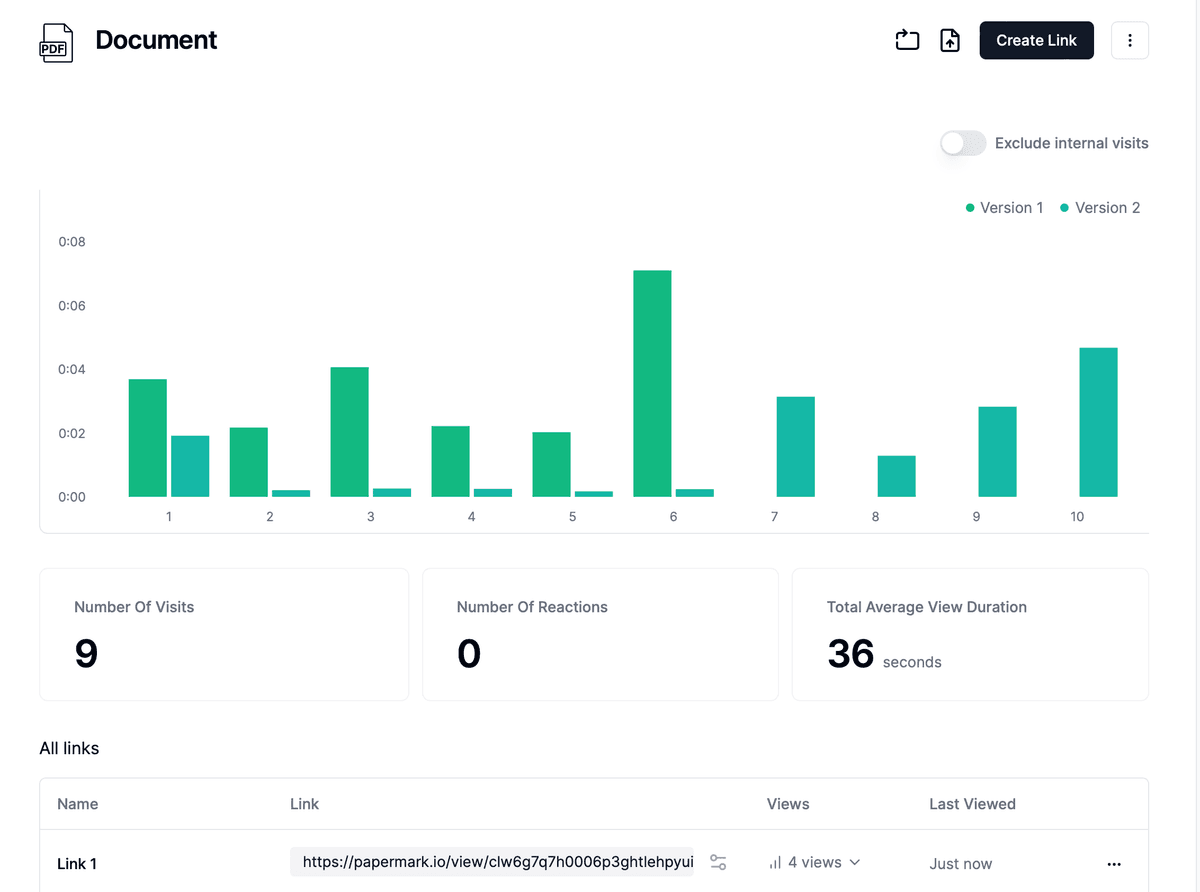
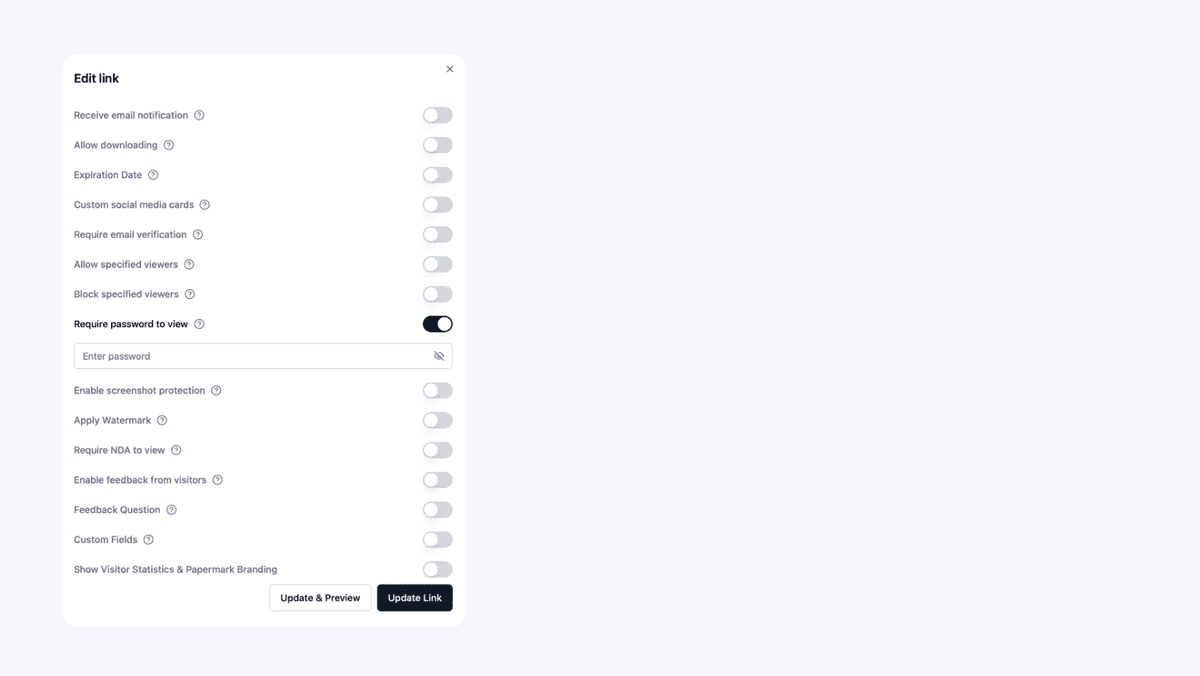
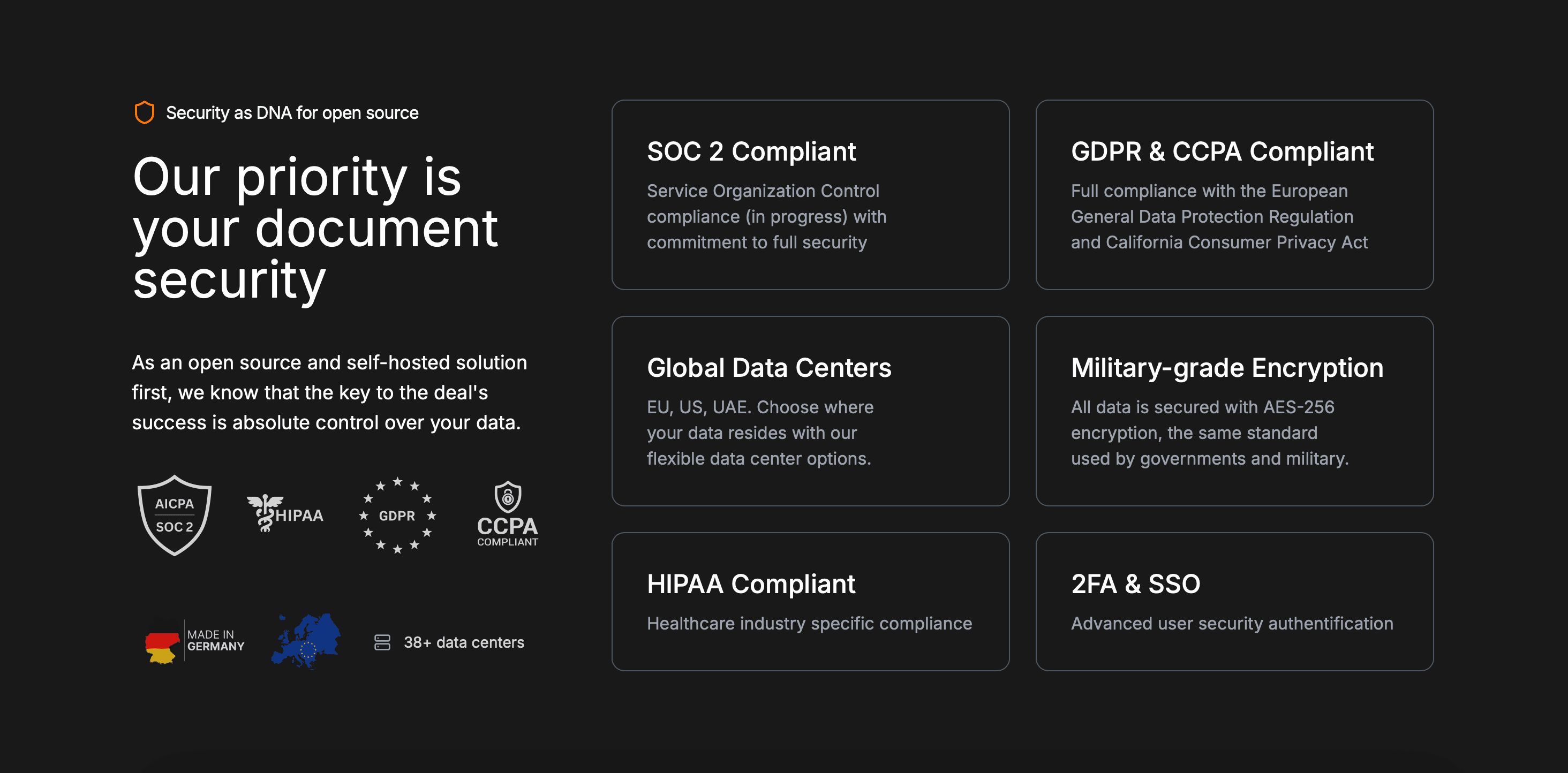
Must-have features: AES-256 encryption at rest, TLS 1.3 in transit, password gating, NDA enforcement, dynamic watermarking, link expiration, audit trail.
When secure file sharing graduates to a virtual data room
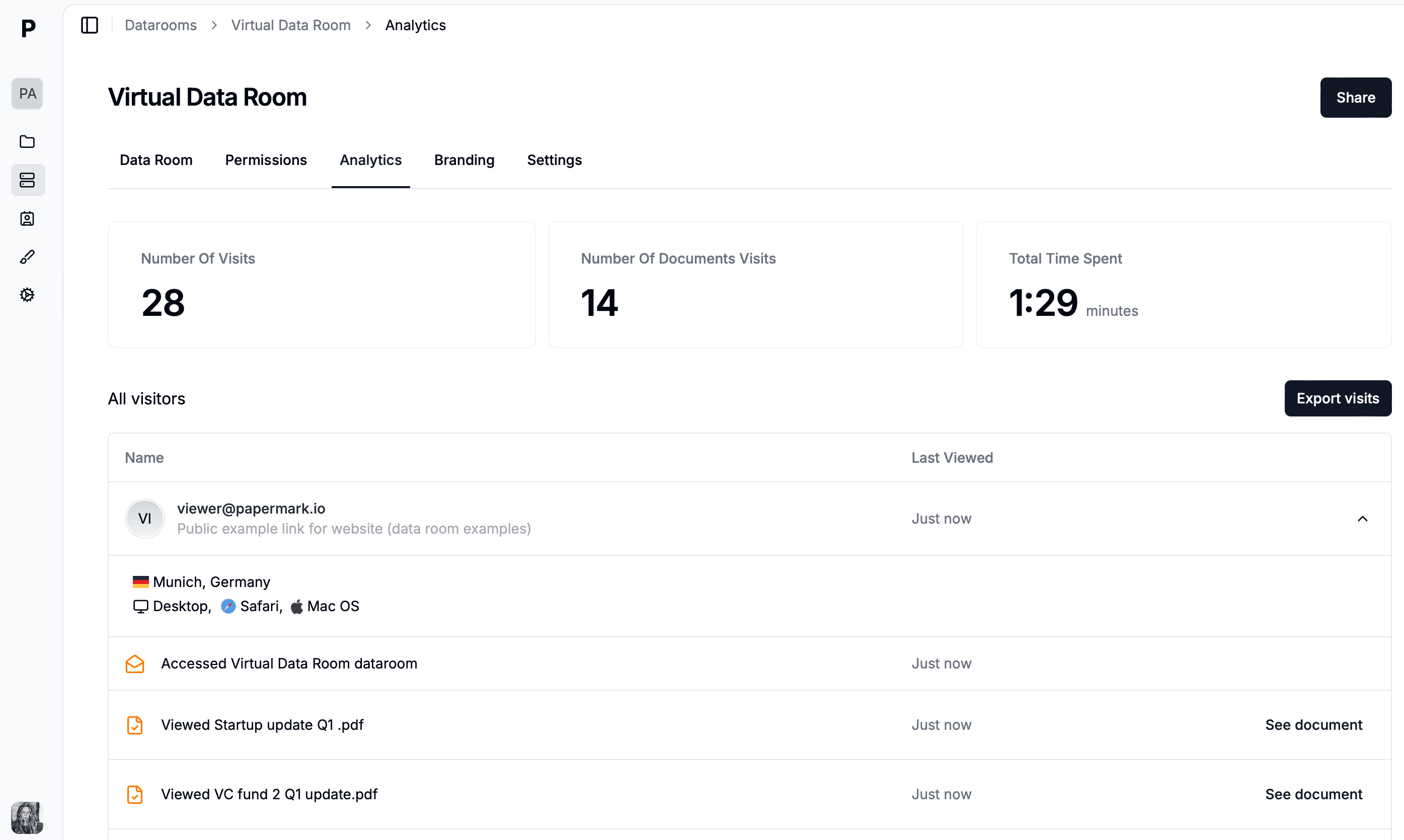
Secure file sharing covers one document or one folder going to one trusted recipient. The moment you share with multiple external parties under deal-grade pressure (M&A bidders, institutional investors, auditors, regulators), you need NDA enforcement before access, per-bidder scoped permissions, dynamic per-session watermarking, structured Q&A, and a legally defensible audit trail. That is what a virtual data room provides on top of secure file sharing's foundation.
Secure file sharing is essential for any business handling sensitive information. By following the 8-step setup and using Papermark's encryption, NDA gating, dynamic watermarking, and audit trail, you share documents with confidence and full visibility.