Protecting sensitive files with encryption is essential in today's digital landscape, whether you're securing personal documents, business files, or confidential client data.
File encryption software transforms your files into unreadable code that can only be decrypted with the correct password or key, providing a critical layer of security against unauthorized access. Understanding which files need encryption helps you prioritize your security efforts.
The right file encryption software depends on your specific needs—whether you need full disk encryption, cloud storage protection, file compression with encryption, or secure file sharing with advanced access controls. This guide explores five leading file encryption solutions, from open-source tools to cloud-based platforms, helping you choose the best option for your security requirements. For step-by-step instructions on encrypting files, see our guide on how to encrypt a file with a password.
Quick recap of file encryption software
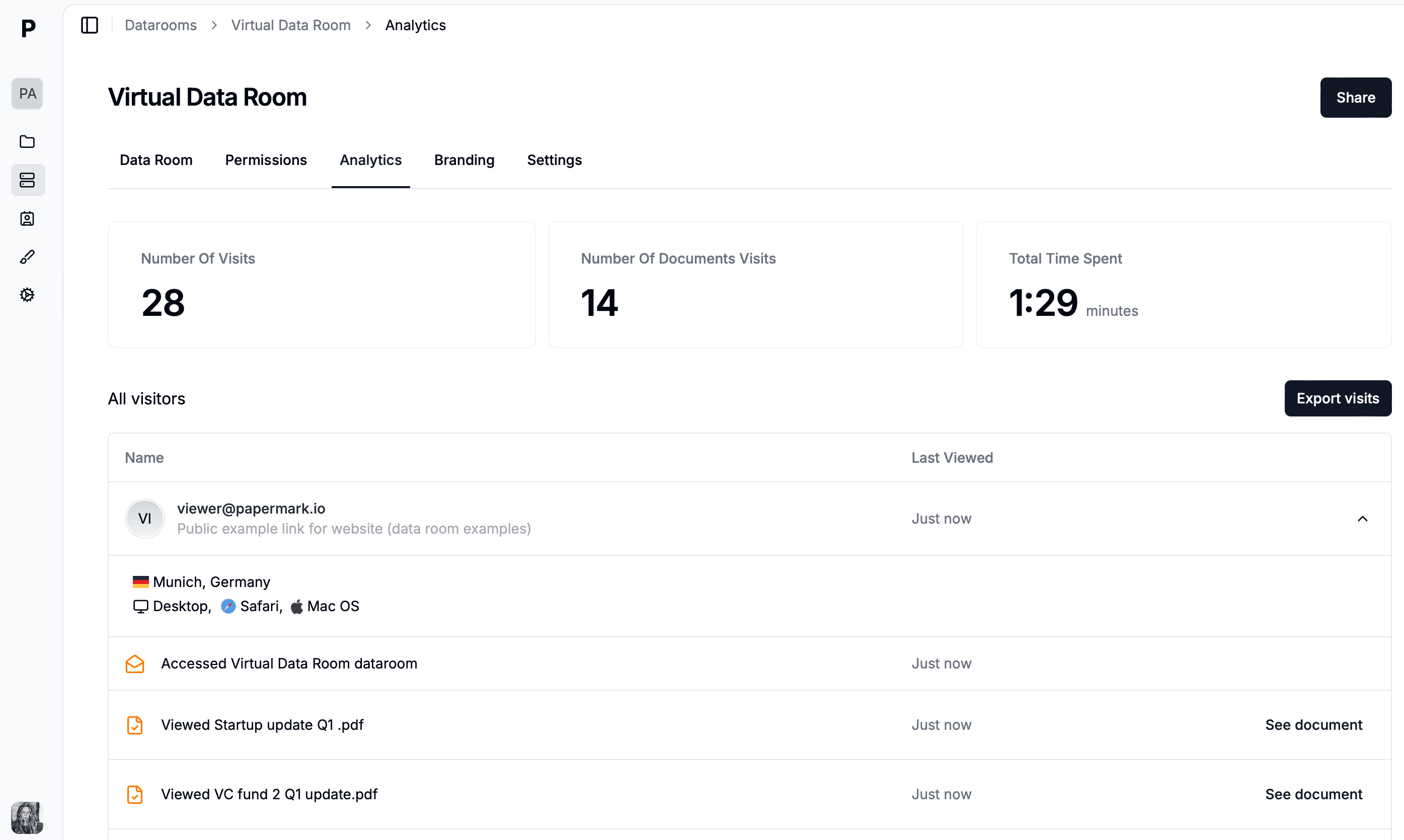
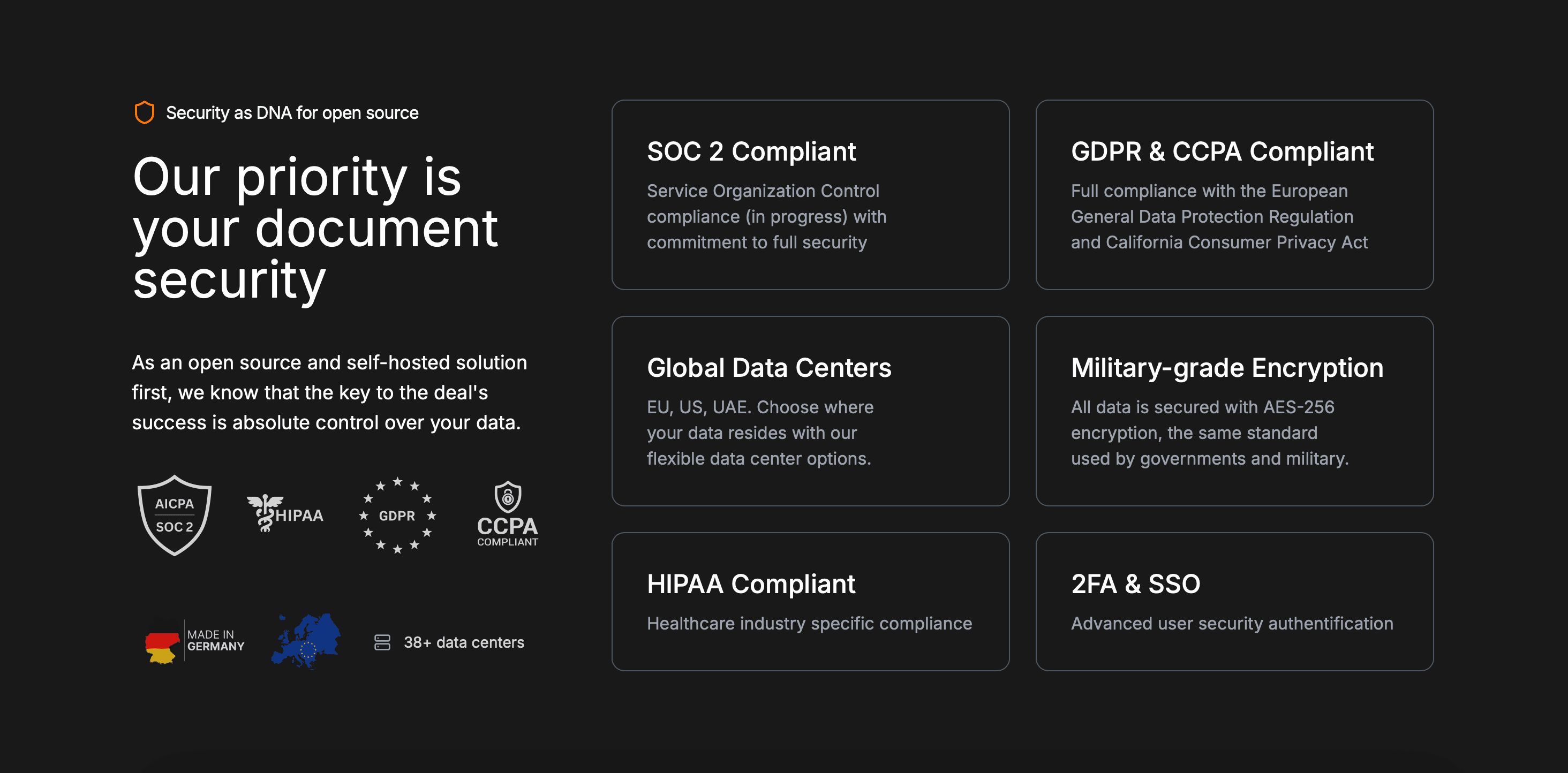
Papermark: Secure file sharing platform with AES-256 encryption, password protection, and advanced access controls
VeraCrypt: Open-source disk encryption software for creating encrypted virtual disks and full partition encryption
Cryptomator: Client-side encryption tool designed for cloud storage services with transparent file encryption
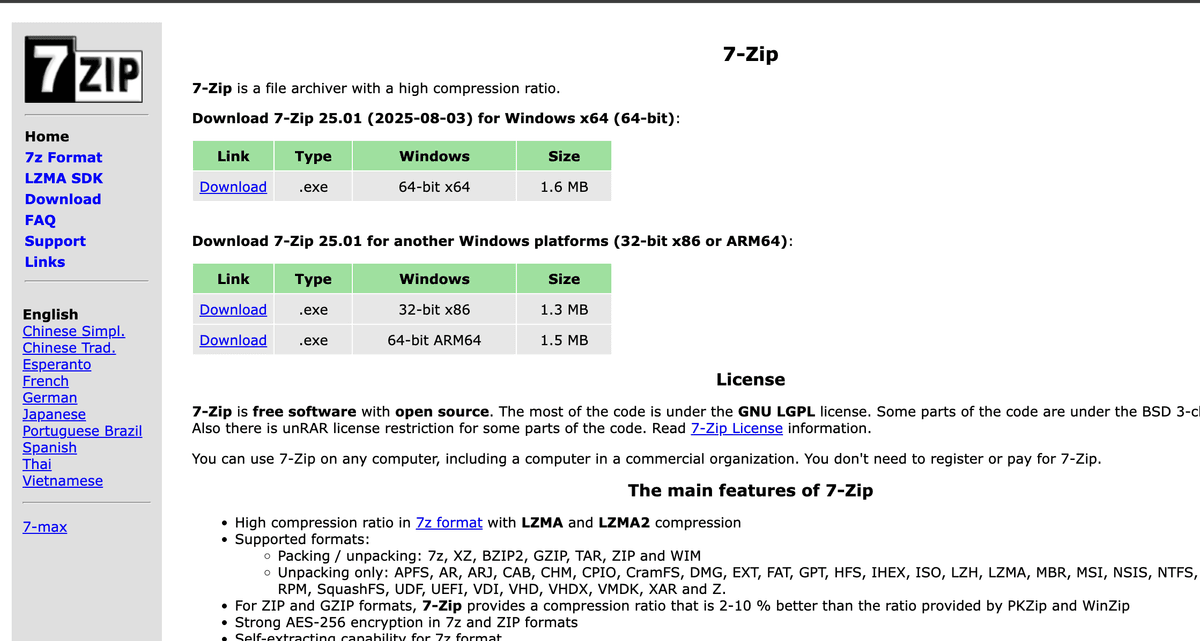
7-Zip: Free file archiver with AES-256 encryption for compressed files and archives
Boxcryptor: Cloud encryption software supporting 30+ cloud storage providers with AES-256 and RSA encryption
Comparison table: file encryption software
Feature
Papermark
VeraCrypt
Cryptomator
7-Zip
Boxcryptor
Encryption algorithm
AES-256
AES, Serpent, Twofish
AES-256
AES-256
AES-256, RSA
Open source
✔
✔
✔
✔
✘
Free plan
✔
✔
✔
✔
Limited free version
Cloud storage support
✔ (built-in sharing)
✘
✔ (30+ providers)
✘
✔ (30+ providers)
Password protection
✔
✔
✔
✔
✔
File sharing
✔ (secure links)
✘
✘
✘
Limited
Access analytics
✔ (page-by-page)
✘
✘
✘
✘
Watermarking
✔ (dynamic)
✘
✘
✘
✘
Access controls
✔ (email verification, allowlist, expiration)
✘
✘
✘
Limited
Full disk encryption
✘
✔
✘
✘
✘
File compression
✘
✘
✘
✔
✘
Cross-platform
✔ (web-based)
✔ (Windows, macOS, Linux)
✔ (Windows, macOS, Linux, Android, iOS)
✔ (Windows, macOS, Linux)
✔ (Windows, macOS, iOS, Android)
Types of file encryption software and use cases
Secure file sharing platforms:
Software like Papermark falls into this category, offering secure file sharing with built-in encryption, password protection, access controls, and analytics. These platforms are ideal for sharing encrypted files with clients, investors, or team members while maintaining visibility into who accessed the files and when. Learn how to send password-protected PDFs securely with these platforms.
Full disk encryption tools:
VeraCrypt represents this type, providing full partition or disk encryption for maximum security. These tools are best for encrypting entire drives or creating encrypted containers for sensitive data storage, suitable for users who need comprehensive disk-level protection.
Cloud storage encryption:
Cryptomator and Boxcryptor specialize in encrypting files before they're uploaded to cloud storage services. These tools provide client-side encryption, ensuring your files remain encrypted even when stored on third-party cloud platforms like Dropbox, Google Drive, or OneDrive.
File compression with encryption:
7-Zip combines file compression with strong encryption, allowing you to create encrypted archives. This type is ideal for users who need to compress files while encrypting them, making it easier to store or share multiple files securely in a single encrypted archive. For step-by-step instructions, see our guide on how to password protect ZIP files.
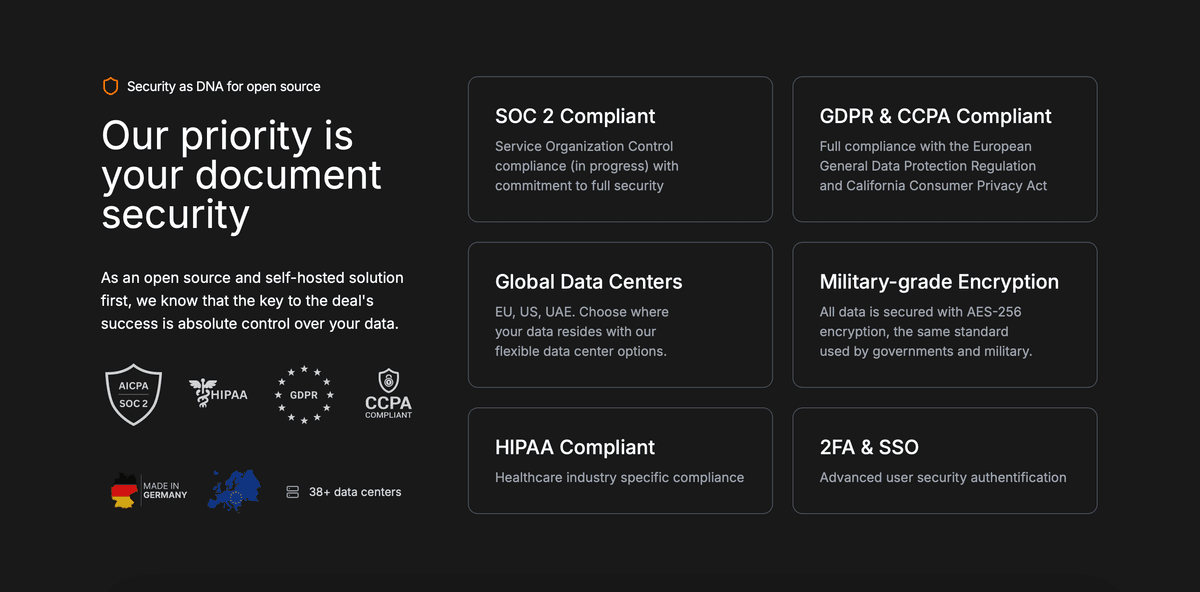
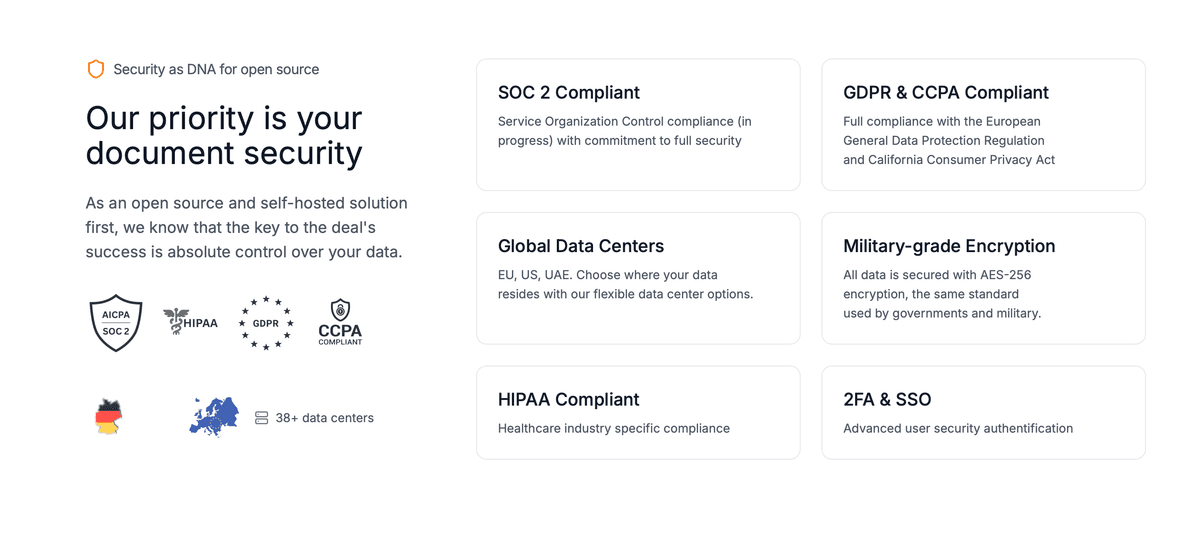
Papermark is a modern secure file sharing platform that provides comprehensive file encryption with password protection, access controls, and detailed analytics.
Unlike traditional encryption software that only encrypts files locally, Papermark combines AES-256 encryption with secure cloud-based sharing, making it ideal for businesses and professionals who need to share encrypted files while maintaining visibility and control. Learn more about encrypted file sharing and how it can protect your sensitive documents.
Papermark features
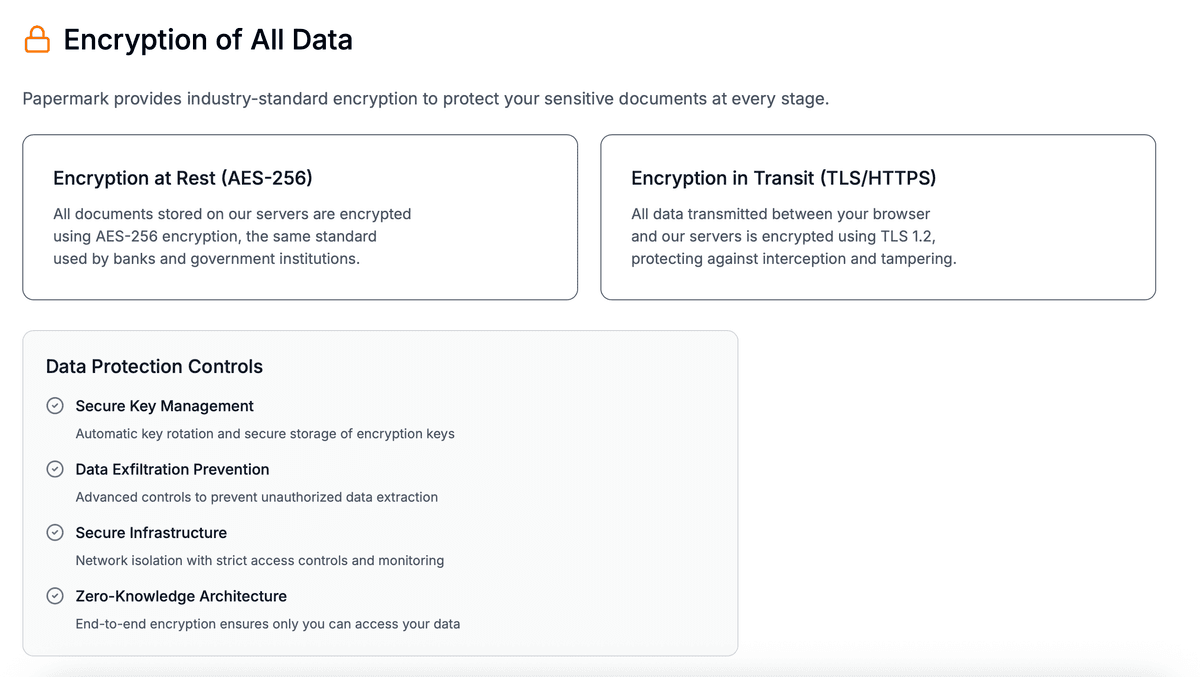
Papermark offers a comprehensive suite of encryption and security features designed for professional file sharing. The platform uses AES-256 encryption to protect all files during upload and storage, ensuring your sensitive documents remain secure.
Beyond basic encryption, Papermark provides password protection with customizable access controls, allowing you to require email verification, set access expiration dates, and create allowlists or denylists for specific recipients.
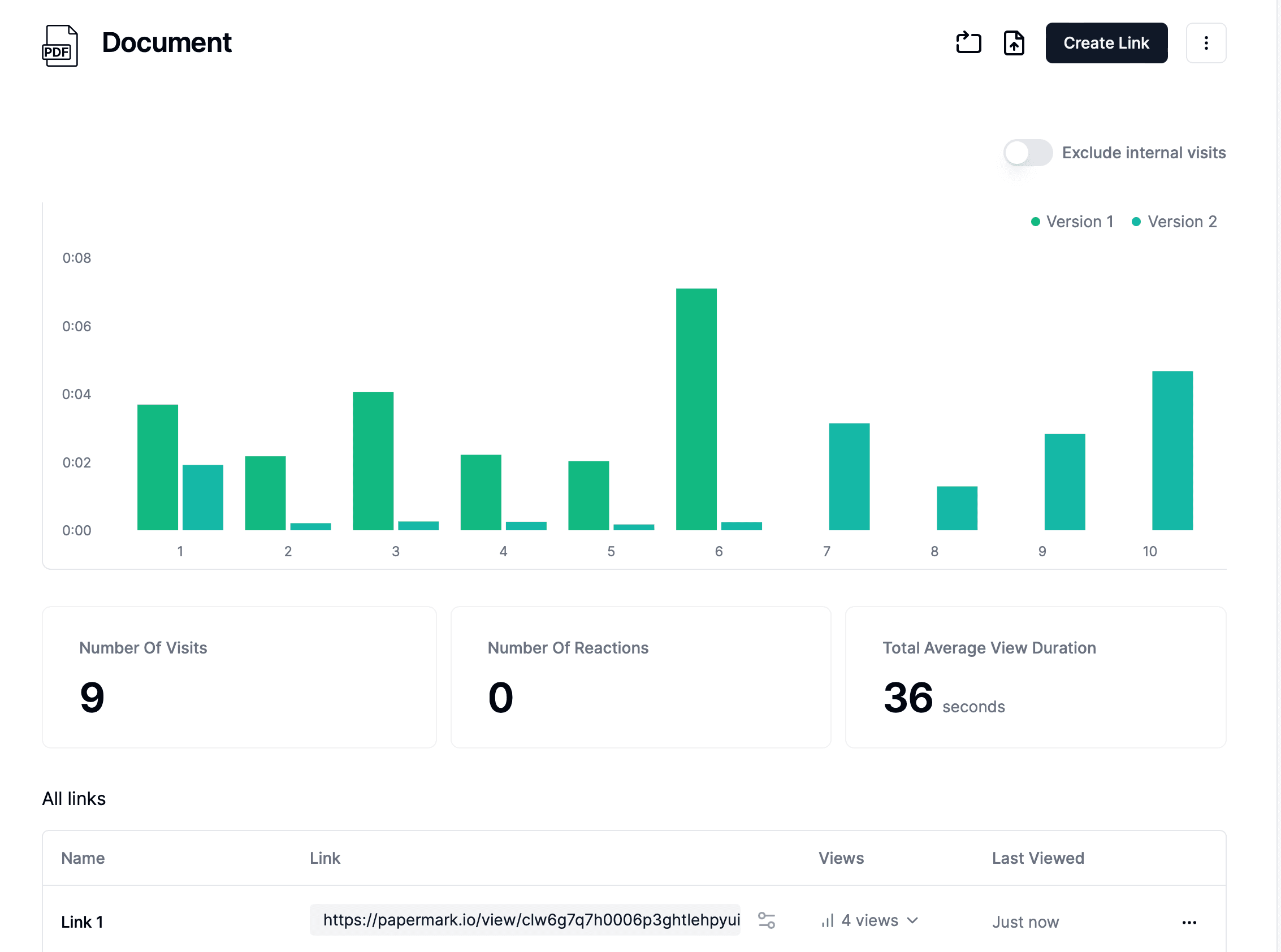
The platform includes advanced security features like dynamic watermarking that adds recipient-specific information to each page, screenshot protection to discourage unauthorized captures, and download prevention to ensure files can only be viewed through secure links. Papermark's built-in analytics provide page-by-page tracking, showing you exactly who accessed your encrypted files, when they viewed them, and how long they spent on each page. This combination of encryption, access controls, and analytics makes Papermark unique among file encryption software solutions.
Papermark limitations
As a cloud-based platform, Papermark requires an internet connection for file upload and sharing. The platform focuses on file sharing rather than local disk encryption, so it's not suitable for users who need to encrypt entire hard drives or partitions.
Papermark pricing
Free plan: Basic encryption and file sharing capabilities
Document sharing plan: $29 per month (includes 3 seats with advanced features)
Secure data room plan: $59 per month (unlimited documents and folders)
Self-hosted version: Available for organizations requiring complete control over their infrastructure
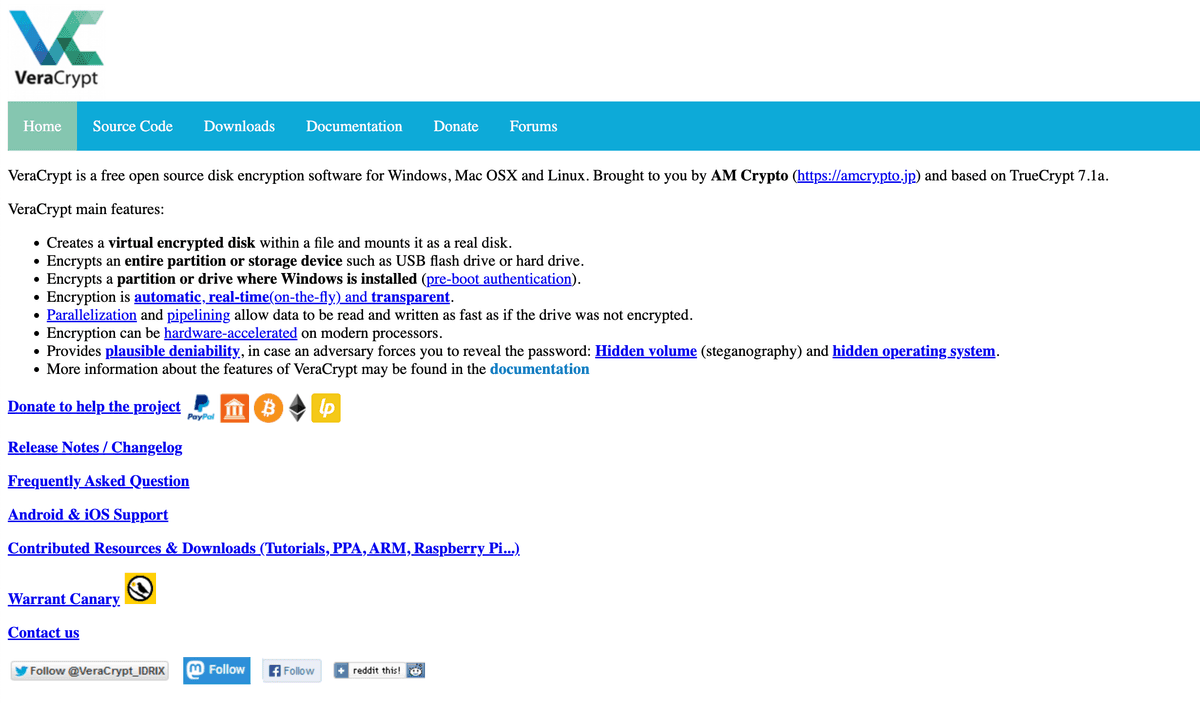
VeraCrypt is an open-source disk encryption software that allows you to create encrypted virtual disks or encrypt entire partitions and storage devices. As the successor to TrueCrypt, VeraCrypt provides strong encryption using multiple algorithms including AES, Serpent, and Twofish, making it one of the most secure full disk encryption solutions available.
The software is designed for users who need comprehensive disk-level encryption, whether for protecting entire hard drives, creating encrypted containers, or securing USB drives. VeraCrypt's open-source nature means its code has been thoroughly audited by security experts, providing transparency and trust in its encryption implementation.
VeraCrypt features
VeraCrypt offers robust full disk encryption capabilities with support for multiple encryption algorithms. Users can create encrypted virtual disks that appear as regular drives when mounted, encrypt entire partitions or storage devices, and even create hidden volumes within encrypted containers for plausible deniability.
The software supports Windows, macOS, and Linux, providing cross-platform compatibility for users working across different operating systems.
VeraCrypt includes features like system partition encryption, which encrypts the entire operating system drive, and portable mode, which allows you to run VeraCrypt from a USB drive without installation. The software uses strong encryption algorithms and provides options for cascading multiple algorithms for enhanced security.
VeraCrypt limitations
VeraCrypt requires technical knowledge to set up and use effectively, especially for full disk encryption. The software doesn't provide cloud storage integration or file sharing capabilities, focusing solely on local disk encryption. Users must remember to mount encrypted volumes before accessing files, which can be less convenient than transparent encryption solutions.
VeraCrypt pricing
Free: Completely free and open-source software with no paid plans or premium features
Maintenance: Maintained by the community and funded through donations
Cryptomator is an open-source client-side encryption tool designed specifically for encrypting files stored in cloud storage services. The software provides transparent encryption, meaning files are encrypted before being uploaded to cloud storage providers like Dropbox, Google Drive, OneDrive, and more than 30 other services.
Cryptomator encrypts each file individually, ensuring that even if your cloud storage provider is compromised, your files remain protected. The software creates encrypted vaults that appear as regular folders, making it easy to work with encrypted files while maintaining strong security.
Cryptomator features
Cryptomator provides transparent client-side encryption for cloud storage, encrypting files before they're uploaded to your cloud provider. The software supports more than 30 cloud storage services and works seamlessly with any cloud storage that uses a local sync folder. Each file is encrypted individually using AES-256 encryption, and file names are also encrypted to protect metadata.
The software is available for Windows, macOS, Linux, Android, and iOS, providing comprehensive cross-platform support. Cryptomator's vault system allows you to create multiple encrypted vaults for different purposes, and the software integrates seamlessly with your existing cloud storage workflow.
Cryptomator limitations
Cryptomator focuses solely on cloud storage encryption and doesn't provide file sharing capabilities or access analytics. The software requires you to have a cloud storage account, and it doesn't offer built-in file sharing features beyond what your cloud provider provides. Some advanced features may require technical knowledge to configure properly.
Cryptomator pricing
Free: Free and open-source software with no paid plans
Availability: Available for all platforms at no cost
Support: Donations are accepted to support development
7-Zip is a free and open-source file archiver that provides strong AES-256 encryption for compressed files and archives. While primarily known as a compression tool, 7-Zip's encryption capabilities make it a popular choice for users who need to encrypt files while compressing them, creating secure archives that can be easily stored or shared.
The software supports a wide range of archive formats and provides high compression ratios, making it ideal for users who need to compress large files while maintaining strong encryption. 7-Zip's simplicity and effectiveness have made it one of the most widely used file compression and encryption tools.
7-Zip features
7-Zip offers strong AES-256 encryption for compressed archives, allowing you to create password-protected ZIP and 7Z files. The software supports multiple archive formats including 7Z, ZIP, TAR, GZIP, and more, providing flexibility for different use cases. 7-Zip provides high compression ratios, especially with the 7Z format, while maintaining fast compression and decompression speeds. For more details on encrypting ZIP files, see our guide on how to encrypt a ZIP file.
The software includes a simple graphical interface and command-line tools, making it accessible for both casual users and power users. 7-Zip is available for Windows, macOS, and Linux, providing cross-platform support. The software's encryption is transparent and easy to use—simply set a password when creating an archive to encrypt its contents.
7-Zip limitations
7-Zip is primarily a compression tool with encryption capabilities, so it doesn't provide full disk encryption or cloud storage integration. The software doesn't offer file sharing features or access analytics, focusing solely on creating encrypted archives. Users must manually create archives and remember passwords, which can be less convenient than automated encryption solutions.
7-Zip pricing
Free: Completely free and open-source software with no paid plans or premium features
Availability: Available for all supported platforms at no cost
Boxcryptor is a commercial cloud encryption software that provides client-side encryption for files stored in cloud storage services. The software supports more than 30 cloud storage providers including Dropbox, Google Drive, OneDrive, and many others, ensuring your files remain encrypted even when stored on third-party cloud platforms.
Boxcryptor uses AES-256 encryption for file content and RSA encryption for key management, providing strong security for cloud-stored files. The software is designed for both individual users and businesses, offering different plans with varying features and capabilities.
Boxcryptor features
Boxcryptor provides transparent client-side encryption for cloud storage, encrypting files before they're uploaded to your cloud provider. The software supports more than 30 cloud storage services and works seamlessly with cloud storage sync folders. Boxcryptor uses AES-256 encryption for file content and RSA encryption for key management, providing strong security.
The software is available for Windows, macOS, iOS, and Android, providing cross-platform support for desktop and mobile devices. Boxcryptor offers features like filename encryption to protect metadata, secure file sharing with other Boxcryptor users, and team management capabilities for business users. The software integrates seamlessly with your existing cloud storage workflow.
Boxcryptor limitations
Boxcryptor is a commercial product with limited free features, and advanced capabilities require paid subscriptions. The software focuses on cloud storage encryption and doesn't provide full disk encryption or file sharing analytics. Some features like team management and advanced sharing require business plans.
Boxcryptor pricing
Free version: Limited free version for personal use with basic encryption features
Personal plan: $3 per month (includes unlimited devices and cloud storage providers)
Business plan: $6 per user per month (includes team management, advanced sharing, and priority support)
Enterprise plans: Custom pricing for larger organizations
Conclusion: file encryption software in 2026
Choosing the right file encryption software depends on your specific security needs. For secure file sharing with advanced access controls and analytics, Papermark provides comprehensive encryption with password protection. For full disk encryption, VeraCrypt offers robust open-source solutions. For cloud storage encryption, Cryptomator and Boxcryptor provide client-side encryption. For file compression with encryption, 7-Zip combines strong encryption with high compression ratios.
Each solution has its strengths, and the best choice depends on whether you need local disk encryption, cloud storage protection, file sharing capabilities, or simple archive encryption.