BlogDocument SharingWhich file sharing service allows you to host HTML files in 2026?
Which file sharing service allows you to host HTML files in 2026?
·7 min read
Marc Seitz
A file sharing service that lets you host an HTML file has to serve the page, not just store the download. Papermark adds HTML files on request inside a document link or a data room. Public hosts such as GitHub Pages render the page on the open web. Google Drive and Dropbox keep the file, and their shared links do not run it as a site.
Quick recap
Papermark adds HTML files (.html, .htm) on request, in document sharing and in a data room, and file requests can collect HTML from a visitor.
GitHub Pages publishes a static HTML site from a repository, free for a public repo.
Netlify deploys a folder of static HTML to a public URL.
Cloudflare Pages serves a static site from a connected repository.
tiiny.host turns one HTML file into a page. The free plan is one site, a 3 MB file limit, and 5,000 visits a month, with a banner.
Google Drive stores the file. Drive web hosting was shut off on 31 August 2016, so a shared link does not render the page.
Dropbox stores the file. Shared links do not render HTML in a browser (Dropbox Help, updated 30 June 2025).
No credit card required.
1. Hosting an HTML file is not the same as sharing it
People search "which file sharing service allows you to host HTML file" after a shared link opens as source code, or as a download. The file arrived. The page did not.
Hosting means a web server sends the file with a content type the browser treats as a page, so the markup, the inlined styles, and the scripts run. Sharing means a storage product gives someone a link to a blob. The blob can be a perfect .html file and still never become a page, because the product refuses to render it. That refusal is deliberate. A public HTML render is how phishing kits and drive-by scripts get distributed, which is why consumer file lockers dropped the feature.
Google Drive did host sites. A published folder used to resolve at a googledrive.com/host address. Google turned that off on 31 August 2016. Upload an HTML file to Drive today and the visitor gets a preview of the source, or a download. There is no control that says "render this as a website."
Dropbox is the same shape. Its own help article, updated 30 June 2025, states that shared links do not render HTML content in a web browser. Changing dl=0 to raw=1 does not bring the old public-folder behavior back. The file stays in the account. The page does not go live.
If the job is a public documentation page, a prototype you are happy for anyone to open, or a one-file demo, use a static host. If the job is a confidential HTML export inside a fundraise or a sale, a public URL is the wrong tool. That second job is document sharing, or a data room for HTML files, with a named viewer and a record of the open.
2. Which file sharing service allows you to host an HTML file
Seven services cover the search. Two of them are file lockers that do not host the page. Four are static hosts that do. Papermark is the data room path: you add the HTML file on request and share it under access controls, which is document sharing, not a public website.
#
Service
Renders the HTML page
Best for
Who can open it
1
Papermark
Add the file on request
Confidential HTML in a data room
Named viewers, NDA, audit log
2
GitHub Pages
Yes, static site
Public docs from a repo
Public URL
3
Netlify
Yes, static deploy
A folder of HTML, CSS, and JS
Public URL
4
Cloudflare Pages
Yes, static site
A public site on Cloudflare
Public URL
5
tiiny.host
Yes, one file or a small site
A quick public preview
Public URL, banner on free
6
Google Drive
Keeping a copy of the source
Drive link, page does not run
7
Dropbox
Keeping a copy of the source
Shared link, page does not run
Read the "renders" column before the price. A free host that publishes the page to the internet solves a different problem from a data room that keeps the same file off the public web. The best virtual data rooms comparison is the right next read if several outside parties need the file at once and you need a record of who opened it.
Job
Use this
Skip this
Publish a public docs page
GitHub Pages or Cloudflare Pages
A data room link
Send a prototype anyone may open
Netlify or tiiny.host
Google Drive
Share confidential HTML in a deal
Papermark, HTML on request
Any public static host
Collect an HTML export from a counterparty
A data room file request
Email attachment
Keep a backup of the source
Drive or Dropbox, as storage
Expecting that link to render
3. Papermark: data room and document sharing for HTML files
Papermark is a secure, fully customizable, and developer-friendly data room for modern dealmakers. HTML files (.html and .htm) are on the available file list and are turned on by request. You ask Papermark to enable HTML for the workspace, then you add the file the same way you add a PDF: into a document, or into a data room folder.
That is document sharing when one link is enough, and a data room for HTML files when the page sits next to the model, the contracts, and the deck. It is not a replacement for GitHub Pages. Papermark does not publish your HTML as a public website. It lets you add the file, control who opens the link, and see that they did.
A single-file HTML export is the practical shape. Inline the CSS and the script in that one file, because a data room link is not a web server that will fetch a sibling styles.css the way a static host will. If the page depends on ten assets, zip is the wrong substitute here: put the one self-contained HTML file in the room, and keep a PDF of the same view beside it for reviewers who will not open markup.
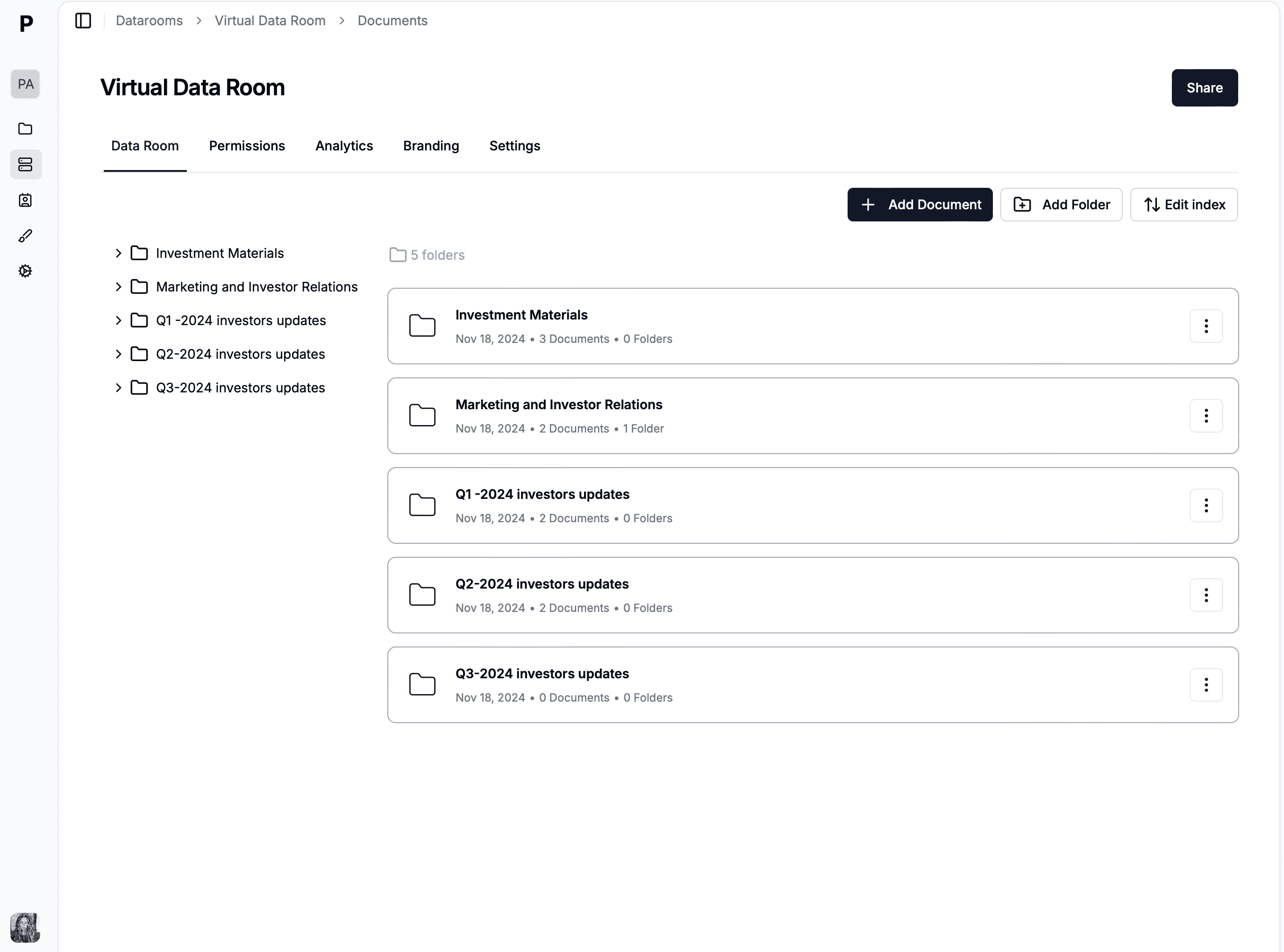
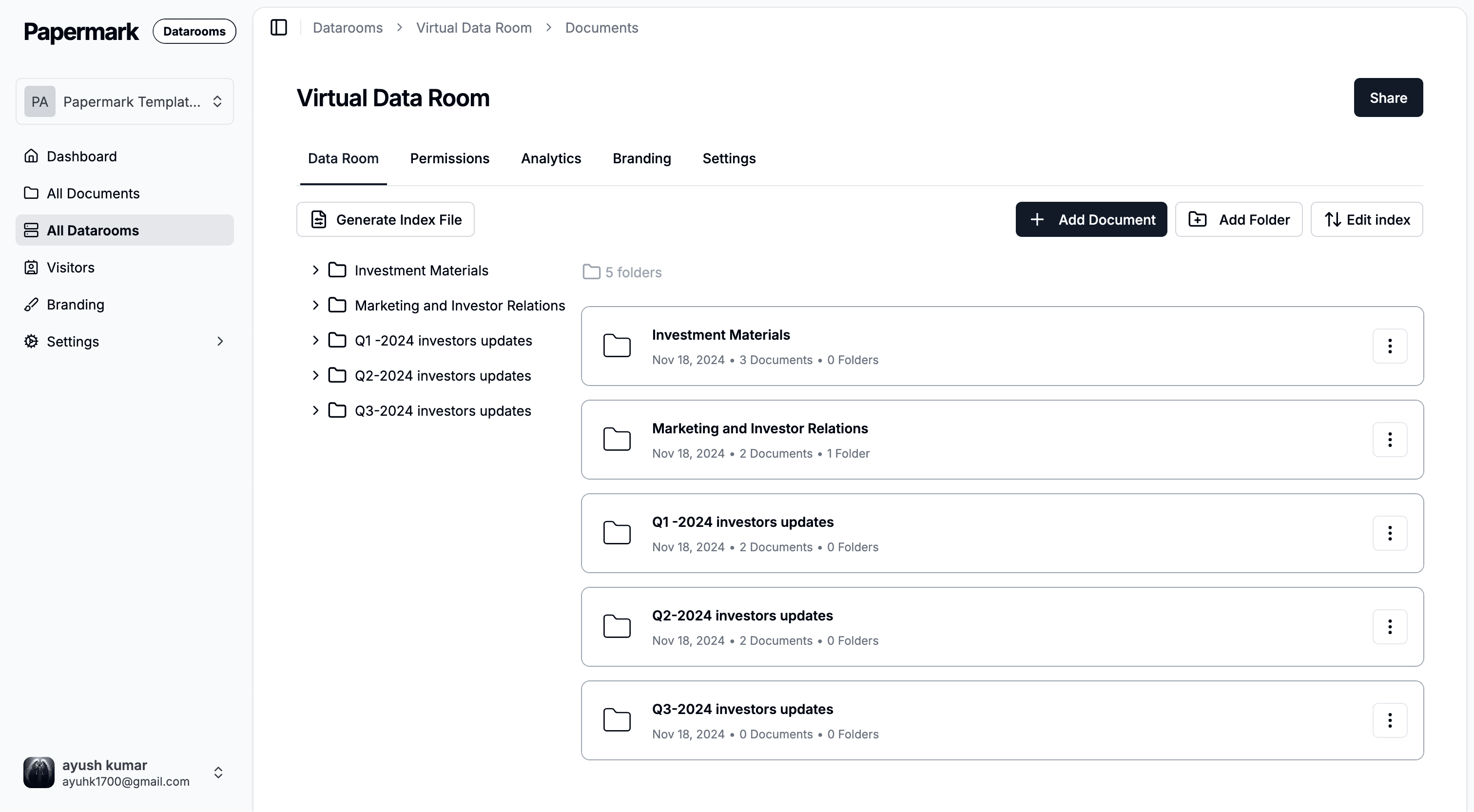
Add the HTML file once HTML support is turned on for the workspace.
You add it in four moves.
Ask for HTML. Email Papermark, or ask in the product, to enable HTML files on the workspace. HTML is available on request. It is not switched on as part of a self-serve plan toggle.
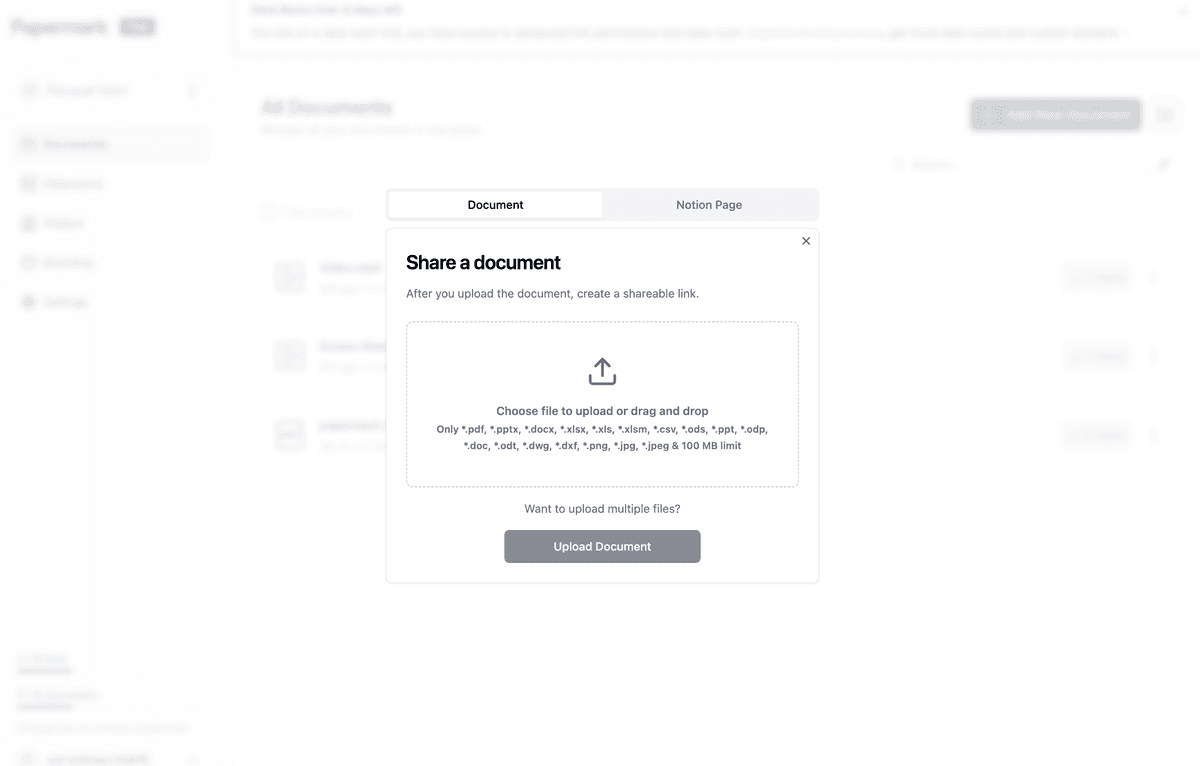
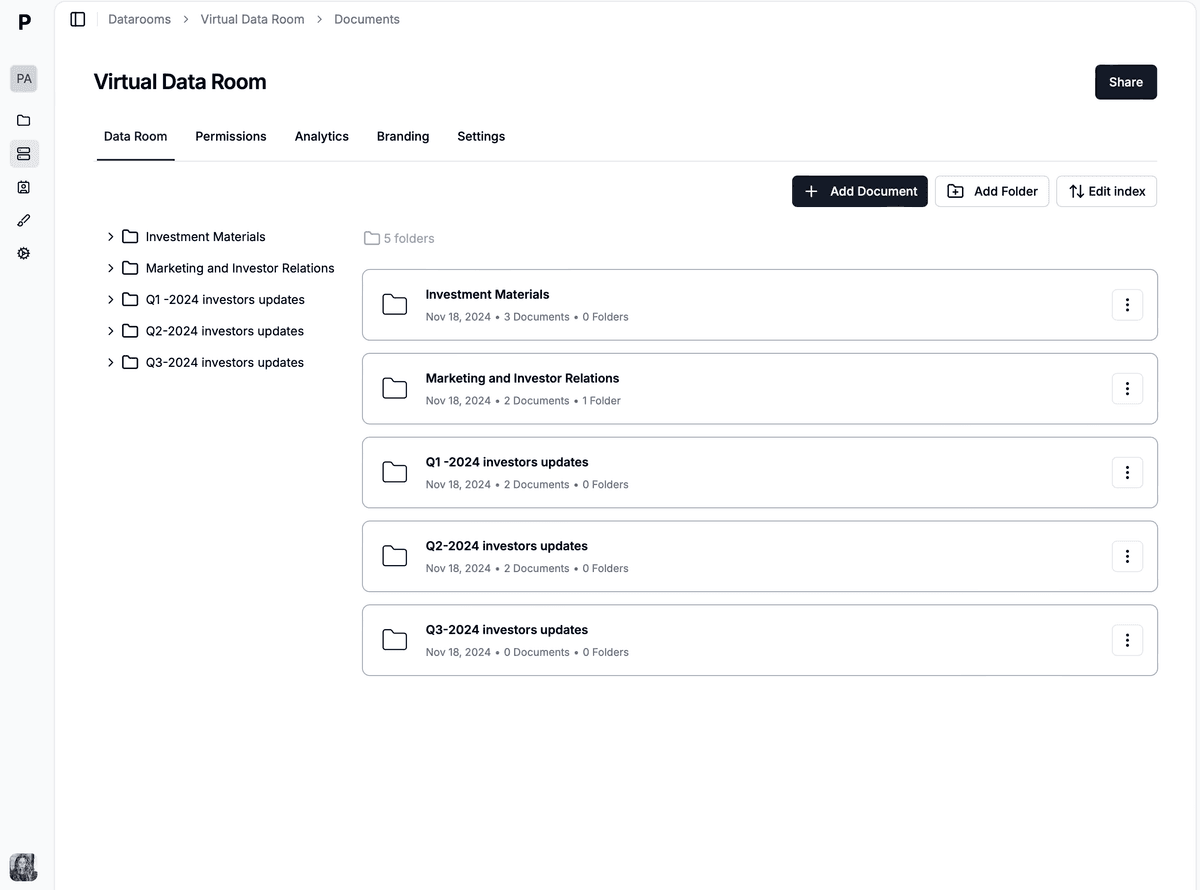
Upload the file. Use Add document and select the .html or .htm file. The same upload works in a document library and inside a data room folder.
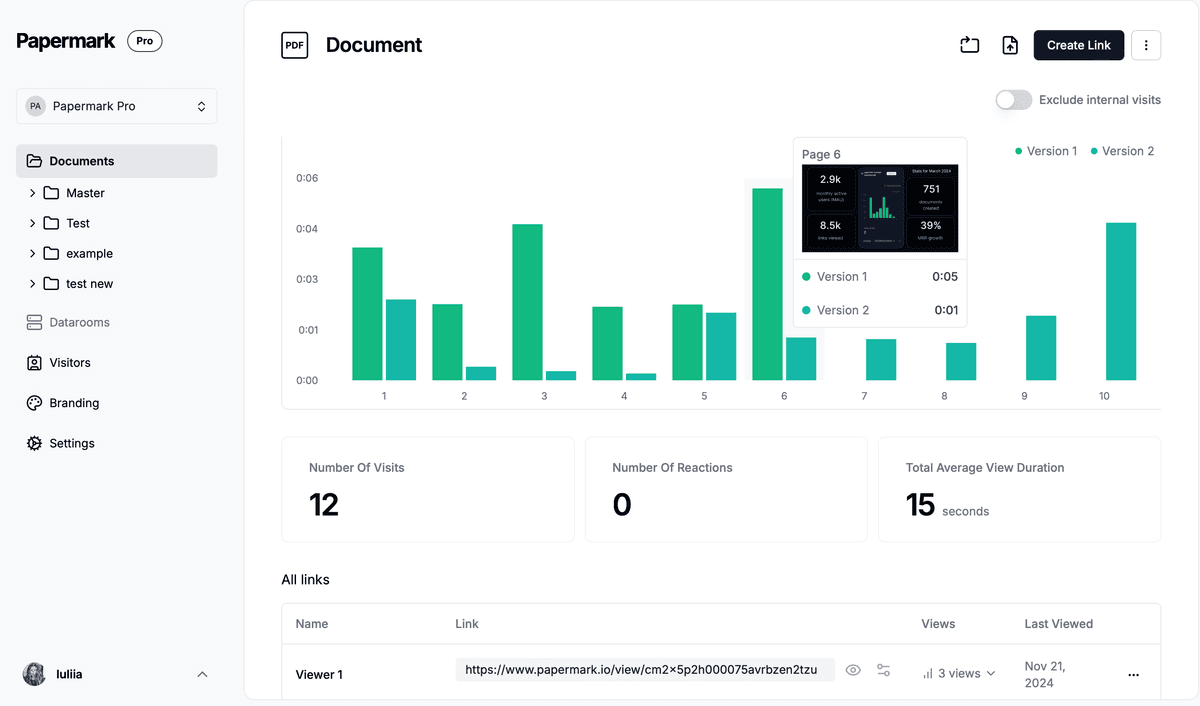
Read the open.Page-level analytics show who opened the link and how long they stayed. That record is the reason a deal team uses a data room instead of a public host.
A data room for HTML files holds the page next to the rest of the diligence set.
Request HTML files from a visitor
File requests are how a counterparty sends the HTML in, instead of you chasing an attachment. In the data room, open Share, expand Advanced controls, and turn on Enable file requests. You can pin the upload to one folder, so every HTML export lands in "Product" and not in the root. Submissions show up in analytics with who sent the file and when. The help article walks through the clicks: enable file requests.
The changelog for that feature lists PDF, Word, Excel, HTML, and more. Once HTML is enabled on the workspace, a visitor can upload an HTML file through that request. You still review it before you treat it as part of the room.
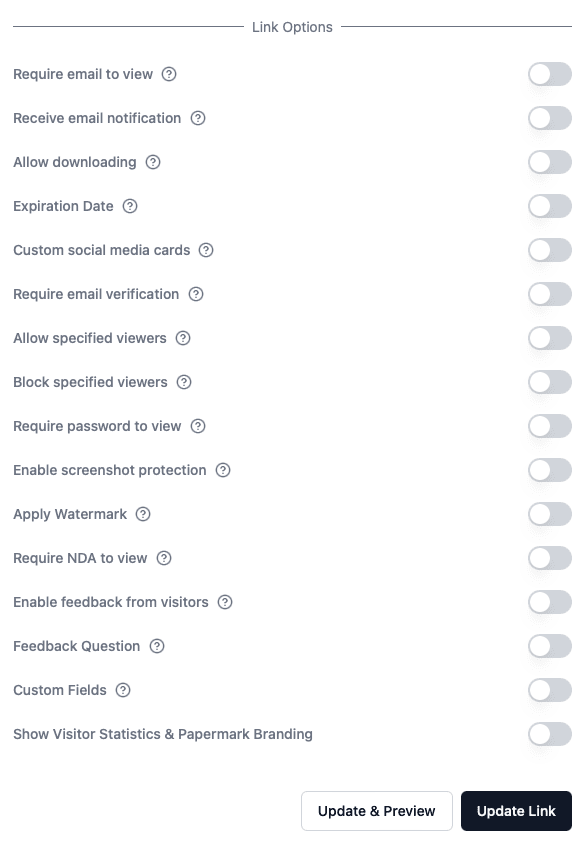
The same link settings cover an HTML file: who can open it, and for how long.
What a data room for HTML files costs
The Data Rooms plan is €149/month, or €99/month billed annually, with a 7-day free trial. It includes 3 team members, unlimited data room visitors, unlimited storage, a custom domain, dynamic watermarking, NDA agreements, and granular permissions. Data Rooms Plus is €249/month billed annually and adds the Q&A module. Data Rooms Premium is €549/month billed annually and adds AI redaction. Data Rooms Unlimited is €999/month billed annually, with unlimited team members and AI redaction. AI redaction is Premium and Unlimited only.
Document sharing of a single HTML link can live on a lower workspace once HTML is enabled on request. The data room controls above, including file requests, sit on the Data Rooms plan. Unlimited data room visitors are on every Data Rooms tier. Visitors are the outside reviewers, not paid seats.
Papermark is also developer-friendly. The public API, CLI, and MCP server can create rooms and links from a script, which is how a team that already generates HTML from a build can drop the file into the room without a manual upload each time. Open source and self-hosting are available if the HTML has to stay on your own bucket. Those come after the product, not instead of the access controls.
Analytics show which reviewer opened the HTML file and how long the session lasted.
4. GitHub Pages
GitHub Pages publishes a static site from a repository. An index.html in the published branch becomes a page at a github.io address, or on a custom domain you attach. It is free for a public repository. Relative links to CSS and images work, because Pages is an actual web server.
It is the right host when the HTML is documentation you want the world to read. It is the wrong host for a diligence export. The URL is public unless you put something else in front of it, and "something else" is no longer a file share. You also need a repository, a commit, and a publish step, which is a lot of machinery for one file a lawyer needs this afternoon.
5. Netlify
Netlify deploys a folder of static files to a URL. Drag a directory that contains index.html, or connect a git repo. CSS, JavaScript, and images in that folder are served with the page, which is what a multi-file prototype needs.
Use it for a prototype you are willing to put on the internet. A free tier exists for that public deploy. If the HTML is a customer list rendered as a page, or a security review, do not give it a Netlify URL and hope obscurity holds. Obscure URLs get forwarded.
6. Cloudflare Pages
Cloudflare Pages serves a static site from a repository, on Cloudflare's network, with HTTPS. It fits the same job as GitHub Pages: a public site you intend to keep online.
Teams already on Cloudflare sometimes put an access rule in front of a Pages project. That is an identity product sitting on a website, not a data room. You still will not get per-file permissions next to a financial model, or an audit log a buyer will accept in diligence. For that, compare data room providers and keep the HTML in the room.
7. tiiny.host
tiiny.host is built for the one-file case. You upload an HTML file and get a page on a tiiny.site address. The free plan keeps one site online, with a 3 MB file limit and 5,000 visits a month, and free pages carry a banner.
That is a fair tool for a public preview you will throw away. The 3 MB cap is the constraint: a self-contained HTML report with embedded images often clears 3 MB, and then you are on a paid tier or you are splitting assets. The page is still public. A banner on a confidential export is also a tell that the file was never meant for a deal room.
8. Google Drive
Google Drive will store an HTML file and share a link to it. It will not host the page. The web hosting feature ended on 31 August 2016. Opening the file now shows source or a download prompt. Scripts do not run.
Drive is a reasonable place to keep the working copy, next to the Google Doc the HTML was exported from. Send the reviewer the data room link, not the Drive link. If you only have Drive, export a PDF and share that. A PDF is worse than the interactive page, and it is better than a link that opens as raw markup.
Google Drive vs Papermark: Drive stores the HTML file and does not render it. Papermark adds the file on request inside a permissioned link or a data room.
9. Dropbox
Dropbox stores the HTML file. Dropbox Help, updated 30 June 2025, says shared links do not render HTML content in a web browser. The older public-folder trick that rendered index.html for anonymous viewers was removed years ago, including on team folders.
You can still force a download with dl=1. You cannot turn the share link into a hosted site. Use Dropbox as the archive. Use a static host if the page must be public, and a data room if it must not.
10. A data room for one HTML prototype
Harborline is a 22-person payments company in a Series A. The security reviewer asked for the questionnaire "as the HTML export, not the PDF, because the PDF drops the expandable rows." The founder also has a single-file product tour, built as one HTML file with the CSS inlined, that two funds asked to click through.
Twelve files are in play. Eight are HTML exports from the questionnaire tool. Three are one-file prototypes. One is a zip of the raw repo, which the reviewer does not need and which a data room should not pretend to host as a site.
Harborline: 12 HTML-related files in the round
12files
HTML questionnaire exports8 · 67%
Added on request, one file each
Single-file HTML prototypes3 · 25%
CSS and script inlined
Repo zip, not hosted1 · 8%
Left in git, not in the room
Worked scenario. Eight questionnaire exports and three prototypes go in the data room as HTML. The repo zip stays out of the room.
They do not put any of it on Netlify. A public URL would let the questionnaire travel further than the two funds. They ask Papermark to enable HTML, upload the eleven files into a "Product" folder, and leave the zip in GitHub. Each fund gets its own link. The associate who only needs the prototype never sees the questionnaire folder. When the reviewer asks for a twelfth export, Harborline sends a file request into that same folder instead of an email thread.
The room runs on the Data Rooms plan at €99/month billed annually. The eleven HTML files are a rounding error next to the deck and the model. The thing the funds could not get from Drive was the page and the permission on the same link.
File
Where it goes
Why
Self-contained .html
Data room folder
One file, styles inlined, shared on request
PDF of the same view
Same folder
Reviewers who will not open markup
Folder of CSS and JS
GitHub or Netlify
Only if the page is allowed to be public
HTML from the other side
File request folder
They upload it, you do not chase email
11. Mistakes that break HTML sharing
The common failure is sending a Drive link and calling it hosted. The reviewer opens source code, decides the export is broken, and asks for a PDF. You lose the interactive view you exported HTML to preserve.
The second is publishing a confidential page on a free static host because it was the fastest way to get a URL. tiiny.host's free plan is one site, 3 MB, and 5,000 visits, with a banner. Those limits are fine for a public preview. They are a poor fit for a security export, and the URL is still world-readable.
The third is uploading HTML that points at relative assets. A data room shares the file you uploaded. It will not reconstruct a website from ./assets/app.js sitting on your laptop. Inline the page, or use a static host on purpose.
The fourth is assuming HTML is on every Papermark plan because PDF is. HTML is on the available file list, and it is enabled on request. Ask for it before the reviewer is waiting on the link.